z image turbo generator
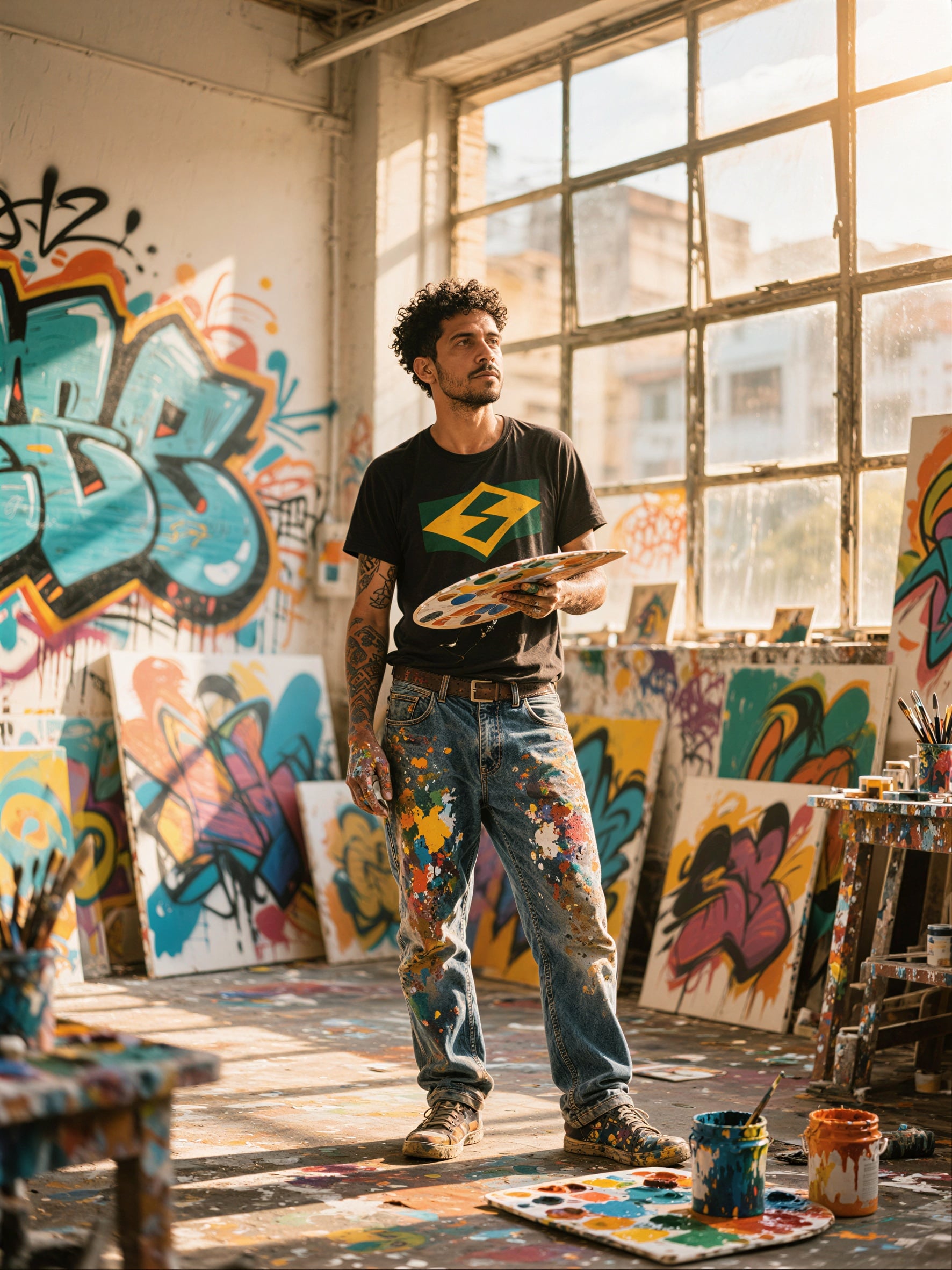
Generated on PixelDojo. Produced by PixelDojo's generation pipeline.
Imagine turning a simple idea into a photorealistic image that looks like it came straight from a professional photoshoot—all in just seconds. With PixelDojo's Z Image Turbo generator, you achieve exactly that. You create lifelike portraits with natural skin texture, product shots that sell, landscapes that captivate, and signs with perfectly rendered text, whether in English or Chinese. No more waiting through long generation times or settling for less-than-real results. You iterate rapidly, refine your vision on the fly, and produce campaign-ready visuals that help you stand out. Marketers launch products faster, designers explore dozens of concepts in one sitting, and creators build consistent characters without the usual delays. PixelDojo puts Z Image Turbo at the heart of your workflow alongside 40+ cutting-edge AI tools, so you move from prompt to polished image effortlessly. Loved by thousands of creators worldwide, you can start today and cancel anytime. Your next photoreal masterpiece is just a prompt away.
Real image examples generated on PixelDojo
Every example below was produced on PixelDojo. Hover to see the prompt.
P-Image Upscale
p-image-upscale

Swap the face of #BI93 with #TTPR edited with Seedream 4
seedream-4
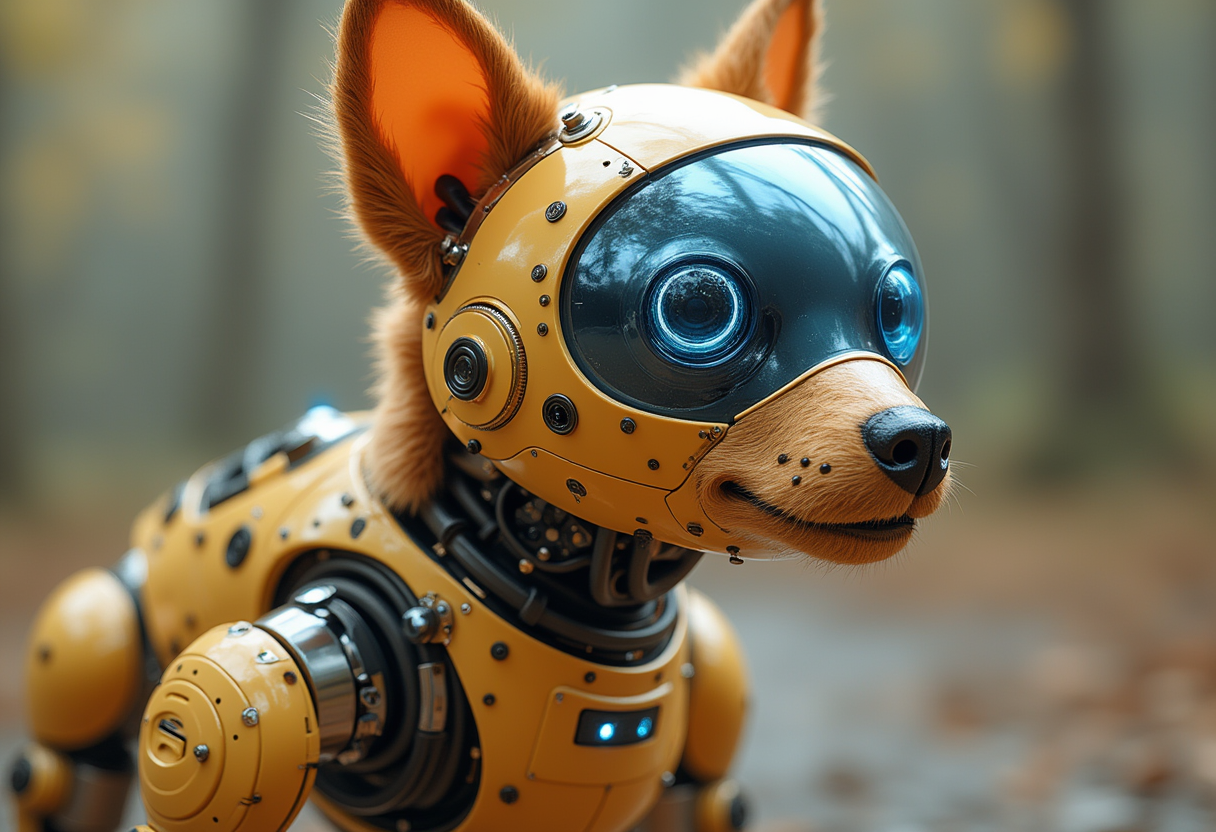
A photo of a BUG
flux
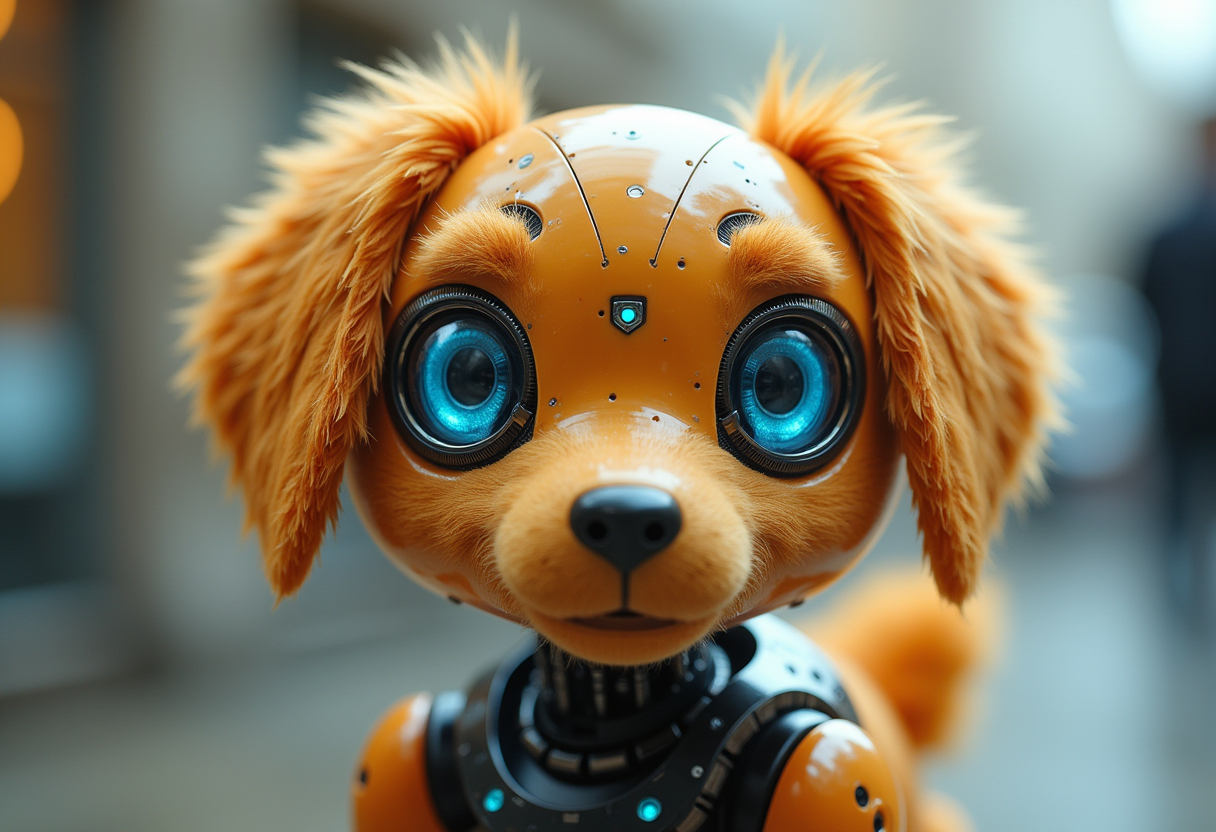
A photo of a BUG
flux
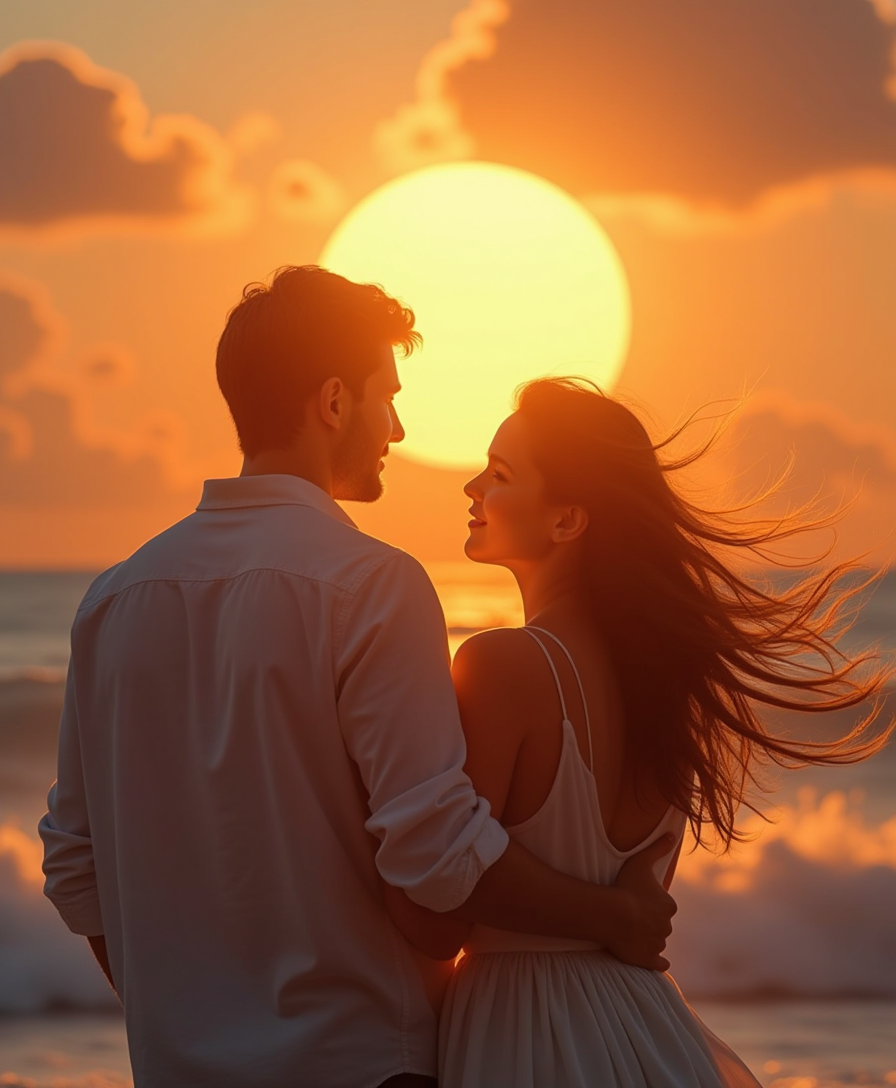
Photorealistic super hd
flux
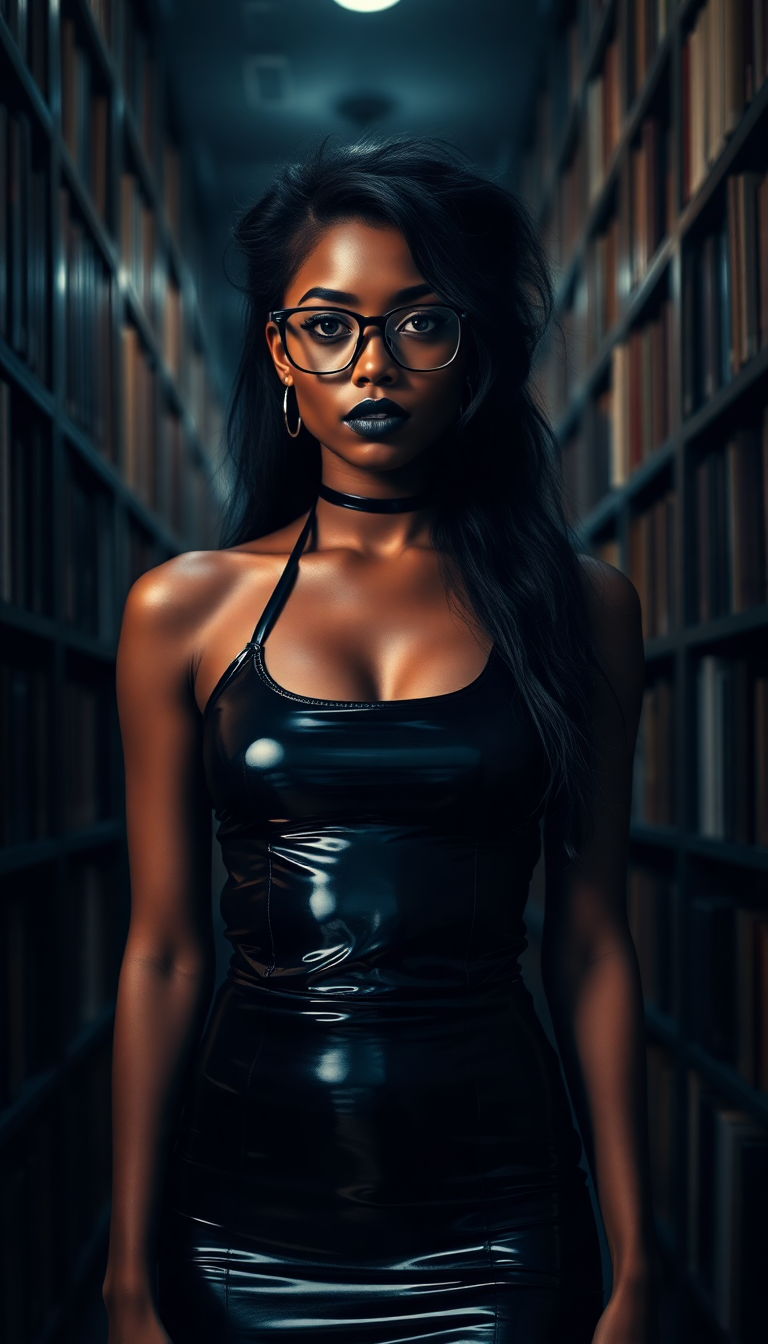
A striking young Black woman in her early 20s stands in a dimly lit library
flux
Models you can run on PixelDojo for z image turbo generator
Switch models without switching tools. Each one runs in the same PixelDojo studio.
What you can do with z image turbo generator on PixelDojo
Turbo Image Generation
We run Z Image Turbo so you can turn prompts into stills quickly without waiting through long queues. Batch a few variations in one pass and pick the frame that fits the brief.
Prompt And Style Control
We let you steer subject, lighting, and composition with plain language and optional negative prompts. Keep a consistent look across a set by reusing seeds and style notes.
Flexible Output Sizes
We support common aspect ratios so you can generate for posts, thumbnails, or print layouts without extra cropping tools. Export the resolution you need for the channel you ship to.
Iterate And Upscale
We help you refine a winner with small prompt edits and then upscale when you need more detail. Download results ready for editing or publishing.
Thousands of creators worldwide trust PixelDojo's 40+ cutting-edge AI tools to bring their visions to life. Join them in generating photorealistic images at turbo speed with Z Image Turbo—cancel anytime, no risk.
Why Choose Pixel Dojo for z image turbo generator
Professional-quality results with cutting-edge AI technology
Photoreal Portraits and Scenes in Seconds
You produce images with natural lighting, believable skin, fabric textures, and grounded compositions that look photographed rather than generated. Perfect for headshots, lifestyle shots, and environments that instantly connect with your audience.
Iterate Ideas at Lightning Speed
You test multiple concepts, lighting setups, and compositions in the time it used to take for a single render. This rapid workflow lets you refine marketing campaigns, product visuals, and creative projects without bottlenecks.
Crystal-Clear Bilingual Text Every Time
You add accurate English or Chinese text to posters, product packaging, storefronts, and UI mockups without garbled letters. Your global campaigns and e-commerce assets look professional and ready to use immediately.
How It Works
You create stunning photorealistic images with Z Image Turbo in three simple steps on PixelDojo. The process is built for speed so you spend time creating, not waiting.
Step 1: Choose Your Tool
Log into PixelDojo and select Z Image Turbo from the Generate Images collection. Pair it with complementary tools like Flux.2 Studio for artistic variations, Seedream 5 for extra detail, or Krea Image when you want different moods. You can also jump straight into Image to Image if you already have a reference photo you want to transform into photoreal style.
Step 2: Enter Your Prompt
Write a concise, focused prompt under 80 words that describes the subject, lighting, camera angle, and mood. Z Image Turbo shines with natural language like 'photorealistic close-up of a barista pouring latte art in warm morning light, natural skin texture, shallow depth of field.' Generate three or four variants at once to pick the strongest composition, then refine the winner.
Step 3: Customize & Download
Adjust aspect ratio for social, print, or web. Then enhance your favorite result with PixelDojo's editing suite: use Reality Polisher for extra realism, Image Outpainting to expand the scene, Background Remover for clean cutouts, or P-Image Upscale and Magnific Upscaler for print-ready resolution. Save high-quality files ready for commercial use and keep iterating with Consistent Characters or Face Swap if you need series of matching people.
The Pixel Dojo Advantage
Why PixelDojo outperforms other options for z image turbo generator photorealistic image creation
| Others | Pixel Dojo |
|---|---|
| Traditional photography and studio shoots | You skip expensive equipment, location scouting, and model bookings. Generate unlimited photoreal variations in seconds and iterate until the shot is perfect, all from your browser. |
| Generic AI image tools | You get dedicated Z Image Turbo speed plus seamless access to 40+ specialized tools like Image Analyzer, Style Transfer, Magic Lighting, and Character Sheets in one platform. No switching apps or losing momentum. |
| Manual photo editing and compositing | You start with a finished photoreal image instead of hours of layering, masking, and retouching. Then apply targeted edits with Inpainting, Change Camera Angle, or Virtual Try-On to finish in minutes rather than days. |
Loved by creators on PixelDojo
Real feedback from people using PixelDojo, pulled from our in-product surveys.
Love you guys!!
Trained my Lora super fast. Still working out how to creat content wit it, but I love it so far.
I love this app
It has all the tools I can think of...
deployment rate of splendid features is incredible. Legend
large selection of tools on one platform
Explore more AI tools on PixelDojo
AI Tools
Compare & Switch
- Best AI Image Generators
- Best AI Video Generators
- Midjourney Alternatives
- Civitai Alternatives
- Runway Alternatives
- Leonardo Alternatives
- Pika Alternatives
- Luma Alternatives
- Magnific Alternatives
- Veo Alternatives
- Flux Alternatives
- Freepik Alternatives
- Seedance Alternatives
- Seedream Alternatives
- Pixverse Alternatives
- GPT Image Alternatives
- Synthesia Alternatives
- Playground Alternatives
- NightCafe Alternatives
- Canva AI Alternatives
- ElevenLabs Alternatives
- ComfyUI Alternatives
- Fal Alternatives
- Replicate Alternatives
Common Questions
Everything you need to know about z image turbo generator
What makes PixelDojo the best z image turbo generator for photorealistic portraits?
You get Z Image Turbo's strength in natural skin, lighting, and anatomy combined with PixelDojo's editing tools. After generation, apply Reality Polisher, Portrait Upscaler, or Face Swap to perfect expressions and consistency. The result is portraits that look professionally photographed and ready for profiles, campaigns, or character sheets.
How fast can I generate images with the z image turbo generator on PixelDojo?
You receive high-quality photorealistic results in seconds thanks to Z Image Turbo's optimized few-step process. This speed lets you generate four variants per prompt, pick the best, and immediately enhance with Upscale & Enhance tools or send to Marketing Studio for campaign assets. Iteration feels instant so you stay in creative flow.
Can I add accurate text to images using z image turbo generator?
Yes. Z Image Turbo excels at rendering clear English and Chinese text on signs, posters, packaging, and UI elements. You simply describe the text in your prompt and PixelDojo delivers legible, well-placed lettering. Follow up with Image Analyzer or Video Autocaption if you later turn the still into motion.
Is Z Image Turbo good for product photography and e-commerce on PixelDojo?
Absolutely. You create studio-quality product shots, lifestyle scenes, and packaging mockups with realistic materials, lighting, and reflections. Then use Background Remover, Image Outpainting, or Flux Pro Virtual Try-On to place products in new contexts. Combined with Seedream 5 or Recraft V4.1 you cover every visual need for your store.
How do I keep characters consistent when using z image turbo generator?
Start with Z Image Turbo for the initial photoreal look, then lock in identity using PixelDojo's Consistent Characters, Character Sheets, Ideogram Character, or LoRA Face Swap. You can also train a custom look with Z-Image Trainer or Flux Trainer. This workflow lets you produce entire series of matching people across different poses and scenes.
Can I use Z Image Turbo images commercially and cancel anytime?
Yes. All images you create with PixelDojo's Z Image Turbo generator are ready for commercial use. You have access to the full suite of 40+ tools including video generators like Kling Video and WAN 3.0 if you want to animate your stills. Loved by thousands of creators worldwide, you can cancel anytime with no long-term commitment.