add face to gif AI Generator
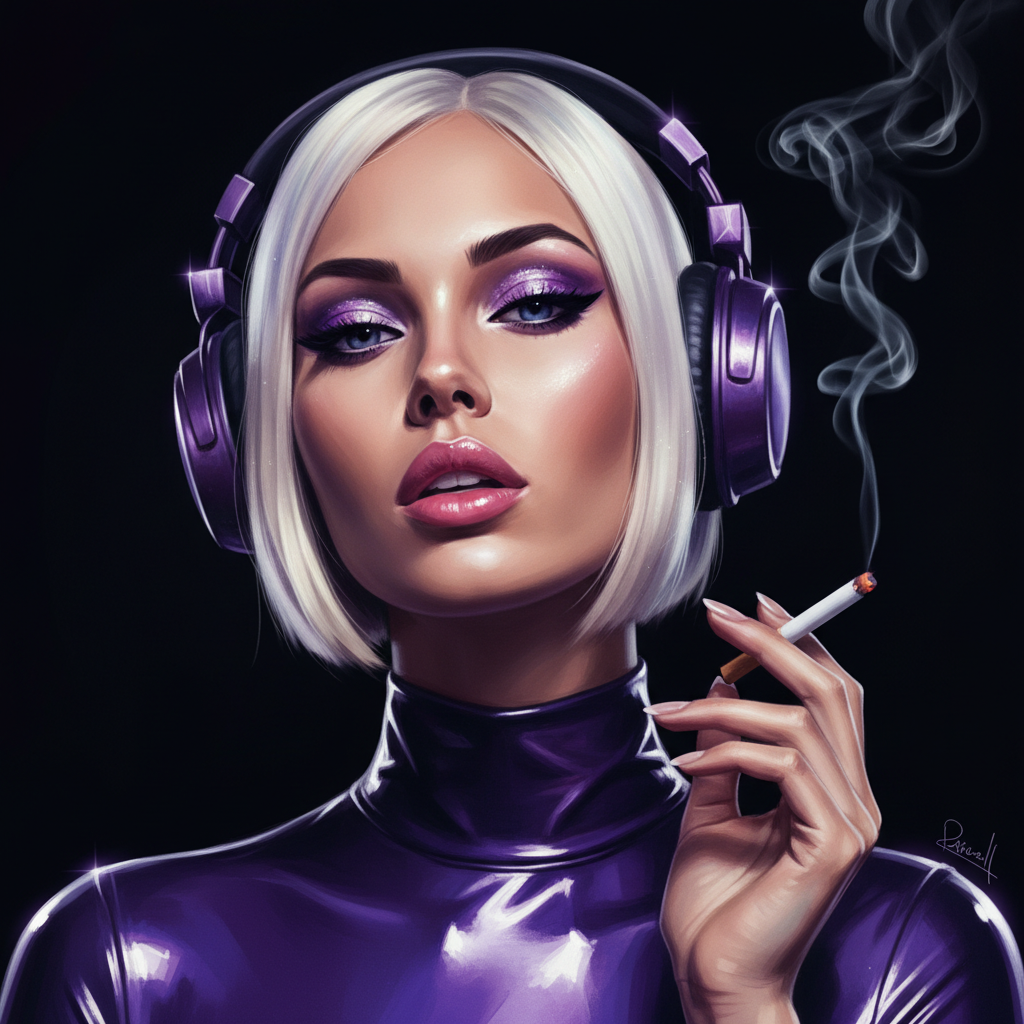
Generated on PixelDojo. Produced by PixelDojo's generation pipeline.
Transform your favorite GIFs into personalized animations by adding your face with PixelDojo's AI-powered tools. Whether you're looking to create hilarious memes, surprise friends, or enhance your social media content, our platform makes it simple and fun. No technical skills required—just upload, swap, and share your creations in seconds.
Real image examples generated on PixelDojo
Every example below was produced on PixelDojo. Hover to see the prompt.
"SHOT COMPOSITION": "A medium close-up shot captured with a Canon 5D camera using an 85mm…
google-gemini-image
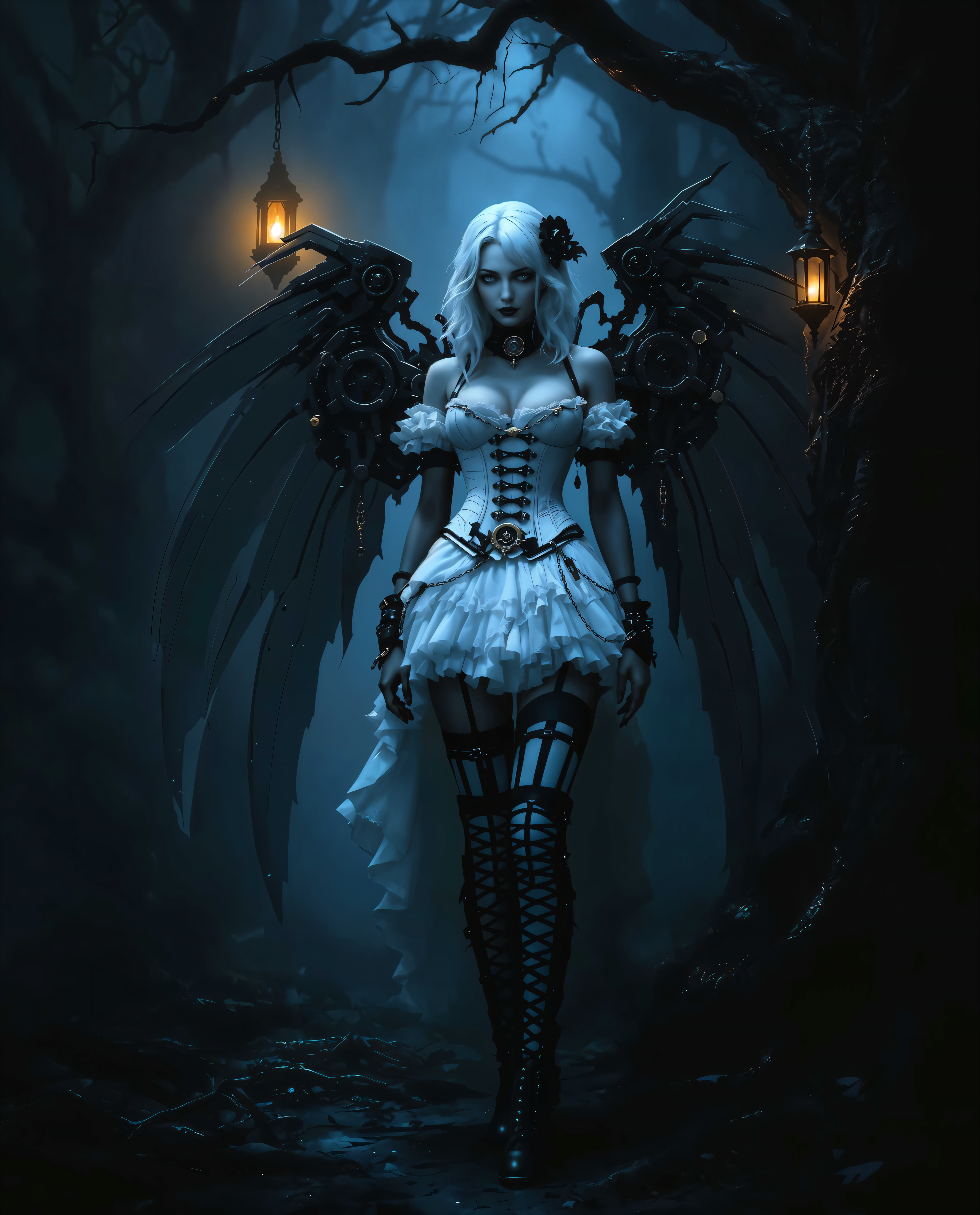
add face to gif on PixelDojo
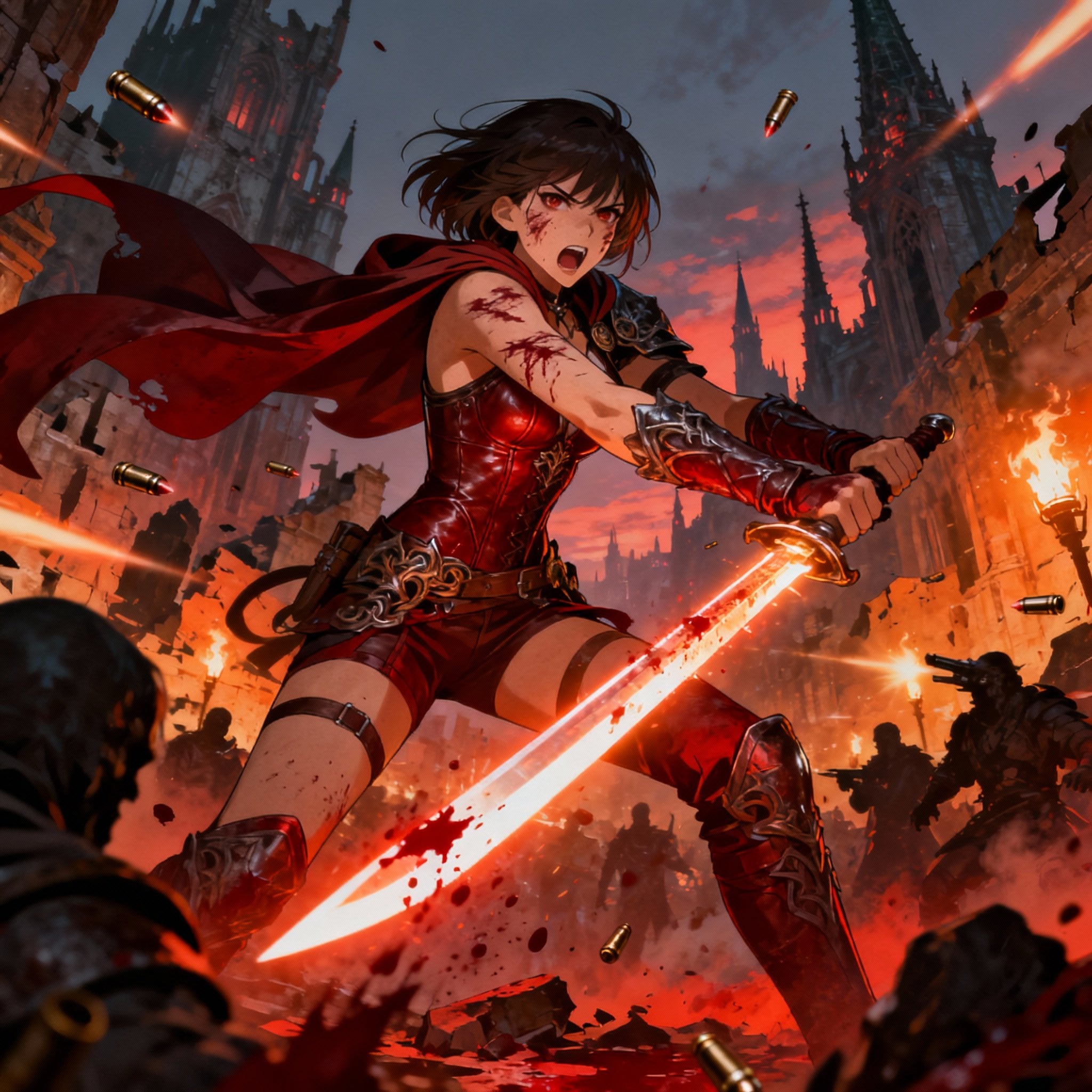
Shot composition: Dynamic medium shot framing a fierce female warrior in mid-swing during…
seedream-4
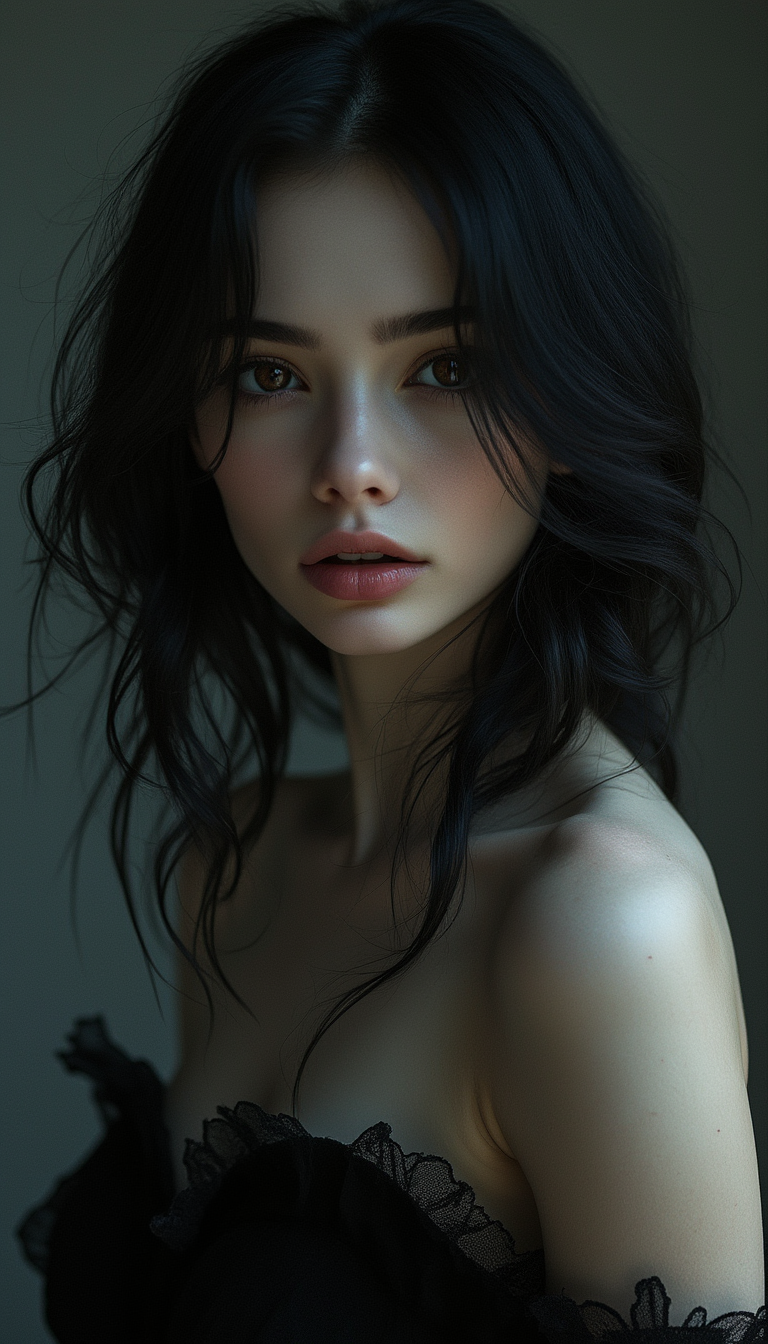
The image is a photorealistic portrait of a stunning young woman
stable-diffusion
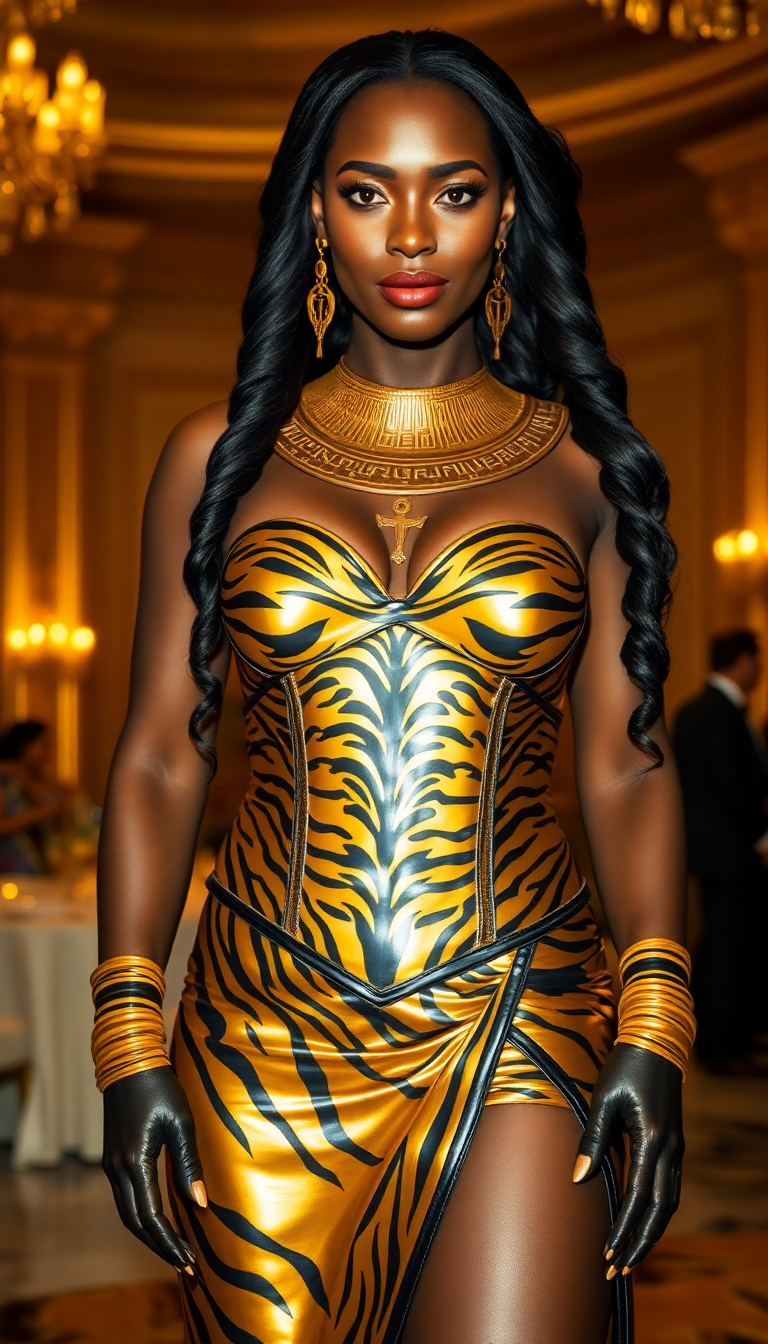
A commanding Nubian woman in her mid-40s stands as the regal centerpiece of a lavish scene
flux
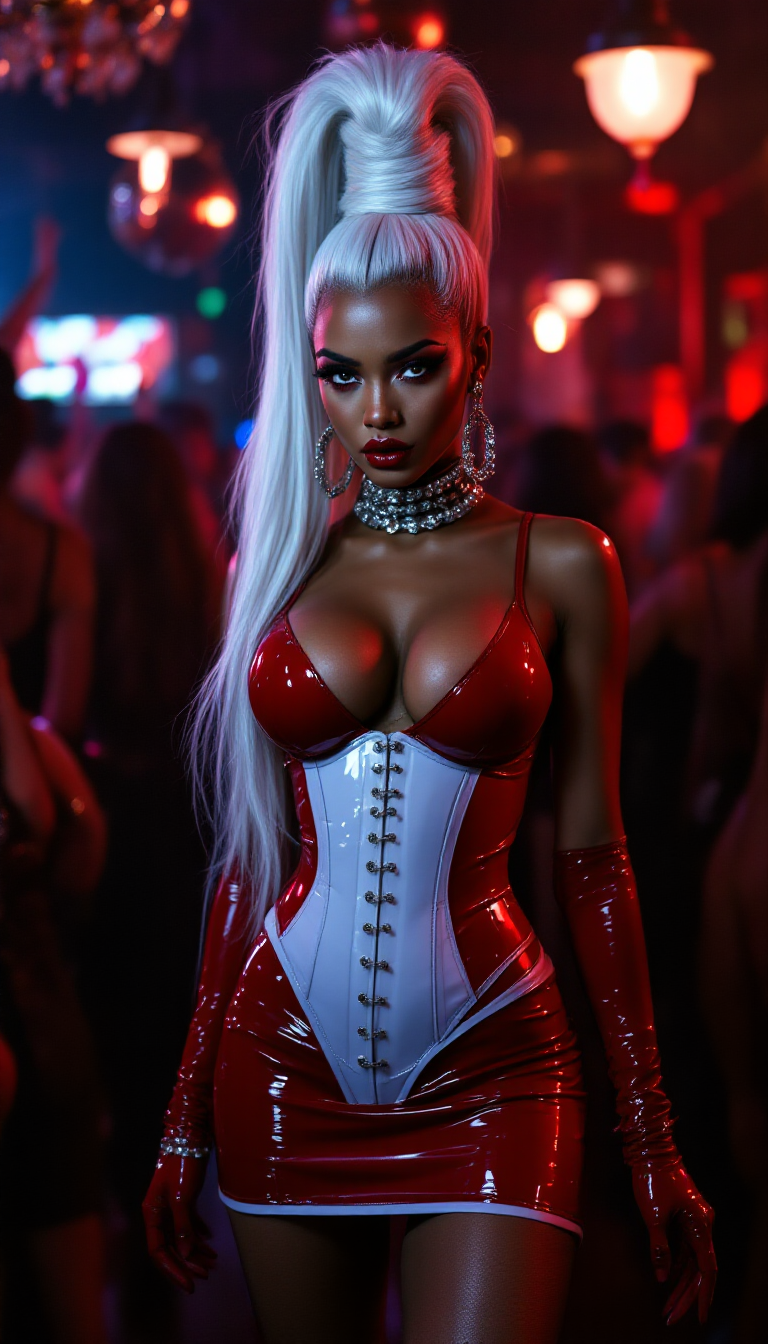
"SHOT COMPOSITION": "Capture a medium shot with a 50mm lens on a Sony A7S III camera
stable-diffusion
Models you can run on PixelDojo for add face to gif
Switch models without switching tools. Each one runs in the same PixelDojo studio.
What you can do with add face to gif on PixelDojo
Upload Face Reference Image
Creators upload a clear face photo. We map the face onto selected GIF frames.
Apply Face Across Frames
We detect face positions in the GIF. The uploaded face replaces the original in each frame.
Adjust Face Placement
Users fine tune alignment and scale. We update the output to match the adjustments.
Download Edited GIF File
We generate the modified GIF. Creators save the file for use elsewhere.
Join over 10,000 creators who have generated more than 5 million face-swapped GIFs using PixelDojo's cutting-edge AI technology.
Why Choose Pixel Dojo for add face to gif
Professional-quality results with cutting-edge AI technology
Instant Face Swaps
Quickly replace faces in GIFs to create personalized animations without any editing experience.
Free and Accessible
Enjoy unlimited face swaps at no cost, with no sign-ups or downloads required.
High-Quality Results
Our advanced AI ensures seamless and realistic face swaps, preserving the original GIF's quality.
How It Works
Creating personalized GIFs with your face is easy with PixelDojo. Follow these simple steps:
Step 1: Upload Your GIF
Select the GIF you want to personalize and upload it to our platform.
Step 2: Add Your Face
Upload a clear photo of your face to be added to the GIF.
Step 3: Generate and Download
Click 'Generate' and let our AI seamlessly add your face to the GIF. Download your personalized animation instantly.
The Pixel Dojo Advantage
Why PixelDojo is the Best Choice for Adding Faces to GIFs
| Others | Pixel Dojo |
|---|---|
| Manual Editing Software | No need for complex software or editing skills; our AI handles everything for you. |
| Other Online Tools | Unlike other platforms, PixelDojo offers unlimited free face swaps without watermarks or sign-ups. |
| Mobile Apps | Access PixelDojo from any device with a browser; no app installation required. |
Loved by creators on PixelDojo
Real feedback from people using PixelDojo, pulled from our in-product surveys.
So many different models to try out
You keep adding to it to stay up to date and that is GOLD.
very easy to use and good support
Very easy to use
super easy to use
it's very easy to use
Explore more AI tools on PixelDojo
AI Tools
Compare & Switch
- Best AI Image Generators
- Best AI Video Generators
- Midjourney Alternatives
- Civitai Alternatives
- Runway Alternatives
- Leonardo Alternatives
- Pika Alternatives
- Luma Alternatives
- Magnific Alternatives
- Veo Alternatives
- Flux Alternatives
- Freepik Alternatives
- Seedance Alternatives
- Seedream Alternatives
- Pixverse Alternatives
- GPT Image Alternatives
- Synthesia Alternatives
- Playground Alternatives
- NightCafe Alternatives
- Canva AI Alternatives
- ElevenLabs Alternatives
- ComfyUI Alternatives
- Fal Alternatives
- Replicate Alternatives
Common Questions
Everything you need to know about add face to gif
How do I add my face to a GIF using PixelDojo?
Simply upload your desired GIF and a clear photo of your face to our platform. Our AI will seamlessly integrate your face into the GIF, and you can download the personalized animation instantly.
Is it free to use PixelDojo's face swap feature?
Yes, PixelDojo offers unlimited free face swaps without any sign-ups or downloads required.
Do I need any editing skills to add my face to a GIF?
No, our AI-powered tools handle all the editing for you. Just upload your GIF and photo, and we'll take care of the rest.
Can I use PixelDojo on my mobile device?
Yes, PixelDojo is accessible from any device with a browser, including smartphones and tablets. No app installation is needed.
Will the quality of my GIF be preserved after adding my face?
Absolutely. Our advanced AI ensures that the original quality of your GIF is maintained, providing seamless and realistic face swaps.
How long does it take to add my face to a GIF?
The process is quick and typically takes just a few seconds. Once you upload your GIF and photo, our AI will generate your personalized animation almost instantly.