ai animatic generator
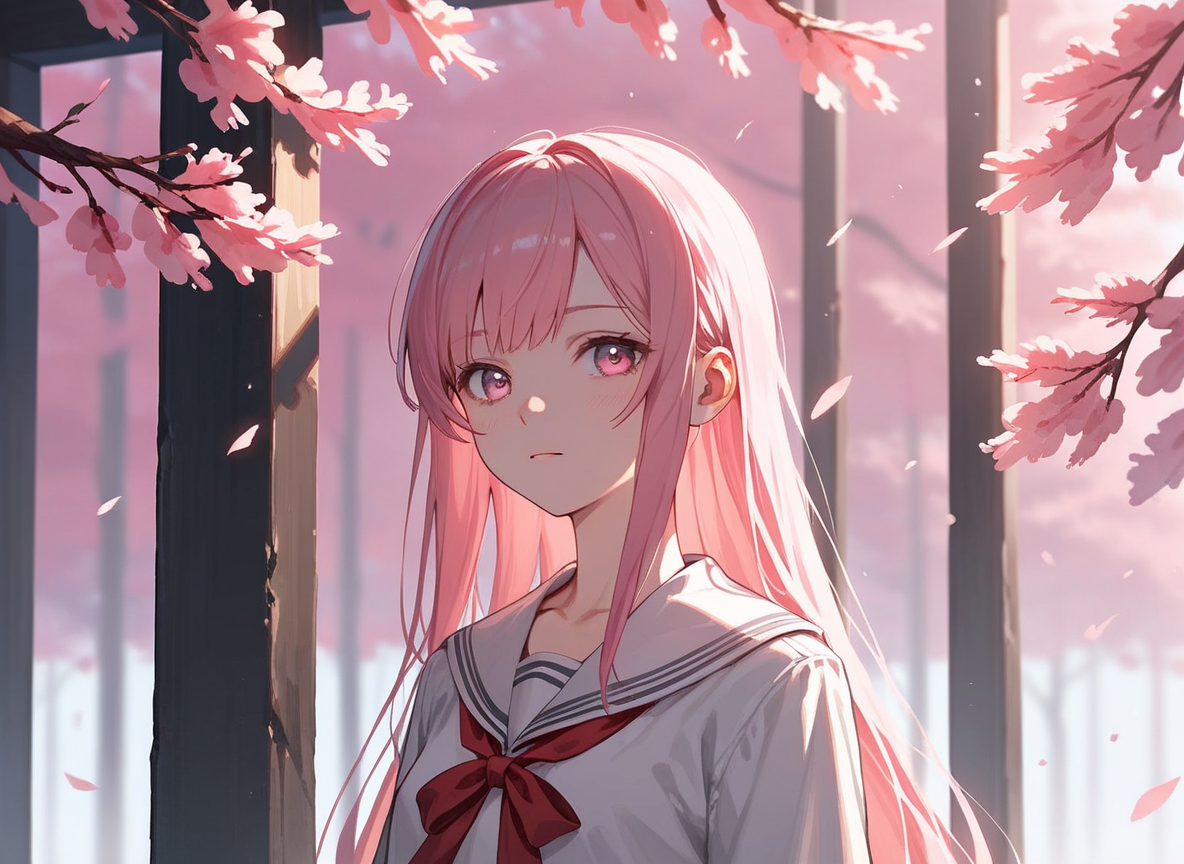
Generated on PixelDojo. Produced by PixelDojo's generation pipeline.
You have a script that could become the next great short film, commercial, or animated series—but turning those words into something stakeholders can actually feel takes weeks of drawing, timing, and revisions. An AI animatic generator changes that. PixelDojo lets you convert your story into a moving, timed sequence of cinematic shots with consistent characters, camera moves, and pacing so you can pitch, iterate, and lock creative decisions before a single expensive production day. Filmmakers, animators, and marketers now produce professional pre-visualization that used to require a full art department, all from one browser. You walk away with a watchable animatic that proves your vision, wins approvals faster, and slashes pre-production risk. Whether you need a six-shot sequence for a client pitch or a full scene breakdown for your next project, you get the motion, timing, and visual continuity that make ideas land.
Real image examples generated on PixelDojo
Every example below was produced on PixelDojo. Hover to see the prompt.
Px-anime
image-to-image
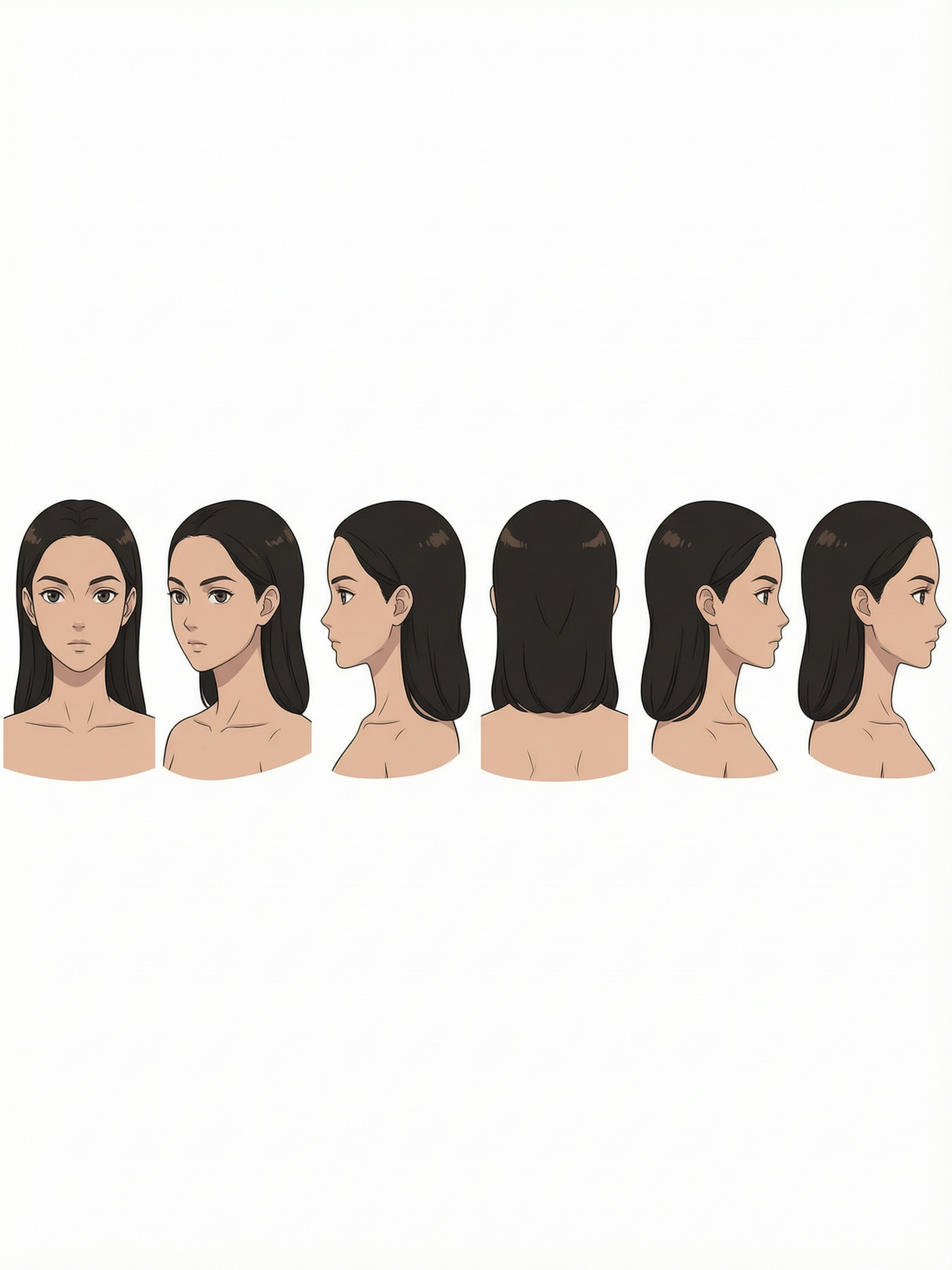
Anime portrait character sheet
character-sheets
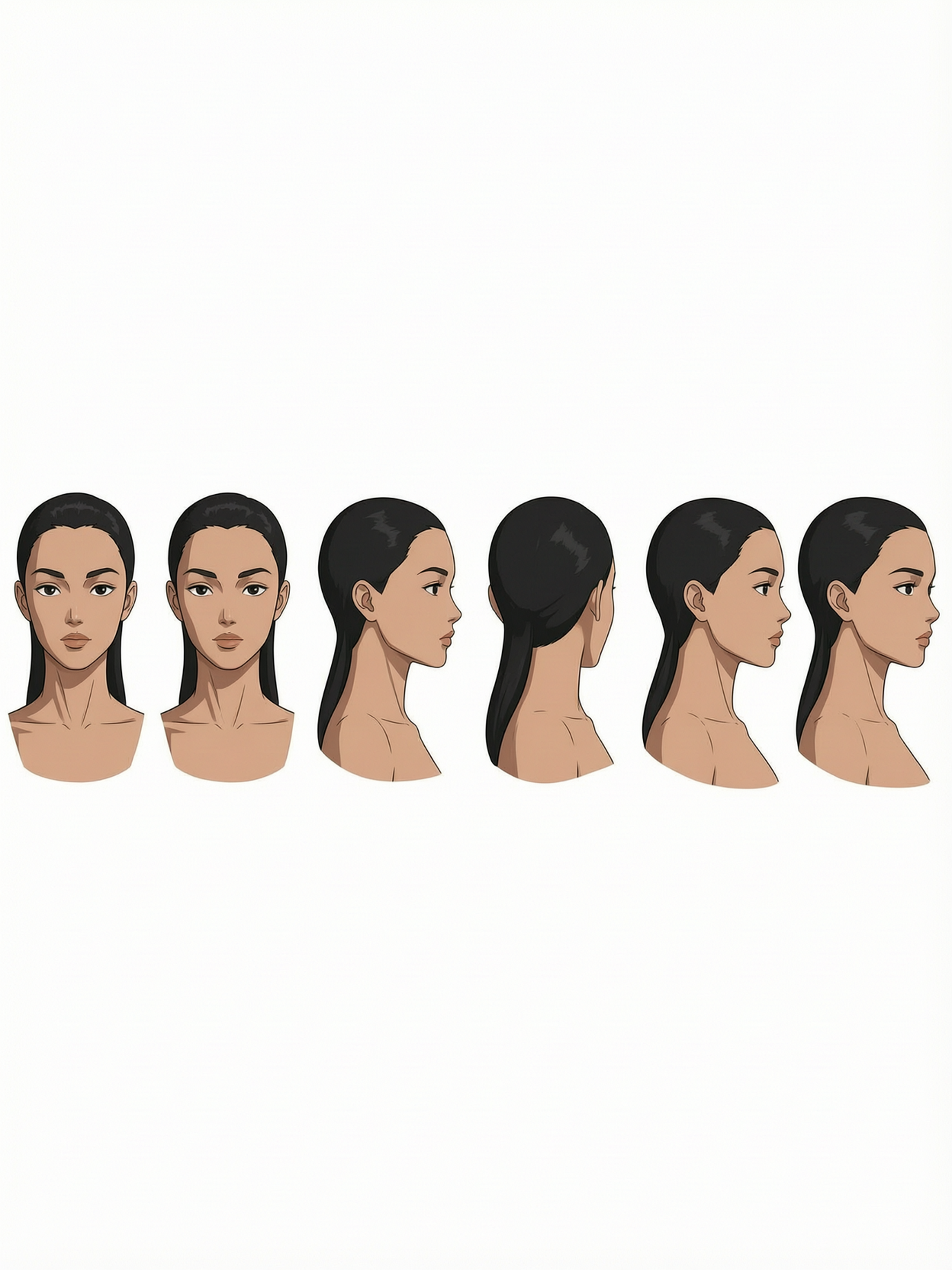
Anime portrait character sheet
character-sheets
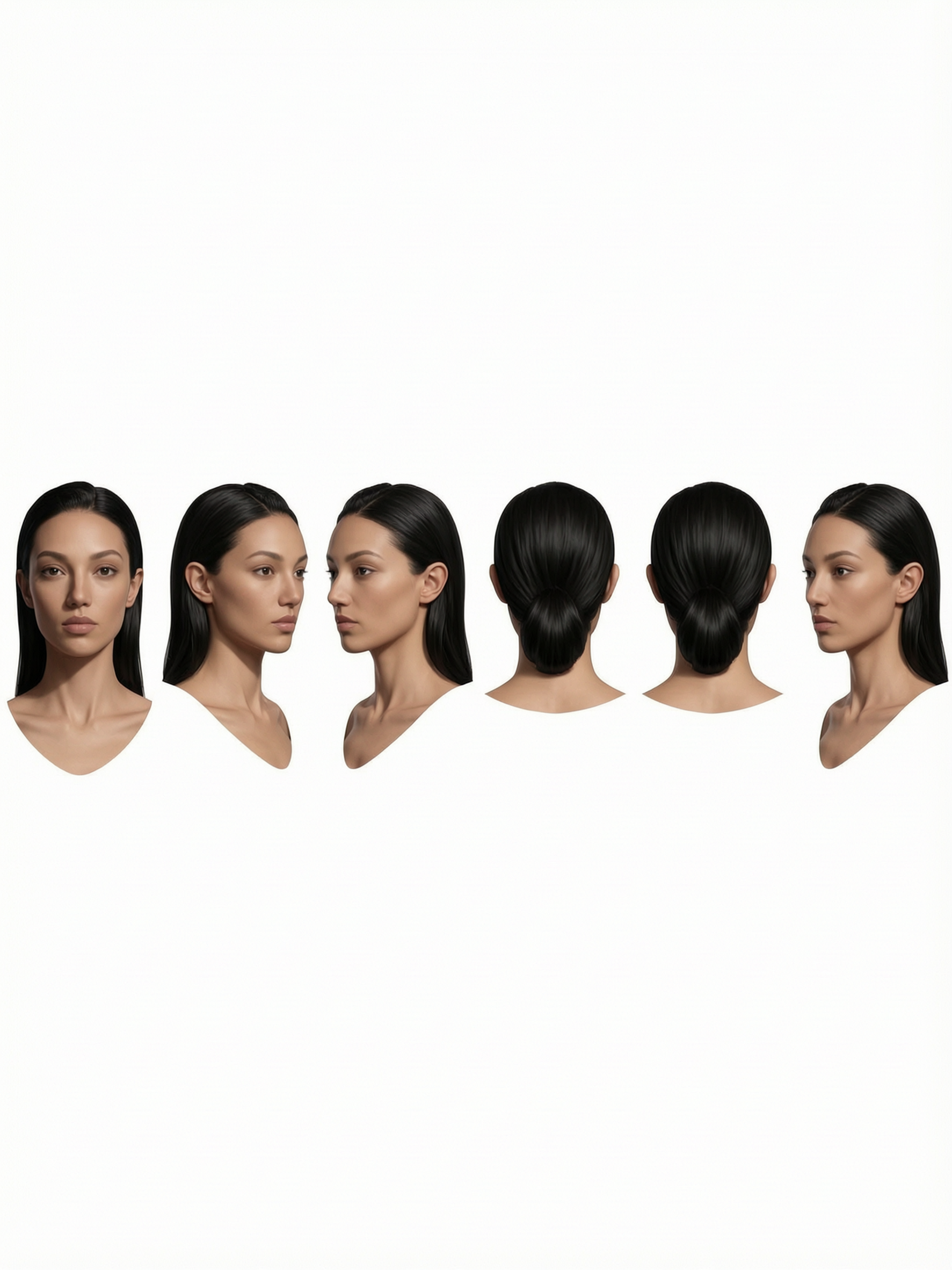
Anime portrait character sheet
character-sheets

Anime portrait character sheet
character-sheets
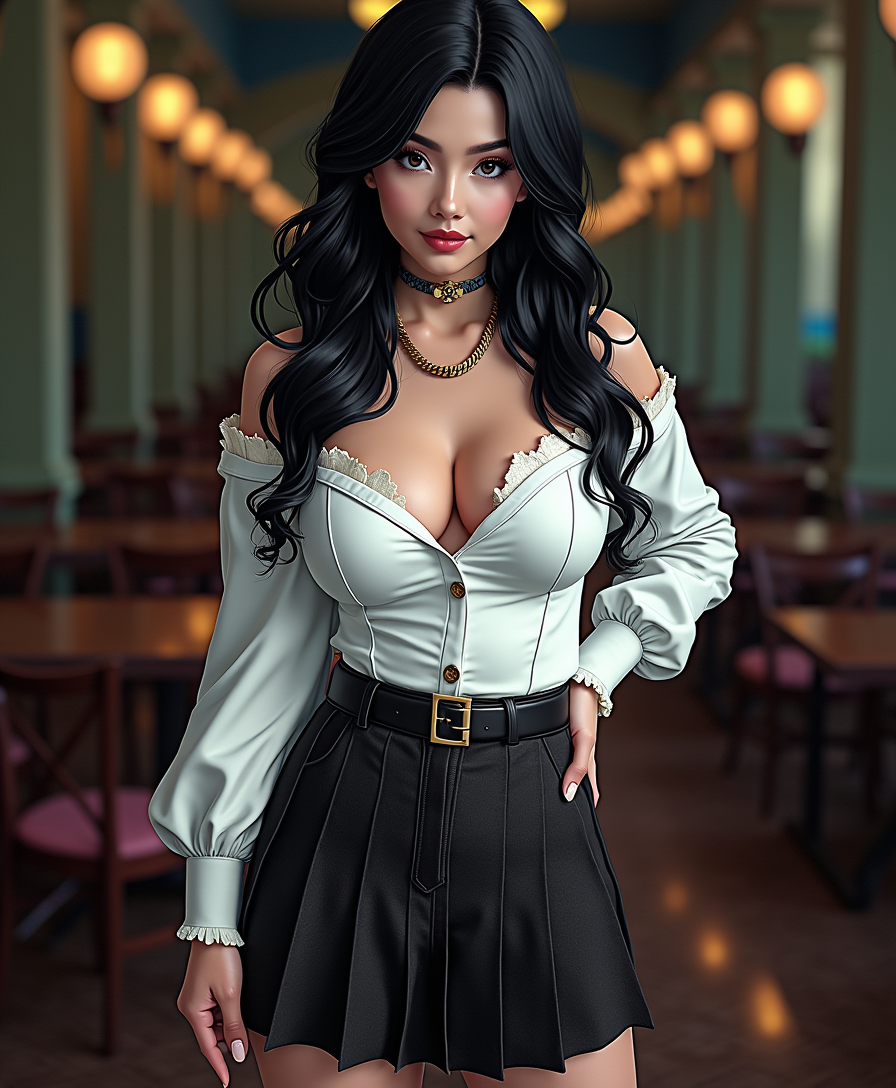
Anime character
flux
Models you can run on PixelDojo for ai animatic generator
Switch models without switching tools. Each one runs in the same PixelDojo studio.
What you can do with ai animatic generator on PixelDojo
Script Beats As Stills
We turn scene descriptions into ordered still frames so you can block action, camera, and pacing before full animation.
Character Continuity Across Frames
We keep faces, wardrobe, and settings aligned from shot to shot so the animatic reads as one sequence.
Camera And Composition Options
We generate alternate angles and framings for the same beat so you can compare coverage without redrawing.
Editor Ready Frame Packs
We export numbered stills you can drop into your timeline to test cuts, hold times, and story flow.
Loved by thousands of filmmakers, animators, and marketing teams worldwide. 40+ cutting-edge AI tools in one platform. Rated 4.8/5 by creators who ship faster. Cancel anytime—no contracts, no risk.
Why Choose Pixel Dojo for ai animatic generator
Professional-quality results with cutting-edge AI technology
Pitch-Ready Animatics in Hours, Not Weeks
You transform a written scene into a timed, motion-filled sequence that directors, producers, and clients can watch and approve the same day. No more waiting for storyboard artists or animators to sketch and time every panel. Your ideas get visual feedback instantly so you iterate while the creative energy is high and lock the vision before production spend begins.
Lock Characters Once and Keep Them Perfect Across Every Shot
You generate a character sheet once using Consistent Characters and Character Sheets, then every subsequent panel and animatic clip matches face, outfit, and proportions. Viewers never notice drift. You maintain the same hero from establishing wide to emotional close-up, making your animatic feel like one cohesive film instead of a slideshow of strangers.
Test Camera Angles, Pacing, and Timing Without Reshoots
You try a slow push-in versus a whip pan, adjust shot duration, or swap a medium for a close-up in minutes. PixelDojo’s video tools let you regenerate only the frames that need work while the rest of the sequence stays locked. You discover the best version of the scene before anyone steps on set or opens expensive software.
How It Works
You create a professional AI animatic by first generating consistent storyboard frames from your script, then adding motion, camera movement, and timing. PixelDojo’s dedicated image, character, and video tools keep everything connected so your sequence feels like one film.
Step 1: Choose Your Tool and Lock Characters
Open Generate Images and pick Flux.2 Studio, Seedream 5, or Ideogram 4. First create Character Sheets and Consistent Characters so every person in your story looks identical across shots. Then generate individual storyboard panels describing shot size, camera angle, action, and lighting. Use Image to Image to refine any panel that needs a different composition while keeping the locked character.
Step 2: Enter Your Prompt and Build the Sequence
Write shot-by-shot prompts that include camera grammar: “wide establishing shot, slow push-in, golden hour, character entering from left.” Generate the full set of stills. Then switch to Generate Videos—Seedance 2.5, Kling Video, WAN 2.7 Video, or P Video Animate—and feed each approved still as a starting frame. Add motion, duration, and camera movement so the stills become a watchable animatic with natural pacing.
Step 3: Customize Timing, Edit, and Download
Use Video Edit tools such as Kling Video Edit, Seedance 2.5 Video Edit, or Merge Videos to trim, retime, and add simple transitions. Extract Frame if you need a new still from the motion. When the animatic feels right—pacing, emotion, continuity—download the sequence. You now have a professional pre-vis you can share, pitch, or hand to a production team.
The Pixel Dojo Advantage
Why PixelDojo outperforms other options for AI animatic generation
| Others | Pixel Dojo |
|---|---|
| Traditional animatic creation | You skip weeks of hand-drawn panels, timing charts, and revision cycles. PixelDojo delivers a moving, timed sequence the same afternoon you finish the script, letting you test ideas while they are still fresh. |
| Generic AI tools | Most generators produce pretty one-off clips that drift in character and style. PixelDojo’s dedicated Character Sheets, Consistent Characters, and connected image-to-video pipeline keep the same faces, outfits, and world design from first panel to last frame. |
| Manual photo editing and compositing | You no longer spend hours cutting stills together and faking motion in an editor. PixelDojo’s video models add real camera movement, timing, and continuity automatically, then let you refine only the shots that need it. |
Loved by creators on PixelDojo
Real feedback from people using PixelDojo, pulled from our in-product surveys.
exceptional quality and great overall design of platform and interface. very intuative. love the creative freedom.
Qwen image 2 is amazing!!
Creative freedom, range of tools and options.
I love the training feature
the quality is the best
All the tools needed in one dashboard
Explore more AI tools on PixelDojo
AI Tools
Compare & Switch
- Best AI Image Generators
- Best AI Video Generators
- Midjourney Alternatives
- Civitai Alternatives
- Runway Alternatives
- Leonardo Alternatives
- Pika Alternatives
- Luma Alternatives
- Magnific Alternatives
- Veo Alternatives
- Flux Alternatives
- Freepik Alternatives
- Seedance Alternatives
- Seedream Alternatives
- Pixverse Alternatives
- GPT Image Alternatives
- Synthesia Alternatives
- Playground Alternatives
- NightCafe Alternatives
- Canva AI Alternatives
- ElevenLabs Alternatives
- ComfyUI Alternatives
- Fal Alternatives
- Replicate Alternatives
Common Questions
Everything you need to know about ai animatic generator
What is an AI animatic generator and how does PixelDojo make it better?
An AI animatic generator turns your script into a timed sequence of moving shots so you can feel pacing, camera work, and emotion before production. PixelDojo combines Generate Images (Flux.2 Studio, Seedream 5, Ideogram 4) for consistent storyboard frames with Generate Videos (Seedance 2.5, Kling Video, WAN 2.7 Video) plus Character Sheets so every panel matches. You get a watchable pre-vis in hours instead of weeks, with the same characters from start to finish.
How do I keep characters consistent across an entire AI animatic sequence?
Start in Characters & Faces with Consistent Characters and Character Sheets. Generate one high-quality reference of each person, lock it, then use that reference for every subsequent image and video generation. PixelDojo’s tools remember face, body, and wardrobe so your hero looks identical in the wide establishing shot and the emotional close-up. You never have to re-prompt the same description or hope the model remembers.
Can I turn a written script directly into an AI animatic with PixelDojo?
Yes. Break the script into shot-level descriptions (size, angle, action, duration). Generate stills with Flux.2 Studio or QWEN Image, then feed those stills into Seedance 2.5 or P Video Animate to add motion and timing. The result is a complete animatic you can watch, retime, and share. Many creators now go from finished script to pitch-ready sequence in a single afternoon.
Which PixelDojo tools are best for creating professional AI animatics in 2025-2026?
For still storyboard panels use Flux.2 Studio, Seedream 5, or Ideogram 4 together with Character Sheets. For adding motion and camera work use Seedance 2.5, Kling Video, WAN 2.7 Video, or P Video Animate. Refine with Image to Image, Change Camera Angle, and the various Video Edit tools. This connected pipeline is what current pre-visualization workflows rely on for character lock and shot-to-shot continuity.
How much faster is an AI animatic compared to traditional storyboarding and timing?
Traditional animatics often take days or weeks of drawing, scanning, and timing in editing software. With PixelDojo you generate the full set of consistent stills and then animate them in a few hours. You test multiple versions of the same scene the same day, get stakeholder feedback immediately, and lock the vision before any production money is spent. Creators report cutting pre-production visualization time by 70-80 percent.
Do I need animation or filmmaking experience to use PixelDojo’s AI animatic generator?
No. You describe the shot the same way a director would talk to a storyboard artist: “medium close-up, slight low angle, character looking left, slow push-in.” PixelDojo’s tools handle the rest—character consistency, lighting, motion, and timing. Thousands of first-time users now produce professional-looking animatics for pitches, social content, and personal projects. You can start with a simple six-shot sequence and grow from there.