ai bimbo AI Generator
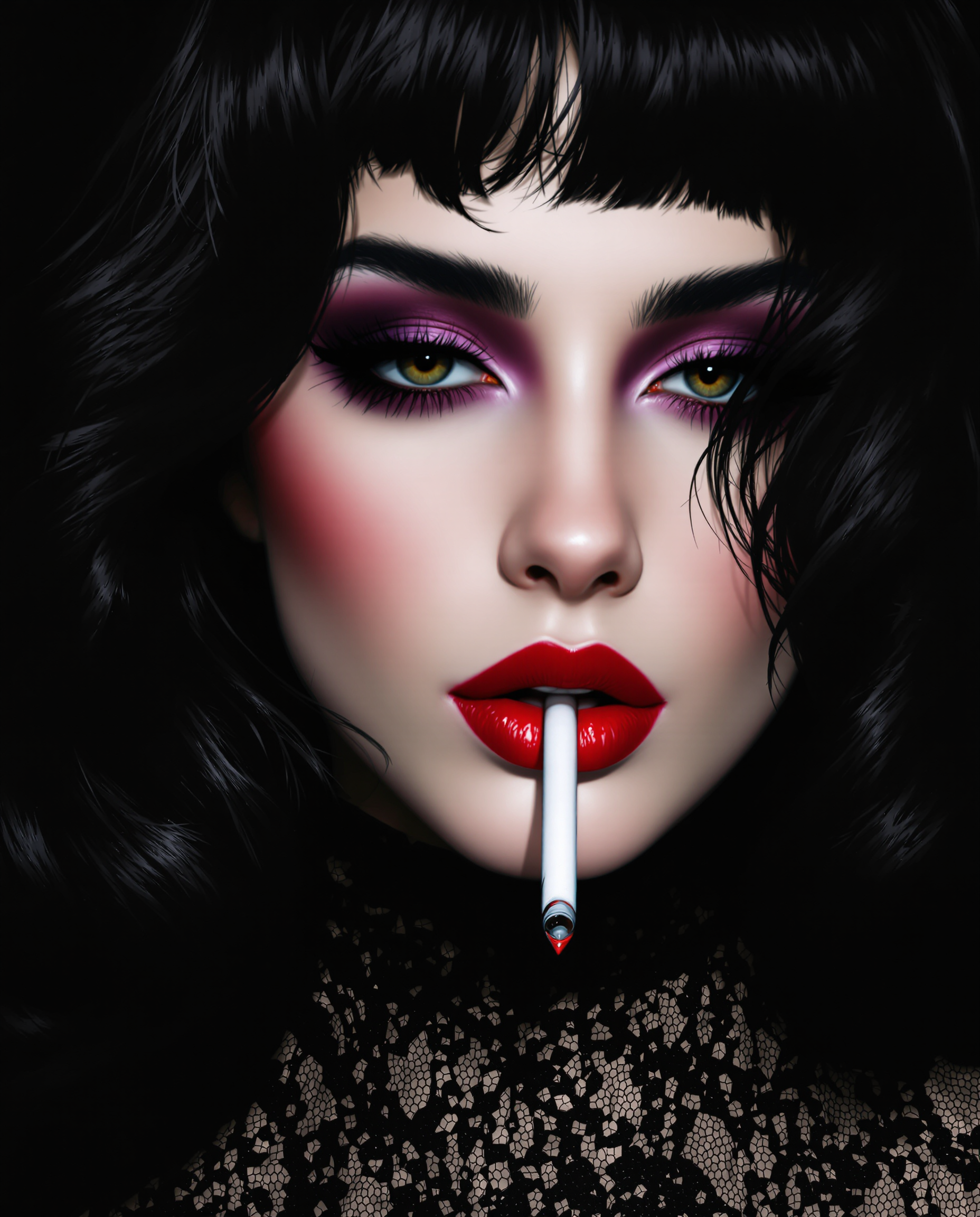
Generated on PixelDojo. Produced by PixelDojo's generation pipeline.
Unlock the power of AI to create captivating bimbo-style art effortlessly. With PixelDojo's suite of advanced tools, you can bring your unique visions to life, whether you're an artist, designer, or enthusiast. Experience the freedom to generate stunning images that resonate with your creative aspirations.
Real image examples generated on PixelDojo
Every example below was produced on PixelDojo. Hover to see the prompt.
This is a closeup digital painting that captures the detailed features of a realistic phot…
flux
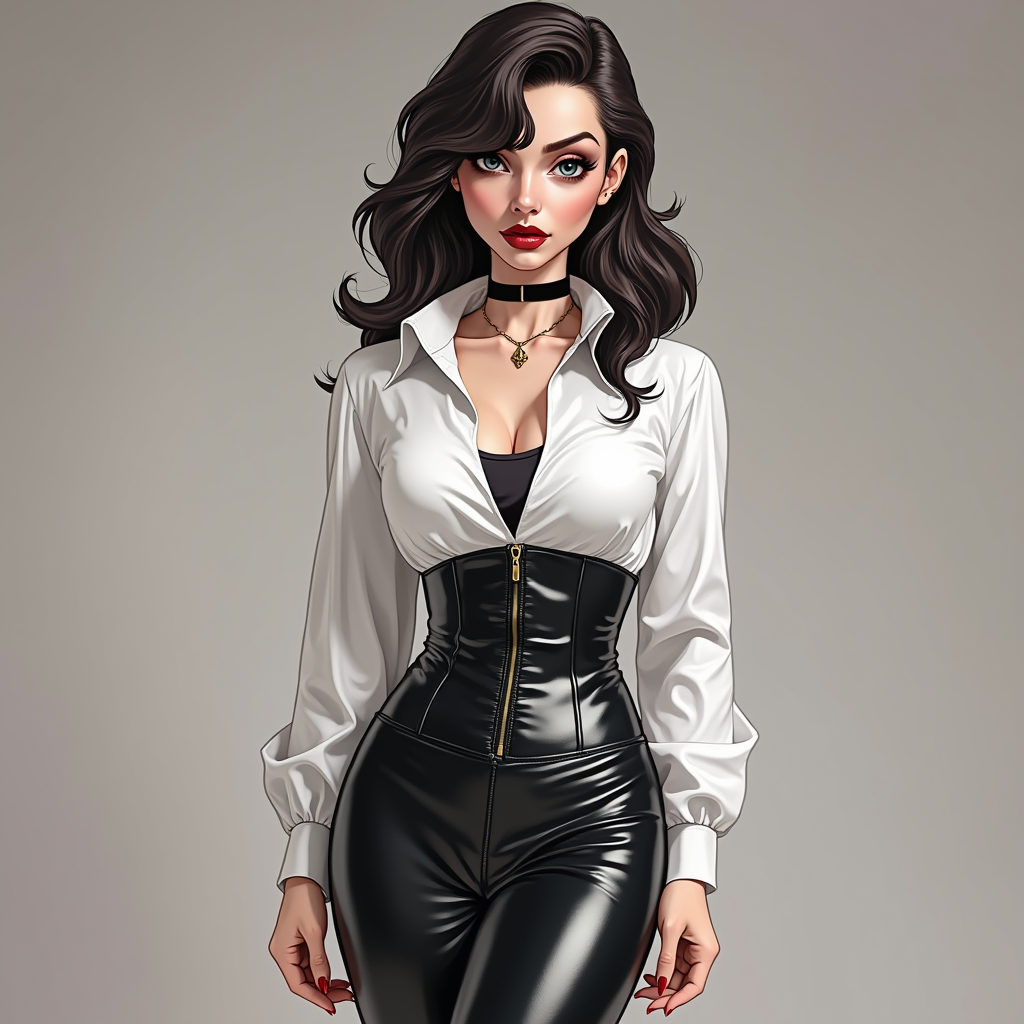
Comic book villainess
flux
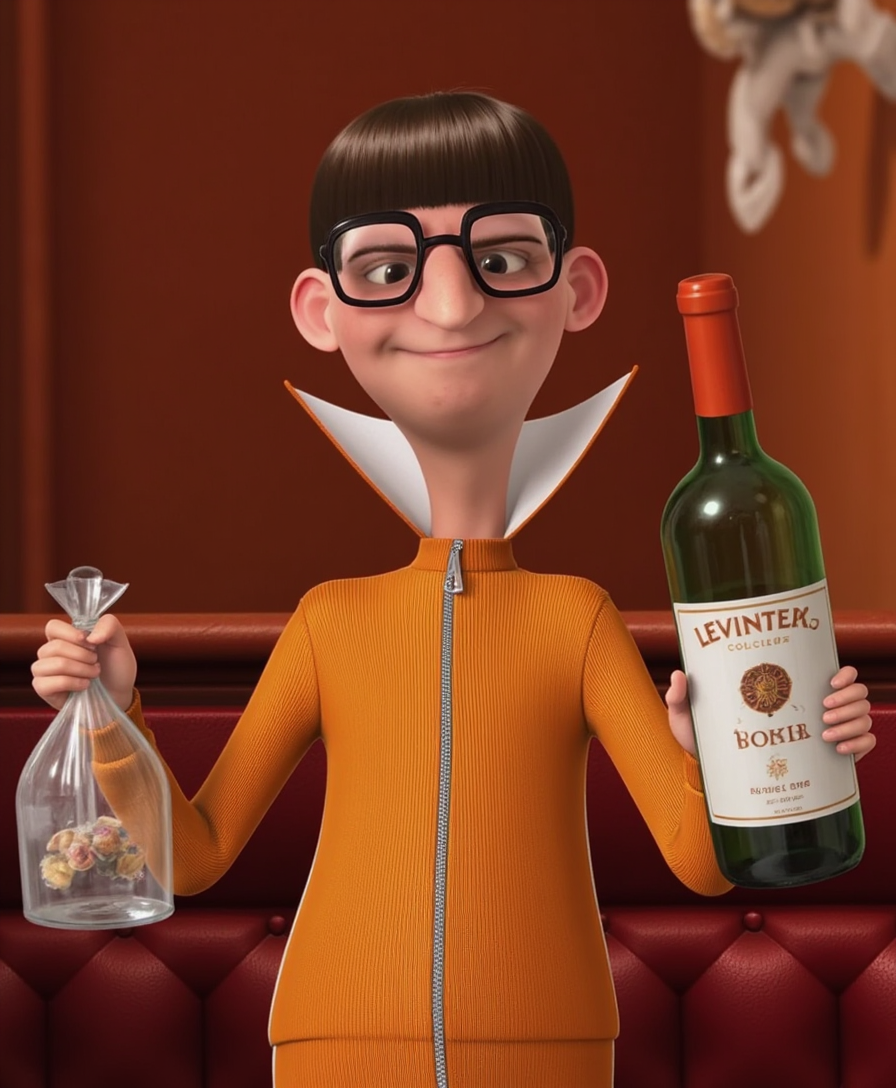
TOKVECDESPICTOR
flux
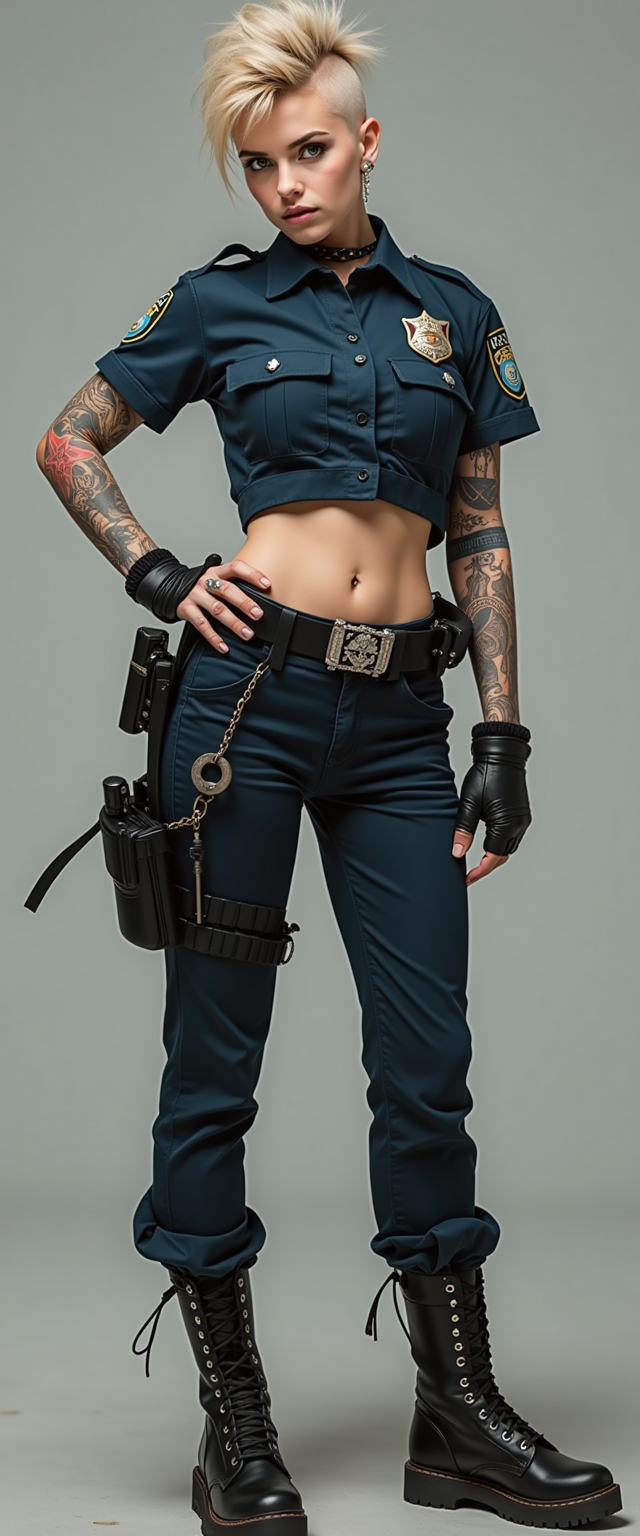
A rebellious 25-year-old woman
flux
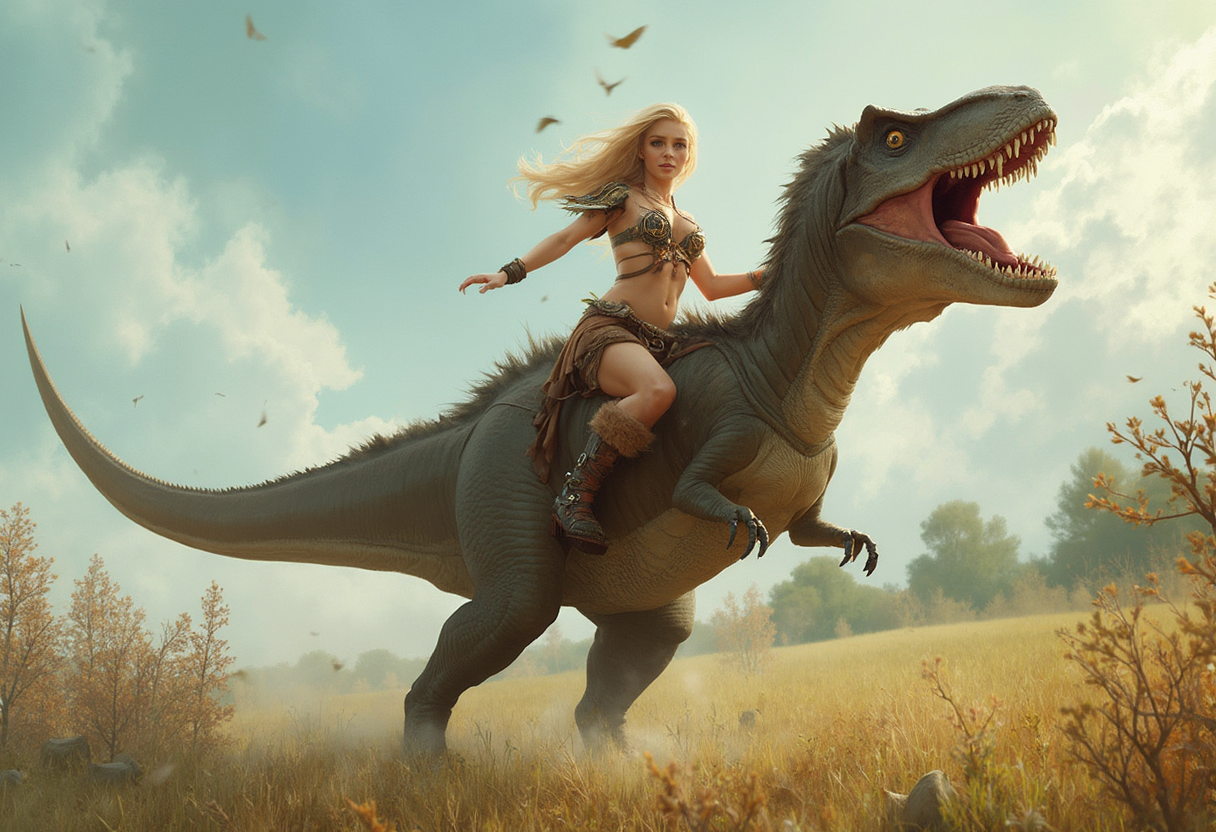
This image is a high-resolution photograph that depicts a realism
flux
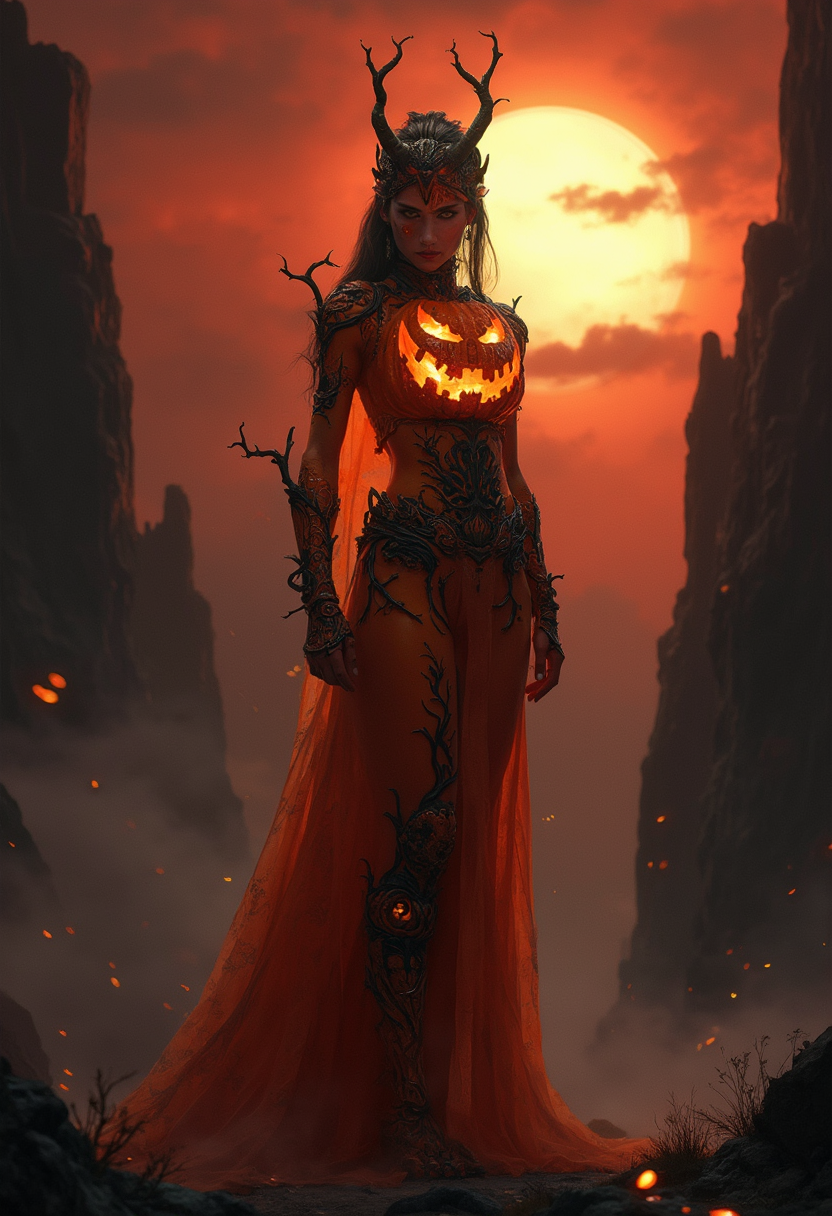
A striking female figure
flux
Models you can run on PixelDojo for ai bimbo
Switch models without switching tools. Each one runs in the same PixelDojo studio.
What you can do with ai bimbo on PixelDojo
Generate Bimbo Style Images
We enable creators to produce images with the bimbo aesthetic from text prompts.
Adjust Image Parameters
Creators modify settings to control features and composition in outputs.
Upload Style References
We support reference images to guide generation toward specific looks.
Create Image Variations
Creators generate multiple results from one prompt for selection.
Join thousands of creators who have generated over 1 million images using PixelDojo's cutting-edge AI technology. Rated 4.8/5 by our satisfied users.
Why Choose Pixel Dojo for ai bimbo
Professional-quality results with cutting-edge AI technology
Effortless Creativity
Generate high-quality AI bimbo images without any prior design experience.
Time-Saving Automation
Produce multiple variations quickly, allowing you to focus on refining your ideas.
Customization at Your Fingertips
Tailor every aspect of your image to match your specific vision and style.
How It Works
Creating AI bimbo art with PixelDojo is a straightforward process. Follow these simple steps to bring your ideas to life:
Step 1: Choose Your Tool
Select from PixelDojo's range of AI image generation tools, such as P-Image or Flux.1 Studio, to begin your creation.
Step 2: Enter Your Prompt
Input a descriptive prompt detailing the bimbo-style image you envision. For example: 'A glamorous woman in a pink polka dot dress with blonde curls.'
Step 3: Customize & Download
Adjust the generated image using PixelDojo's editing features to perfect your creation. Once satisfied, download your high-resolution image.
The Pixel Dojo Advantage
Why PixelDojo outperforms other options for AI bimbo image generation:
| Others | Pixel Dojo |
|---|---|
| Traditional Digital Art Creation | Eliminate the steep learning curve and time investment required for manual digital art creation. |
| Generic AI Tools | Access specialized tools tailored for bimbo-style art, ensuring more accurate and appealing results. |
| Stock Images | Create unique, personalized images that stand out, rather than relying on generic stock photos. |
Loved by creators on PixelDojo
Real feedback from people using PixelDojo, pulled from our in-product surveys.
Love it make anything I can think of so far
Great for all your ideas use it encourage more people to use it
Because it is awesome
exceptional quality and great overall design of platform and interface. very intuative. love the creative freedom.
Qwen image 2 is amazing!!
Creative freedom, range of tools and options.
Explore more AI tools on PixelDojo
AI Tools
Compare & Switch
- Best AI Image Generators
- Best AI Video Generators
- Midjourney Alternatives
- Civitai Alternatives
- Runway Alternatives
- Leonardo Alternatives
- Pika Alternatives
- Luma Alternatives
- Magnific Alternatives
- Veo Alternatives
- Flux Alternatives
- Freepik Alternatives
- Seedance Alternatives
- Seedream Alternatives
- Pixverse Alternatives
- GPT Image Alternatives
- Synthesia Alternatives
- Playground Alternatives
- NightCafe Alternatives
- Canva AI Alternatives
- ElevenLabs Alternatives
- ComfyUI Alternatives
- Fal Alternatives
- Replicate Alternatives
Common Questions
Everything you need to know about ai bimbo
How can I create AI bimbo art with PixelDojo?
Simply select an AI image generation tool like P-Image, input a descriptive prompt, and customize the generated image to your liking.
Do I need prior design experience to use PixelDojo?
No, PixelDojo is designed for users of all skill levels. Our intuitive interface makes it easy for anyone to create stunning images.
Can I use PixelDojo's images for commercial purposes?
Yes, images created with PixelDojo can be used for both personal and commercial projects. Please review our terms of service for more details.
Is there a limit to the number of images I can generate?
PixelDojo offers various subscription plans to suit your needs, including options with unlimited image generation.
What makes PixelDojo's AI tools unique?
Our tools are specifically designed to cater to various artistic styles, including bimbo art, providing more accurate and appealing results.
Can I edit images after generating them?
Absolutely! PixelDojo offers a range of editing tools to help you refine and perfect your images after generation.