AI Comic Generator
Generated on PixelDojo. Produced by PixelDojo's generation pipeline.
PixelDojo is an AI comic generator that lets you create dynamic comic panels by entering a prompt, choosing a model, and refining the result. For the live example on this page, the brief was: a vibrant comic book panel of a superhero leaping between skyscrapers, dynamic action lines, bold ink. PixelDojo ran the same brief across GPT Image 2, Flux 2 Pro, Google Nano Banana Pro, and Seedream 4.5, giving a clear view of which model fits speed, polish, and comic style.
Real image examples generated on PixelDojo
Every example below was produced on PixelDojo. Hover to see the prompt.
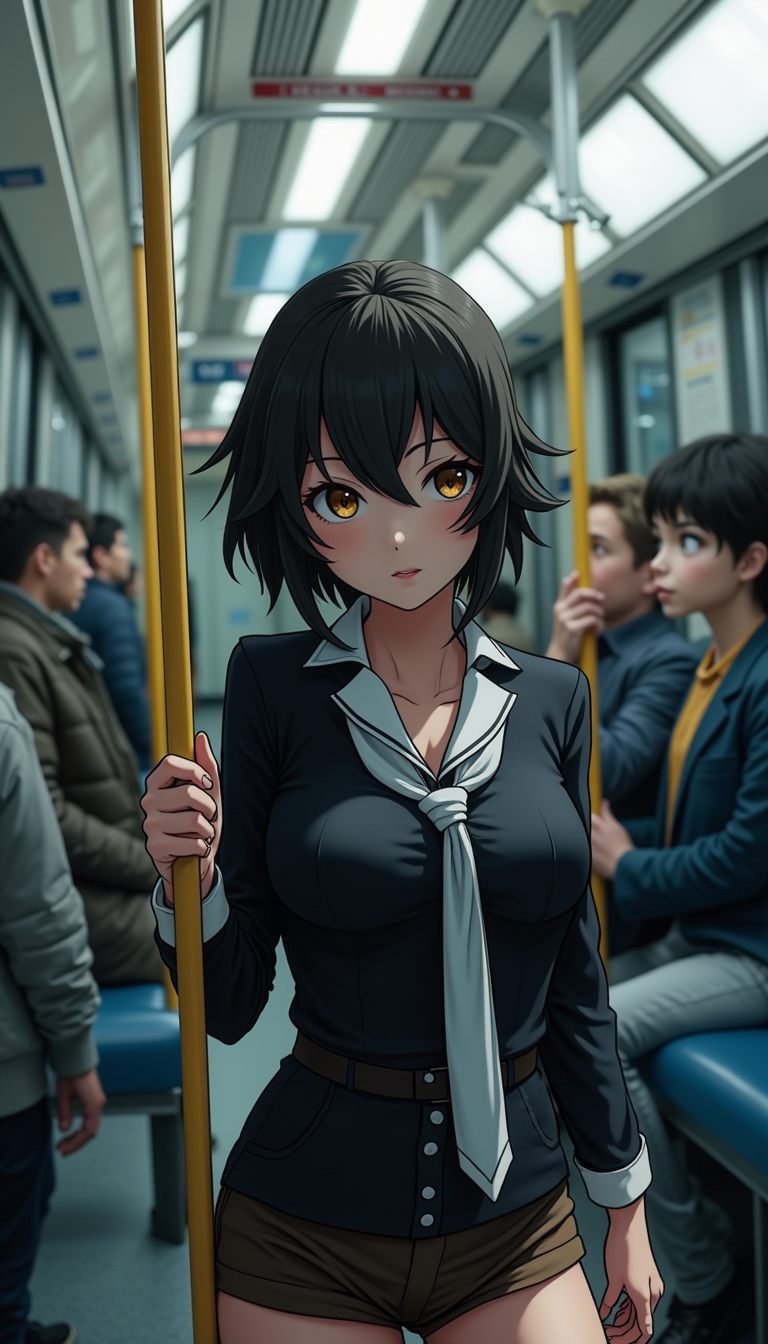
Anime character
flux
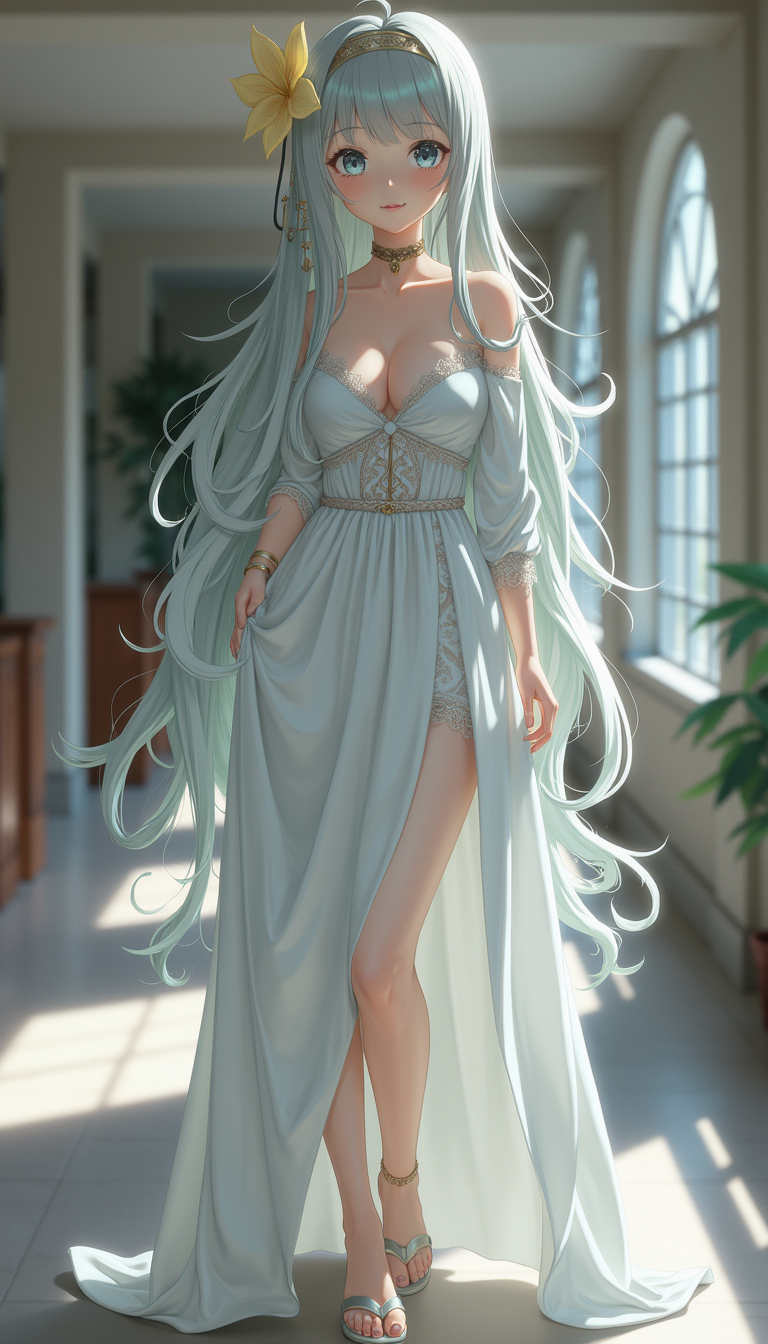
Anime character
flux
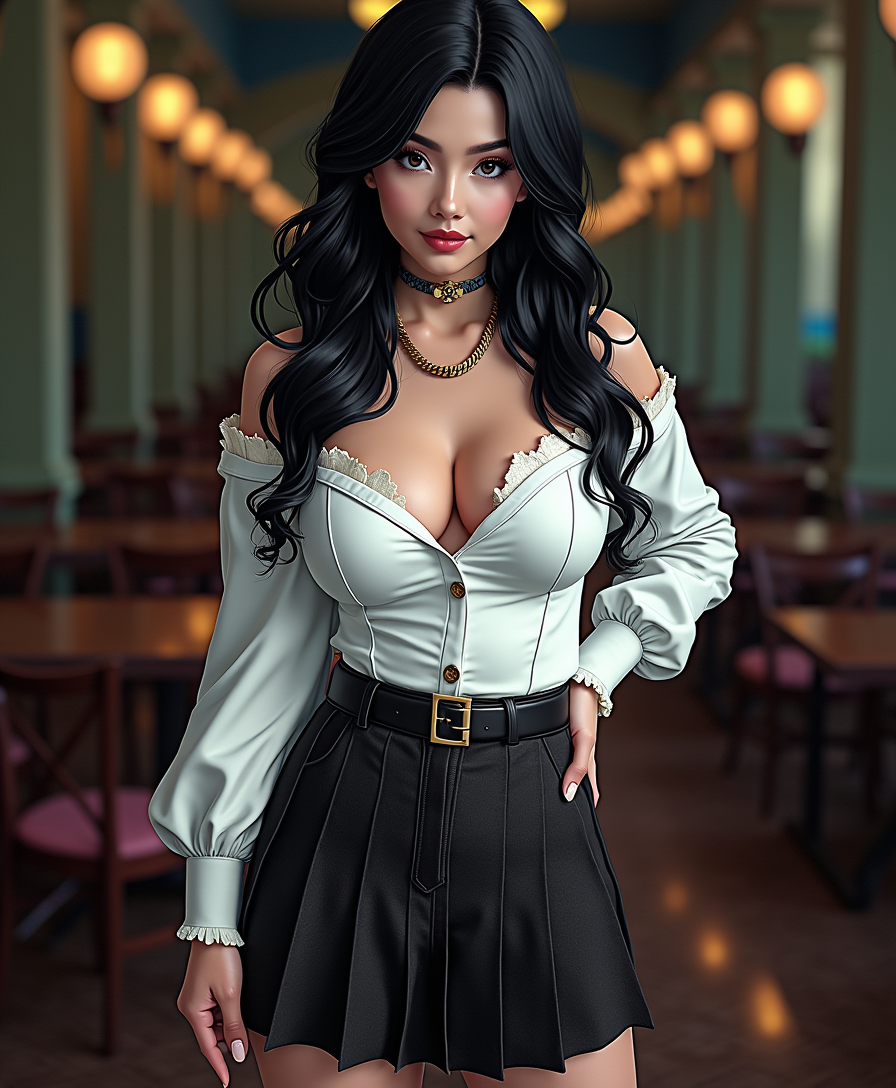
Anime character
flux

Create a YouTube Header for "FLUXPRO" AI image generation
flux
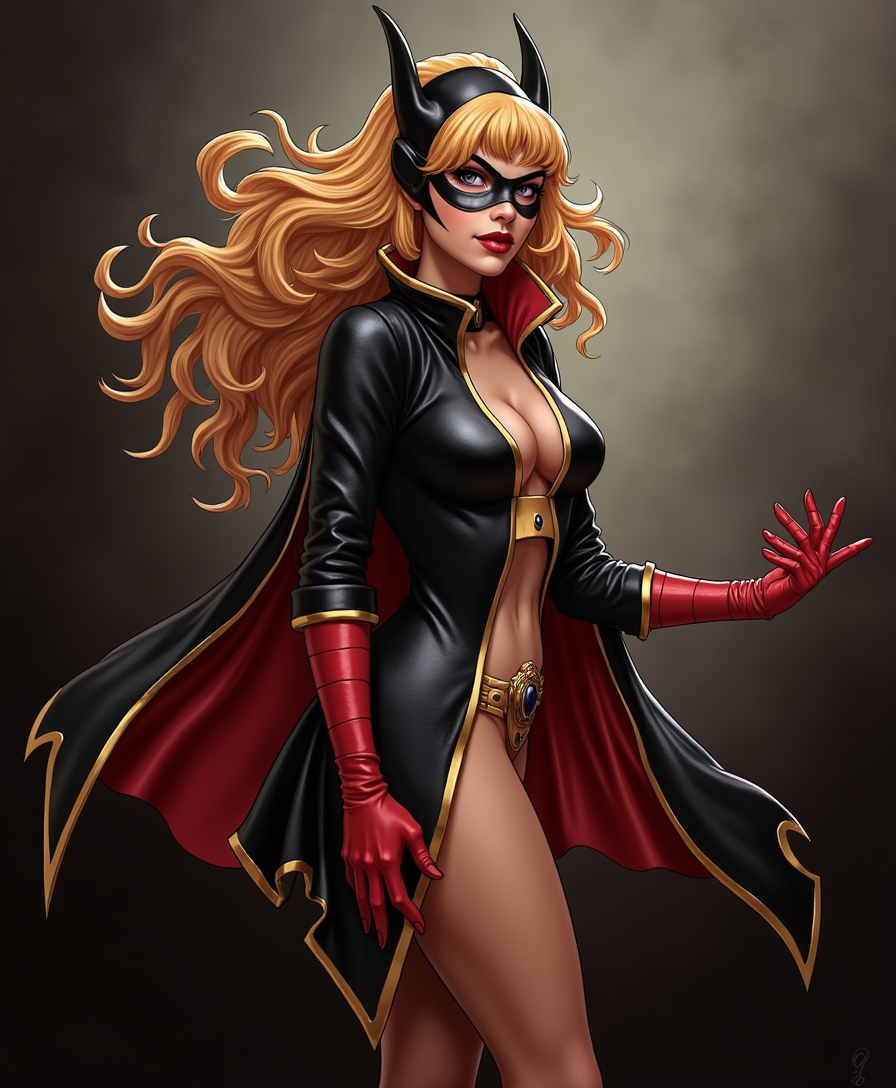
Comic book super-villainess
flux
A man talking
image-to-video
Models you can run on PixelDojo for AI Comic Generator
Switch models without switching tools. Each one runs in the same PixelDojo studio.
What you can do with AI Comic Generator on PixelDojo
Create Multiple Comic Panels
We generate sequences of comic panels from text prompts. Creators adjust individual panels through additional instructions.
Maintain Character Consistency
We apply uploaded reference images to keep characters uniform. Creators reuse the same references across multiple panels.
Select Comic Art Styles
We provide preset styles for comic image generation. Creators choose a style before producing each panel.
Refine Images Through Iteration
We accept follow up prompts to update existing outputs. Creators make targeted changes without starting over.
Live PixelDojo generation times for this exact comic prompt were GPT Image 2 at 239.2s, Flux 2 Pro at 10.3s, Google Nano Banana Pro at 14.6s, and Seedream 4.5 at 9.7s.
Why Choose Pixel Dojo for AI Comic Generator
Professional-quality results with cutting-edge AI technology
Choose the right comic model
Flux 2 Pro is the strongest default choice for AI comic generation in PixelDojo because it balances speed, bold composition, and dramatic action. Use GPT Image 2 when final image polish matters more than wait time.
Create panels faster
Seedream 4.5 and Flux 2 Pro are ideal for rapid panel exploration. Generate several thumbnails, compare action poses, then upscale or refine the best version.
Control the comic look
PixelDojo works best when prompts include panel type, subject, motion, camera angle, inking style, lighting, color palette, and page format. Clear visual direction leads to stronger comic results.
How It Works
Write a comic focused prompt
Start with the subject and action, then add comic terms such as bold ink, speed lines, halftone texture, dramatic perspective, speech bubble space, splash page, or close up panel.
Pick a model in PixelDojo
Use Flux 2 Pro for the best general comic panel workflow, Seedream 4.5 for fast draft variations, Nano Banana Pro for clean prompt following, and GPT Image 2 for polished final art when time allows.
Refine into a panel or page
Adjust framing, request stronger line weight, add gutters or panel borders, simplify busy backgrounds, and keep character descriptions consistent across prompts for multi panel comic sequences.
Loved by creators on PixelDojo
Real feedback from people using PixelDojo, pulled from our in-product surveys.
Love it make anything I can think of so far
Great for all your ideas use it encourage more people to use it
Because it is awesome
exceptional quality and great overall design of platform and interface. very intuative. love the creative freedom.
Qwen image 2 is amazing!!
Creative freedom, range of tools and options.
Explore more AI tools on PixelDojo
AI Tools
Compare & Switch
- Best AI Image Generators
- Best AI Video Generators
- Midjourney Alternatives
- Civitai Alternatives
- Runway Alternatives
- Leonardo Alternatives
- Pika Alternatives
- Luma Alternatives
- Magnific Alternatives
- Veo Alternatives
- Flux Alternatives
- Freepik Alternatives
- Seedance Alternatives
- Seedream Alternatives
- Pixverse Alternatives
- GPT Image Alternatives
- Synthesia Alternatives
- Playground Alternatives
- NightCafe Alternatives
- Canva AI Alternatives
- ElevenLabs Alternatives
- ComfyUI Alternatives
- Fal Alternatives
- Replicate Alternatives
Common Questions
Everything you need to know about AI Comic Generator
What is the best PixelDojo model for an AI comic generator?
Flux 2 Pro is the best default for AI comic generation in PixelDojo. In the live superhero panel task, it produced results in 10.3s and is well suited to bold action, comic energy, and fast iteration.
When should GPT Image 2 be used for comic art?
Use GPT Image 2 when the final image needs extra polish and the longer render time is acceptable. In this run, it took 239.2s, so it is better for selected hero panels than rapid thumbnail exploration.
Is Seedream 4.5 good for comic generation?
Yes. Seedream 4.5 was the fastest model in this comparison at 9.7s, making it useful for drafting poses, layouts, and alternate panel ideas before committing to a final render.
How do prompts improve AI comic results?
Use specific comic language. Include the character, action, setting, camera angle, line style, color mood, and composition. For example: superhero leaping between skyscrapers, low angle view, bold ink, dynamic action lines, vibrant comic colors.
Can PixelDojo help create a full comic page?
Yes. Build the page one panel at a time, keep character details consistent, and repeat style terms across prompts. Add notes for panel borders, speech bubble space, recurring costumes, and scene continuity.