ai film storyboard AI Generator
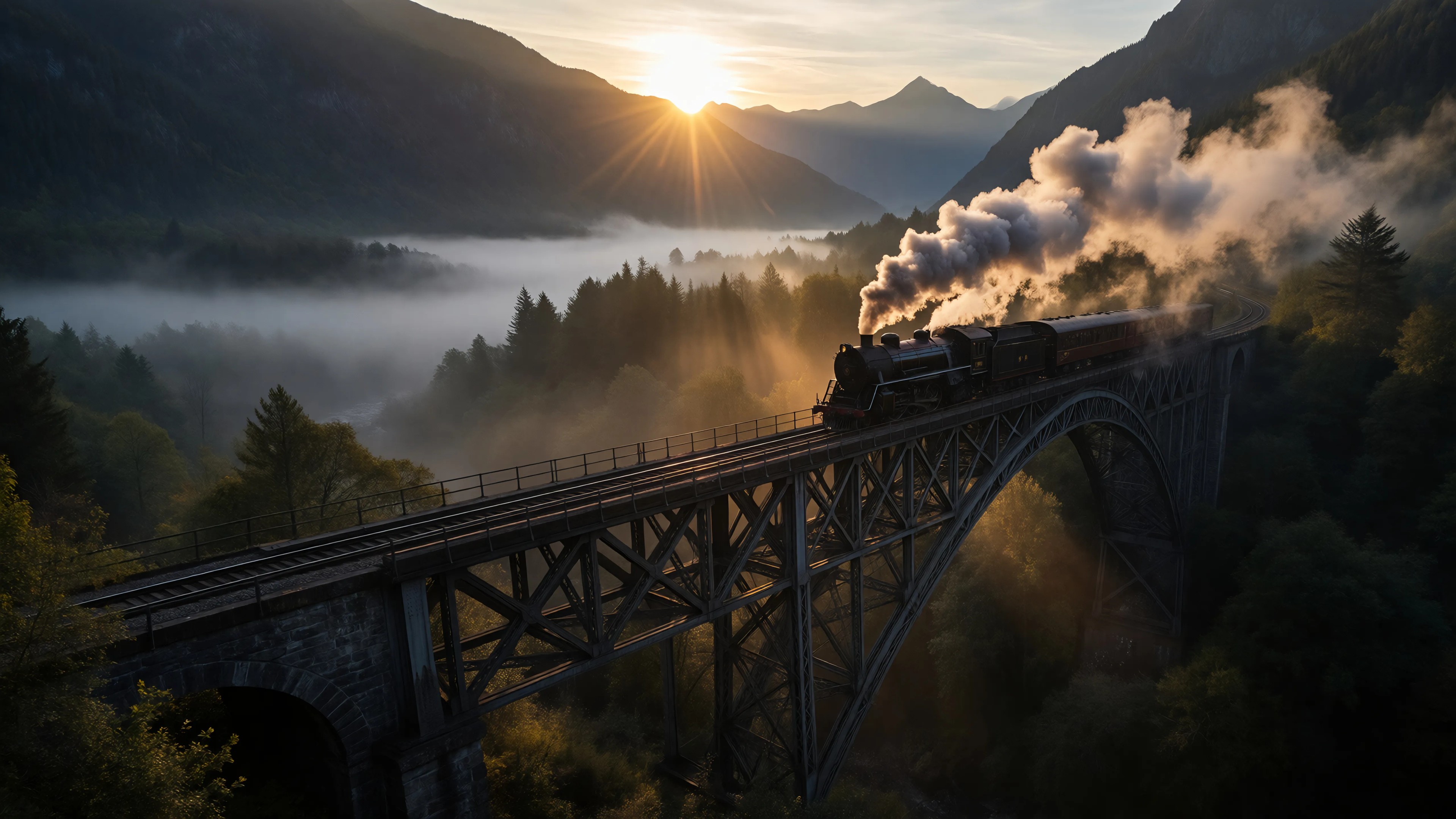
Generated on PixelDojo. Produced by PixelDojo's generation pipeline.
You have a powerful film idea, but turning it into a clear visual plan used to mean days of sketching or hiring expensive artists. PixelDojo puts professional AI film storyboard creation in your hands so you can see every scene, camera move, and emotional beat before anyone steps on set. Generate sequential cinematic panels that communicate composition, lighting, action, and mood exactly as you intend. Independent filmmakers use it to pitch investors with polished boards instead of descriptions. Studios use it to align directors, DPs, and VFX teams in hours instead of weeks. You lock character looks once, then produce hundreds of consistent shots. You explore coverage with a single click. You even feed the finished panels straight into video tools to create animatics or production footage. The result is faster pre-production, fewer surprises on shoot day, and stories that look the way you imagined from the first frame.
Real image examples generated on PixelDojo
Every example below was produced on PixelDojo. Hover to see the prompt.
Ia-cinematic
image-to-image
Untitled film
film-studio
Untitled film
film-studio
Untitled film
film-studio
Untitled film
film-studio
Untitled film
film-studio
Models you can run on PixelDojo for ai film storyboard
Switch models without switching tools. Each one runs in the same PixelDojo studio.
What you can do with ai film storyboard on PixelDojo
Prompted Storyboard Frames
Generate film storyboard stills from scene descriptions, including action, setting, and mood. Export frames you can sequence into a visual outline for preproduction.
Consistent Characters And Looks
Reuse character and wardrobe references so faces, costumes, and key props stay recognizable from shot to shot. Keep boards readable as one continuous story.
Shot Size And Angle Control
Specify wide, medium, close-up, over-the-shoulder, and similar coverage in your prompts. Build boards that show camera placement and staging instead of generic illustrations.
Style Matched Board Art
Steer lighting, color, and drawing style toward the look of your project, from sketch to cinematic still. Align early visuals with the tone you plan to shoot.
Loved by thousands of filmmakers and creators worldwide who now board entire shorts in under an hour. 40+ cutting-edge AI tools, cancel anytime, no long-term contracts.
Why Choose Pixel Dojo for ai film storyboard
Professional-quality results with cutting-edge AI technology
See Your Entire Film Before You Shoot
You generate complete sequences that reveal pacing, coverage gaps, and continuity issues while they are still cheap to fix. Flux.2 Studio and GPT Image 2 deliver photoreal or stylized panels that match the look you want your finished film to have.
Keep Every Character Looking Identical Shot After Shot
You create one Character Sheet and reuse it so your lead never changes face, wardrobe, or proportions across close-ups, wides, and action. Consistent Characters plus Nano Banana 2 and QWEN Image 2 stop the identity drift that ruins most AI boards.
Go From Still Panels to Moving Footage in One Place
You turn approved storyboard frames into animatics or full scenes using Film Studio, Kling Video, WAN 3.0, or Seedance 2.5. Change Camera Angle lets you test new coverage without starting over.
How It Works
You go from script to a production-ready AI film storyboard in three focused steps. PixelDojo’s specialized tools handle cinematic quality, character lock, and camera control so you spend time directing instead of drawing.
Step 1: Choose Your Tool and Lock Characters
Open Generate Images and pick Flux.2 Studio or Nano Banana 2 for cinematic stills. First visit Characters & Faces, create detailed Character Sheets with Ideogram Character or Consistent Characters, and generate front, side, and three-quarter views of every main cast member. These references become the foundation for every later panel.
Step 2: Enter Your Prompt for Each Shot
Write cinematography-style prompts that include shot type, camera angle, action, lighting, and mood. Example: “Low-angle wide shot, rain-soaked neon alley at night, detective walking toward camera, anamorphic lens flare, cinematic color grade, film still.” Generate several variations per beat using GPT Image 2 or Krea Image until the framing feels right.
Step 3: Customize, Sequence, and Animate
Use Edit Images tools—Change Camera Angle, Inpainting, Style Transfer, and Image Outpainting—to refine framing and keep the look consistent. Arrange panels in narrative order. Then send keyframes into Film Studio, Kling Video, or WAN 2.7 Video to produce motion. Download high-resolution boards or full sequences ready for your crew or pitch deck.
The Pixel Dojo Advantage
Why PixelDojo outperforms other options for AI film storyboard generation
| Others | Pixel Dojo |
|---|---|
| Traditional storyboard artists | You produce dozens of cinematic, camera-accurate panels in minutes instead of waiting days for sketches and revisions, at a tiny fraction of the cost, while iterating as many times as you need. |
| Generic AI image tools | You get film-specific features—Character Sheets, Change Camera Angle, direct video generation from boards, and 40+ models already tuned for cinematic lighting and composition—that generic tools simply do not offer. |
| Manual drawing or photo editing | You describe the shot once and receive production-ready frames with perfect lighting, lens characteristics, and continuity instead of spending hours in drawing software or Photoshop. |
Loved by creators on PixelDojo
Real feedback from people using PixelDojo, pulled from our in-product surveys.
The Flux Pro Ultra is just amazing!
Very easy to use, and they have fast wan 2.2 video generation with custom loras available.
The overall quality of the site and it's amazing variety of tools. The continued updates of the UI. The unbelievable level of tech support.
THIS IS SO DOPE !
I have already recommended it to friends
All the tools, plus the guidance
Explore more AI tools on PixelDojo
AI Tools
Compare & Switch
- Best AI Image Generators
- Best AI Video Generators
- Midjourney Alternatives
- Civitai Alternatives
- Runway Alternatives
- Leonardo Alternatives
- Pika Alternatives
- Luma Alternatives
- Magnific Alternatives
- Veo Alternatives
- Flux Alternatives
- Freepik Alternatives
- Seedance Alternatives
- Seedream Alternatives
- Pixverse Alternatives
- GPT Image Alternatives
- Synthesia Alternatives
- Playground Alternatives
- NightCafe Alternatives
- Canva AI Alternatives
- ElevenLabs Alternatives
- ComfyUI Alternatives
- Fal Alternatives
- Replicate Alternatives
Common Questions
Everything you need to know about ai film storyboard
How do I keep characters consistent across an entire AI film storyboard?
Start with PixelDojo’s Consistent Characters and Character Sheets tools. Generate a high-detail multi-view sheet using Flux.2 Studio or QWEN Image 2, then reference that sheet in every subsequent prompt. The character lock features prevent the face, body, and wardrobe drift that happens when you generate each panel independently.
What is the best prompt structure for cinematic AI film storyboard panels?
Write like you are talking to your director of photography: shot type, camera angle and movement, subject action, lighting, time of day, and visual style. GPT Image 2, Krea Image, and Flux.2 Studio follow these cinematography instructions closely, giving you usable coverage instead of pretty but unusable pictures.
Can I turn my finished AI film storyboard into actual video?
Yes. After you approve the stills, use Extract Frame or send the panels directly into Film Studio, Kling Video, WAN 3.0, Seedance 2.5, or MiniMax H3. Many filmmakers create timed animatics for pitches or even finished short scenes this way, keeping the exact framing and character look they boarded.
How quickly can I storyboard a short film with PixelDojo?
A typical 8–12 minute short can be fully boarded in under an hour once your character sheets are locked. You generate in batches, refine with Change Camera Angle and Inpainting, and move on. Creators regularly report cutting what used to take a week of drawing down to a single afternoon.
Does PixelDojo support different visual styles for film storyboards?
You can match almost any look. Recraft V4.1 and Ideogram 4 handle illustration and graphic styles, Flux.1 Studio and Seedream 5 deliver photoreal cinema, PonyXL covers specific aesthetics, and Style Transfer plus Magic Lighting let you apply a consistent grade or reference film look across the whole board.
Is there any risk in trying PixelDojo for my next film storyboard?
None. You get access to 40+ cutting-edge AI tools loved by thousands of creators worldwide, you can cancel anytime, and you start generating usable cinematic panels in the first session. Most filmmakers never go back to traditional methods after seeing how fast they can iterate.