ai hair color changer AI Generator

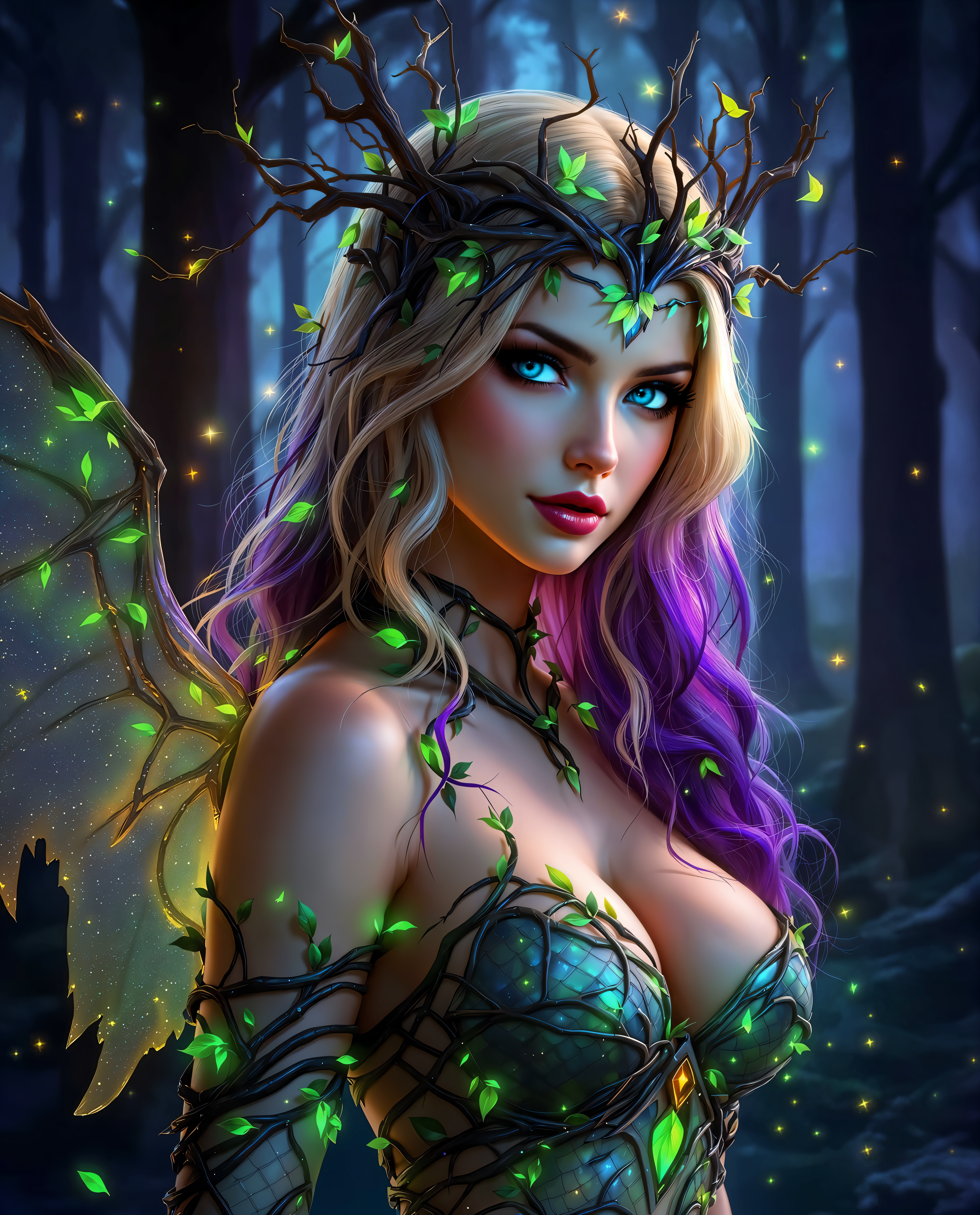
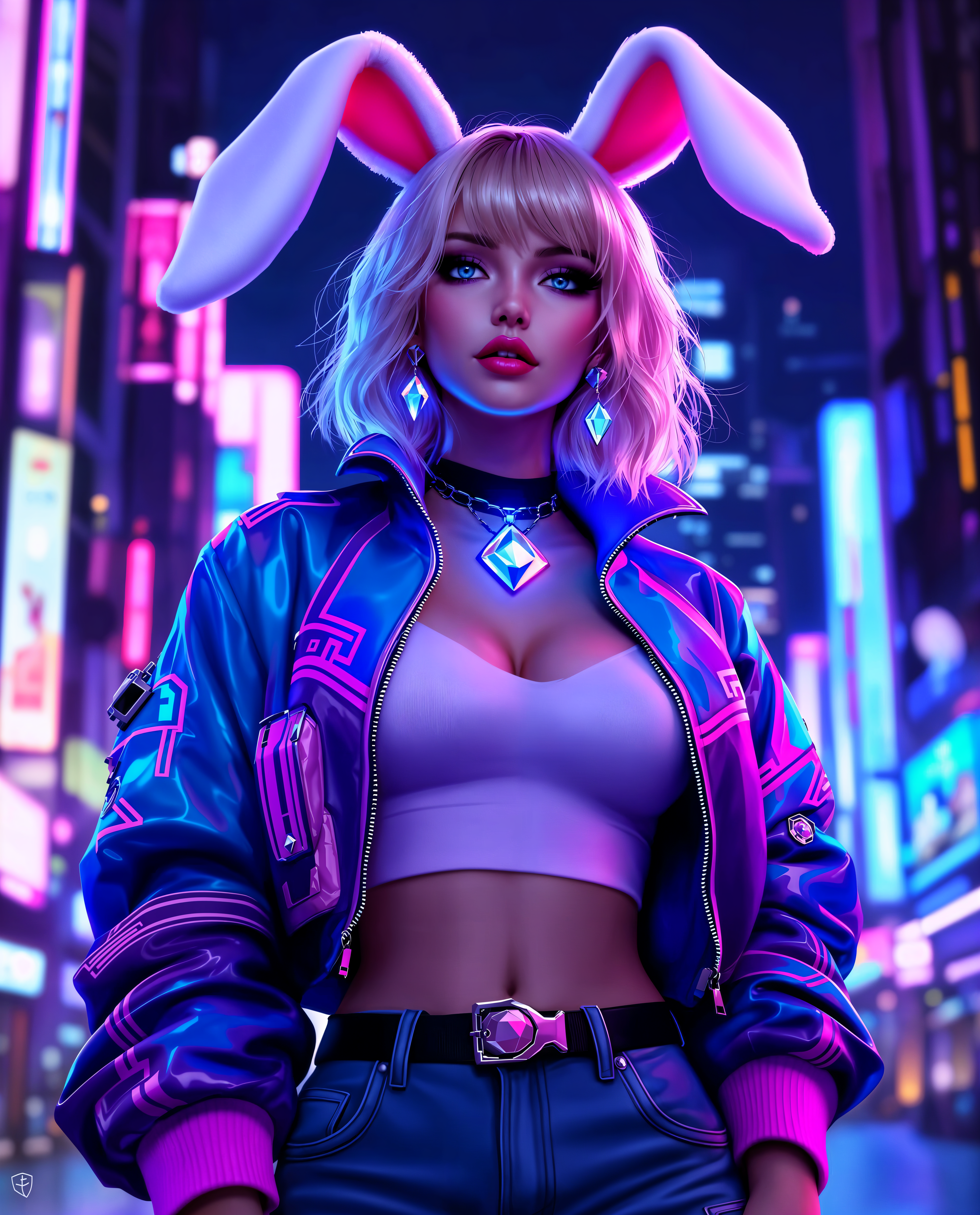
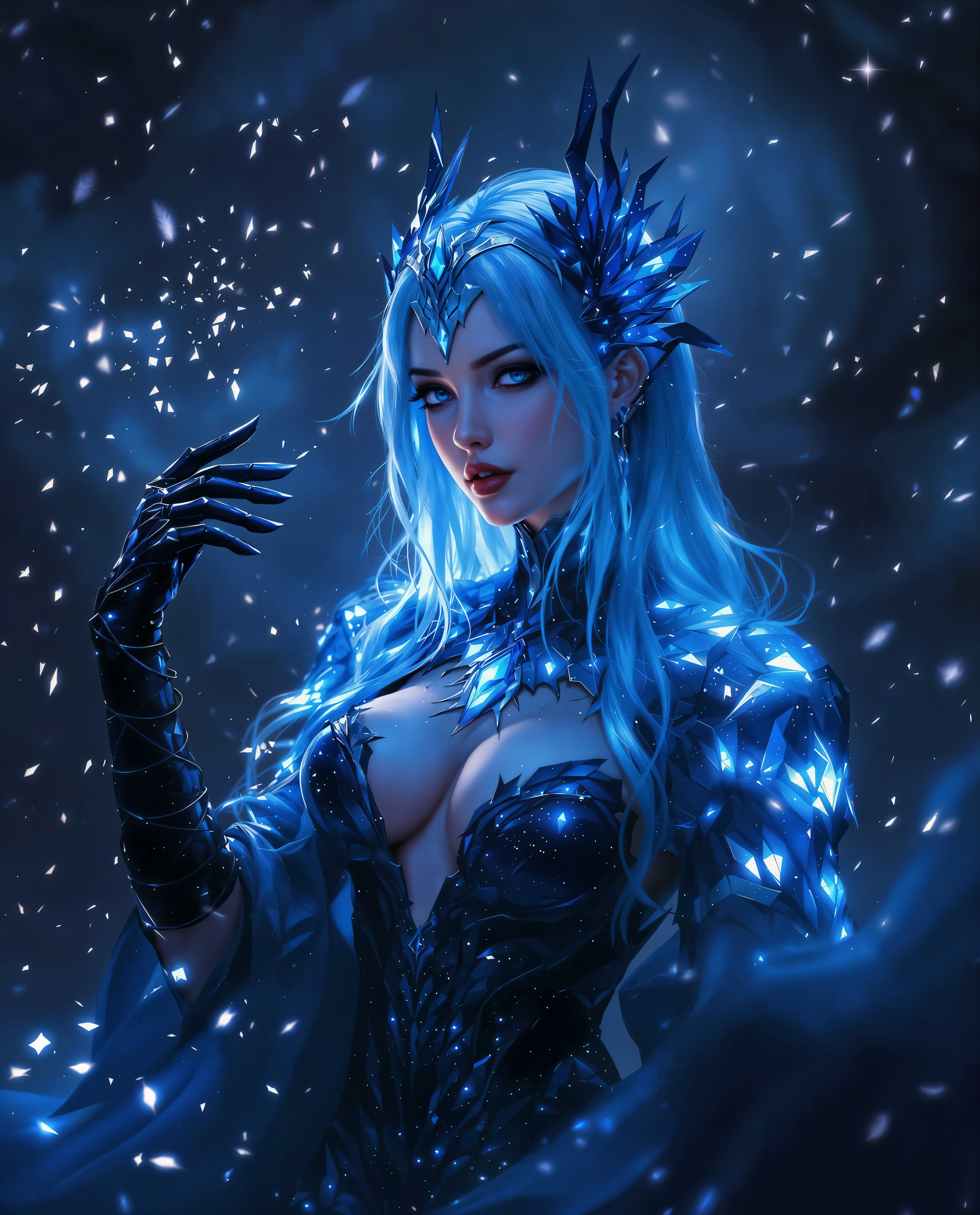
Imagine seeing exactly how you'd look with that bold new hair color before stepping into a salon. With PixelDojo's AI hair color changer, you upload a photo and instantly preview realistic transformations that match your lighting, texture, and facial features. Whether you're testing 2026's trending mushroom blonde, smoky silver, or deep burgundy shades, you'll make confident decisions without any risk or regret. Perfect for personal makeovers, social media content, or planning your next salon visit, our tools deliver professional-grade results that help you experiment freely and discover your ideal look.
Join over 75,000 creators who have generated more than 2 million hair color previews. Average rating of 4.9/5 from users who love the realistic results and ease of use. Trusted by beauty influencers and everyday explorers worldwide.
Why Choose Pixel Dojo for ai hair color changer
Professional-quality results with cutting-edge AI technology
Experiment Risk-Free Before Committing
Preview dozens of shades on your own photos to find what flatters you most, saving time, money, and potential disappointment from a bad dye job.
Achieve Salon-Quality Realism Instantly
See natural-looking results that preserve hair strands, highlights, shadows, and lighting, so your virtual try-on looks like a real-life transformation.
Create Stunning Content and Confident Choices
Generate shareable images for Instagram or TikTok, or use previews to guide your stylist toward the perfect 2026 hair color trend like toasted blonde or cinnamon toast.
How It Works
Creating your perfect hair color preview takes just three simple steps using PixelDojo's specialized AI tools designed for precise, realistic edits.
Step 1: Choose Your Tool
Select the Virtual Try-On tool or Flux Pro Virtual Try-On from PixelDojo's Characters & Faces section for automatic hair detection and color application. Or use Image to Image for more customized prompts.
Step 2: Enter Your Prompt
Upload your clear selfie or portrait photo, then describe the desired change like 'change hair to vibrant ash blonde with subtle highlights' or select trending shades. The AI analyzes your hair for seamless integration.
Step 3: Customize & Download
Review the realistic output, refine with Inpainting for specific strands or Magic Lighting for better glow, then upscale with Portrait Upscaler if needed. Download your high-resolution image ready to share or save.
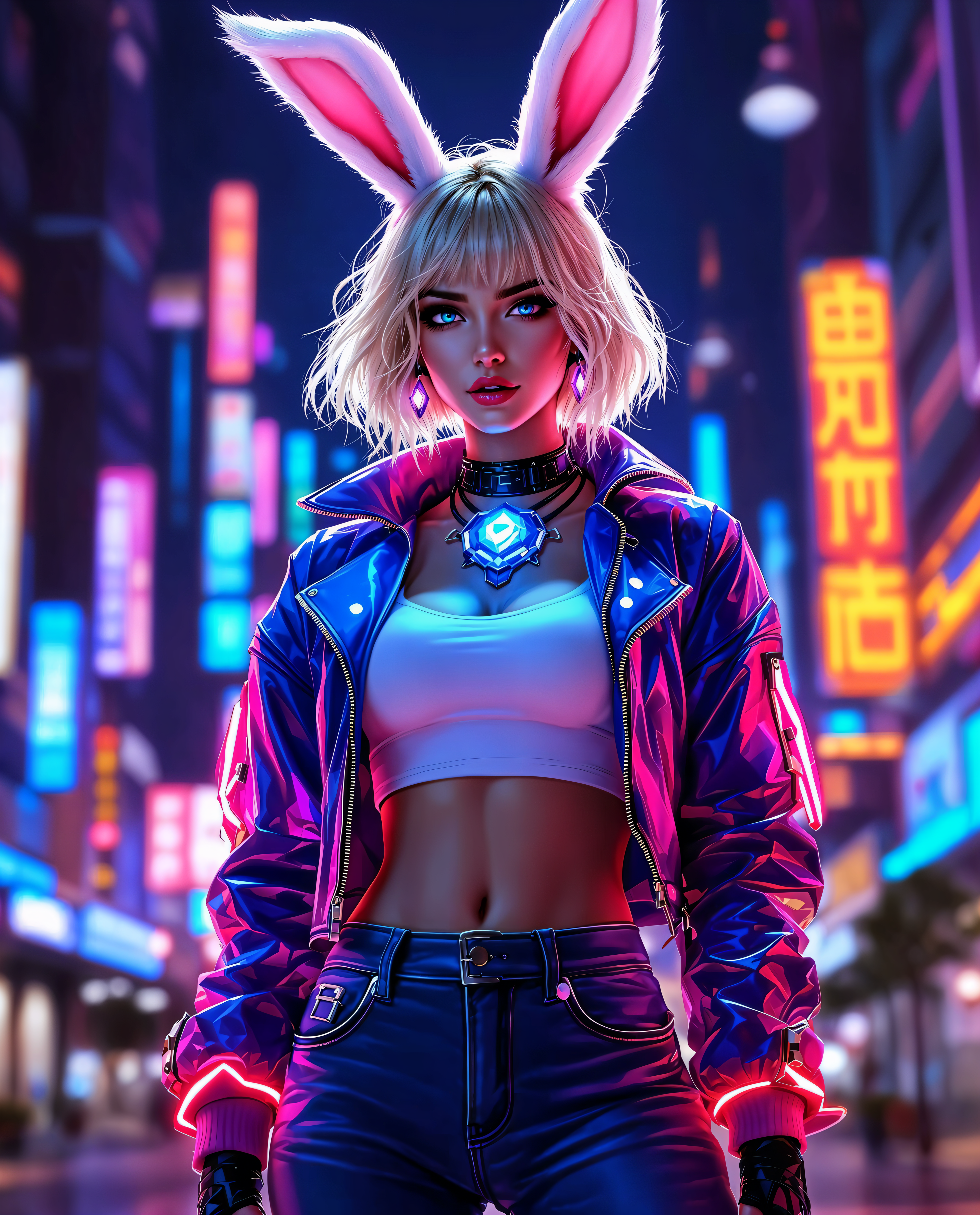

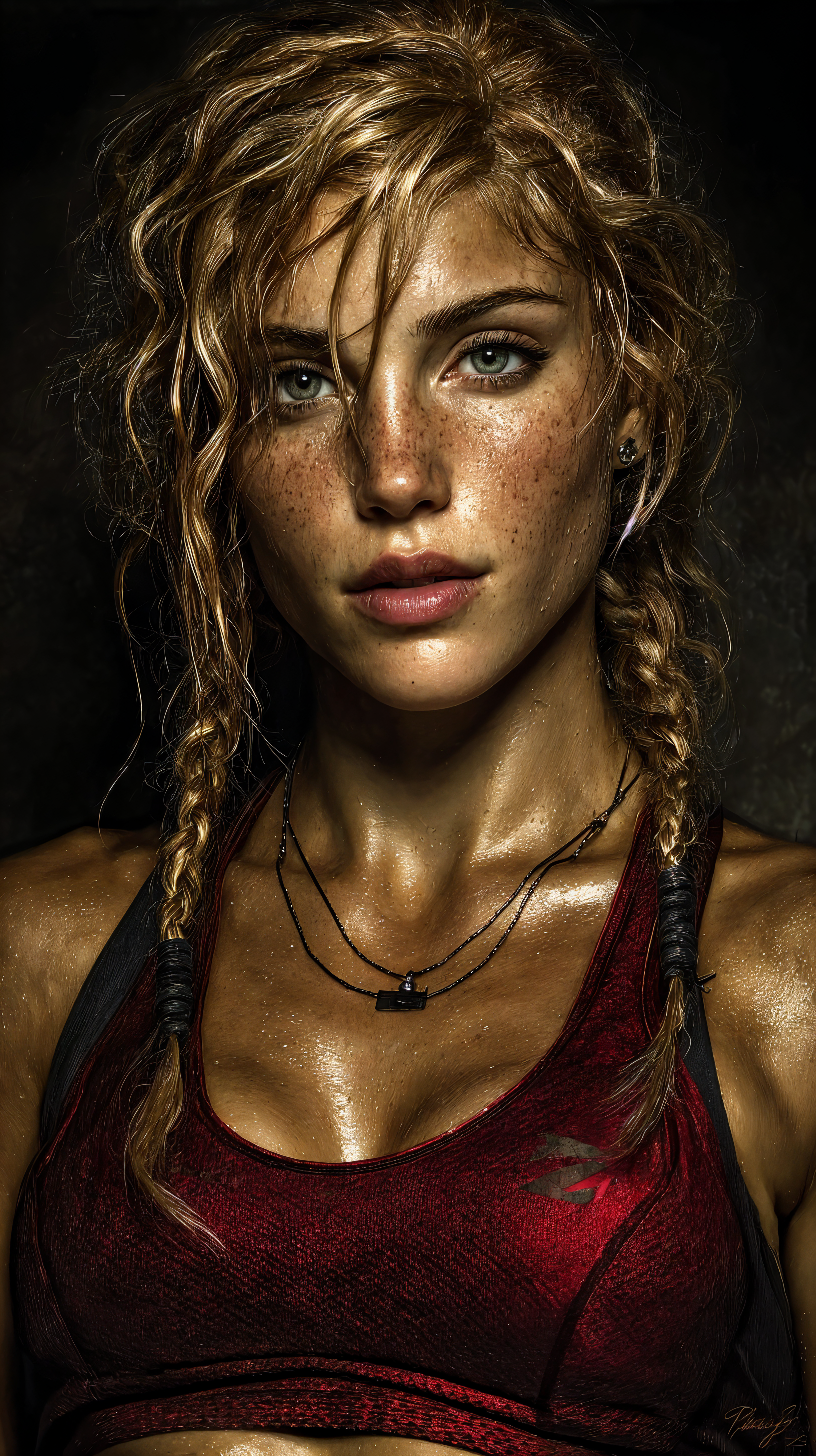
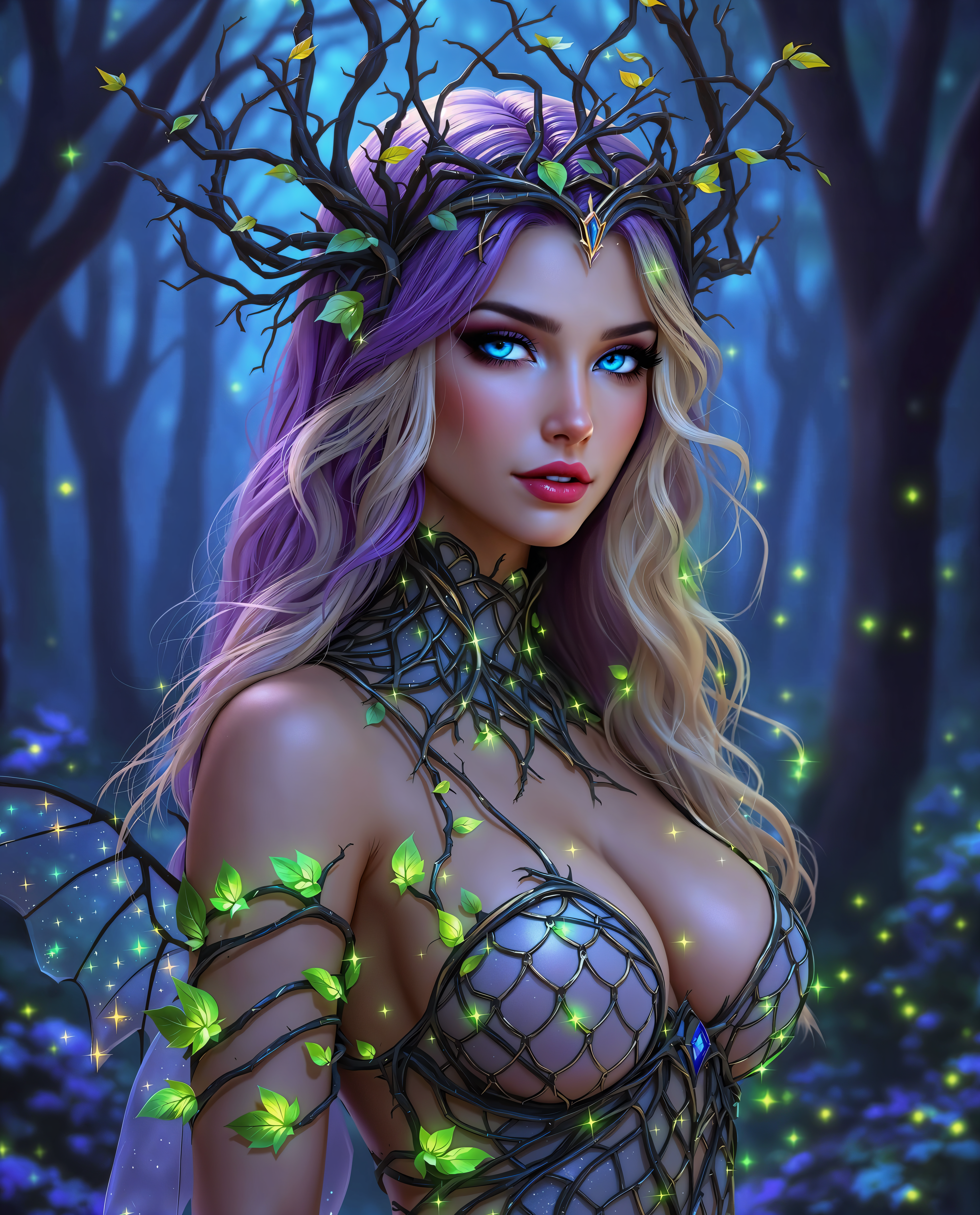
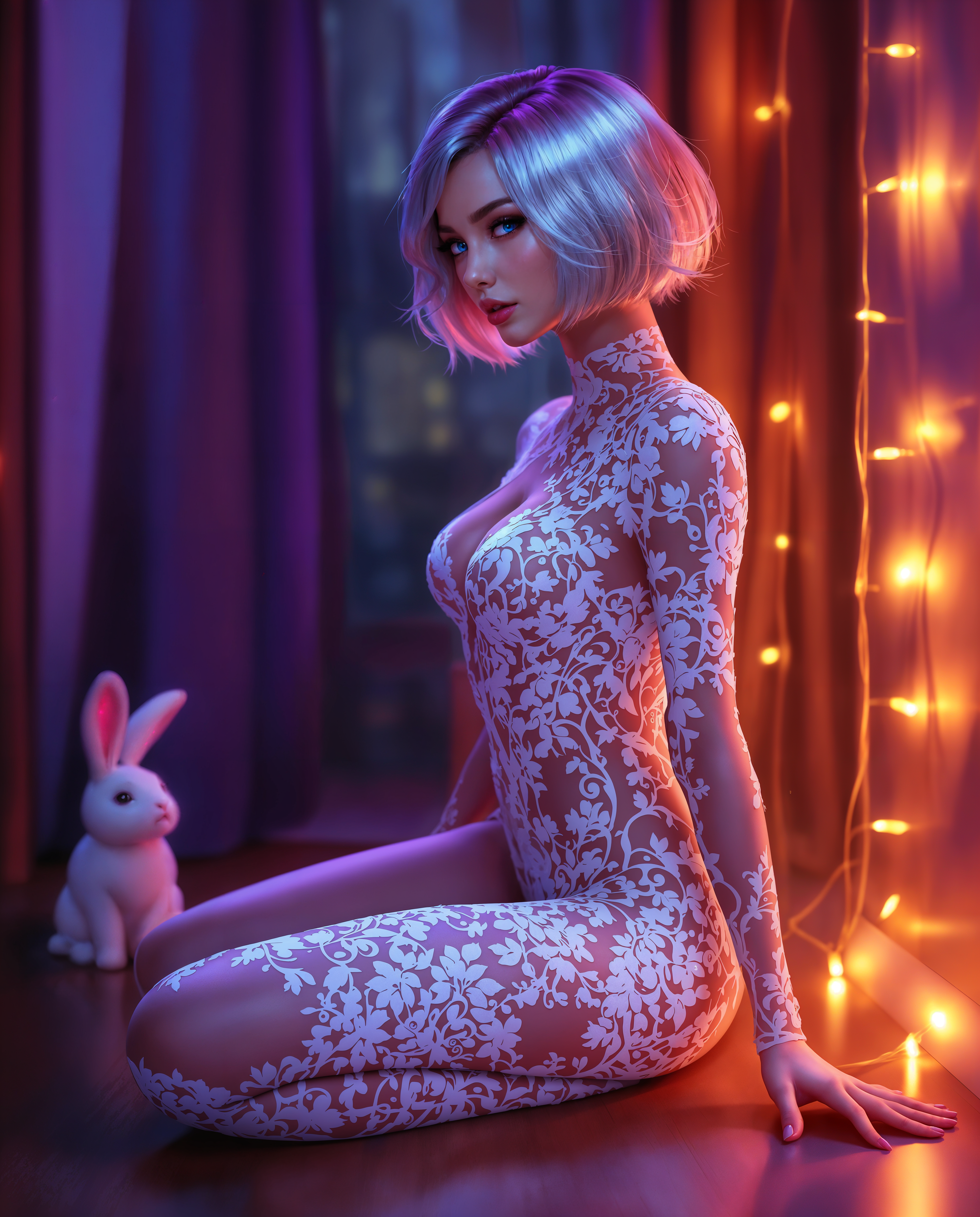
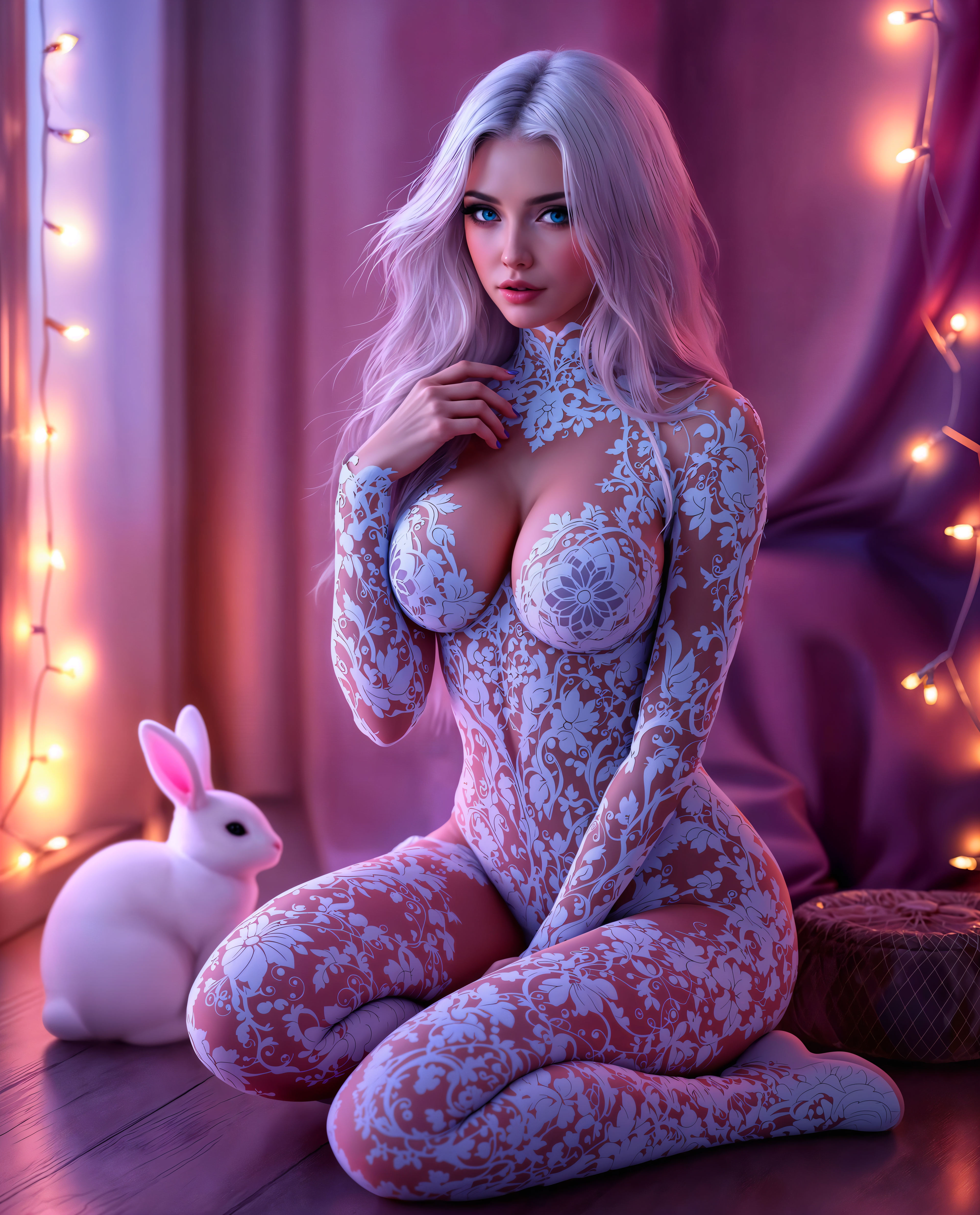
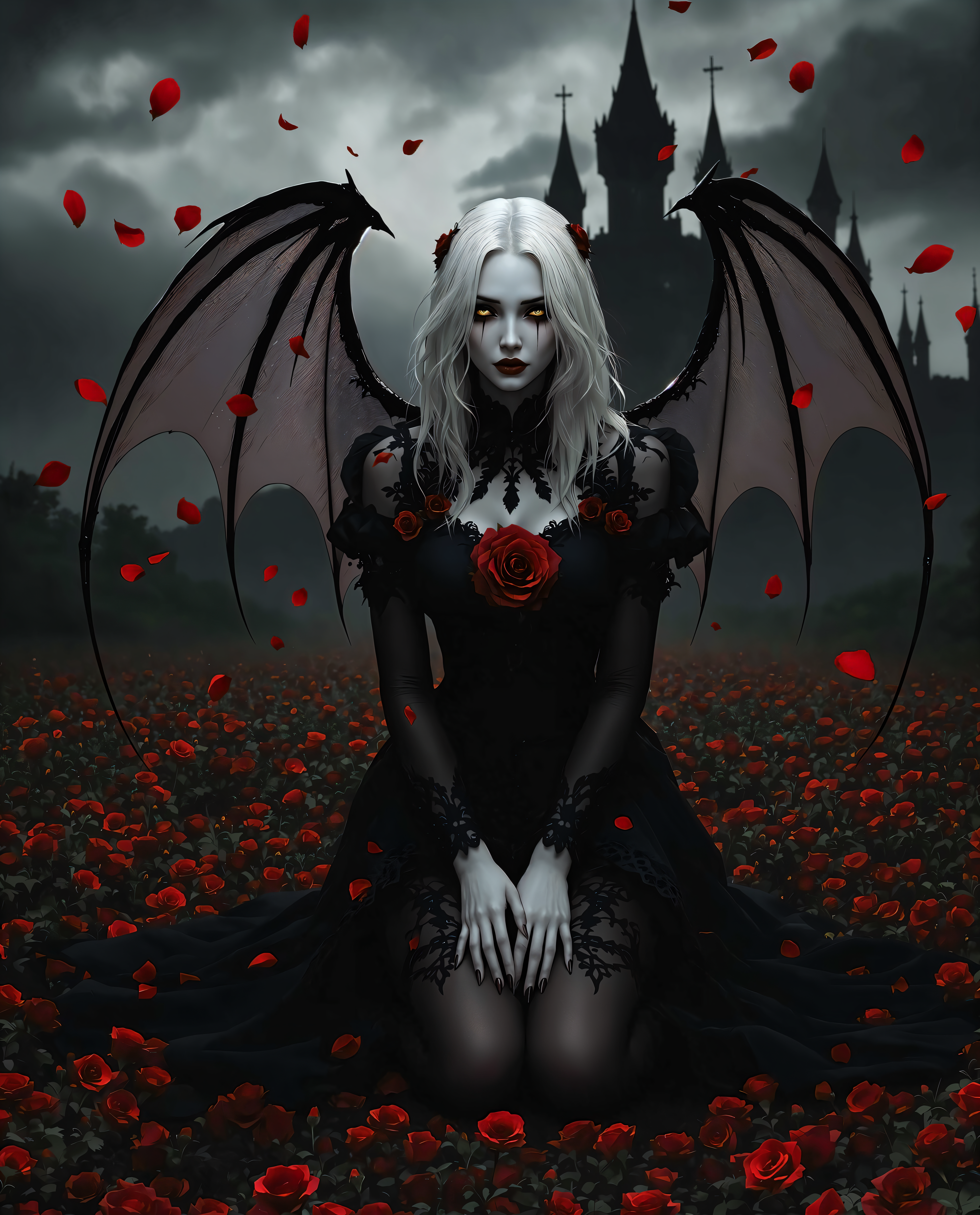
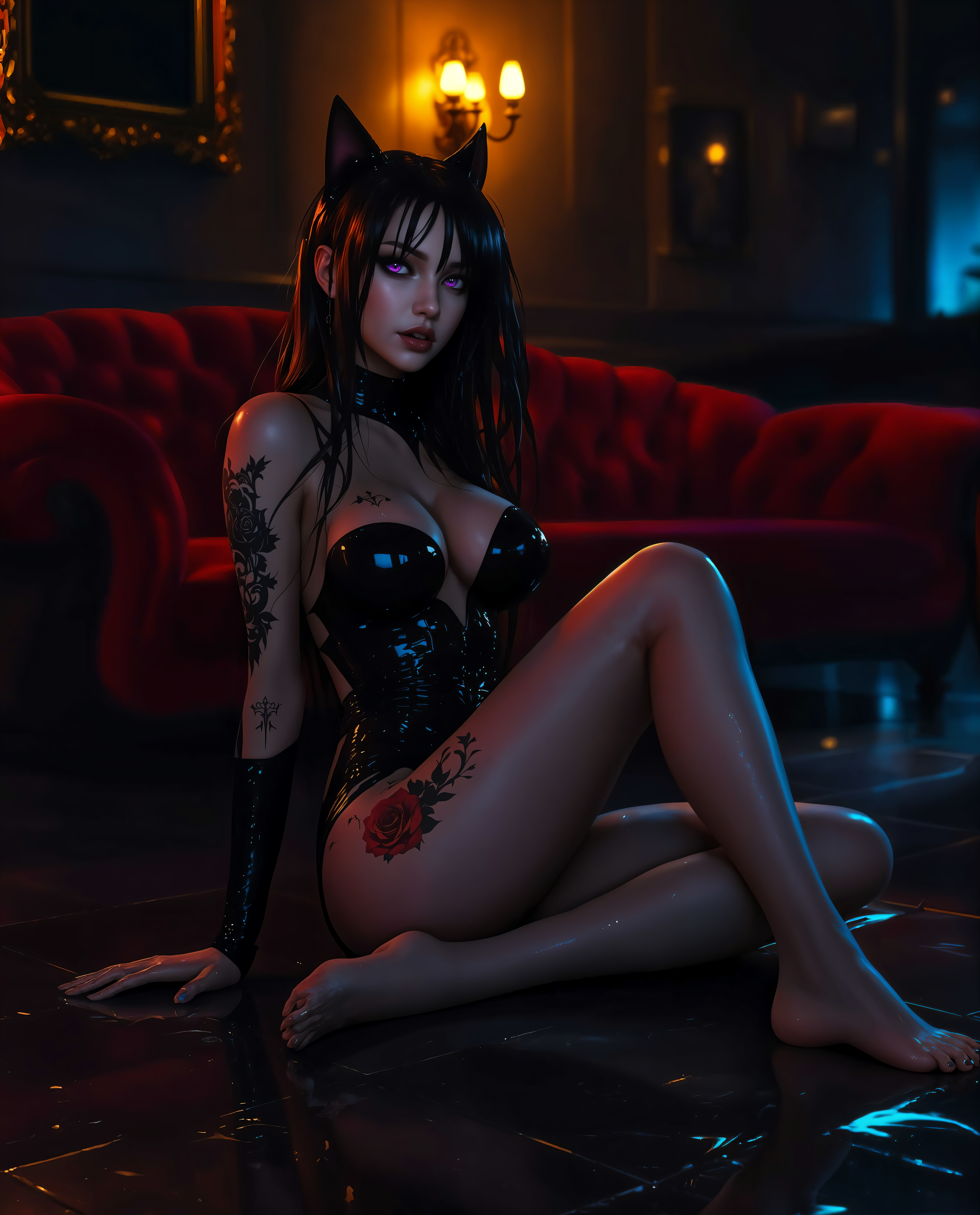
The Pixel Dojo Advantage
Why PixelDojo outperforms other options for AI hair color changer image generation
| Others | Pixel Dojo |
|---|---|
| Traditional hair color creation | Preview any shade instantly on your photo without salon appointments, chemical exposure, or permanent commitment |
| Generic AI tools | Specialized virtual try-on and inpainting tools deliver precise hair-only changes with superior strand-level realism and lighting accuracy |
| Manual photo editing | AI automatically detects and recolors hair while preserving texture and shadows in seconds, no tedious brushing or masking required |
Loved by creators on PixelDojo
Real feedback from people using PixelDojo, pulled from our in-product surveys.
very useful set of tools for image creation, upscaling and enhancement
ease of use, variety of tools, high quality trainings, and a well-maintained discord channel
Ease of use, friendliness and support of the owner, continued innovation.
it is an amazing site to create a pics and vids for those who don't have the hardware themselves
good tools in one place
Prompt updates, strong features, and a community that is always willing to help and hear/act on professional feedback. I've never had a better experience.
Explore more AI tools on PixelDojo
AI Tools
Compare & Switch
- Best AI Image Generators
- Best AI Video Generators
- Midjourney Alternatives
- Civitai Alternatives
- Runway Alternatives
- Leonardo Alternatives
- Pika Alternatives
- Luma Alternatives
- Magnific Alternatives
- Veo Alternatives
- Flux Alternatives
- Freepik Alternatives
- Seedance Alternatives
- Seedream Alternatives
- Pixverse Alternatives
- GPT Image Alternatives
- Synthesia Alternatives
- Playground Alternatives
- NightCafe Alternatives
- Canva AI Alternatives
- ElevenLabs Alternatives
- ComfyUI Alternatives
- Fal Alternatives
- Replicate Alternatives
Common Questions
Everything you need to know about ai hair color changer
How does an AI hair color changer work on photos?
PixelDojo's AI hair color changer uses advanced detection to identify hair areas in your uploaded photo, then applies new colors while preserving individual strands, texture, lighting, and shadows for hyper-realistic results. Tools like Virtual Try-On and Inpainting make it precise and customizable.
Can I try 2026 hair color trends like mushroom blonde with AI?
Absolutely. Upload your photo to PixelDojo and use prompts describing trending shades such as mushroom blonde, toasted blonde, smoky silver, or cinnamon toast. The AI generates accurate previews matching current trends, helping you visualize before any real change.
Is the AI hair color changer online free to try?
Yes, start experimenting for free with PixelDojo's intuitive interface. Access Virtual Try-On, Image to Image, and more tools instantly—no credit card needed to generate your first previews. Upgrade anytime for unlimited generations and advanced features.
How realistic are the results from PixelDojo's hair color changer?
Extremely realistic. Our tools analyze lighting, hair texture, and facial features to blend colors naturally. Users frequently report previews that look indistinguishable from actual salon results, especially when using Flux Pro Virtual Try-On combined with Portrait Upscaler.
Can I change hair color on multiple photos or consistent characters?
Yes. Use Consistent Characters alongside Virtual Try-On to apply the same new hair color across a series of images or different poses. Perfect for creating cohesive social media content or model portfolios with matching transformations.
What if I want to refine specific areas after the initial AI hair color change?
Easily refine with Inpainting to target stray hairs or roots, Style Transfer for added dimension, or Magic Lighting to enhance shine. These editing tools give you full control for professional, personalized outcomes every time.