ai music generator

Generated on PixelDojo. Produced by PixelDojo's generation pipeline.
Imagine having the power to create unique, royalty-free music tailored specifically to your project's needs, all without any musical training. With PixelDojo's AI music generator tools, you can effortlessly produce custom soundtracks that enhance your content and captivate your audience.
Real image examples generated on PixelDojo
Every example below was produced on PixelDojo. Hover to see the prompt.
Ia-fashion
image-to-image
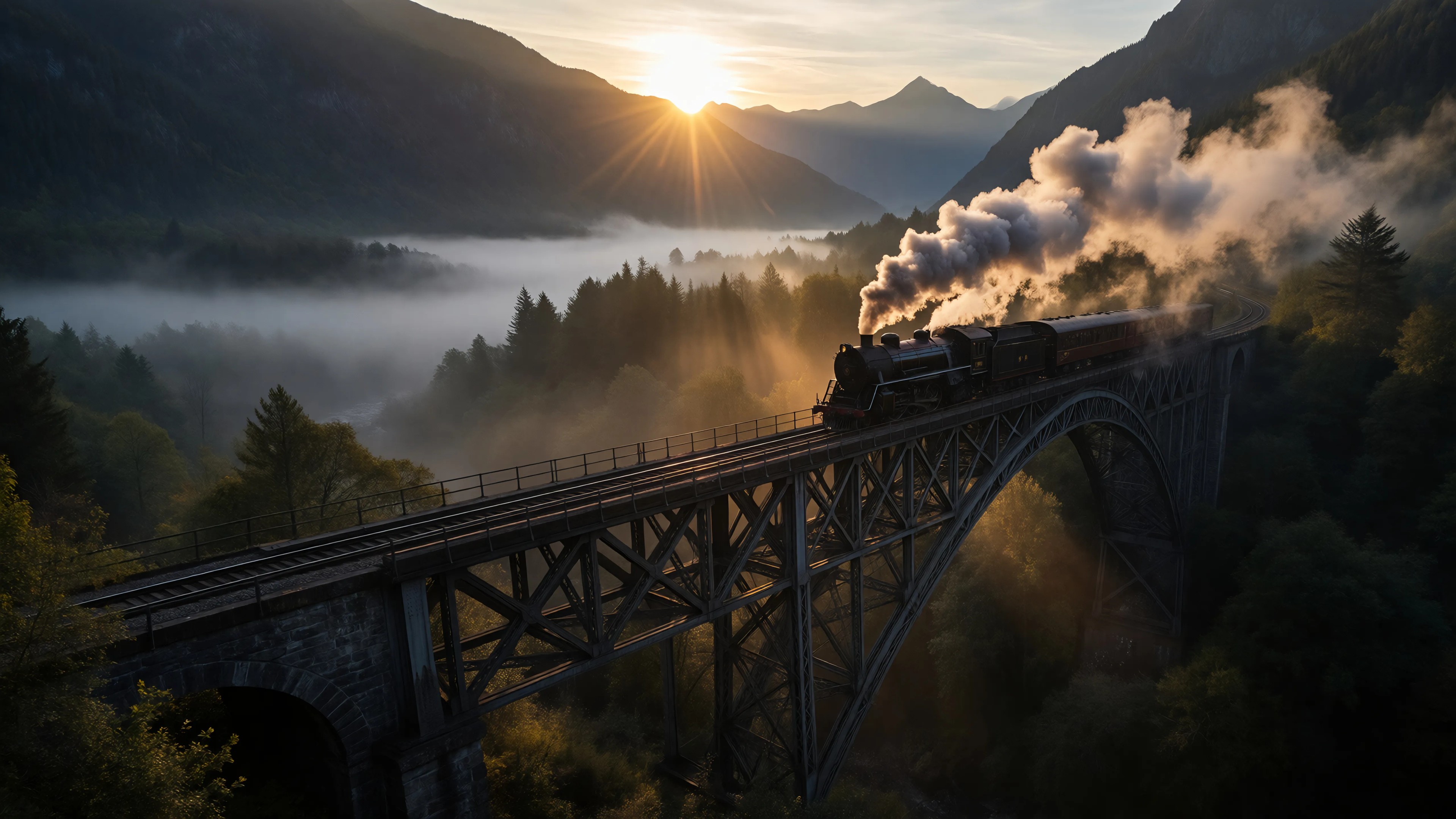
Ia-cinematic
image-to-image

Create a YouTube Header for "FLUXPRO" AI image generation
flux

Ia-stylized
image-to-image

Image of an ai painting a human and a human painting an ai
flux
Video to sound generation
image-to-video
Models you can run on PixelDojo for ai music generator
Switch models without switching tools. Each one runs in the same PixelDojo studio.
What you can do with ai music generator on PixelDojo
Create Music from Text
Creators enter descriptive prompts and we generate matching audio tracks using our models.
Select Music Genres
We support generation across multiple genres so creators can match specific project needs.
Modify Track Elements
Creators adjust parameters such as tempo and instrumentation after the first generation.
Download Audio Files
We deliver tracks in common formats ready for editing or distribution.
Join thousands of creators who have generated over 1 million tracks using PixelDojo's AI music tools, achieving a 98% satisfaction rate.
Why Choose Pixel Dojo for ai music generator
Professional-quality results with cutting-edge AI technology
Effortless Music Creation
Generate high-quality, custom music tracks in minutes, saving time and resources.
Tailored Soundtracks
Customize genres, moods, and tempos to perfectly match your project's theme.
Royalty-Free Licensing
Use your AI-generated music without worrying about copyright issues or additional fees.
How It Works
Creating your own AI-generated music with PixelDojo is simple and intuitive. Follow these steps to bring your unique soundtracks to life:
Step 1: Select Your Music Style
Choose from a variety of genres and moods to set the foundation for your track.
Step 2: Input Your Preferences
Specify details like tempo, instruments, and duration to customize your composition.
Step 3: Generate and Download
Click 'Generate' to create your track, then preview and download the final version.
The Pixel Dojo Advantage
Why PixelDojo is the superior choice for AI-generated music:
| Others | Pixel Dojo |
|---|---|
| Traditional Music Composition | Eliminates the need for musical training and reduces production time significantly. |
| Stock Music Libraries | Provides unique, customizable tracks instead of generic, overused stock music. |
| Other AI Music Tools | Offers a more intuitive interface with greater customization options and royalty-free licensing. |
Loved by creators on PixelDojo
Real feedback from people using PixelDojo, pulled from our in-product surveys.
I’ve been using PixelDojo for around 8 months now and it’s always worked wonderfully while constantly adding features.
The site is easy to navigate and use.
All the tools, readily available and easy to understand
You guys, the LORA training is the BEST in the space right now, great job with that!
Tons of variety. Ease of use. Tools for beginners and advance users.
easiest workflow to get best output image or video
Explore more AI tools on PixelDojo
AI Tools
Compare & Switch
- Best AI Image Generators
- Best AI Video Generators
- Midjourney Alternatives
- Civitai Alternatives
- Runway Alternatives
- Leonardo Alternatives
- Pika Alternatives
- Luma Alternatives
- Magnific Alternatives
- Veo Alternatives
- Flux Alternatives
- Freepik Alternatives
- Seedance Alternatives
- Seedream Alternatives
- Pixverse Alternatives
- GPT Image Alternatives
- Synthesia Alternatives
- Playground Alternatives
- NightCafe Alternatives
- Canva AI Alternatives
- ElevenLabs Alternatives
- ComfyUI Alternatives
- Fal Alternatives
- Replicate Alternatives
Common Questions
Everything you need to know about ai music generator
Can I use the AI-generated music for commercial projects?
Yes, all music created with PixelDojo's AI tools is royalty-free and can be used in commercial projects without additional fees.
Do I need musical experience to use PixelDojo's AI music generator?
No, our tools are designed for users of all skill levels, allowing anyone to create professional-quality music.
How customizable are the AI-generated tracks?
You can customize various aspects, including genre, mood, tempo, instruments, and duration, to create a track that fits your specific needs.
Is there a limit to the number of tracks I can generate?
PixelDojo offers various subscription plans to suit different needs, including options for unlimited track generation.
Can I edit the AI-generated music after creation?
Yes, you can further edit and refine your tracks using PixelDojo's built-in editing tools or export them for use in other software.
What file formats are available for download?
Generated tracks can be downloaded in multiple formats, including MP3 and WAV, to suit your project's requirements.