ai photo expander
Generated on PixelDojo. Produced by PixelDojo's generation pipeline.
Your photos don't have to stay trapped in the original frame. With PixelDojo's AI photo expander you instantly uncrop images, stretch a vertical portrait into a wide cinematic banner, or add breathing room around a product so your headline and logo sit perfectly. You keep every original pixel exactly as you shot it while the AI generates matching sky, walls, landscapes, or interiors that blend so naturally no one can see the join. Whether you need a 16:9 YouTube thumbnail from a square shot, extra space for Instagram Stories, or a full scene that was never captured, you get professional results in seconds instead of hours of cloning and painting. Thousands of creators already use this to rescue tight crops, repurpose one photo across every platform, and create marketing assets that look shot on location. Start expanding today and watch your images grow into exactly the composition you need.
Real image examples generated on PixelDojo
Every example below was produced on PixelDojo. Hover to see the prompt.
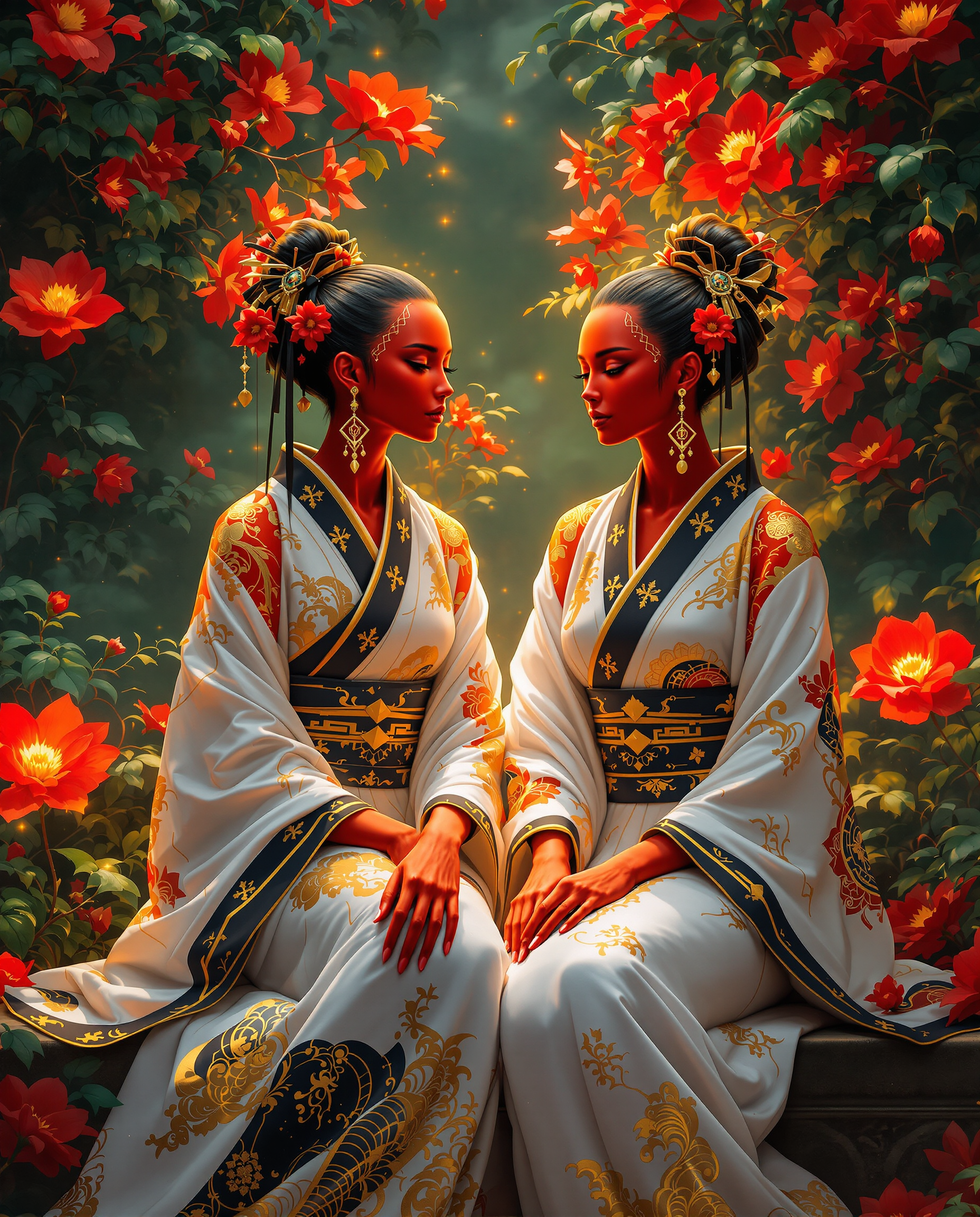
This is a realistic photo photograph of two female real persons intricate and vibrant digi…
flux
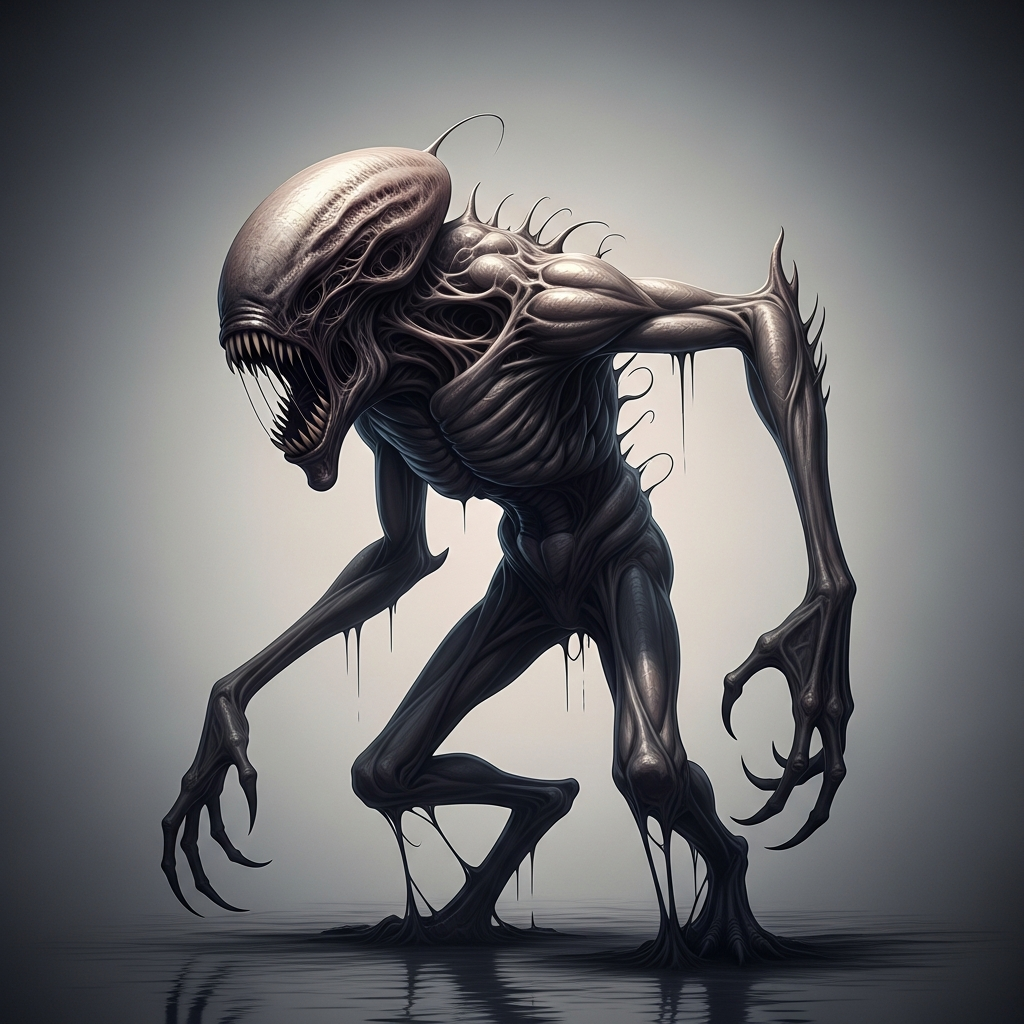
“Generate a creature that cannot be categorized or compared to anything within human imagi…
imagen
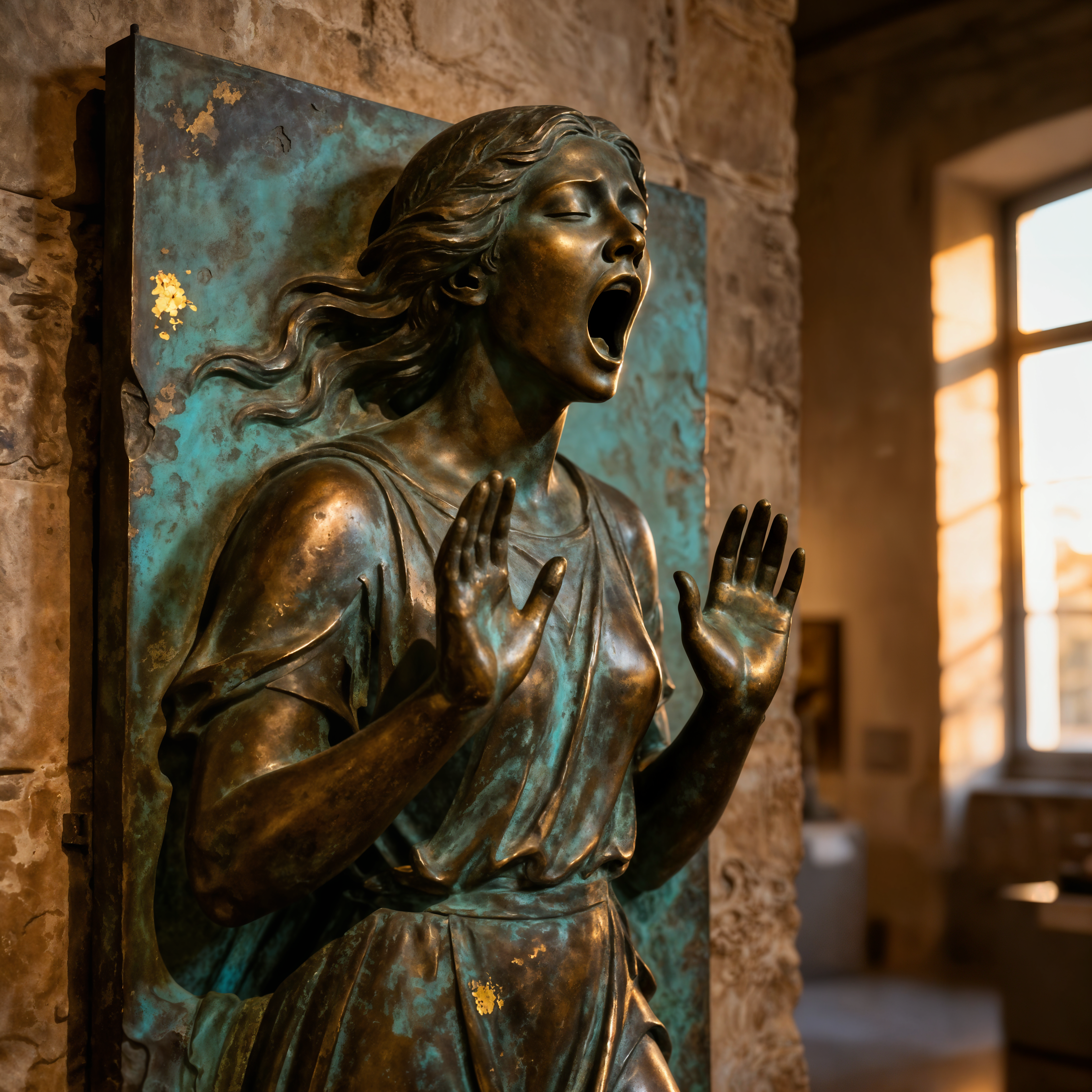
ai photo expander on PixelDojo
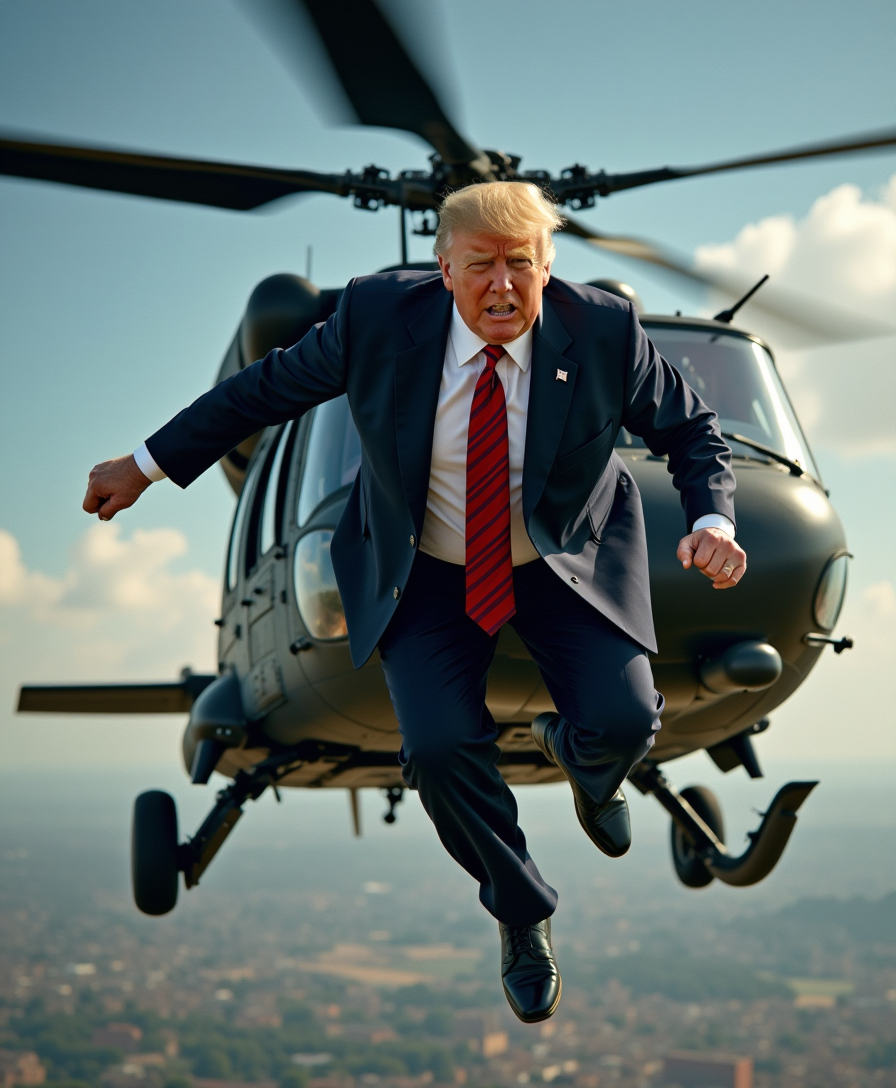
Donald Trump as parachutist jumping out of a Black Hawk helicopter
flux
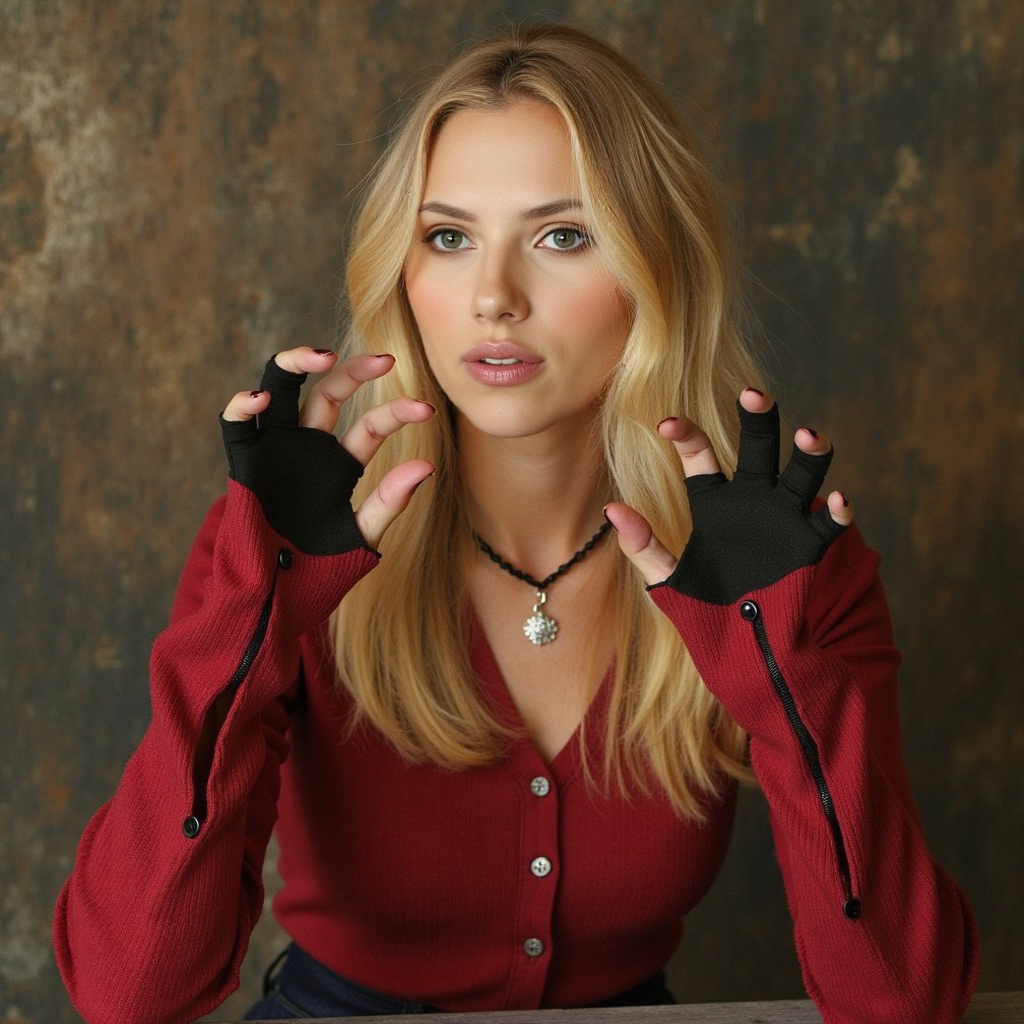
ai photo expander on PixelDojo
flux-inpainting-lora
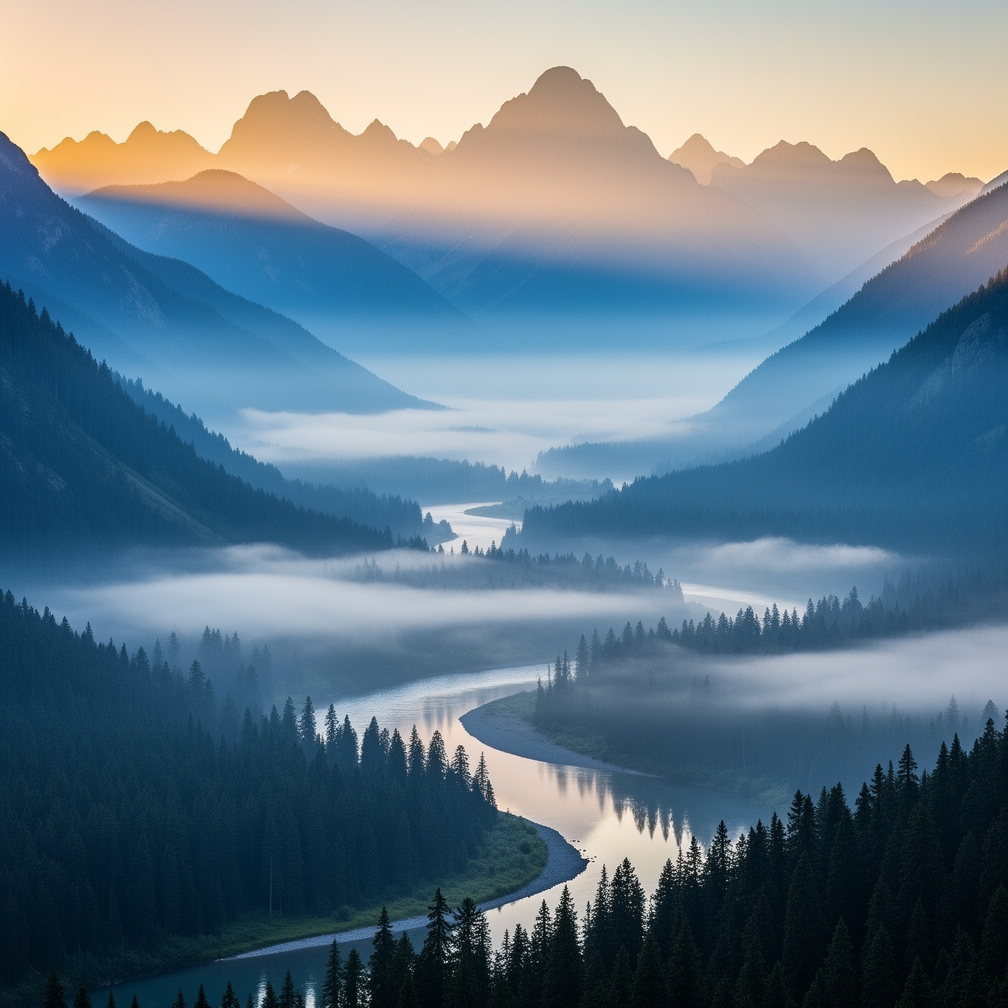
A misty mountain valley at dawn
flux-2-flex
Models you can run on PixelDojo for ai photo expander
Switch models without switching tools. Each one runs in the same PixelDojo studio.
What you can do with ai photo expander on PixelDojo
Expand Photos Beyond Borders
We grow an existing photo outward so new content fills the extra canvas while staying consistent with the original scene.
Match Lighting and Style
We follow the colors, lighting, and composition of your source image so added regions look like they belong.
Set Size and Aspect Ratio
We let you pick a wider, taller, or square canvas and generate the missing areas to fit that layout.
Steer New Areas With Prompts
We accept a short prompt so you can guide what appears in the expanded space, from extra background to new subjects that fit the photo.
Loved by thousands of creators worldwide. 40+ cutting-edge AI tools including Image Outpainting, Magnific Upscaler and Flux.2 Studio. Cancel anytime — try it risk-free today.
Why Choose Pixel Dojo for ai photo expander
Professional-quality results with cutting-edge AI technology
Fit Every Platform Without Losing Your Subject
Turn a tightly cropped portrait into a 16:9 banner, 9:16 Story or square thumbnail while your subject stays perfectly centered and untouched. You never crop away important details again.
Add Marketing Space Instantly
Generate extra background around products or people so you have room for headlines, logos and calls-to-action. One photo becomes every size you need for ads, websites and social.
Rescue Shots You Thought Were Unusable
A subject cut off at the edge, a landscape missing sky, a product too close to the frame — PixelDojo's AI photo expander completes the scene naturally so you keep the shot instead of reshooting.
How It Works
PixelDojo's Image Outpainting tool makes expanding photos as simple as choosing a new size and letting the AI continue the scene. You stay in control of the look while the technology handles the seamless blend.
Step 1: Choose Your Tool
Open Edit Images and select Image Outpainting. Upload any JPG or PNG. The tool automatically analyzes the edges of your photo so it understands lighting, texture and perspective before generating anything new.
Step 2: Enter Your Prompt
Choose a new aspect ratio or drag the canvas outward. Add an optional prompt that describes the whole scene you want, for example “continue the misty pine forest with matching cinematic lighting and distant mountains.” The AI uses both the original pixels and your words to create a natural extension.
Step 3: Customize & Download
Generate multiple variations, pick the best blend, then enhance further with Magnific Upscaler or Reality Polisher if you need extra sharpness. Download in high resolution ready for print, web or video. You can even send the expanded still into Kling Video or WAN 2.7 Video to turn it into motion.
The Pixel Dojo Advantage
Why PixelDojo outperforms other options for AI photo expander image generation
| Others | Pixel Dojo |
|---|---|
| Traditional photo expansion | You wait hours cloning pixels and painting by hand; PixelDojo generates a complete, matching scene in seconds so you move on to the next project. |
| Generic AI tools | Most tools give you one basic expander. PixelDojo pairs Image Outpainting with 40+ specialized models including Flux.2 Studio, Magnific Upscaler and Change Camera Angle so every expansion looks professional and on-brand. |
| Manual photo editing | You need years of Photoshop skill to hide seams and match lighting. PixelDojo's AI photo expander does the matching automatically, giving you client-ready files even if you have never opened an editor. |
Loved by creators on PixelDojo
Real feedback from people using PixelDojo, pulled from our in-product surveys.
Great variety of tools to create and modify images and video.
Lots of Tools, and the one time I needed support I got help right away
Easy to use once you get the hang of it
Love it make anything I can think of so far
Great for all your ideas use it encourage more people to use it
Because it is awesome
Explore more AI tools on PixelDojo
AI Tools
Compare & Switch
- Best AI Image Generators
- Best AI Video Generators
- Midjourney Alternatives
- Civitai Alternatives
- Runway Alternatives
- Leonardo Alternatives
- Pika Alternatives
- Luma Alternatives
- Magnific Alternatives
- Veo Alternatives
- Flux Alternatives
- Freepik Alternatives
- Seedance Alternatives
- Seedream Alternatives
- Pixverse Alternatives
- GPT Image Alternatives
- Synthesia Alternatives
- Playground Alternatives
- NightCafe Alternatives
- Canva AI Alternatives
- ElevenLabs Alternatives
- ComfyUI Alternatives
- Fal Alternatives
- Replicate Alternatives
Common Questions
Everything you need to know about ai photo expander
How does an AI photo expander work with PixelDojo Image Outpainting?
You upload your photo, the AI studies the pixels at every edge, then generates new content that continues the lighting, texture and perspective. You choose how far to expand and optionally add a prompt describing the full scene. The original image stays 100 percent intact while the new areas blend invisibly.
Can I expand photos that contain people using the AI photo expander?
Yes. PixelDojo's Image Outpainting handles portraits and groups well when you expand gradually and keep the original subject fully inside the frame. For best results leave a little extra space around faces and use a prompt that describes the continued environment rather than inventing new people.
What is the best way to get seamless results with AI photo expander?
Expand in one direction at a time, overlap the original image by 10-20 percent so the AI has context, and describe the entire scene in your prompt. After generation, run the result through Magnific Upscaler or Reality Polisher to match sharpness across the whole image.
How do I turn a vertical photo into a wide banner with AI photo expander?
Upload the vertical shot to Image Outpainting, select 16:9 or drag the sides outward, add a prompt such as “extend the landscape naturally with matching sky and foreground,” generate, then download. Your subject stays exactly where you placed it while the sides fill with new, coherent scenery.
Does PixelDojo AI photo expander work for product photos and e-commerce?
Absolutely. Continuous surfaces like tabletops, studio backdrops and simple interiors expand most cleanly. You can add extra space around a product for text overlays or change a square packshot into a wide lifestyle banner without another photoshoot.
Can I combine the expanded photo with other PixelDojo tools?
Yes. After Image Outpainting you can send the result to Style Transfer, Magic Lighting, Background Remover or even Kling Video and WAN 2.7 Video. One expanded still becomes a complete campaign asset across images and motion.