ai photo upscaler
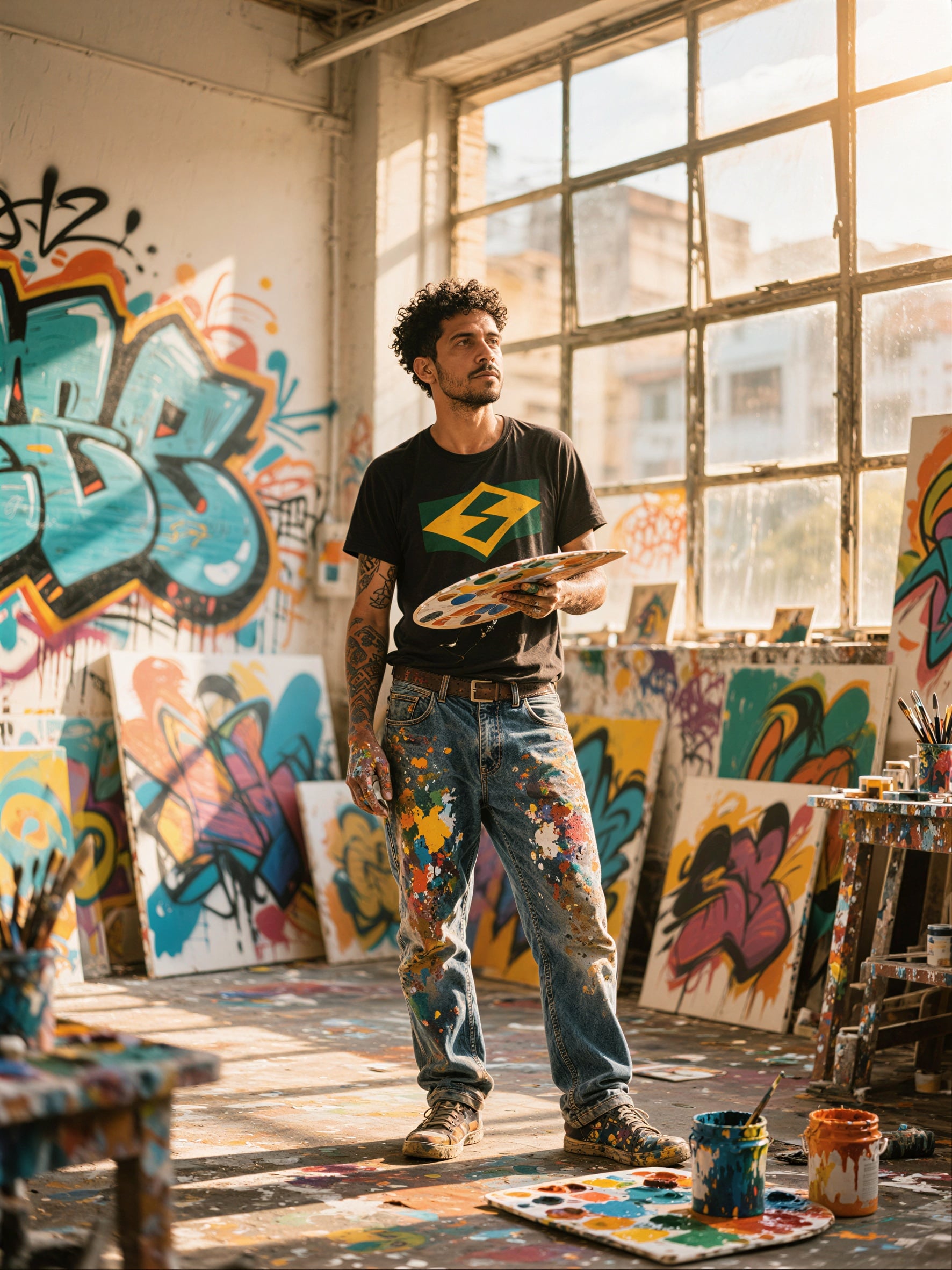
Generated on PixelDojo. Produced by PixelDojo's generation pipeline.
Your photos deserve to shine at any size. Whether you need gallery-quality prints from a faded family snapshot, zoomable product shots that convert browsers into buyers, or crisp social assets that stop the scroll, PixelDojo's AI photo upscaler delivers professional results in seconds. Upload any low-resolution image and watch it transform into a sharp, detailed masterpiece ready for 4K screens, large-format prints, or high-traffic ecommerce listings. You achieve natural textures, preserved identities in portraits, and commercial-grade clarity without hours of manual work or expensive reshoots. Thousands of creators already use these tools to turn everyday images into assets that sell more, tell better stories, and last for generations. Start with the outcome you want—print-ready files, higher conversion rates, or restored memories—and let PixelDojo handle the rest.
Real image examples generated on PixelDojo
Every example below was produced on PixelDojo. Hover to see the prompt.
P-Image Upscale
p-image-upscale
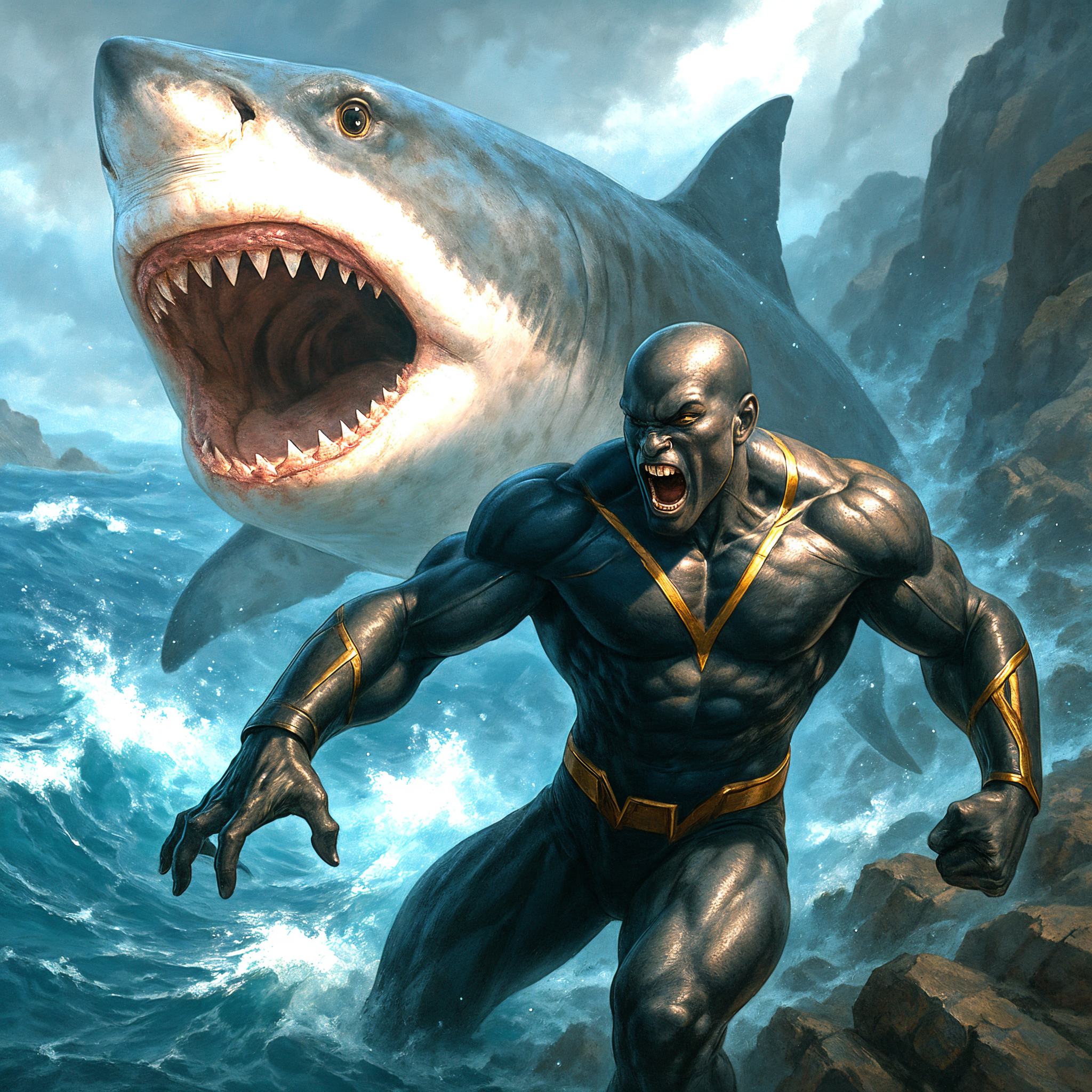
Upscaled version
stable-diffusion
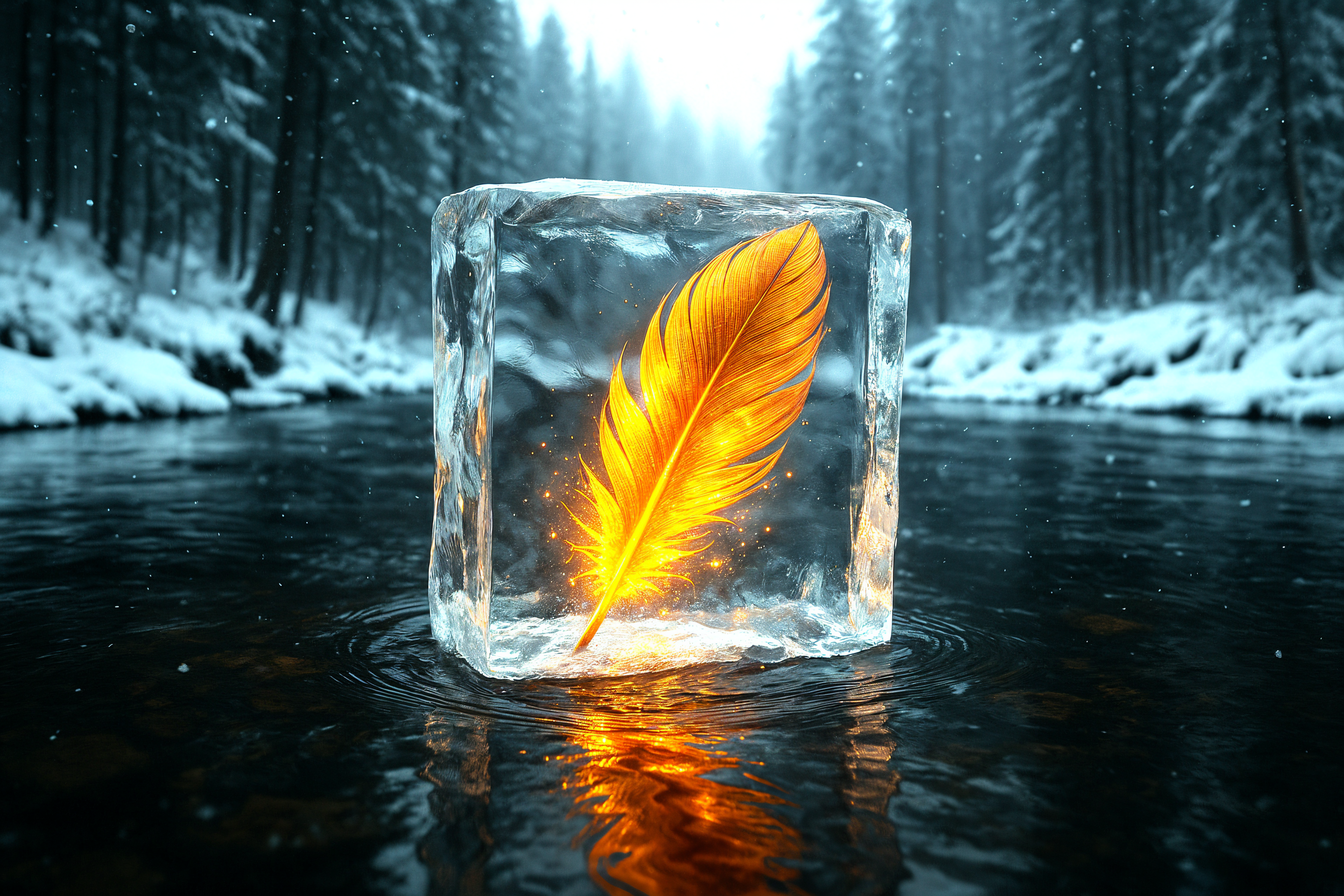
Upscaled version
stable-diffusion
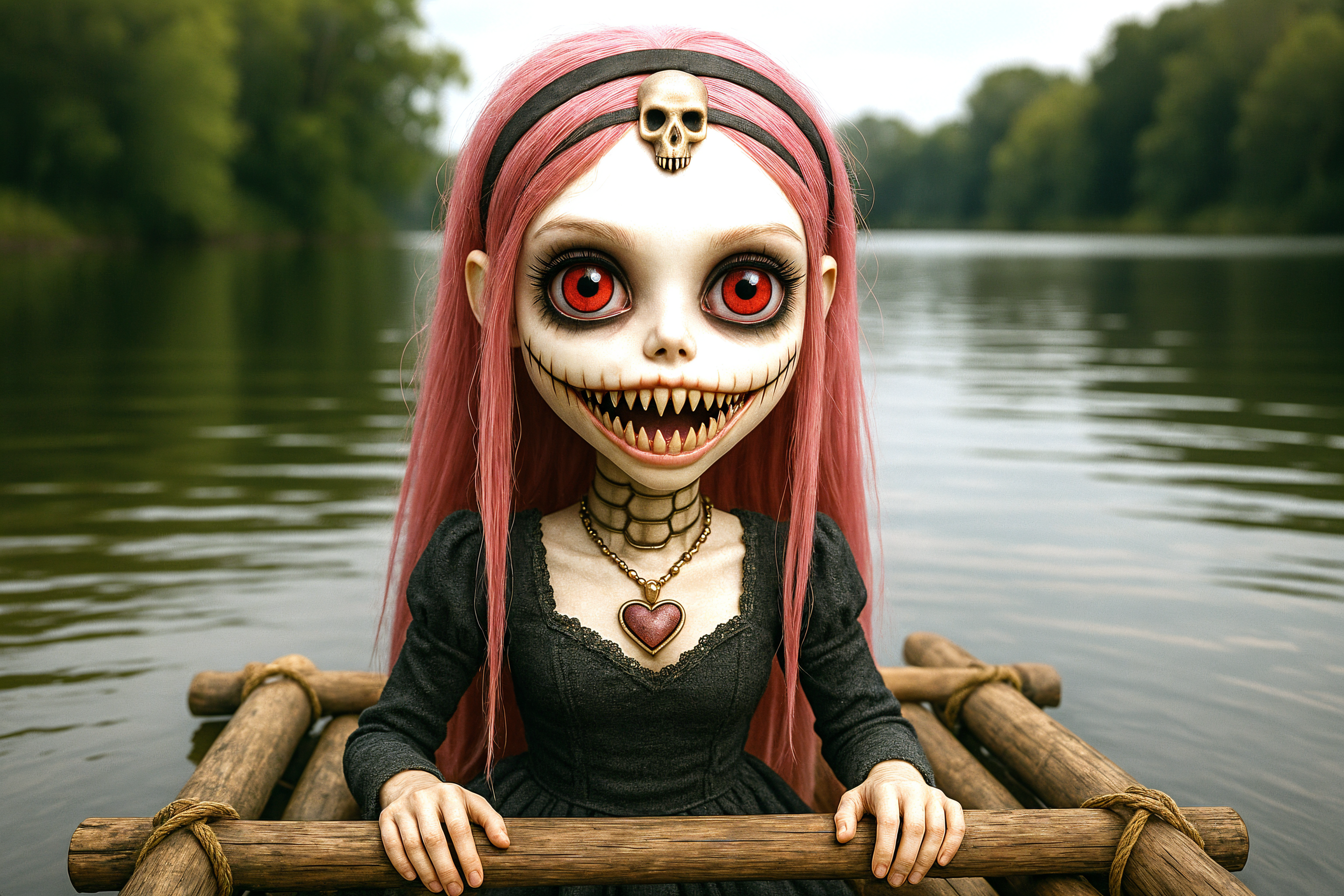
Upscaled version
stable-diffusion
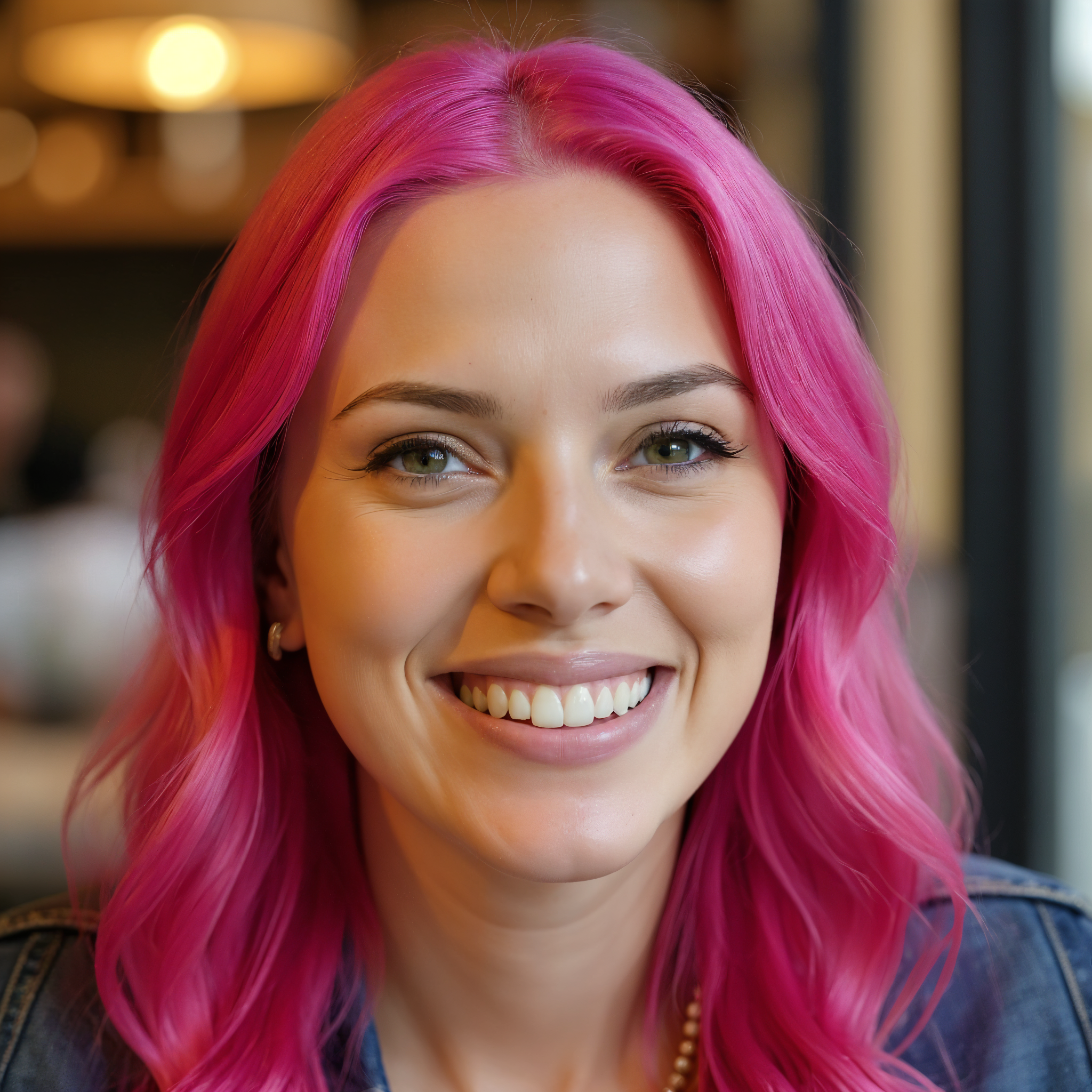
Upscaled version
flux-studio
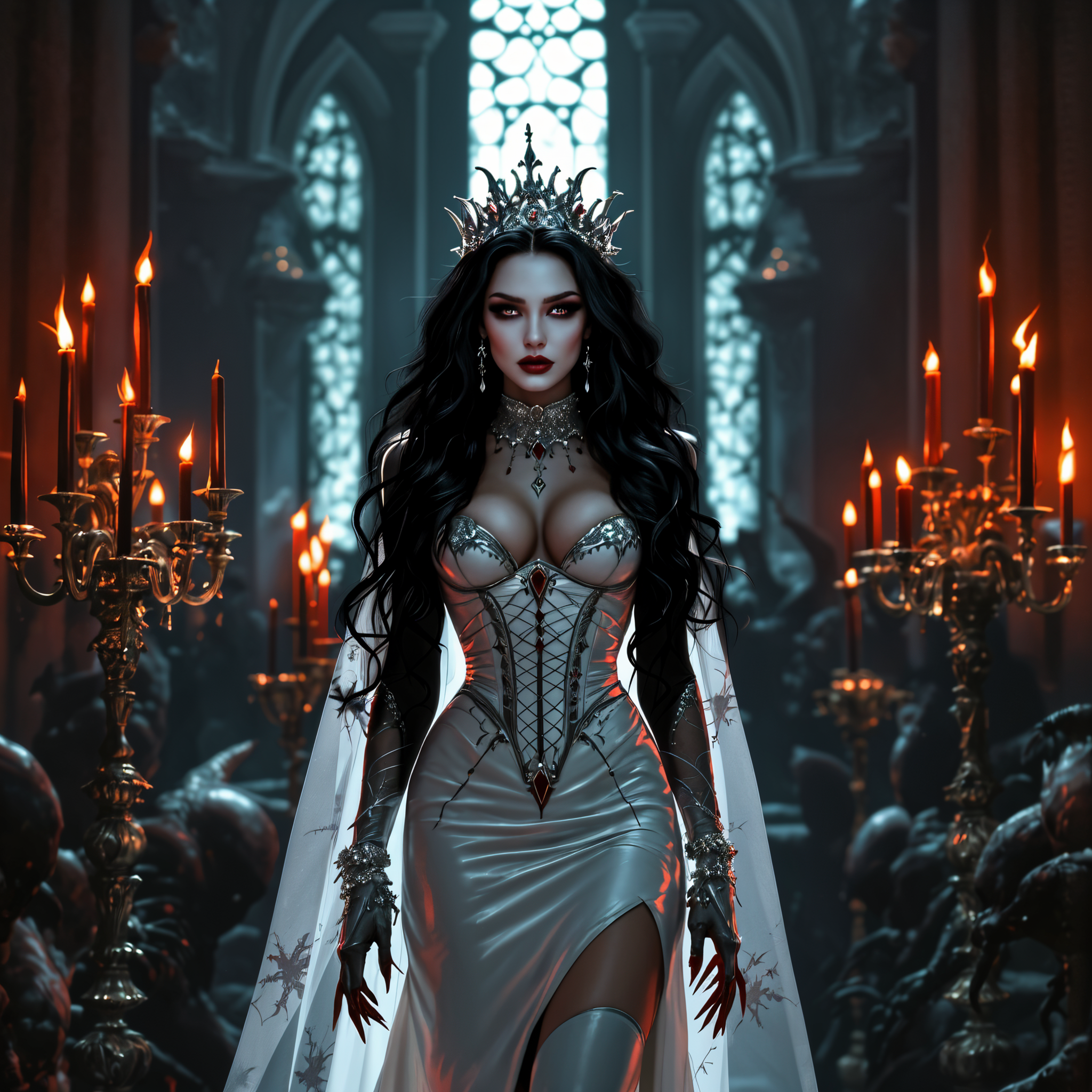
Upscaled version
flux-studio
Models you can run on PixelDojo for ai photo upscaler
Switch models without switching tools. Each one runs in the same PixelDojo studio.
What you can do with ai photo upscaler on PixelDojo
Sharper High Resolution Output
We upscale photos while keeping edges, textures, and fine detail intact so your images stay clear at larger sizes.
Restore Faces and Text
We recover facial features, lettering, and small patterns that often soften when you enlarge a photo for print or crop.
Match Print and Web Sizes
We let you set target dimensions and quality so you can prepare files for stores, galleries, and social platforms.
Batch Upscale Creator Libraries
We process many images in one run so you can refresh older shots and product photos without repeating the same steps.
Loved by thousands of creators worldwide who produce print-ready and ecommerce-ready images every day. 40+ cutting-edge AI tools in one platform, with results that look natural at any scale. Cancel anytime—try it risk-free today.
Why Choose Pixel Dojo for ai photo upscaler
Professional-quality results with cutting-edge AI technology
Create Gallery-Quality Prints from Any Snapshot
You turn old, small, or compressed photos into large-format prints that stay sharp even when viewed up close. Family portraits, product hero shots, and artwork become frame-worthy without visible pixels or plastic-looking skin.
Boost Ecommerce Sales with Zoomable Detail
You give shoppers the confidence to buy by delivering crisp, high-resolution product images that reveal fabric texture, labels, and fine details. Higher-quality visuals consistently drive more conversions and fewer returns.
Restore Memories and Enhance Creations Instantly
You revive damaged or low-res family photos while keeping faces recognizable, and you polish AI-generated images so they look professionally finished. All in one seamless workflow that saves hours.
How It Works
You create stunning high-resolution photos in three simple steps using PixelDojo's dedicated upscale tools. No design skills required—just choose the right enhancer for your image type and download print-ready or web-ready files.
Step 1: Choose Your Tool
Open the Upscale & Enhance section and pick the perfect match: Magnific Upscaler for creative detail that adds richness, Clarity Pro for faithful photorealistic sharpening, Portrait Upscaler to keep faces natural, P-Image Upscale for everyday photos, or Creative Upscaler for artistic work. Each tool is optimized so your specific image type looks its best.
Step 2: Enter Your Prompt
Upload your photo. For Magnific Upscaler you can add a short prompt to guide extra detail if you want a creative lift. Select your scale (2x or 4x is usually perfect) and any extra options like face preservation. The AI reconstructs missing information so the result looks like it was captured at high resolution originally.
Step 3: Customize & Download
Preview the enhanced image, make tiny tweaks if needed, then download in the format and size you need—PNG or JPG, ready for print, ecommerce platforms, or social. You can send the result straight into other PixelDojo tools like Background Remover or Image Outpainting for a complete workflow.
The Pixel Dojo Advantage
Why PixelDojo outperforms other options for AI photo upscaler results you can actually use
| Others | Pixel Dojo |
|---|---|
| Traditional photo enlargement | You skip expensive professional labs and weeks of waiting. PixelDojo delivers print-ready 4K and larger files in seconds with natural detail that traditional interpolation cannot match. |
| Generic AI tools | You get specialized engines instead of one-size-fits-all processing. Magnific Upscaler, Clarity Pro, and Portrait Upscaler each excel at different jobs so your portraits stay realistic and your products stay accurate. |
| Manual photo editing | You finish in minutes instead of hours spent in complex software. PixelDojo handles reconstruction, sharpening, and noise reduction automatically while you keep full commercial rights. |
Loved by creators on PixelDojo
Real feedback from people using PixelDojo, pulled from our in-product surveys.
Creative freedom, range of tools and options.
I love the training feature
the quality is the best
All the tools needed in one dashboard
Very fair and very broad in tools.
Accurate results
Explore more AI tools on PixelDojo
AI Tools
Compare & Switch
- Best AI Image Generators
- Best AI Video Generators
- Midjourney Alternatives
- Civitai Alternatives
- Runway Alternatives
- Leonardo Alternatives
- Pika Alternatives
- Luma Alternatives
- Magnific Alternatives
- Veo Alternatives
- Flux Alternatives
- Freepik Alternatives
- Seedance Alternatives
- Seedream Alternatives
- Pixverse Alternatives
- GPT Image Alternatives
- Synthesia Alternatives
- Playground Alternatives
- NightCafe Alternatives
- Canva AI Alternatives
- ElevenLabs Alternatives
- ComfyUI Alternatives
- Fal Alternatives
- Replicate Alternatives
Common Questions
Everything you need to know about ai photo upscaler
How do I upscale photos to 4K for print with an AI photo upscaler?
Upload your image to PixelDojo and choose Clarity Pro or Magnific Upscaler. Select 2x or 4x scale depending on your original size and target print dimensions. The AI reconstructs realistic detail so the file meets 300 PPI standards for close-view prints. Download immediately and send to your printer—no extra software needed.
What is the best AI photo upscaler for ecommerce product images?
PixelDojo's P-Image Upscale and Clarity Pro are ideal because they preserve accurate textures, labels, and colors while adding the sharpness shoppers expect. You get zoomable hero images that increase conversion rates without introducing fake details that could mislead customers.
Can an AI photo upscaler restore old family photos without changing faces?
Yes. Use Portrait Upscaler or Clarity Pro on PixelDojo. These tools are designed to keep identity intact while recovering lost detail, reducing noise, and preparing the photo for large prints or digital sharing. You get a natural result that still looks like the original people.
How does PixelDojo's Magnific Upscaler work for creative versus faithful photo enhancement?
Magnific Upscaler lets you choose a creative mode that adds rich, plausible detail for art and illustrations, or a more restrained setting that stays closer to the original photograph. You control the look so ecommerce shots stay accurate while artistic pieces gain extra life.
Is PixelDojo's AI photo upscaler good for enhancing AI-generated images?
Absolutely. After you generate with any PixelDojo model such as Flux.2 Studio or Seedream 5, send the result straight to Magnific Upscaler or Creative Upscaler. The tools clean artifacts, add coherent high-frequency detail, and produce files ready for print or professional use.
How can I avoid plastic skin or artifacts when using an AI photo upscaler on portraits?
Select Portrait Upscaler or Clarity Pro and start with a 2x scale. These specialized tools prioritize natural skin texture and facial features. Review the 100 percent crop before downloading; you can always run a second gentle pass if needed. PixelDojo's workflow keeps results believable.