AI Typography Generator

Generated on PixelDojo. Produced by PixelDojo's generation pipeline.
PixelDojo is an AI typography generator that lets you turn words into polished letter art by choosing the best image model for the style, speed, and accuracy you need. The example shown was generated live on PixelDojo for this exact brief: "creative 3D typography of the word \"DREAM\" formed from flowers and vines, artistic lettering, white background". Running the same prompt across GPT Image 2, Flux 2 Pro, Google Nano Banana Pro, and Seedream 4.5 makes it easy to compare typography clarity, decorative detail, composition, and generation speed in one workspace.
Real image examples generated on PixelDojo
Every example below was produced on PixelDojo. Hover to see the prompt.
Create a YouTube Header for "FLUXPRO" AI image generation
flux

A highly detailed
stable-diffusion

Image of an ai painting a human and a human painting an ai
flux
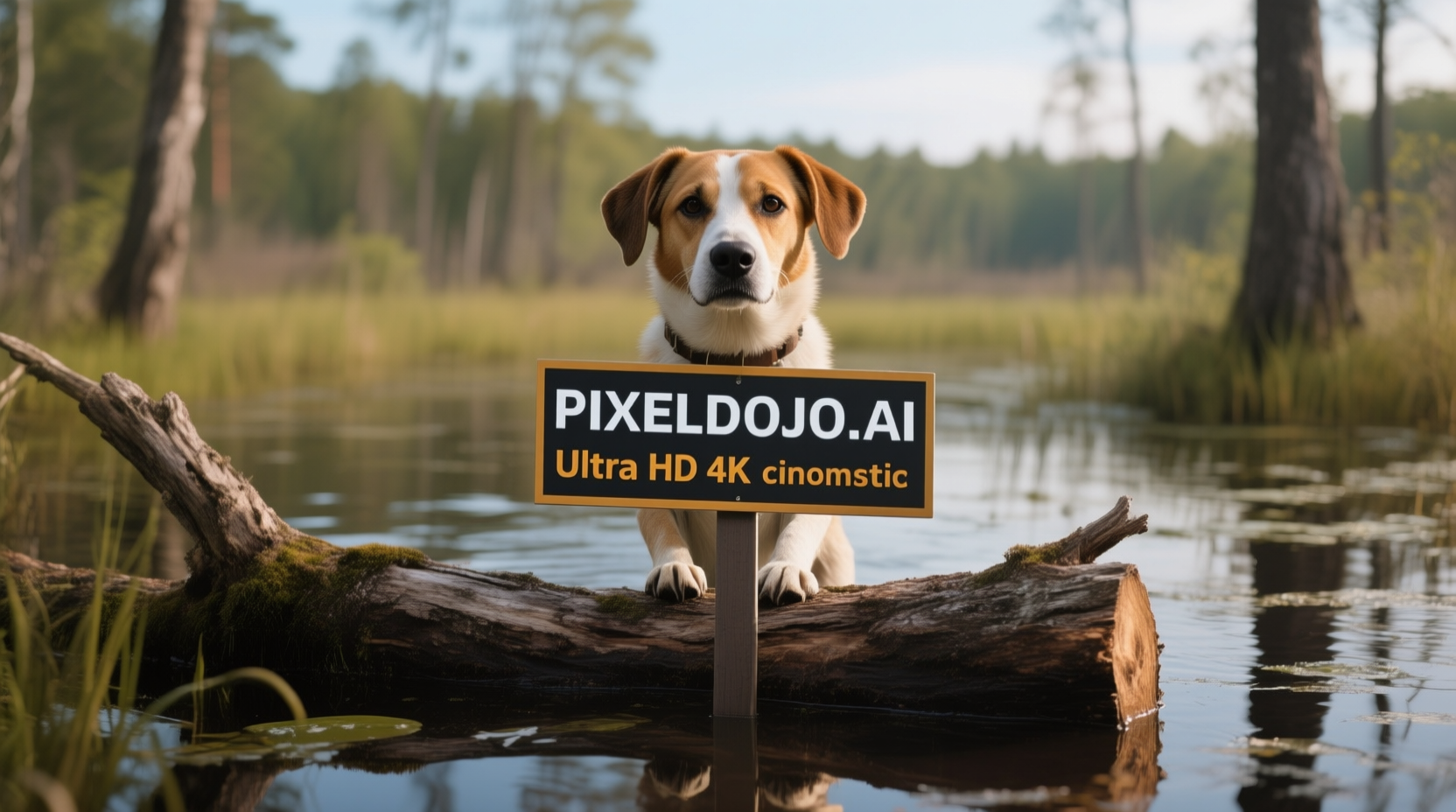
A dog in a bog on a log with a sign that reads PIXELDOJO
qwen-image
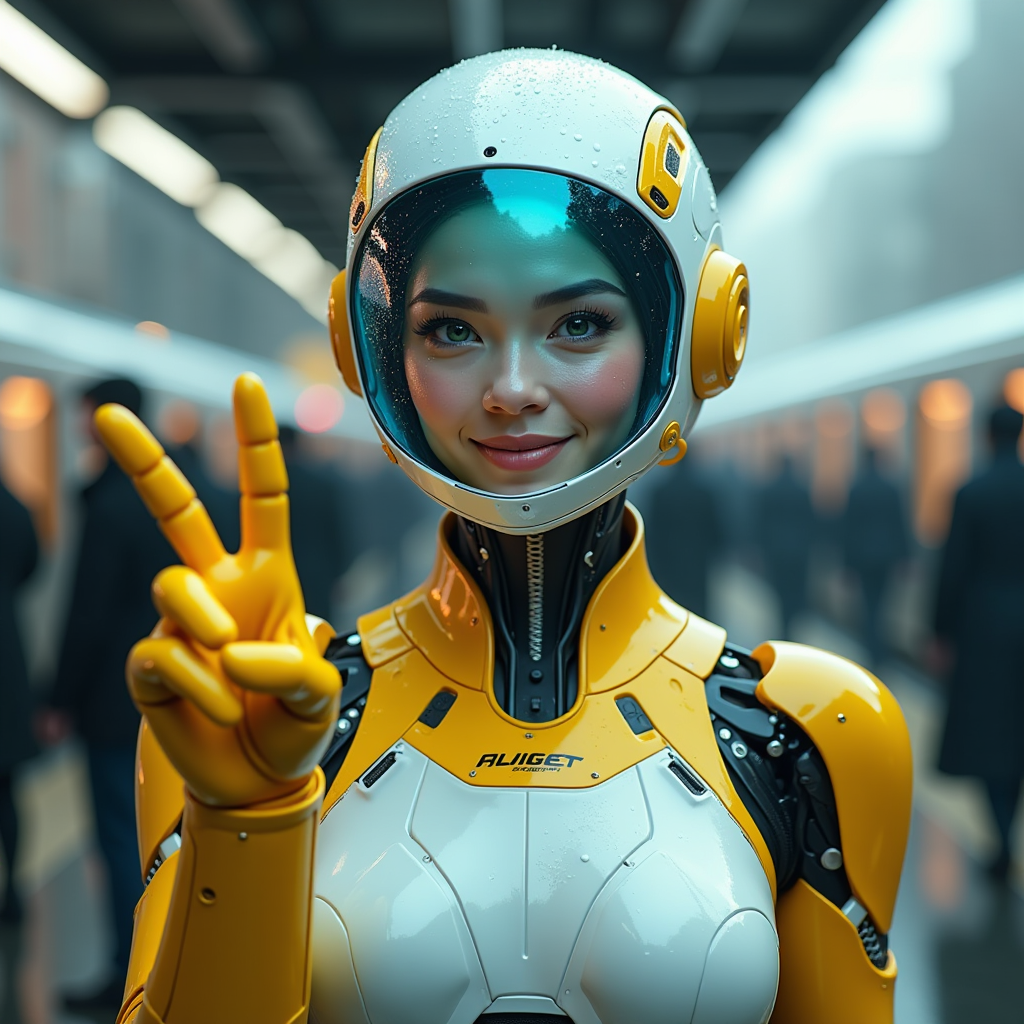
A hyper-realistic image of a female AI robot standing at a train station
flux
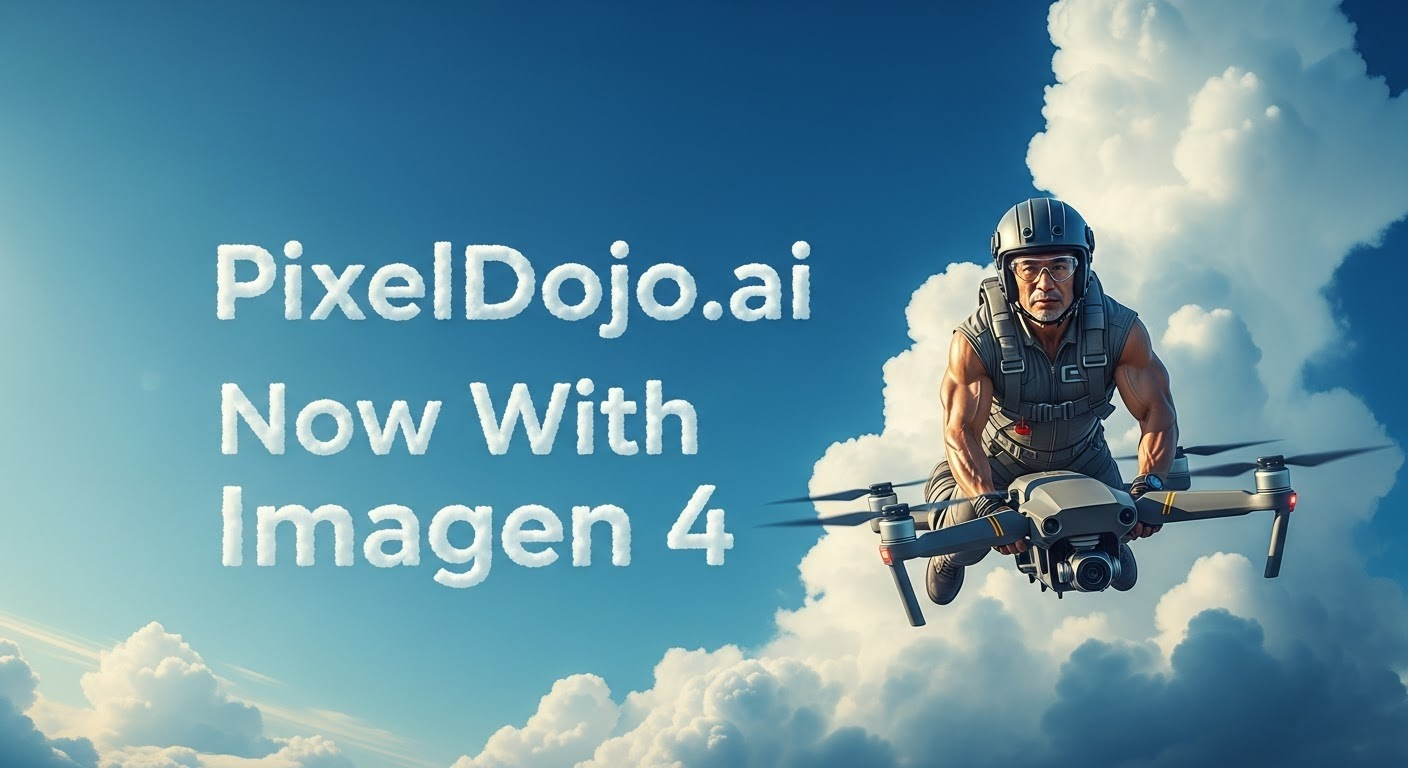
A photo of a man flying through the air on a drone
stable-diffusion
Models you can run on PixelDojo for AI Typography Generator
Switch models without switching tools. Each one runs in the same PixelDojo studio.
What you can do with AI Typography Generator on PixelDojo
Generate Custom Text Styles
We enable you to produce typography designs from text prompts. Adjust weight, spacing, and alignment within the generated image.
Select Font and Layout Options
We provide controls to choose fonts and arrange text blocks. Position and scale elements directly on the canvas before rendering.
Integrate Text with Scenes
We allow typography to appear within background environments. Text can follow surfaces or interact with objects in the image.
Export Print Ready Files
We support downloads in common image formats at multiple sizes. Files include standard color profiles for further use.
Why Choose Pixel Dojo for AI Typography Generator
Professional-quality results with cutting-edge AI technology
Compare top image models in one place
PixelDojo lets you run the same typography prompt across multiple models, so you can see which output has the cleanest letters, best material styling, and strongest overall design.
Build prompt variations faster
Test word choice, material, lighting, background, camera angle, and style without switching tools. For typography prompts, small wording changes can greatly improve letter shape and readability.
Create usable text art for real projects
Generate 3D word art, logo concepts, poster headlines, social graphics, merch mockups, album titles, event visuals, and decorative lettering with white, transparent-style, or designed backgrounds.
How It Works
Start with the exact word and material
Enter the word first, then describe how the letters should be formed. For example: "DREAM" formed from flowers and vines, glossy chrome letters, neon tubes, paper cutouts, embroidered thread, ice, candy, clay, smoke, or crystal.
Choose the model based on the goal
Use GPT Image 2 when letter accuracy and refined composition matter most. Use Flux 2 Pro for fast iteration. Use Google Nano Banana Pro for a strong balance of speed and text handling. Use Seedream 4.5 for expressive decorative styles.
Refine for readability
Add instructions such as "clear readable letters", "single word only", "centered composition", "white background", and "no extra text". If a letter is distorted, rerun with simpler materials or add spacing guidance.
Loved by creators on PixelDojo
Real feedback from people using PixelDojo, pulled from our in-product surveys.
phenomenal site. would highly recommend
Amazing features, easy to use, privacy
the number of options, and especially the quick response to questions on Discord
Love you guys!!
Trained my Lora super fast. Still working out how to creat content wit it, but I love it so far.
I love this app
Explore more AI tools on PixelDojo
AI Tools
Compare & Switch
- Best AI Image Generators
- Best AI Video Generators
- Midjourney Alternatives
- Civitai Alternatives
- Runway Alternatives
- Leonardo Alternatives
- Pika Alternatives
- Luma Alternatives
- Magnific Alternatives
- Veo Alternatives
- Flux Alternatives
- Freepik Alternatives
- Seedance Alternatives
- Seedream Alternatives
- Pixverse Alternatives
- GPT Image Alternatives
- Synthesia Alternatives
- Playground Alternatives
- NightCafe Alternatives
- Canva AI Alternatives
- ElevenLabs Alternatives
- ComfyUI Alternatives
- Fal Alternatives
- Replicate Alternatives
Common Questions
Everything you need to know about AI Typography Generator
What is an AI typography generator?
An AI typography generator creates stylized images of words or letters from a text prompt. In PixelDojo, you can describe the exact word, material, lighting, background, and artistic style, then compare outputs from several image models.
Which PixelDojo model is best for AI typography?
For finished typography where letter accuracy matters, GPT Image 2 is the strongest choice despite the longer 156.3s generation time. For rapid concepting, Flux 2 Pro at 12.7s is the fastest option. Google Nano Banana Pro at 15.5s is a strong balanced pick, while Seedream 4.5 at 22.6s works well for artistic and decorative lettering.
How do you prompt better AI typography?
Put the exact word in quotes, describe the material forming the letters, specify readability, and control the background. A strong structure is: "creative 3D typography of the word \"DREAM\" formed from flowers and vines, artistic lettering, white background, clear readable letters, no extra words".
Can PixelDojo make 3D typography?
Yes. PixelDojo can generate 3D typography styles such as sculpted floral letters, chrome text, inflated balloon letters, clay lettering, glass type, neon signage, carved stone, wooden letters, and product-style word art.
What should be avoided in AI typography prompts?
Avoid vague prompts, long phrases, multiple words when testing, and conflicting style instructions. Short words are easier to render clearly. If the result adds unwanted text, include "single word only" and "no extra text" in the prompt.