ai virtual try on AI Generator

Generated on PixelDojo. Produced by PixelDojo's generation pipeline.
Imagine seeing exactly how that dress, jacket, or full outfit drapes on your body—or on a model who matches your customers—without stepping into a fitting room or booking a photoshoot. With PixelDojo's AI virtual try-on, you generate photorealistic images that capture natural folds, lighting, and fit in seconds. Shoppers gain the confidence to buy knowing how clothes truly look. Fashion brands and marketers produce unlimited catalog shots, social posts, and ads without models, studios, or delays. You upload a person photo plus a garment image, and tools like Flux Pro Virtual Try-On and Virtual Try-On deliver authentic results that feel like real-life try-ons. Whether you're reducing e-commerce returns, testing styles for your audience, or building a consistent character wardrobe, you achieve professional fashion visuals faster and more affordably than ever. Start creating today and turn browsing into buying with images that convert.
Real image examples generated on PixelDojo
Every example below was produced on PixelDojo. Hover to see the prompt.
Small turtle swimming
stable-diffusion
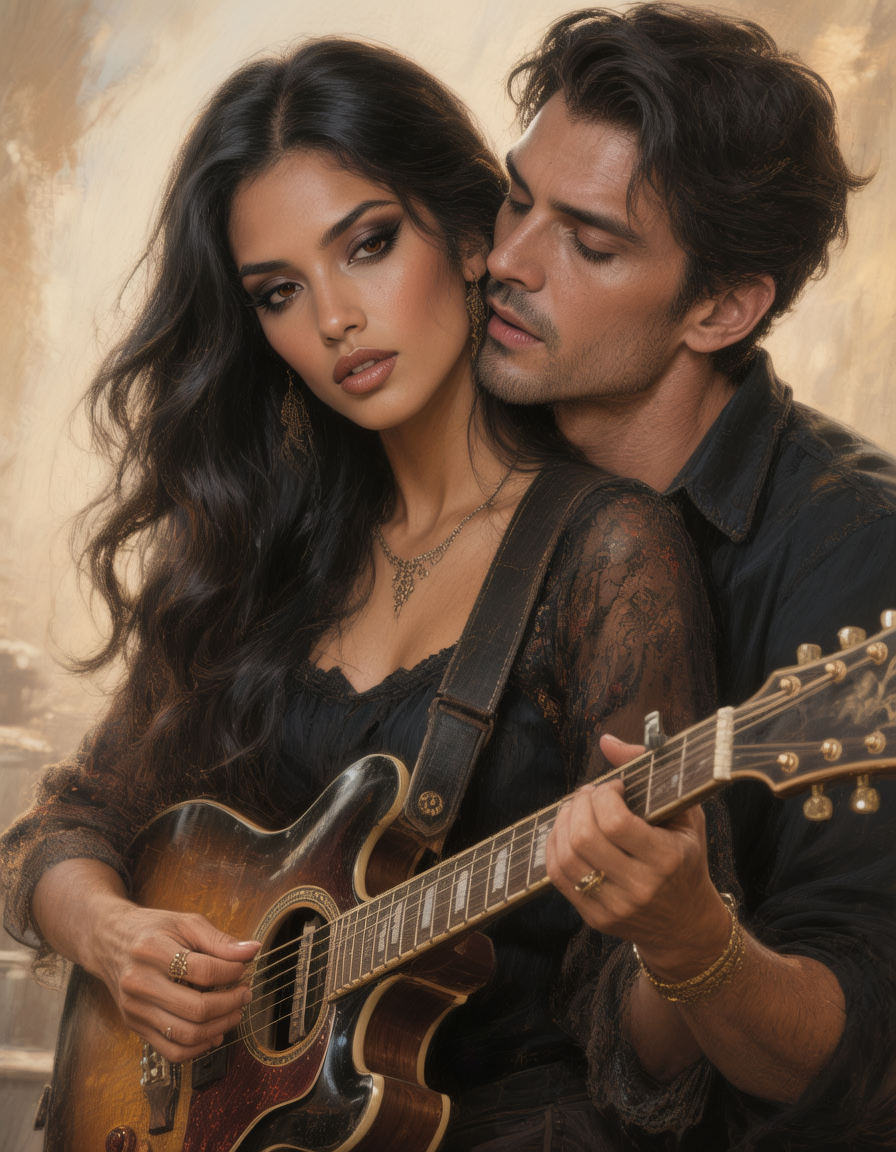
The Sultry Musician: Long
hunyuan-image-3
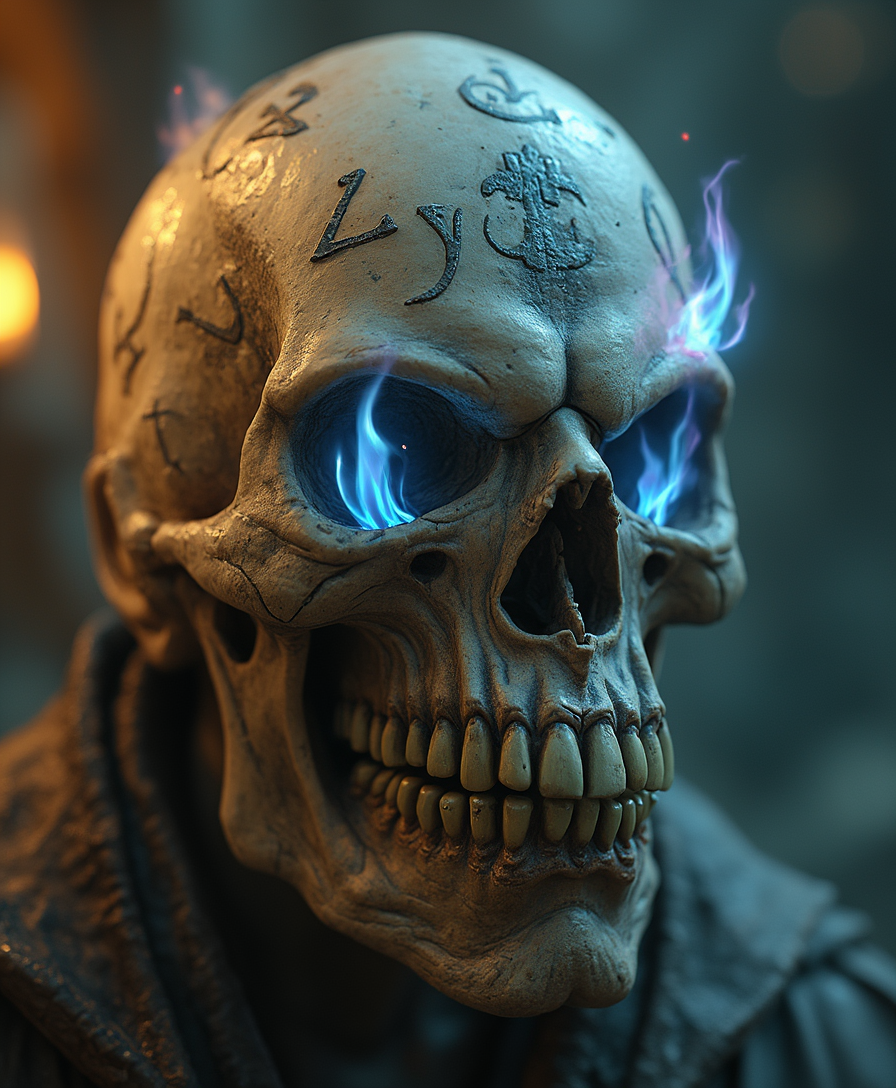
Closeup portrait of an old and weathered floating magical skull with runes sparsely scatte…
flux
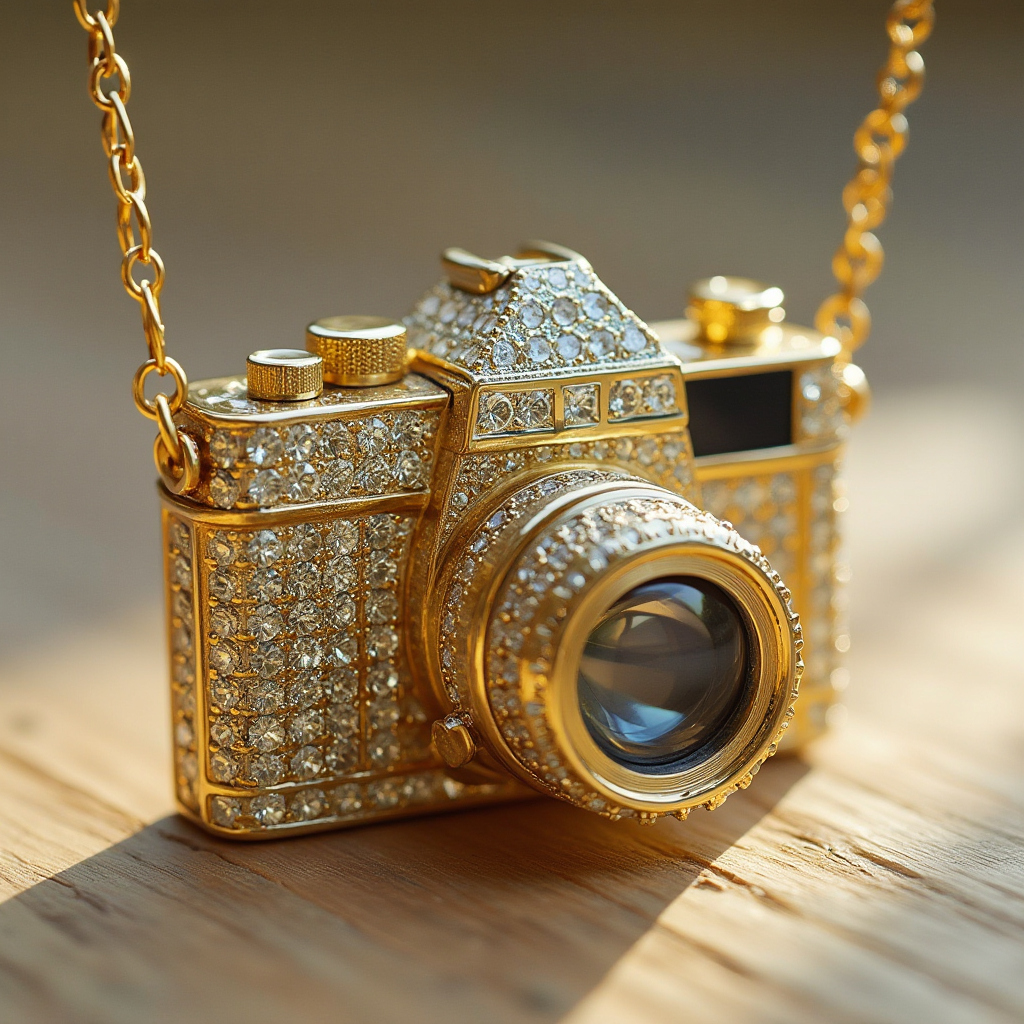
A gold pendant in the shape of a camera studded with diamonds
flux
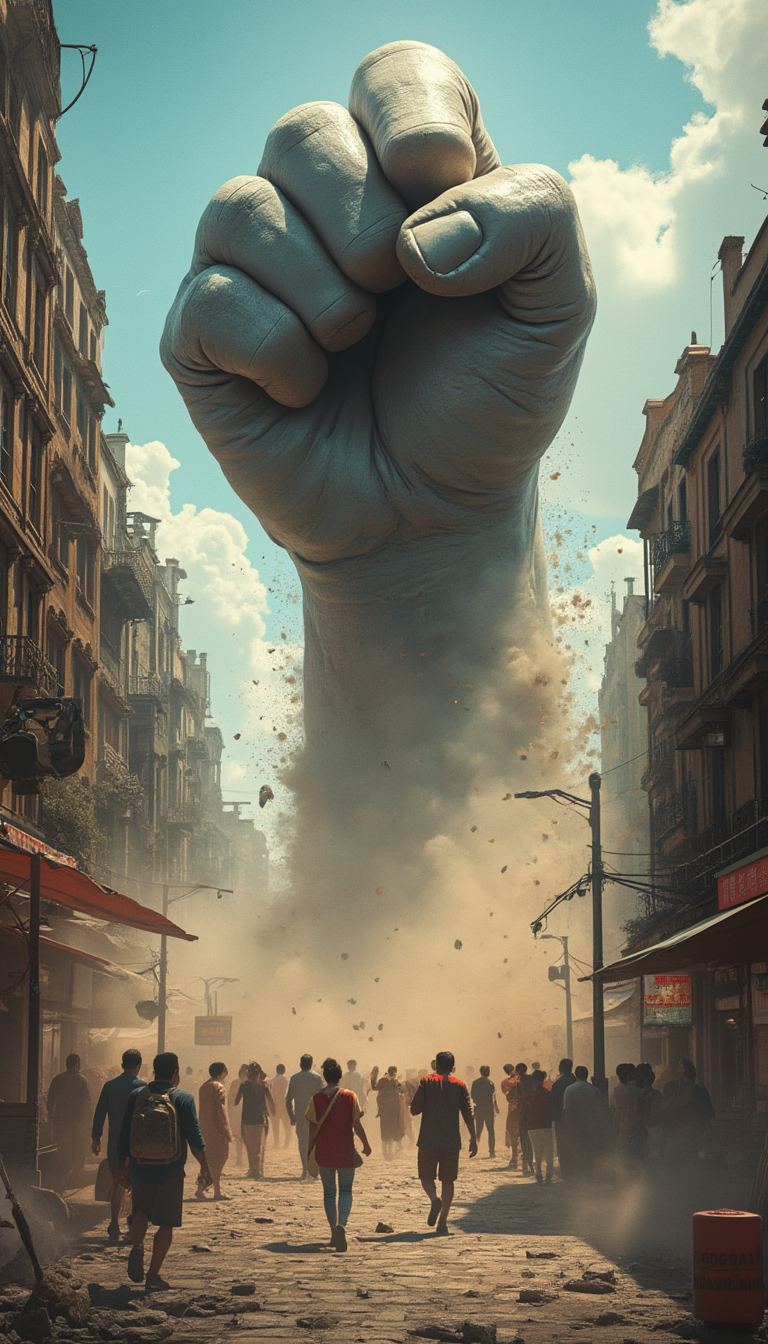
A giant fist suddenly fell from the azure sky
flux
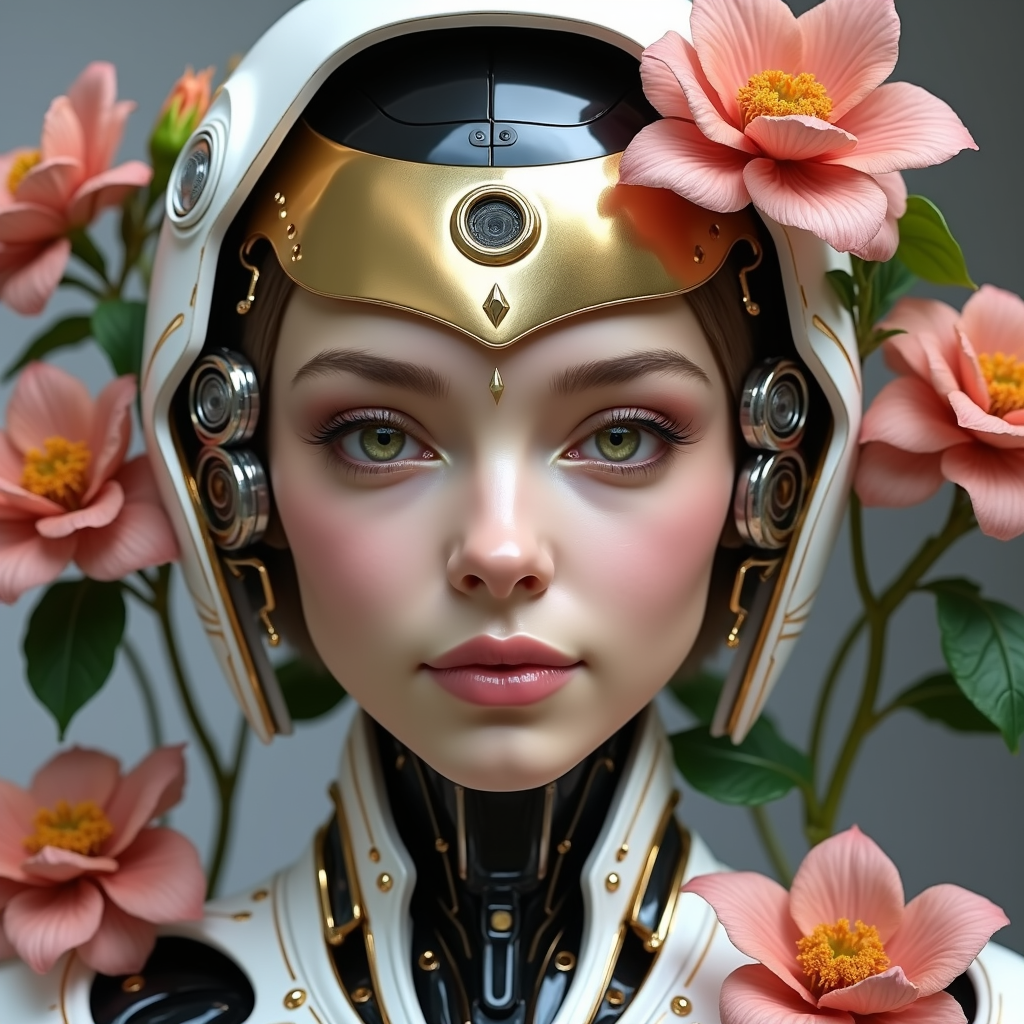
ai virtual try on on PixelDojo
flux-redux
Models you can run on PixelDojo for ai virtual try on
Switch models without switching tools. Each one runs in the same PixelDojo studio.
What you can do with ai virtual try on on PixelDojo
Try garments on photos
Upload a subject image and clothing references, then generate try-on shots that place the look on the person while keeping identity and framing intact.
Iterate cuts and colors
We let you swap fabrics, palettes, and layering across the same pose so you can compare options without a new photoshoot.
Keep lighting and pose
Virtual try-on runs on your source photo, so body pose, camera angle, and scene lighting stay consistent from look to look.
Export listing-ready images
Download the generated try-on stills at full resolution for catalogs, ads, and social posts you already publish.
Loved by thousands of creators, fashion brands, and shoppers worldwide. PixelDojo's 40+ cutting-edge AI tools power millions of virtual try-on images that help users visualize outfits, slash return rates, and launch campaigns in record time. Cancel anytime.
Why Choose Pixel Dojo for ai virtual try on
Professional-quality results with cutting-edge AI technology
See True Fit and Drape Instantly
You visualize how garments actually sit on your unique body shape, pose, and lighting. Generate images that show realistic wrinkles, textures, and proportions so you shop or sell with complete confidence instead of guessing.
Slash Returns and Supercharge Sales
E-commerce teams use your AI virtual try-on images to let customers preview outfits on themselves, dramatically cutting size-related returns while tripling add-to-cart rates. You deliver the in-store experience online and watch conversions climb.
Produce Unlimited Fashion Content Fast
Marketers and brands create catalog photos, lookbooks, and social assets without hiring models or studios. You generate diverse body types, poses, and outfit combinations in minutes using Flux Pro Virtual Try-On plus editing tools for polished, on-brand results.
How It Works
Creating stunning AI virtual try-on images on PixelDojo takes just three simple steps. You combine a person photo with any garment to produce photorealistic results you can refine and download immediately.
Step 1: Choose Your Tool
Select Flux Pro Virtual Try-On or Virtual Try-On from the Characters & Faces suite. Upload a clear full-body or half-body photo of yourself or a model plus a clean garment image (flat-lay or product shot works best). These dedicated tools handle pose matching and fabric rendering automatically so you get natural-looking try-ons every time.
Step 2: Enter Your Prompt
Add a short description if you want extra control—mention lighting, background, or styling details. For most cases you simply click generate. PixelDojo's models preserve your identity, body shape, and the garment's exact texture, buttons, and silhouette while blending everything seamlessly.
Step 3: Customize & Download
Review your result then refine with Image to Image, Inpainting, Background Remover, or Style Transfer. Swap faces with Face Swap or LoRA Face Swap, adjust camera angle, or upscale with P-Image Upscale and Portrait Upscaler. Download high-resolution files ready for product pages, ads, or social media. You can also feed the image into Marketing Studio or video tools for animated try-ons.
The Pixel Dojo Advantage
Why PixelDojo outperforms other options for AI virtual try-on image generation
| Others | Pixel Dojo |
|---|---|
| Traditional photoshoots and fitting rooms | You skip expensive models, locations, and scheduling. Generate unlimited variations of any garment on any body in seconds instead of waiting days or weeks for a single shoot. |
| Generic AI image tools | Dedicated Flux Pro Virtual Try-On and Virtual Try-On preserve garment details, body identity, and realistic drape far better than general generators. You get fashion-specific accuracy plus 40+ specialized tools in one platform. |
| Manual photo editing and compositing | You eliminate hours of masking, warping, and lighting matching. PixelDojo produces photorealistic results automatically, then lets you polish with Inpainting, Reality Polisher, and upscalers for professional output in minutes. |
Loved by creators on PixelDojo
Real feedback from people using PixelDojo, pulled from our in-product surveys.
super easy to use
it's very easy to use
Practically every Ai suite in one place? Who wouldn't?
versatile menu of tools
Best AI tool availble the suite is rad
Versatility quality, value, ROI, innovation
Explore more AI tools on PixelDojo
AI Tools
Compare & Switch
- Best AI Image Generators
- Best AI Video Generators
- Midjourney Alternatives
- Civitai Alternatives
- Runway Alternatives
- Leonardo Alternatives
- Pika Alternatives
- Luma Alternatives
- Magnific Alternatives
- Veo Alternatives
- Flux Alternatives
- Freepik Alternatives
- Seedance Alternatives
- Seedream Alternatives
- Pixverse Alternatives
- GPT Image Alternatives
- Synthesia Alternatives
- Playground Alternatives
- NightCafe Alternatives
- Canva AI Alternatives
- ElevenLabs Alternatives
- ComfyUI Alternatives
- Fal Alternatives
- Replicate Alternatives
Common Questions
Everything you need to know about ai virtual try on
How does AI virtual try-on image generation work on PixelDojo?
You simply upload a photo of a person and a photo of a garment. Flux Pro Virtual Try-On or Virtual Try-On analyzes pose, body shape, and fabric then synthesizes a new photorealistic image of the person wearing the item with natural folds, lighting, and fit. No technical knowledge required—you get results in seconds that look like they were shot in a studio.
Can I create AI virtual try-on images for e-commerce product pages?
Absolutely. Fashion brands use PixelDojo to generate on-model shots for every size, color, and pose without photoshoots. Combine Virtual Try-On with Consistent Characters and Character Sheets to keep the same model across an entire catalog, then upscale with P-Image Upscale. You produce conversion-ready images that reduce returns and increase add-to-cart rates.
What photos work best for realistic AI clothing try-on results?
Use a well-lit, front-facing photo of the person with a simple background and a clean garment image (flat-lay or ghost mannequin preferred). PixelDojo's tools handle a wide range of poses and lighting, but clearer inputs deliver even more accurate drape and texture. You can always refine imperfect uploads with Background Remover and Image to Image.
Does PixelDojo support virtual try-on for accessories, shoes, and full outfits?
Yes. Flux Pro Virtual Try-On and Virtual Try-On work with dresses, outerwear, swimwear, shoes, and accessories. You can layer multiple items by generating sequentially or using Inpainting and Character Stylist. For complete looks, pair with Marketing Studio or generate base images in Flux.2 Studio then apply try-on.
How can I keep the same person's identity across multiple AI virtual try-on images?
Use Consistent Characters, Character Sheets, Ideogram Character, or Face Swap together with Virtual Try-On. Upload your reference once, then generate unlimited outfit variations while preserving facial features, body type, and even hairstyle. This is perfect for lookbooks, influencer-style content, or personalized shopping experiences.
Is there a way to turn my AI virtual try-on images into videos or 3D?
Yes. After generating your still image you can send it to Kling Video, WAN Video, Seedance, or Marketing Studio for animated try-on clips showing movement and drape. For 3D you can explore Rodin or Hunyuan 3D. PixelDojo gives you the full pipeline from single photo to video campaign in one place, with 40+ tools and cancel-anytime flexibility.