AI zoom out image free
Generated on PixelDojo. Produced by PixelDojo's generation pipeline.
Transform your images by expanding their boundaries with PixelDojo's AI-powered tools. Whether you're a marketer aiming to create more engaging visuals, a designer seeking to add context to your artwork, or a content creator looking to enhance your media, our AI zoom-out feature allows you to seamlessly extend your images, providing a broader perspective without compromising quality.
Real image examples generated on PixelDojo
Every example below was produced on PixelDojo. Hover to see the prompt.
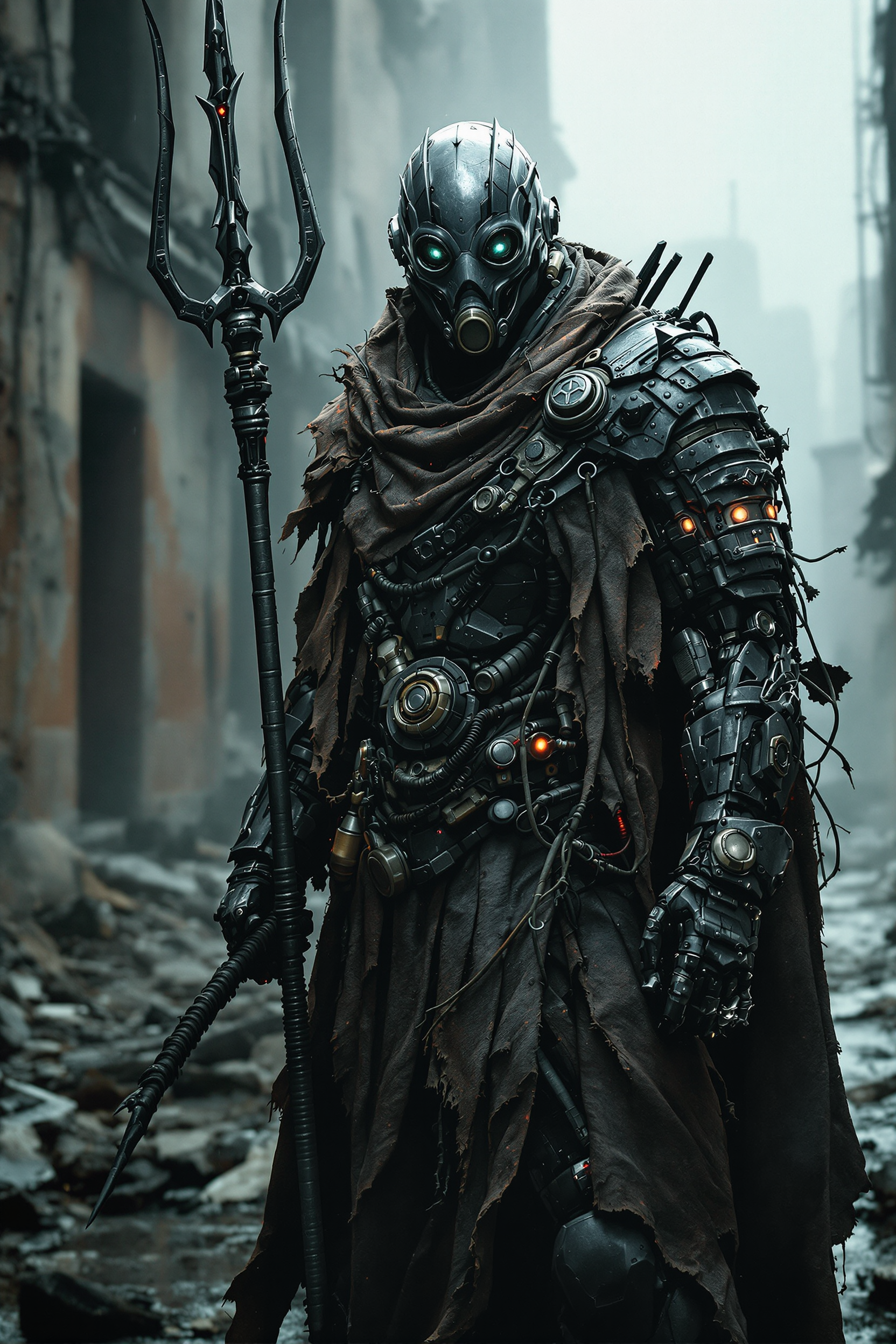
Post-apocalyptic warrior in ultra-detailed
flux
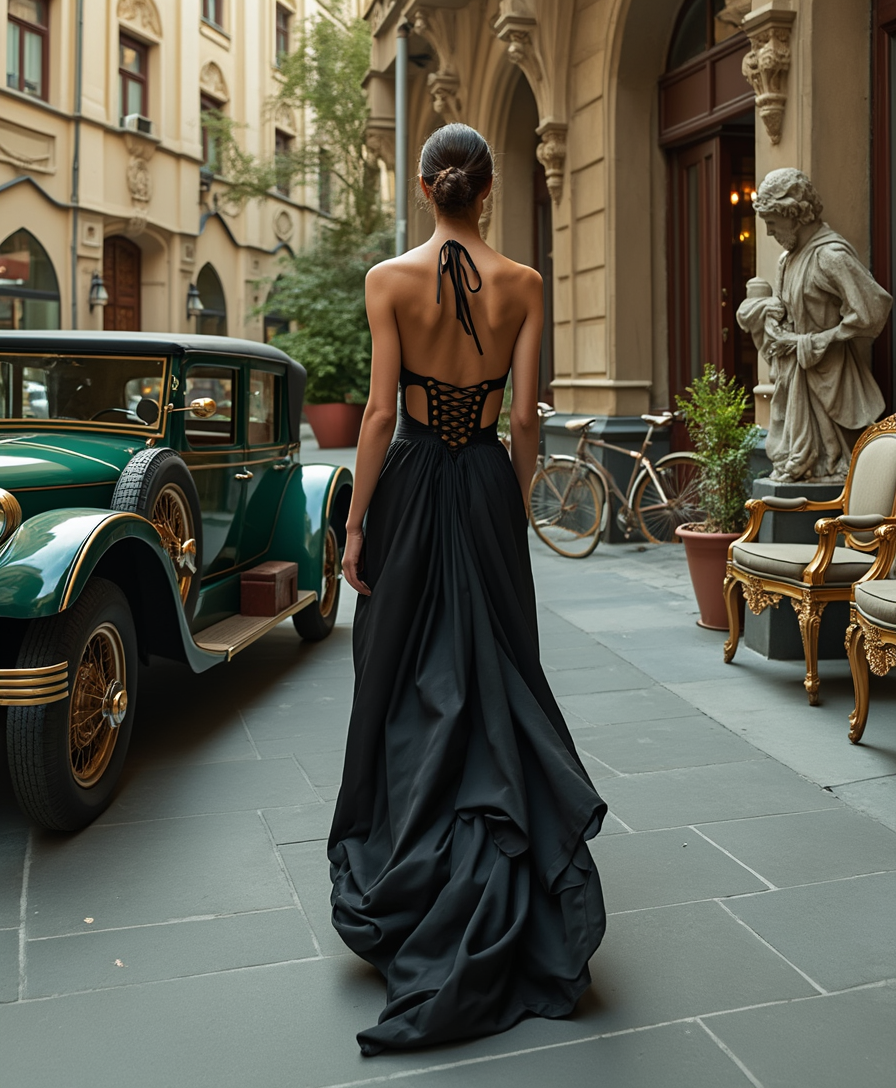
In a Victorian era style
flux
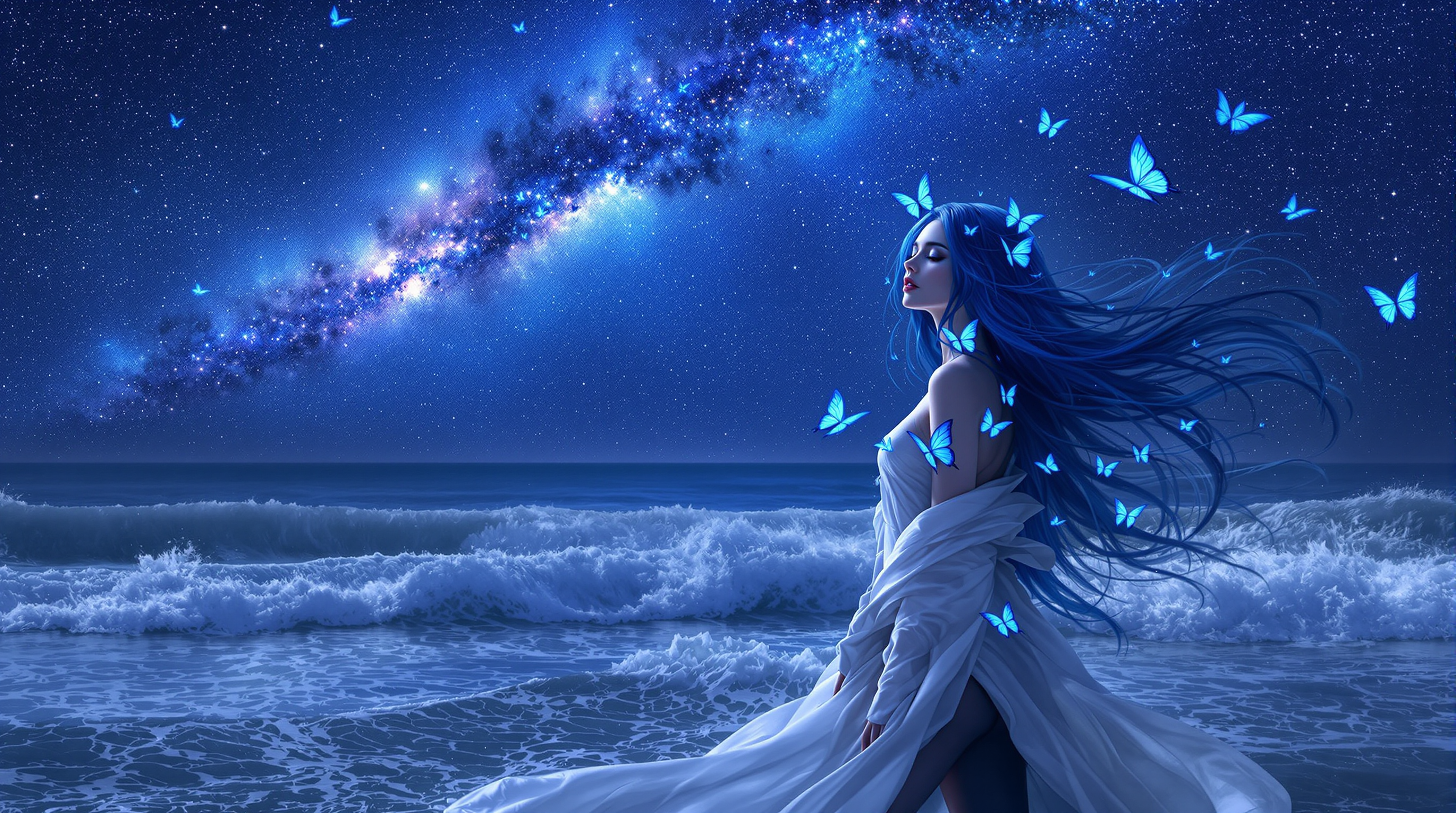
A breathtaking 8k wallpaper of a woman with long
flux
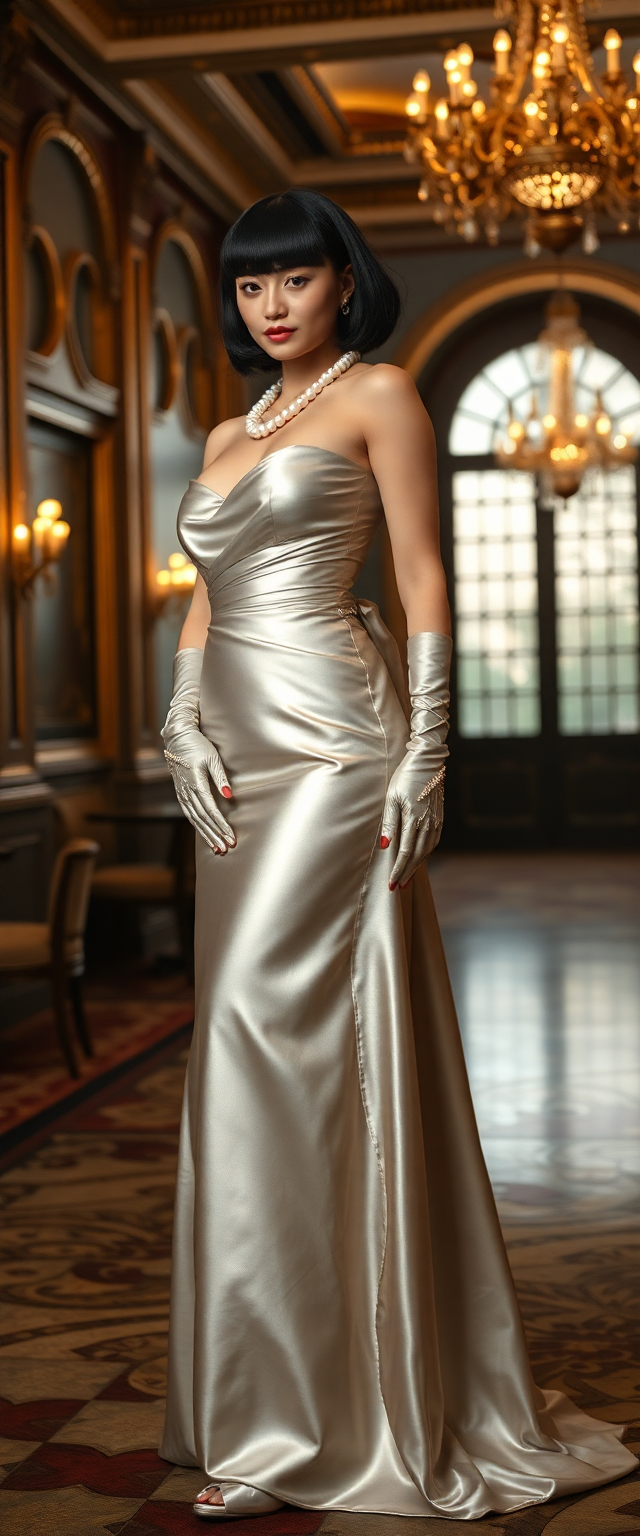
Rubenesque 21 year old brunette
flux
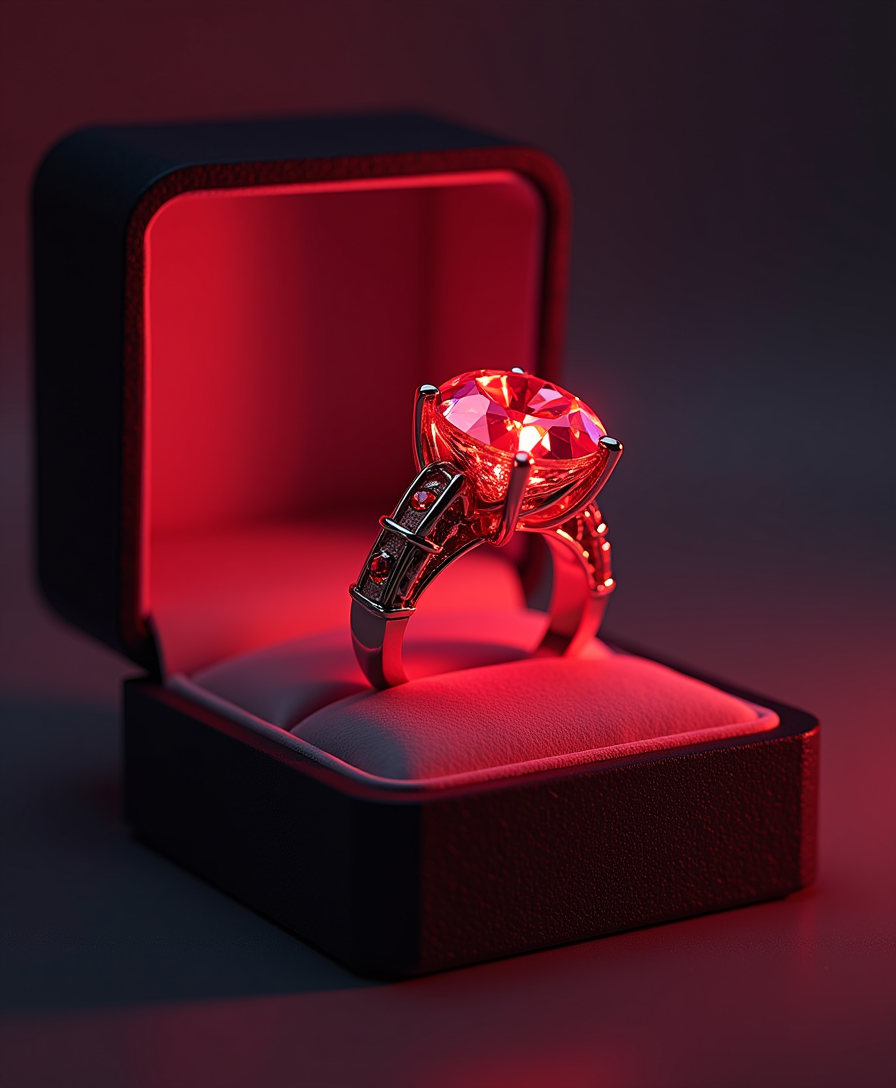
A stunning red diamond ring
flux
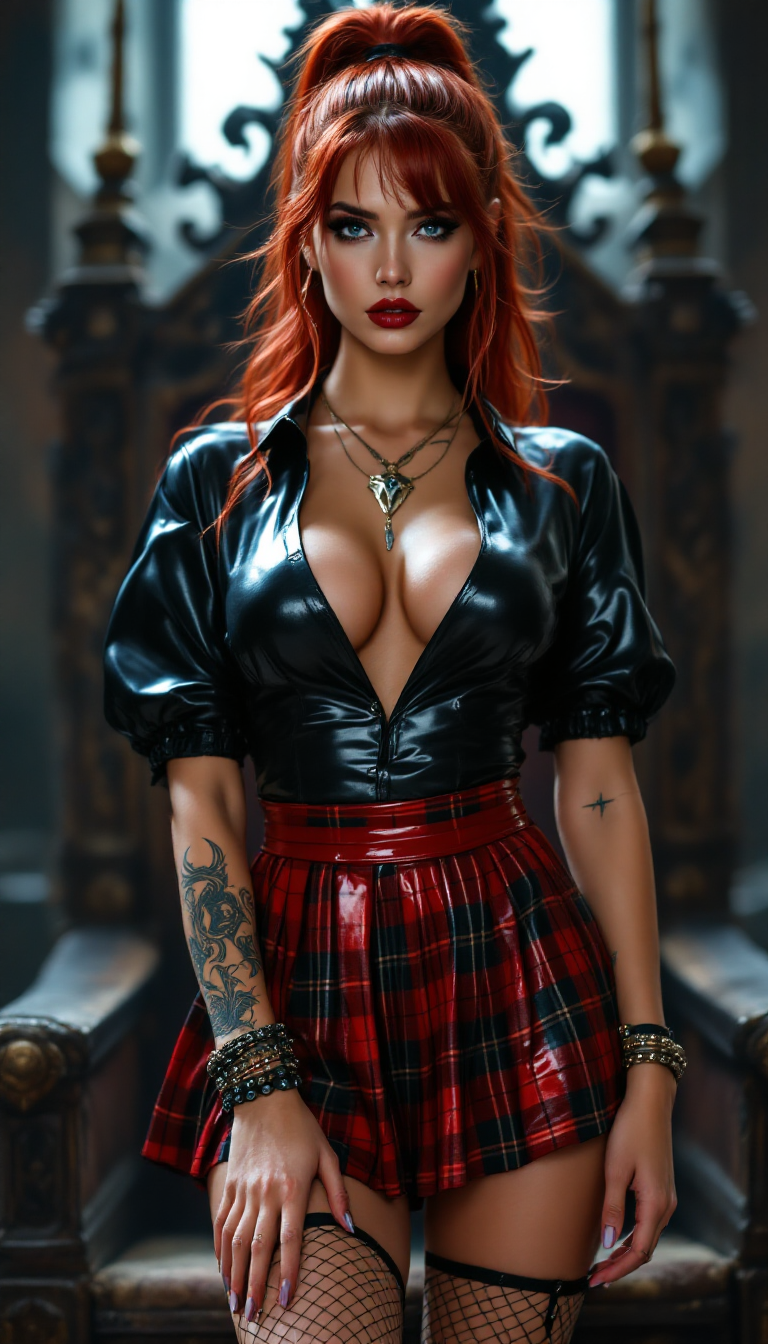
"SHOT COMPOSITION": "Full body shot captured with a Canon 5D camera using a 50mm lens for…
stable-diffusion
Models you can run on PixelDojo for AI zoom out image free
Switch models without switching tools. Each one runs in the same PixelDojo studio.
What you can do with AI zoom out image free on PixelDojo
Expand Original Image Frames
We let creators zoom out from an uploaded image to generate additional surrounding content.
Produce Matching Scene Extensions
Our AI fills in new areas while preserving the original image style and details.
Adjust Zoom Levels Freely
Creators set the desired zoom distance and receive the expanded result at no cost.
Generate Multiple Zoom Variants
We return several zoomed out versions so creators can choose the best composition.
Join over 10,000 creators who have enhanced their visuals using PixelDojo's AI tools. Rated 4.8/5 based on 2,000+ reviews.
Why Choose Pixel Dojo for AI zoom out image free
Professional-quality results with cutting-edge AI technology
Seamless Image Expansion
Effortlessly extend your images beyond their original borders, adding context and depth to your visuals.
Maintain High Quality
Our AI ensures that the expanded areas blend naturally with the original image, preserving clarity and detail.
Free and User-Friendly
Access our AI zoom-out feature at no cost, with an intuitive interface suitable for both beginners and professionals.
How It Works
Creating zoomed-out images with PixelDojo is simple and straightforward. Follow these steps to enhance your visuals:
Step 1: Select the 'Outpainting' Tool
Navigate to the 'Enhance' section and choose the 'Outpainting' tool to begin expanding your image.
Step 2: Upload Your Image
Click on 'Upload Image' and select the photo you wish to expand from your device.
Step 3: Define Expansion Areas
Use the intuitive interface to select the areas where you want the image to be expanded.
The Pixel Dojo Advantage
Why PixelDojo is the superior choice for AI-powered image expansion:
| Others | Pixel Dojo |
|---|---|
| Traditional Photo Editing Software | Automates the expansion process, saving time and effort compared to manual editing. |
| Generic AI Tools | Specifically designed for seamless image outpainting, ensuring natural and high-quality results. |
| Manual Cropping and Resizing | Maintains image integrity and quality without the distortions often caused by manual adjustments. |
Loved by creators on PixelDojo
Real feedback from people using PixelDojo, pulled from our in-product surveys.
user friendly all in one thing
I really like the schedule of AI work performed!
The best tools for IA on the web !
The guy that operates the website is constantly updating it
I’ve been using PixelDojo for around 8 months now and it’s always worked wonderfully while constantly adding features.
The site is easy to navigate and use.
Explore more AI tools on PixelDojo
AI Tools
Compare & Switch
- Best AI Image Generators
- Best AI Video Generators
- Midjourney Alternatives
- Civitai Alternatives
- Runway Alternatives
- Leonardo Alternatives
- Pika Alternatives
- Luma Alternatives
- Magnific Alternatives
- Veo Alternatives
- Flux Alternatives
- Freepik Alternatives
- Seedance Alternatives
- Seedream Alternatives
- Pixverse Alternatives
- GPT Image Alternatives
- Synthesia Alternatives
- Playground Alternatives
- NightCafe Alternatives
- Canva AI Alternatives
- ElevenLabs Alternatives
- ComfyUI Alternatives
- Fal Alternatives
- Replicate Alternatives
Common Questions
Everything you need to know about AI zoom out image free
How does PixelDojo's AI zoom-out feature work?
Our AI analyzes your image and intelligently generates additional content that blends seamlessly with the original, effectively expanding the image's boundaries.
Is the AI zoom-out tool free to use?
Yes, PixelDojo offers the AI zoom-out feature at no cost, allowing you to enhance your images without any financial commitment.
Will the expanded areas match the original image's style?
Absolutely. Our AI is trained to ensure that the newly generated areas align with the original image's style, color, and texture.
Can I use the expanded images for commercial purposes?
Yes, images created using PixelDojo's tools can be used for both personal and commercial projects.
Do I need any technical skills to use the outpainting tool?
Not at all. PixelDojo's interface is designed to be user-friendly, making it accessible to users of all skill levels.
How long does it take to process an image expansion?
Processing times may vary depending on the image size and complexity, but most expansions are completed within a few minutes.