Beginner’s Guide to AI Image Generation

Generated on PixelDojo. Produced by PixelDojo's generation pipeline.
Embarking on the journey of AI image generation opens up a world where your creative visions come to life with unprecedented ease. With PixelDojo's suite of AI tools, you can transform simple ideas into captivating visuals, regardless of your artistic background. Whether you're crafting content for marketing, enhancing your social media presence, or exploring new artistic avenues, PixelDojo empowers you to produce high-quality images that resonate with your audience.
Real image examples generated on PixelDojo
Every example below was produced on PixelDojo. Hover to see the prompt.
Image of an ai painting a human and a human painting an ai
flux
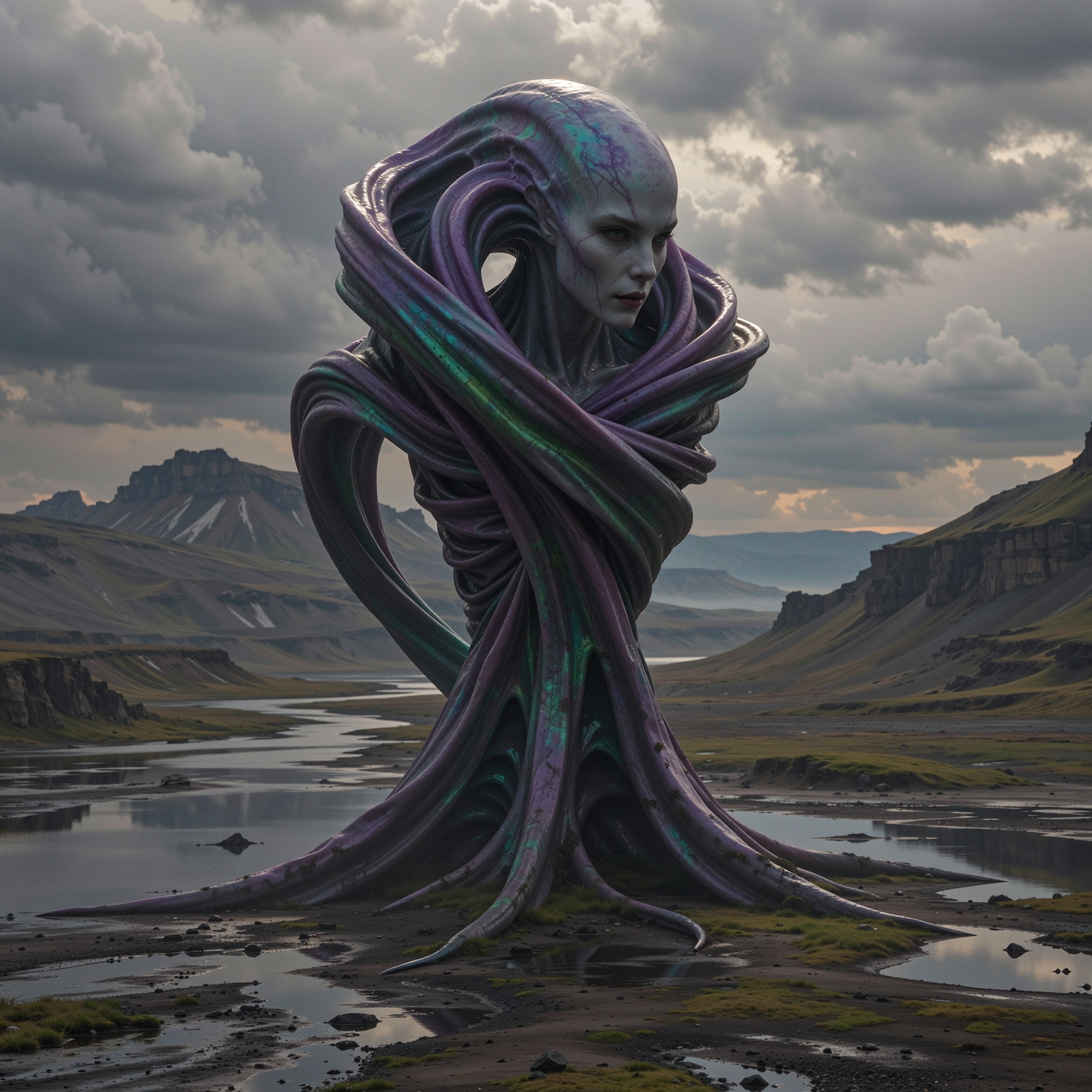
“Generate a creature that cannot be categorized or compared to anything within human imagi…
imagineart
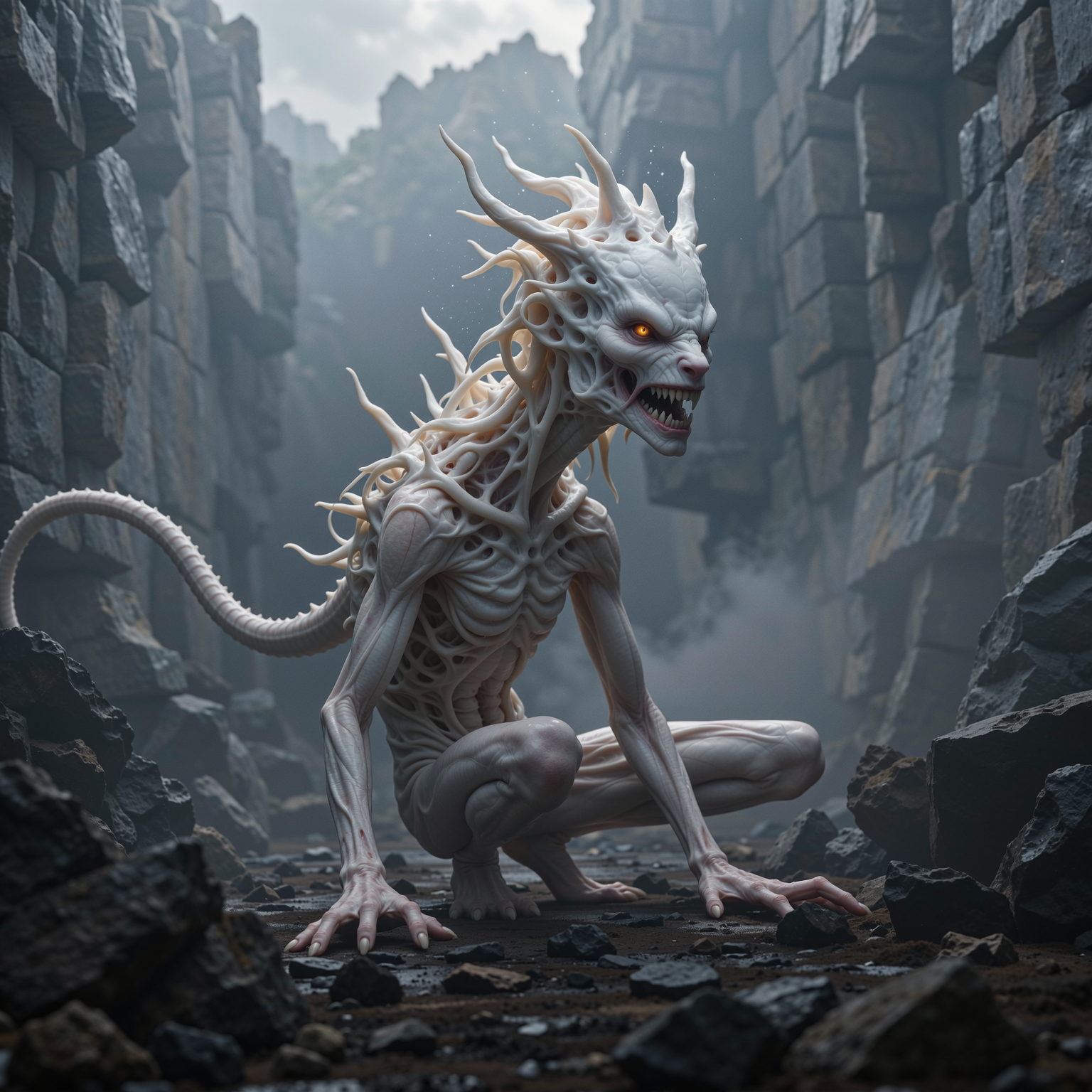
“Generate a creature that cannot be categorized or compared to anything within human imagi…
imagineart
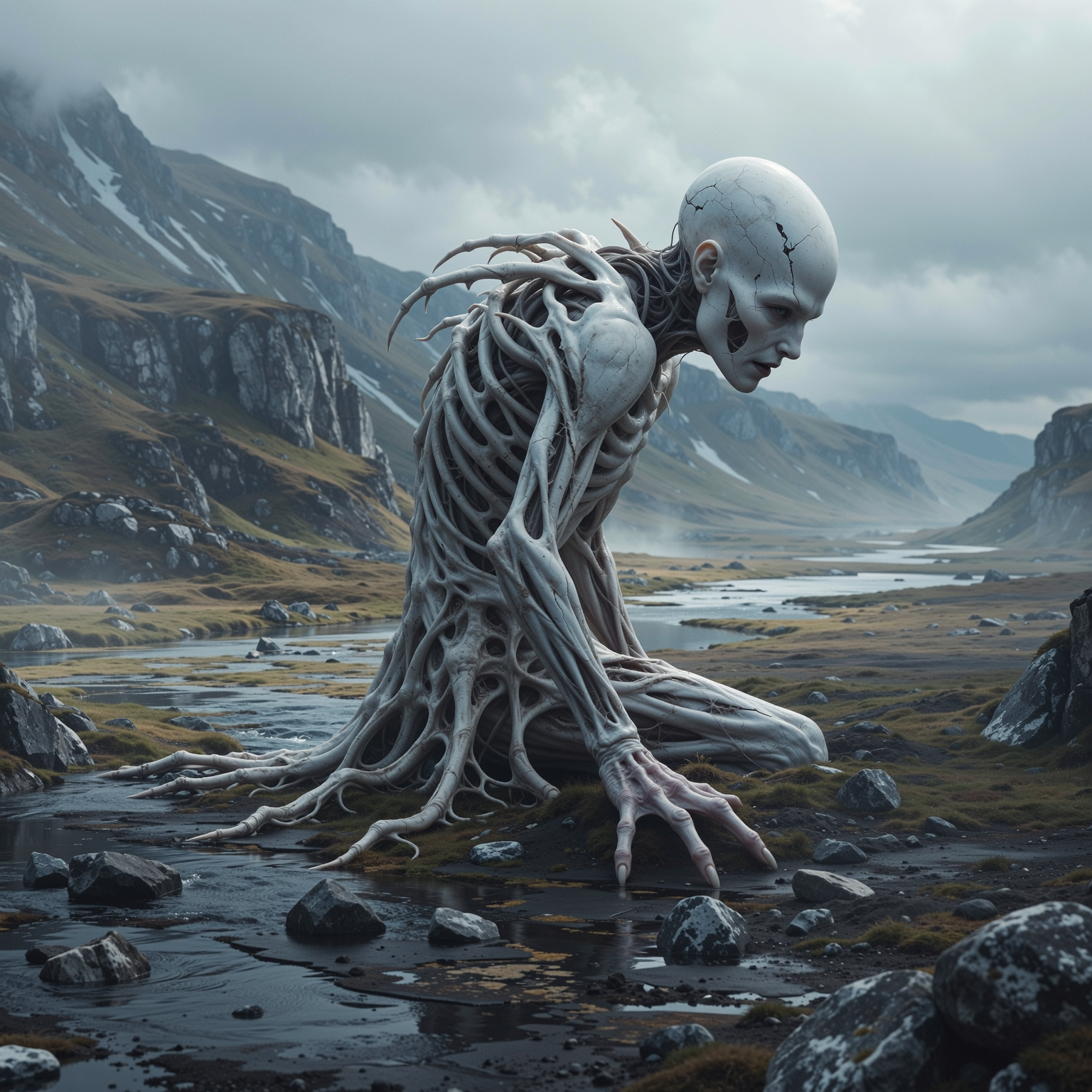
“Generate a creature that cannot be categorized or compared to anything within human imagi…
imagineart
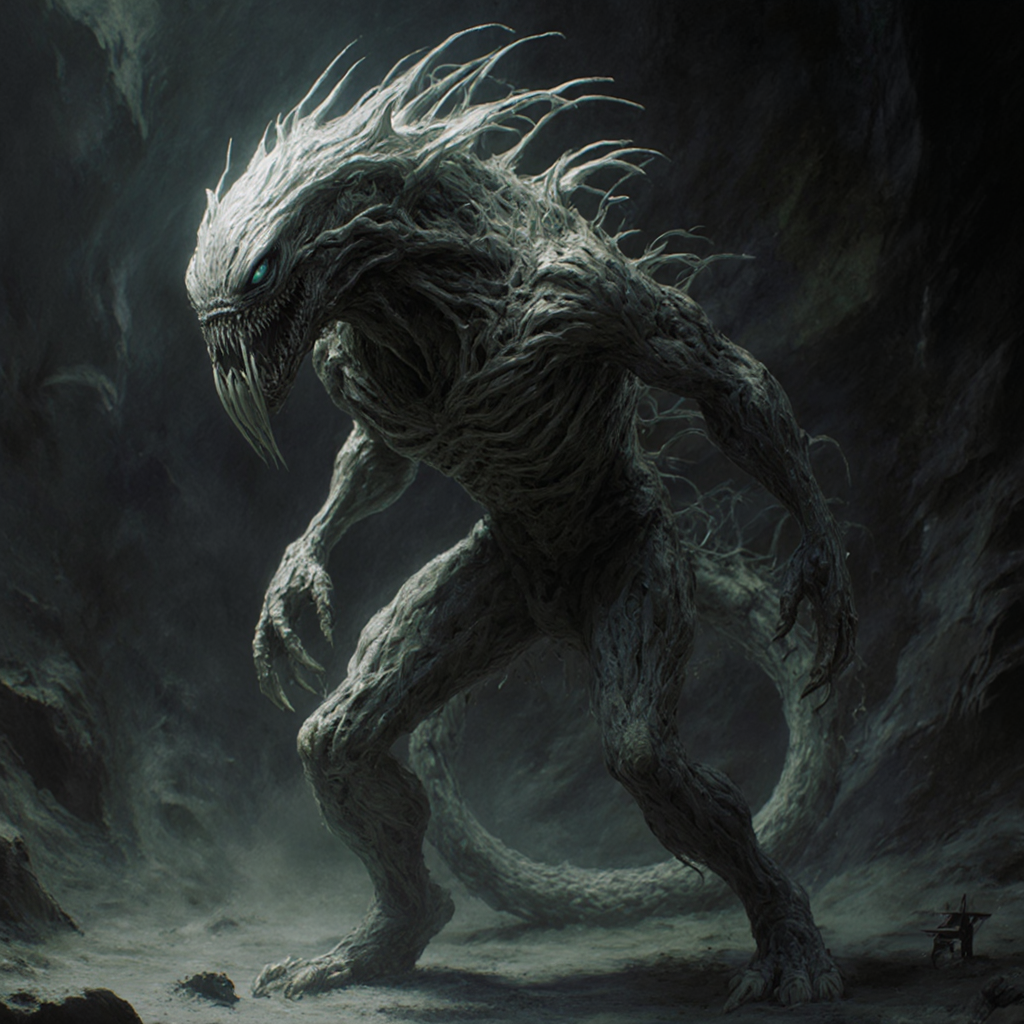
“Generate a creature that cannot be categorized or compared to anything within human imagi…
flux-studio

“Generate a creature that cannot be categorized or compared to anything within human imagi…
imagineart
Models you can run on PixelDojo for Beginner’s Guide to AI Image Generation
Switch models without switching tools. Each one runs in the same PixelDojo studio.
What you can do with Beginner’s Guide to AI Image Generation on PixelDojo
Start with Simple Prompts
We let creators enter basic text descriptions to generate initial images. Results appear directly in the workspace.
Apply Example Style Options
Creators select from built-in style examples to shape outputs without writing complex instructions.
Review Multiple Image Versions
We produce several variations from one prompt so creators can compare and choose.
Modify Core Generation Settings
Creators adjust resolution and detail levels through simple controls on the main screen.
Join over 10,000 creators who have generated more than 1 million images using PixelDojo's AI tools. Rated 4.8/5 by our satisfied users.
Why Choose Pixel Dojo for Beginner’s Guide to AI Image Generation
Professional-quality results with cutting-edge AI technology
Effortless Creativity
Generate unique, high-quality images without any prior design experience, saving time and resources.
Versatile Applications
Create visuals for marketing, social media, presentations, and more, tailored to your specific needs.
Cost-Effective Solutions
Eliminate the need for expensive design software or hiring professionals by leveraging AI-powered tools.
How It Works
Creating stunning images with PixelDojo is a straightforward process. Follow these simple steps to bring your ideas to life:
Step 1: Choose Your Tool
Select from PixelDojo's range of AI image generation tools, such as Flux Creator or SDXL Image Creator, based on your project requirements.
Step 2: Enter Your Prompt
Input a descriptive text prompt detailing the image you envision. The more specific your description, the more accurate the generated image will be.
Step 3: Customize & Download
Review the generated image, make any desired adjustments using the customization options, and download the final version for your use.
The Pixel Dojo Advantage
Why PixelDojo outperforms other options for AI image generation:
| Others | Pixel Dojo |
|---|---|
| Traditional Design Methods | Eliminates the need for extensive design skills and reduces the time required to create high-quality images. |
| Generic AI Tools | Offers a comprehensive suite of specialized tools tailored for various image generation needs, providing more precise and diverse outputs. |
| Stock Images | Enables the creation of unique, customized visuals that align perfectly with your brand identity, avoiding the use of generic stock photos. |
Loved by creators on PixelDojo
Real feedback from people using PixelDojo, pulled from our in-product surveys.
Lots of different tools. It's easy to purchase more credits.
Amazing performance!
Excellent website for creating all types of media
Very eay to use, works well to train SDXL loras.
The amazing tools
Top notch quality and strong prompt adherence.
Explore more AI tools on PixelDojo
AI Tools
Compare & Switch
- Best AI Image Generators
- Best AI Video Generators
- Midjourney Alternatives
- Civitai Alternatives
- Runway Alternatives
- Leonardo Alternatives
- Pika Alternatives
- Luma Alternatives
- Magnific Alternatives
- Veo Alternatives
- Flux Alternatives
- Freepik Alternatives
- Seedance Alternatives
- Seedream Alternatives
- Pixverse Alternatives
- GPT Image Alternatives
- Synthesia Alternatives
- Playground Alternatives
- NightCafe Alternatives
- Canva AI Alternatives
- ElevenLabs Alternatives
- ComfyUI Alternatives
- Fal Alternatives
- Replicate Alternatives
Common Questions
Everything you need to know about Beginner’s Guide to AI Image Generation
How can I start creating AI-generated images with PixelDojo?
Simply sign up for a PixelDojo account, choose the appropriate AI tool for your project, enter a descriptive prompt, and the AI will generate the image for you.
Do I need any design experience to use PixelDojo's AI tools?
No, PixelDojo is designed for users of all skill levels. The intuitive interface and AI capabilities handle the design work for you.
Can I customize the images generated by PixelDojo?
Yes, after the AI generates an image, you can use the customization options to adjust elements to better fit your vision.
What types of images can I create with PixelDojo?
You can create a wide range of images, including illustrations, photorealistic images, abstract art, and more, depending on your prompt and chosen tool.
Is there a limit to the number of images I can generate?
PixelDojo offers various subscription plans with different limits. Choose the plan that best fits your needs, and you can generate images accordingly.
Can I use the images created with PixelDojo for commercial purposes?
Yes, images generated with PixelDojo can be used for commercial purposes, but it's advisable to review the specific licensing terms associated with your subscription plan.