best midjourney alternative
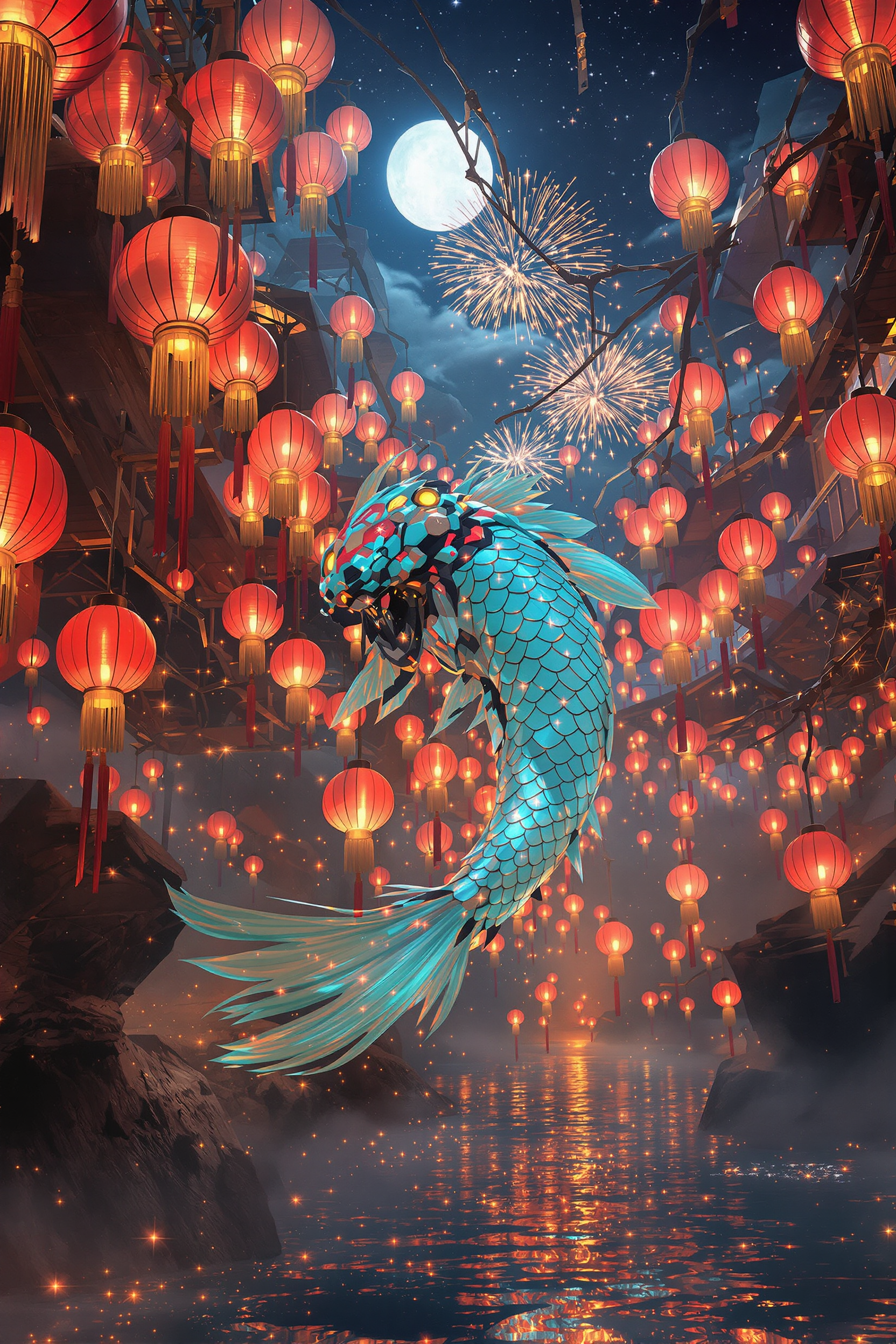
Generated on PixelDojo. Produced by PixelDojo's generation pipeline.
You need visuals that look professionally shot, stay on-brand across an entire campaign, and move from stills into motion without extra production days. PixelDojo puts the latest generation models in one place so you can produce photorealistic product photography, lifelike portraits, marketing graphics with crisp readable text, and cinematic clips from a single description or reference photo. Start with Nano Banana 2 or Flux.2 Studio for unmatched realism in people and products, switch to GPT Image 2 or Ideogram 4 when you need perfect prompt following and typography, then carry the same character into video with VEO 3.1, Kling Video or WAN 3.0. Everything stays inside one workspace: generate, refine with inpainting or camera-angle changes, upscale, and export. Thousands of creators already use this approach to launch ads, social series and brand stories faster than traditional shoots or single-model platforms ever allowed. You keep full control, iterate in seconds, and never lock into one aesthetic. The result is campaign-ready assets that convert, all while you stay focused on your message instead of wrestling with tools.
Real image examples generated on PixelDojo
Every example below was produced on PixelDojo. Hover to see the prompt.
Core description: colossal jade‑chrome mecha‑koi gliding through a suspended river of glow…
flux
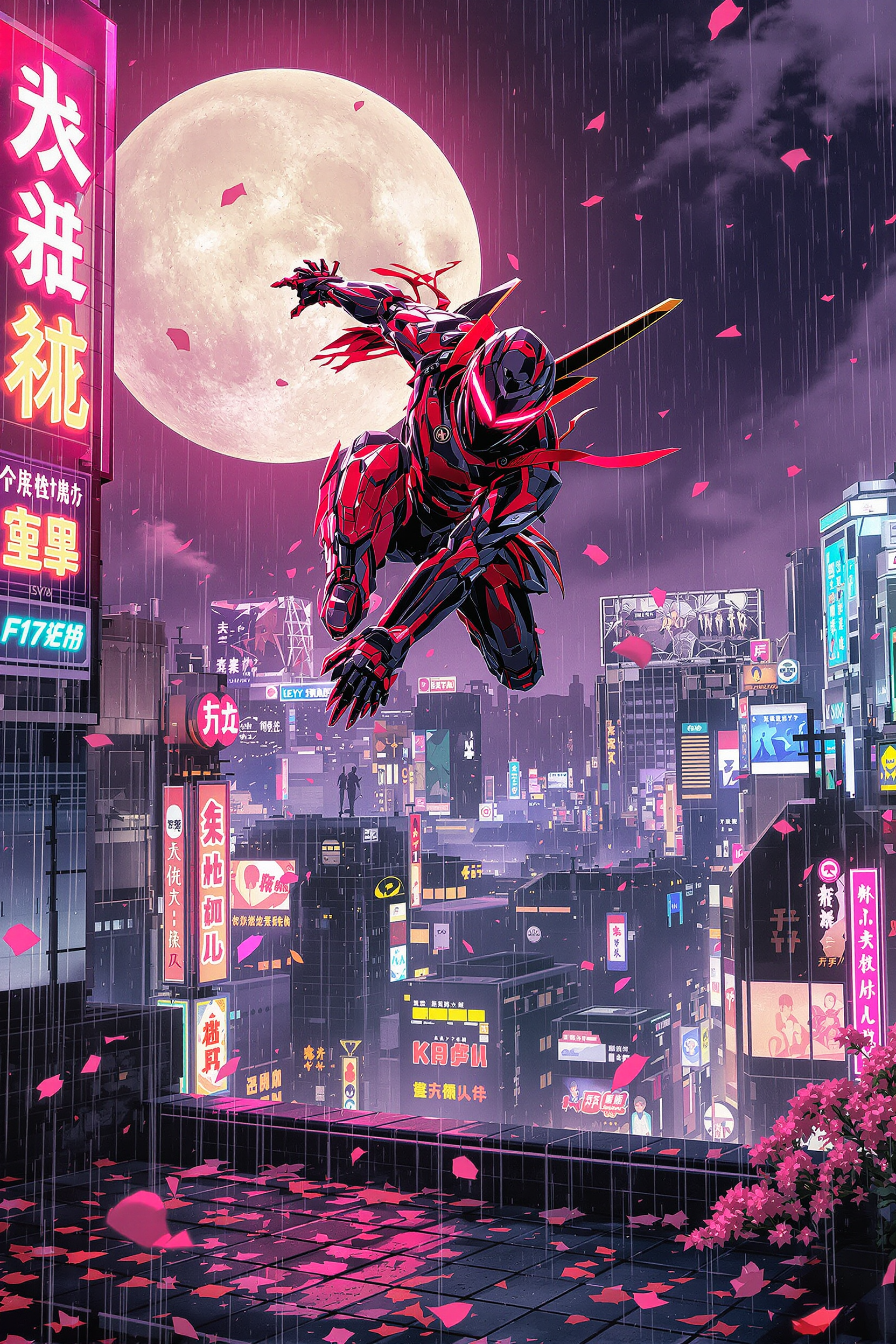
Core description: spirited teenage cyber-ninja vaulting from a crimson katana-mecha amid m…
flux
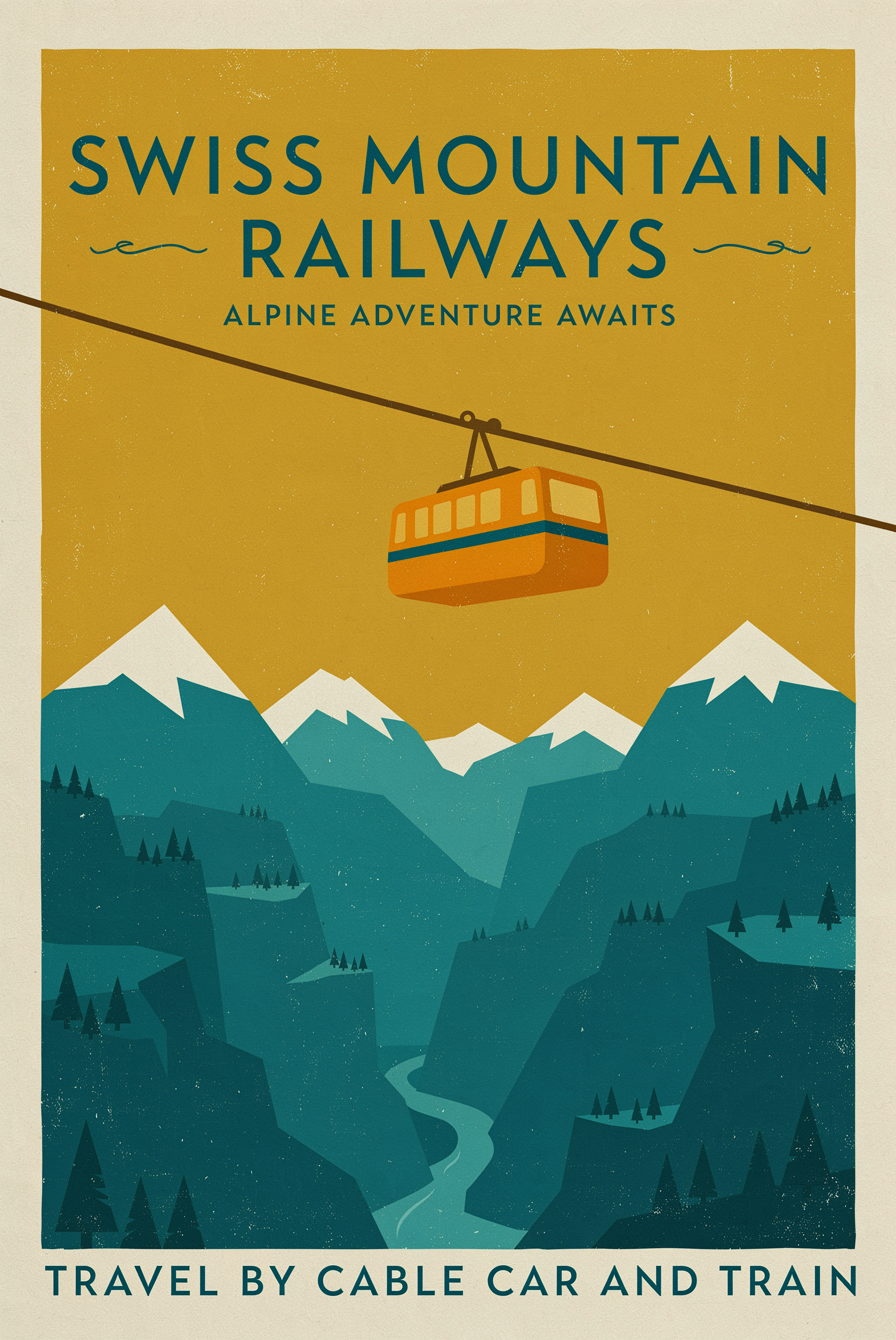
A mid-century travel poster for a mountain railway
p-image-ideogram
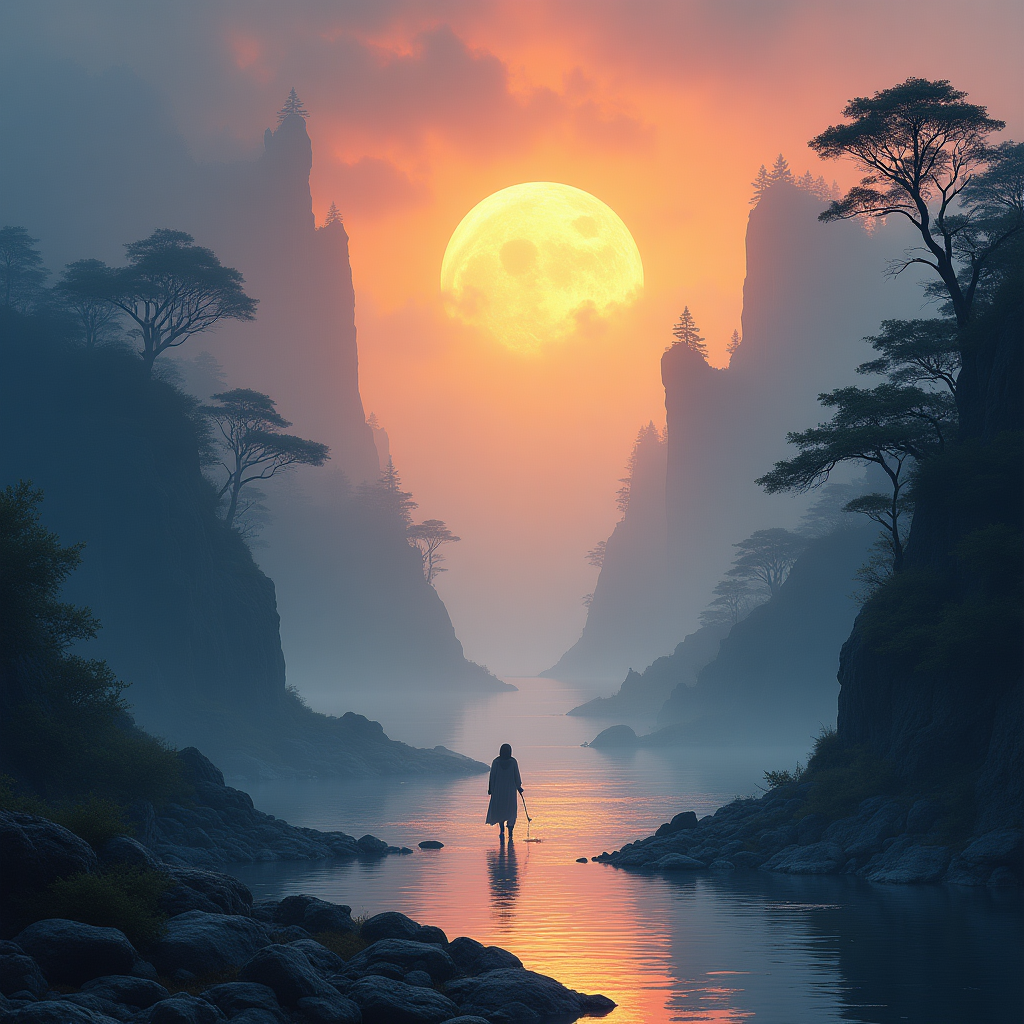
Ethereal fantasy concept art of Mystical landscape art with bold contrasting colors and dr…
flux-studio
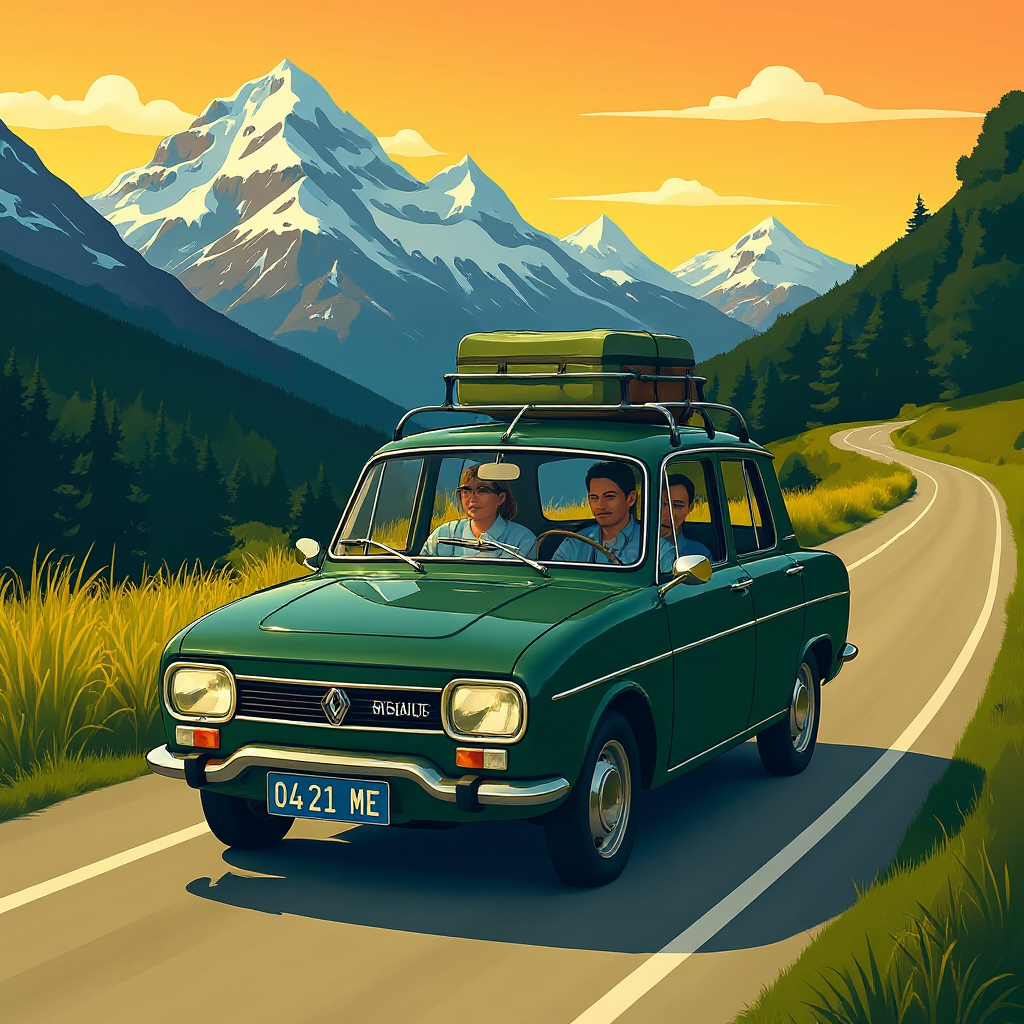
Imagine a vintage dark green Renault 10 with 5 passengers inside the car and a big pack of…
flux-studio
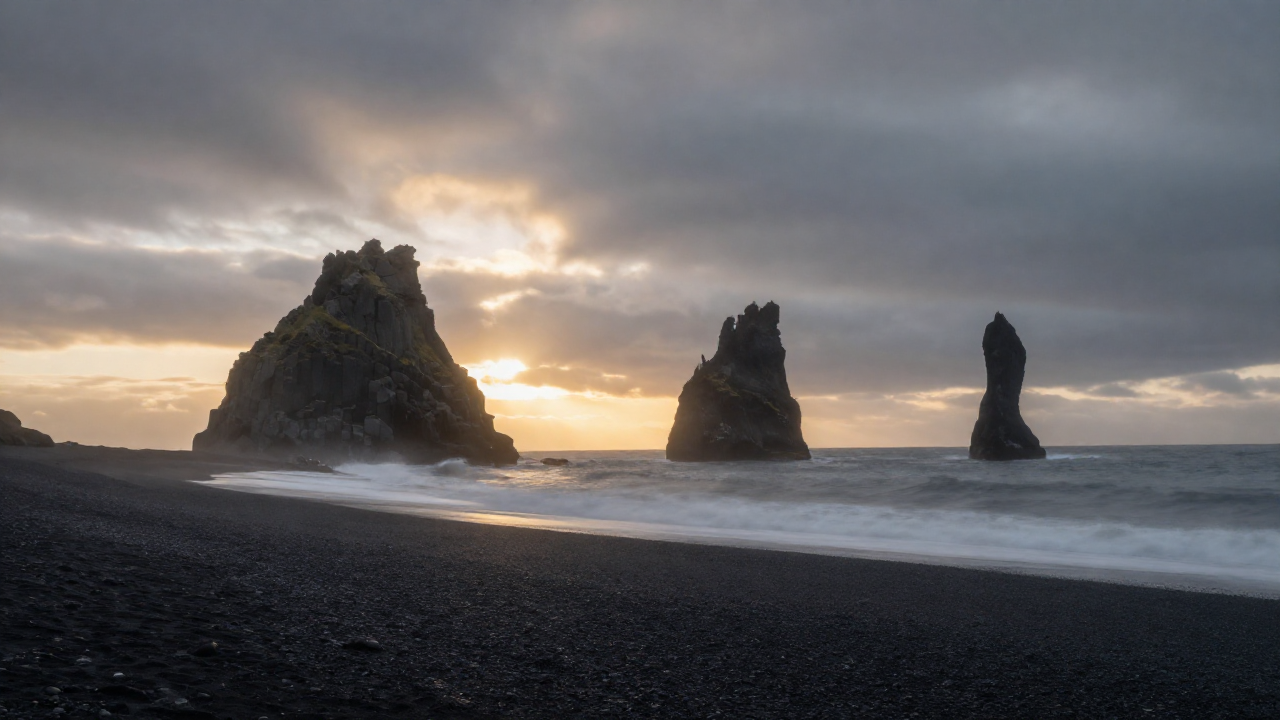
Z-landscape
image-to-image
Models you can run on PixelDojo for best midjourney alternative
Switch models without switching tools. Each one runs in the same PixelDojo studio.
What you can do with best midjourney alternative on PixelDojo
Multiple Image Models
We give you access to several image generation models in one place so you can pick the look that fits each project. Switch styles without leaving the workspace.
Browser Based Generation
We run image generation in the browser with a clear prompt and settings panel. You do not need a separate chat app to create or iterate.
Edit And Upscale Tools
We include inpainting, variations, and upscaling so you can refine a draft instead of starting over. Keep composition while you adjust details.
Credits And Export Control
We let you generate, review, and download images with straightforward credit use. You keep the files you produce for your own creative work.
Loved by thousands of creators worldwide. Access 40+ cutting-edge AI tools in one platform. Cancel anytime with no long-term commitment.
Why Choose Pixel Dojo for best midjourney alternative
Professional-quality results with cutting-edge AI technology
Photorealistic Images That Sell
Produce product shots and portraits so lifelike they look like they came from a high-end studio. Flux.2 Studio and Nano Banana 2 deliver optical-quality lighting, skin texture and material detail that turn browsers into buyers.
Characters That Stay Consistent Everywhere
Build a face or mascot once with Consistent Characters, Character Sheets or Ideogram Character, then reuse it across every image and video. Your brand ambassador looks identical in ads, stories and social posts without extra training.
Stills Become Cinematic Videos Instantly
Turn any generated or uploaded image into motion with native audio using VEO 3.1, Kling Video, WAN 3.0 or Seedance 2.5. Launch video ads and narrative clips in minutes instead of days of filming.
How It Works
You move from idea to finished asset in three simple stages using the exact models that match your goal. No Discord, no waiting lists, just pick, describe and refine.
Step 1: Choose Your Tool
Open the Generate Images section and select the model that fits the job. Pick Nano Banana 2 or Flux.2 Studio for photoreal people and products, GPT Image 2 for complex scenes that follow every instruction, Ideogram 4 when text must be perfect, Seedream 5 for multi-reference consistency, or Recraft V4.1 for clean vectors. For video, jump straight to VEO 3.1, Kling Video or WAN 3.0. Every model is ready to use with the same credits.
Step 2: Enter Your Prompt
Type a natural-language description of lighting, composition, mood and any text you need. Upload one or more reference photos to lock a character, product or style. Add a second image for Image to Image or style transfer. The platform handles the rest so you get results that match your brief on the first try.
Step 3: Customize & Download
Refine with Inpainting, Change Camera Angle, Magic Lighting or Background Remover. Extend the canvas with Image Outpainting, polish realism, then upscale with P-Image Upscale or Magnific Upscaler. When you are happy, generate a matching video clip or download the high-resolution still. Everything stays in your library for future campaigns.
The Pixel Dojo Advantage
Why PixelDojo outperforms other options for professional AI image and video generation
| Others | Pixel Dojo |
|---|---|
| Traditional photography and video production | Generate unlimited photorealistic variations in minutes instead of booking studios, models and locations. Iterate lighting and angles instantly and keep every version for future use. |
| Single-model AI platforms | Access Nano Banana 2, GPT Image 2, Flux.2 Studio, Ideogram 4, Seedream 5 and a full video suite in one account. Switch models mid-project without new subscriptions or lost character consistency. |
| Manual photo and video editing software | Natural-language edits, one-click inpainting, camera-angle changes and style transfer replace hours of layer work. Upscale and convert to video without leaving the same workspace. |
Loved by creators on PixelDojo
Real feedback from people using PixelDojo, pulled from our in-product surveys.
Great for all your ideas use it encourage more people to use it
Because it is awesome
exceptional quality and great overall design of platform and interface. very intuative. love the creative freedom.
Qwen image 2 is amazing!!
Creative freedom, range of tools and options.
I love the training feature
Explore more AI tools on PixelDojo
AI Tools
Compare & Switch
- Best AI Image Generators
- Best AI Video Generators
- Midjourney Alternatives
- Civitai Alternatives
- Runway Alternatives
- Leonardo Alternatives
- Pika Alternatives
- Luma Alternatives
- Magnific Alternatives
- Veo Alternatives
- Flux Alternatives
- Freepik Alternatives
- Seedance Alternatives
- Seedream Alternatives
- Pixverse Alternatives
- GPT Image Alternatives
- Synthesia Alternatives
- Playground Alternatives
- NightCafe Alternatives
- Canva AI Alternatives
- ElevenLabs Alternatives
- ComfyUI Alternatives
- Fal Alternatives
- Replicate Alternatives
Common Questions
Everything you need to know about best midjourney alternative
What is the best way to generate photorealistic AI images for e-commerce and marketing?
Select Flux.2 Studio or Nano Banana 2 inside PixelDojo. These models produce studio-quality lighting, accurate materials and natural skin that convert better than stock photography. Combine with Image to Image using your own product photos for perfect brand match, then upscale with P-Image Upscale for print-ready files.
How do I keep the same character consistent across an entire AI image and video campaign?
Create the character once with Consistent Characters, Character Sheets or Ideogram Character. Upload a few reference images and the platform remembers the face, clothing and style. Use the same identity in every still and then carry it into video with WAN Video Character Swap or Kling Video Character Swap so your ambassador never changes.
Can I turn my AI-generated images into professional videos with sound?
Yes. After you generate or upload a still, send it to VEO 3.1, Kling Video, WAN 3.0, Seedance 2.5 or P Video. These tools add realistic motion, native audio, dialogue and camera moves while preserving the original look and character. Marketing Studio even builds complete ad sequences from a single product shot.
How can I add perfectly readable text and logos inside AI-generated images?
Use Ideogram 4 or GPT Image 2. Both models render clean, spelled-correct text in any language and style, making them ideal for posters, social ads and infographics. Recraft V4.1 takes it further by outputting editable vectors you can tweak in any design tool.
Is there a low-risk way to try all these advanced AI image and video tools?
PixelDojo gives you 40+ cutting-edge models including Nano Banana 2, Flux.2 Studio, Ideogram 4 and the full video suite. Thousands of creators already rely on the platform. You can cancel anytime, so you only pay for the generations you actually use while you test every workflow.
What editing and enhancement tools can I use after generating an image?
PixelDojo includes Image to Image, Inpainting, Change Camera Angle, Style Transfer, Magic Lighting, Background Remover, Image Outpainting and Reality Polisher. Finish with P-Image Upscale, Magnific Upscaler or Portrait Upscaler, then move straight into video editing with Grok Video Edit or WAN 2.7 Video Edit. All tools share the same library so nothing is lost.