black forest labs flux AI Generator

Generated on PixelDojo. Produced by PixelDojo's generation pipeline.
Imagine turning a simple idea into a photorealistic product shot, a consistent character across an entire campaign, or a magazine-ready portrait with perfect lighting and readable text—all in seconds. That's the power of Black Forest Labs Flux on PixelDojo. You skip expensive photoshoots, endless revisions, and generic results. Instead, you get production-ready images that look like they came from a professional studio. PixelDojo puts Flux.2 Studio, Flux.1 Studio, and Flux Trainer right at your fingertips so you can create, iterate, and ship faster than ever. Whether you're a marketer needing brand-accurate visuals, a designer building character sheets, or a creator exploring new styles, Flux delivers unmatched photorealism, spatial accuracy, and prompt following. Start generating today and see why thousands of creators rely on PixelDojo's 40+ cutting-edge AI tools. Cancel anytime—there's zero risk to trying the results you actually want.
Real image examples generated on PixelDojo
Every example below was produced on PixelDojo. Hover to see the prompt.
Add a log edited with Flux Kontext Dev
flux-studio
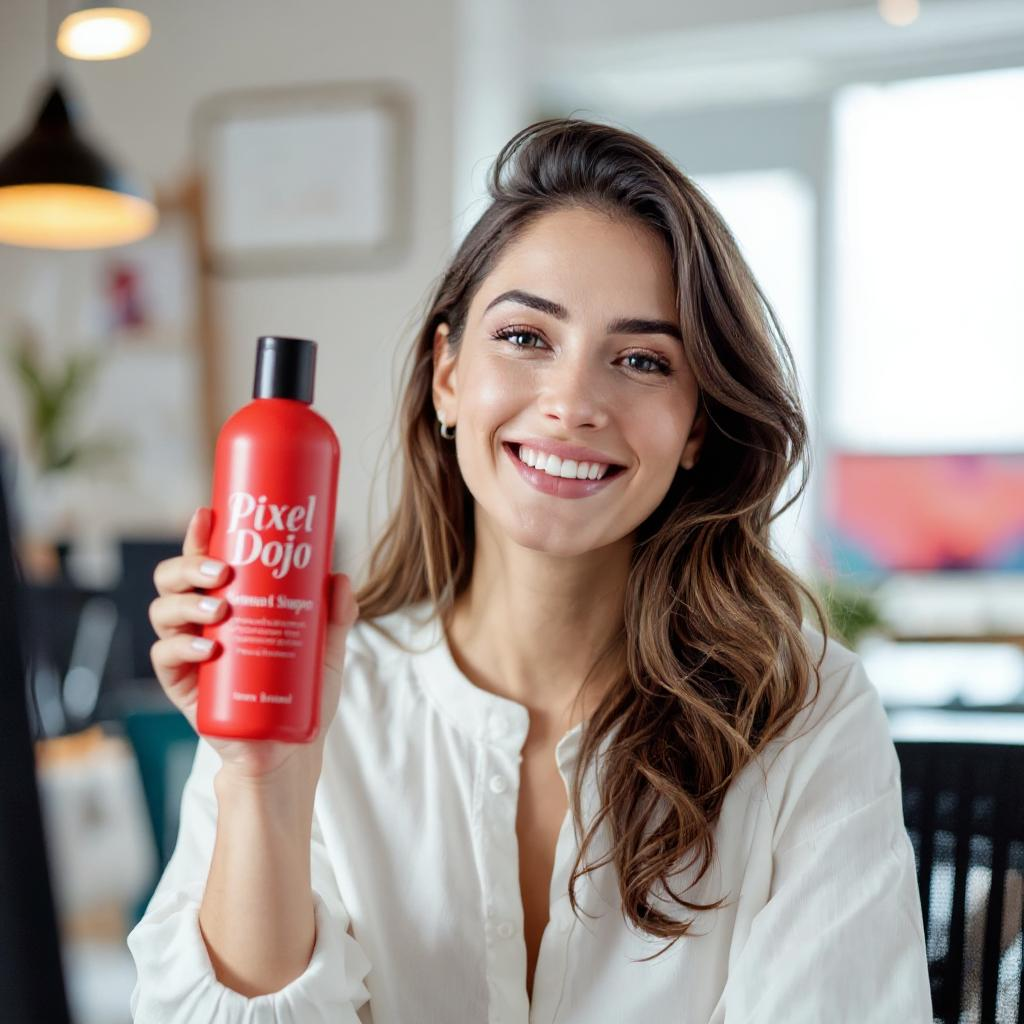
Holding a red shampoo bottle that reads "Pixel Dojo" edited with Flux Kontext Max
flux-studio
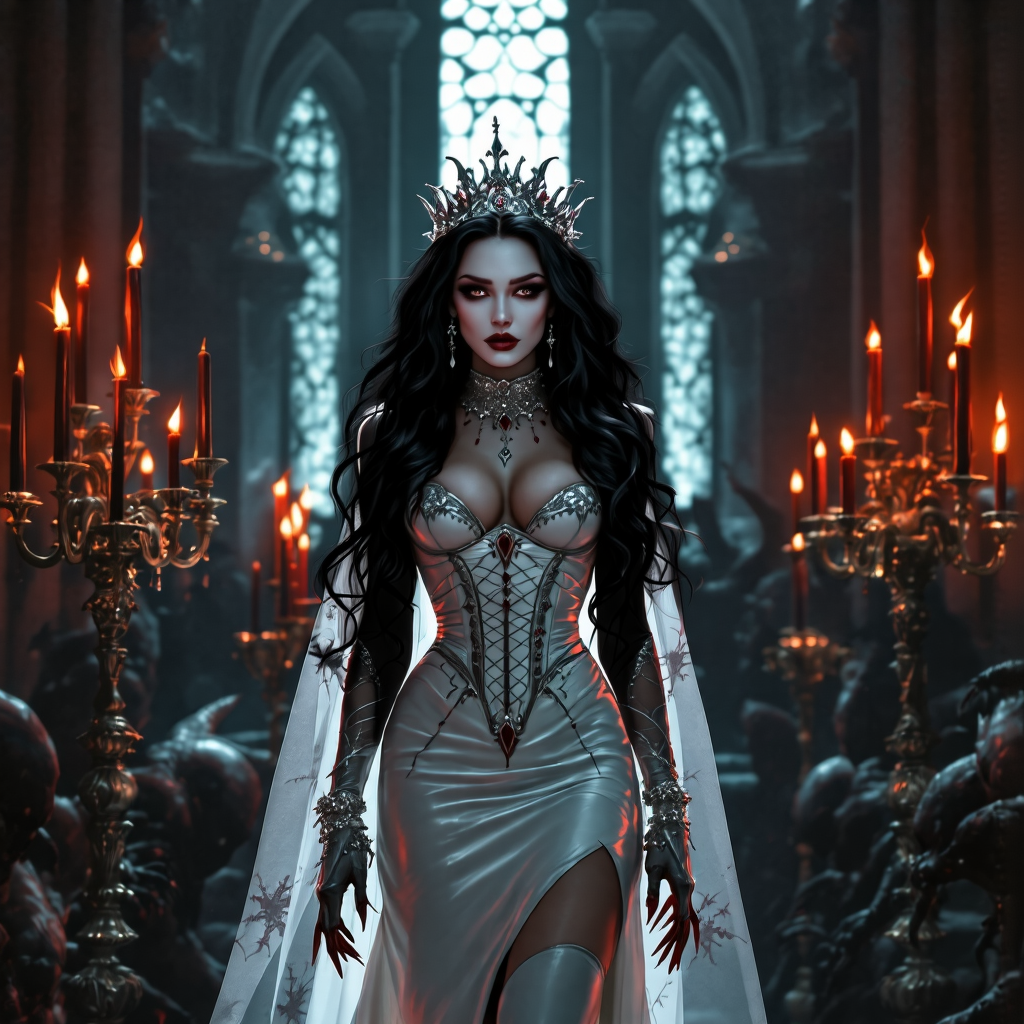
Change the hair from red to shiny raven black edited with Flux Kontext Dev
flux-studio
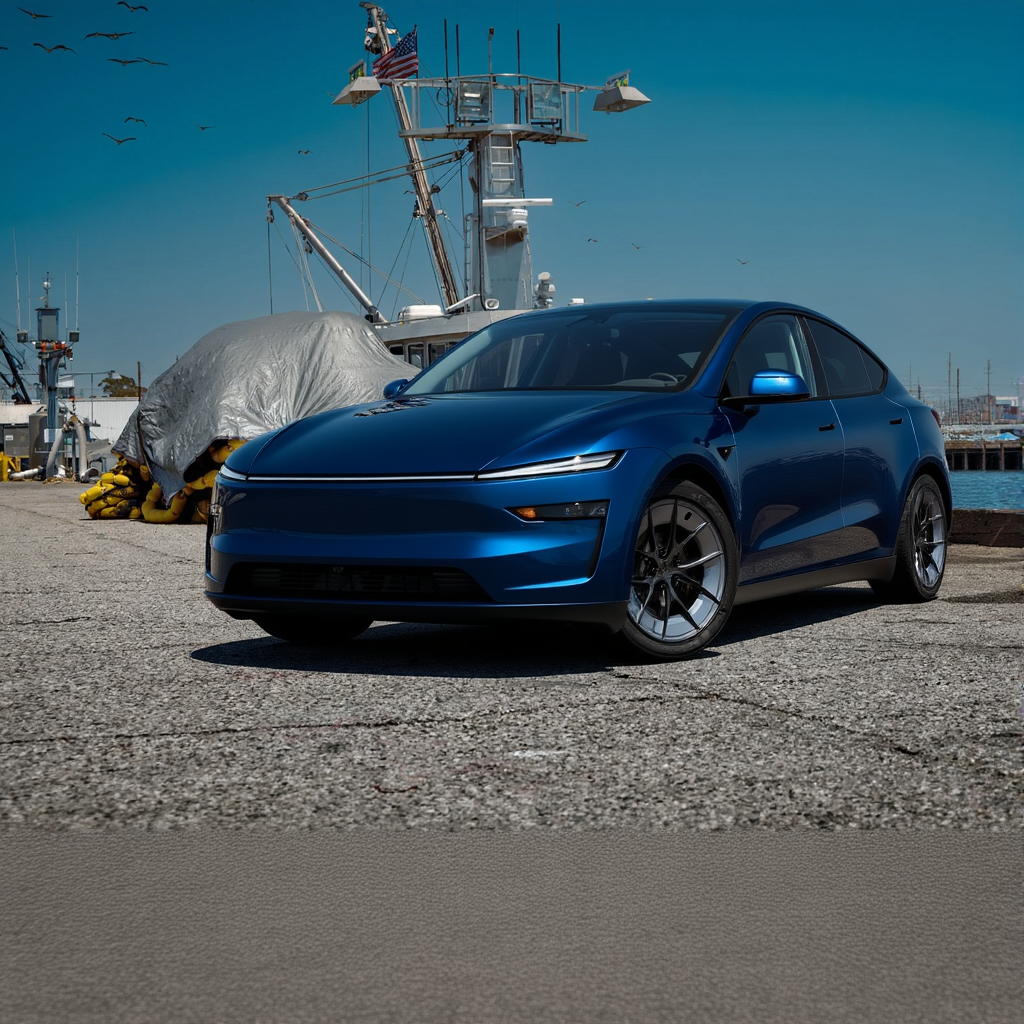
Make the car dark blue metallic edited with Flux Kontext Dev
flux-studio
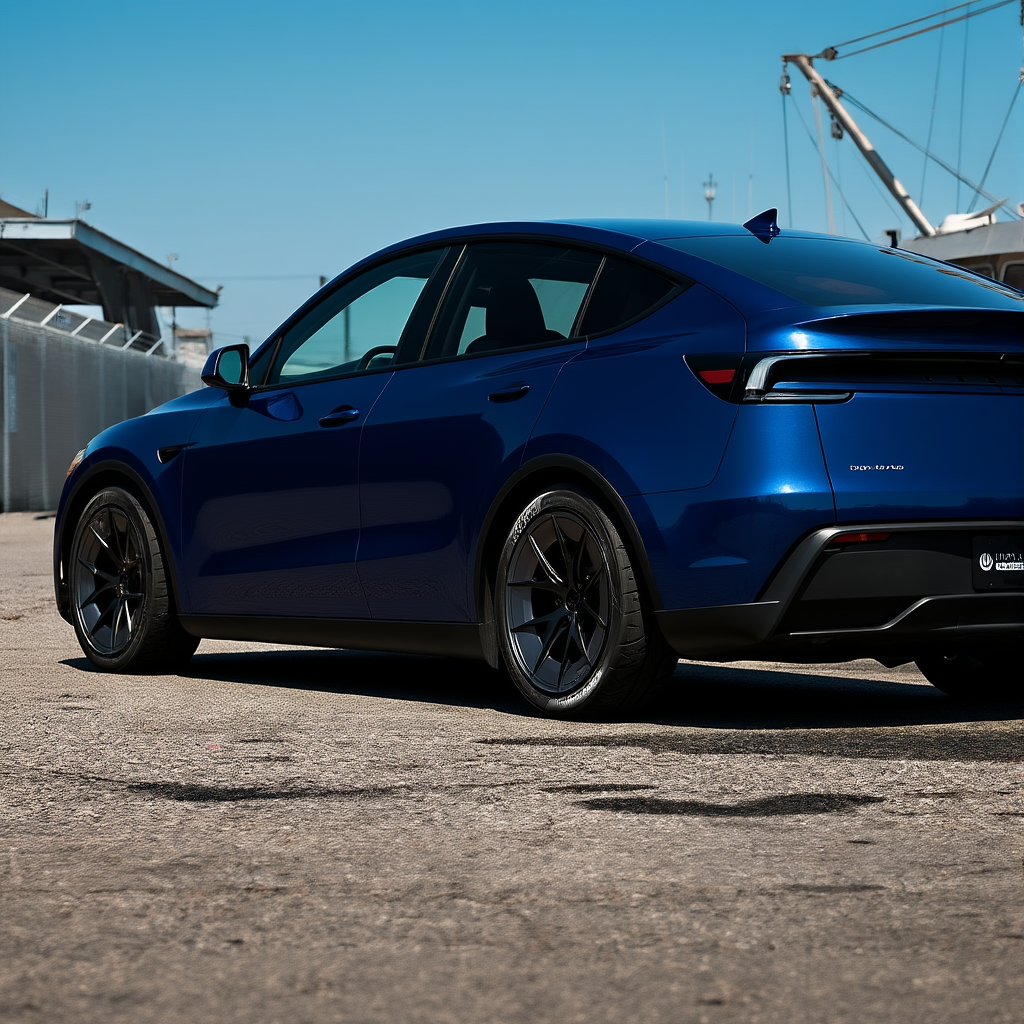
Make the car dark blue metallic edited with Flux Kontext Dev
flux-studio
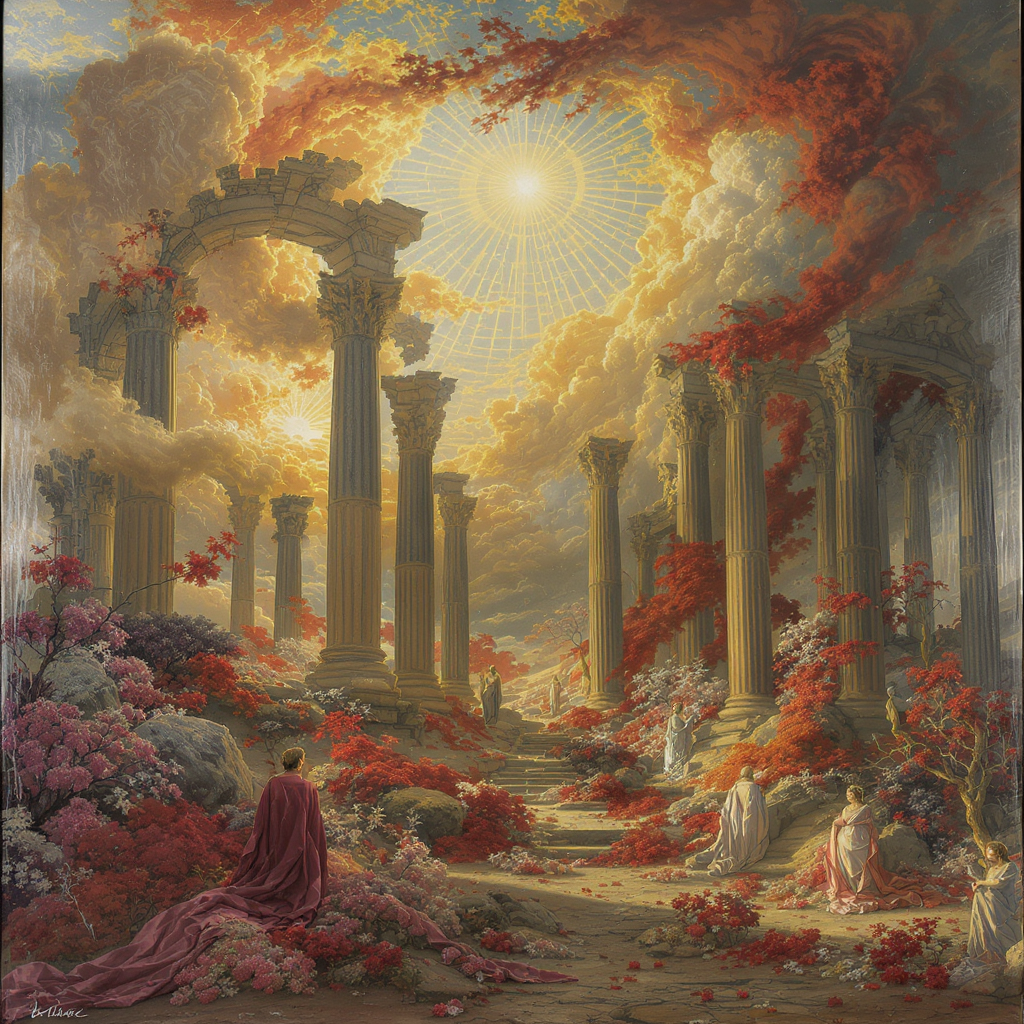
A renaissance painting of romantic ruins
flux-studio
Models you can run on PixelDojo for black forest labs flux
Switch models without switching tools. Each one runs in the same PixelDojo studio.
What you can do with black forest labs flux on PixelDojo
Black Forest Labs Flux
We host Flux so you can generate stills from text prompts in the browser. Pick a Flux variant and export the frames you keep.
Flux Schnell Drafts
Run Flux Schnell when you want faster previews. Iterate on composition and lighting before you spend time on a slower pass.
Flux Pro Stills
Use Flux Pro for higher-detail images with tighter prompt following. We keep inference on our side so you do not need local GPUs.
Text In Images
Flux can place readable words and logos inside a scene when the prompt asks for them. Combine that with our usual crop, upscale, and variation tools.
Loved by thousands of creators worldwide. 40+ cutting-edge AI tools including Flux.2 Studio and Flux Trainer. Cancel anytime with no questions asked. Join the community shipping professional Flux images every day.
Why Choose Pixel Dojo for black forest labs flux
Professional-quality results with cutting-edge AI technology
Photorealistic Images That Look Shot in Studio
You achieve magazine-quality portraits, product photography, and editorial scenes with natural lighting, sharp textures, and authentic camera feel. Flux.2 Studio on PixelDojo handles complex lighting and world knowledge so your images feel real, not generated. Skip the photographer and get results you can use immediately in ads, websites, and social.
Unbreakable Character and Style Consistency
You keep the same face, product, or aesthetic across dozens of images using multi-reference control. Upload up to 10 references in Flux.2 Studio and generate variations that stay on-brand. Perfect for campaigns, character sheets, and e-commerce catalogs where consistency used to take hours of manual work.
Professional Text, Infographics, and Fine Details
You get readable typography, UI mockups, and intricate details that actually work in production. Quote exact text, specify hex colors, and describe lighting for logos, posters, and packaging that look designed, not approximated. Combine with PixelDojo's Image Analyzer and Reality Polisher to polish every pixel.
How It Works
Creating stunning Black Forest Labs Flux images on PixelDojo takes three simple steps. You stay in control the entire time while the tools handle the heavy lifting. Follow these proven techniques for the best photorealistic and consistent results.
Step 1: Choose Your Tool
Open PixelDojo and select Flux.2 Studio from the Generate Images section for the latest photorealism, multi-reference, and text capabilities. For faster iteration or LoRA-style consistency, pick Flux.1 Studio. If you want a custom trained model on your own characters or products, head to Flux Trainer first. All tools live in one dashboard so you never leave the platform.
Step 2: Enter Your Prompt
Write in natural language—describe the subject, action, lighting, camera, and style like you're briefing a photographer. Specify 'shot on Hasselblad 85mm f/2.8, golden hour rim lighting' and put any text in quotation marks. Flux does not use negative prompts, so tell it exactly what you want to see. Add hex colors for brand accuracy. Generate a few variations instantly.
Step 3: Customize & Download
Refine with PixelDojo's Edit Images tools: Inpainting for local changes, Image to Image for variations, Change Camera Angle, or Style Transfer. Use Background Remover or Reality Polisher for final polish. Upscale with P-Image Upscale or Magnific Upscaler if needed. Download in high resolution ready for print or web. Train a custom Flux model with Flux Trainer for even more control on future projects.
The Pixel Dojo Advantage
Why PixelDojo outperforms other options for Black Forest Labs Flux image generation
| Others | Pixel Dojo |
|---|---|
| Traditional photography and stock | You generate unlimited custom photorealistic images in seconds instead of booking shoots, paying models, or searching stock that never quite matches. Flux.2 Studio plus PixelDojo edits give you full control over lighting, angle, and branding at a fraction of the cost. |
| Generic AI tools | You get dedicated Flux.2 Studio and Flux.1 Studio with multi-reference consistency, superior text rendering, and PixelDojo's full edit suite (Inpainting, Style Transfer, Reality Polisher) instead of one-size-fits-all generators that struggle with details and brand matching. |
| Manual photo editing and compositing | You skip hours in editing software. Describe the change once, let Flux.2 Studio plus PixelDojo's Image to Image and Outpainting handle it, then polish with one click. Your campaign assets stay consistent without layer after layer of manual work. |
Loved by creators on PixelDojo
Real feedback from people using PixelDojo, pulled from our in-product surveys.
super lora download
Great variety of tools to create and modify images and video.
Lots of Tools, and the one time I needed support I got help right away
Easy to use once you get the hang of it
Love it make anything I can think of so far
Great for all your ideas use it encourage more people to use it
Explore more AI tools on PixelDojo
AI Tools
Compare & Switch
- Best AI Image Generators
- Best AI Video Generators
- Midjourney Alternatives
- Civitai Alternatives
- Runway Alternatives
- Leonardo Alternatives
- Pika Alternatives
- Luma Alternatives
- Magnific Alternatives
- Veo Alternatives
- Flux Alternatives
- Freepik Alternatives
- Seedance Alternatives
- Seedream Alternatives
- Pixverse Alternatives
- GPT Image Alternatives
- Synthesia Alternatives
- Playground Alternatives
- NightCafe Alternatives
- Canva AI Alternatives
- ElevenLabs Alternatives
- ComfyUI Alternatives
- Fal Alternatives
- Replicate Alternatives
Common Questions
Everything you need to know about black forest labs flux
How do I create photorealistic images with Black Forest Labs Flux on PixelDojo?
Select Flux.2 Studio, write a natural-language prompt that includes subject, lighting, camera details (like 85mm f/2.8), and quoted text. Generate, then refine with Inpainting or Image to Image. PixelDojo makes the entire workflow fast so you get studio-quality results without technical setup. Thousands of creators use this exact process daily.
What are the best prompting techniques for Flux.2 Studio on PixelDojo?
Use complete sentences describing what you want to see—no negative prompts. Lead with the subject and action, then add lighting, camera, and style. Quote any on-image text and include hex colors for brands. Specify 'golden hour' or 'soft window light' because lighting has the biggest impact. PixelDojo's Flux.2 Studio follows these structured instructions exceptionally well for consistent, high-quality output.
Can I keep the same character or product consistent across many Flux images?
Yes. Flux.2 Studio on PixelDojo supports multi-reference so you upload up to 10 images of your character or product. Combined with Flux Trainer you can even train a custom model. Then use Character Sheets or Consistent Characters tools for entire campaigns. You finally get the consistency that used to require expensive reshoots.
Does PixelDojo support Flux.1 as well as the newer Flux.2?
Absolutely. You have both Flux.1 Studio for fast LoRA-style work and Flux.2 Studio for the latest photorealism, 4MP output, and advanced text. Switch between them in the same dashboard. Flux Trainer works with both so you can customize whichever version fits your project. All 40+ tools stay available.
How can I add or edit text and logos in my Flux generations?
Put the exact words in quotation marks in your prompt and describe placement and style. Flux.2 Studio renders complex typography, infographics, and UI mockups reliably. Then use PixelDojo's Inpainting or Image Analyzer to tweak. For brand work, add hex codes. You get production-ready graphics without separate design software.
Is there a way to train my own Flux model on PixelDojo?
Yes—Flux Trainer lets you train custom models on your characters, products, or styles. Upload your dataset, train, then generate with Flux.2 Studio or Flux.1 Studio using your unique look. Combine with Virtual Try-On or Character Stylist for even more control. You own the results and can cancel anytime while keeping everything you created.