change clothes ai
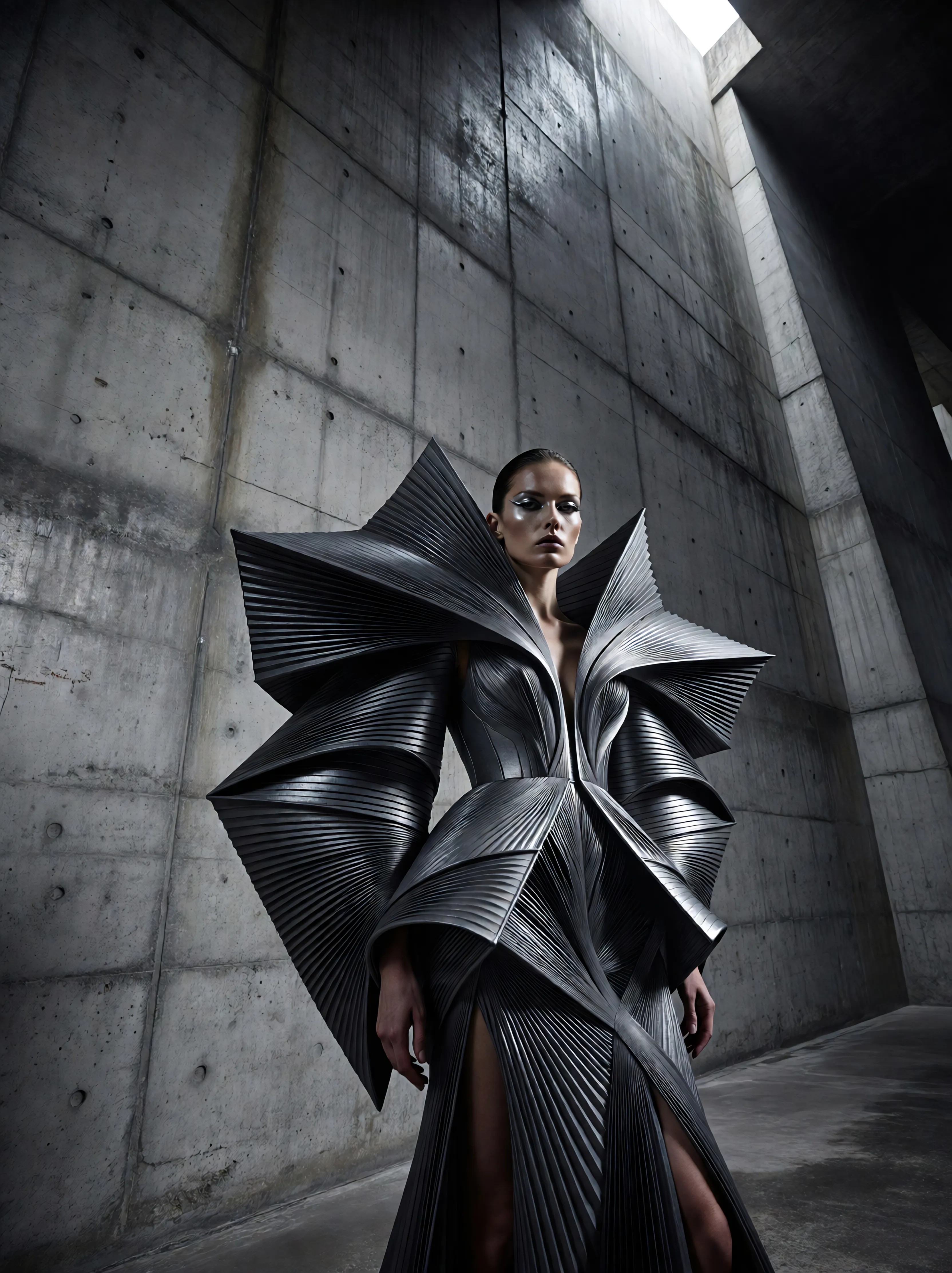
Generated on PixelDojo. Produced by PixelDojo's generation pipeline.
Imagine instantly trying on any outfit without stepping into a dressing room. With PixelDojo's Change Clothes AI, you can transform your photos into personalized fashion statements, visualize new looks for e-commerce, or create custom character designs for your projects. Achieve professional-quality virtual try-ons that save time, boost creativity, and help you make confident style choices – all powered by our suite of intuitive AI tools designed for creators like you.
Real image examples generated on PixelDojo
Every example below was produced on PixelDojo. Hover to see the prompt.
Ia-fashion
image-to-image

Masterpiece
creative-upscaler
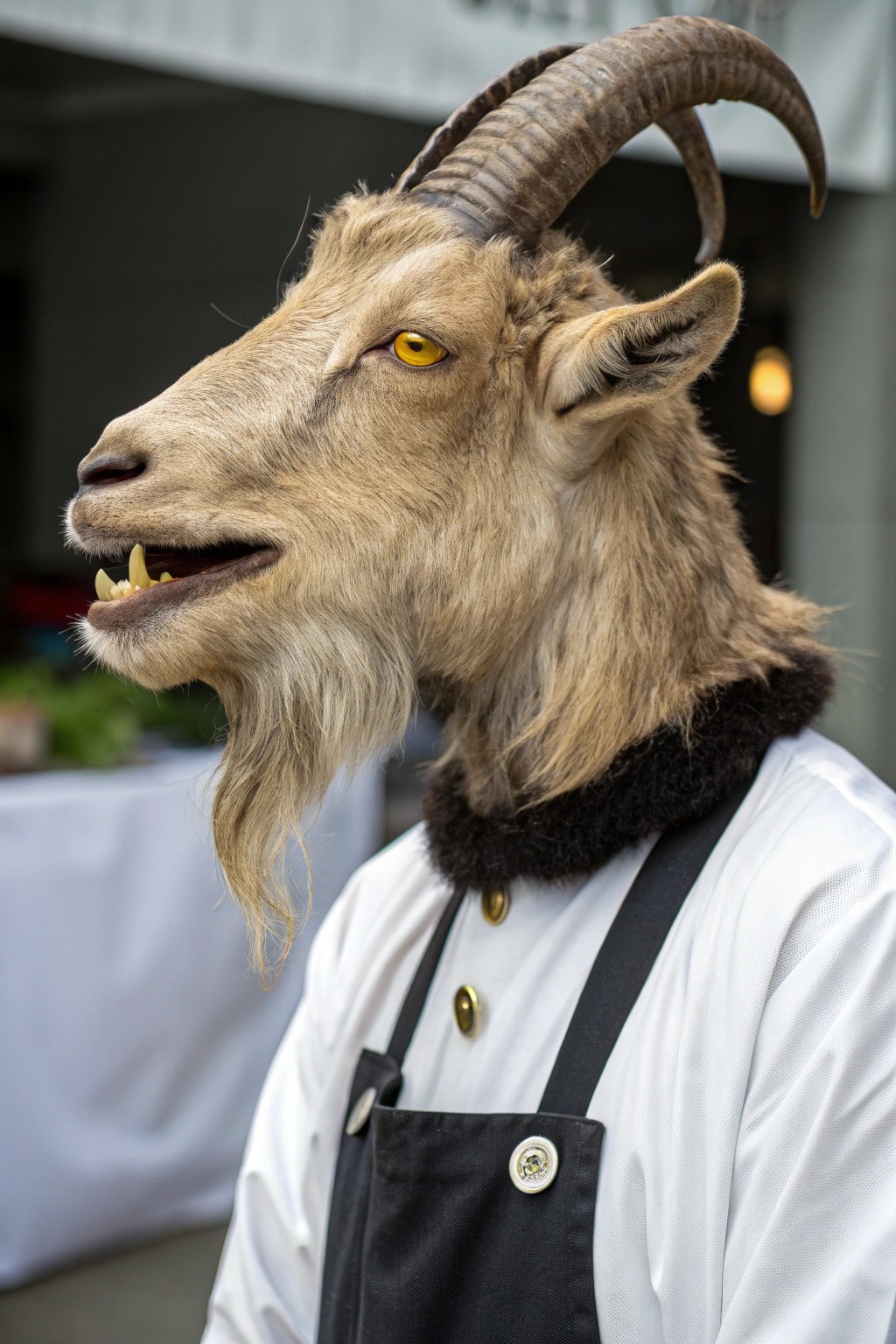
This image features a creature with the head of a goat
recraft
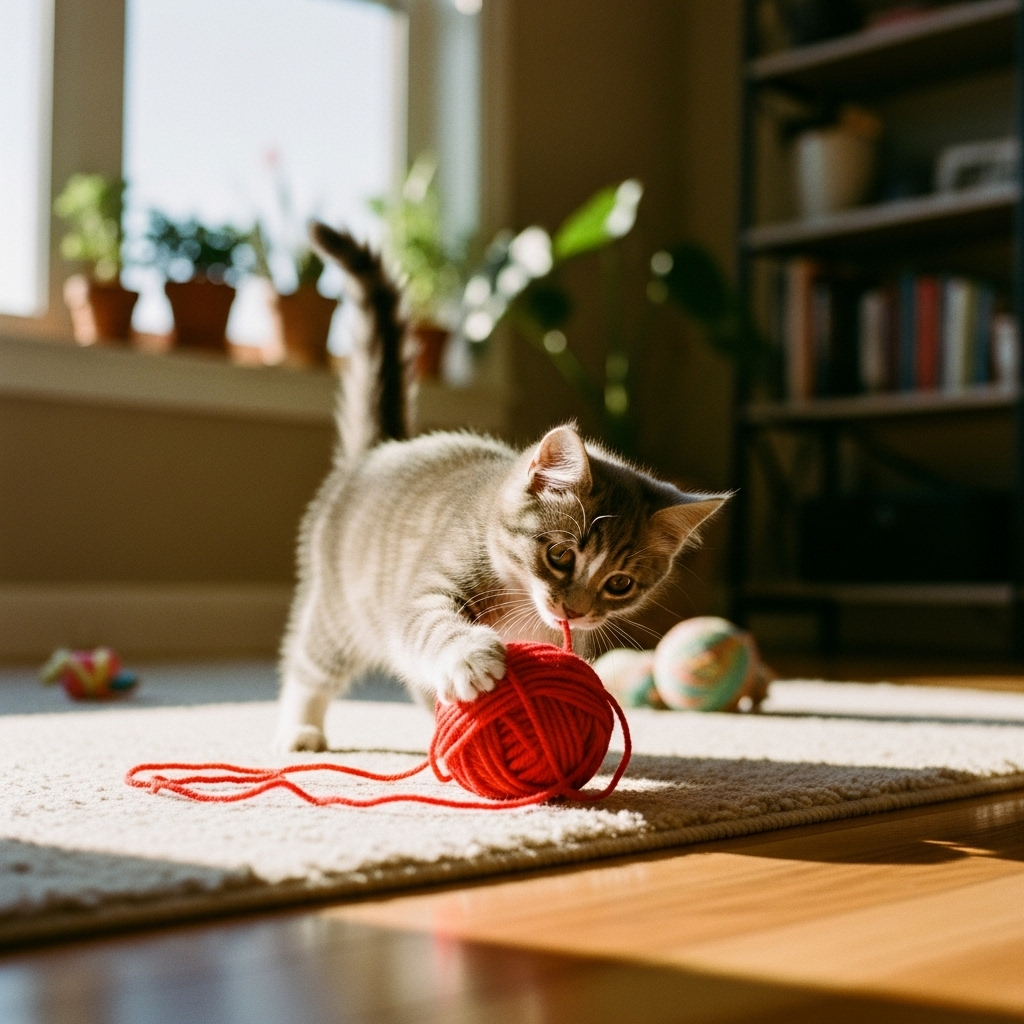
"SHOT COMPOSITION": "Description": "Capture the scene with a close-up shot using a Sony A7…
imagen
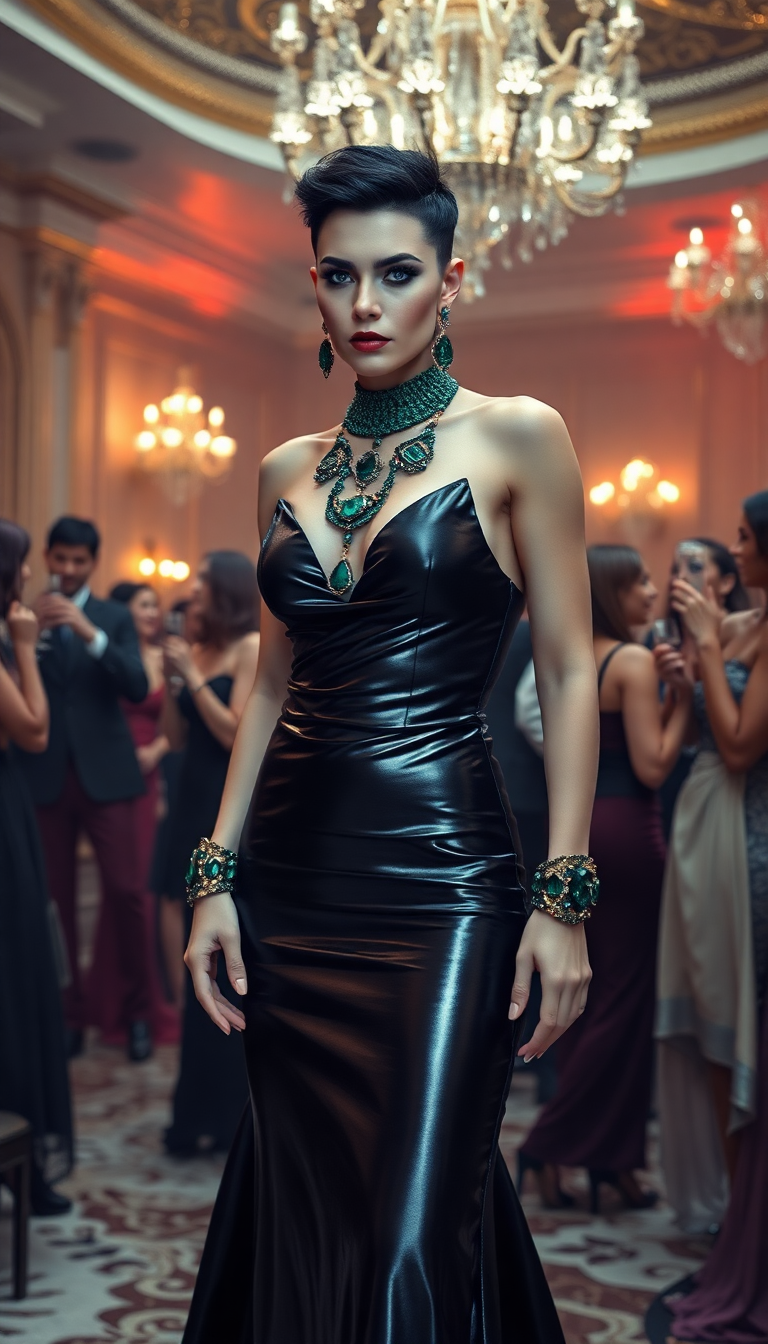
Amazonian heavily muscled mid 30s
flux

Fs-product
image-to-image
Models you can run on PixelDojo for change clothes ai
Switch models without switching tools. Each one runs in the same PixelDojo studio.
What you can do with change clothes ai on PixelDojo
Text Based Outfit Changes
We allow creators to describe new clothes in text and apply them to uploaded images.
Pose and Identity Preservation
Our system keeps the person's pose, face, and body consistent after clothing edits.
Instant Preview Generation
Creators receive quick previews of clothing changes before finalizing the output.
Export High Quality Images
We provide edited images ready for download in high resolution formats.
Join over 50,000 creators who've generated millions of AI images. Rated 4.9/5 stars on Product Hunt. 'PixelDojo makes fashion visualization effortless!' – Trusted by top fashion bloggers and e-commerce brands.
Why Choose Pixel Dojo for change clothes ai
Professional-quality results with cutting-edge AI technology
Effortless Outfit Transformations
Swap clothes in your photos seamlessly, allowing you to experiment with endless styles and see how they fit your body type without physical trials.
Boost Your Fashion Creativity
Mix and match outfits from different eras or brands, helping you discover unique looks that inspire your wardrobe or content creation.
Save Time on E-Commerce Visuals
Generate realistic product try-ons for your online store, increasing customer engagement and reducing returns by showing personalized fits.
How It Works
Creating change clothes AI images with PixelDojo is simple and fast. Use our specialized tools to upload your photo, select outfits, and generate stunning results in minutes.
Step 1: Choose Your Tool
Start by selecting Virtual Try On or Inpainting with LoRAs from PixelDojo's Characters & Faces section. Upload your base image of a person or character to begin the transformation.
Step 2: Enter Your Prompt
Describe the new outfit, such as 'swap to a red evening gown' or 'change to casual streetwear.' Use tools like Style Transfer or Face Swap for precise adjustments, and let our AI handle the seamless integration.
Step 3: Customize & Download
Refine with Enhance Realism or Pose Control, then download your high-res image. Experiment with variations to perfect your virtual try-on.
The Pixel Dojo Advantage
Why PixelDojo outperforms other options for change clothes AI image generation
| Others | Pixel Dojo |
|---|---|
| Traditional clothing photography | Eliminate costly photoshoots and models – generate unlimited variations instantly with realistic fits and lighting. |
| Generic AI tools | Our specialized Virtual Try On and Inpainting with LoRAs ensure precise, body-aware changes, unlike basic generators that distort proportions. |
| Manual photo editing | Skip hours of tedious layering and masking – achieve professional results in seconds with AI-powered accuracy and consistency. |
Loved by creators on PixelDojo
Real feedback from people using PixelDojo, pulled from our in-product surveys.
THIS IS SO DOPE !
I have already recommended it to friends
All the tools, plus the guidance
Excellent tools. Ease of use. Well thought out interface. Wide variety of AI tools and features which are up to date with more added each month
I really like how the site is kept up to date, and the leaderboard (where I'm currently #11 most popular artist)
This is the best image generator I've used so far. Well done!
Explore more AI tools on PixelDojo
AI Tools
Compare & Switch
- Best AI Image Generators
- Best AI Video Generators
- Midjourney Alternatives
- Civitai Alternatives
- Runway Alternatives
- Leonardo Alternatives
- Pika Alternatives
- Luma Alternatives
- Magnific Alternatives
- Veo Alternatives
- Flux Alternatives
- Freepik Alternatives
- Seedance Alternatives
- Seedream Alternatives
- Pixverse Alternatives
- GPT Image Alternatives
- Synthesia Alternatives
- Playground Alternatives
- NightCafe Alternatives
- Canva AI Alternatives
- ElevenLabs Alternatives
- ComfyUI Alternatives
- Fal Alternatives
- Replicate Alternatives
Common Questions
Everything you need to know about change clothes ai
How does change clothes AI work for virtual try-ons?
PixelDojo's Virtual Try On tool analyzes your uploaded image and applies new clothing seamlessly, maintaining body shape and pose. Combine it with Inpainting with LoRAs for custom styles, ensuring realistic textures and fits. You'll get outcomes like personalized fashion previews without any manual editing.
Can I use change clothes AI for e-commerce product images?
Absolutely! Use Character Stylist and Face Enhancer to create diverse model try-ons. This helps showcase products on various body types, boosting customer confidence and reducing returns. PixelDojo's tools deliver high-res images ready for your online store.
What are the best tools for AI clothing swap in photos?
Start with Image to Image or Style Transfer for basic swaps, then refine with Pose Control and Magic Lighting. These ensure your changed clothes look natural in any setting, helping you achieve professional fashion visuals effortlessly.
Is change clothes AI suitable for character design in games?
Yes, tools like Consistent Characters and Infinite You allow you to swap outfits on virtual characters consistently across scenes. Generate endless variations for game assets, saving time on design iterations and enhancing your creative workflow.
How accurate is AI outfit changer for different body types?
PixelDojo's Face Swap and Enhance Realism tools adapt clothing to various body shapes with high precision, using advanced AI to preserve proportions. You'll create inclusive, realistic try-ons that cater to all users, perfect for fashion inclusivity.
Can I train models for custom change clothes AI styles?
Definitely! Use FLUX Model Trainer or SDXL Model Trainer to fine-tune for specific clothing brands or eras. This personalization lets you achieve unique outcomes, like branded virtual wardrobes, with results tailored to your vision.