decensor ai

Generated on PixelDojo. Produced by PixelDojo's generation pipeline.
Unlock the full potential of your images by removing unwanted censorship with PixelDojo's cutting-edge AI decensor tools. Whether you're restoring old photos, enhancing professional visuals, or simply seeking to reclaim lost details, our platform empowers you to achieve clear, natural results effortlessly.
Real image examples generated on PixelDojo
Every example below was produced on PixelDojo. Hover to see the prompt.
Create a YouTube Header for "FLUXPRO" AI image generation
flux
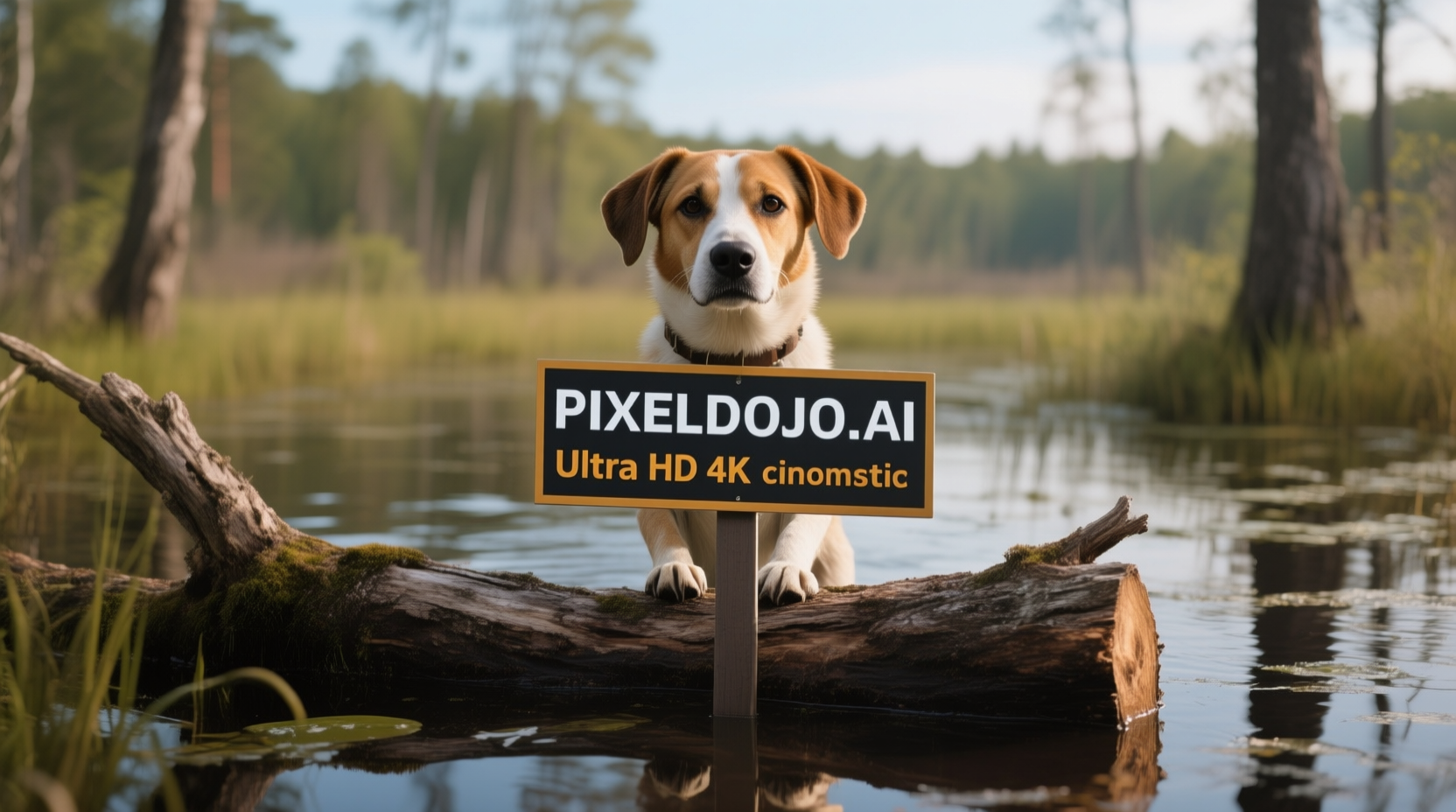
A dog in a bog on a log with a sign that reads PIXELDOJO
qwen-image

A highly detailed
stable-diffusion
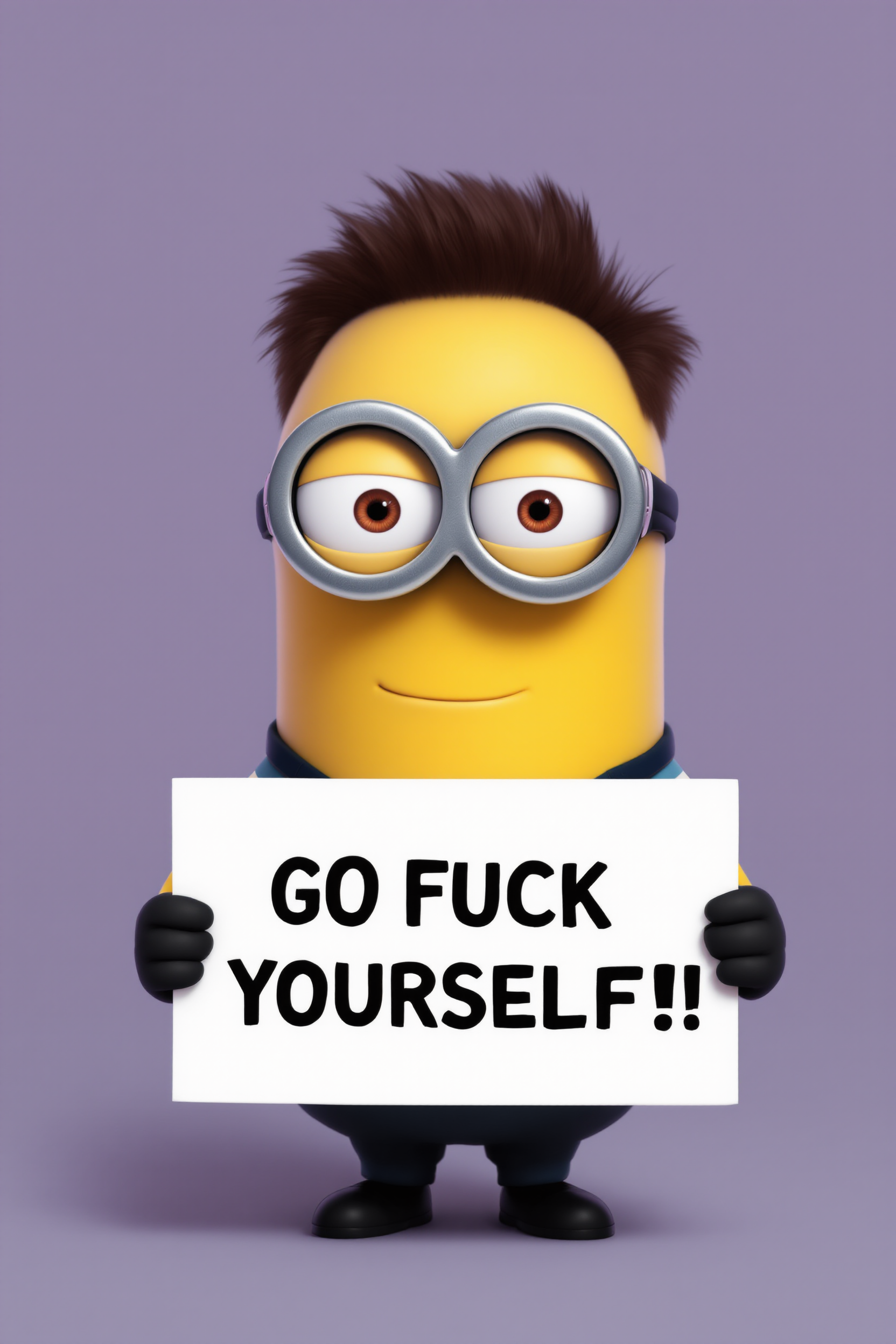
Create a minion that looks like Elon Musk holding a sign that reads "GO FUCK YOURSELF!!" w…
flux
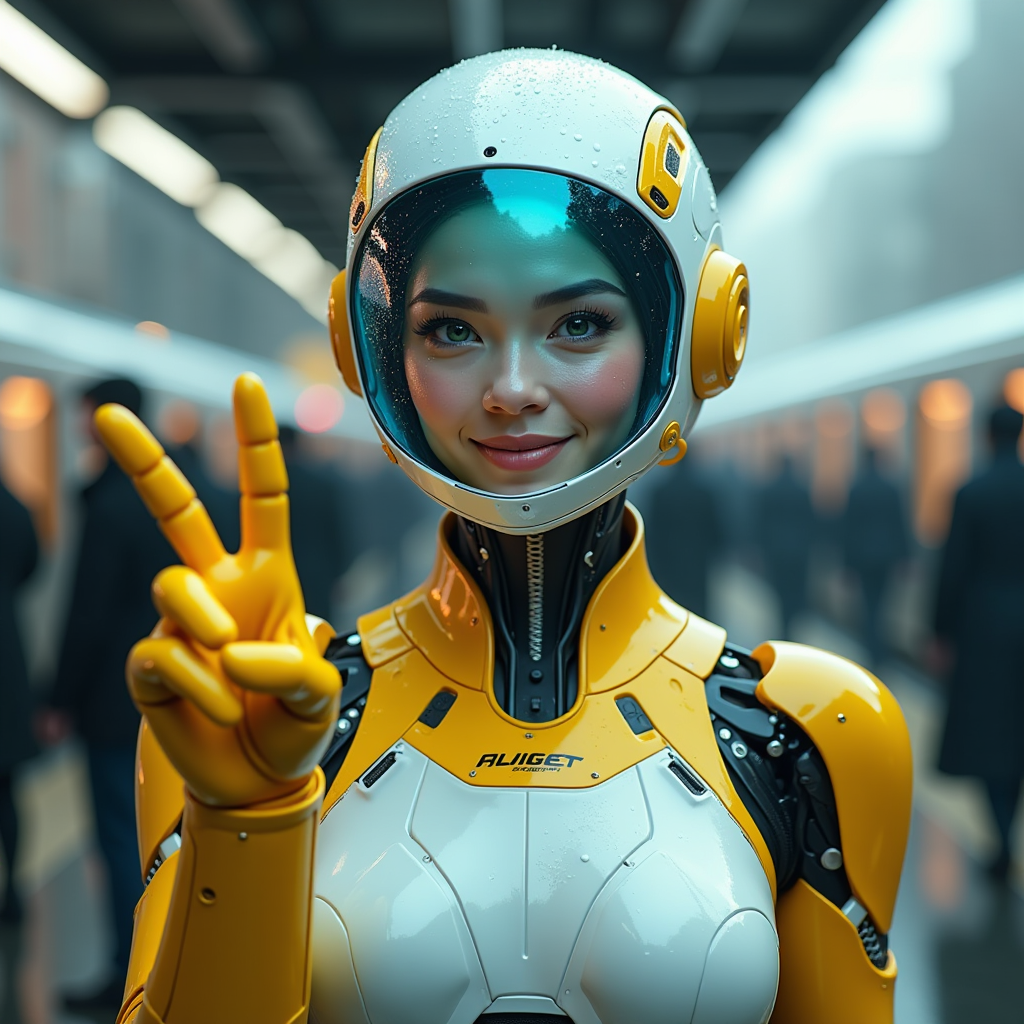
A hyper-realistic image of a female AI robot standing at a train station
flux

Image of an ai painting a human and a human painting an ai
flux
Models you can run on PixelDojo for decensor ai
Switch models without switching tools. Each one runs in the same PixelDojo studio.
What you can do with decensor ai on PixelDojo
Generate Images Without Filters
We allow creators to produce images on any topic without automatic restrictions.
Restore Detail in Censored Images
Creators upload censored files and we regenerate them with complete visual information.
Define Custom Content Rules
We let users set their own guidelines for what appears in generated outputs.
Process Batches of Images
Creators submit multiple images at once for decensoring and receive results together.
Join thousands of satisfied creators who have restored over 1 million images using PixelDojo's AI tools. Experience the difference today.
Why Choose Pixel Dojo for decensor ai
Professional-quality results with cutting-edge AI technology
Achieve Natural Image Restoration
Remove censorship while preserving the original quality and details of your images.
Save Time with AI-Powered Efficiency
Automate the decensoring process and get results in seconds, eliminating manual editing.
User-Friendly Interface for All Skill Levels
Easily navigate our intuitive platform, designed for both beginners and professionals.
How It Works
Restoring your censored images is simple with PixelDojo. Follow these easy steps:
Step 1: Upload Your Censored Image
Select the 'Image to Image' tool and upload the image you wish to restore.
Step 2: Select the Censored Areas
Use the intuitive brush tool to highlight the areas you want to decensor.
Step 3: Apply AI Decensoring and Download
Click 'Apply' to let the AI restore the image, then download your uncensored photo.
The Pixel Dojo Advantage
Why PixelDojo is the superior choice for image decensoring:
| Others | Pixel Dojo |
|---|---|
| Manual Photo Editing | Automates the process, saving hours of manual work. |
| Generic AI Tools | Specifically designed for decensoring, ensuring higher accuracy and natural results. |
| Traditional Restoration Services | Provides instant results without the high costs and wait times. |
Loved by creators on PixelDojo
Real feedback from people using PixelDojo, pulled from our in-product surveys.
user friendly all in one thing
I really like the schedule of AI work performed!
The best tools for IA on the web !
The guy that operates the website is constantly updating it
I’ve been using PixelDojo for around 8 months now and it’s always worked wonderfully while constantly adding features.
The site is easy to navigate and use.
Explore more AI tools on PixelDojo
AI Tools
Compare & Switch
- Best AI Image Generators
- Best AI Video Generators
- Midjourney Alternatives
- Civitai Alternatives
- Runway Alternatives
- Leonardo Alternatives
- Pika Alternatives
- Luma Alternatives
- Magnific Alternatives
- Veo Alternatives
- Flux Alternatives
- Freepik Alternatives
- Seedance Alternatives
- Seedream Alternatives
- Pixverse Alternatives
- GPT Image Alternatives
- Synthesia Alternatives
- Playground Alternatives
- NightCafe Alternatives
- Canva AI Alternatives
- ElevenLabs Alternatives
- ComfyUI Alternatives
- Fal Alternatives
- Replicate Alternatives
Common Questions
Everything you need to know about decensor ai
How does PixelDojo's AI decensor tool work?
Our AI analyzes the censored areas and intelligently reconstructs the missing details, providing a natural and clear restoration.
Is there a limit to the number of images I can decensor?
With our subscription, you have unlimited access to all our tools, allowing you to decensor as many images as you need.
Can I use PixelDojo's decensor tool for professional projects?
Absolutely! Our tools are designed to deliver high-quality results suitable for professional use.
Do I need any prior experience to use the decensor tool?
No, our platform is user-friendly and requires no prior experience. Simply follow the guided steps to restore your images.
Is my data secure when using PixelDojo?
Yes, we prioritize your privacy and ensure that all uploaded images are processed securely and confidentially.
Can I cancel my subscription at any time?
Yes, you can cancel your subscription at any time without any penalties.