Dreamina AI

Generated on PixelDojo with google-nano-banana. Produced by PixelDojo's generation pipeline.
Dreamina AI is CapCut's AI creation tool for generating images and videos from text prompts, reference images and editing instructions. It is useful for concept art, social visuals, short video ideas, product-style imagery and fast creative exploration. On PixelDojo, you can work with Dreamina AI and Dreamina-class generation alongside Flux, GPT Image, Nano Banana and Seedream in one creative studio.
Real image examples generated on PixelDojo
Every example below was produced on PixelDojo. Hover to see the prompt.
Create image of very beautiful AI robot woman in bed a happy man under the covers
flux

A poised female AI assistant in a minimalist white suit
flux

A highly detailed
stable-diffusion
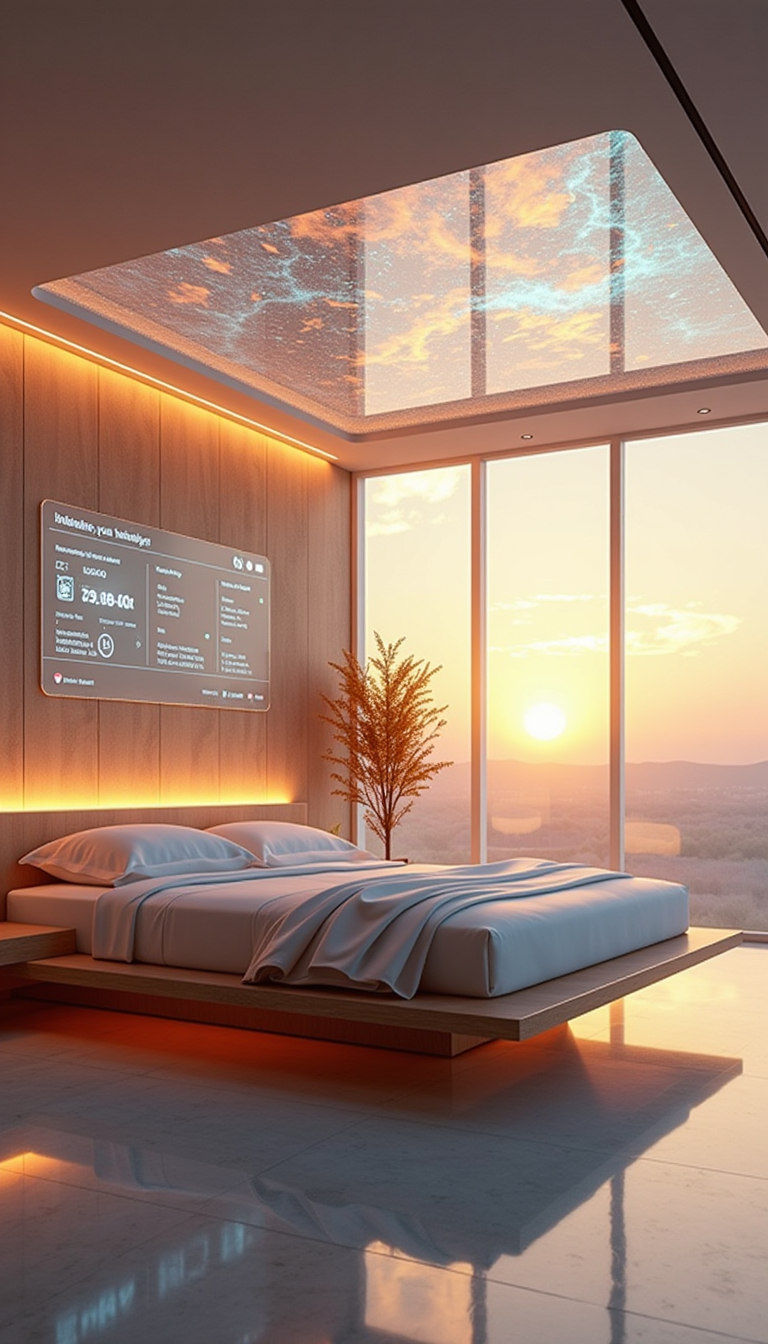
A HD Dynamic 4K Image Of Ultra-realistic futuristic bedroom with a transparent ceiling tha…
stable-diffusion
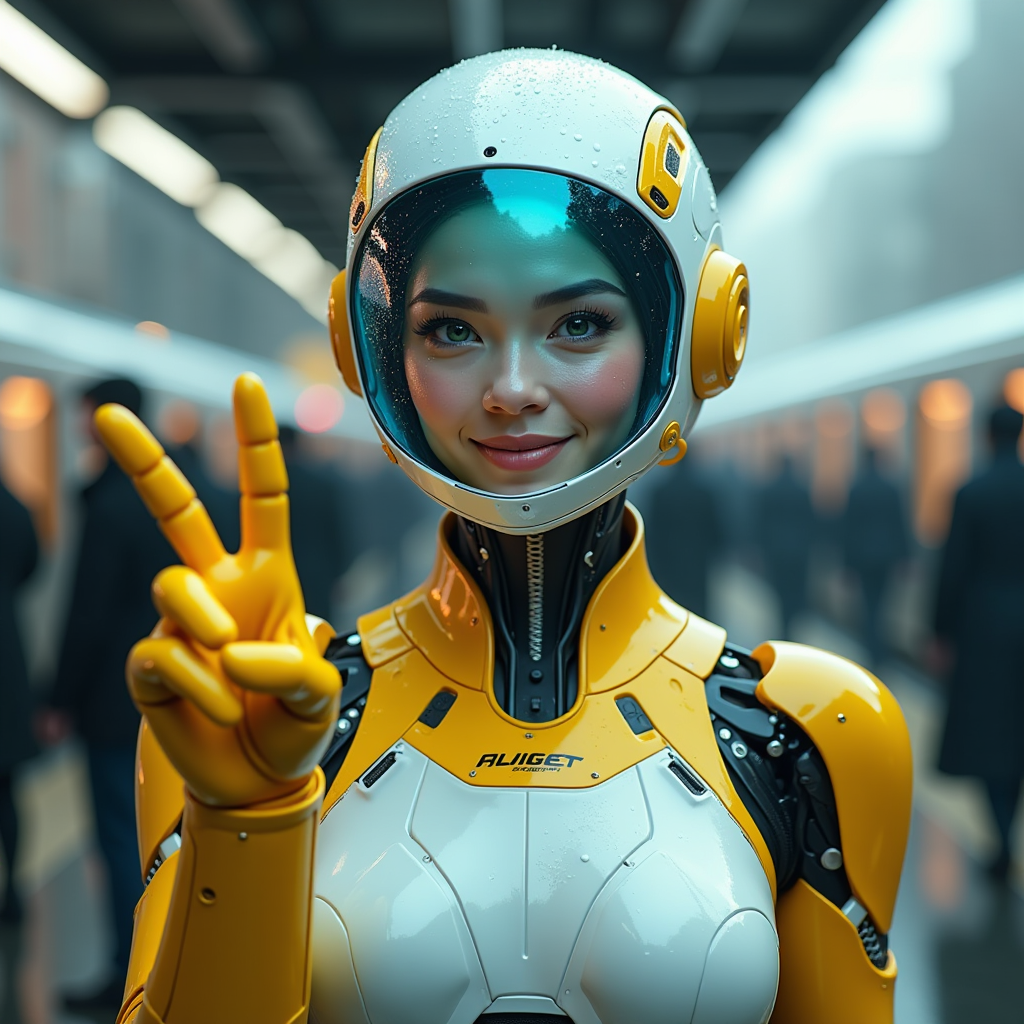
A hyper-realistic image of a female AI robot standing at a train station
flux

Create a minion that looks like Elon Musk holding a sign that reads "GO FUCK YOURSELF!!" w…
flux
Models you can run on PixelDojo for Dreamina AI
Switch models without switching tools. Each one runs in the same PixelDojo studio.
What you can do with Dreamina AI on PixelDojo
Text to Image Generation
Creators enter text prompts to produce images with Dreamina AI.
Targeted Image Editing
We support adjustments to specific regions of generated images.
Image Variation Creation
Users request additional versions based on an existing image.
Style Parameter Controls
We enable selection of artistic styles and composition settings.
Why Choose Pixel Dojo for Dreamina AI
Professional-quality results with cutting-edge AI technology
Create images and videos from the same idea
Dreamina AI is known for making visual ideation faster, especially when you want to move from a written prompt to a polished image or short motion concept. PixelDojo keeps that workflow focused by giving you image generation, video generation and model comparison in one place, so a single idea can become a poster, scene, character, product mockup or motion-ready asset.
Compare Dreamina-style output with leading models
No single AI model is best for every prompt. Dreamina AI can be strong for approachable creative generation and social-first visuals, while Flux may be better for detailed prompt adherence, GPT Image for instruction following, Nano Banana for specific creative edits and Seedream for another visual style range. PixelDojo lets you choose the model that fits the job instead of rebuilding the same prompt across separate tools.
Keep your creative workflow organized
PixelDojo is built for repeatable creative work, not just one-off prompt experiments. You can generate variations, refine prompts, test references, compare results and continue working in a single studio, which is helpful for creators, marketers, designers, founders and teams making many assets around the same campaign or visual direction.
How It Works
PixelDojo gives you a practical way to try Dreamina AI generation and compare it with other leading image and video models.
Start with a prompt or reference
Describe what you want to create, such as a cinematic product shot, anime character, fashion campaign, interior concept, social ad, album cover or short video scene. Add a reference image when you want the model to follow a specific subject, pose, color palette, layout or visual style.
Choose the right model
Select Dreamina AI when you want its creator-focused image and video generation style, or compare with Flux, GPT Image, Nano Banana and Seedream for different strengths. PixelDojo makes model choice part of the creative process, so you can match the tool to the output you need.
Generate, compare and refine
Review the results, save the strongest directions and adjust your prompt for more control. You can create variations, change style cues, clarify the subject, adjust composition and continue until the result fits your project.
Loved by creators on PixelDojo
Real feedback from people using PixelDojo, pulled from our in-product surveys.
Love it make anything I can think of so far
Great for all your ideas use it encourage more people to use it
Because it is awesome
exceptional quality and great overall design of platform and interface. very intuative. love the creative freedom.
Qwen image 2 is amazing!!
Creative freedom, range of tools and options.
Explore more AI tools on PixelDojo
AI Tools
Compare & Switch
- Best AI Image Generators
- Best AI Video Generators
- Midjourney Alternatives
- Civitai Alternatives
- Runway Alternatives
- Leonardo Alternatives
- Pika Alternatives
- Luma Alternatives
- Magnific Alternatives
- Veo Alternatives
- Flux Alternatives
- Freepik Alternatives
- Seedance Alternatives
- Seedream Alternatives
- Pixverse Alternatives
- GPT Image Alternatives
- Synthesia Alternatives
- Playground Alternatives
- NightCafe Alternatives
- Canva AI Alternatives
- ElevenLabs Alternatives
- ComfyUI Alternatives
- Fal Alternatives
- Replicate Alternatives
Common Questions
Everything you need to know about Dreamina AI
What is Dreamina AI?
Dreamina AI is an AI image and video creation tool from CapCut. It helps users generate visuals from prompts, references and editing instructions, making it useful for social content, concept art, short video ideas, stylized images, product visuals and fast creative drafts.
Can I use Dreamina AI on PixelDojo?
Yes. PixelDojo hosts Dreamina AI and Dreamina-class generation workflows alongside other models, so you can create with it and compare outputs against Flux, GPT Image, Nano Banana and Seedream in one workspace.
How much does Dreamina AI cost on PixelDojo?
Pricing depends on the current PixelDojo plan, credit structure and the type of generation you run. Image and video models may use different amounts of compute, so the most accurate cost details are shown inside PixelDojo before or during generation.
What is the best Dreamina AI alternative?
The best alternative depends on what you are making. Flux is often a strong choice for detailed image generation and prompt control, GPT Image can be useful for instruction-based edits and composition requests, Nano Banana can help with creative image tasks, and Seedream offers another high-quality visual direction. PixelDojo includes these options so you can compare them directly.
Is Dreamina AI free to try?
Dreamina availability and free access can vary by platform, region and current product policy. PixelDojo may offer free or trial access depending on the current plan structure, but model use can require credits because image and video generation uses compute resources.
What can I make with Dreamina AI?
You can make AI images, style concepts, characters, social graphics, thumbnails, campaign visuals, product mockups, background art, visual storyboards and short video concepts. It is especially useful when you need many visual directions quickly before choosing a final style.
How do I get the best results?
Write prompts that include subject, setting, style, lighting, mood, camera angle, aspect ratio and any constraints that matter. Use reference images when consistency is important, generate several variations and compare Dreamina AI with other PixelDojo models when you need a different look or more precise control.