ernie image
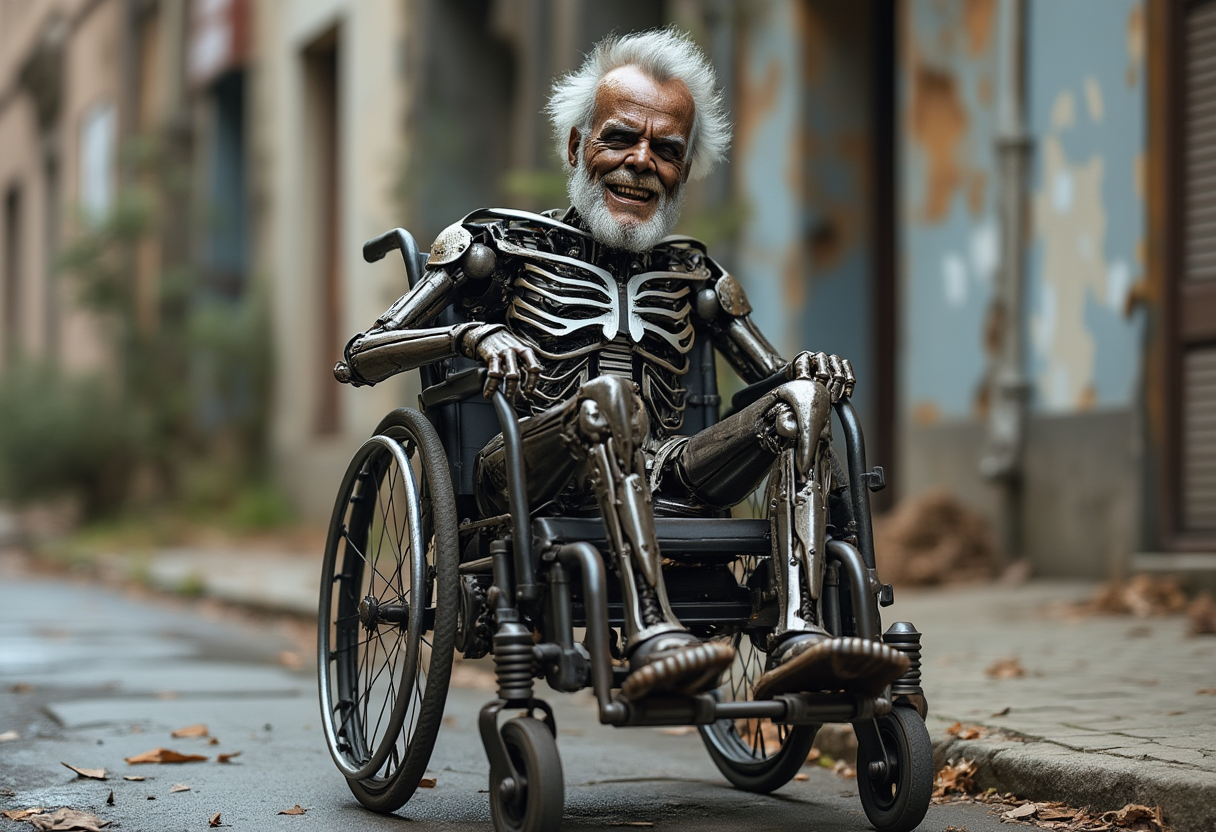
Generated on PixelDojo. Produced by PixelDojo's generation pipeline.
You can now produce magazine-ready fashion portraits, bilingual marketing posters with perfectly readable text, and cinematic lifestyle scenes that look like they came from a professional photoshoot. PixelDojo puts Baidu's Ernie image model at your fingertips so you achieve these results in minutes instead of days. Whether you need high-converting product visuals, culturally authentic East Asian designs, or editorial-quality photography for your brand, Ernie on PixelDojo delivers photorealistic quality, native English-Chinese-Japanese support, and built-in prompt expansion that turns simple ideas into polished assets. Combine it with our full suite of 40+ tools and you go from concept to download-ready file without ever leaving the platform. Thousands of creators already use it daily for client work, social campaigns and personal projects because it just works.
Real image examples generated on PixelDojo
Every example below was produced on PixelDojo. Hover to see the prompt.
Create image of a metal
flux
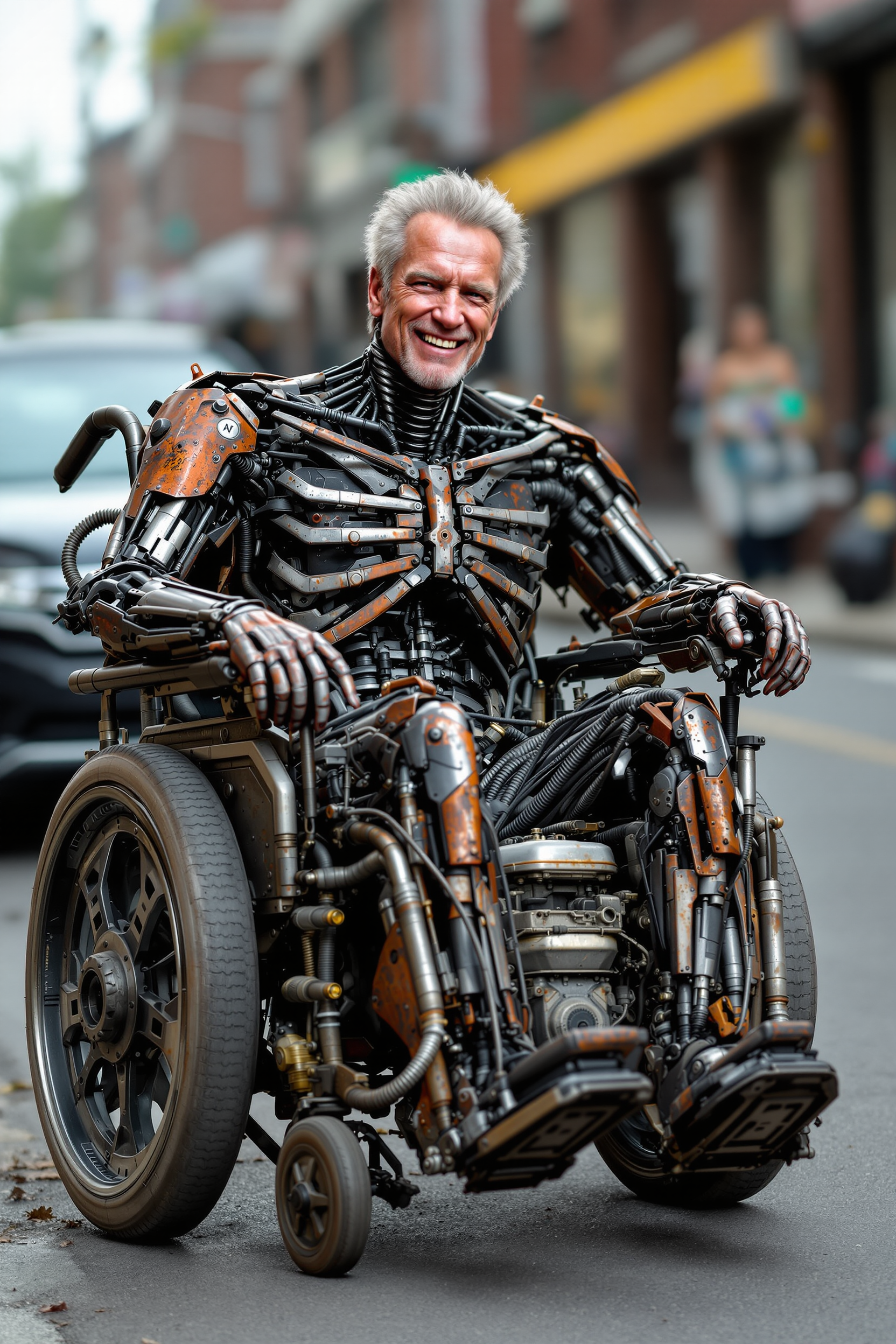
Create image of a metal
flux
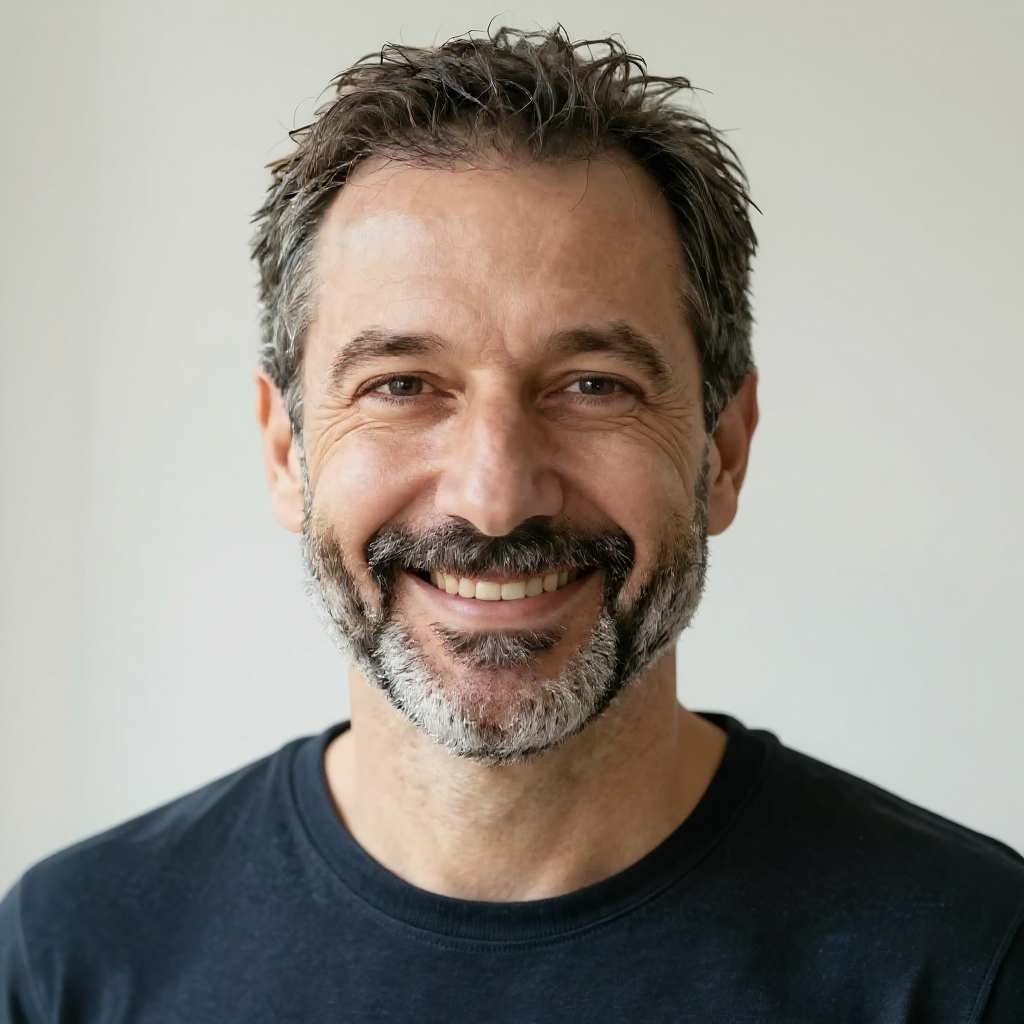
The same person fishing on a calm lake at dawn
consistent-characters
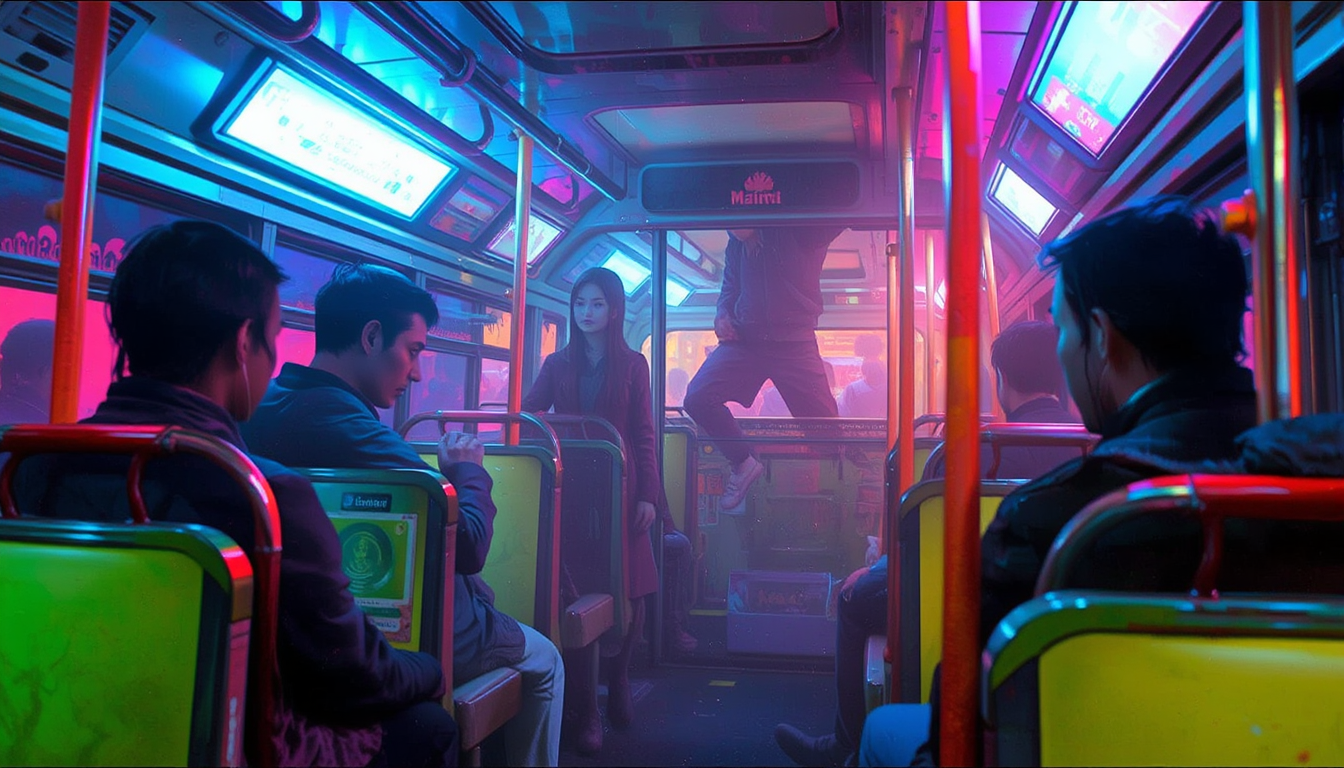
FantasyArt style
stable-diffusion
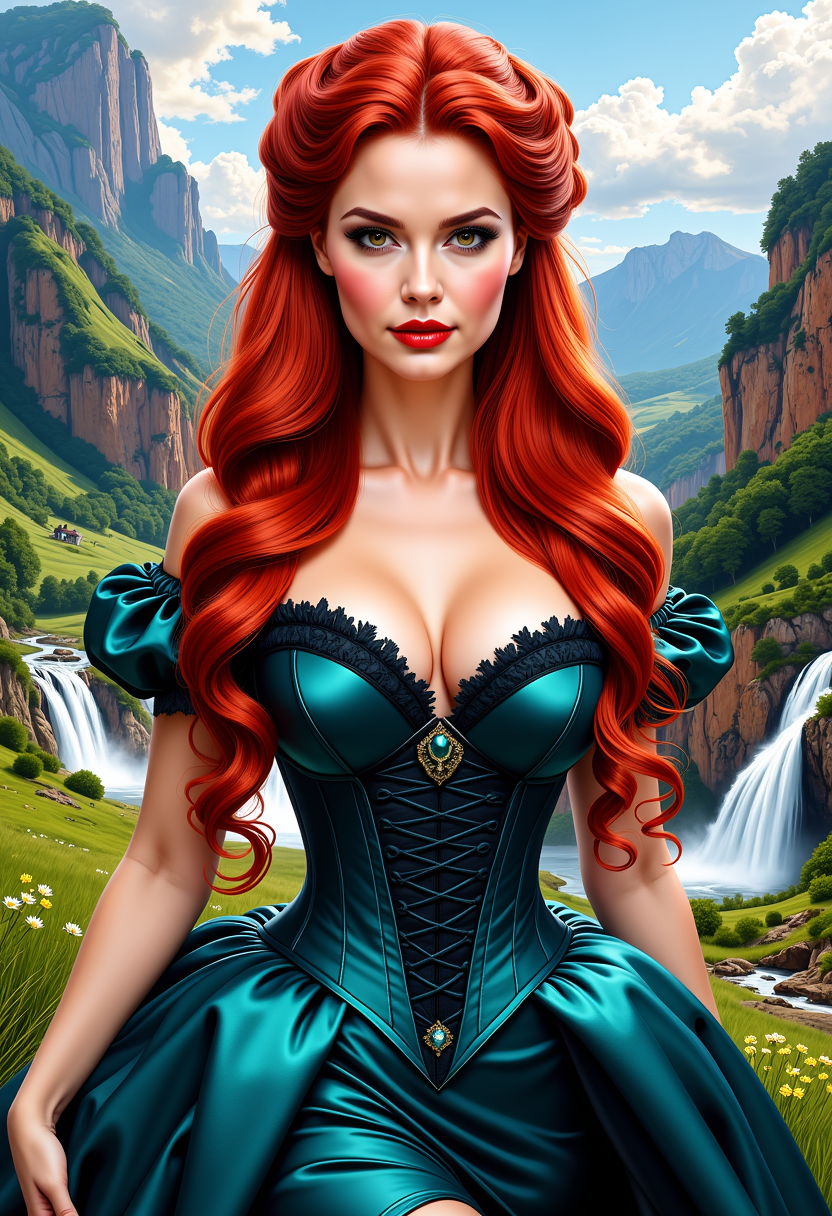
FantasyWomanLoRa
stable-diffusion
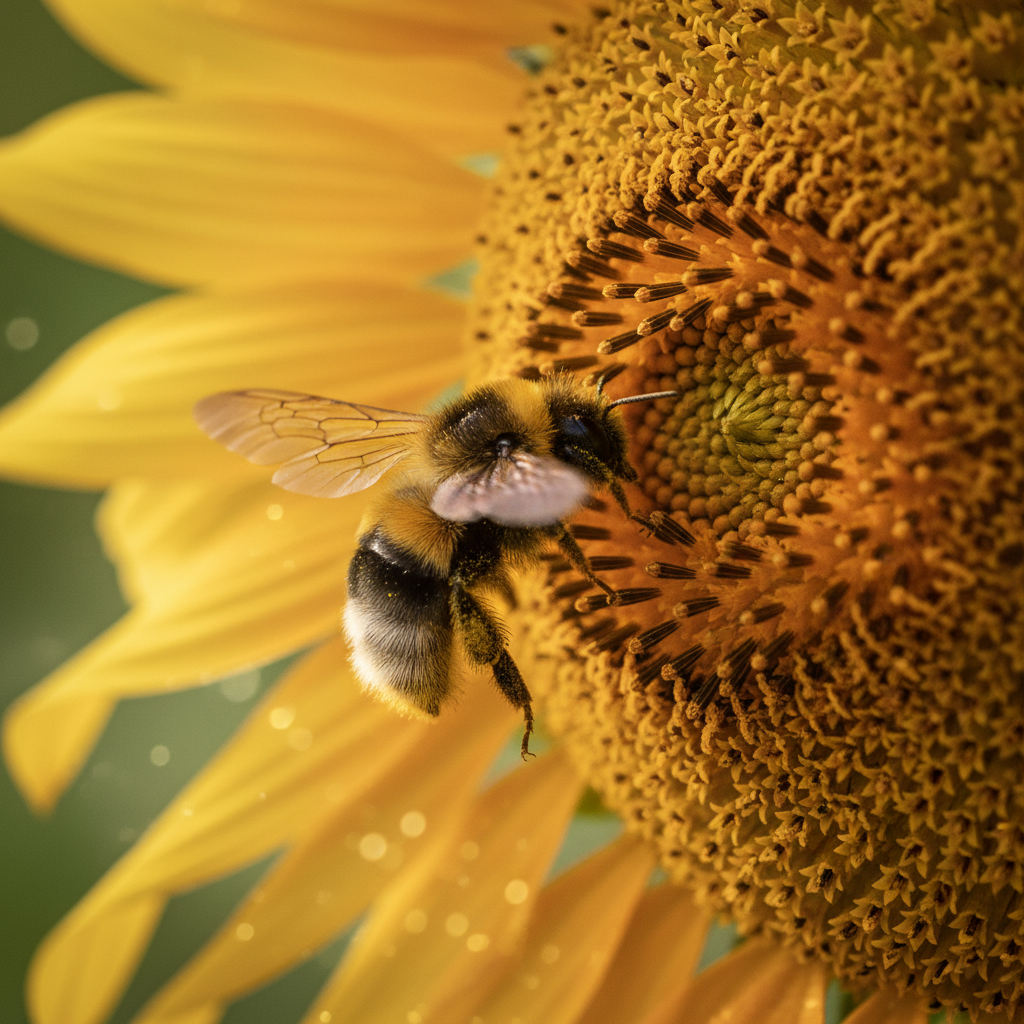
A close-up of a bee on a sunflower
google-gemini-image
Models you can run on PixelDojo for ernie image
Switch models without switching tools. Each one runs in the same PixelDojo studio.
What you can do with ernie image on PixelDojo
Ernie Text to Image
We host Ernie Image so you can turn written prompts into still frames with the model’s usual composition and color habits.
Prompt Tweaks and Regenerates
You edit the caption and run again in the same workspace until the scene, lighting, and subject line up with what you asked for.
Size and Aspect Choices
We expose common aspect ratios and output sizes so generations can fit posts, thumbnails, slides, or print layouts.
Variations from One Prompt
You generate several takes from a single prompt and pick among pose, crop, and color options without leaving PixelDojo.
Loved by thousands of creators worldwide who generate photorealistic Ernie images every day. 4.9/5 average rating from users who switched from traditional photography and generic tools. Full commercial rights included on every paid plan. Cancel anytime.
Why Choose Pixel Dojo for ernie image
Professional-quality results with cutting-edge AI technology
Magazine-Quality Portraits That Sell
You create high-fashion editorial shots, lifestyle couples, fitness campaigns and cinematic portraits that look indistinguishable from real photography. Warm lighting, natural skin texture and confident poses convert better on ads and social feeds.
Text-Perfect Posters and Infographics Instantly
You generate posters, signs, comics and product labels with crisp, correctly spelled English, Chinese or Japanese text that actually stays readable. No more garbled letters that ruin professional designs.
Authentic Multilingual Campaigns in One Click
You write prompts in any of three languages and receive culturally accurate details, native typography and authentic atmospheres that resonate with global audiences without hiring translators or local photographers.
How It Works
You go from idea to professional Ernie image in three simple steps using PixelDojo's dedicated Ernie tool plus our editing and enhancement suite.
Step 1: Choose Your Tool
Open Generate Images and select Ernie. Pick the standard model for maximum quality or the Turbo variant for lightning-fast iterations. You can also start with Nano Banana 2 or Flux.2 Studio if you want to blend styles later. The dashboard shows credit cost instantly so you stay in control.
Step 2: Enter Your Prompt
Type a detailed description of your subject, lighting, composition and any exact text you want rendered (put words in quotes). Ernie's built-in prompt enhancer automatically expands short ideas into rich visual instructions. Example: “Glamour fashion portrait of an adult woman in a tailored crimson power suit, luxury hotel lobby, warm cinematic lighting, photorealistic”. Generate multiple variants at once.
Step 3: Customize & Download
Refine your favorite result with Image to Image, Inpainting, Change Camera Angle, Style Transfer or Magic Lighting. Upscale to print-ready resolution using Magnific Upscaler or P-Image Upscale. Download in HD or UHD with full commercial rights. Save to folders or send straight to Marketing Studio for video versions.
The Pixel Dojo Advantage
Why PixelDojo outperforms other options for Ernie image generation
| Others | Pixel Dojo |
|---|---|
| Traditional photography and design studios | You skip expensive shoots, models, locations and retouching. Generate unlimited photorealistic Ernie images in minutes for a fraction of the cost while keeping full commercial rights. |
| Generic AI image tools | You get native multilingual text rendering, built-in prompt expansion and photorealism that actually looks like film photography instead of plastic AI artifacts. Plus 40 extra specialized tools in one place. |
| Manual photo editing and layout software | You replace hours of compositing, text placement and lighting work with a single prompt plus one-click edits. Iterate 10 versions while others are still opening their first file. |
Loved by creators on PixelDojo
Real feedback from people using PixelDojo, pulled from our in-product surveys.
Great site and so much fun to use!
very useful set of tools for image creation, upscaling and enhancement
ease of use, variety of tools, high quality trainings, and a well-maintained discord channel
Ease of use, friendliness and support of the owner, continued innovation.
it is an amazing site to create a pics and vids for those who don't have the hardware themselves
good tools in one place
Explore more AI tools on PixelDojo
AI Tools
Compare & Switch
- Best AI Image Generators
- Best AI Video Generators
- Midjourney Alternatives
- Civitai Alternatives
- Runway Alternatives
- Leonardo Alternatives
- Pika Alternatives
- Luma Alternatives
- Magnific Alternatives
- Veo Alternatives
- Flux Alternatives
- Freepik Alternatives
- Seedance Alternatives
- Seedream Alternatives
- Pixverse Alternatives
- GPT Image Alternatives
- Synthesia Alternatives
- Playground Alternatives
- NightCafe Alternatives
- Canva AI Alternatives
- ElevenLabs Alternatives
- ComfyUI Alternatives
- Fal Alternatives
- Replicate Alternatives
Common Questions
Everything you need to know about ernie image
What is Ernie image generation and how does PixelDojo make it the easiest way to use it?
Ernie image generation uses Baidu's advanced model to turn text into photorealistic pictures, posters and illustrations with exceptional text accuracy and multilingual support. PixelDojo gives you instant access without any local GPU setup. You simply choose the Ernie tool, write a prompt, and download HD or UHD files ready for commercial use. Our prompt enhancer and 40+ companion tools (editing, upscaling, character consistency) turn raw generations into finished assets faster than any standalone option.
How do I write the best prompts for Ernie image AI generator on PixelDojo?
Ernie rewards detailed, structured prompts. Describe the subject, exact clothing or objects, lighting (cinematic, golden hour, studio), composition and mood in separate phrases. Put any text you want inside the image in quotation marks. For multilingual work, write the prompt in Chinese or Japanese when cultural nuance matters. PixelDojo's built-in enhancer expands short ideas automatically. Start with our community-voted examples like fashion portraits or vintage signs and iterate four variants at once.
Can I generate bilingual posters and infographics with perfect text using Ernie on PixelDojo?
Yes. Ernie is specifically strong at rendering readable English, Chinese and Japanese text in correct layouts. You specify position, font style and exact wording in quotes. Combine the generation with PixelDojo's Image Analyzer and Reality Polisher to fine-tune, then upscale with Magnific Upscaler. Thousands of marketers already use this workflow for event posters, product packaging and social ads that look professionally designed.
Is Ernie image generation free to try and can I cancel anytime on PixelDojo?
You can start generating immediately with our free credits. Paid plans unlock unlimited commercial use, higher resolutions and the full 40+ tool library. There are no long-term contracts. You cancel anytime from your account dashboard with one click. Credits never expire and we refund any failed generations automatically.
Which PixelDojo tools work best after I generate an Ernie image?
After Ernie, use Image to Image or Inpainting for local changes, Change Camera Angle for new perspectives, Style Transfer for artistic looks, and Magic Lighting for mood adjustments. For faces and characters, Consistent Characters and Face Swap keep identity locked. Finish with Magnific Upscaler or Portrait Upscaler for print quality. All tools share the same credit system so you stay in one workflow.
Can I use Ernie images commercially and train custom models on PixelDojo?
Every image you generate on a paid PixelDojo plan includes full commercial rights for ads, merchandise, client work and resale. You can also train your own Ernie-compatible styles with our Flux Trainer, QWEN Trainer or SDXL Trainer so future generations stay perfectly on-brand. Developers access the same models through our API with usage reports and team collaboration.