fal alternative
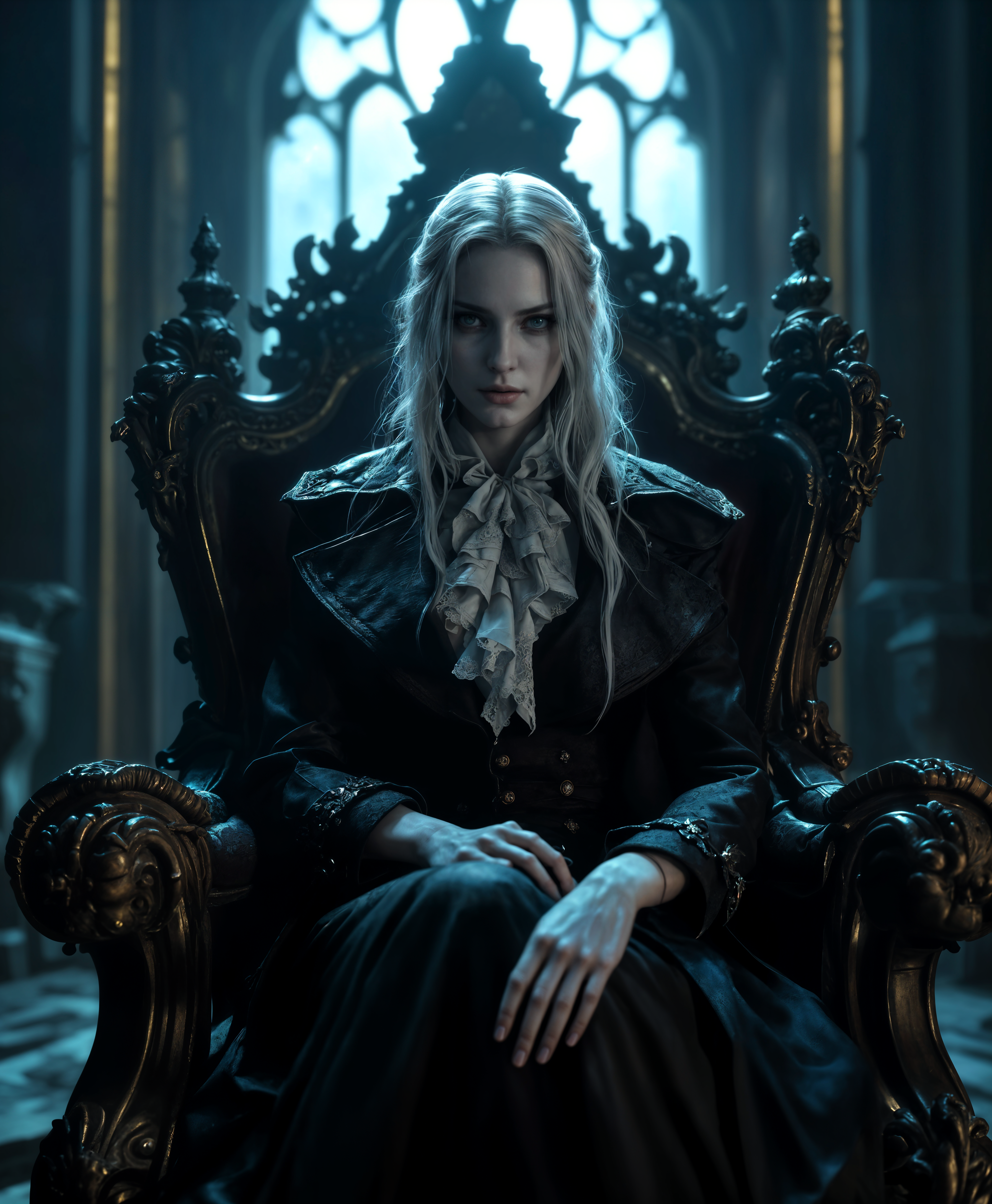
Generated on PixelDojo. Produced by PixelDojo's generation pipeline.
You want professional AI images and videos without juggling APIs, surprise bills or technical setup. PixelDojo delivers exactly that as the fal alternative built for real results. Generate photorealistic product shots, consistent brand characters, cinematic marketing clips and social content in minutes using the latest models including Nano Banana 2, GPT Image 2, Flux.2 Studio, Seedream 5 and Kling Video. You stay in one dashboard from first prompt to final download. Edit with Inpainting or Style Transfer, upscale with Magnific Upscaler, train custom looks with Flux Trainer and even add audio or 3D. Thousands of creators already produce campaign-ready assets this way. You keep full commercial rights, iterate instantly and cancel anytime. Stop wasting time on fragmented tools and start shipping visuals that convert.
Real image examples generated on PixelDojo
Every example below was produced on PixelDojo. Hover to see the prompt.
fal alternative on PixelDojo

This image depicts a group of four individuals standing in an industrial setting
flux
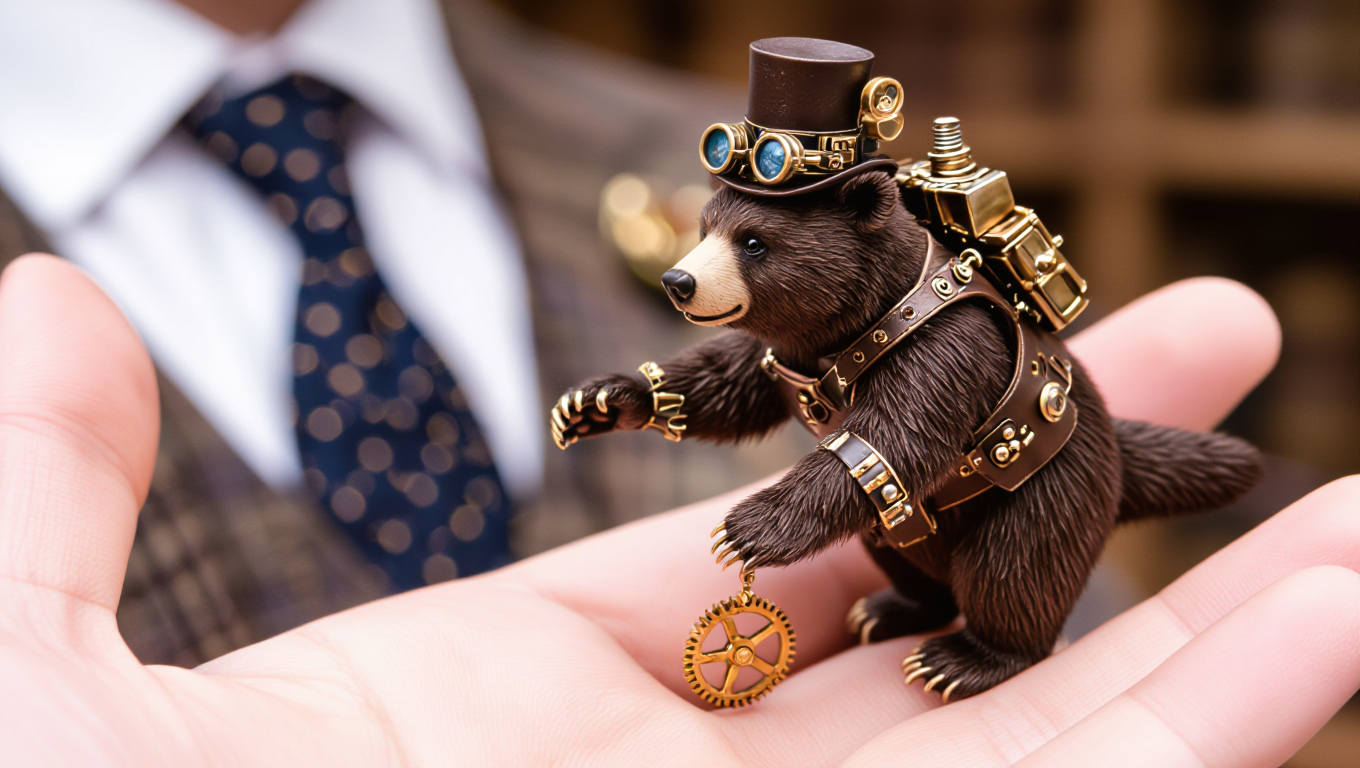
A tiny mini diminutive steampunk grizzly
hidream
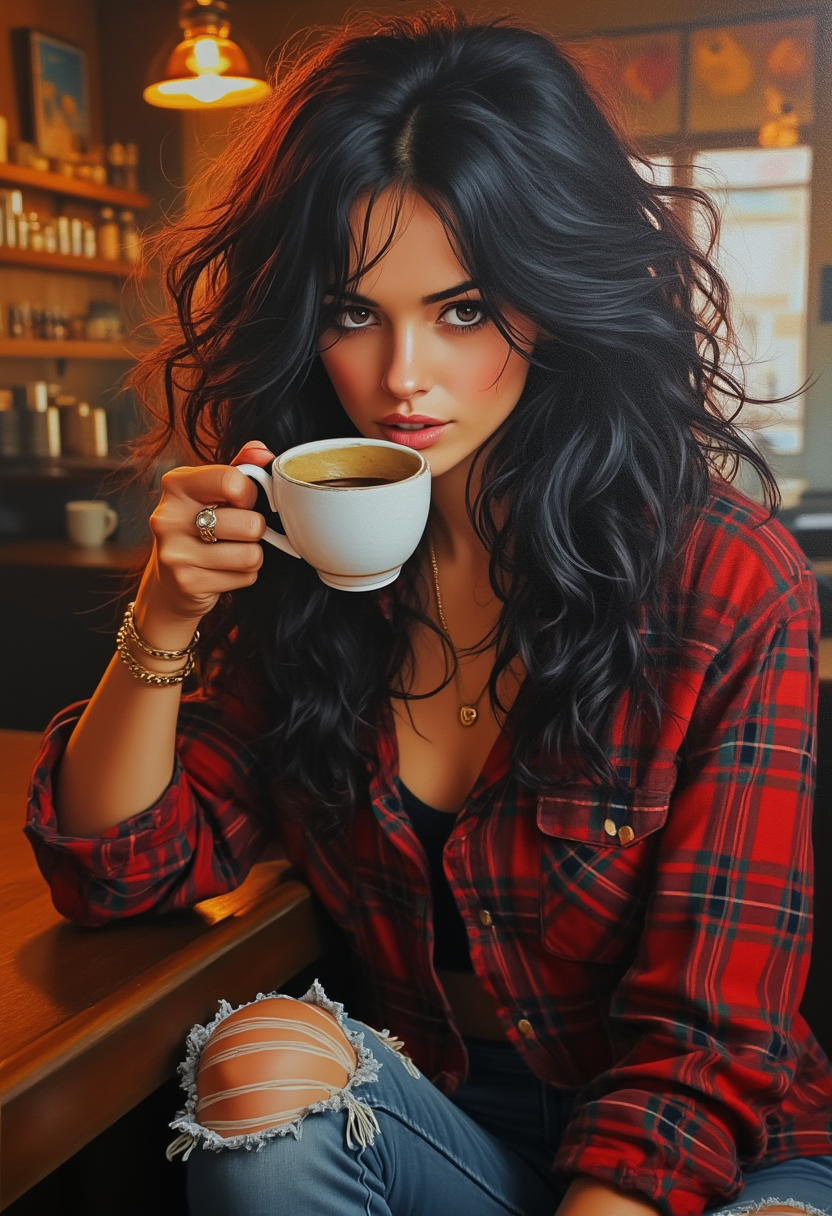
Pretty woman
flux
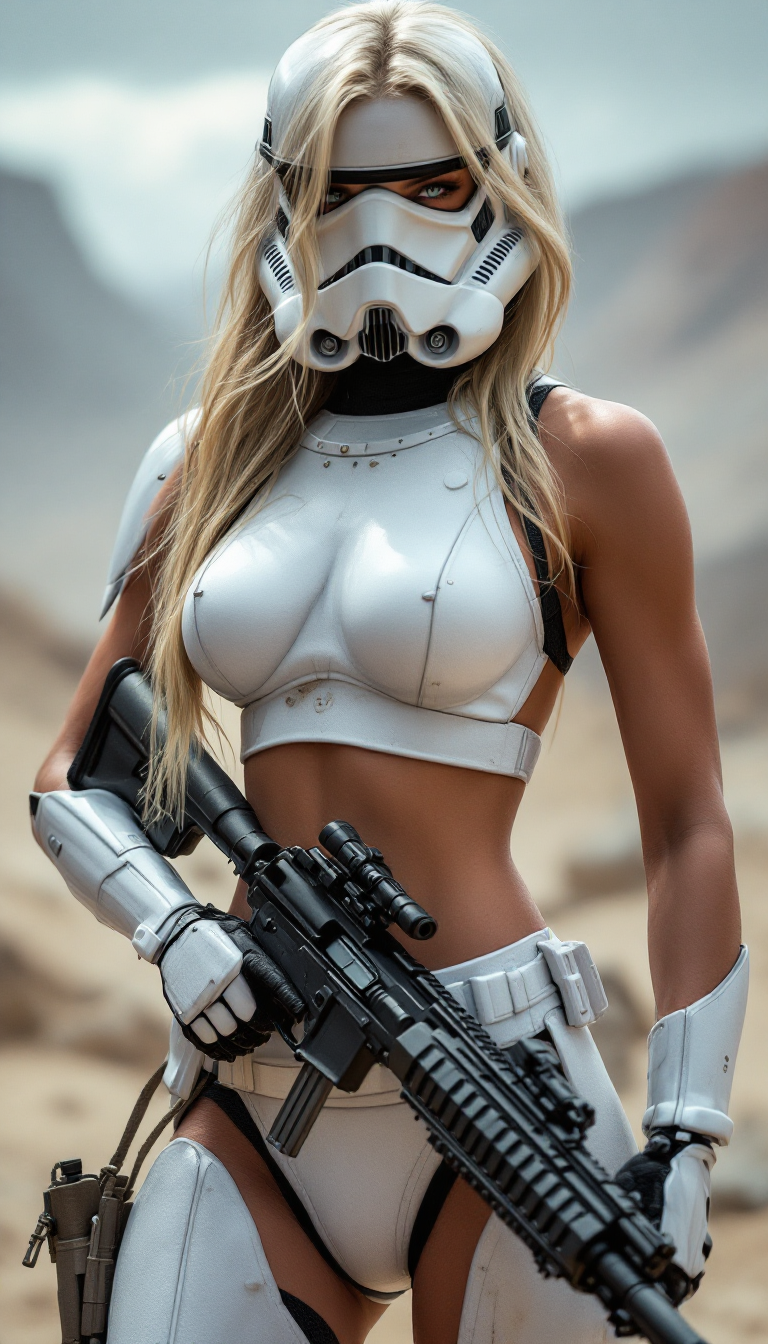
A ultra high definition photo 4k image of a stunning blode female stormtrooper without hel…
stable-diffusion
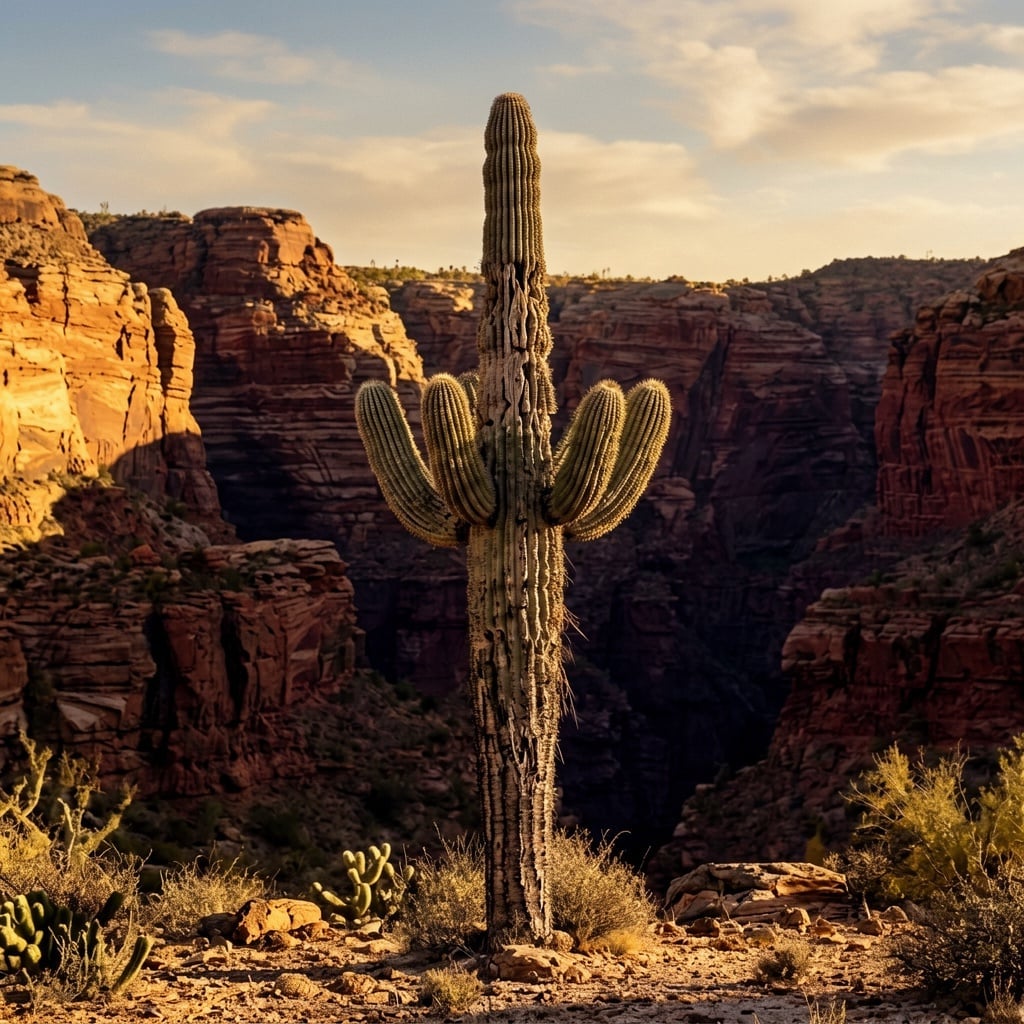
A dramatic desert canyon with layered red-rock formations
ernie
Models you can run on PixelDojo for fal alternative
Switch models without switching tools. Each one runs in the same PixelDojo studio.
What you can do with fal alternative on PixelDojo
Many image models together
We host a wide set of image generation models in one studio so you can try styles and checkpoints without wiring a separate fal-style API for each job.
Edit after you generate
We give you inpainting, outpainting, upscaling, and variation tools on the same canvas so you can refine a still instead of only calling a one-shot generate endpoint.
Studio first, not API first
We focus on a visual workflow for prompts, seeds, and batches so creators can iterate without building their own client around fal or similar inference APIs.
Credits and saved generations
We keep runs, prompts, and outputs in your library so you can reuse settings and compare results across models without managing extra infrastructure.
Loved by thousands of creators worldwide who produce professional images and videos daily with 40+ cutting-edge AI tools. Cancel anytime with zero risk.
Why Choose Pixel Dojo for fal alternative
Professional-quality results with cutting-edge AI technology
Every Leading Model in One Dashboard
You access Nano Banana 2 for vibrant scenes, GPT Image 2 for perfect text, Flux.2 Studio for photorealism, Recraft V4.1 for design work and Kling Image without switching platforms. Create matching brand visuals across campaigns in a single session.
Complete Image-to-Video Workflows
You turn stills into motion with VEO 3.1, Seedance 2.5, WAN 3.0 or PixVerse V6 then refine using Video Autocaption, Video Reframe and Merge Videos. Launch full video ads from one idea without extra software.
Predictable Access You Control
You get 40+ tools including Character Sheets, Virtual Try-On, Flux Trainer and Developer API under one simple plan. Thousands of creators love the flexibility – start today and cancel anytime.
How It Works
You create professional fal-alternative results on PixelDojo in three straightforward steps that take you from idea to finished asset.
Step 1: Choose Your Tool
Open PixelDojo and pick the right generator for your goal. Select Flux.2 Studio or Hunyuan Image 3 for photorealism, GPT Image 2 when you need accurate text, Nano Banana 2 for fast vibrant output or Kling Video for motion. The dashboard shows every option clearly so you start with the model that matches your outcome.
Step 2: Enter Your Prompt
Describe what you want in everyday language. Add lighting, camera angle, materials and mood for photorealistic results. Upload a reference with Image to Image or Consistent Characters to lock in brand identity. Models like Ideogram 4 and QWEN Image 2 follow your instructions closely so the first generation is already close to finished.
Step 3: Customize & Download
Refine instantly with Inpainting, Change Camera Angle, Magic Lighting, Background Remover or Reality Polisher. Upscale using Magnific Upscaler or Portrait Upscaler. For video use Grok Video Edit or Seedance 2.5 Video Edit then download high-resolution files ready for ads, social or print. Everything stays inside PixelDojo.
The Pixel Dojo Advantage
Why PixelDojo outperforms other options for AI image generation as your fal alternative
| Others | Pixel Dojo |
|---|---|
| Traditional design software | You skip hours of manual drawing and rendering. Generate, iterate and edit photorealistic or illustrated assets in seconds with Flux.2 Studio, Recraft V4.1 and Ideogram 4 then move straight to video. |
| Generic AI platforms | You receive specialized models such as Z Image Turbo, PonyXL, Seedream 5 and full video suites plus training tools like QWEN Trainer and WAN 2.2 Image Trainer all unified instead of scattered endpoints. |
| Stock photos and manual editing | You produce unique, on-brand visuals with Character Sheets, Face Swap, Virtual Try-On and LoRA Face Swap. Generate exactly the scene you need instead of searching or compositing existing images. |
Loved by creators on PixelDojo
Real feedback from people using PixelDojo, pulled from our in-product surveys.
A "one-stop-shop" for creators! Thanks!!
Lots of different tools. It's easy to purchase more credits.
Amazing performance!
Excellent website for creating all types of media
Very eay to use, works well to train SDXL loras.
The amazing tools
Explore more AI tools on PixelDojo
AI Tools
Compare & Switch
- Best AI Image Generators
- Best AI Video Generators
- Midjourney Alternatives
- Civitai Alternatives
- Runway Alternatives
- Leonardo Alternatives
- Pika Alternatives
- Luma Alternatives
- Magnific Alternatives
- Veo Alternatives
- Flux Alternatives
- Freepik Alternatives
- Seedance Alternatives
- Seedream Alternatives
- Pixverse Alternatives
- GPT Image Alternatives
- Synthesia Alternatives
- Playground Alternatives
- NightCafe Alternatives
- Canva AI Alternatives
- ElevenLabs Alternatives
- ComfyUI Alternatives
- Fal Alternatives
- Replicate Alternatives
Common Questions
Everything you need to know about fal alternative
What is the best fal alternative for AI image generation right now?
PixelDojo is the strongest fal alternative because you get more than 40 production-ready tools including Nano Banana 2, GPT Image 2, Flux.2 Studio, Seedream 5, Recraft V4.1 and Kling Image inside one simple interface plus a Developer API. You create, edit, upscale and animate without managing separate accounts or unpredictable per-generation fees. Thousands of creators already rely on it for commercial work and you can cancel anytime.
How do I create photorealistic images with PixelDojo as a fal alternative?
Choose Flux.2 Studio, Hunyuan Image 3 or Seedream 4.5, then write a prompt that includes lighting, lens, materials and composition just as a photographer would. Generate, then polish with Reality Polisher, Magic Lighting or Portrait Upscaler. You receive studio-quality files you can use immediately in ads, e-commerce or print.
Can I keep characters consistent across images and videos on PixelDojo?
Yes. Use Consistent Characters, Character Sheets, Ideogram Character or train a custom look with Flux Trainer and LoRA Face Swap. Apply the same identity to stills and then to motion with WAN Video Character Swap, Kling Video Character Swap or Kling Avatar so your brand stays recognizable everywhere.
What video tools does PixelDojo include as a fal alternative?
You can generate with VEO 3.1, Grok Video, Kling Video, Seedance 2.5, Hailuo 2.3, MiniMax H3, PixVerse V6 and WAN 3.0. Edit using Runway Aleph, Grok Video Edit, Video Autocaption, Video Reframe and Merge Videos. The entire pipeline from still to finished clip lives in one place.
Is PixelDojo affordable and can I cancel my fal alternative subscription anytime?
Yes. One straightforward plan covers 40+ tools including image, video, editing, upscaling, character work, 3D with Rodin and Hunyuan 3D, audio and model training. Thousands of creators appreciate the predictability and you can cancel at any time with no penalty.
How does PixelDojo handle editing, upscaling and extra creative needs?
After generation you use Inpainting, Image Outpainting, Style Transfer, Change Camera Angle, Background Remover and Image Analyzer. Upscale with P-Image Upscale, Magnific Upscaler, Creative Upscaler or FLUX Video Upscale. Add 3D, text-to-music or train new models with Flux 2 Trainer so every part of your workflow stays inside PixelDojo.