pixeldojo vs replicate
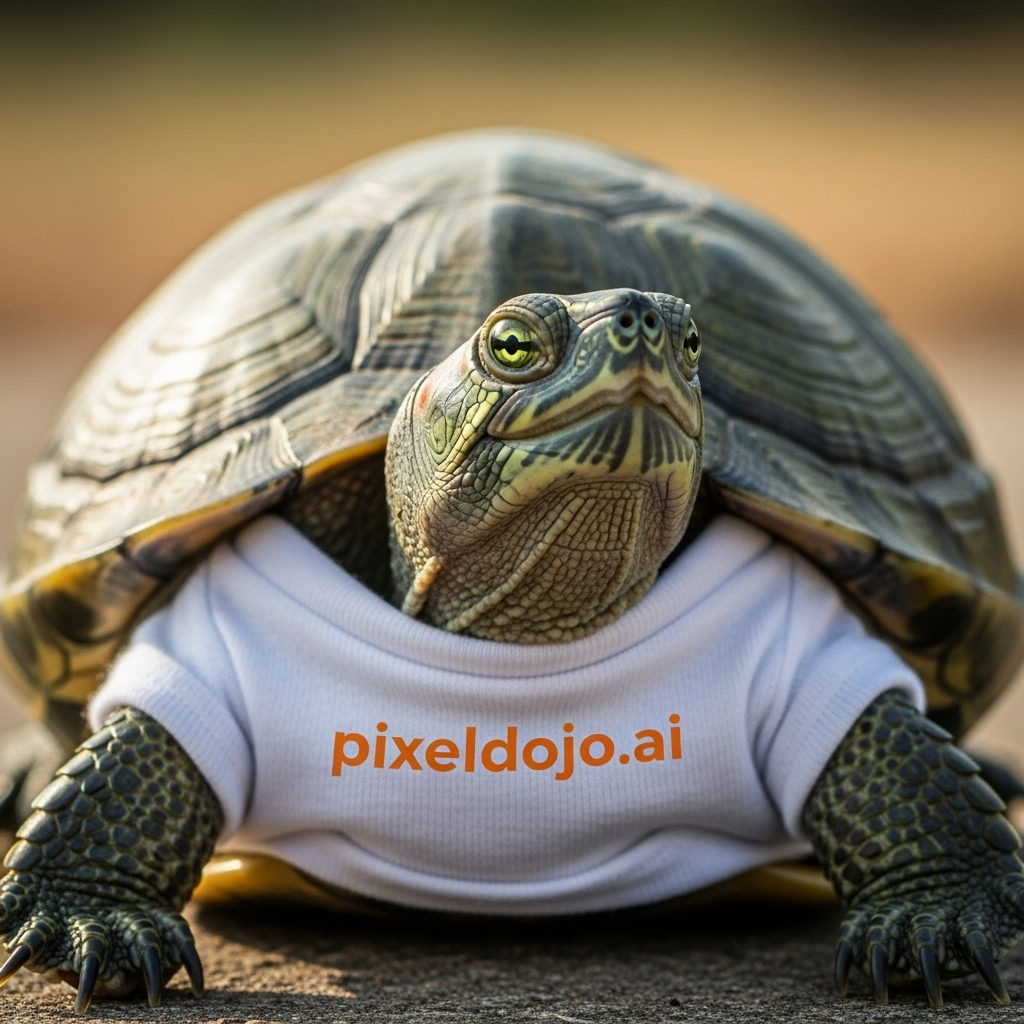
Generated on PixelDojo. Produced by PixelDojo's generation pipeline.
You deserve professional AI images without writing a single line of code, managing API keys, or watching files disappear after an hour. PixelDojo puts Flux.2 Studio, GPT Image 2, Nano Banana 2, Seedream 5 and dozens more models into one beautiful studio so you can generate, edit and ship commercial-ready visuals in minutes. While raw model platforms demand you handle jobs, storage and unpredictable bills, you simply choose a tool, describe what you want and download forever-hosted files with full commercial rights. Thousands of marketers, designers and storytellers already create consistent characters, campaign assets and cinematic stills here every day. Start with a prompt, refine with Image to Image or Inpainting, upscale with P-Image Upscale, then move straight into video if you need it. Everything lives in one place, credits are shown before you generate, and you can cancel anytime. Your ideas become production-ready images faster than you ever thought possible.
Real image examples generated on PixelDojo
Every example below was produced on PixelDojo. Hover to see the prompt.
A turtle that is wearing a shirt that says pixeldojo
imagen
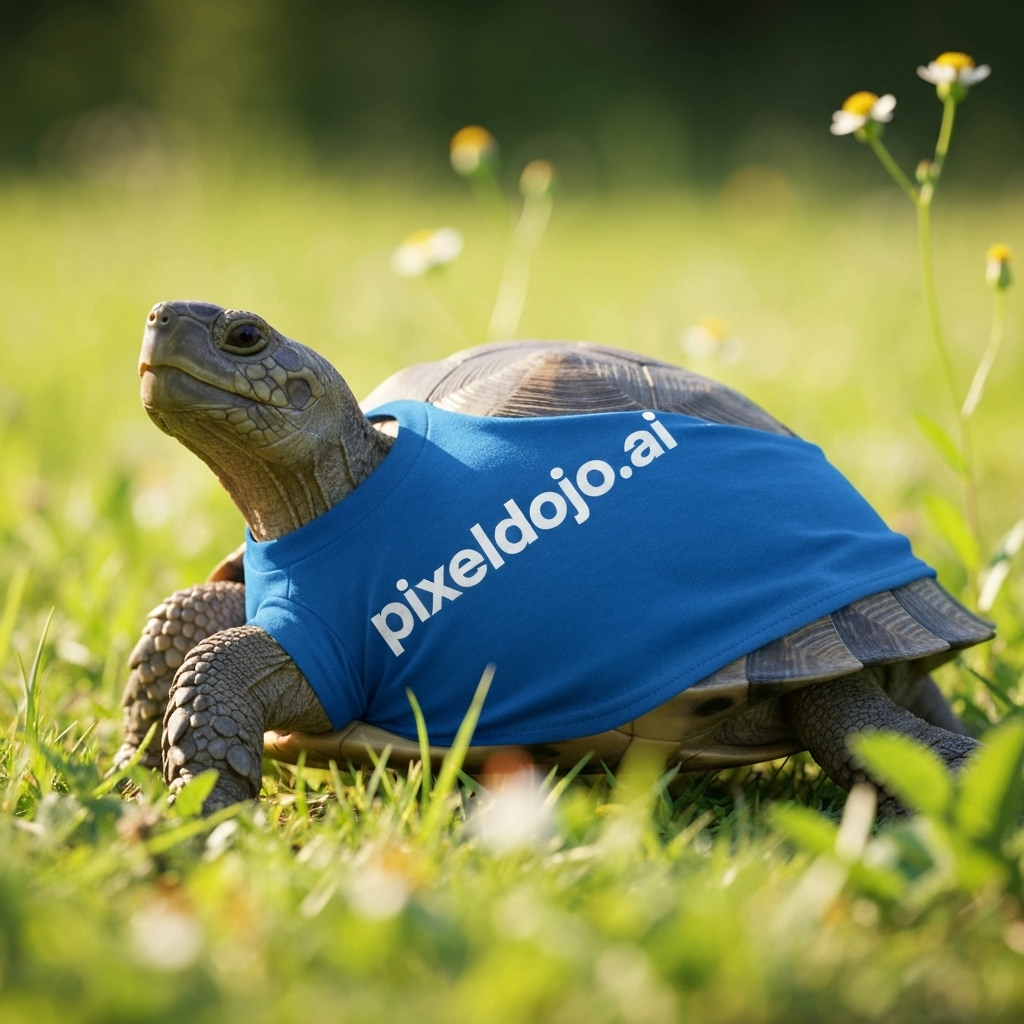
A turtle that is wearing a shirt that says pixeldojo
imagen
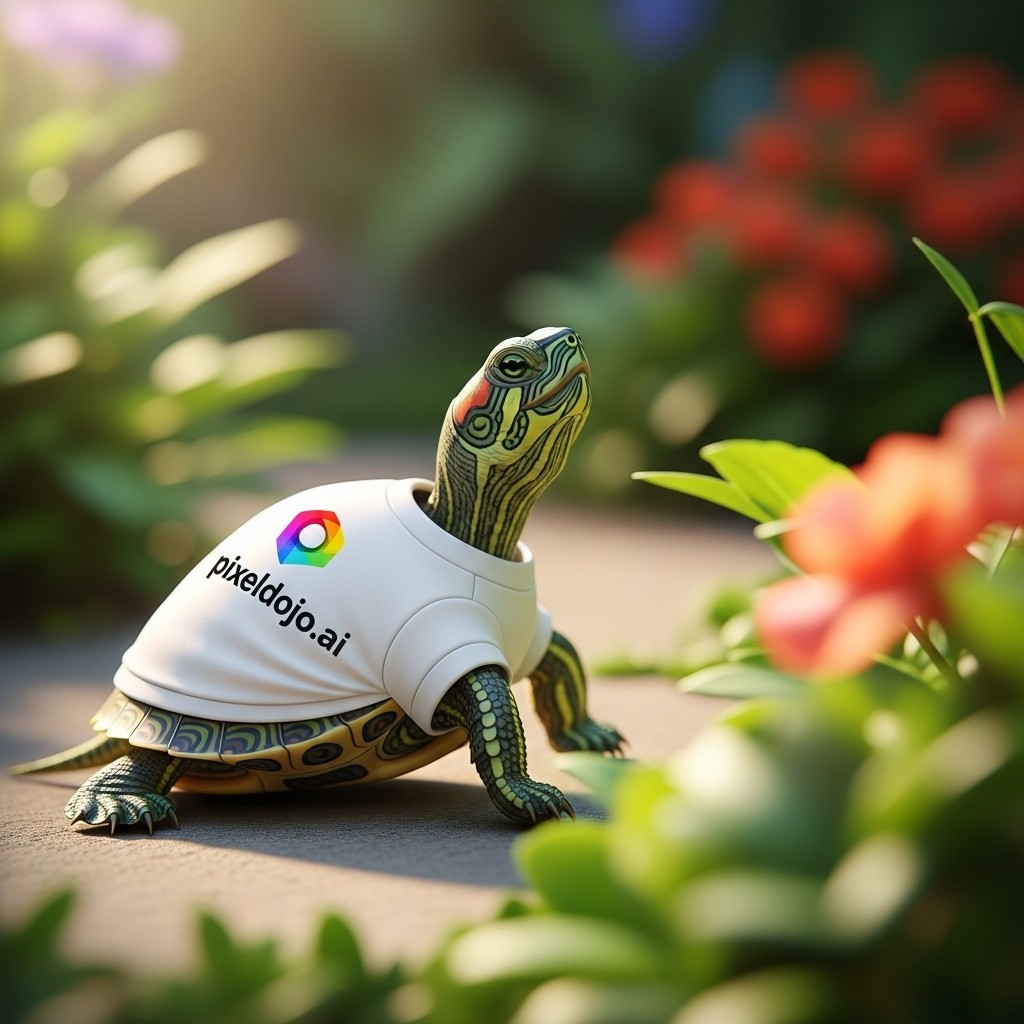
A turtle that is wearing a shirt that says pixeldojo
imagen
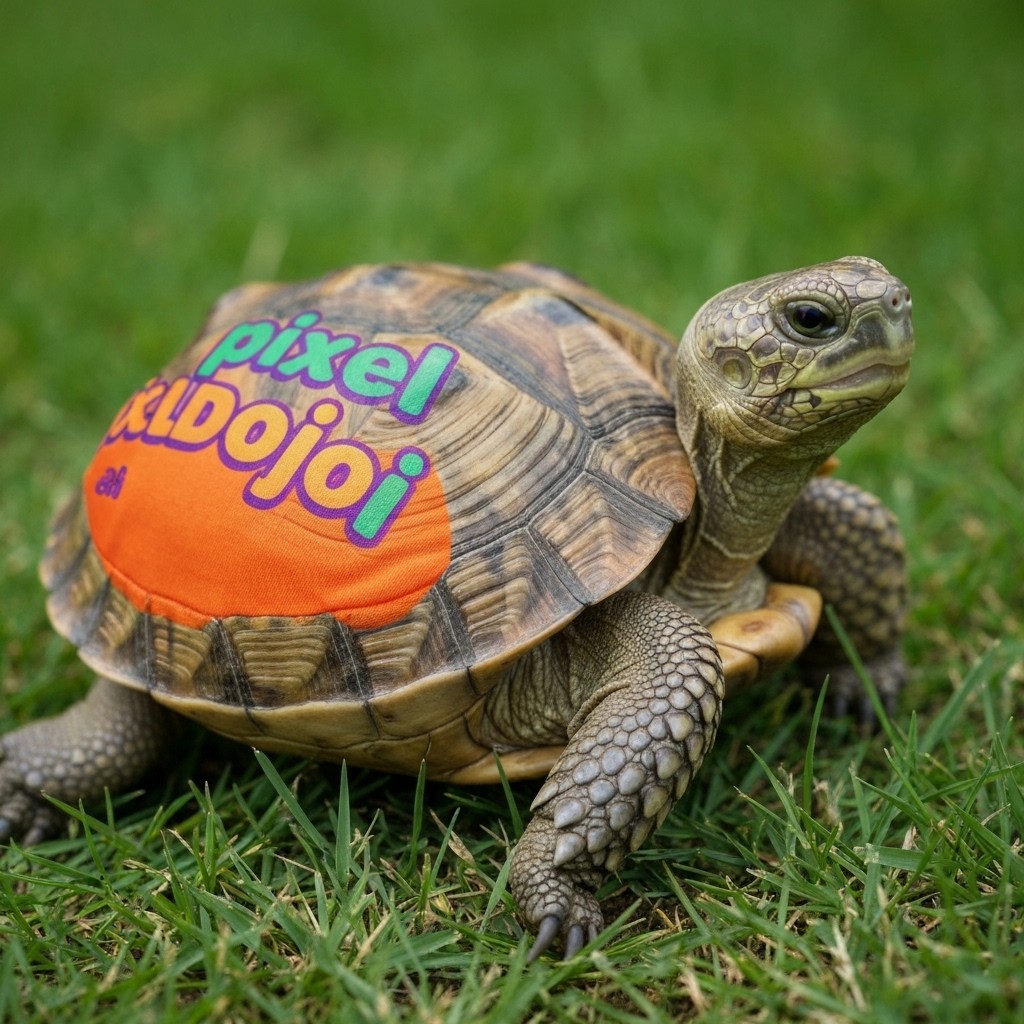
A turtle that is wearing a shirt that says pixeldojo
imagen
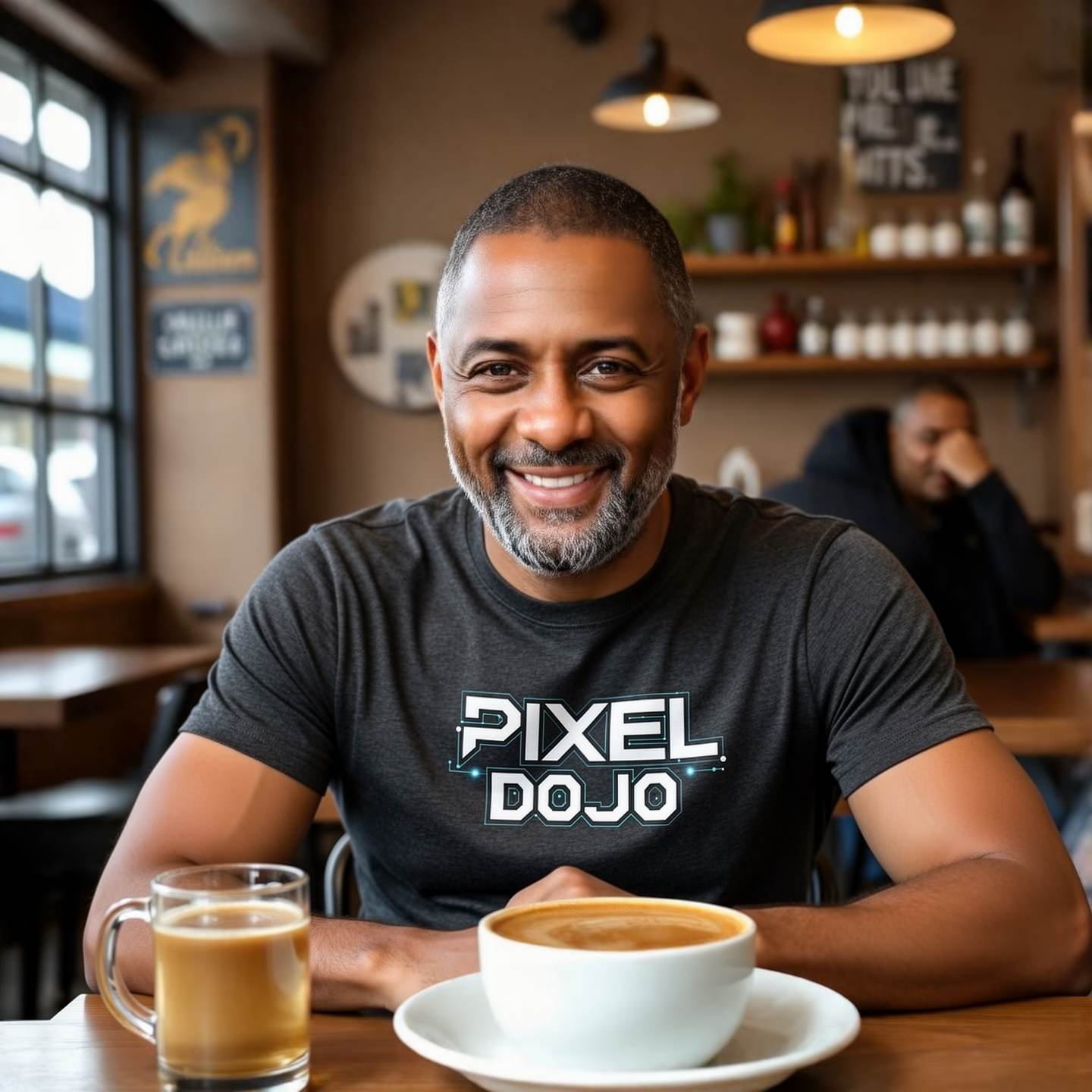
Show hum wearing a Pixel Dojo Shirt
flux-2-flex
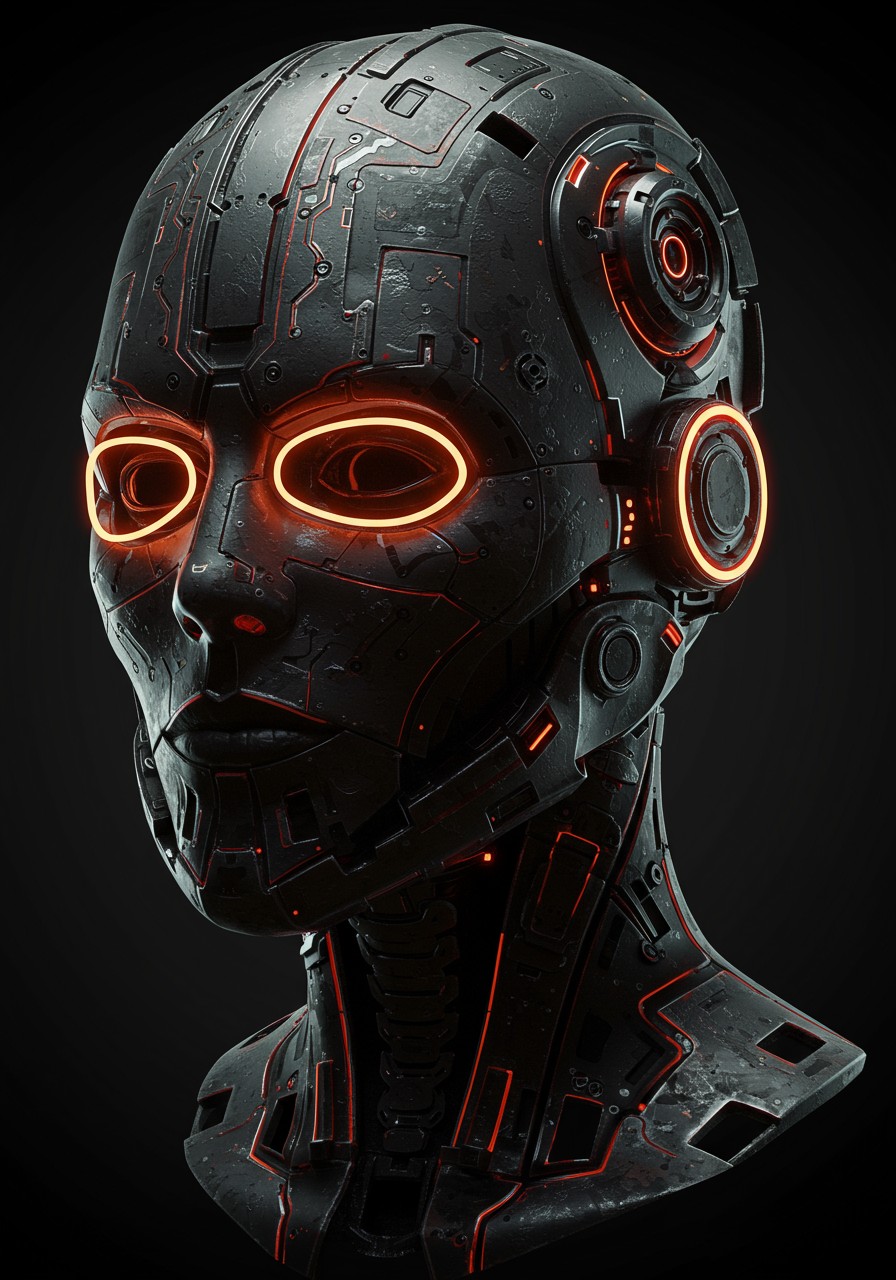
Robotics futureristic vendeta mask
imagen
Models you can run on PixelDojo for pixeldojo vs replicate
Switch models without switching tools. Each one runs in the same PixelDojo studio.
What you can do with pixeldojo vs replicate on PixelDojo
Many models, one studio
We put popular image models in one workspace so you can prompt, compare outputs, and iterate without wiring up a separate API for each run.
Prompt to image without setup
We handle model hosting and inference for you. You stay in the editor instead of managing endpoints, versions, and request payloads.
Edit and upscale in place
We include inpainting, variations, and upscaling next to generation so you can refine a still without exporting to another tool first.
Credits that match creative work
We bill for generations you actually run, with a UI built for browsing history, remixing seeds, and keeping project assets together.
Join over 10,000 creators who have generated more than 1 million images. Rated 4.8/5 based on 2,000+ in-product reviews. Loved by marketers, filmmakers and designers worldwide.
Why Choose Pixel Dojo for pixeldojo vs replicate
Professional-quality results with cutting-edge AI technology
Create Pro Images in Seconds, Not Hours of Setup
Open Flux.2 Studio or Nano Banana 2 in your browser and generate photorealistic or fused multi-image results instantly. No keys, no polling, no waiting for cold starts – just your vision turned into pixels you can use today.
Know Every Cost Up Front, Keep Every File Forever
See the exact credit price before you hit generate. Every output lives permanently on a fast CDN so you never scramble to save expiring links. Predictable monthly credits replace surprise per-second bills.
One Studio for Generation, Editing and Characters
Move from GPT Image 2 or QWEN Image 2 straight into Inpainting, Style Transfer, Character Sheets and LoRA training without switching platforms. Your workflow stays in one tab from first idea to final download.
How It Works
You create stunning AI images on PixelDojo by picking the right model for the job, describing your idea, then polishing with built-in editors – all without leaving the studio.
Step 1: Choose Your Tool
Pick Flux.2 Studio for highest-fidelity photorealism and multi-reference support, Nano Banana 2 for fast multi-image fusion and natural edits, or GPT Image 2 when you need 4K output and perfect text. Every model runs in the same interface so you can switch with one click.
Step 2: Enter Your Prompt
Type a natural-language description of the scene, lighting, mood and any text you need. Add reference images for character consistency or style matching. Models like Ideogram 4 and Recraft V4.1 handle typography and design layouts beautifully while you stay in creative flow.
Step 3: Customize & Download
Refine with Image to Image, Inpainting or Change Camera Angle. Apply Style Transfer, Magic Lighting or Reality Polisher, then upscale with P-Image Upscale or Magnific Upscaler. Download commercial-ready files that stay hosted forever. Jump to video tools if you want motion next.
The Pixel Dojo Advantage
Why PixelDojo outperforms other options for AI image generation
| Others | Pixel Dojo |
|---|---|
| Traditional photography and illustration | You generate unique, on-brand images in seconds instead of booking shoots, hiring illustrators or waiting days for revisions. |
| Generic AI tools | You get specialized studios for characters, marketing campaigns and film stills plus 40+ models in one subscription rather than hopping between limited single-purpose apps. |
| Manual photo editing | AI handles lighting, backgrounds, inpainting and upscaling while you simply describe the change – no layers, masks or hours of retouching required. |
Loved by creators on PixelDojo
Real feedback from people using PixelDojo, pulled from our in-product surveys.
Love it make anything I can think of so far
Great for all your ideas use it encourage more people to use it
Because it is awesome
exceptional quality and great overall design of platform and interface. very intuative. love the creative freedom.
Qwen image 2 is amazing!!
Creative freedom, range of tools and options.
Explore more AI tools on PixelDojo
AI Tools
Compare & Switch
- Best AI Image Generators
- Best AI Video Generators
- Midjourney Alternatives
- Civitai Alternatives
- Runway Alternatives
- Leonardo Alternatives
- Pika Alternatives
- Luma Alternatives
- Magnific Alternatives
- Veo Alternatives
- Flux Alternatives
- Freepik Alternatives
- Seedance Alternatives
- Seedream Alternatives
- Pixverse Alternatives
- GPT Image Alternatives
- Synthesia Alternatives
- Playground Alternatives
- NightCafe Alternatives
- Canva AI Alternatives
- ElevenLabs Alternatives
- ComfyUI Alternatives
- Fal Alternatives
- Replicate Alternatives
Common Questions
Everything you need to know about pixeldojo vs replicate
Is PixelDojo a better Replicate alternative for everyday image generation?
Yes if you want to create rather than code. PixelDojo gives you a complete visual studio with Flux.2 Studio, Nano Banana 2, GPT Image 2 and 140+ other models, permanent CDN storage, and credit pricing you see before you generate. You skip API setup, cold starts and expiring URLs so you can focus on making images that convert.
Can I use the same Flux and Seedream models on PixelDojo that developers run on Replicate?
Absolutely. PixelDojo hosts the production versions of Flux.2 Pro, Seedream 5, Ideogram 4, QWEN Image 2 and Nano Banana 2 behind a simple interface. You get the same quality plus Character Sheets, LoRA training and one-click editing tools that raw endpoints do not include.
How does PixelDojo pricing compare when generating hundreds of AI images?
You pay a flat monthly credit amount and see the exact cost of every generation before you click. No per-second hardware bills, no surprise charges for longer runs. Unused credits roll and you can cancel anytime, making high-volume creation far more predictable than pay-as-you-go compute.
Do my PixelDojo images stay available or expire like some API outputs?
Every image you generate is stored permanently on a fast CDN and remains accessible through your library. You never have to download immediately or build your own storage layer. Full commercial rights are included on every plan.
Can I keep characters consistent across many images without extra coding?
Yes. Use Consistent Characters, Character Sheets and Ideogram Character tools together with Flux.2 Studio or WAN Image. Upload a few references once and the studio re-uses them automatically so your hero looks identical in every scene, angle and campaign.
What if I need to edit or upscale after generating on PixelDojo?
Stay inside the same platform. Apply Inpainting, Image to Image, Style Transfer, Background Remover or Reality Polisher, then finish with P-Image Upscale, Magnific Upscaler or Portrait Upscaler. Everything happens in one workflow so you never export and re-import files.