flux 2 max online AI Generator
Generated on PixelDojo. Produced by PixelDojo's generation pipeline.
You can now turn any idea into magazine-ready, photorealistic images without a camera, studio or photoshoot. PixelDojo puts Flux 2 Max online at your fingertips through Flux.2 Studio so you produce e-commerce product photography that converts, character-consistent campaign assets that stay on-brand across hundreds of variations, and cinematic keyframes with real-world lighting and physics. Describe the exact hex color of your packaging, the fabric texture of clothing, the time of day and camera angle—you receive production-grade results in seconds. Combine Flux.2 Studio with Consistent Characters, Image to Image, Magic Lighting and P-Image Upscale to go from concept to downloadable 4-megapixel files that look indistinguishable from professional photography. Thousands of marketers, designers and creators already rely on these tools every day because you keep full commercial rights, iterate unlimited times and cancel whenever you want.
Real image examples generated on PixelDojo
Every example below was produced on PixelDojo. Hover to see the prompt.
FLUX Video Upscale Lola talking-head Friday 9am
seedance-2-5
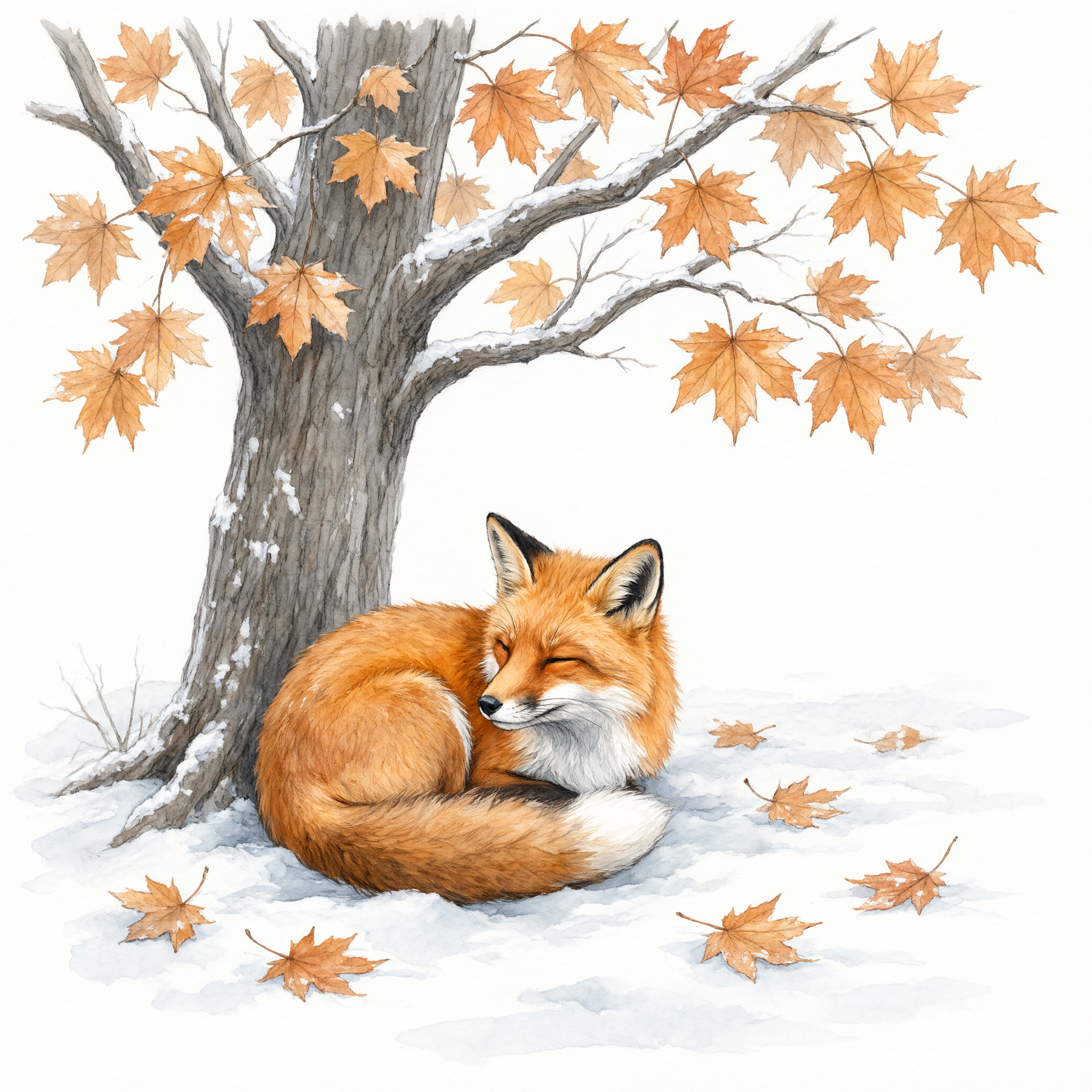
Watercolor illustration of a fox curled beneath a maple tree in first snow
qwen-3-pro

Masterpiece
creative-upscaler

Hyper photorealistic
flux
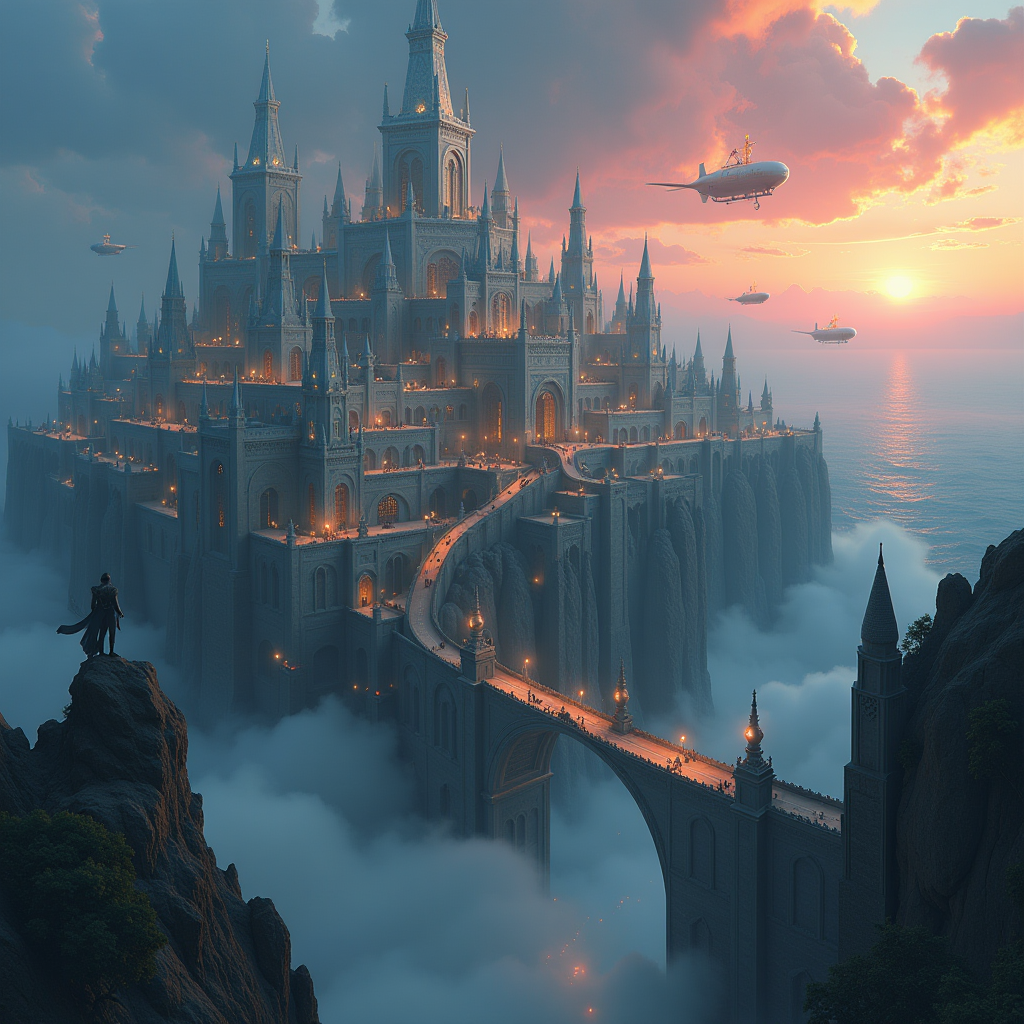
Atlantis
flux
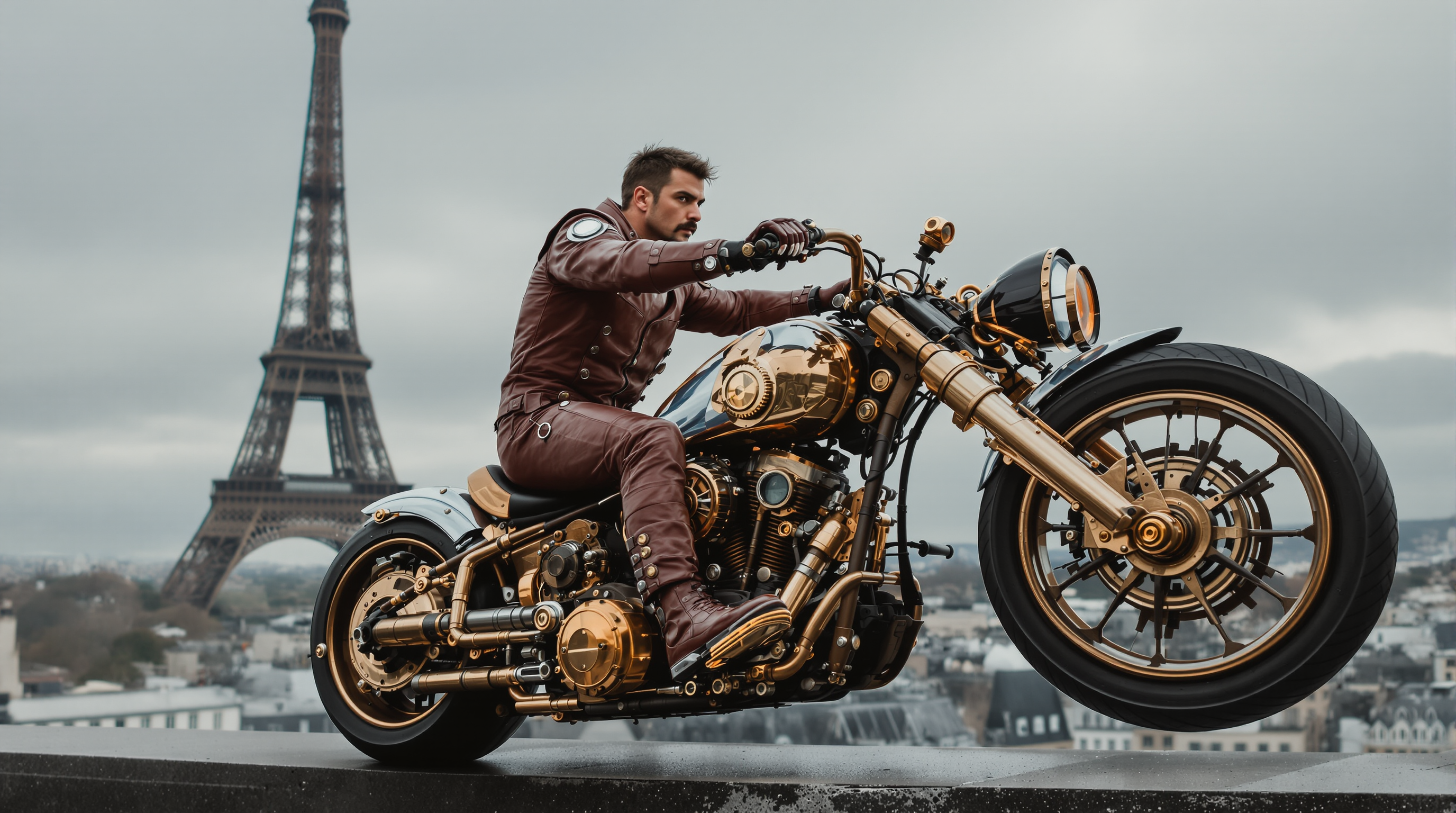
A highly detailed cinematic scene of a rugged
flux-studio
Models you can run on PixelDojo for flux 2 max online
Switch models without switching tools. Each one runs in the same PixelDojo studio.
What you can do with flux 2 max online on PixelDojo
Flux 2 Max in Browser
We host Flux 2 Max so you can generate images from a prompt without installing models or relying on a local GPU. Open the studio, write your prompt, and download the result.
High Detail Image Output
We run Flux 2 Max for sharp, coherent stills suited to concept art, product mockups, and campaign visuals. You control aspect ratio, prompt, and seed so batches stay consistent.
Prompt and Seed Control
We expose the settings creators use most: prompts, negative prompts, seeds, and size. Iterate on a look, then lock a seed when you need matching variants.
Studio Workflow Online
We keep generation, history, and downloads in one place so you can refine images across sessions. Share a result or pull it into your next edit without extra setup.
Loved by thousands of creators worldwide who generate professional visuals daily with PixelDojo’s 40+ cutting-edge AI tools. Cancel anytime—no contracts, no risk.
Why Choose Pixel Dojo for flux 2 max online
Professional-quality results with cutting-edge AI technology
Convert More Shoppers with Instant Product Photography
You generate marketplace-ready product shots on marble, wood or lifestyle backgrounds with precise brand colors via hex codes, accurate materials and studio lighting. Skip expensive photoshoots—upload a simple reference and let Flux.2 Studio plus Background Remover and Reality Polisher deliver scroll-stopping images that boost add-to-cart rates.
Keep Every Character Identical Across Entire Campaigns
You maintain facial features, body proportions and expressions across dozens or hundreds of scenes by feeding up to ten reference images into Flux.2 Studio and Consistent Characters. Create fashion editorials, ad variants or storyboards where the same person appears in new outfits, locations and lighting without ever looking like a different model.
Produce Cinematic Scenes Grounded in Real Trends
You visualize current events, latest product launches or trending styles because Flux.2 Studio understands real-time context. Add Change Camera Angle, Style Transfer and Magic Lighting to craft Hollywood-style widescreen frames or editorial spreads that feel current and physically accurate, then upscale with Magnific Upscaler for print or billboard use.
How It Works
You create stunning Flux 2 Max images on PixelDojo in three simple steps that anyone can master in minutes, then refine with the full editing and training suite.
Step 1: Choose Your Tool
Open Generate Images and select Flux.2 Studio for the highest-fidelity Flux 2 Max quality. For character work add Consistent Characters or Ideogram Character; for existing photos use Image to Image or Inpainting. You can also start in Marketing Studio to plan a full campaign around the same visual identity.
Step 2: Enter Your Prompt
Write a detailed description covering subject, materials, lighting direction, camera lens, mood and exact hex colors. Upload up to ten reference images for identity or style lock. Flux.2 Studio follows complex, multi-paragraph briefs so you can specify spatial relationships, fabric physics and composition without losing details.
Step 3: Customize & Download
Review the 4-megapixel result, then refine with Magic Lighting, Style Transfer, Image Outpainting or Change Camera Angle. Polish skin and textures with Reality Polisher, remove backgrounds, upscale further with P-Image Upscale or Magnific Upscaler, and download. Train a custom model later with Flux 2 Trainer if you need a unique house style.
The Pixel Dojo Advantage
Why PixelDojo outperforms other options for Flux 2 Max online image generation
| Others | Pixel Dojo |
|---|---|
| Traditional product photography | You skip location fees, models, lighting setups and days of shooting. Generate unlimited on-brand variations in minutes with Flux.2 Studio, then edit lighting and backgrounds instantly. |
| Generic AI image tools | You get dedicated Flux.2 Studio access plus 40+ specialized tools including Consistent Characters, Flux 2 Trainer, full editing suite and upscalers—all in one place with commercial rights and no extra subscriptions. |
| Manual photo editing software | You generate the entire scene from a text prompt or simple reference instead of spending hours cloning, masking and retouching. Inpainting, outpainting and Magic Lighting finish the job in seconds. |
Loved by creators on PixelDojo
Real feedback from people using PixelDojo, pulled from our in-product surveys.
You keep adding to it to stay up to date and that is GOLD.
very easy to use and good support
Very easy to use
super easy to use
it's very easy to use
Practically every Ai suite in one place? Who wouldn't?
Explore more AI tools on PixelDojo
AI Tools
Compare & Switch
- Best AI Image Generators
- Best AI Video Generators
- Midjourney Alternatives
- Civitai Alternatives
- Runway Alternatives
- Leonardo Alternatives
- Pika Alternatives
- Luma Alternatives
- Magnific Alternatives
- Veo Alternatives
- Flux Alternatives
- Freepik Alternatives
- Seedance Alternatives
- Seedream Alternatives
- Pixverse Alternatives
- GPT Image Alternatives
- Synthesia Alternatives
- Playground Alternatives
- NightCafe Alternatives
- Canva AI Alternatives
- ElevenLabs Alternatives
- ComfyUI Alternatives
- Fal Alternatives
- Replicate Alternatives
Common Questions
Everything you need to know about flux 2 max online
What is the fastest way to generate photorealistic images with Flux 2 Max online?
Select Flux.2 Studio inside PixelDojo’s Generate Images section, write a detailed prompt that includes lighting, camera and materials, optionally add reference photos, and click generate. Most 1-megapixel images appear in seconds; 4-megapixel files take only a few more. You can then refine with Reality Polisher or upscale immediately.
How do I keep the same character consistent across many Flux 2 Max images on PixelDojo?
Use Flux.2 Studio together with the Consistent Characters and Character Sheets tools. Upload up to ten clear reference images of the face and body. The model preserves identity even when you change clothing, pose, lighting or environment, making it perfect for ad campaigns and storyboards.
Can I create high-resolution 4-megapixel product photos with Flux 2 Max online?
Yes. Flux.2 Studio outputs up to 4 megapixels at any aspect ratio. Combine it with P-Image Upscale, Magnific Upscaler or Creative Upscaler for even larger print-ready files. Hex-code color control and precise texture rendering make the results indistinguishable from studio photography.
Does PixelDojo let me use Flux 2 Max for e-commerce and branded product shots?
Absolutely. You specify exact brand colors with hex codes, place products on any surface, control reflections and lighting, then remove or replace backgrounds with Background Remover. Marketing Studio helps you generate matching lifestyle and close-up sets in one workflow.
How can I visualize current events or trending styles with Flux 2 Max on PixelDojo?
Flux.2 Studio’s grounded generation capability understands real-time context. Simply mention a recent product launch, weather event or fashion trend in your prompt. Pair it with Style Transfer and Change Camera Angle to produce timely, photorealistic visuals without hunting for reference photos yourself.
Can I train a custom Flux 2 model on PixelDojo for my unique brand style?
Yes. After generating a set of on-brand images with Flux.2 Studio, use Flux 2 Trainer to fine-tune a private model. You then generate unlimited new images that automatically match your trained aesthetic, colors and character look—ideal for agencies and in-house teams that need repeatable quality.