flux 2 pro 4k AI Generator
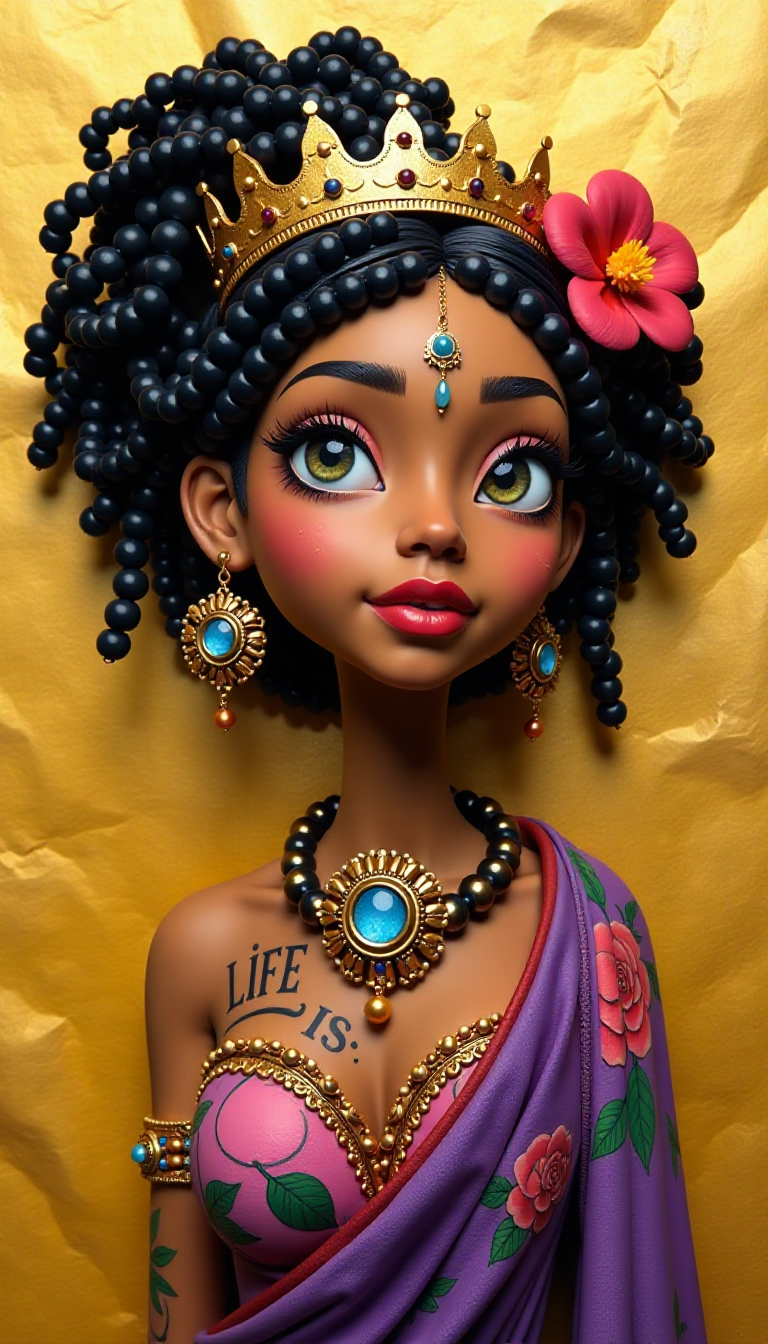
Generated on PixelDojo. Produced by PixelDojo's generation pipeline.
Imagine turning a simple idea into a breathtaking, print-ready 4K image that looks like it was shot by a professional photographer – complete with natural lighting, intricate fabric textures, perfect skin details, and readable text that actually makes sense. That's exactly what you achieve with PixelDojo's Flux 2 Pro 4K image generation. You no longer wait days for photoshoots, struggle with inconsistent characters across a campaign, or spend hours in editing software fixing AI artifacts. Instead, you generate stunning photorealistic visuals in seconds that work for billboards, product packaging, social campaigns, and client presentations. Whether you need a hero product shot that pops on a website, a series of consistent character images for a story, or marketing visuals with flawless typography, Flux 2 Pro on PixelDojo delivers the outcomes you actually care about: images that convert, impress, and save you time and money. Join thousands of creators who rely on PixelDojo's 40+ cutting-edge AI tools every day. Cancel anytime if it's not the perfect fit for your workflow.
Real image examples generated on PixelDojo
Every example below was produced on PixelDojo. Hover to see the prompt.
Claymation
flux

flux 2 pro 4k on PixelDojo
qwen-image

Create image of a trophy 🏆 with text that reads "Darwin Award for stupid drivers" backgro…
flux
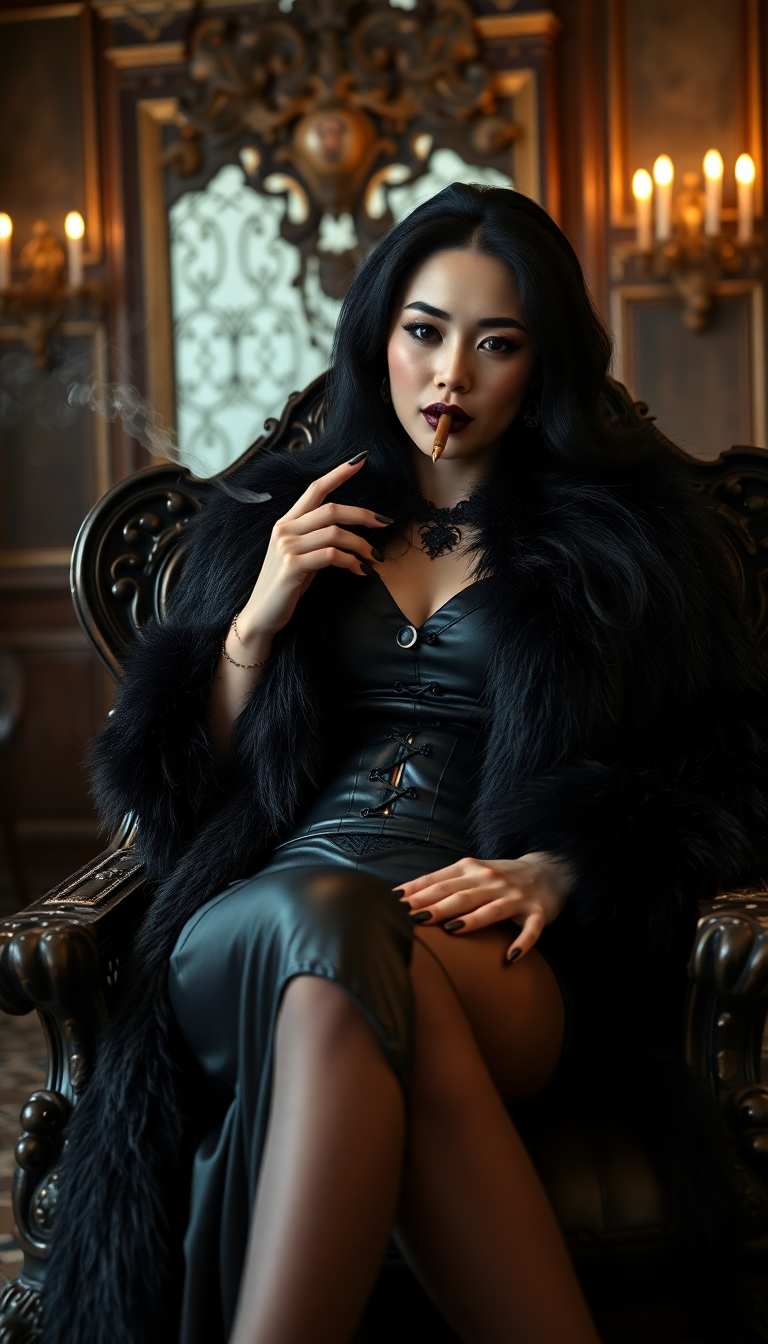
A striking mid-30s asian vampire queen with pale
stable-diffusion

A cozy attic art studio bathed in afternoon sun
hidream
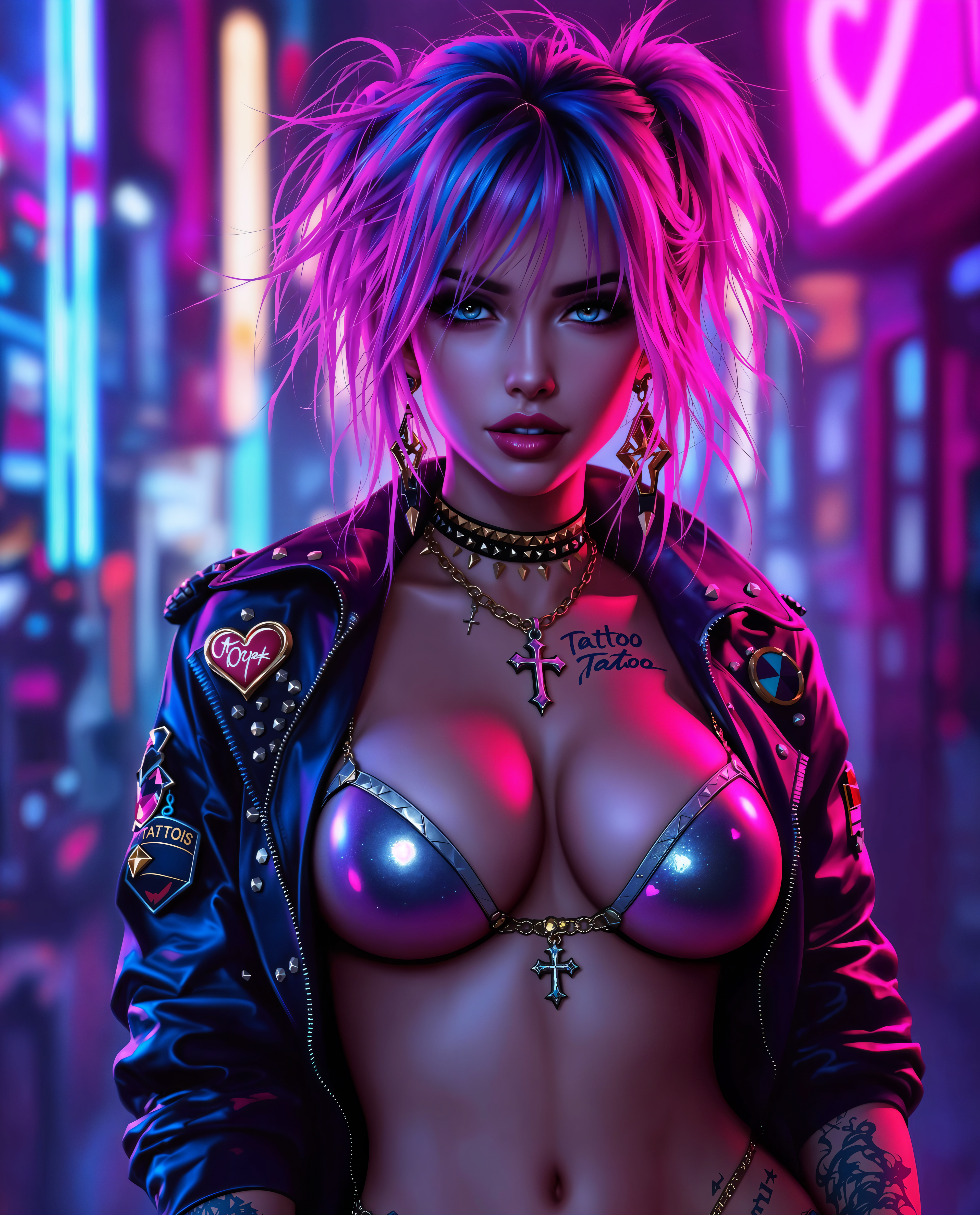
flux 2 pro 4k on PixelDojo
Models you can run on PixelDojo for flux 2 pro 4k
Switch models without switching tools. Each one runs in the same PixelDojo studio.
What you can do with flux 2 pro 4k on PixelDojo
Flux 2 Pro at 4K
We run Flux 2 Pro for still image generation at 4K resolution so you can produce large, detailed frames for print, web, and video stills.
Prompt Control and Variants
You can iterate on prompts, seeds, and aspect ratios in one place and keep generating variants until the composition matches what you need.
Studio-Ready Image Exports
We deliver high-resolution downloads you can drop into design, marketing, and production workflows without an extra upscale step.
Creator Access on PixelDojo
We host Flux 2 Pro 4K generation in the PixelDojo studio so you can generate, review, and reuse images alongside your other creative tools.
Loved by thousands of creators worldwide. 40+ cutting-edge AI tools in one platform. Trusted for commercial campaigns and personal projects alike. Cancel anytime with no hassle.
Why Choose Pixel Dojo for flux 2 pro 4k
Professional-quality results with cutting-edge AI technology
Deliver Billboard-Ready 4K Visuals That Convert
You create images so sharp and detailed they look professional even when printed large or displayed on high-res screens. Clients and audiences notice the difference immediately, helping your campaigns stand out and drive more engagement without extra production costs.
Lock in Perfect Character and Product Consistency
You maintain the exact same face, outfit, product design, or brand style across dozens of images. This means cohesive marketing series, storyboards, and catalogs that feel professionally produced instead of pieced together from mismatched generations.
Get Flawless Text and Brand Colors Every Time
You produce infographics, UI mockups, packaging, and ads with readable, correctly spelled text and exact hex-matched brand colors. No more unusable generations or extra design work – just assets you can use immediately in real campaigns.
How It Works
Creating professional Flux 2 Pro 4K images on PixelDojo is straightforward and designed around the results you want. You start with the right tool, guide it with a clear vision, then refine and export print-ready files. The entire process takes minutes instead of hours.
Step 1: Choose Flux.2 Studio for Native High-Resolution Power
Open PixelDojo and select Flux.2 Studio from the Generate Images section. This is your dedicated tool for Flux 2 Pro 4K output. You can also pair it later with Consistent Characters or Flux Trainer if you want even tighter identity lock. Pick your aspect ratio and set the resolution for 4K-quality results right from the start.
Step 2: Describe Your Vision and Add References for Consistency
Write a natural, detailed prompt focusing on what you actually want to see – subject, lighting, materials, camera angle, and mood. For character or product consistency, upload up to several reference images. PixelDojo's Flux.2 Studio uses them to keep faces, clothing, and objects identical across generations. You can also specify exact hex colors for brand work.
Step 3: Refine, Enhance, and Download Your 4K Masterpiece
Once generated, use PixelDojo's Edit Images tools like Image to Image, Inpainting, Reality Polisher, or Magic Lighting to perfect any details. Then apply P-Image Upscale, Magnific Upscaler, or Clarity Pro if you want even more resolution. Download in high quality, ready for print or digital use. Iterate as much as you need.
The Pixel Dojo Advantage
Why PixelDojo outperforms other options for Flux 2 Pro 4K image generation
| Others | Pixel Dojo |
|---|---|
| Traditional photography and photoshoots | You skip expensive location scouting, talent booking, lighting setups, and post-production. Generate unlimited variations of the same consistent scene in minutes instead of days, all at 4K quality you can actually use commercially. |
| Generic AI tools | You get native high-resolution Flux 2 Pro output plus a full suite of specialized tools (Flux.2 Studio, Consistent Characters, Reality Polisher, multiple upscalers) in one place. Other platforms often force you to jump between apps or accept lower quality and weaker consistency. |
| Manual photo editing and compositing | You avoid hours of masking, color matching, and retouching. Flux 2 Pro already delivers photorealistic lighting, accurate materials, and readable text. PixelDojo's editing tools then let you make targeted changes without starting over. |
Loved by creators on PixelDojo
Real feedback from people using PixelDojo, pulled from our in-product surveys.
It has all the tools I can think of...
deployment rate of splendid features is incredible. Legend
large selection of tools on one platform
the amount you can do on this site
all in one place
It is a lot of fun to uae and easy too.
Explore more AI tools on PixelDojo
AI Tools
Compare & Switch
- Best AI Image Generators
- Best AI Video Generators
- Midjourney Alternatives
- Civitai Alternatives
- Runway Alternatives
- Leonardo Alternatives
- Pika Alternatives
- Luma Alternatives
- Magnific Alternatives
- Veo Alternatives
- Flux Alternatives
- Freepik Alternatives
- Seedance Alternatives
- Seedream Alternatives
- Pixverse Alternatives
- GPT Image Alternatives
- Synthesia Alternatives
- Playground Alternatives
- NightCafe Alternatives
- Canva AI Alternatives
- ElevenLabs Alternatives
- ComfyUI Alternatives
- Fal Alternatives
- Replicate Alternatives
Common Questions
Everything you need to know about flux 2 pro 4k
How do I generate true 4K quality images with Flux 2 Pro on PixelDojo?
Select Flux.2 Studio in Generate Images, write a detailed prompt, and choose a high-resolution setting. Flux 2 Pro produces native high-megapixel photorealistic output. For even larger print sizes, follow up with P-Image Upscale, Magnific Upscaler, or Clarity Pro. You get sharp details in skin, fabric, and text that hold up on billboards or large screens.
Can I keep the same character or product looking identical across multiple Flux 2 Pro 4K images?
Yes. Upload reference images directly in Flux.2 Studio. PixelDojo also offers Consistent Characters, Character Sheets, and Ideogram Character tools that work alongside Flux 2 Pro. This combination lets you build entire campaigns or story sequences where every face, outfit, and product stays perfectly recognizable.
Does Flux 2 Pro on PixelDojo handle text, logos, and brand colors accurately in 4K images?
Absolutely. You get reliable typography for infographics, packaging, UI mockups, and ads. Specify exact hex codes in your prompt for brand-accurate colors. After generation you can further polish with Reality Polisher or Style Transfer if needed. The result is commercial-ready artwork you can use without extra design work.
What if I need to edit or extend my Flux 2 Pro 4K image after generation?
PixelDojo gives you a complete editing suite: Image to Image, Inpainting, Change Camera Angle, Background Remover, Image Outpainting, and Magic Lighting. You can also use Flux Pro Virtual Try-On or Face Swap for additional refinements. Everything stays in one workflow so you never lose quality or consistency.
Is Flux 2 Pro 4K generation on PixelDojo suitable for commercial and client work?
Yes. The photorealistic quality, consistent characters, accurate text, and print-ready resolution make it ideal for marketing campaigns, product catalogs, social ads, and presentations. Thousands of creators already use PixelDojo's 40+ tools for professional projects. You can cancel anytime if your needs change.
How does PixelDojo make Flux 2 Pro 4K easier than using the model elsewhere?
You get Flux.2 Studio plus complementary tools like Flux Trainer for custom models, multiple upscalers, character consistency features, and video tools all in one account. No switching platforms, no extra subscriptions. The interface is built for results, not technical complexity, so you spend time creating instead of troubleshooting.