flux 2 pro image generator

Generated on PixelDojo. Produced by PixelDojo's generation pipeline.
You can turn a simple description into photorealistic product shots, full advertising campaigns with identical characters, or polished UI mockups that look ready for print. PixelDojo’s Flux 2 Pro image generator makes this possible in seconds. You achieve studio-quality visuals that blend with real photography, lock in perfect consistency across dozens of images, and match your brand colors exactly. Marketers produce lifestyle shots without photoshoots. Designers build infographics and ads with readable text. Creators develop character-driven stories that stay on-model. All of this happens inside one platform that also gives you Nano Banana 2, GPT Image 2, Grok Image, Krea Image, Riverflow, Luma UNI 1, QWEN Image 2 and many more. Join thousands of creators who already rely on our 40+ cutting-edge AI tools. You can start today and cancel anytime.
Real image examples generated on PixelDojo
Every example below was produced on PixelDojo. Hover to see the prompt.
Make it photo realistic edited with Flux Kontext Pro
flux-studio
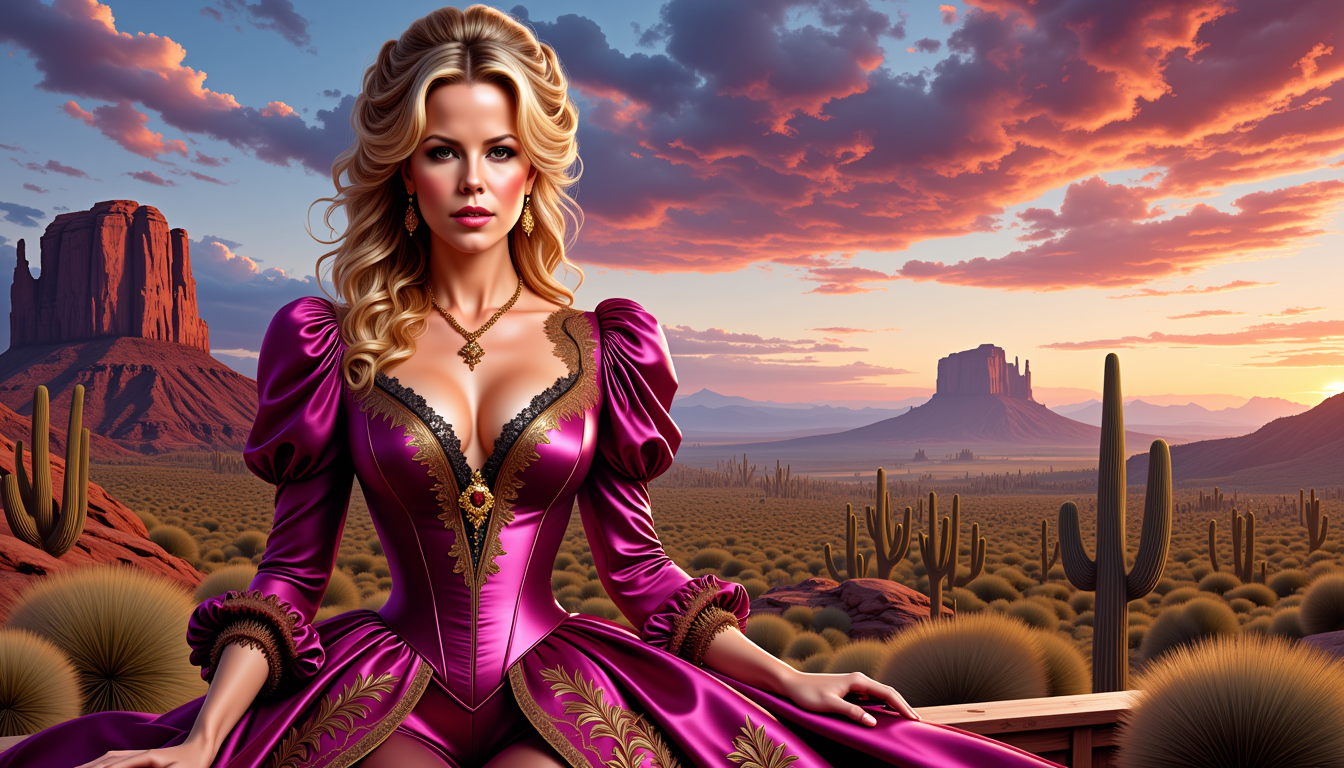
Kate-LoRa-Zip
stable-diffusion
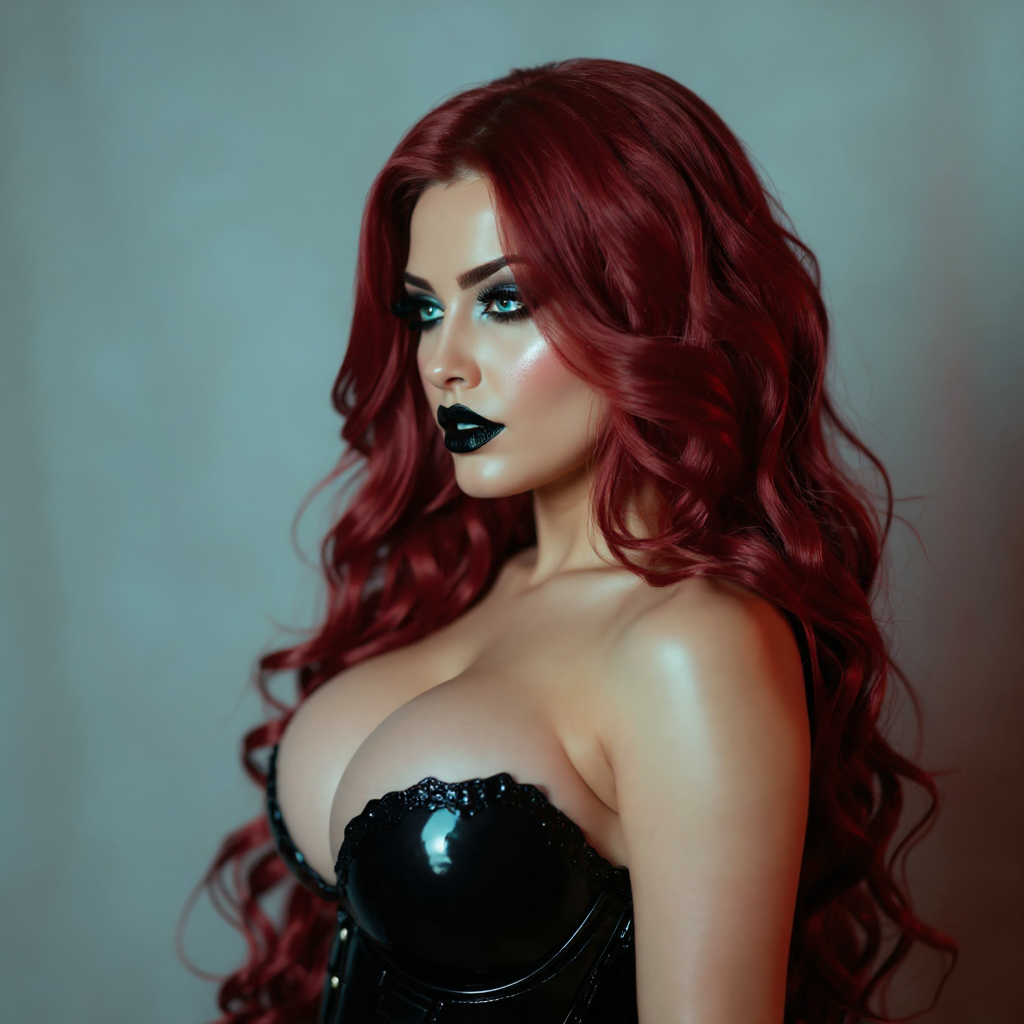
Portrait series with neutral background
consistent-characters
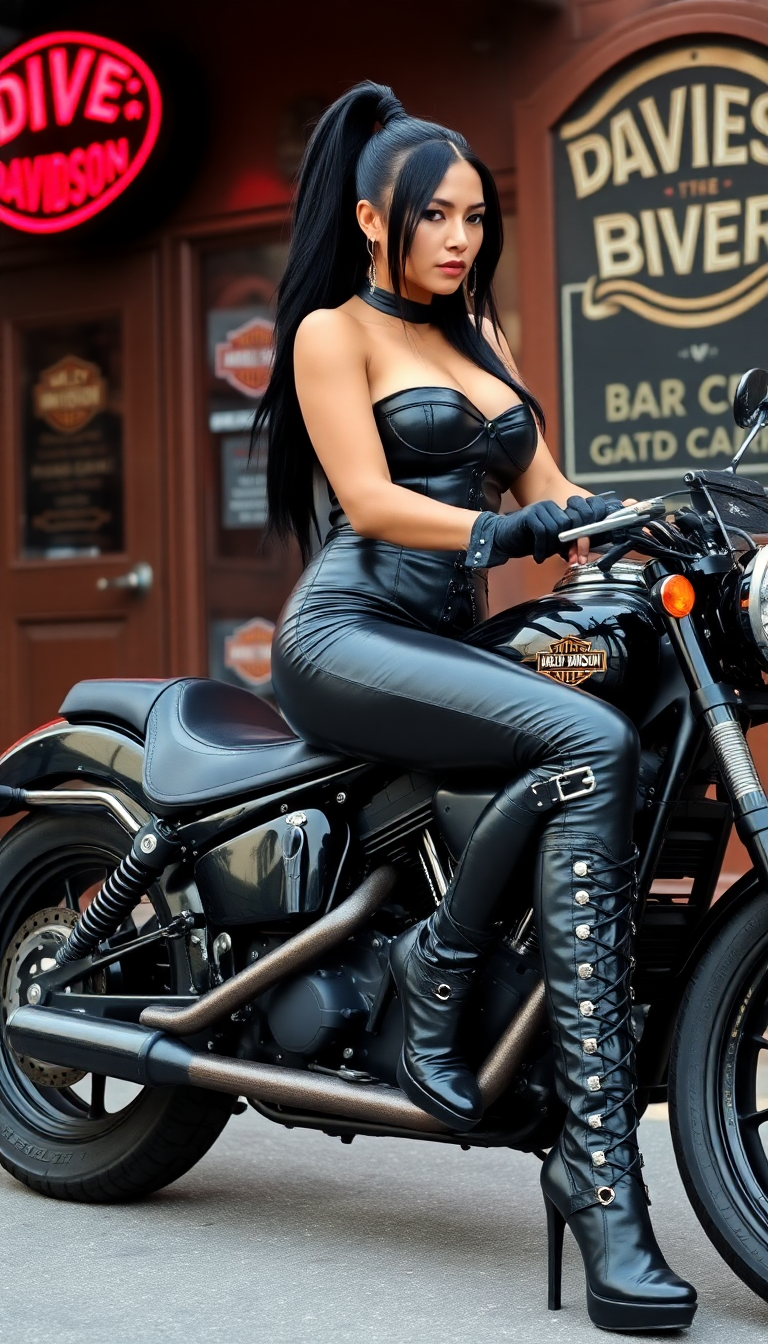
Sitting astride a harley Davidson motorcycle
flux
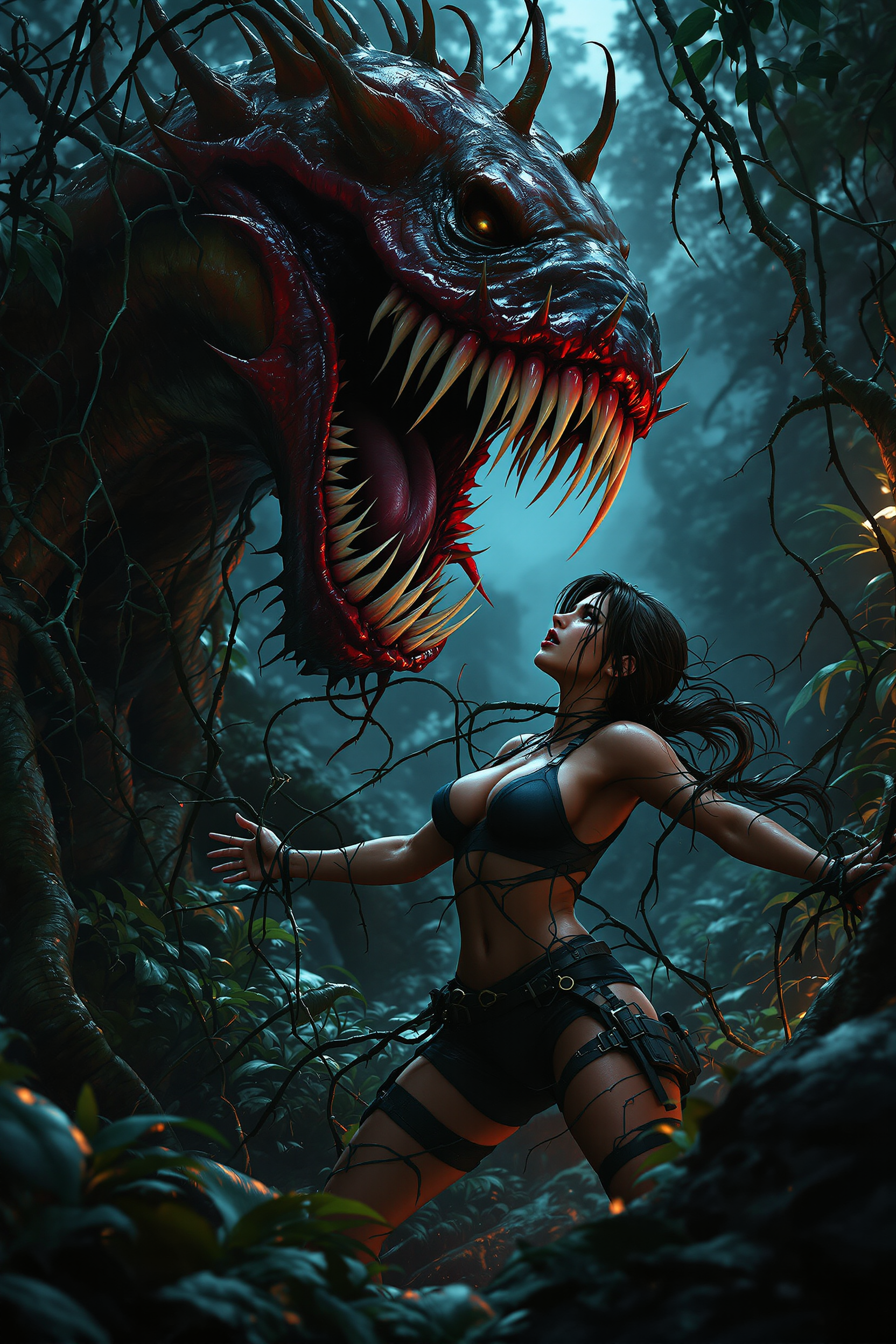
Lara Croft
flux

Masterpiece
creative-upscaler
Models you can run on PixelDojo for flux 2 pro image generator
Switch models without switching tools. Each one runs in the same PixelDojo studio.
What you can do with flux 2 pro image generator on PixelDojo
Flux 2 Pro Access
We give you Flux 2 Pro for text-to-image work so you can turn written prompts into stills without switching tools. Outputs stay in your PixelDojo workspace for review and reuse.
Prompt-Led Image Control
You can steer subject, style, lighting, and composition through the prompt. We keep generation tied to what you write so you can iterate with small wording changes.
Creator-Ready Exports
We let you generate images and download them for posts, comps, and client drafts. Files sit with your other PixelDojo assets so you can pick variants and keep going.
Studio Workflow Fit
We place Flux 2 Pro next to your other image tools so you can generate, compare, and refine in one place. You stay in a single session instead of bouncing between apps.
Loved by thousands of creators worldwide. 40+ cutting-edge AI tools including Flux.2 Studio. High ratings for photorealism and ease of use. Cancel anytime with zero risk.
Why Choose Pixel Dojo for flux 2 pro image generator
Professional-quality results with cutting-edge AI technology
Photorealistic Images That Replace Real Photoshoots
You produce e-commerce product photography, architectural visualizations and lifestyle imagery so realistic they stand in for expensive studio work. Natural lighting, accurate materials and sharp textures let you skip models, locations and retouching. Generate unlimited variations instantly and keep every asset on-brand.
Unbreakable Character and Product Consistency
You create entire campaigns, storyboards or product lines where faces, logos and styles never drift. Upload reference images once in Flux.2 Studio and generate hundreds of poses, scenes and contexts while identity stays locked. Pair with Consistent Characters and Character Sheets for even tighter control.
Exact Brand Colors Plus Production-Ready Text
You match hex codes perfectly for logos, packaging and products. Complex typography, infographics and UI mockups render with readable, professional text. Your assets leave PixelDojo ready for web, print and social without extra cleanup.
How It Works
Creating professional Flux 2 Pro images on PixelDojo takes just three straightforward steps. You move from idea to high-resolution download in minutes using Flux.2 Studio and our full editing suite.
Step 1: Choose Flux.2 Studio
Sign in to PixelDojo and open Generate Images. Select Flux.2 Studio from the lineup that also includes Nano Banana 2, GPT Image 2, Grok Image, Krea Image, Riverflow, Luma UNI 1, QWEN Image 2, Qwen 3 Pro, WAN 2.6, Kling Image and Seedream 5. Flux.2 Studio delivers the production-grade quality of Flux 2 Pro with native multi-reference support. If you need a custom look, start a Flux 2 Trainer session first so your unique style is baked in.
Step 2: Enter Your Prompt and Add References
Type a natural-language description that covers subject, pose, lighting and style. Specify lighting such as golden hour or studio softbox, put any text you want rendered inside quotation marks, and include hex codes for exact brand colors. Upload up to ten reference images to lock character identity, product appearance or overall aesthetic. You can also begin from an existing photo using Image to Image or jump straight into Inpainting for targeted changes.
Step 3: Customize, Enhance and Download
Generate your 4-megapixel image in seconds. Refine it instantly with Change Camera Angle, Style Transfer, Magic Lighting, Background Remover, Image Outpainting or Reality Polisher. Upscale further with P-Image Upscale, Magnific Upscaler or Portrait Upscaler. Need motion? Send the still into Flux 3 Video, Kling Video or WAN 2.7 Video. Download in the format you need, or keep iterating inside the same workspace. Everything stays inside PixelDojo so you never leave your creative flow.
The Pixel Dojo Advantage
Why PixelDojo’s Flux 2 Pro image generator outperforms other options for professional image creation
| Others | Pixel Dojo |
|---|---|
| Traditional photography and design | You eliminate studio rental, model fees and weeks of scheduling. Generate unlimited on-brand variations in minutes while keeping perfect consistency and exact colors that traditional shoots cannot match at this speed or cost. |
| Generic AI tools | You receive superior photorealism, multi-reference consistency, hex-accurate colors and reliable text rendering that generic platforms often miss. You also gain 40+ specialized tools such as Consistent Characters, Flux 2 Trainer, Image Outpainting and a full video suite in one account. |
| Manual photo editing | You complete complex composites, lighting shifts and outpainting in seconds instead of hours of masking. Flux 2 Pro understands natural-language instructions and preserves physics, identity and brand details automatically so you ship finished assets faster. |
Loved by creators on PixelDojo
Real feedback from people using PixelDojo, pulled from our in-product surveys.
very useful set of tools for image creation, upscaling and enhancement
ease of use, variety of tools, high quality trainings, and a well-maintained discord channel
Ease of use, friendliness and support of the owner, continued innovation.
it is an amazing site to create a pics and vids for those who don't have the hardware themselves
good tools in one place
Prompt updates, strong features, and a community that is always willing to help and hear/act on professional feedback. I've never had a better experience.
Explore more AI tools on PixelDojo
AI Tools
Compare & Switch
- Best AI Image Generators
- Best AI Video Generators
- Midjourney Alternatives
- Civitai Alternatives
- Runway Alternatives
- Leonardo Alternatives
- Pika Alternatives
- Luma Alternatives
- Magnific Alternatives
- Veo Alternatives
- Flux Alternatives
- Freepik Alternatives
- Seedance Alternatives
- Seedream Alternatives
- Pixverse Alternatives
- GPT Image Alternatives
- Synthesia Alternatives
- Playground Alternatives
- NightCafe Alternatives
- Canva AI Alternatives
- ElevenLabs Alternatives
- ComfyUI Alternatives
- Fal Alternatives
- Replicate Alternatives
Common Questions
Everything you need to know about flux 2 pro image generator
What is the Flux 2 Pro image generator and how do I start using it on PixelDojo?
Flux 2 Pro is the production-grade model that delivers photorealistic generation and editing with strong prompt following and multi-reference support. On PixelDojo you access it directly through Flux.2 Studio inside Generate Images. You simply write a clear description, optionally add reference photos, and receive high-resolution results. You can then refine them with our Edit Images tools or train a custom version using Flux 2 Trainer. The entire workflow lives alongside Nano Banana 2, Seedream 5, Ideogram 4 and dozens of other models so you never have to switch platforms. Thousands of creators already use this combination daily for marketing, e-commerce and concept work. You can try everything today and cancel anytime.
How do I keep characters and products consistent with the Flux 2 Pro image generator?
Upload several clear reference images of your character or product into Flux.2 Studio. The model holds identity, clothing, logos and style across new poses, lighting and environments. You can generate an entire campaign or story sequence from those same references. For even tighter control combine Flux.2 Studio with PixelDojo’s Consistent Characters, Character Sheets, Ideogram Character or LoRA Face Swap. When you are ready for motion, send the stills into WAN Video Character Swap or Kling Video Character Swap. The result is a cohesive visual world that stays on-model without extra recasting or reshoots.
Can the Flux 2 Pro image generator produce readable text and exact brand colors?
Yes. Place any text you need inside quotation marks in your prompt and the model renders it clearly, even in complex infographics, ads or UI mockups. For colors, include hex codes such as #2F5D50 next to the object they belong to and Flux 2 Pro matches them precisely. This combination lets you create on-brand packaging, social ads and interface designs that leave PixelDojo ready for production. You can further polish typography or color with Recraft V4.1, Ideogram 4 or the Reality Polisher if you want extra refinement, all inside the same workspace.
Which PixelDojo editing tools work best with Flux 2 Pro images?
After generation you can jump straight into Image to Image, Inpainting, Change Camera Angle, Style Transfer, Magic Lighting, Background Remover, Image Analyzer, Reality Polisher and Image Outpainting. These tools understand the original Flux 2 Pro output so lighting, identity and composition stay coherent. For video you can continue with Runway Aleph, Grok Video Edit, Kling Video Edit, WAN 2.7 Video Edit or Seedance 2.5 Video Edit. Upscaling is handled by P-Image Upscale, Magnific Upscaler, Clarity Pro or FLUX Video Upscale. Everything is designed to feel like one continuous creative session rather than a collection of separate apps.
Is Flux 2 Pro on PixelDojo suitable for product photography and e-commerce?
It is one of the strongest uses. You place any product into new contexts while lighting, reflections and physics remain realistic. Multi-reference support lets you keep packaging, logos and materials identical across hundreds of lifestyle shots. Pair the generator with Flux Pro Virtual Try-On or Virtual Try-On for apparel, then remove backgrounds or extend scenes with a single click. The speed and consistency let you replace traditional catalog shoots, produce seasonal variants overnight and keep every image perfectly on-brand. Many stores now generate their entire visual catalog this way.
Why choose PixelDojo for Flux 2 Pro image generation instead of other sites?
PixelDojo gives you Flux.2 Studio plus more than 40 additional models and tools in one account—Nano Banana 2, GPT Image 2, Seedream 5, Hunyuan Image 3, QWEN Image 2, Kling Image and the full video, editing, upscaling and character suites. You can train custom Flux 2 models, call the Developer API, and move from still to video without exporting files. The platform is loved by thousands of creators, offers a simple cancel-anytime policy, and removes the friction of juggling multiple subscriptions. You get professional results faster and with far more flexibility than single-model sites.