flux 2 pro photorealism AI Generator

Generated on PixelDojo. Produced by PixelDojo's generation pipeline.
You no longer need a camera crew, studio lighting, or expensive photoshoots to get images that look completely real. With Flux 2 Pro photorealism on PixelDojo, you describe the scene you want and receive photographs that capture natural skin texture, authentic lighting, fabric details, and true-to-life materials. Marketers launch campaigns faster, e-commerce sellers create unlimited product angles, and content creators produce editorial-quality visuals without leaving their desk. Every image you generate can be refined, upscaled, and exported ready for ads, websites, or social media, giving you professional results at a fraction of traditional costs.
Real image examples generated on PixelDojo
Every example below was produced on PixelDojo. Hover to see the prompt.
Make it photo realistic edited with Flux Kontext Pro
flux-studio
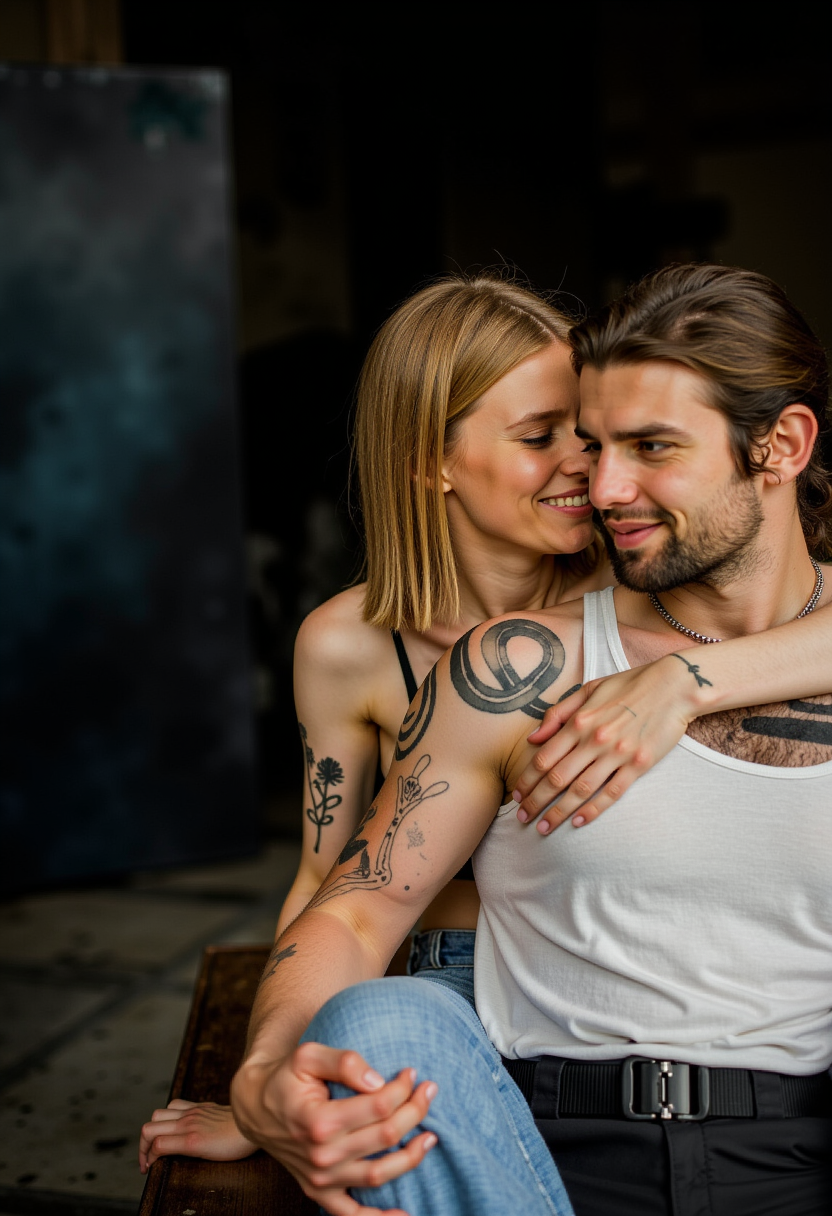
Photorealistic
flux
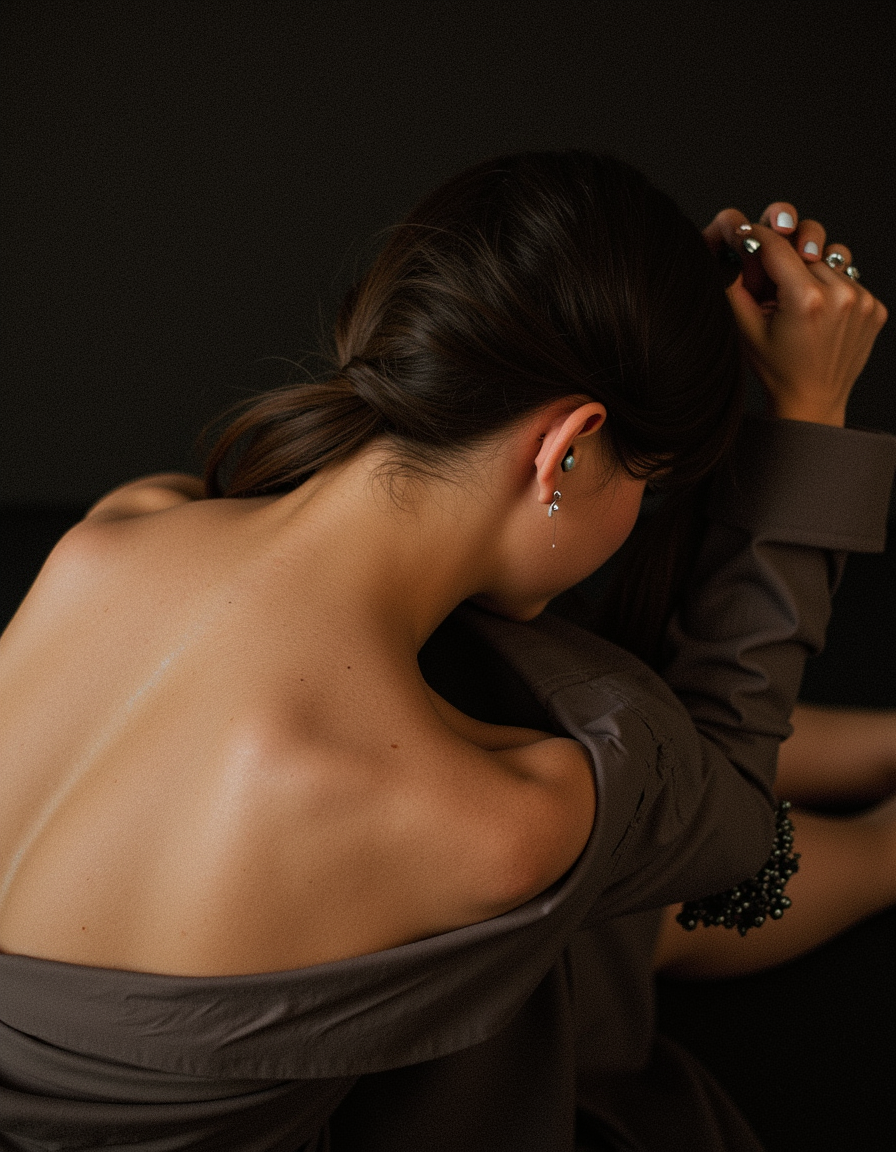
Photorealistic
flux
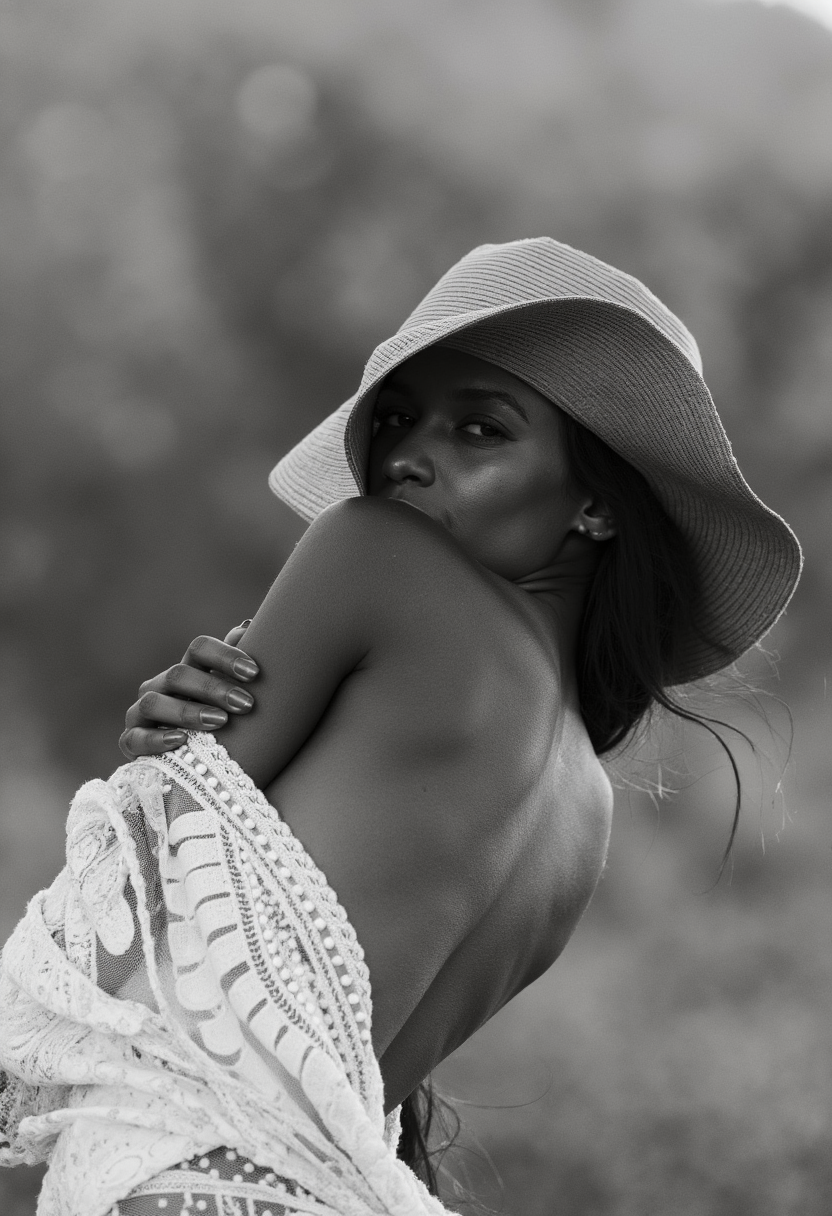
Photorealistic
flux
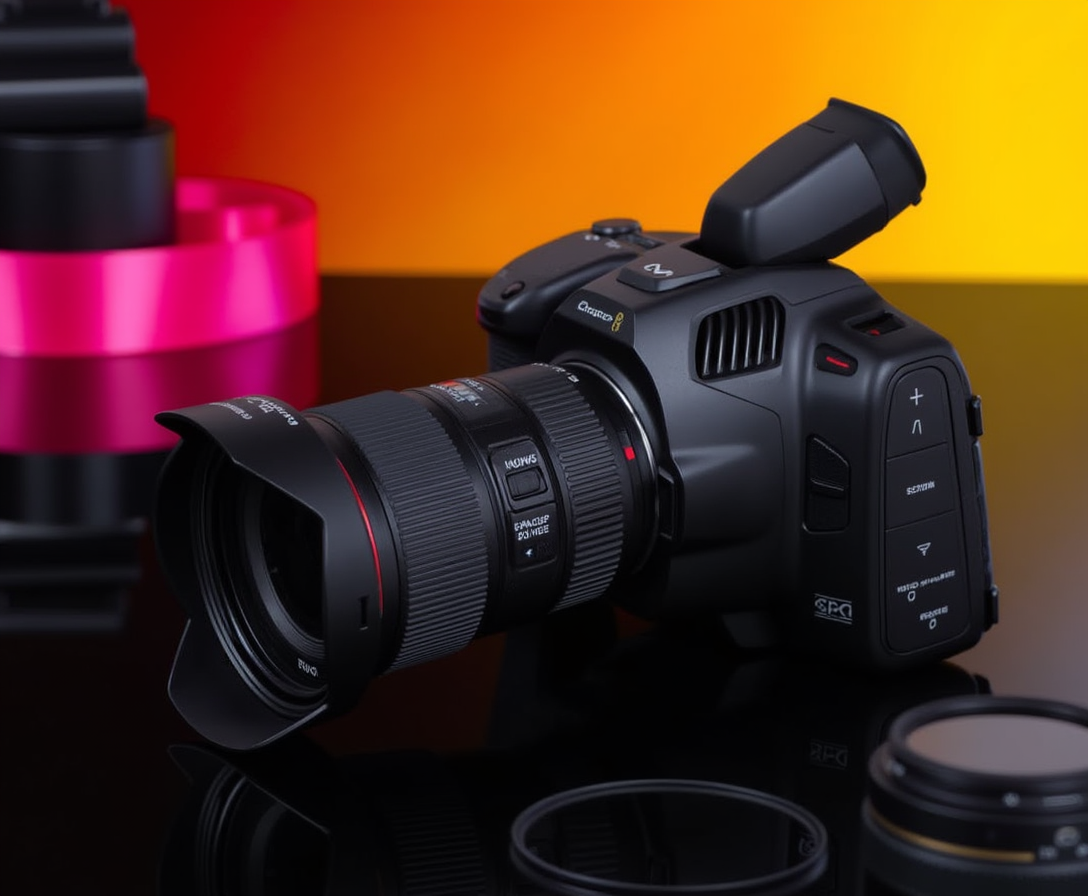
Photorealistic
flux
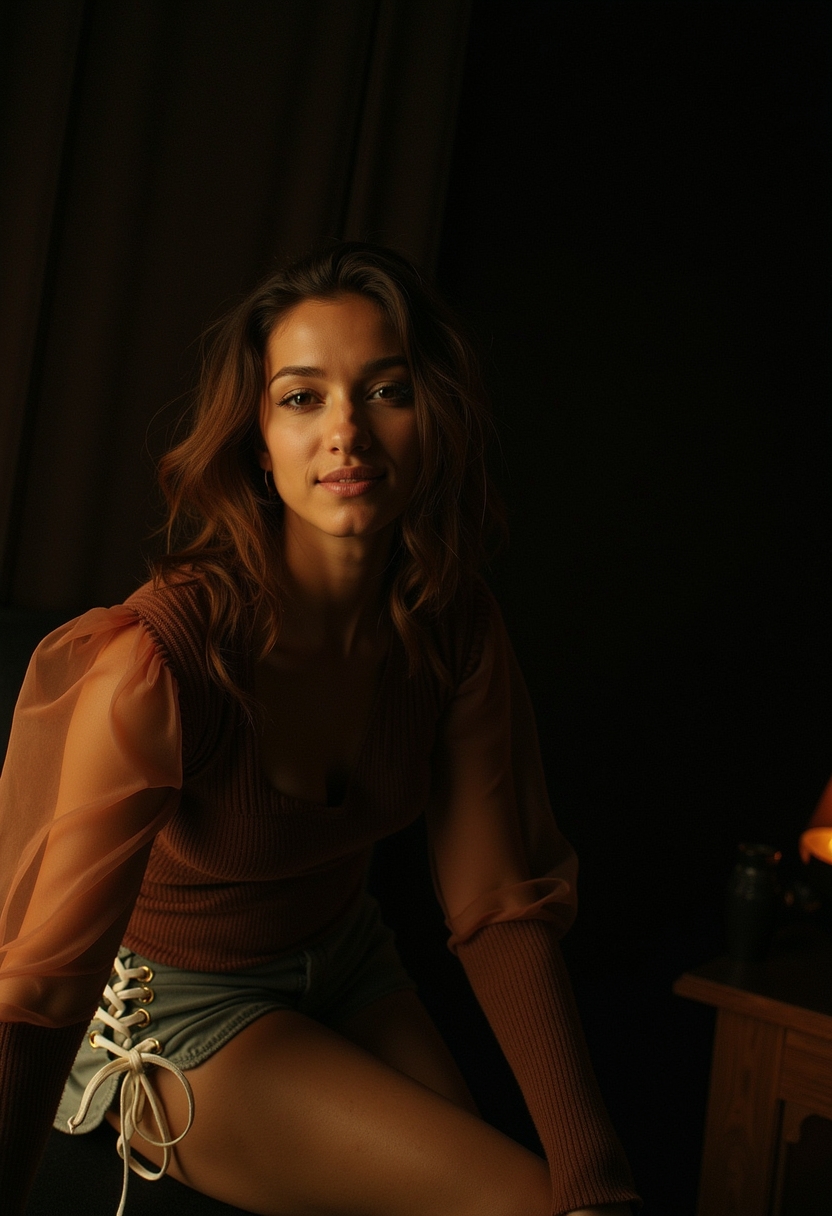
Photorealistic
flux
Models you can run on PixelDojo for flux 2 pro photorealism
Switch models without switching tools. Each one runs in the same PixelDojo studio.
What you can do with flux 2 pro photorealism on PixelDojo
Flux 2 Pro Photorealism
You can generate photorealistic images with Flux 2 Pro on PixelDojo. We give you access to the model for stills with natural lighting, texture, and camera-like detail.
Prompt Control For Scenes
Describe people, products, and environments in plain language. We run Flux 2 Pro so your prompts map to coherent, photograph-style compositions.
Detail In Skin And Materials
Create images with convincing skin, fabric, metal, and glass. You iterate on PixelDojo without leaving the Flux 2 Pro workflow.
Ready For Creative Work
Export photoreal outputs for campaigns, concept art, and product shots. We host Flux 2 Pro so you can generate and refine in one place.
Loved by thousands of creators worldwide using 40+ cutting-edge AI tools. Generate photorealistic images daily, cancel anytime, and join a community that ships real campaigns with AI photography.
Why Choose Pixel Dojo for flux 2 pro photorealism
Professional-quality results with cutting-edge AI technology
Launch Campaigns With Photos That Convert
You produce photorealistic product mockups, lifestyle scenes, and hero images that look shot by a professional photographer, helping your ads and landing pages earn more clicks and sales.
Create Lifelike Portraits On Demand
You generate authentic human portraits with visible pores, natural expressions, and realistic lighting for avatars, testimonials, or character work without booking models or studios.
Iterate Visuals Faster Than Traditional Shoots
You test dozens of lighting setups, camera angles, and environments in minutes, then polish the winners with PixelDojo editing tools so your brand always looks consistent and premium.
How It Works
Creating Flux 2 Pro photorealism images on PixelDojo is simple. You pick the right generator, describe the photograph you want using everyday photography language, then refine and download.
Step 1: Choose Your Tool
Open Generate Images and select Flux.2 Studio for the highest photorealism. You can also start in Flux.1 Studio or combine with Consistent Characters if you need the same face across multiple shots.
Step 2: Enter Your Prompt
Write a natural-language description as if briefing a photographer. Start with the subject, add pose or action, then specify lighting, lens, and textures such as visible skin pores, fabric weave, or natural imperfections. Medium-length prompts work best.
Step 3: Customize & Download
Review your result, then use Reality Polisher, Image to Image, Inpainting, or Change Camera Angle to perfect it. Upscale with P-Image Upscale or Magnific Upscaler, remove backgrounds if needed, and download high-resolution files ready for any platform.
The Pixel Dojo Advantage
Why PixelDojo outperforms other options for Flux 2 Pro photorealism image generation
| Others | Pixel Dojo |
|---|---|
| Traditional photography production | You skip location scouting, talent bookings, and post-production days. Generate unlimited photorealistic variations in minutes and only pay for what you use. |
| Generic AI tools | You get dedicated Flux.2 Studio plus specialized editors like Reality Polisher, Magic Lighting, and Character Sheets so your photorealistic images stay consistent and production-ready. |
| Manual photo editing | You describe the final photograph once instead of spending hours retouching. PixelDojo handles lighting physics, textures, and camera simulation automatically. |
Loved by creators on PixelDojo
Real feedback from people using PixelDojo, pulled from our in-product surveys.
I’ve been using PixelDojo for around 8 months now and it’s always worked wonderfully while constantly adding features.
The site is easy to navigate and use.
All the tools, readily available and easy to understand
You guys, the LORA training is the BEST in the space right now, great job with that!
Tons of variety. Ease of use. Tools for beginners and advance users.
easiest workflow to get best output image or video
Explore more AI tools on PixelDojo
AI Tools
Compare & Switch
- Best AI Image Generators
- Best AI Video Generators
- Midjourney Alternatives
- Civitai Alternatives
- Runway Alternatives
- Leonardo Alternatives
- Pika Alternatives
- Luma Alternatives
- Magnific Alternatives
- Veo Alternatives
- Flux Alternatives
- Freepik Alternatives
- Seedance Alternatives
- Seedream Alternatives
- Pixverse Alternatives
- GPT Image Alternatives
- Synthesia Alternatives
- Playground Alternatives
- NightCafe Alternatives
- Canva AI Alternatives
- ElevenLabs Alternatives
- ComfyUI Alternatives
- Fal Alternatives
- Replicate Alternatives
Common Questions
Everything you need to know about flux 2 pro photorealism
How do I create photorealistic images with Flux 2 Pro on PixelDojo?
Select Flux.2 Studio, then describe your scene using photography language: subject first, followed by lighting, lens, and real textures. PixelDojo handles the rest so you receive images that look like they were captured with a real camera.
What prompts work best for Flux 2 Pro photorealism?
Write in complete sentences as if directing a photoshoot. Include camera details such as 85mm lens or shot on Hasselblad, lighting like soft window light or golden hour, and textures such as visible pores, fabric wear, or natural grain. Avoid generic quality words and focus on specific visual cues.
Can I use Flux 2 Pro photorealism for product photography?
Yes. You generate studio-quality product shots with accurate materials, reflections, and lighting. Combine Flux.2 Studio with Image to Image, Background Remover, and P-Image Upscale to create complete e-commerce catalogs without a physical studio.
How do I keep faces consistent in photorealistic portraits?
Use Consistent Characters or Character Sheets together with Flux.2 Studio. You can also apply Face Swap or LoRA Face Swap, then polish skin and lighting with Reality Polisher for portraits that stay identical across an entire campaign.
What editing tools help improve Flux 2 Pro photorealism results?
After generation, apply Reality Polisher for extra authenticity, Magic Lighting to adjust mood, Inpainting for small fixes, Change Camera Angle for new perspectives, and Portrait Upscaler or Magnific Upscaler for print-ready resolution. All tools live inside PixelDojo.
Is Flux 2 Pro photorealism suitable for commercial use?
Absolutely. Thousands of creators use PixelDojo images in ads, websites, and print. You own the outputs you generate, can train custom looks with Flux 2 Trainer if needed, and cancel anytime with no long-term commitment.