flux 2 pro without fal AI Generator
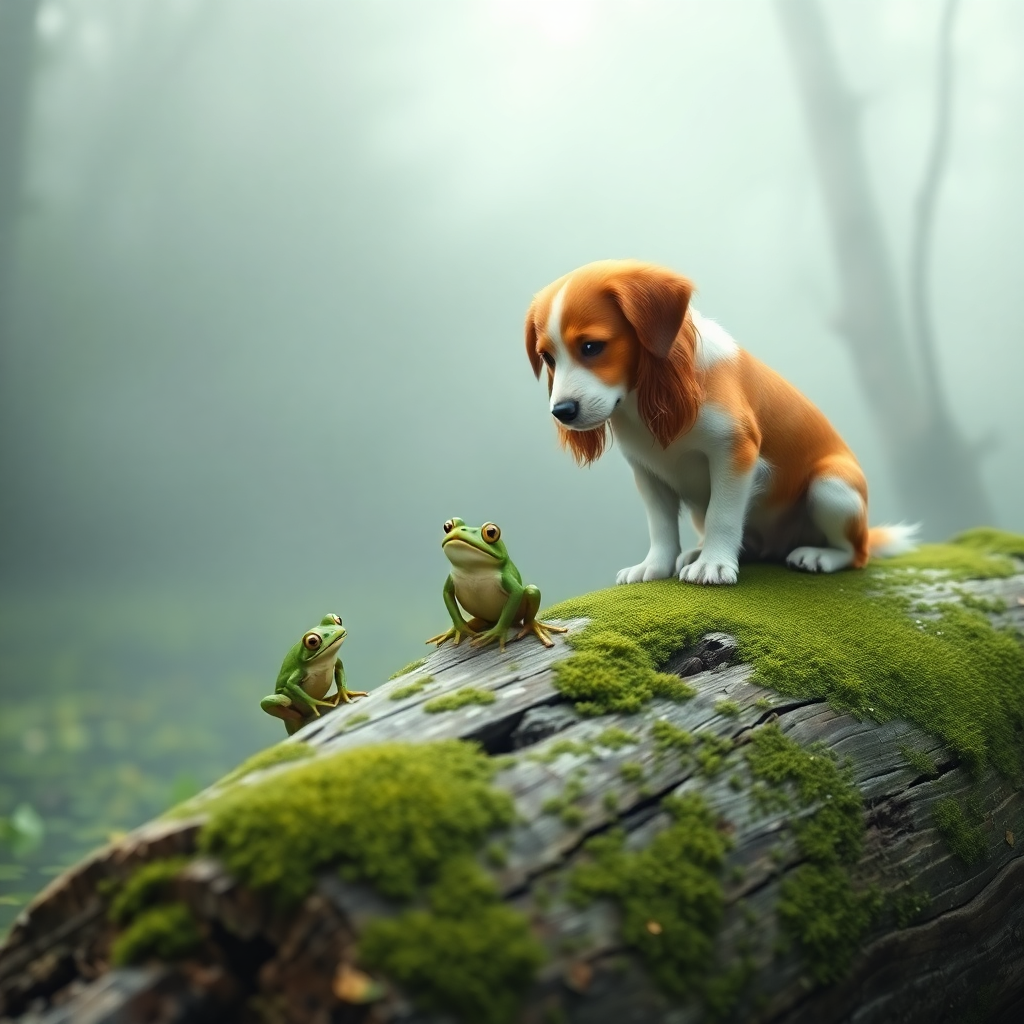
Generated on PixelDojo. Produced by PixelDojo's generation pipeline.
You no longer need Fal.ai to unlock the power of Flux 2 Pro image generation. On PixelDojo, Flux.2 Studio puts production-grade photorealism, multi-reference consistency, and crisp text rendering directly in your hands so you can ship marketing campaigns, product shots, and brand assets faster than ever. Imagine creating dozens of perfectly consistent character variations or high-resolution product photos that look photographed, not generated, then instantly refining them with our full suite of editing tools. Thousands of creators already rely on PixelDojo’s 40+ cutting-edge AI tools to turn ideas into finished visuals without juggling extra platforms or accounts. Whether you are building e-commerce catalogs, social content, or storyboards, you get studio results in minutes, cancel anytime, and keep everything in one seamless workspace.
Real image examples generated on PixelDojo
Every example below was produced on PixelDojo. Hover to see the prompt.
In a serene
flux
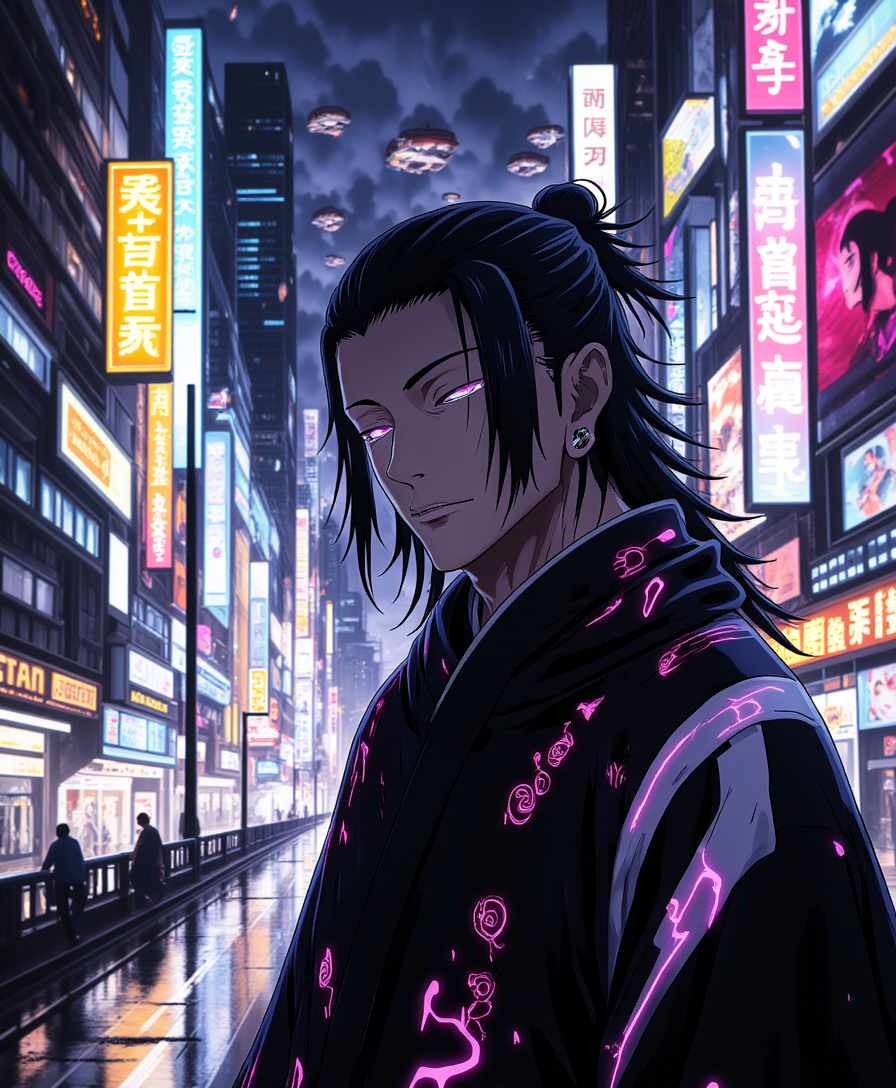
A photo of Geto
flux

Lower body close up of laying female body
flux
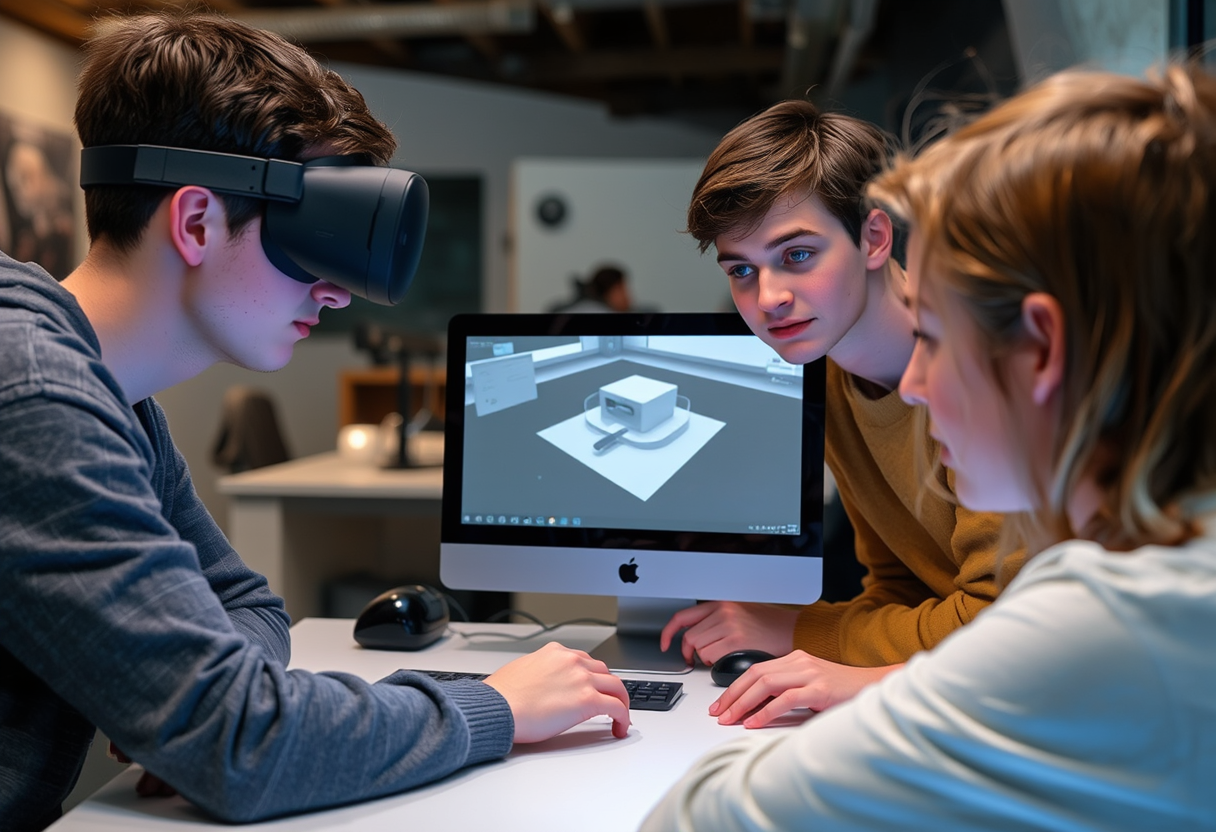
Stock footage: 3 Danish male students with autism about 17 years old
flux

Upscaled version
flux-studio
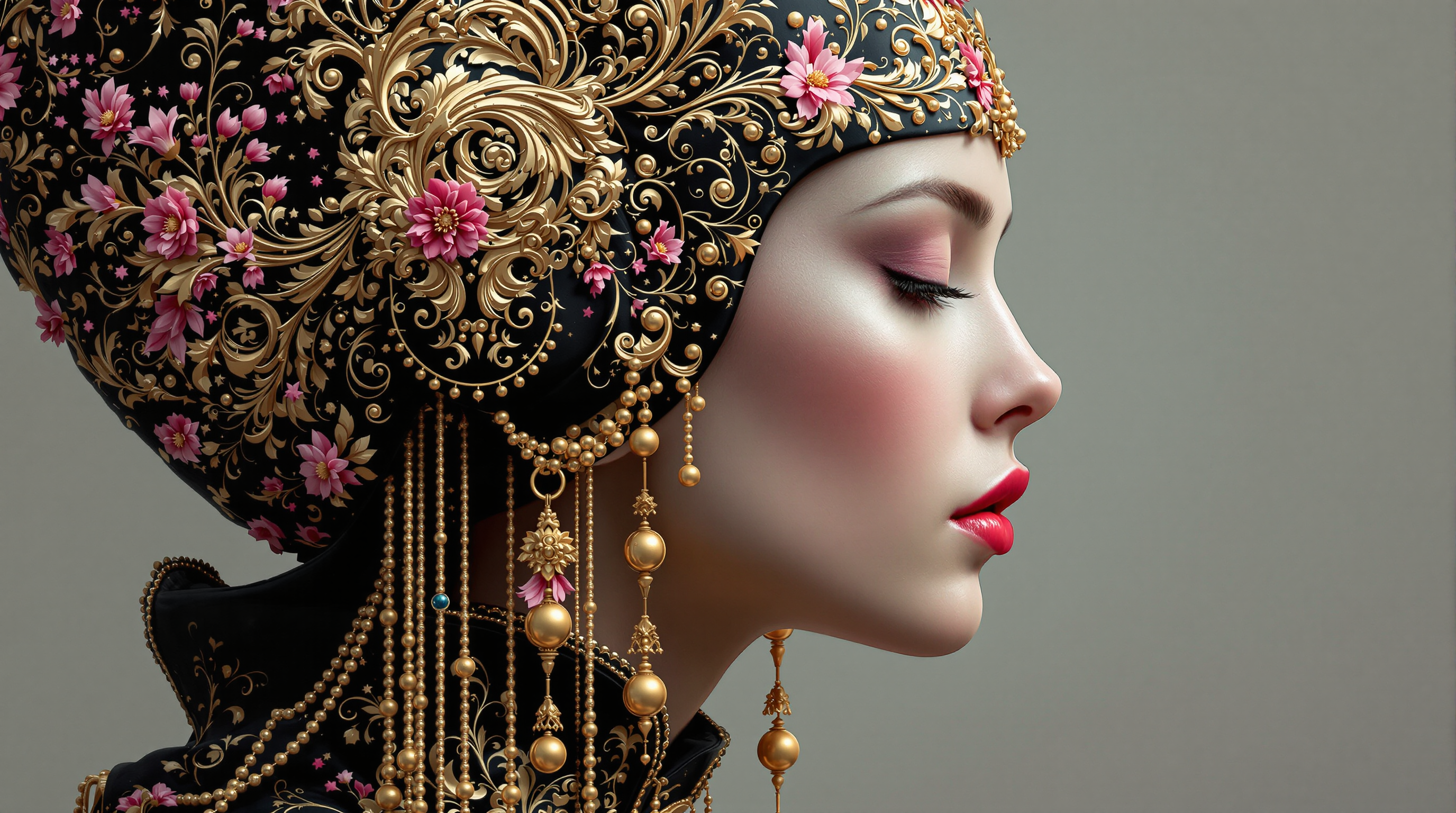
This image is a closeup and detailed depiction of a figures profile
flux
Models you can run on PixelDojo for flux 2 pro without fal
Switch models without switching tools. Each one runs in the same PixelDojo studio.
What you can do with flux 2 pro without fal on PixelDojo
Direct Flux 2 Pro Access
We host Flux 2 Pro image generation on PixelDojo so you can prompt and render without sending jobs through Fal.
Prompt To Image Controls
You set prompts, aspect ratios, and output options we expose for Flux 2 Pro and receive stills you can download.
One Place For Renders
We keep your Flux 2 Pro jobs, history, and files in the PixelDojo workspace so you can iterate without extra tools.
Clear Credit Based Runs
You spend PixelDojo credits on each Flux 2 Pro generation and we show job status plus the finished images.
Loved by thousands of creators worldwide. PixelDojo’s 40+ cutting-edge AI tools power professional workflows every day. Join them and cancel anytime.
Why Choose Pixel Dojo for flux 2 pro without fal
Professional-quality results with cutting-edge AI technology
Ship Photorealistic Campaigns Overnight
You create images that rival professional photography with natural lighting, accurate textures, and up to 4-megapixel detail using Flux.2 Studio. Your product shots, portraits, and environments look real enough for paid ads and print, saving you days of traditional shoots while giving you unlimited variations.
Keep Characters and Products Perfectly Consistent
You maintain identical faces, outfits, and product details across an entire series by combining Flux.2 Studio multi-reference with our Consistent Characters and Character Sheets tools. Your brand story stays cohesive from first frame to last, eliminating the usual AI drift that kills campaigns.
Finish Entire Projects Without Leaving PixelDojo
You generate in Flux.2 Studio, then immediately polish with Inpainting, Reality Polisher, Magic Lighting, and Magnific Upscaler. Train custom looks with Flux 2 Trainer and even extend into video with Flux 3 Video. One platform, zero extra logins, complete creative control.
How It Works
You create Flux 2 Pro quality images in three straightforward steps inside PixelDojo, then enhance them with the rest of our 40+ tools.
Step 1: Choose Your Tool
Open Generate Images and select Flux.2 Studio. For custom styles or products, start a Flux 2 Trainer session first so your unique look is baked in. You can also pull in Consistent Characters if you already have a hero you want to reuse.
Step 2: Enter Your Prompt
Describe the scene in natural language, adding lighting, camera angle, and mood. Upload up to several reference images for character or product lock. Flux.2 Studio understands detailed instructions and HEX color control so you get exactly the look you envisioned on the first try.
Step 3: Customize & Download
Refine the result with Image to Image, Inpainting, Change Camera Angle, or Style Transfer. Polish lighting and realism, then upscale with P-Image Upscale or Magnific Upscaler. Download in the resolution you need or send straight into Marketing Studio for campaign variants.
The Pixel Dojo Advantage
Why PixelDojo outperforms other options for Flux 2 Pro image generation without Fal
| Others | Pixel Dojo |
|---|---|
| Traditional photography and design | You generate unlimited photorealistic variations in minutes instead of booking studios, models, and retouchers. Costs drop dramatically while you keep full creative iteration. |
| Generic AI image tools | You get a dedicated Flux.2 Studio plus an entire ecosystem of 40+ specialized tools for editing, upscaling, character consistency, and even video, all in one account. |
| Manual photo editing software | You skip hours of masking and compositing. AI-powered Inpainting, Reality Polisher, and Magic Lighting deliver professional results instantly so you can focus on ideas, not pixels. |
Loved by creators on PixelDojo
Real feedback from people using PixelDojo, pulled from our in-product surveys.
it is an amazing site to create a pics and vids for those who don't have the hardware themselves
good tools in one place
Prompt updates, strong features, and a community that is always willing to help and hear/act on professional feedback. I've never had a better experience.
user friendly all in one thing
I really like the schedule of AI work performed!
The best tools for IA on the web !
Explore more AI tools on PixelDojo
AI Tools
Compare & Switch
- Best AI Image Generators
- Best AI Video Generators
- Midjourney Alternatives
- Civitai Alternatives
- Runway Alternatives
- Leonardo Alternatives
- Pika Alternatives
- Luma Alternatives
- Magnific Alternatives
- Veo Alternatives
- Flux Alternatives
- Freepik Alternatives
- Seedance Alternatives
- Seedream Alternatives
- Pixverse Alternatives
- GPT Image Alternatives
- Synthesia Alternatives
- Playground Alternatives
- NightCafe Alternatives
- Canva AI Alternatives
- ElevenLabs Alternatives
- ComfyUI Alternatives
- Fal Alternatives
- Replicate Alternatives
Common Questions
Everything you need to know about flux 2 pro without fal
How do I generate Flux 2 Pro images without Fal.ai on PixelDojo?
Simply log into PixelDojo, go to Generate Images, and choose Flux.2 Studio. You get the same production-grade photorealism, multi-reference support, and high-resolution output without creating a separate Fal account. Everything stays inside your PixelDojo workspace alongside 40+ other tools.
What results can I expect from Flux 2 Pro without Fal compared to older models?
You receive sharper textures, more natural lighting, reliable text rendering, and stronger prompt following at up to 4 megapixels. Combined with PixelDojo’s Reality Polisher and Magnific Upscaler, your images look ready for commercial use on the first generation.
Can I train my own Flux 2 Pro style without Fal using PixelDojo?
Yes. Flux 2 Trainer lets you teach the model your brand, character, or product using your own images. Once trained, you generate consistently inside Flux.2 Studio and apply the look across stills and even Flux 3 Video projects.
How do I keep characters consistent across many Flux 2 Pro images without Fal?
Upload reference images directly in Flux.2 Studio and pair them with our Consistent Characters and Character Sheets tools. You lock identity, clothing, and lighting so every new scene feels like the same person or product, perfect for series and campaigns.
Which PixelDojo editing tools work best after Flux 2 Pro generation?
Use Image to Image and Inpainting for precise changes, Change Camera Angle for new viewpoints, Style Transfer for mood shifts, Magic Lighting for atmosphere, and Reality Polisher for extra realism. Then upscale with P-Image Upscale or Magnific Upscaler.
Is there a risk-free way to try Flux 2 Pro without Fal on PixelDojo?
Absolutely. PixelDojo gives you access to 40+ cutting-edge AI tools including Flux.2 Studio. Thousands of creators already use the platform daily. You can start immediately and cancel anytime if it is not the right fit.