flux 3 AI Generator
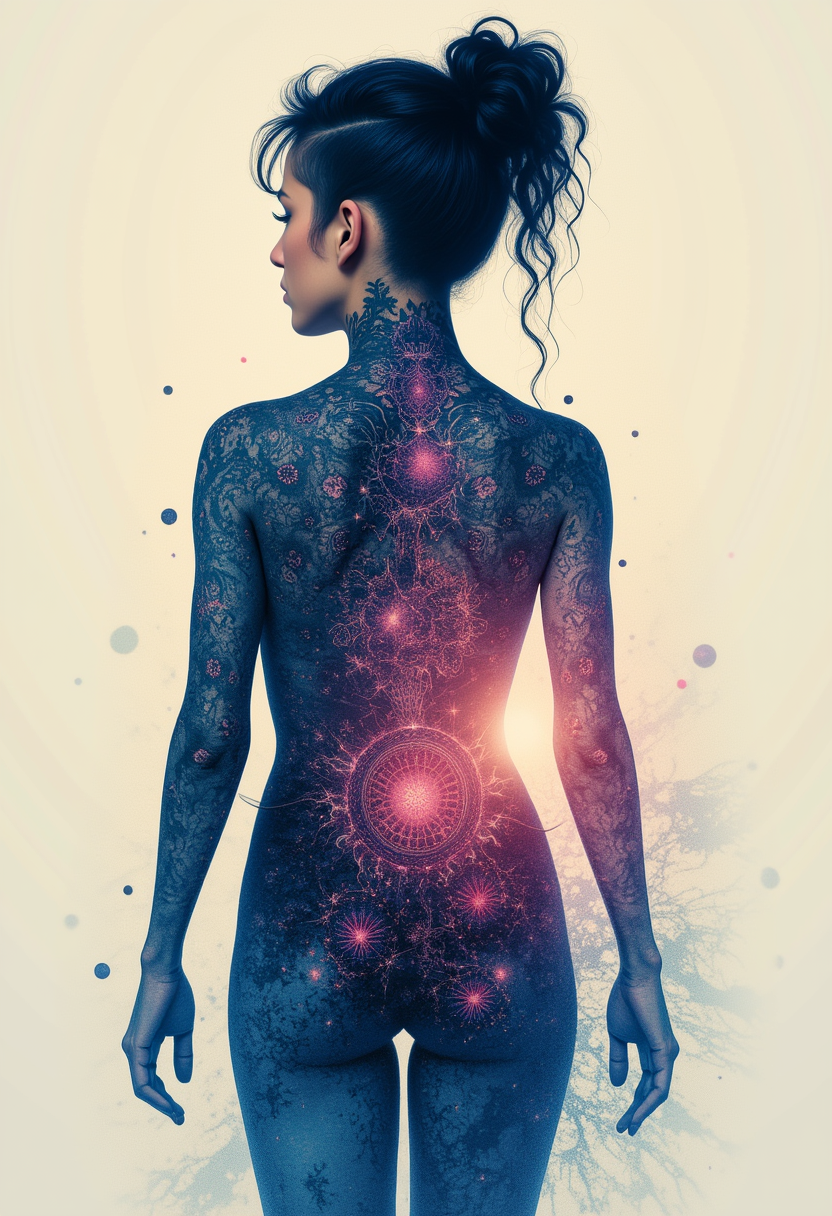
Generated on PixelDojo. Produced by PixelDojo's generation pipeline.
Imagine turning your creative vision into photorealistic images with flawless text rendering and cinematic videos featuring natural motion and perfectly synced audio—all without the hours of traditional production. With PixelDojo's Flux 3 tools, you achieve professional-grade Flux 3 image generation and video creation that captures real-world physics, diverse styles, and multilingual details. Whether you're a marketer needing campaign assets, a designer building consistent characters, or a creator producing engaging content, you get stunning outcomes fast. Flux 3 on PixelDojo lets you mix modalities seamlessly, generating images that handle complex scenes and videos up to 20 seconds with native sound, all from simple descriptions of what you want to see and hear. Start creating today and watch your ideas come to life with unmatched quality and control.
Real image examples generated on PixelDojo
Every example below was produced on PixelDojo. Hover to see the prompt.
Kira-Lux-Flux
flux

Add a log edited with Flux Kontext Dev
flux-studio
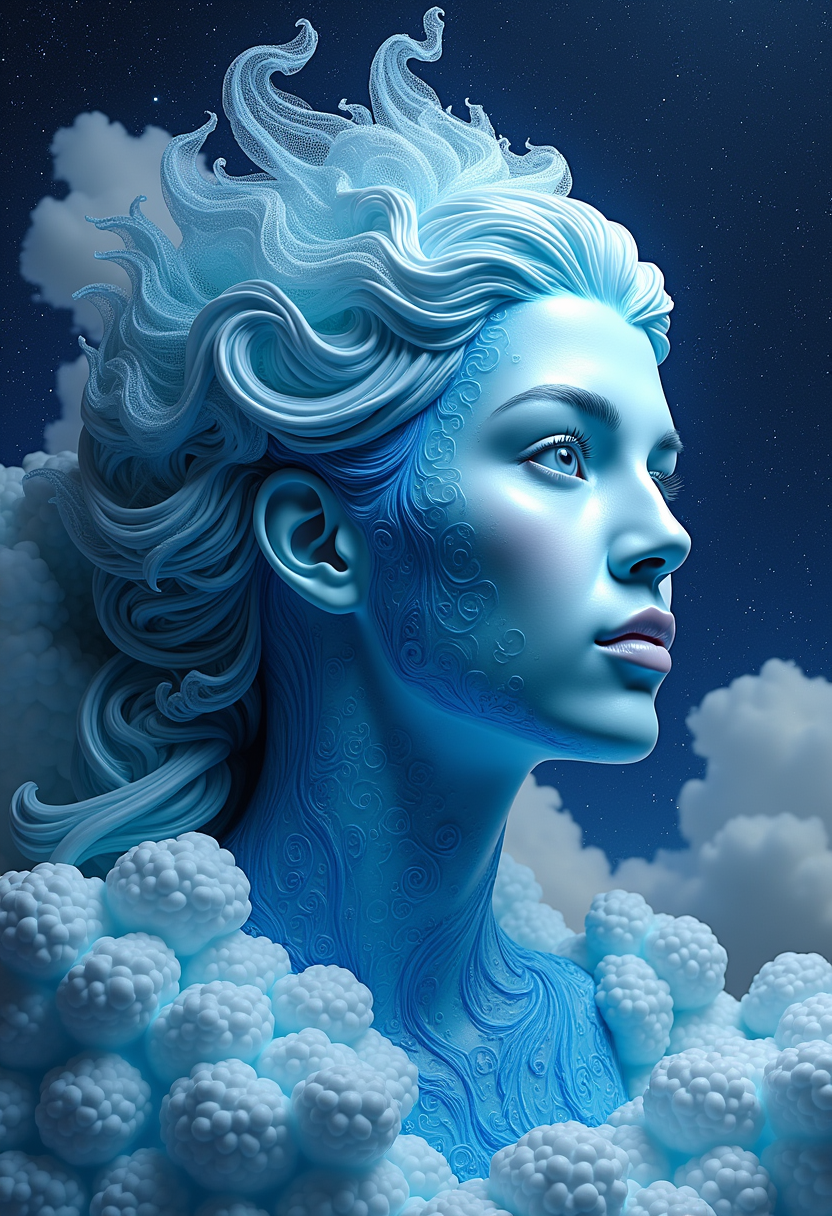
A photo of ClareFlux
flux
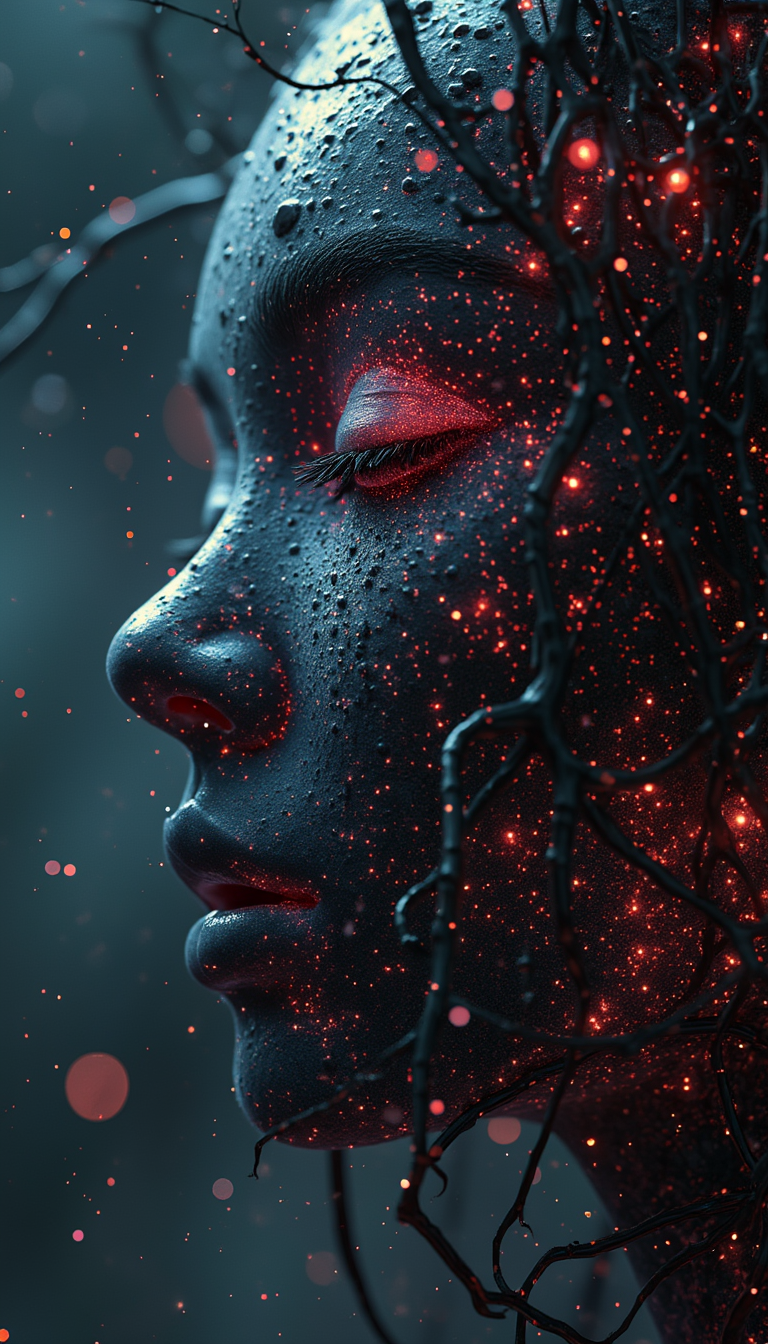
flux 3 on PixelDojo
flux
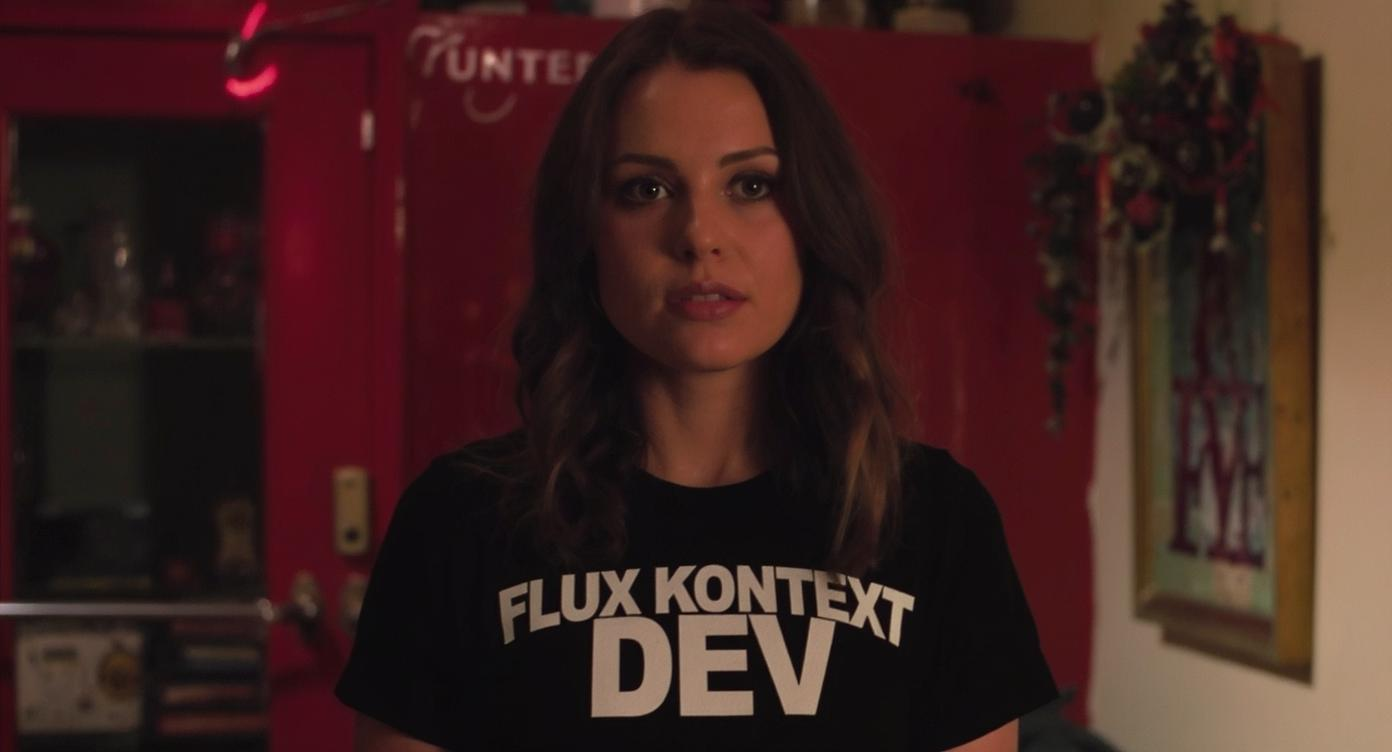
An image of a woman wearing a shirt that says FLUX KONTEXT DEV
flux-studio
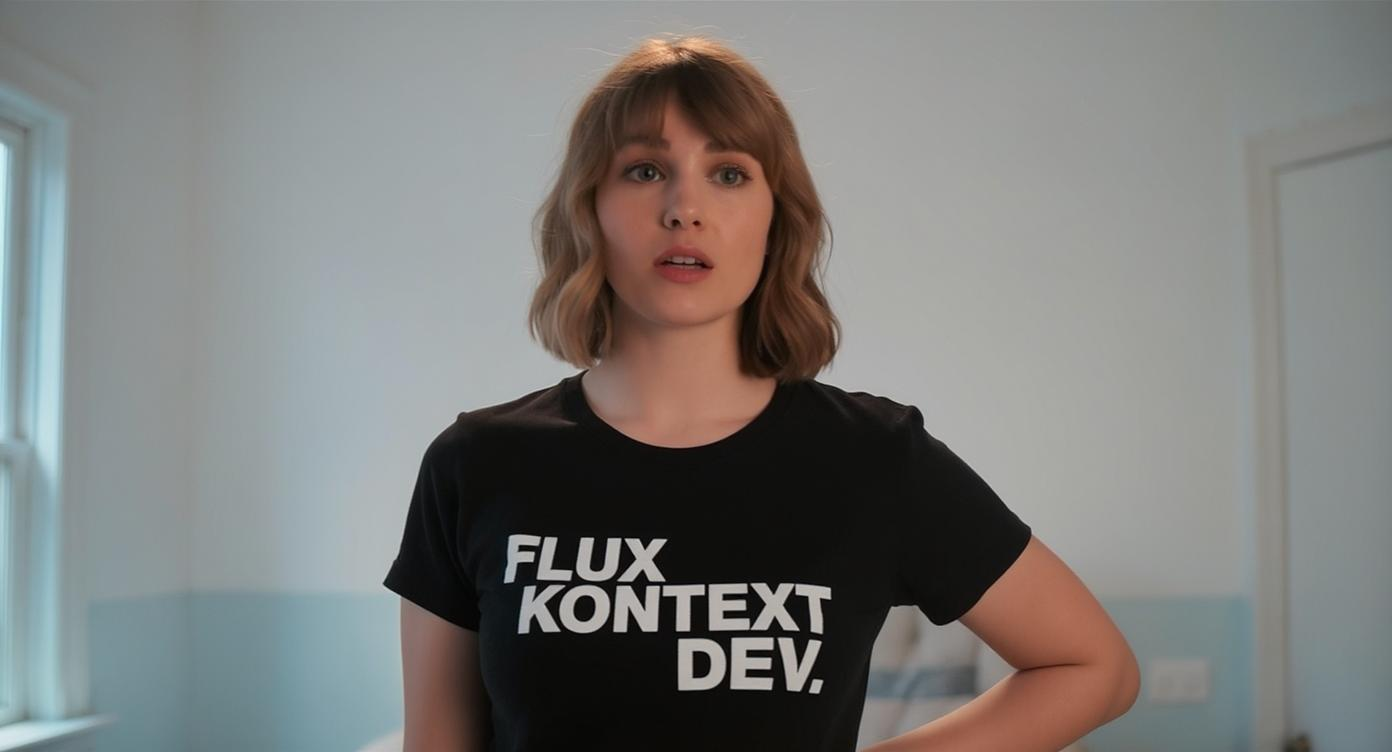
An image of a woman wearing a shirt that says FLUX KONTEXT DEV
flux-studio
Models you can run on PixelDojo for flux 3
Switch models without switching tools. Each one runs in the same PixelDojo studio.
What you can do with flux 3 on PixelDojo
Flux 3 Image Generation
We give creators access to Flux 3 for text-to-image work on PixelDojo. You can generate stills from prompts and iterate without leaving the studio.
Prompt Driven Visual Control
We support detailed prompts so you can steer subject, composition, lighting, and style. Refine wording and regenerate until the frame matches your brief.
Studio Ready Exports
We let you download generated images for use in your own projects. Keep versions in your PixelDojo library as you compare takes.
Model Choice In One Place
We run Flux 3 alongside other image models on the same workflow. Switch models when a shot needs a different look without rebuilding your prompt from scratch.
Loved by thousands of creators worldwide, PixelDojo's 40+ cutting-edge AI tools deliver consistent, high-converting results that professionals trust for daily workflows. Cancel anytime with no risk.
Why Choose Pixel Dojo for flux 3
Professional-quality results with cutting-edge AI technology
Produce Photorealistic Images with Perfect Text and Styles
You generate Flux 3 images that look like they were shot with professional cameras, complete with accurate multilingual text, diverse artistic styles, and precise lighting that matches your exact vision for marketing or personal projects.
Create Cinematic Videos with Natural Motion and Synced Audio
You produce engaging Flux 3 videos featuring realistic physics, camera movements, and audio that matches every action, turning concepts into ready-to-share clips for social media or ads in minutes.
Maintain Consistency Across Images, Videos, and Characters
You keep characters, styles, and scenes identical from stills to moving footage using PixelDojo's Flux tools, saving time and ensuring branded, cohesive content that converts viewers into customers.
How It Works
You create professional Flux 3 images and videos in three simple steps using PixelDojo's dedicated tools like Flux.2 Studio for stills and Flux 3 Video for motion, focusing on the outcomes you want rather than complicated setups.
Step 1: Choose Your Flux 3 Tool
Select Flux.2 Studio from Generate Images for high-quality stills with advanced prompt following or Flux 3 Video from Generate Videos for clips with native audio. Pick based on whether you need a single stunning image or a dynamic sequence, then add references if desired for consistency.
Step 2: Enter Your Detailed Prompt
Describe your scene in natural language, including camera angles, lighting, actions, and sounds for videos. For images, specify styles, text in quotes, and environments. PixelDojo's tools interpret this to deliver precise Flux 3 results, like a product shot with perfect typography or a video of a character moving naturally.
Step 3: Customize, Enhance, and Download
Refine with Edit Images tools like Inpainting or Style Transfer, or Edit Videos options such as Grok Video Edit. Upscale using P-Image Upscale or FLUX Video Upscale, then download your Flux 3 creation ready for use. Iterate quickly to achieve the exact outcome you envisioned.
The Pixel Dojo Advantage
Why PixelDojo outperforms other options for Flux 3 image generation and video creation, giving you faster, more versatile results tailored to your goals.
| Others | Pixel Dojo |
|---|---|
| Traditional Flux 3 creation | You skip expensive studios and long production times, generating professional images and videos instantly with Flux.2 Studio and Flux 3 Video for the same high-quality outcomes at a fraction of the effort. |
| Generic AI tools | You access specialized Flux 3 capabilities like multimodal mixing, physics-accurate motion, and precise text rendering all in one platform, plus editing and upscaling tools that generic options lack for complete workflows. |
| Manual photo editing | You achieve consistent characters and styles across multiple assets without hours of tweaking, using PixelDojo's Flux tools and features like Consistent Characters or Character Sheets to produce ready-to-use content quickly. |
Loved by creators on PixelDojo
Real feedback from people using PixelDojo, pulled from our in-product surveys.
Very fair and very broad in tools.
Accurate results
Great site and so much fun to use!
very useful set of tools for image creation, upscaling and enhancement
ease of use, variety of tools, high quality trainings, and a well-maintained discord channel
Ease of use, friendliness and support of the owner, continued innovation.
Explore more AI tools on PixelDojo
AI Tools
Compare & Switch
- Best AI Image Generators
- Best AI Video Generators
- Midjourney Alternatives
- Civitai Alternatives
- Runway Alternatives
- Leonardo Alternatives
- Pika Alternatives
- Luma Alternatives
- Magnific Alternatives
- Veo Alternatives
- Flux Alternatives
- Freepik Alternatives
- Seedance Alternatives
- Seedream Alternatives
- Pixverse Alternatives
- GPT Image Alternatives
- Synthesia Alternatives
- Playground Alternatives
- NightCafe Alternatives
- Canva AI Alternatives
- ElevenLabs Alternatives
- ComfyUI Alternatives
- Fal Alternatives
- Replicate Alternatives
Common Questions
Everything you need to know about flux 3
How does Flux 3 image generation work on PixelDojo for complex scenes?
You enter a natural language prompt in Flux.2 Studio describing subjects, actions, lighting, and quoted text for accurate rendering. PixelDojo's Flux 3 tools handle intricate details like spatial relationships and multilingual typography, delivering photorealistic or stylized images that match your vision perfectly, then you enhance with Image to Image or Reality Polisher.
What Flux 3 video techniques can I use to create videos with synced audio?
You describe camera movements, subject actions, and specific sounds like footsteps or dialogue in Flux 3 Video. The tool generates clips up to 20 seconds with native audio that matches the physics and motion, allowing you to add keyframes or continue existing clips for longer sequences, all while maintaining style consistency for professional results.
Can I generate consistent characters in Flux 3 images and videos with PixelDojo?
Yes, you use Consistent Characters or Character Sheets alongside Flux.2 Studio and Flux 3 Video to keep faces, outfits, and styles identical across stills and motion. Combine with WAN Video Character Swap or Face Swap for even more control, ensuring your branded content looks cohesive without extra work.
How do I achieve high-quality Flux 3 text rendering in images?
You include the exact text in quotation marks within your prompt in Flux.2 Studio or Ideogram 4, specifying placement and font style. PixelDojo's Flux 3 capabilities excel at multilingual accuracy and integration into scenes, then you refine with Inpainting or Magic Lighting for polished, professional images ready for marketing.
What are the best Flux 3 prompting techniques for realistic physics in videos?
You focus on describing how objects move, collide, and sound in your Flux 3 Video prompt, using concrete details like camera tracking and ambient effects. PixelDojo interprets this for natural motion that follows real-world rules, and you can extend with Grok Imagine Video Extend or edit via Kling Video Edit to perfect your cinematic clips.
Is Flux 3 available for both images and videos on PixelDojo, and how do I get started?
You access Flux 3 Video now for motion with audio and Flux.2 Studio for advanced image generation that builds on Flux strengths. Sign up, choose your tool, enter a prompt, and generate—then use Train Models like Flux Trainer if needed. With 40+ tools and cancel anytime, you start creating high-converting content immediately.