flux pro 2 AI Generator

Generated on PixelDojo. Produced by PixelDojo's generation pipeline.
You can now produce magazine-cover photographs, full advertising campaigns featuring the same models in every scene, and product shots that look indistinguishable from a high-end studio session – all without a camera, lighting crew, or models. Flux Pro 2 image generation on PixelDojo puts professional visual outcomes in your hands in seconds. Marketers launch campaigns that convert, e-commerce sellers display products that look real enough to buy, and creators fill social feeds with scroll-stopping content that feels authentic. You skip weeks of production and thousands in costs while still delivering the photorealistic quality clients and audiences expect. Pair Flux.2 Studio with PixelDojo’s suite of complementary tools and you move from a simple idea to polished, ready-to-use assets faster than ever. Loved by thousands of creators worldwide, PixelDojo gives you 40+ cutting-edge AI tools with the freedom to cancel anytime, so you can experiment, iterate, and scale without risk.
Real image examples generated on PixelDojo
Every example below was produced on PixelDojo. Hover to see the prompt.
Fs-product
image-to-image
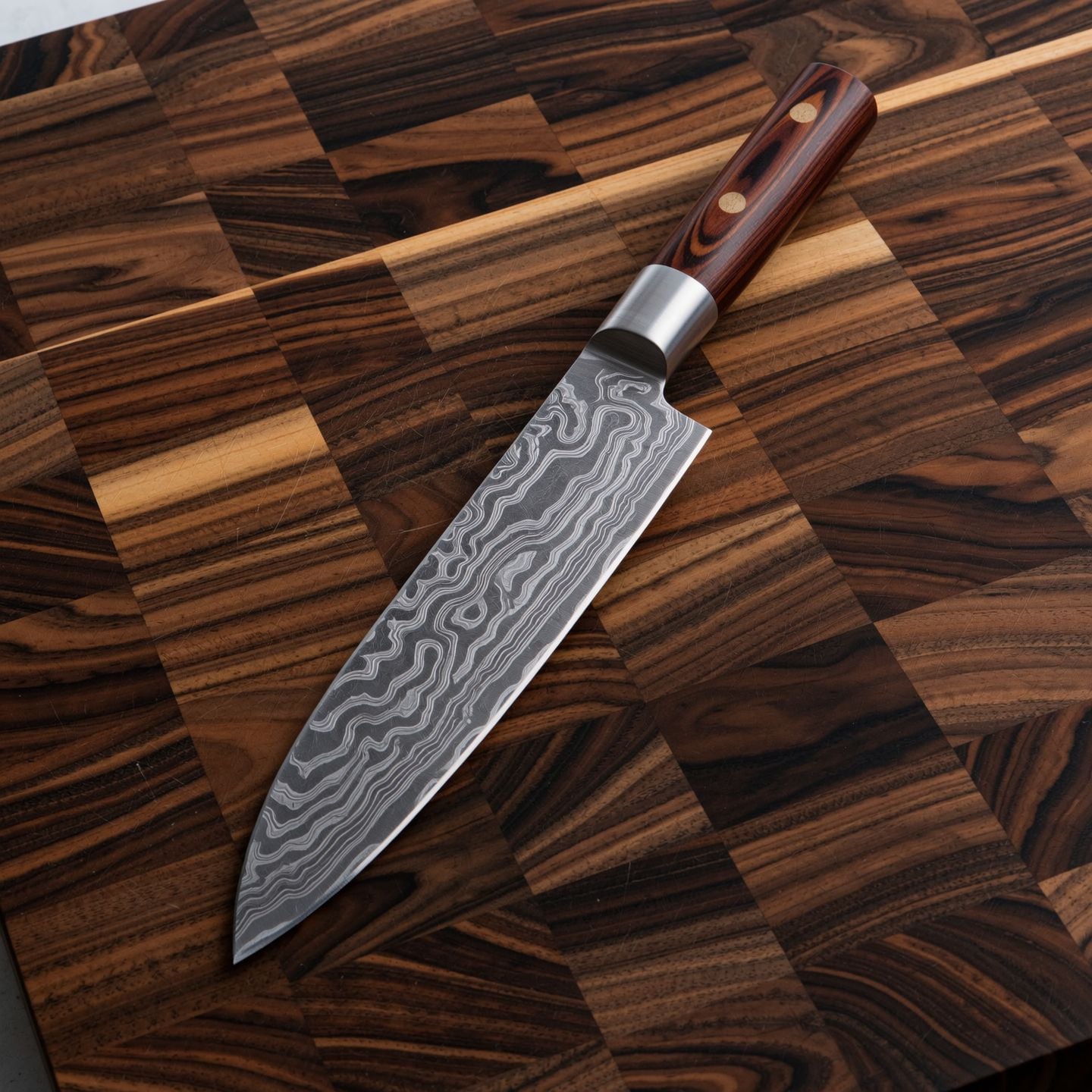
Wi-product
image-to-image

Make it photo realistic edited with Flux Kontext Pro
flux-studio
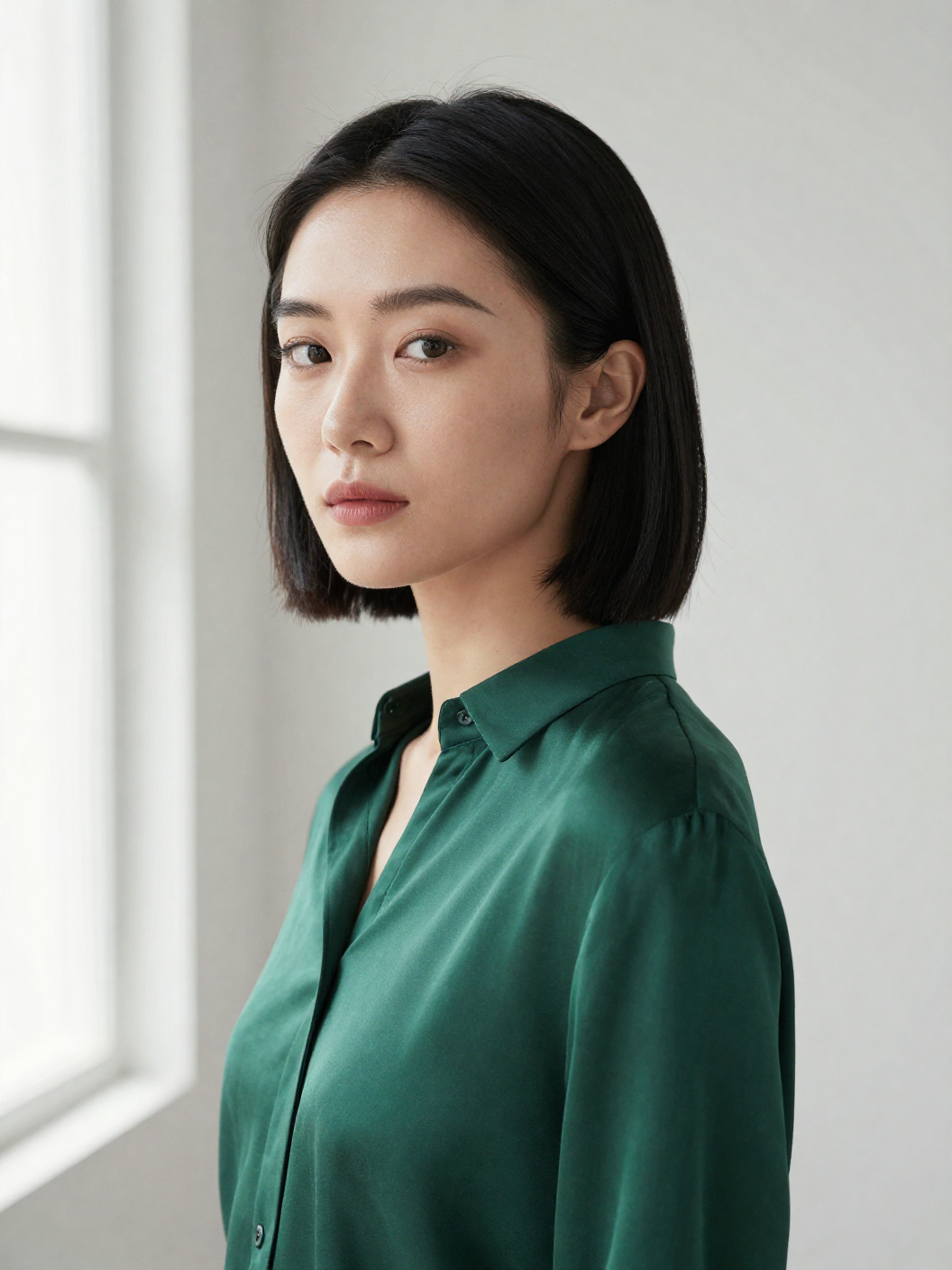
Z-portrait
image-to-image
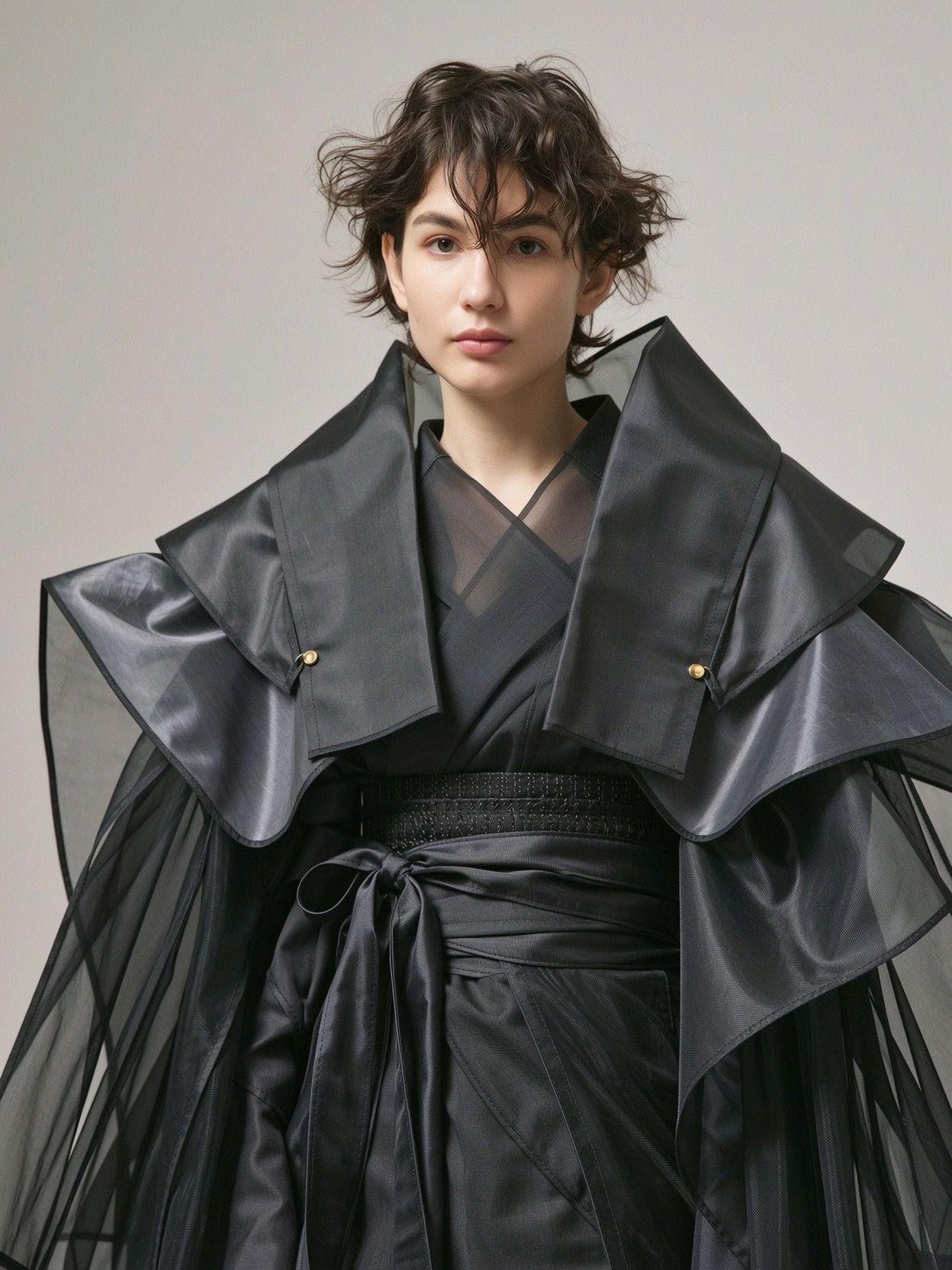
Wi-portrait
image-to-image
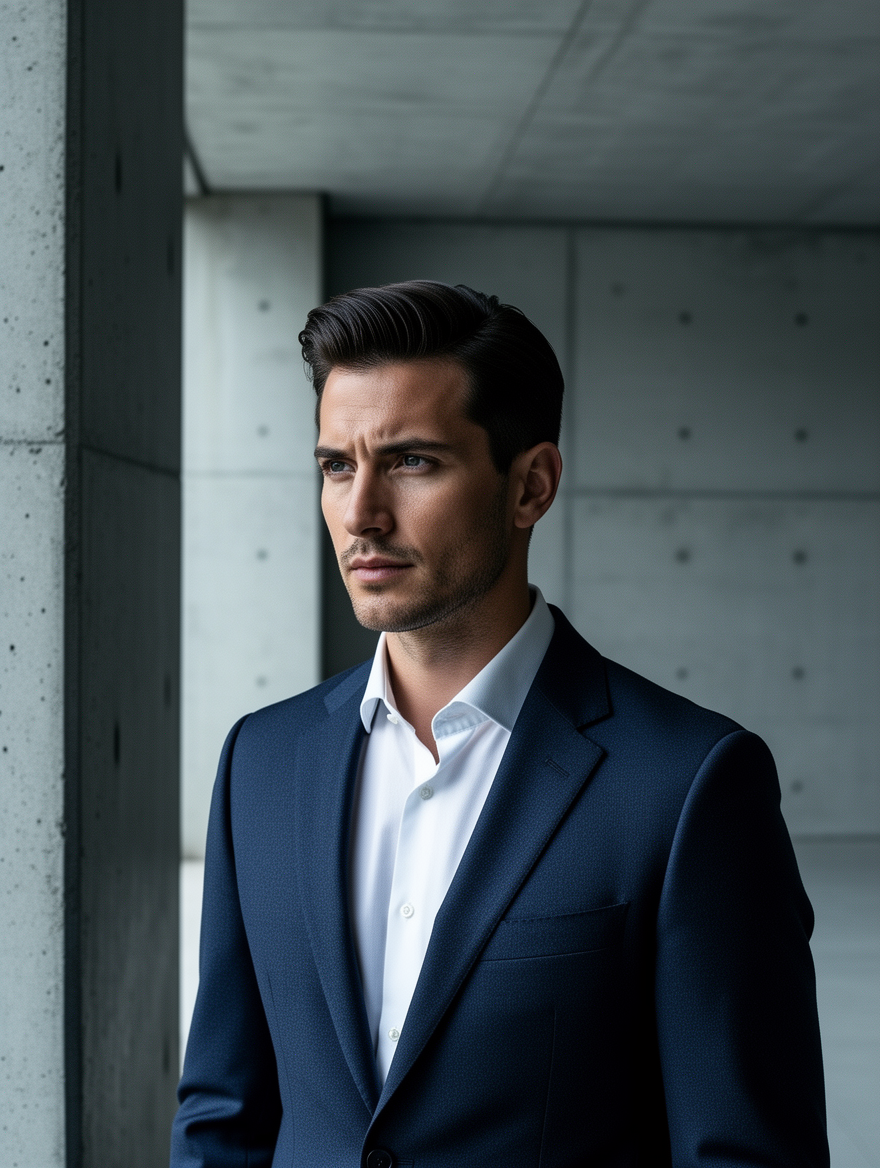
Ff-portrait
image-to-image
Models you can run on PixelDojo for flux pro 2
Switch models without switching tools. Each one runs in the same PixelDojo studio.
What you can do with flux pro 2 on PixelDojo
Flux Pro 2 Generation
We run Flux Pro 2 so you can turn text prompts into detailed stills with strong prompt following and photorealistic texture.
Fine Style Control
We let you steer lighting, composition, and look through prompts and settings so outputs match a clear visual brief.
Iterate Without Friction
We keep generations in one workspace so you can refine prompts, rerun variants, and pick the frames you want to keep.
Ready For Production Use
We deliver images you can download and use in campaigns, storyboards, and product mockups without leaving PixelDojo.
Loved by thousands of creators worldwide who have generated millions of professional images. 4.9 average rating from users who rely on PixelDojo for commercial campaigns, product catalogs, and daily content. Trusted for consistent, high-quality results that look like they came from a real photoshoot.
Why Choose Pixel Dojo for flux pro 2
Professional-quality results with cutting-edge AI technology
Deliver Photorealistic Images That Sell
You create photographs so realistic that customers cannot tell they were generated. Skin texture, fabric folds, lighting, and materials look authentic, giving your product pages, ads, and social posts the professional polish that drives clicks and conversions. Use Flux.2 Studio to produce hero images, lifestyle shots, and catalog photos in the exact lighting and composition you need, then refine them with Reality Polisher and P-Image Upscale for print-ready quality.
Keep Characters and Products Perfectly Consistent
You build entire campaigns around the same faces, outfits, and products without hiring the same talent repeatedly. Flux.2 Studio’s multi-reference capability combined with Consistent Characters and Character Sheets lets you lock identity across dozens of scenes. Fashion editorials, ad variants, and virtual try-on looks stay coherent from first frame to last, saving you time and guaranteeing brand consistency that generic tools cannot match.
Turn Ideas into Finished Assets in Minutes
You go from a written concept to a downloadable, high-resolution image without leaving the platform. After generating in Flux.2 Studio you immediately apply Image to Image, Inpainting, Change Camera Angle, Style Transfer, or Magic Lighting to perfect every detail. Then upscale with Magnific Upscaler or Clarity Pro and export. The result is production-ready visuals you can use today, not next week.
How It Works
You create professional Flux Pro 2 images on PixelDojo in three straightforward steps. No technical knowledge required – just describe what you want and let the tools handle the rest.
Step 1: Choose Flux.2 Studio
Open PixelDojo and select Flux.2 Studio from the Generate Images section. This tool is purpose-built for Flux Pro 2 quality, giving you photorealistic output, strong prompt following, and support for reference images. You can also train custom styles later with Flux 2 Trainer if you need a unique look for your brand.
Step 2: Write a Detailed Prompt and Add References
Describe your scene starting with the main subject, then action, lighting, and camera details such as “shot on Sony A7IV, 85mm lens, golden hour, shallow depth of field.” For extra control you can use structured language or upload up to several reference photos so faces, products, and styles stay consistent. Flux.2 Studio follows complex instructions closely, so the more specific you are about mood, composition, and materials, the closer the result matches your vision.
Step 3: Refine, Enhance, and Download
Generate variations, then jump to Edit Images tools like Inpainting to change one element, Background Remover for clean cutouts, or Change Camera Angle for new perspectives. Upscale the final image with P-Image Upscale or Magnific Upscaler. Download in the resolution you need. Your Flux Pro 2 image is now ready for ads, websites, or print – all inside one platform.
The Pixel Dojo Advantage
Why PixelDojo outperforms other options for flux pro 2 image generation
| Others | Pixel Dojo |
|---|---|
| Traditional photography and photoshoots | You skip location scouting, model fees, and days of shooting. Generate unlimited photorealistic variations in minutes, then iterate instantly until the image is perfect for your campaign. |
| Generic AI image tools | You get dedicated Flux.2 Studio plus 40+ specialized tools including Flux 2 Trainer, Consistent Characters, Flux Pro Virtual Try-On, Inpainting, and professional upscalers – everything you need in one place instead of jumping between disconnected apps. |
| Manual photo editing software | You replace hours of masking, lighting adjustments, and retouching with one-click tools like Magic Lighting, Style Transfer, Reality Polisher, and Image Outpainting. Professional results appear in seconds rather than after a long editing session. |
Loved by creators on PixelDojo
Real feedback from people using PixelDojo, pulled from our in-product surveys.
Love it make anything I can think of so far
Great for all your ideas use it encourage more people to use it
Because it is awesome
exceptional quality and great overall design of platform and interface. very intuative. love the creative freedom.
Qwen image 2 is amazing!!
Creative freedom, range of tools and options.
Explore more AI tools on PixelDojo
AI Tools
Compare & Switch
- Best AI Image Generators
- Best AI Video Generators
- Midjourney Alternatives
- Civitai Alternatives
- Runway Alternatives
- Leonardo Alternatives
- Pika Alternatives
- Luma Alternatives
- Magnific Alternatives
- Veo Alternatives
- Flux Alternatives
- Freepik Alternatives
- Seedance Alternatives
- Seedream Alternatives
- Pixverse Alternatives
- GPT Image Alternatives
- Synthesia Alternatives
- Playground Alternatives
- NightCafe Alternatives
- Canva AI Alternatives
- ElevenLabs Alternatives
- ComfyUI Alternatives
- Fal Alternatives
- Replicate Alternatives
Common Questions
Everything you need to know about flux pro 2
How do I generate photorealistic images with Flux Pro 2 on PixelDojo?
Open Flux.2 Studio, write a prompt that begins with the subject and includes lighting, camera, and material details, then generate. You immediately refine the result using Image to Image, Inpainting, or Reality Polisher. Most users produce client-ready photorealistic images in under two minutes. Because PixelDojo includes 40+ complementary tools you never have to leave the platform to finish the job.
What prompting techniques work best for Flux Pro 2 image generation?
Start with the main subject, follow with action or pose, then add lighting, camera model, lens, and atmosphere. Mention specific materials and colors. For even tighter control you can structure the prompt clearly or add reference images so the model locks onto faces and products. Flux.2 Studio follows these detailed instructions closely, giving you photorealistic results that match your exact vision without extra trial and error.
Can I create consistent characters across multiple Flux Pro 2 images?
Yes. Upload reference photos into Flux.2 Studio and combine them with PixelDojo’s Consistent Characters and Character Sheets tools. You keep the same face, body, and style across an entire campaign or video sequence. Fashion brands and advertisers use this workflow daily to produce dozens of matching shots without reshooting. Flux Pro Virtual Try-On further extends the same identity into clothing and accessory variations.
Is Flux Pro 2 suitable for commercial product photography?
Absolutely. You generate studio-quality product shots, lifestyle scenes, and packaging mockups that look like they were photographed by a professional. Combine Flux.2 Studio with Background Remover, Magic Lighting, and upscalers to deliver print-ready files. Thousands of e-commerce sellers already use PixelDojo this way because the images convert as well as traditional photography at a fraction of the cost and time.
How do I edit and improve images after generating them with Flux Pro 2?
Stay inside PixelDojo. Use Inpainting to change one object, Change Camera Angle for new viewpoints, Style Transfer for different aesthetics, or Image Outpainting to expand the canvas. Then polish with Reality Polisher and upscale with Magnific Upscaler or Clarity Pro. The entire workflow is designed so your Flux Pro 2 generation becomes a finished, high-resolution asset without exporting to other software.
Can I train a custom Flux Pro 2 model for my brand on PixelDojo?
Yes. Flux 2 Trainer lets you teach the model your specific products, characters, or visual style. Once trained, you generate unlimited on-brand images that stay consistent with your identity. Combined with the rest of PixelDojo’s 40+ tools you have a complete custom pipeline. You can cancel anytime, so there is no long-term commitment while you test and refine your unique model.