gemini nano banana pro AI Generator

Generated on PixelDojo. Produced by PixelDojo's generation pipeline.
You can now produce professional, publication-ready visuals that look like they came from a high-end studio without hiring photographers or spending hours in editing software. PixelDojo puts the power of advanced image generation in your hands so you can create posters with perfectly readable headlines, infographics packed with accurate details, product mockups that stay on-brand, and character-driven scenes that remain consistent from one frame to the next. Whether you need marketing assets, social content, educational diagrams or concept art, you achieve polished results in minutes instead of days. Start with Nano Banana 2 for generation, then refine with dedicated editing tools to match the exact lighting, camera angle and composition you envisioned. Thousands of creators already rely on this workflow to turn ideas into assets that convert and captivate.
Real image examples generated on PixelDojo
Every example below was produced on PixelDojo. Hover to see the prompt.
A nano banana
google-gemini-image

A nano banana
google-gemini-image
A nano banana
image-to-video
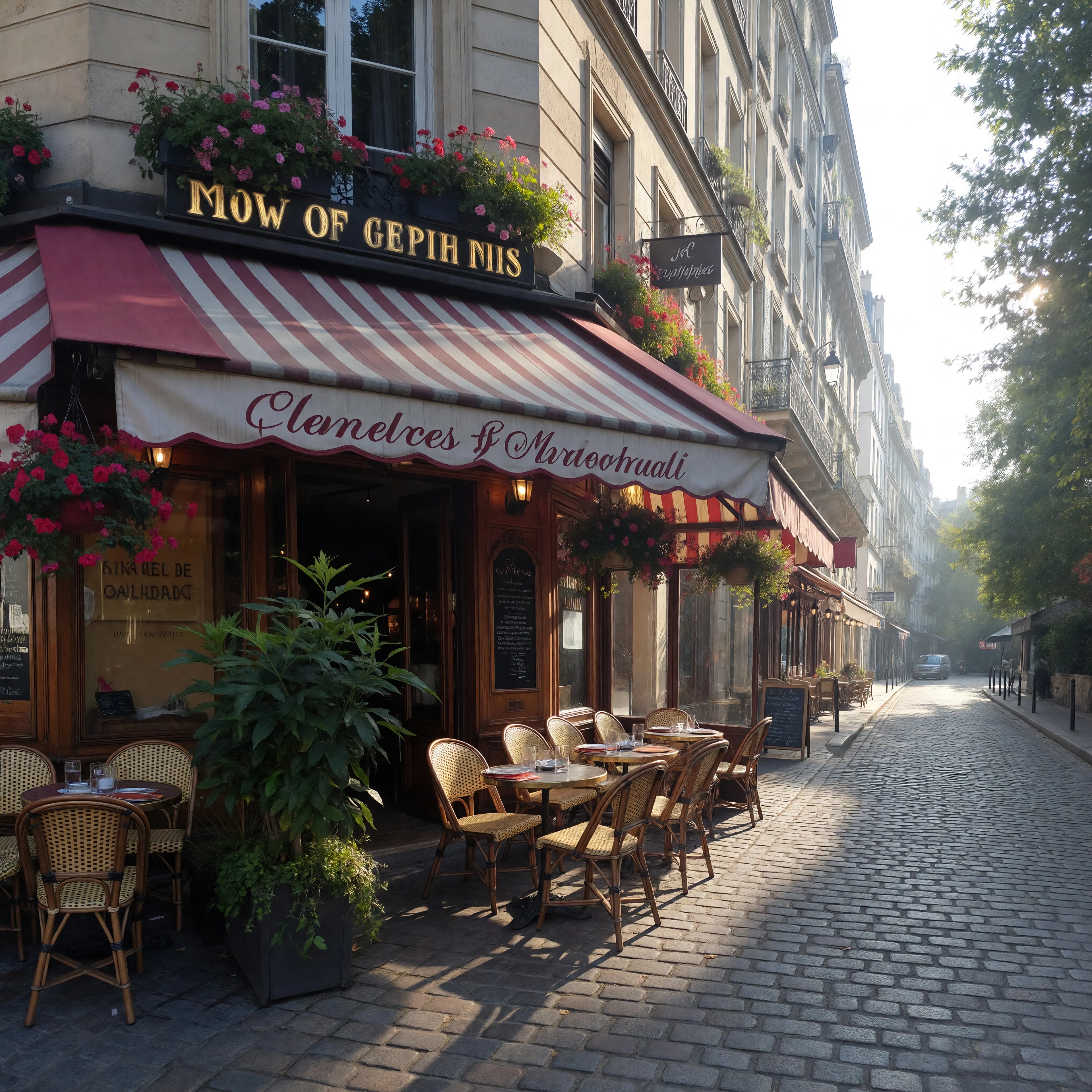
A charming Parisian cafe corner with a striped awning and flowers
imagineart
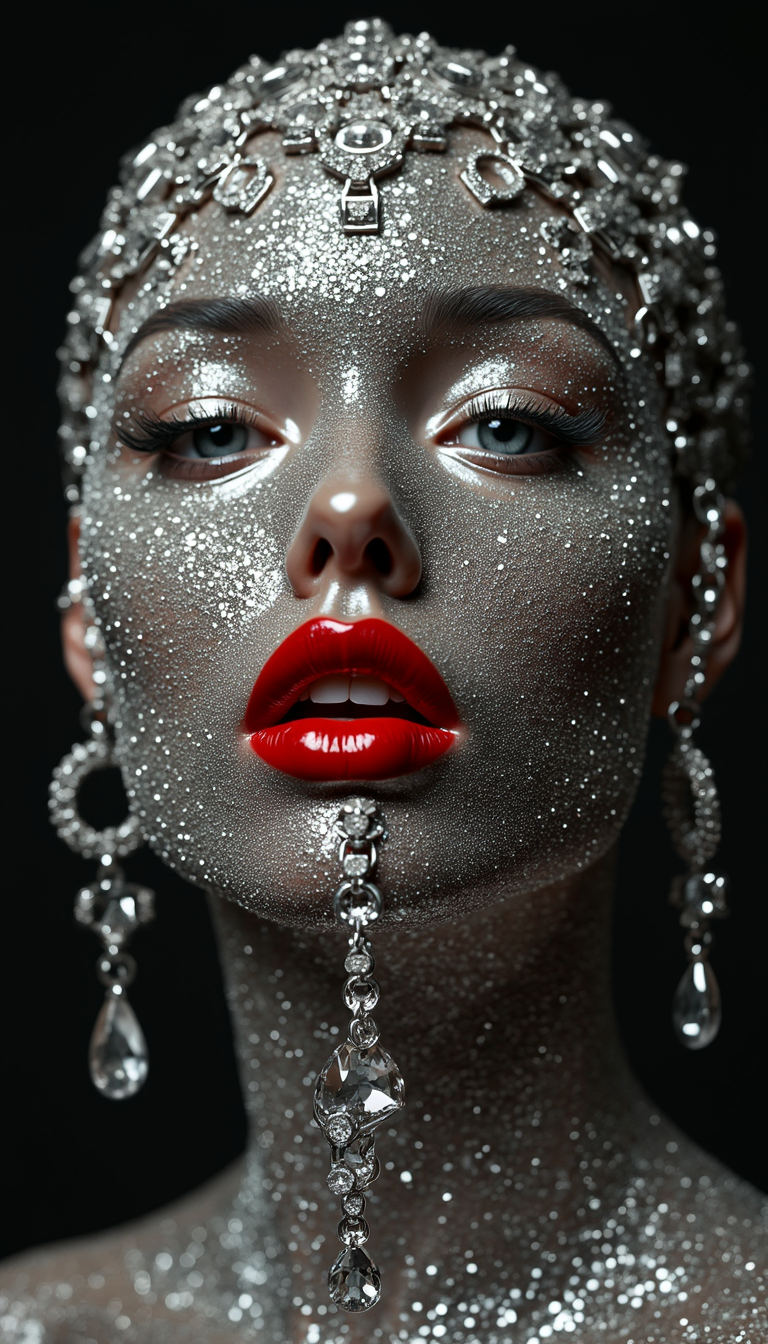
Symmetrical face with red lipstick
flux
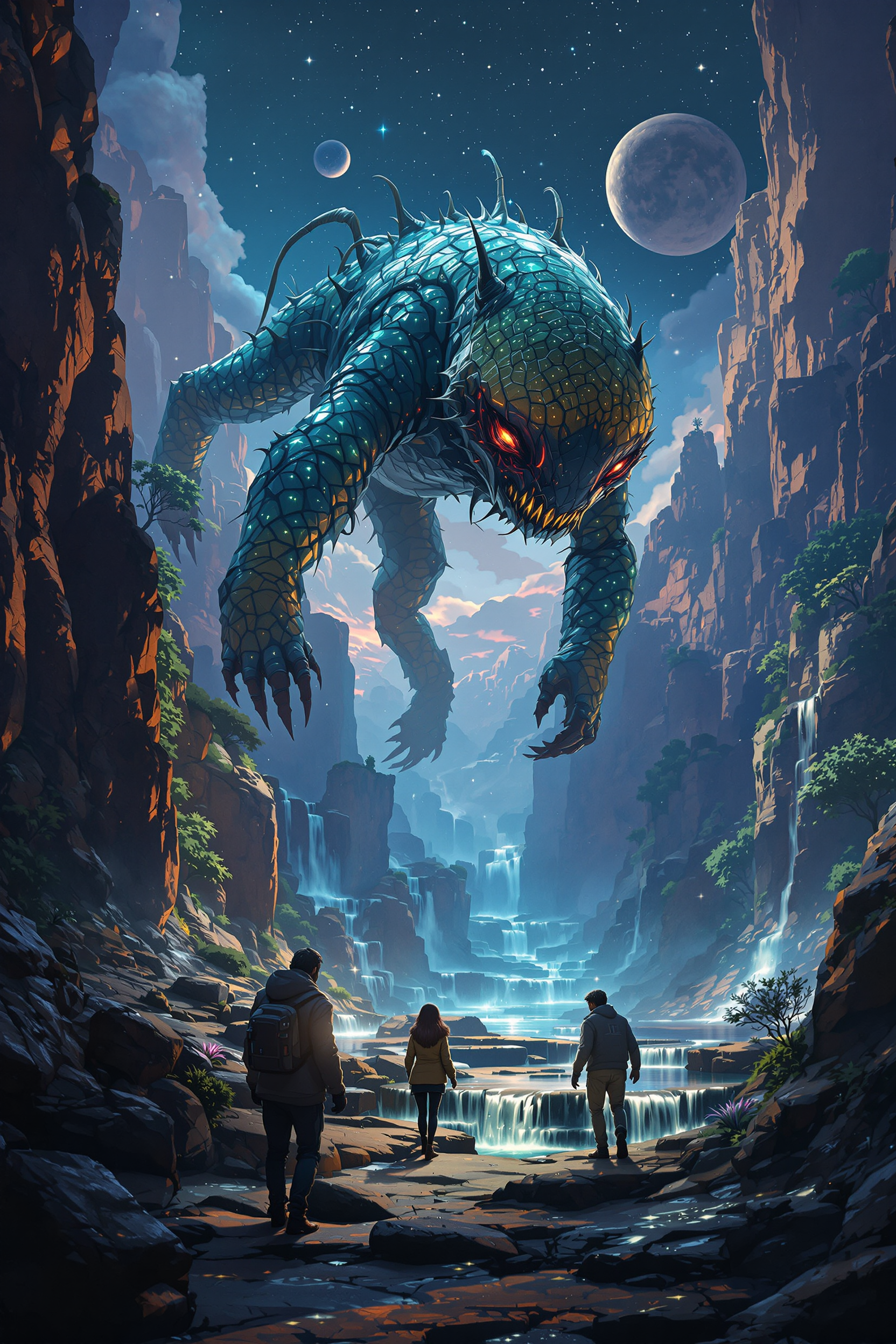
Strange and otherworldly scenery on a distant planet
flux
Models you can run on PixelDojo for gemini nano banana pro
Switch models without switching tools. Each one runs in the same PixelDojo studio.
What you can do with gemini nano banana pro on PixelDojo
Prompt to Still Images
We host Gemini Nano Banana Pro so you can generate stills from text prompts inside PixelDojo. You stay in one workspace from idea to export.
Iterate on Each Frame
We let you refine prompts and regenerate variants without switching tools. You keep a clear history of versions as you lock in composition and detail.
Style and Subject Control
We support prompts that specify subject, lighting, and visual style for this model. You can keep a consistent look across a set of related images.
Creator Ready Exports
We output generated images in formats you can drop into edits, posts, and mockups. You download what you need and continue the rest of your pipeline.
Loved by thousands of creators worldwide who generate millions of images monthly. 40+ cutting-edge AI tools deliver consistent professional results. Cancel anytime with no long-term commitment.
Why Choose Pixel Dojo for gemini nano banana pro
Professional-quality results with cutting-edge AI technology
Flawless Text That Actually Reads
You produce posters, ads, menus and infographics where every letter stays sharp and correctly spelled in multiple languages, turning your concepts into ready-to-use marketing pieces that look professionally designed.
Characters That Stay True Across Every Scene
You lock in faces, outfits and expressions so the same people or mascots appear naturally in new settings, lighting and poses, letting you build campaigns, stories and brand worlds without starting over each time.
Studio Lighting and Camera Control in Seconds
You adjust golden-hour glow, dramatic shadows, depth of field and exact camera angles with simple instructions, transforming ordinary shots into cinematic, print-ready images that match your creative vision perfectly.
How It Works
You create Gemini Nano Banana Pro style images on PixelDojo by combining powerful generation with precise editing tools in a simple three-step process that anyone can follow.
Step 1: Choose Your Tool
Open PixelDojo and select Nano Banana 2 from the Generate Images section for the closest match to advanced reasoning and text quality. You can also start with Flux.2 Studio or Seedream 5 if you want alternative styles, then move to editing tools later. This choice gives you high-resolution output and strong prompt understanding right from the first generation.
Step 2: Enter Your Prompt
Describe your vision using subject, action, location, lighting and camera details in natural sentences. For example specify a photorealistic product shot with golden hour backlighting, shallow depth of field and the exact headline text in quotes. Add reference images if you need character or object consistency. Nano Banana 2 interprets these details to deliver rich, accurate results you can immediately refine.
Step 3: Customize & Download
Use Image to Image, Inpainting, Change Camera Angle, Magic Lighting and Style Transfer to perfect every element. Then upscale with P-Image Upscale or Magnific Upscaler for print quality. Download in your chosen aspect ratio ready for social, web or print. The entire process stays inside PixelDojo so you never lose quality or consistency.
The Pixel Dojo Advantage
Why PixelDojo outperforms other options for gemini nano banana pro image generation
| Others | Pixel Dojo |
|---|---|
| Traditional photography and design | You skip expensive shoots, location scouting and lengthy retouching sessions. Generate and iterate instantly with Nano Banana 2 plus editing tools, producing professional assets at a fraction of the time and cost. |
| Generic AI tools | You gain dedicated character consistency, superior text rendering and specialized editors like Magic Lighting and Change Camera Angle that generic platforms lack, plus 40+ specialized models in one place. |
| Manual photo editing | You achieve complex lighting changes, multi-image blends and perfect text overlays in minutes instead of hours of layer work, while keeping full creative control and the ability to undo or refine conversationally. |
Loved by creators on PixelDojo
Real feedback from people using PixelDojo, pulled from our in-product surveys.
It has all the tools I can think of...
deployment rate of splendid features is incredible. Legend
large selection of tools on one platform
the amount you can do on this site
all in one place
It is a lot of fun to uae and easy too.
Explore more AI tools on PixelDojo
AI Tools
Compare & Switch
- Best AI Image Generators
- Best AI Video Generators
- Midjourney Alternatives
- Civitai Alternatives
- Runway Alternatives
- Leonardo Alternatives
- Pika Alternatives
- Luma Alternatives
- Magnific Alternatives
- Veo Alternatives
- Flux Alternatives
- Freepik Alternatives
- Seedance Alternatives
- Seedream Alternatives
- Pixverse Alternatives
- GPT Image Alternatives
- Synthesia Alternatives
- Playground Alternatives
- NightCafe Alternatives
- Canva AI Alternatives
- ElevenLabs Alternatives
- ComfyUI Alternatives
- Fal Alternatives
- Replicate Alternatives
Common Questions
Everything you need to know about gemini nano banana pro
How do I generate images with perfect readable text like Gemini Nano Banana Pro on PixelDojo?
Select Nano Banana 2 in Generate Images and put the exact wording inside quotes while describing font style, size and placement. Follow up with Image to Image or Inpainting if any small adjustment is needed. The combination delivers sharp, correctly spelled text in multiple languages ready for posters, ads and infographics.
Which PixelDojo tools help me keep characters consistent across multiple Gemini Nano Banana Pro style images?
Start with Nano Banana 2 and upload reference photos, then use Consistent Characters and Character Sheets to lock identity. Follow with WAN Video Character Swap or Face Swap for variations. These tools together maintain facial features, clothing and expressions even when you change scenes, lighting or poses.
Can I change camera angles and lighting after generating a Nano Banana Pro style image?
Yes. After the initial generation with Nano Banana 2, open Change Camera Angle and Magic Lighting. Simply describe the new viewpoint or time of day and the tools apply the adjustment while preserving the rest of the image. This gives you studio-level control without starting over.
How does PixelDojo help me create infographics and data visuals similar to advanced Nano Banana Pro results?
Use Nano Banana 2 with a detailed prompt that includes the data points and layout you want, then refine with Image Analyzer and Reality Polisher. The reasoning capabilities plus editing tools produce clean, accurate diagrams and infographics you can upscale and download immediately.
What if I need high-resolution output for print after creating Gemini Nano Banana Pro images?
Generate at the highest setting available in Nano Banana 2 then apply P-Image Upscale, Magnific Upscaler or Clarity Pro. These dedicated upscalers add detail and sharpness so your images meet professional print standards without losing the original quality or consistency.
Is there a way to blend multiple photos into one cohesive scene like Nano Banana Pro on PixelDojo?
Upload several references into Nano Banana 2 or use Image to Image and Inpainting together. PixelDojo’s tools handle up to multiple inputs while keeping lighting and perspective natural. Combine with Style Transfer for a unified look, then polish with Reality Polisher for a seamless final composition.