GPT Image 1.5 stylized filters

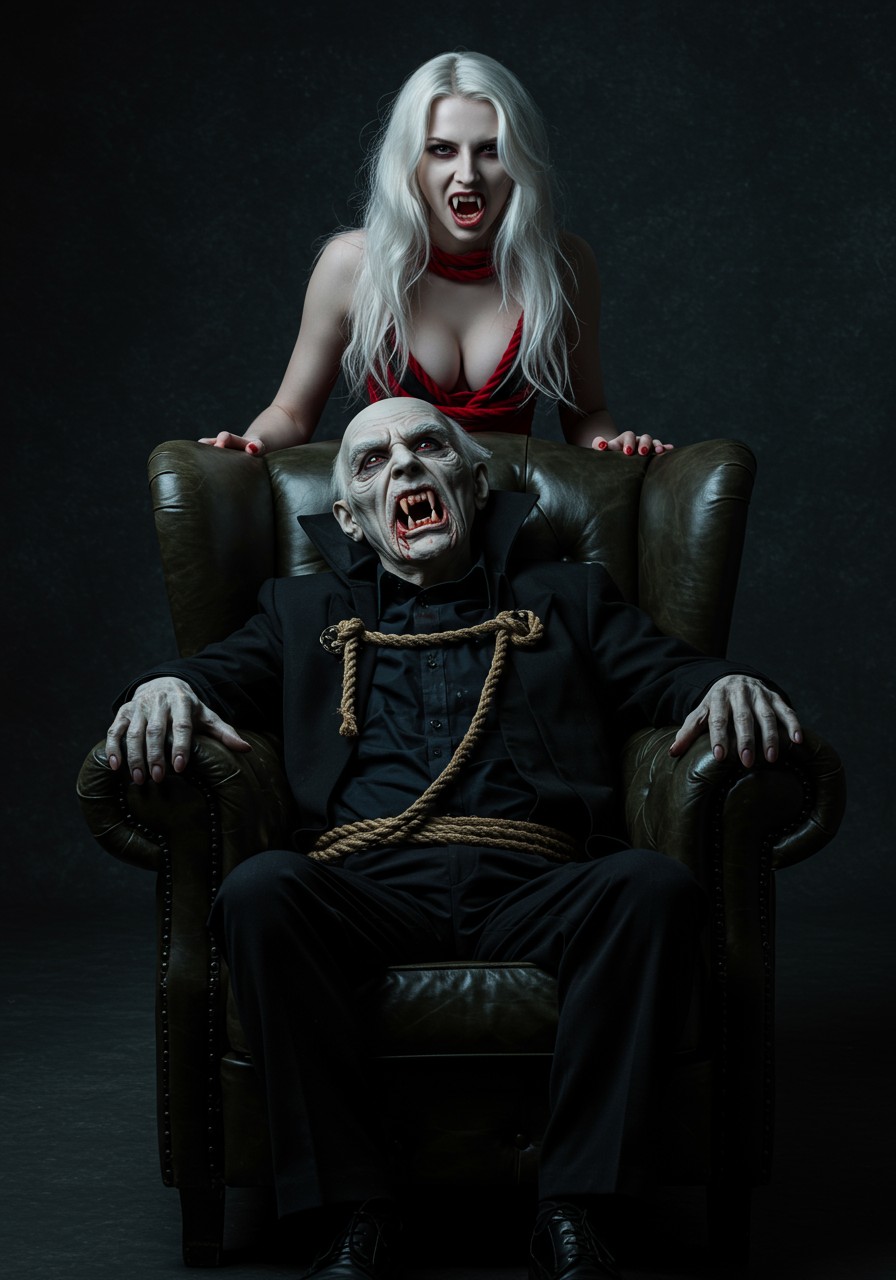
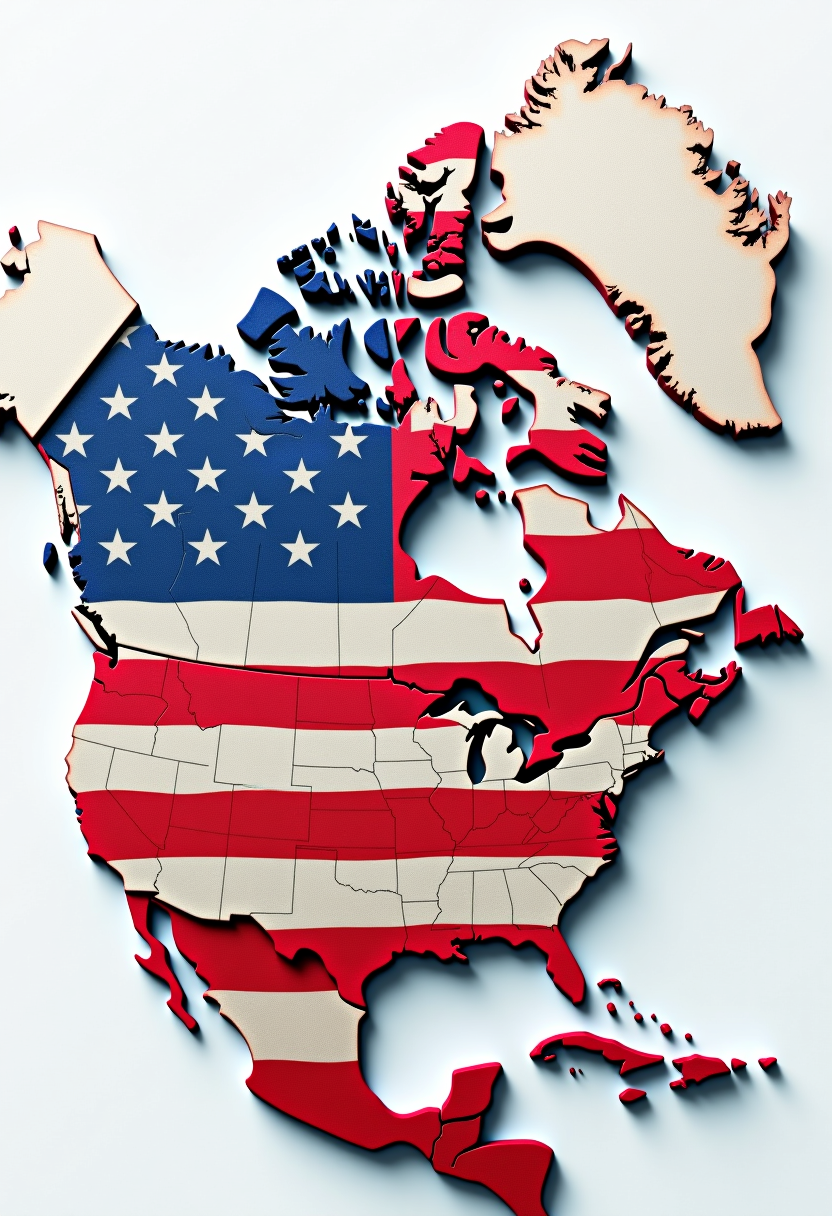
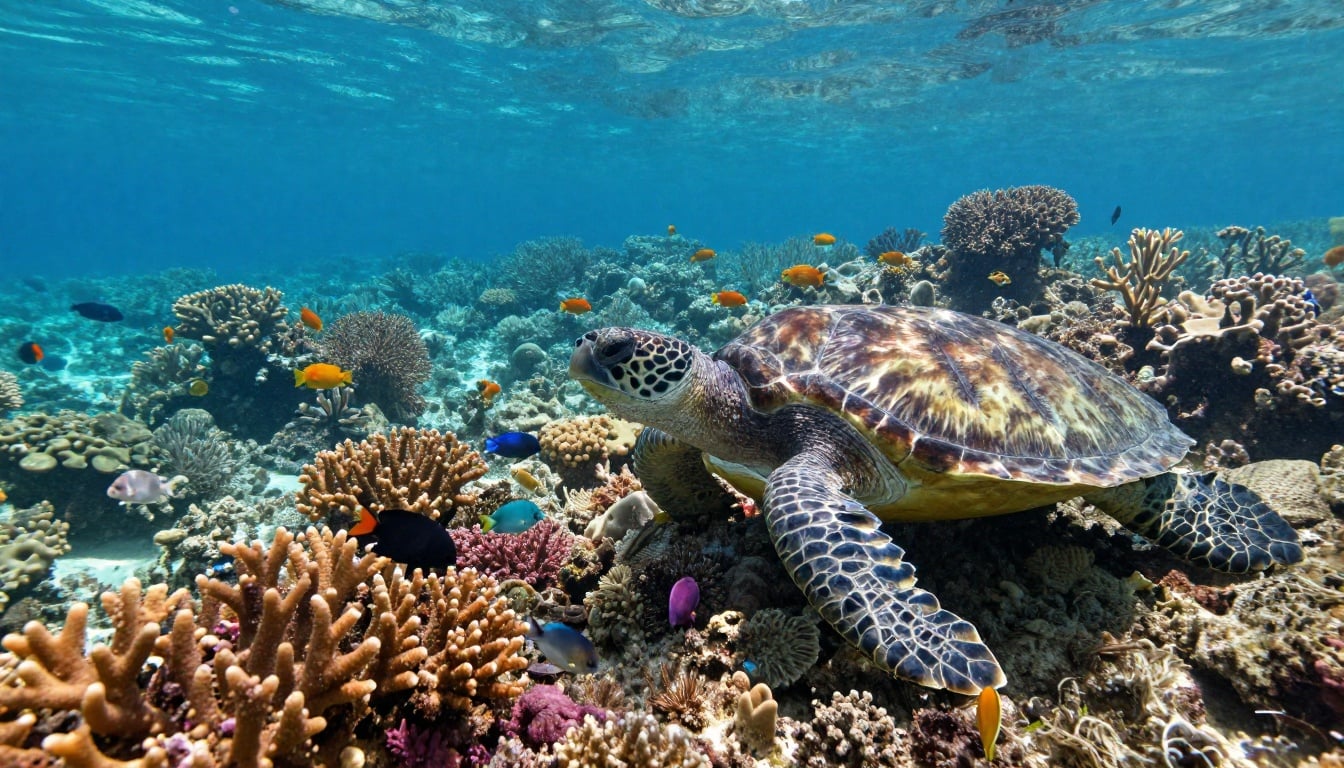
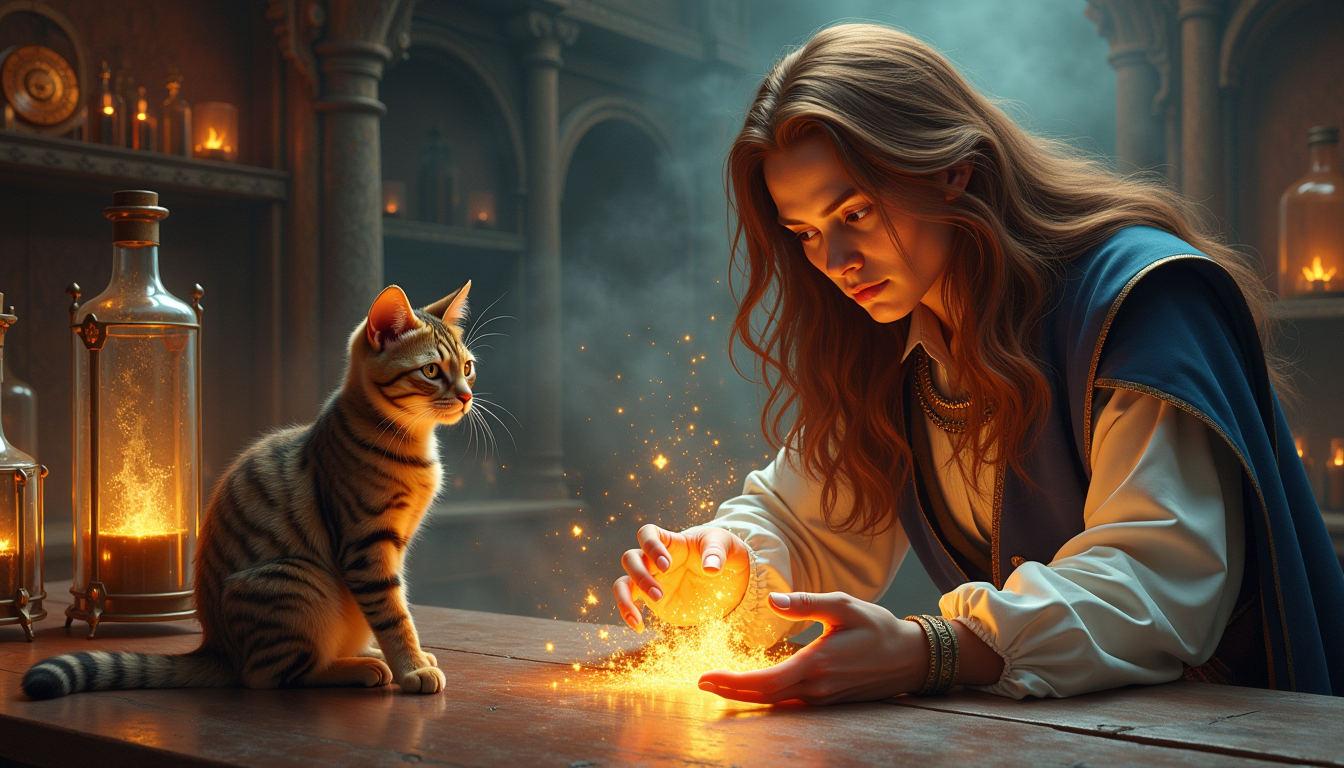
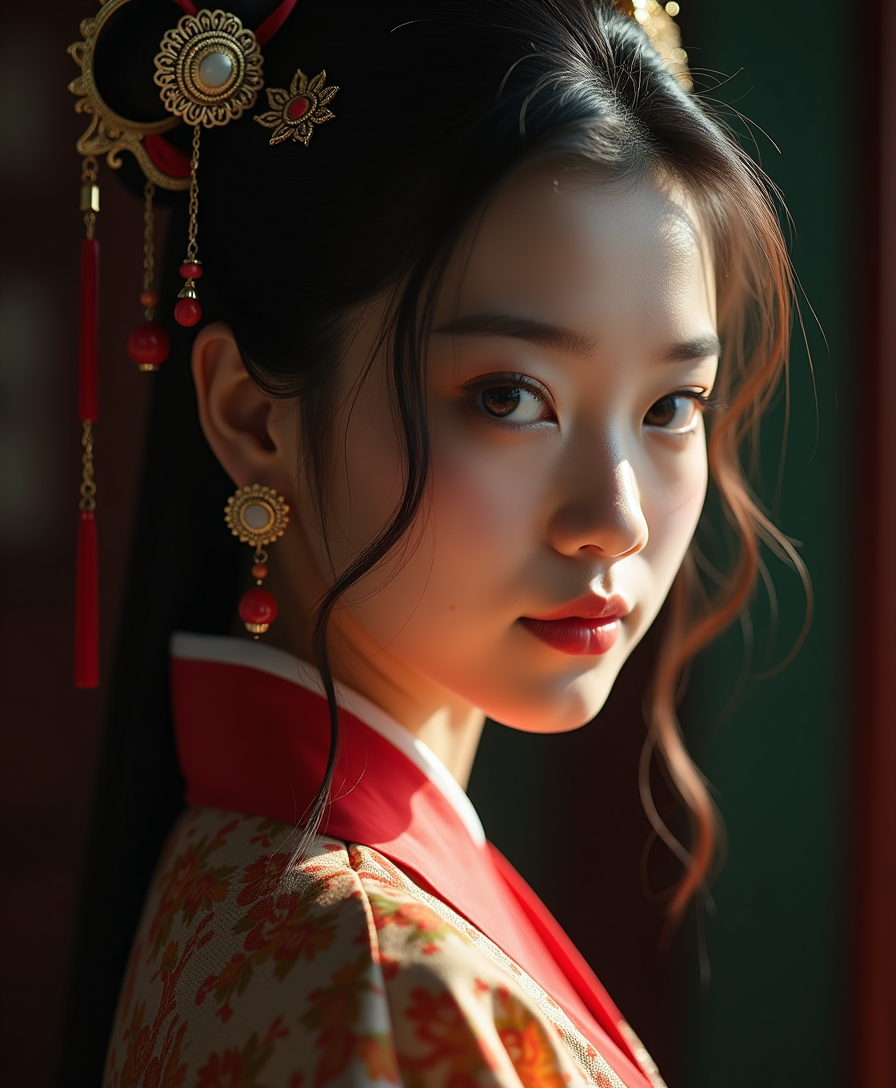
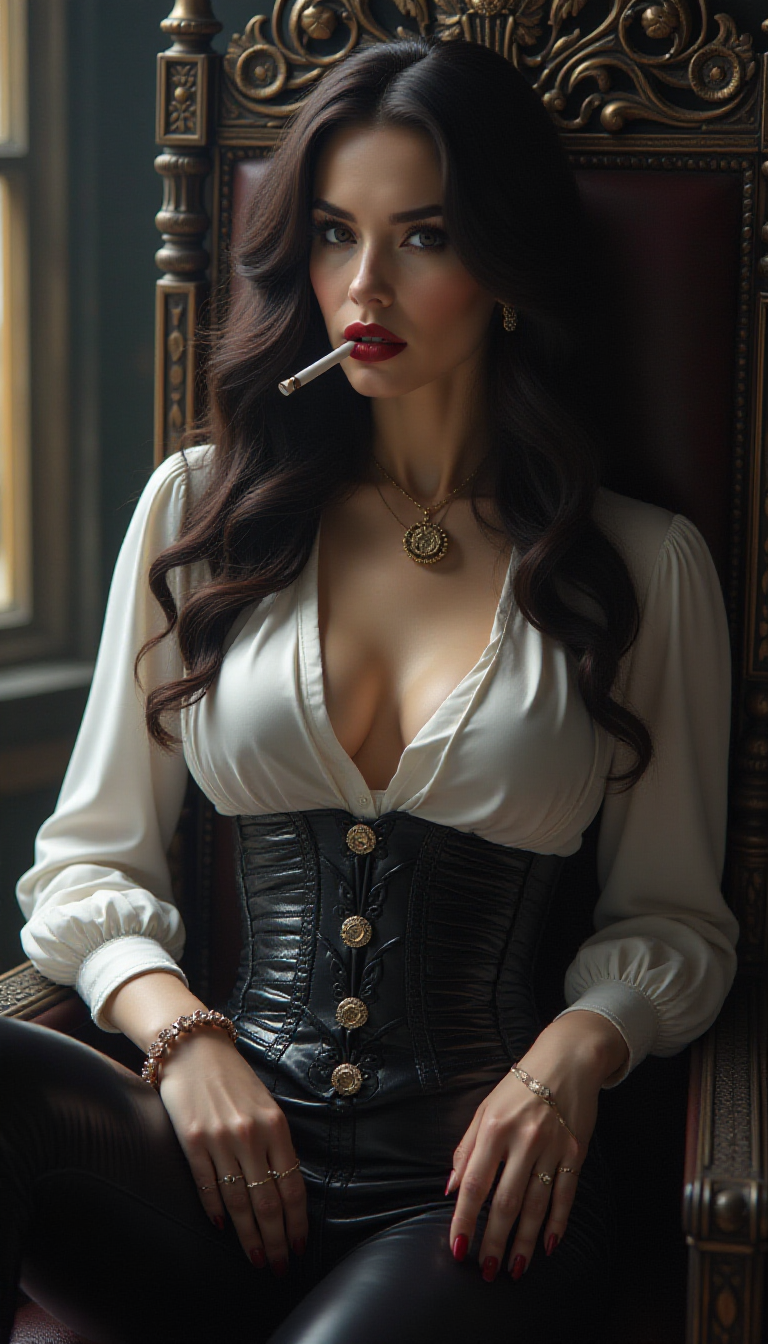
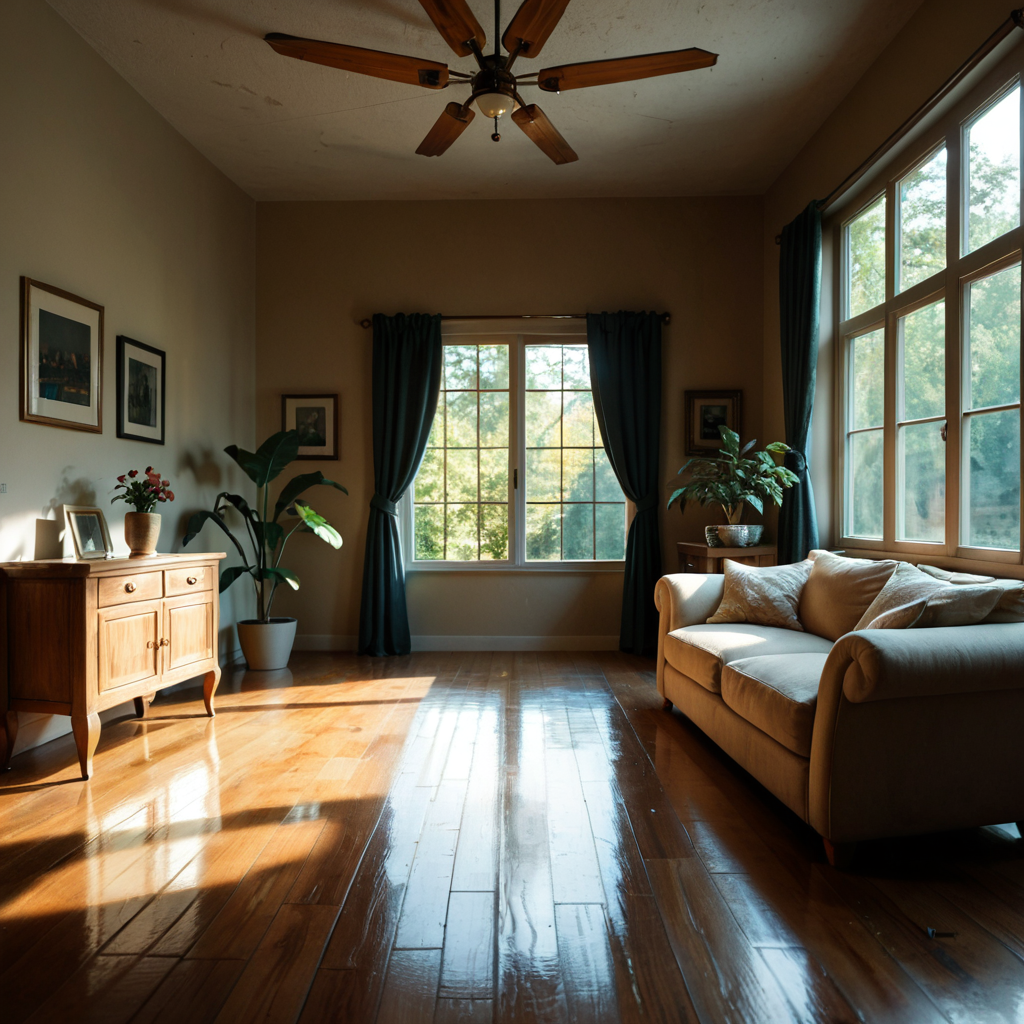
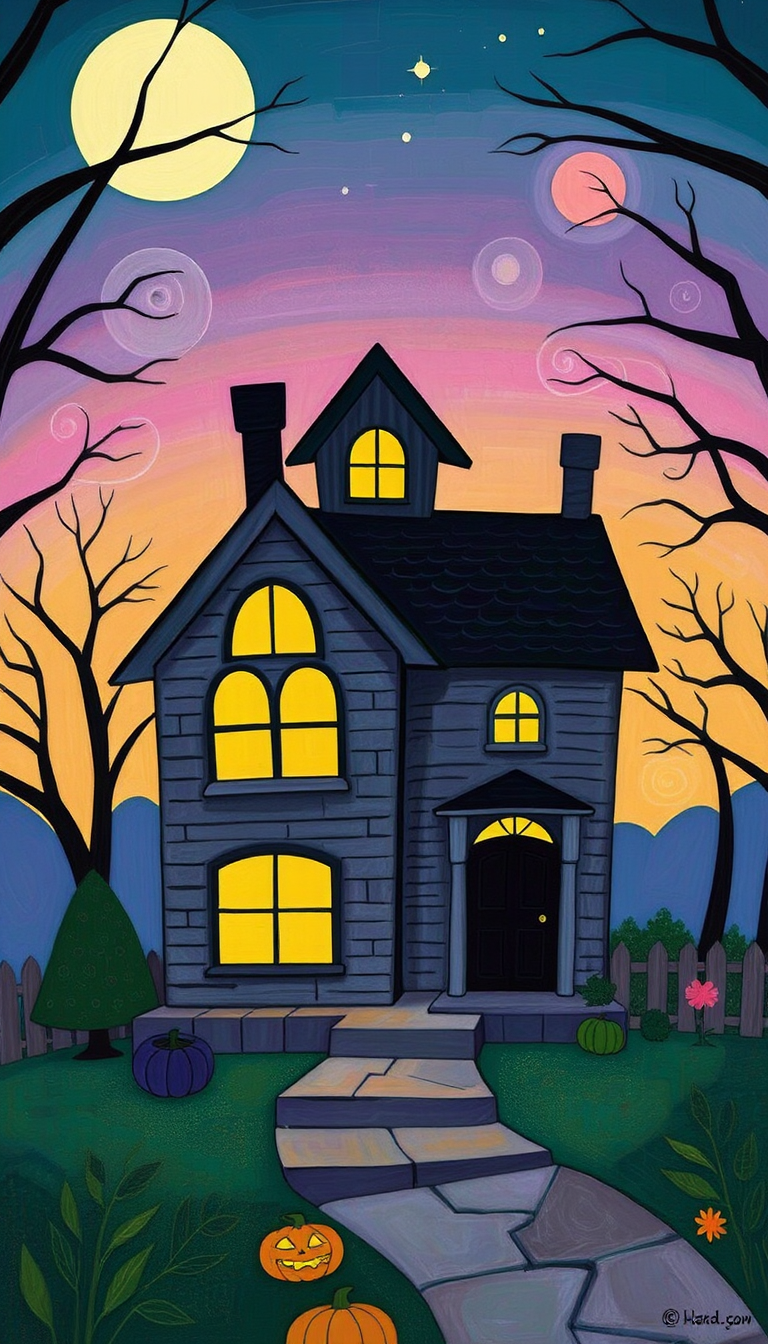
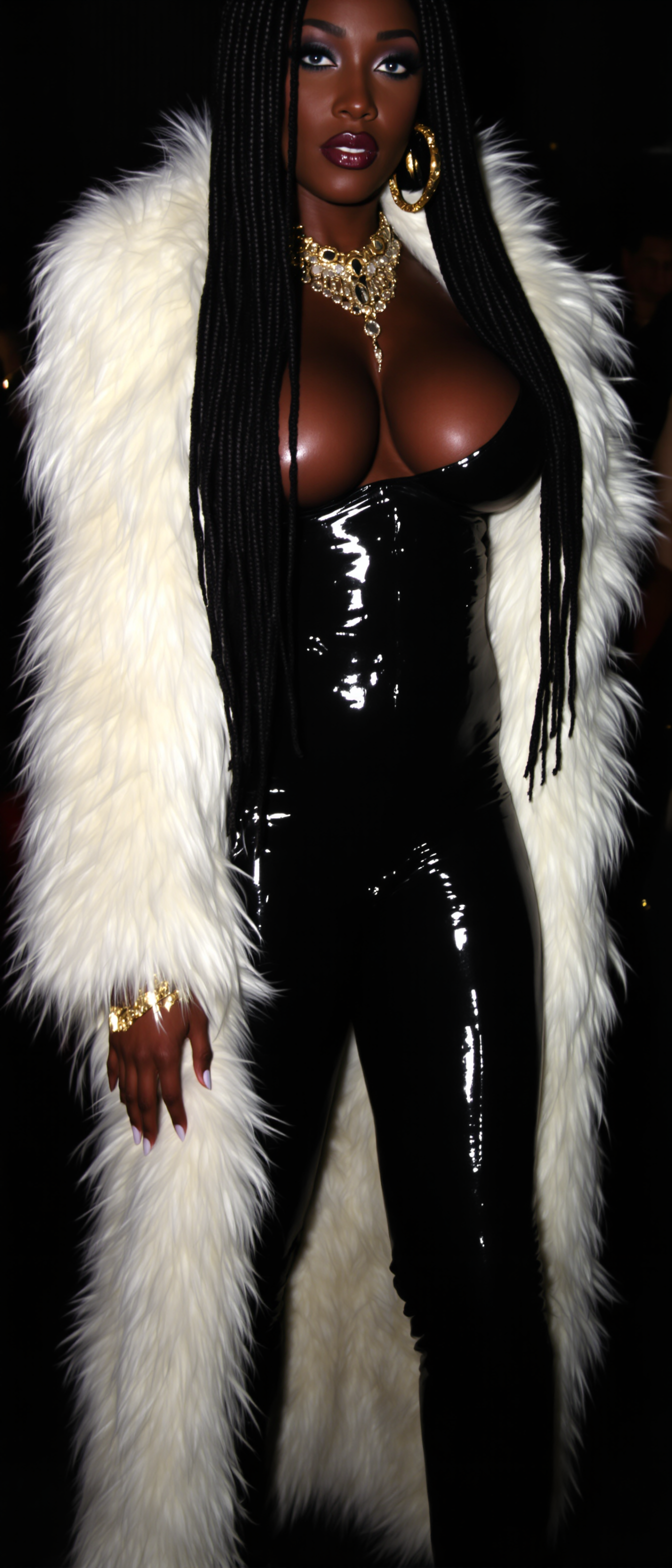
Unleash your creativity with GPT Image 1.5's stylized filters on PixelDojo. Transform ordinary photos into extraordinary artworks effortlessly. Whether you're aiming for a vintage look, anime aesthetics, or abstract art, our AI-powered tools make it simple to achieve your desired style.
Join over 50,000 creators who have generated more than 1 million images using PixelDojo's AI tools. Experience the power of GPT Image 1.5's stylized filters trusted by professionals worldwide.
Why Choose Pixel Dojo for GPT Image 1.5 stylized filters
Professional-quality results with cutting-edge AI technology
Effortless Artistic Transformations
Apply complex artistic styles to your images with just a few clicks, eliminating the need for manual editing.
Diverse Style Options
Choose from a wide range of styles, including Ghibli, Lego, watercolor, and more, to match your creative vision.
High-Quality Outputs
Generate high-resolution images suitable for professional projects, marketing materials, and personal portfolios.
How It Works
Creating stylized images with GPT Image 1.5 is straightforward. Follow these steps to transform your photos:
Step 1: Choose Your Tool
Navigate to PixelDojo's 'Create Images' section and select 'GPT-Image 1.5' from the available AI tools.
Step 2: Upload Your Image
Click on the 'Upload Image' button to select the photo you wish to transform. Ensure the image is clear for optimal results.
Step 3: Select a Stylized Filter
Browse through the available stylized filters and choose one that aligns with your desired artistic effect.



The Pixel Dojo Advantage
Why PixelDojo outperforms other options for stylized image generation:
| Others | Pixel Dojo |
|---|---|
| Traditional Photo Editing | Achieve complex artistic effects without the steep learning curve or time investment. |
| Generic AI Tools | Access a diverse range of unique styles tailored to various artistic preferences. |
| Manual Artistic Creation | Generate high-quality stylized images in seconds, saving hours of manual work. |
Loved by creators on PixelDojo
Real feedback from people using PixelDojo, pulled from our in-product surveys.
easiest workflow to get best output image or video
awesome functionality, UX, constant flood of improvements, discord interactivity
Awesome site with so many features
Love how I can almost create anything
The Flux Pro Ultra is just amazing!
Very easy to use, and they have fast wan 2.2 video generation with custom loras available.
Explore more AI tools on PixelDojo
AI Tools
Compare & Switch
- Best AI Image Generators
- Best AI Video Generators
- Midjourney Alternatives
- Civitai Alternatives
- Runway Alternatives
- Leonardo Alternatives
- Pika Alternatives
- Luma Alternatives
- Magnific Alternatives
- Veo Alternatives
- Flux Alternatives
- Freepik Alternatives
- Seedance Alternatives
- Seedream Alternatives
- Pixverse Alternatives
- GPT Image Alternatives
- Synthesia Alternatives
- Playground Alternatives
- NightCafe Alternatives
- Canva AI Alternatives
- ElevenLabs Alternatives
- ComfyUI Alternatives
- Fal Alternatives
- Replicate Alternatives
Common Questions
Everything you need to know about GPT Image 1.5 stylized filters
How do I apply GPT Image 1.5 stylized filters to my photos?
Simply upload your image to PixelDojo, select 'GPT-Image 1.5' from the tools, choose your desired stylized filter, and click 'Generate' to transform your photo.
What styles are available with GPT Image 1.5 stylized filters?
You can choose from various styles, including Ghibli, Lego, watercolor, and more, to match your creative vision.
Is there a limit to the number of images I can generate?
PixelDojo offers flexible subscription plans. Depending on your plan, you can generate a specific number of images per month. Check our pricing page for details.
Can I use the generated images for commercial purposes?
Yes, images created with PixelDojo's tools can be used for both personal and commercial projects. Please review our terms of service for more information.
Do I need any prior experience to use PixelDojo's AI tools?
No prior experience is necessary. Our user-friendly interface makes it easy for anyone to create stunning stylized images.
What file formats are supported for uploading and downloading images?
PixelDojo supports common image formats such as JPEG and PNG for both uploading and downloading images.