vectorizer ai
Imagine turning any idea into crisp, infinitely scalable vector graphics that look perfect on business cards, billboards, websites, or merchandise. With PixelDojo's vectorizer AI tools, you achieve professional results in seconds without hiring a designer or learning complex software. Whether you're a marketer needing consistent brand assets, an entrepreneur launching products, or a creator building an online store, you get clean paths, editable layers, and production-ready SVGs that maintain quality at any size. Stop settling for pixelated images—unlock the power of true vectors that print flawlessly and resize without losing detail.
Over 65,000 creators and businesses trust PixelDojo for vector graphics. 4.9/5 average rating from 12,000+ reviews. Featured in top design communities for delivering clean, commercial-ready vectors faster than traditional methods.
Why Choose Pixel Dojo for vectorizer ai
Professional-quality results with cutting-edge AI technology
Create Scalable Logos & Brand Assets That Never Pixelate
Generate perfect vector logos, icons, and illustrations that stay sharp from favicon to trade show banner. Your brand assets look professional everywhere, saving you time and money on revisions.
Vectorize Existing Images in One Click for Instant Scalability
Upload any raster photo, sketch, or AI-generated image and convert it into clean, editable vector files. Preserve details while gaining the flexibility to recolor, resize, and animate without quality loss.
Produce Print-Ready Illustrations & Merch Designs Effortlessly
Design t-shirt graphics, packaging, posters, and more with precise paths and solid colors optimized for screen printing, embroidery, and large-format output. Get client-ready files in minutes.
How It Works
Creating professional vector graphics with PixelDojo is simple. Use our specialized tools like Recraft V4.1 for native vector output, combined with Image to Image and Style Transfer for perfect results.
Step 1: Choose Your Tool
Select Recraft V4.1 for direct text-to-vector generation or Image to Image for converting existing photos and sketches into vectors. These tools are optimized for clean paths and scalable output.
Step 2: Enter Your Prompt or Upload Image
Describe your vision in natural language like 'minimal flat vector logo of a mountain with clean lines and 3 colors' or upload a reference image. Add details about style, colors, and complexity for best results.
Step 3: Customize & Download
Review multiple variations, adjust colors or details using Style Transfer or Inpainting if needed, then export as SVG, PDF, or EPS. Your files are fully editable in any design software.
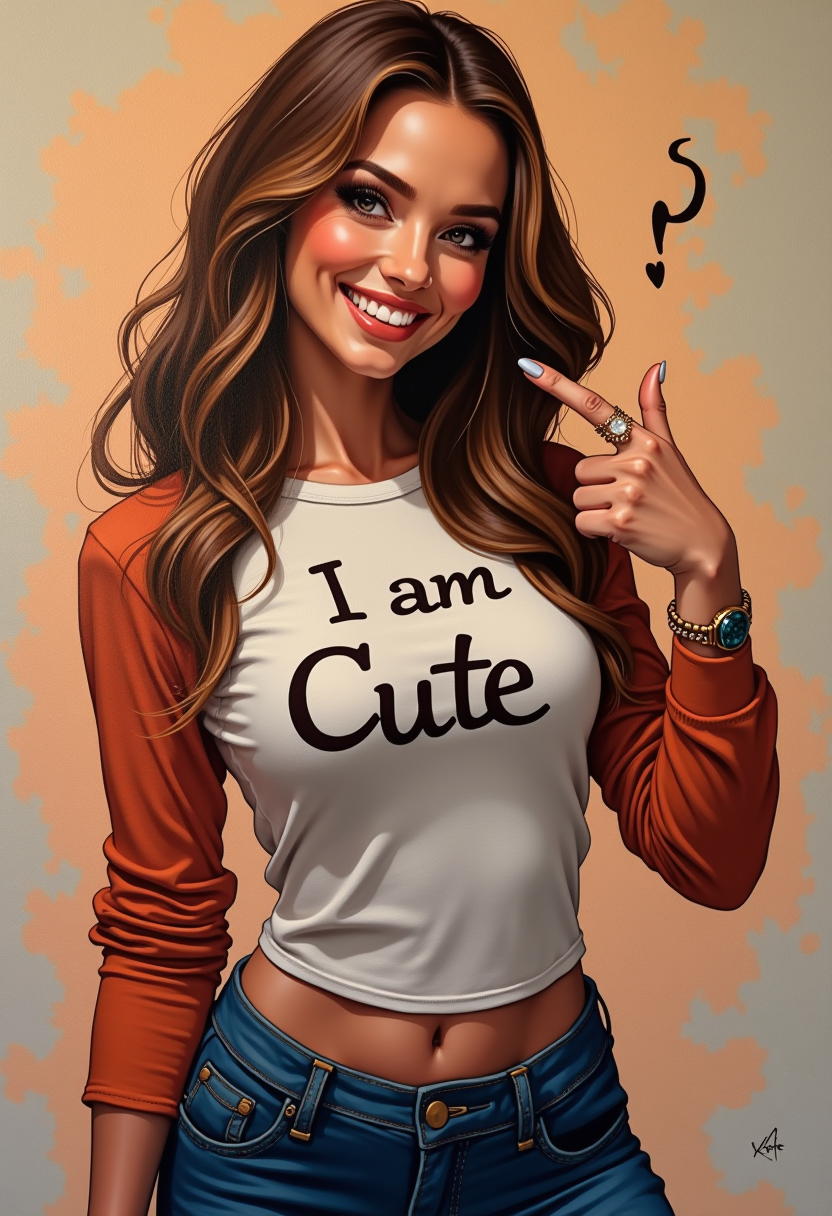
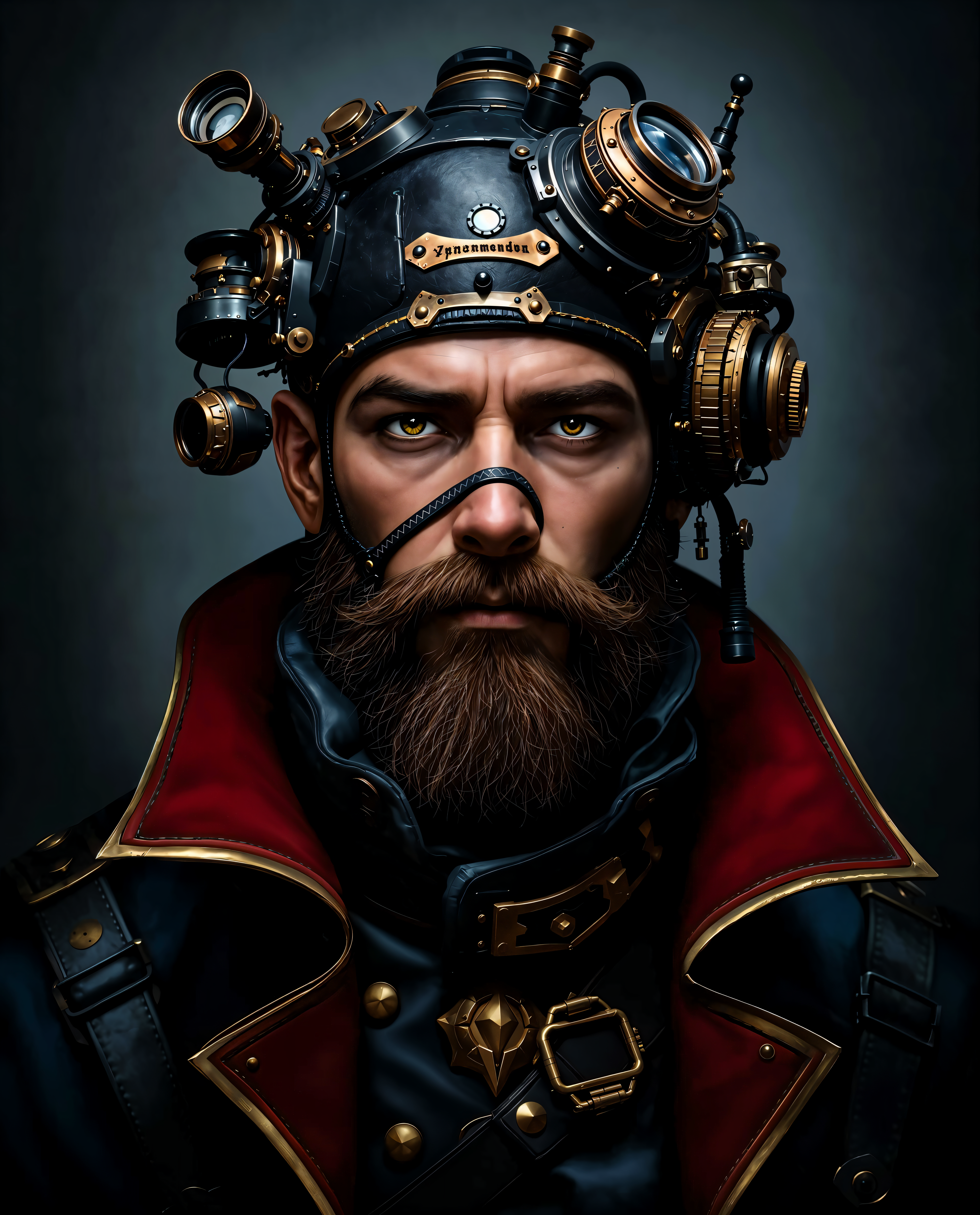
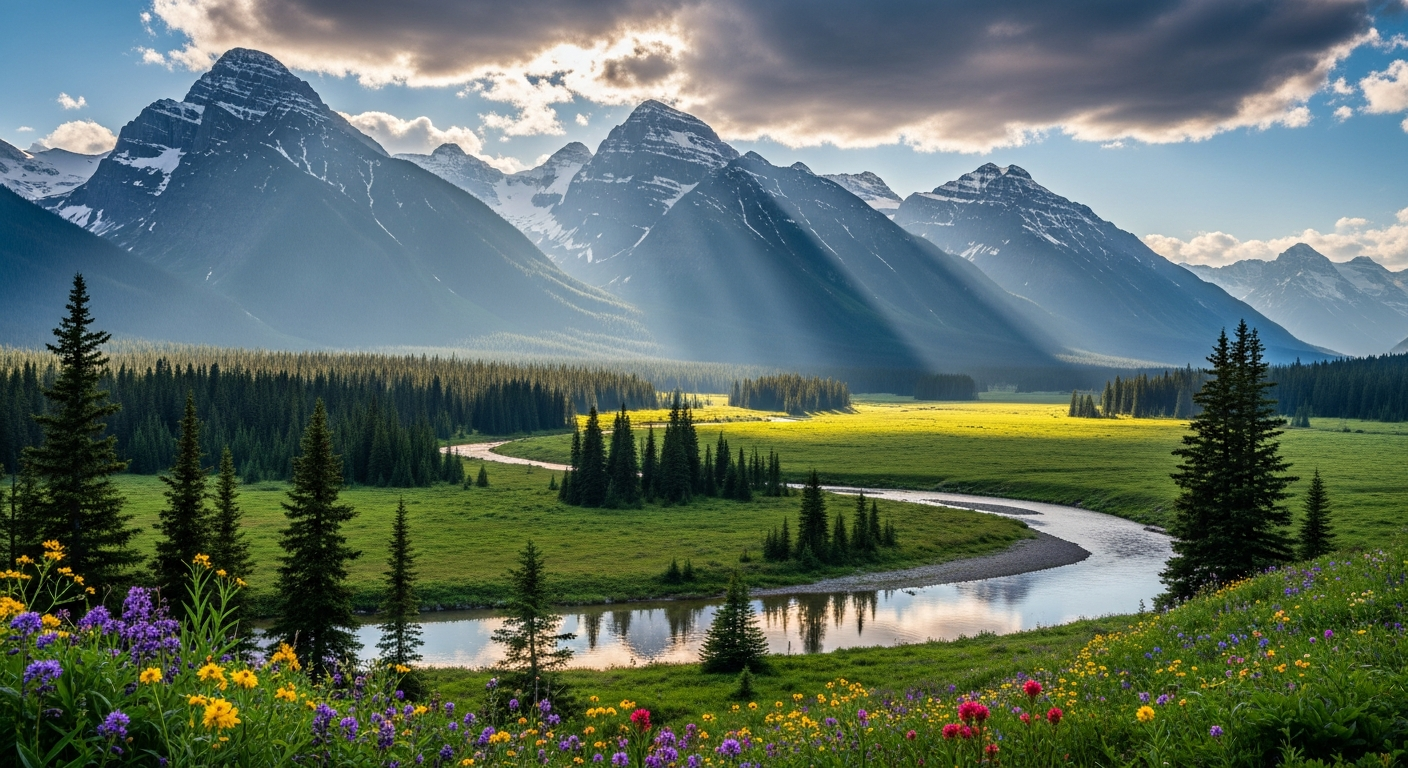
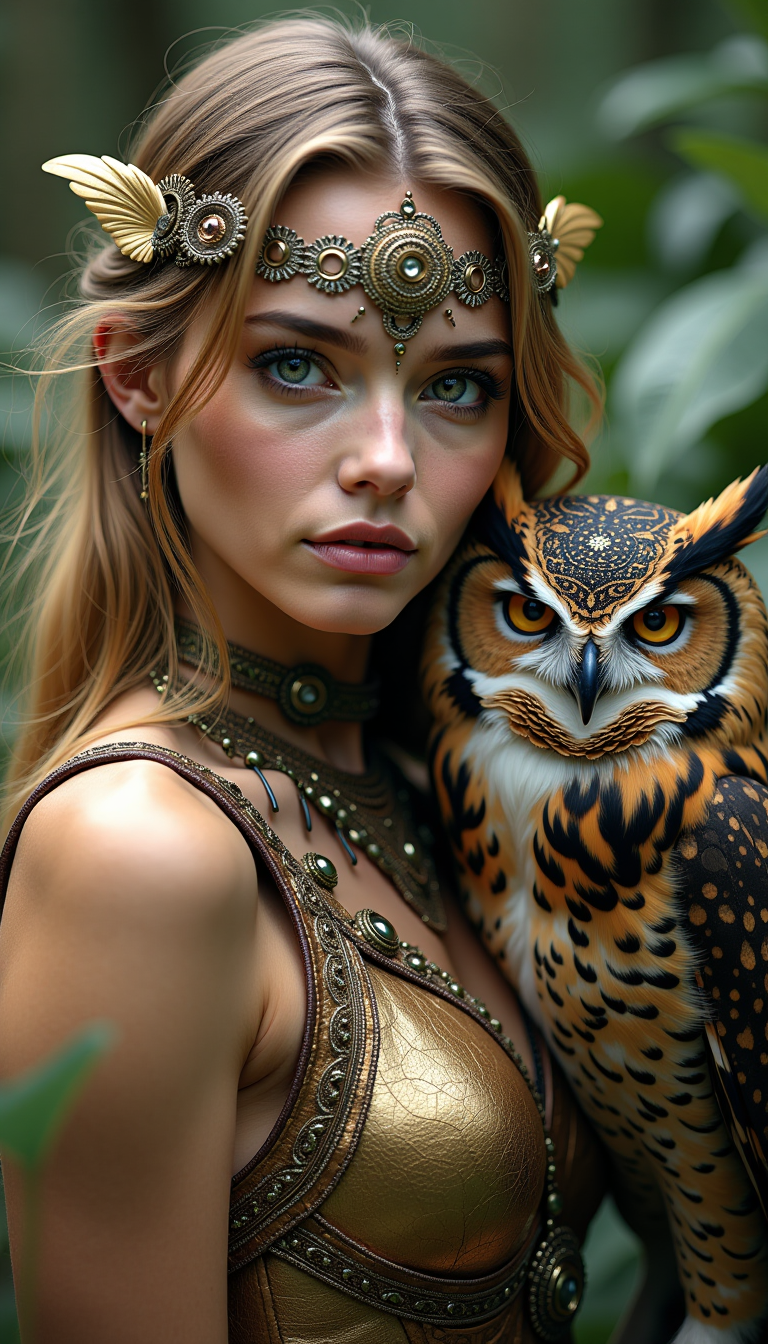

The Pixel Dojo Advantage
Why PixelDojo outperforms other options for vectorizer AI image generation
| Others | Pixel Dojo |
|---|---|
| Traditional vector creation | Generate complete, production-ready vectors in seconds instead of hours of manual tracing and path drawing |
| Generic AI tools | Purpose-built vector tools like Recraft V4.1 deliver native SVG output with clean, editable layers rather than raster approximations |
| Manual photo editing | AI handles complex vectorization automatically while giving you full control to refine colors, simplify paths, and export scalable files instantly |
Loved by creators on PixelDojo
Real feedback from people using PixelDojo, pulled from our in-product surveys.
THIS IS SO DOPE !
I have already recommended it to friends
All the tools, plus the guidance
Excellent tools. Ease of use. Well thought out interface. Wide variety of AI tools and features which are up to date with more added each month
I really like how the site is kept up to date, and the leaderboard (where I'm currently #11 most popular artist)
This is the best image generator I've used so far. Well done!
Explore more AI tools on PixelDojo
AI Tools
Compare & Switch
- Best AI Image Generators
- Best AI Video Generators
- Midjourney Alternatives
- Civitai Alternatives
- Runway Alternatives
- Leonardo Alternatives
- Pika Alternatives
- Luma Alternatives
- Magnific Alternatives
- Veo Alternatives
- Flux Alternatives
- Freepik Alternatives
- Seedance Alternatives
- Seedream Alternatives
- Pixverse Alternatives
- GPT Image Alternatives
- Synthesia Alternatives
- Playground Alternatives
- NightCafe Alternatives
- Canva AI Alternatives
- ElevenLabs Alternatives
- ComfyUI Alternatives
- Fal Alternatives
- Replicate Alternatives
Common Questions
Everything you need to know about vectorizer ai
How does vectorizer AI work to create scalable graphics?
Vectorizer AI at PixelDojo uses advanced models like Recraft V4.1 to interpret your text prompts or uploaded images and generate structured vector paths with clean lines, solid colors, and editable layers. The result is true SVG output that scales perfectly without quality loss, ideal for professional use.
Can I vectorize my existing photos or sketches with PixelDojo?
Yes. Upload any image using the Image to Image tool or Recraft V4.1 to automatically convert raster files into clean vector graphics. The AI analyzes shapes and colors to produce precise, editable paths perfect for logos and illustrations.
What file formats can I export from PixelDojo's vectorizer AI?
Download your creations as SVG for full editability, plus PDF and EPS for print workflows. All files maintain infinite scalability and are compatible with Adobe Illustrator, Inkscape, and other design programs.
Is PixelDojo's vectorizer AI good for creating logos and brand assets?
Absolutely. Our tools excel at producing minimalist, flat-color vector logos with precise typography and clean shapes. Thousands of businesses use PixelDojo to generate consistent, professional brand assets quickly and affordably.
How do I get the best results with text-to-vector AI prompts?
Use clear, descriptive prompts specifying style (flat, minimalist, line art), color palette, and complexity. Tools like Recraft V4.1 and Flux.1 Studio respond exceptionally well to instructions like 'clean vector icon with 4 solid colors and bold outlines' for optimal path quality.
Can I edit the vectors after generating them on PixelDojo?
Yes. Use built-in tools like Style Transfer, Inpainting, or Change Camera Angle to refine your vectors before export. The native vector output allows further editing in any vector software, giving you complete creative control.