grok ai image generator
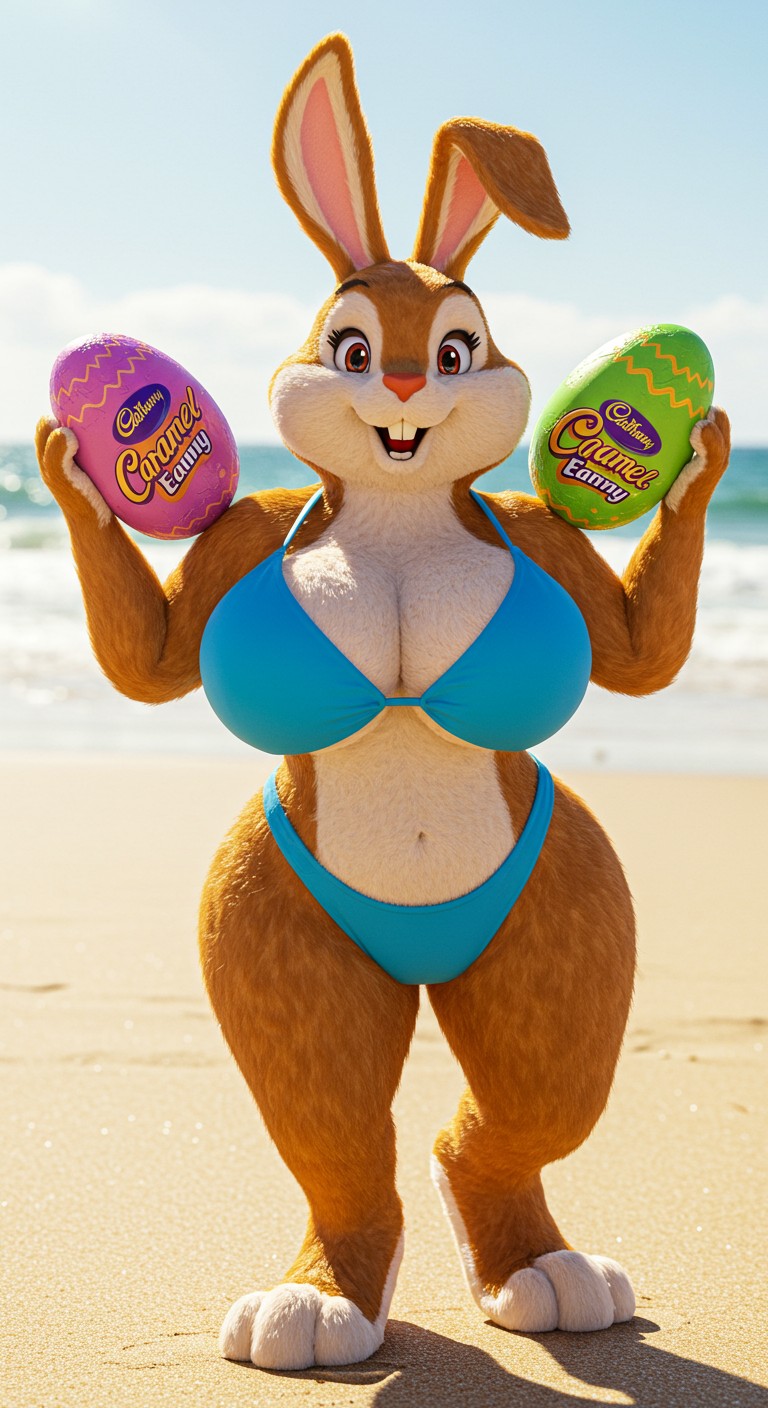
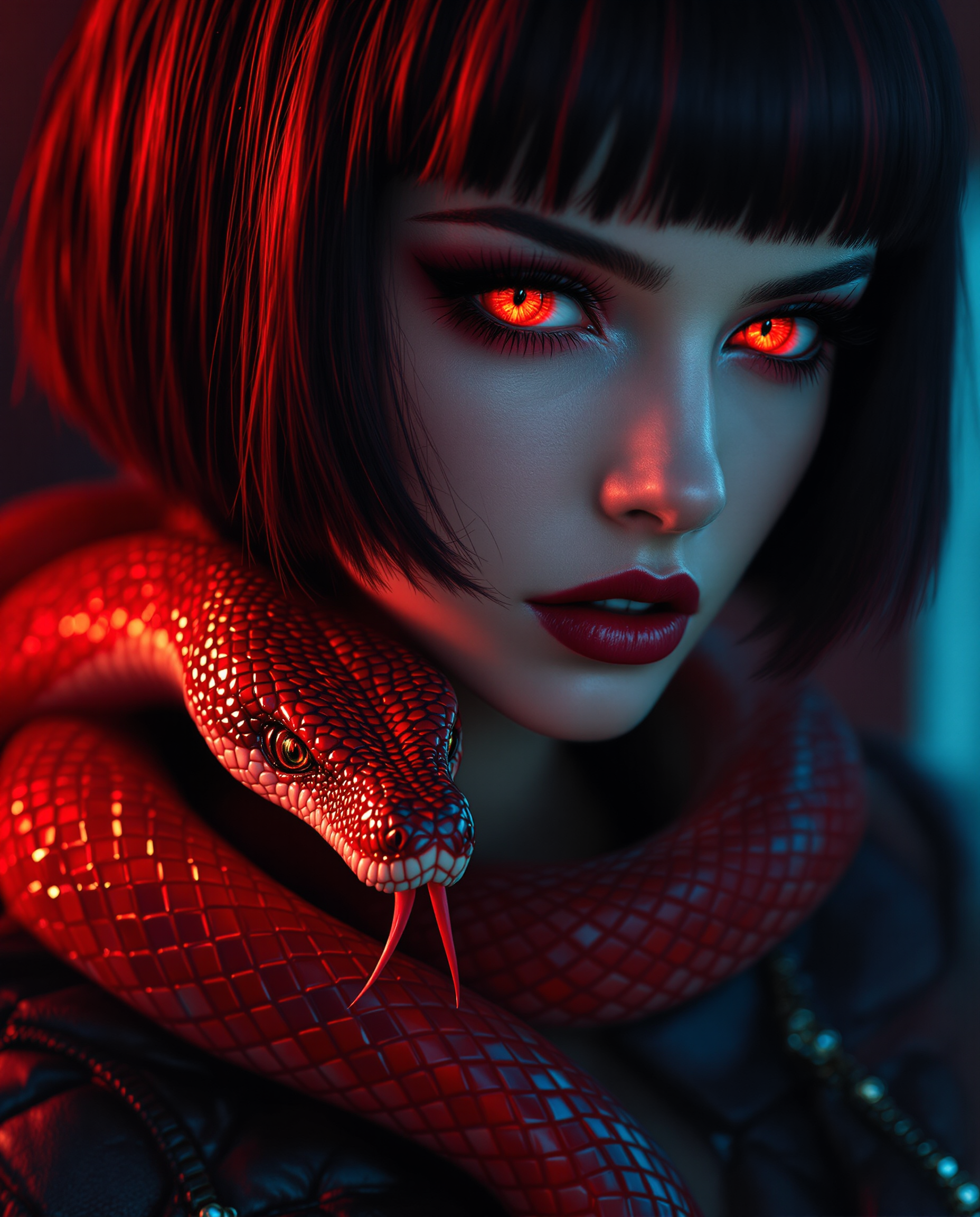
Imagine turning any idea into a jaw-dropping visual masterpiece in seconds—no design skills or expensive software required. With PixelDojo's Grok AI image generator, you can create photorealistic portraits, cinematic scenes, viral memes, and professional marketing assets that capture attention and drive results. Whether you're a content creator building social media buzz, a marketer crafting compelling visuals, or a designer iterating on concepts, PixelDojo empowers you to achieve stunning outcomes faster than ever before. Focus on your vision while our advanced tools handle the heavy lifting, delivering high-quality images ready for sharing, printing, or further refinement.
Over 75,000 creators have generated more than 3.2 million Grok-style images on PixelDojo this year alone. Rated 4.9/5 by 12,500+ users who praise the speed, quality, and ease of use. Trusted by freelancers, agencies, and brands worldwide for consistent, share-worthy results.
Why Choose Pixel Dojo for grok ai image generator
Professional-quality results with cutting-edge AI technology
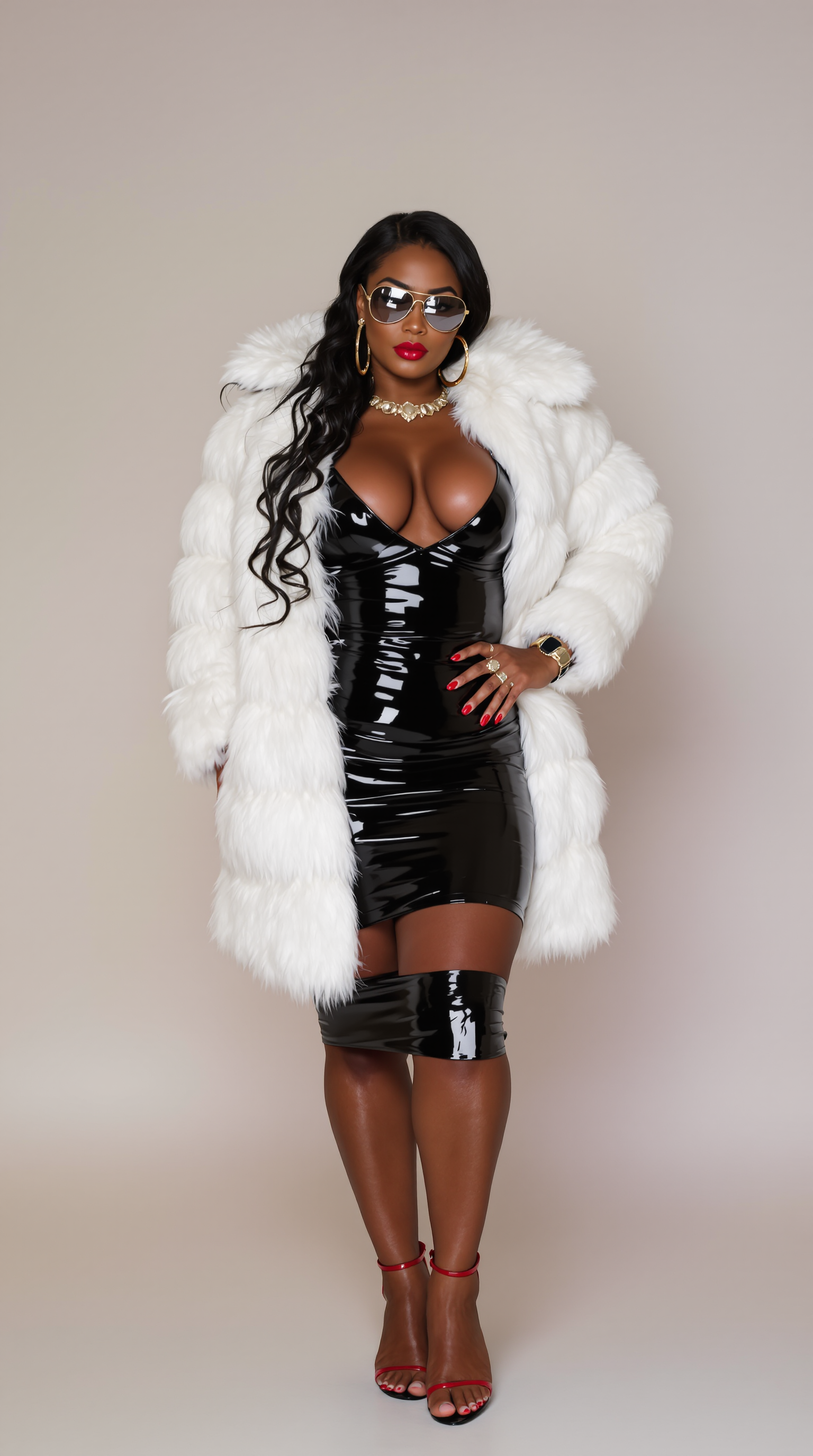
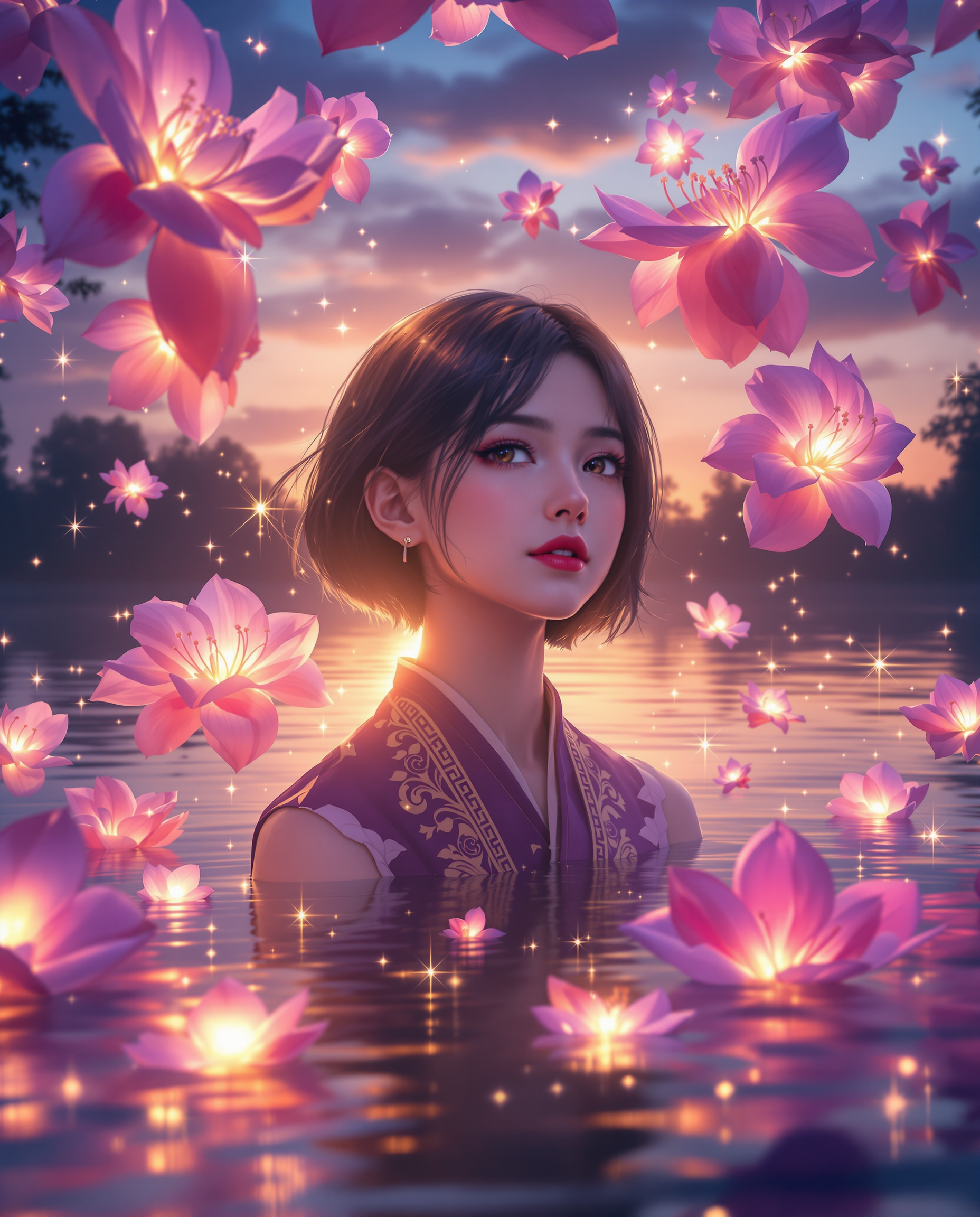
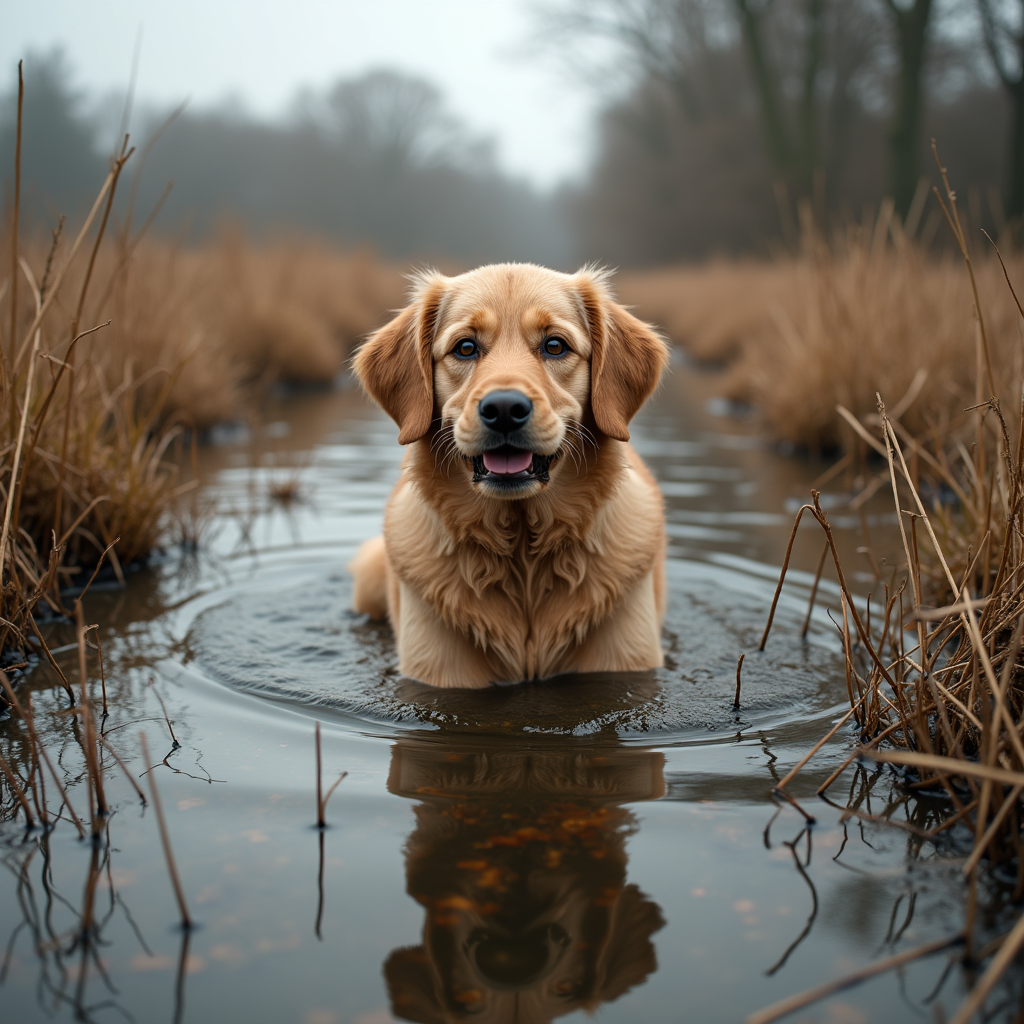
Produce Photorealistic Images That Look Real
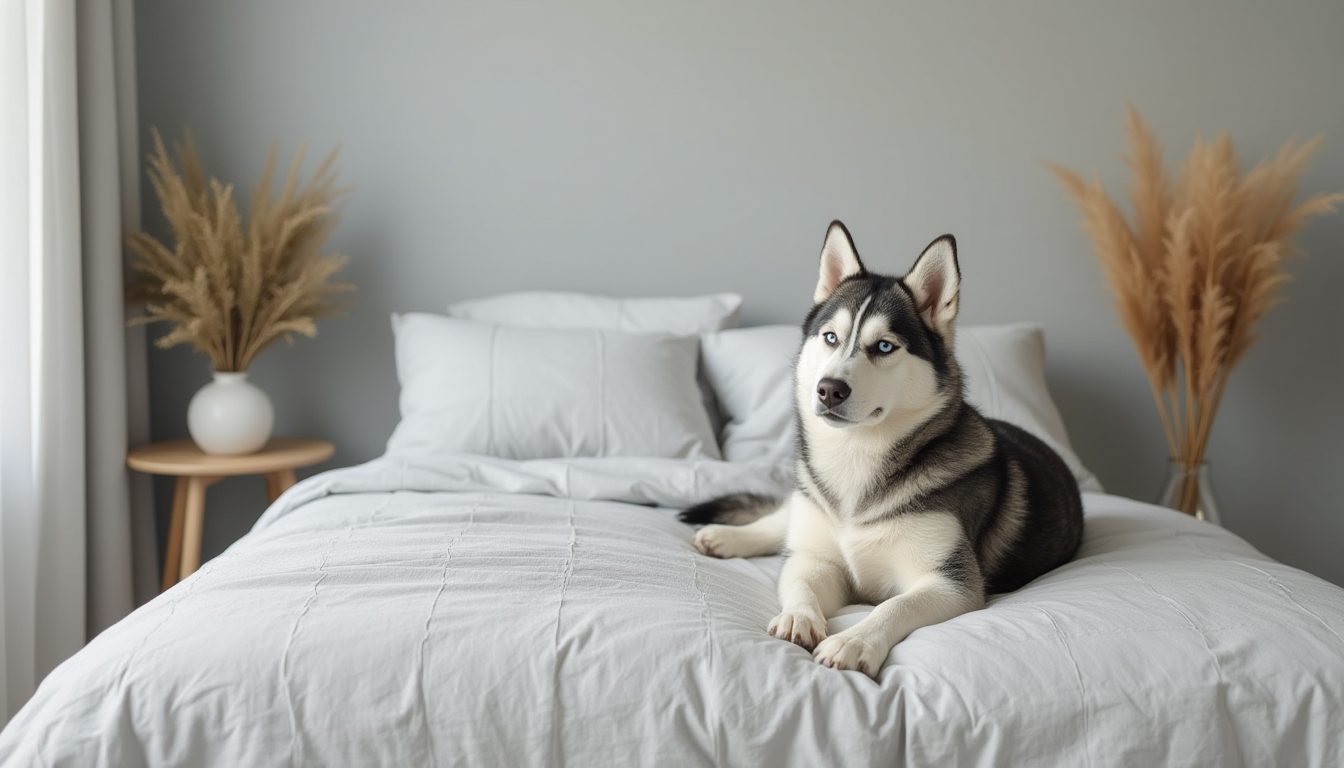
Achieve lifelike portraits, product shots, and landscapes with natural lighting, skin textures, and intricate details that make viewers do a double-take. Your audience will believe they're looking at professional photography, boosting engagement on social platforms and marketing campaigns.
Craft Viral Memes and Trendy Content Instantly
Tap into current trends and pop culture references to generate humorous, shareable images that spread quickly. Create satirical art, funny edits, and timely visuals that resonate with audiences and help your posts go viral without hours of manual work.
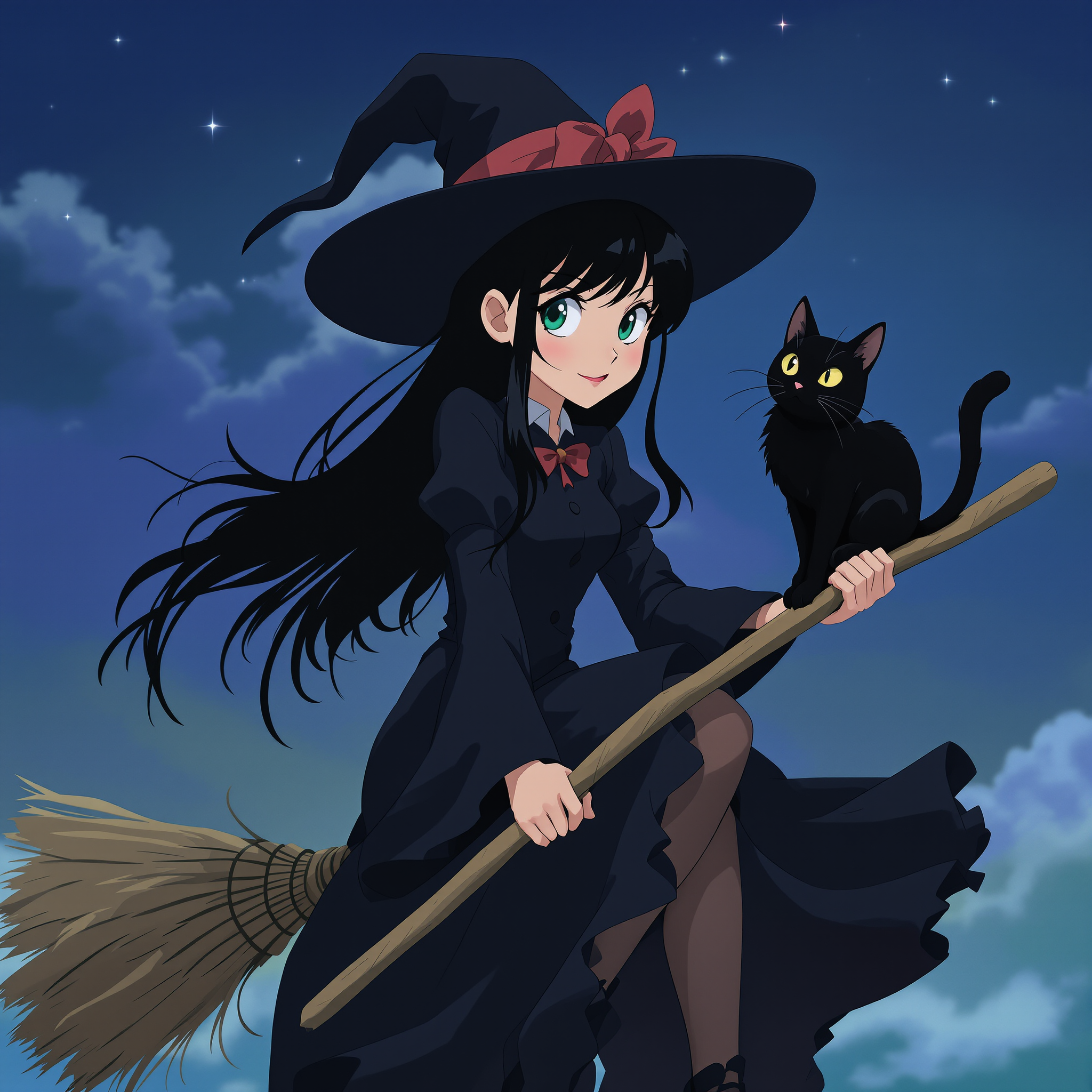
Build Consistent Characters and Story Worlds
Develop recurring characters with matching faces, outfits, and expressions across multiple images for comics, videos, or branding campaigns. Maintain perfect continuity so your stories feel cohesive and professional, saving time on revisions.
How It Works
Creating Grok AI style images on PixelDojo is simple and intuitive. Follow these three steps to go from idea to polished visual in minutes.
Step 1: Choose Your Tool
Select the Grok Image tool from PixelDojo's extensive library, or pair it with Flux.2 Studio or QWEN Image for even more creative options. Browse categories like photorealistic or cinematic to match your project goals.
Step 2: Enter Your Prompt
Describe your vision in natural language. Be specific about subject, action, environment, lighting, camera angle, and style—for example, 'A confident entrepreneur in a modern office at golden hour, shallow depth of field, 35mm film grain, warm cinematic lighting.' Add details like imperfections for realism.
Step 3: Customize & Download
Refine your image using PixelDojo's edit tools like Magic Lighting, Style Transfer, or Inpainting. Upscale with Magnific Upscaler for print-ready quality, then download in your preferred format. Generate variations or extend to video with Grok Video if needed.
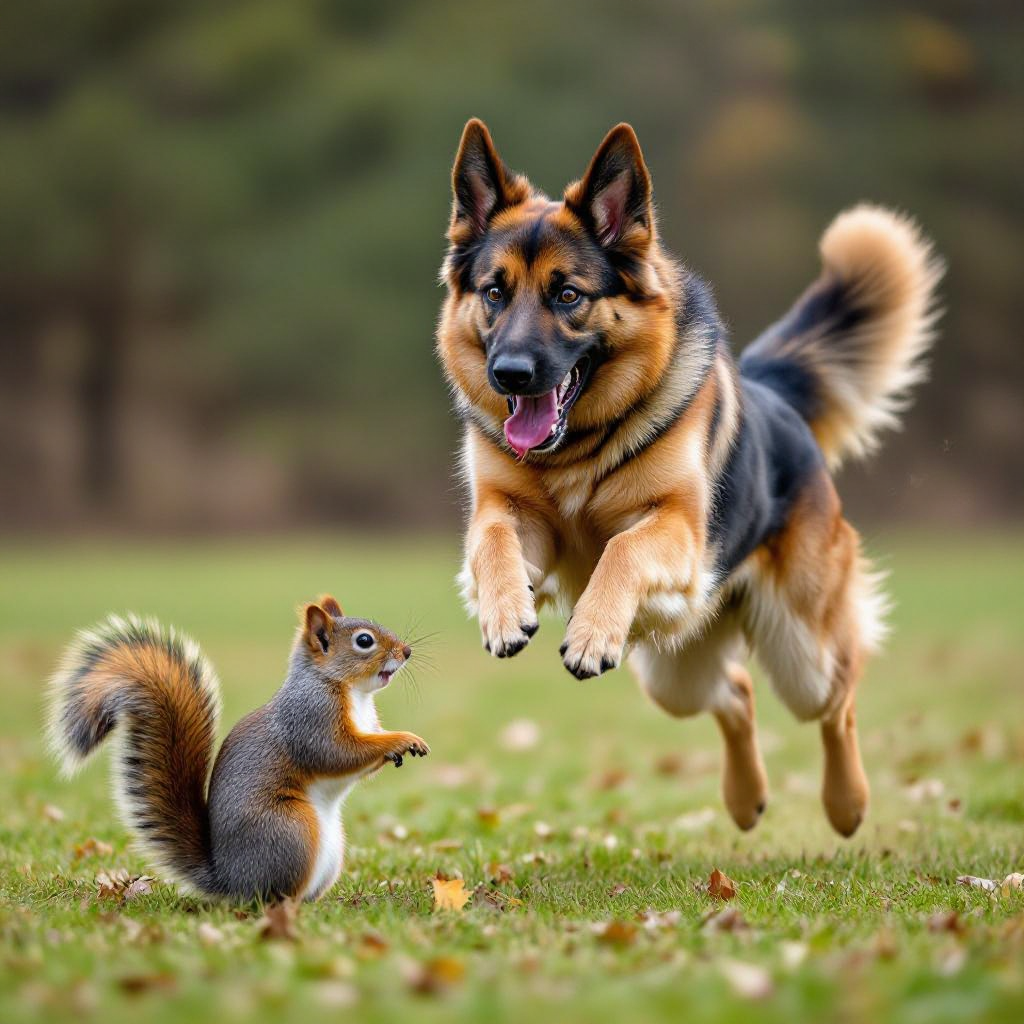
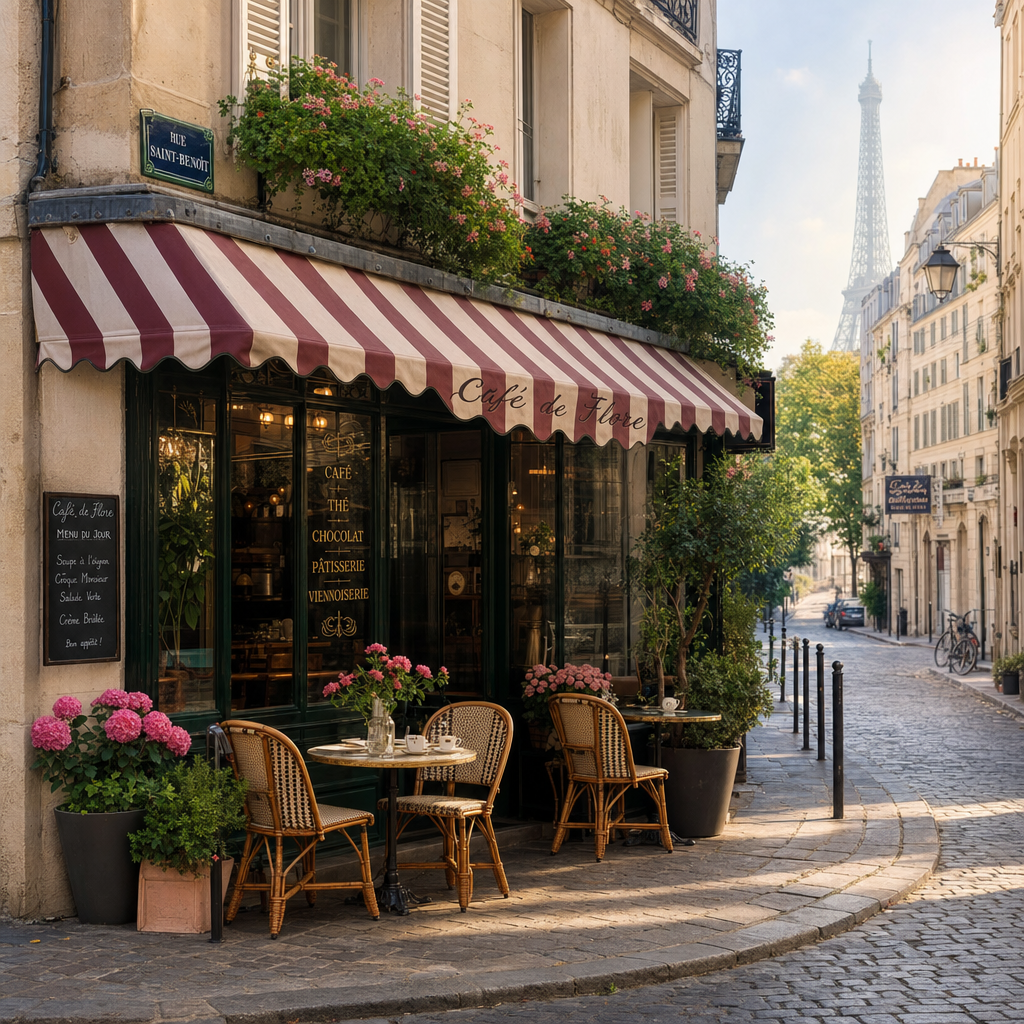
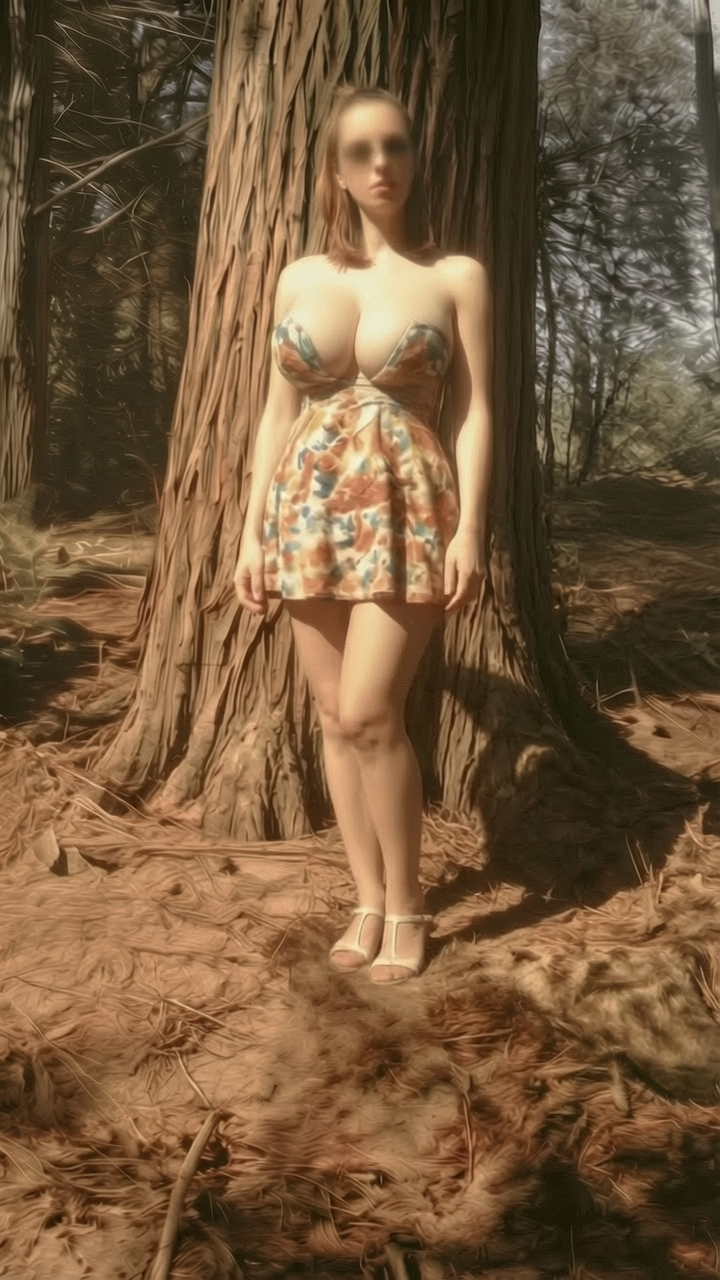
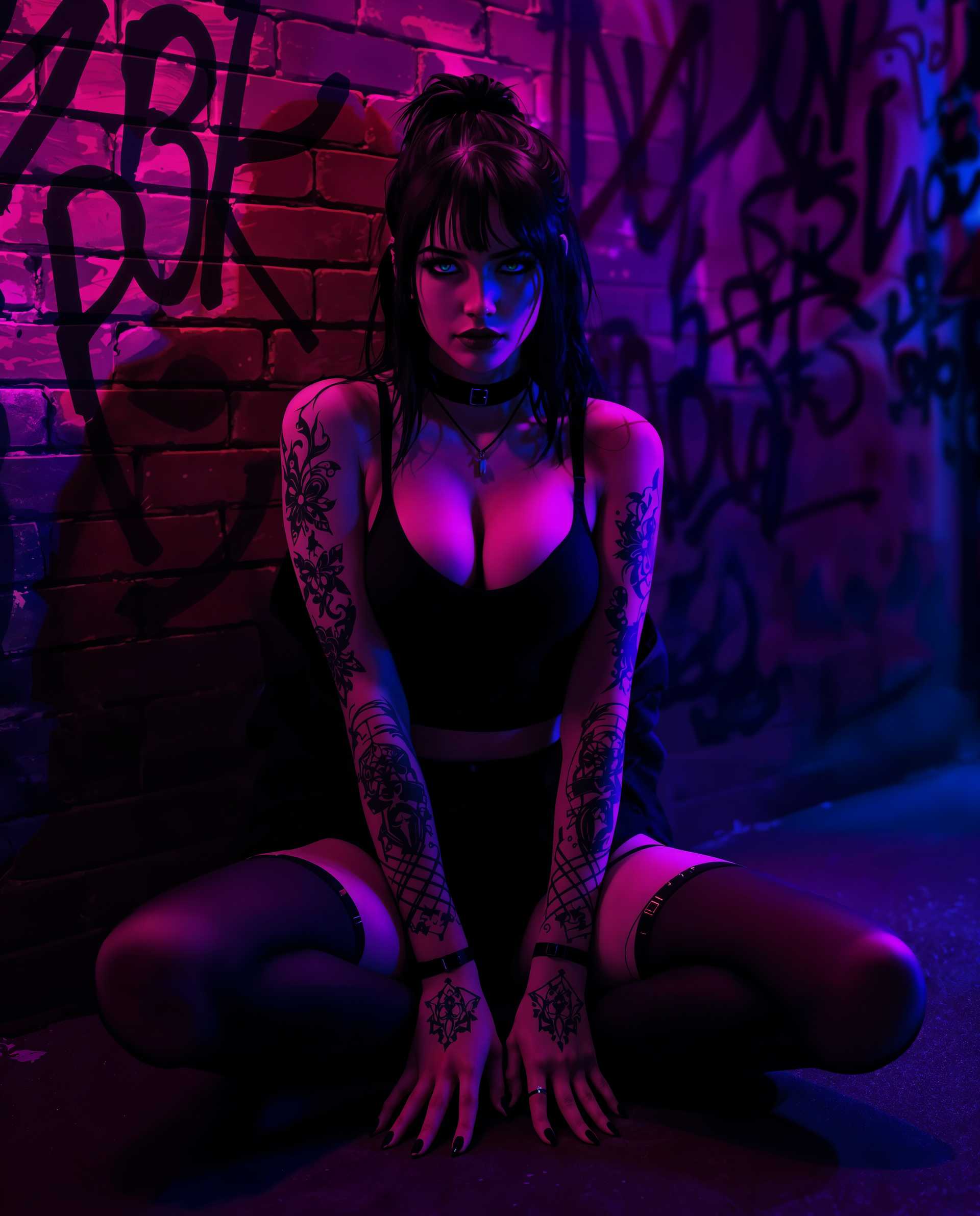
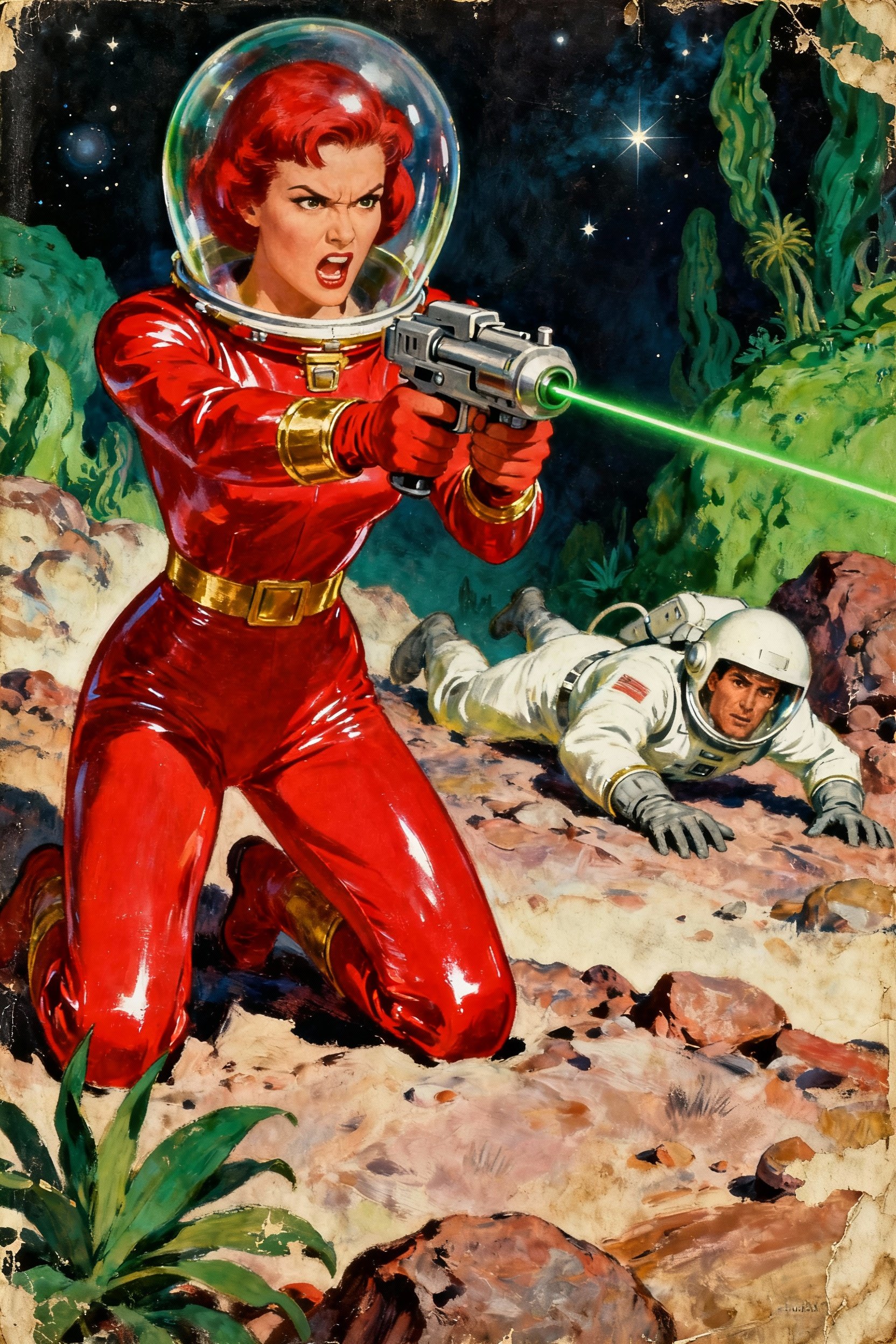
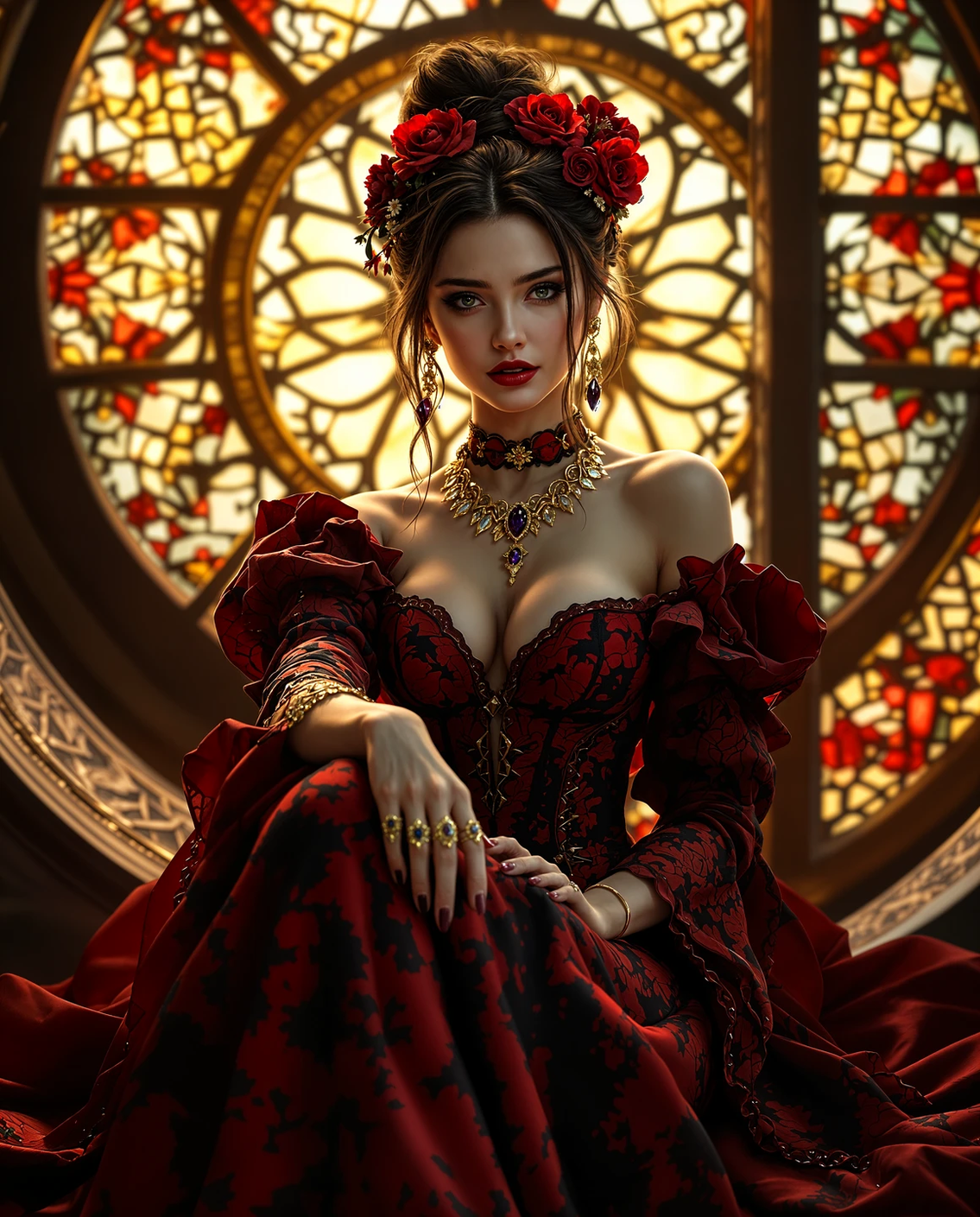
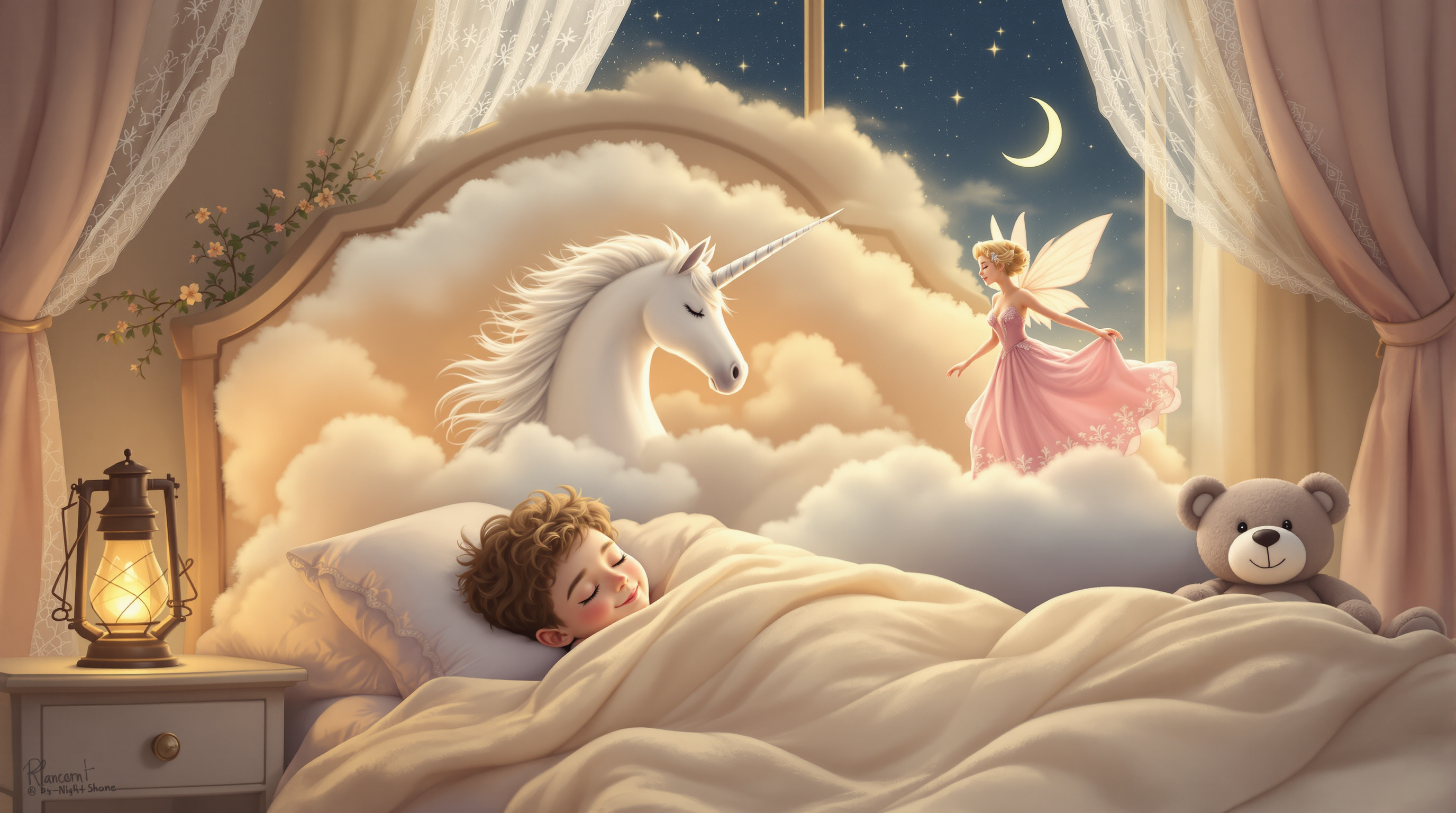
![An [panorama] digital illustration (sci-fi) drawing masterpiece, intricate details and the best quality art by, (petrus van schendel) (Hans Larwin) and (dorian cleavenger) with (luis royo), (tali zorah), mass effect, tight suit, opaque visor, full dressed, hourglass figure, wide hips, slim, skinny, narrow waist, long skinny legs, drunk, fuzzy, sitting on a bar bar stool, holding a drink with a drinking straw, sci-fi, futuristic modern cyberpunk bar, sterile, clean](https://cdn.pixeldojo.ai/cdn-cgi/image/f=auto,q=90,w=3840/pixeldojo/generated-images/1763386593533-8hv9qup5m.png)
The Pixel Dojo Advantage
Why PixelDojo outperforms other options for Grok AI image generation
| Others | Pixel Dojo |
|---|---|
| Traditional image creation | Skip weeks of hiring photographers, models, and editing teams—generate professional-grade visuals in seconds with complete creative control and unlimited iterations. |
| Generic AI tools | Access specialized Grok Image alongside 40+ premium models in one platform, with seamless editing, upscaling, and video extensions that generic tools simply don't offer. |
| Manual photo editing | Eliminate tedious hours in complex software—use intuitive AI edits like background removal, pose control, and reality polishing to perfect images instantly without expert skills. |
Loved by creators on PixelDojo
Real feedback from people using PixelDojo, pulled from our in-product surveys.
Qwen image 2 is amazing!!
Creative freedom, range of tools and options.
I love the training feature
the quality is the best
All the tools needed in one dashboard
Very fair and very broad in tools.
Explore more AI tools on PixelDojo
AI Tools
Compare & Switch
- Best AI Image Generators
- Best AI Video Generators
- Midjourney Alternatives
- Civitai Alternatives
- Runway Alternatives
- Leonardo Alternatives
- Pika Alternatives
- Luma Alternatives
- Magnific Alternatives
- Veo Alternatives
- Flux Alternatives
- Freepik Alternatives
- Seedance Alternatives
- Seedream Alternatives
- Pixverse Alternatives
- GPT Image Alternatives
- Synthesia Alternatives
- Playground Alternatives
- NightCafe Alternatives
- Canva AI Alternatives
- ElevenLabs Alternatives
- ComfyUI Alternatives
- Fal Alternatives
- Replicate Alternatives
Common Questions
Everything you need to know about grok ai image generator
How to use Grok AI image generator on PixelDojo for free?
Sign up for a free PixelDojo account to access the Grok Image tool immediately. Generate up to several images per day at no cost, then upgrade for unlimited access to Grok Image, Flux.2 Studio, and all 40+ models plus advanced editing features.
What makes PixelDojo's Grok image generator better for photorealistic results?
PixelDojo combines the Grok Image model with powerful enhancements like Magic Lighting and Reality Polisher. You get emotionally resonant images with accurate lighting physics, natural textures, and consistent details that stand out in marketing, social media, and creative projects.
Can I create consistent characters using Grok AI style on PixelDojo?
Yes! Use the Consistent Characters feature alongside Grok Image. Upload a reference face or describe your character in detail, then generate multiple images with matching identity, expressions, and outfits for stories, branding, or video content.
How do I write effective prompts for Grok AI image generation on PixelDojo?
Start with the main subject, add actions and environment, specify camera angles and lighting, then include style references and realistic imperfections. PixelDojo's Grok Image understands complex descriptions, so detailed prompts like 'cinematic portrait with dramatic shadows' yield professional results every time.
Is PixelDojo's Grok image generator suitable for commercial use?
Absolutely. All images generated on PixelDojo come with full commercial rights. Use them for client work, product marketing, social campaigns, or merchandise without restrictions—perfect for professionals who need high-quality, ready-to-use visuals.
What advanced editing options does PixelDojo offer after generating Grok AI images?
After generating with Grok Image, apply Style Transfer for artistic looks, Inpainting to add or remove elements, Change Camera Angle for new perspectives, or upscale with Magnific Upscaler. Extend to video using Grok Video or Kling Video for complete multimedia projects.