grok imagine image editor
Generated on PixelDojo. Produced by PixelDojo's generation pipeline.
You deserve images that look like they came from a professional studio, not hours of trial and error. With PixelDojo's grok imagine image editor tools, you turn everyday photos into polished, ready-to-use assets that preserve every important detail while letting you change exactly what you want. Generate a fresh concept with Grok Image, then refine it using Image to Image, Inpainting, Background Remover, Style Transfer, Magic Lighting, Image Outpainting, and Reality Polisher. The result? Product shots that sell, brand visuals that stay consistent, social posts that stop the scroll, and personal portraits that feel cinematic. You stay in control of your vision from the first prompt to the final download, iterating in seconds instead of days. Thousands of creators already rely on these outcomes to ship campaigns, merch, and content that actually convert.
Real image examples generated on PixelDojo
Every example below was produced on PixelDojo. Hover to see the prompt.
Camera angle: H5° V15° Zoom4
change-camera-angle
grok imagine image editor on PixelDojo
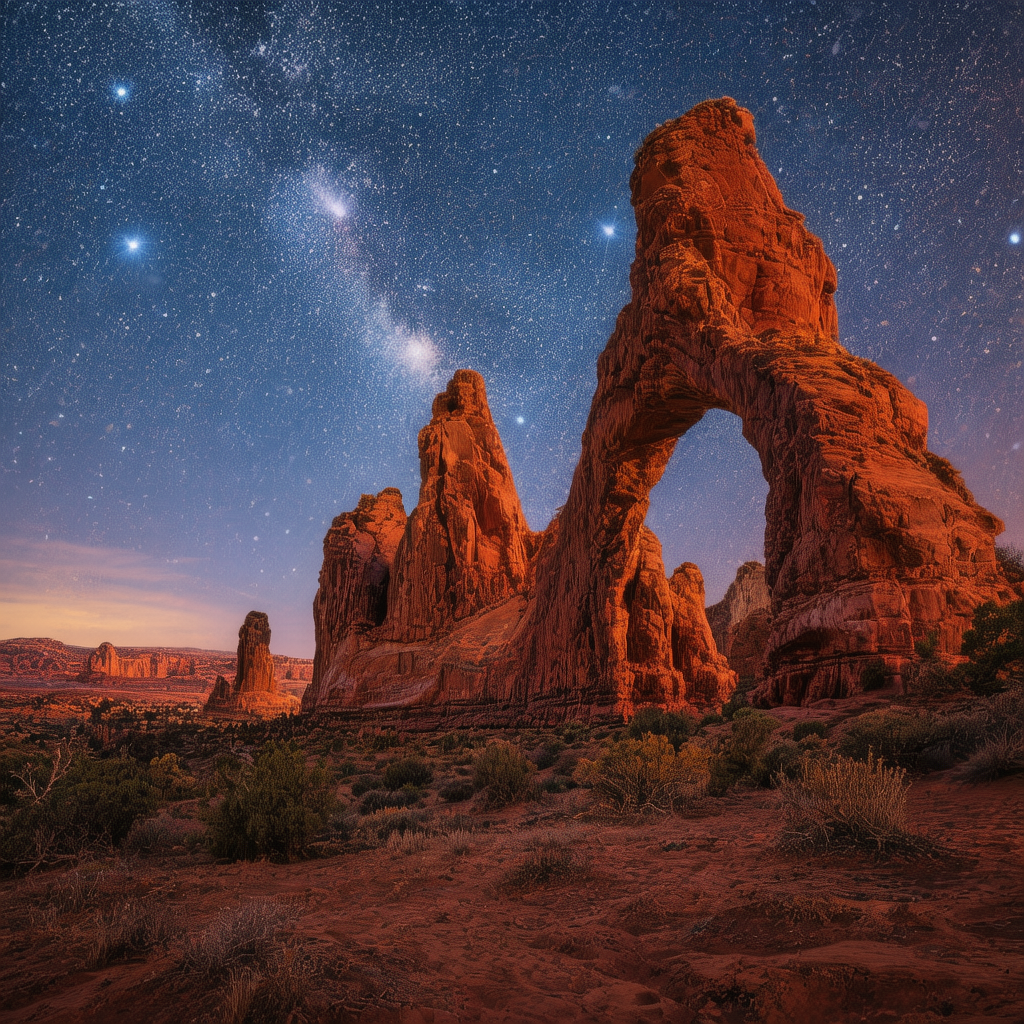
A dramatic desert landscape with towering red rock arches under a star-filled night sky
hunyuan-image-3
grok imagine image editor on PixelDojo
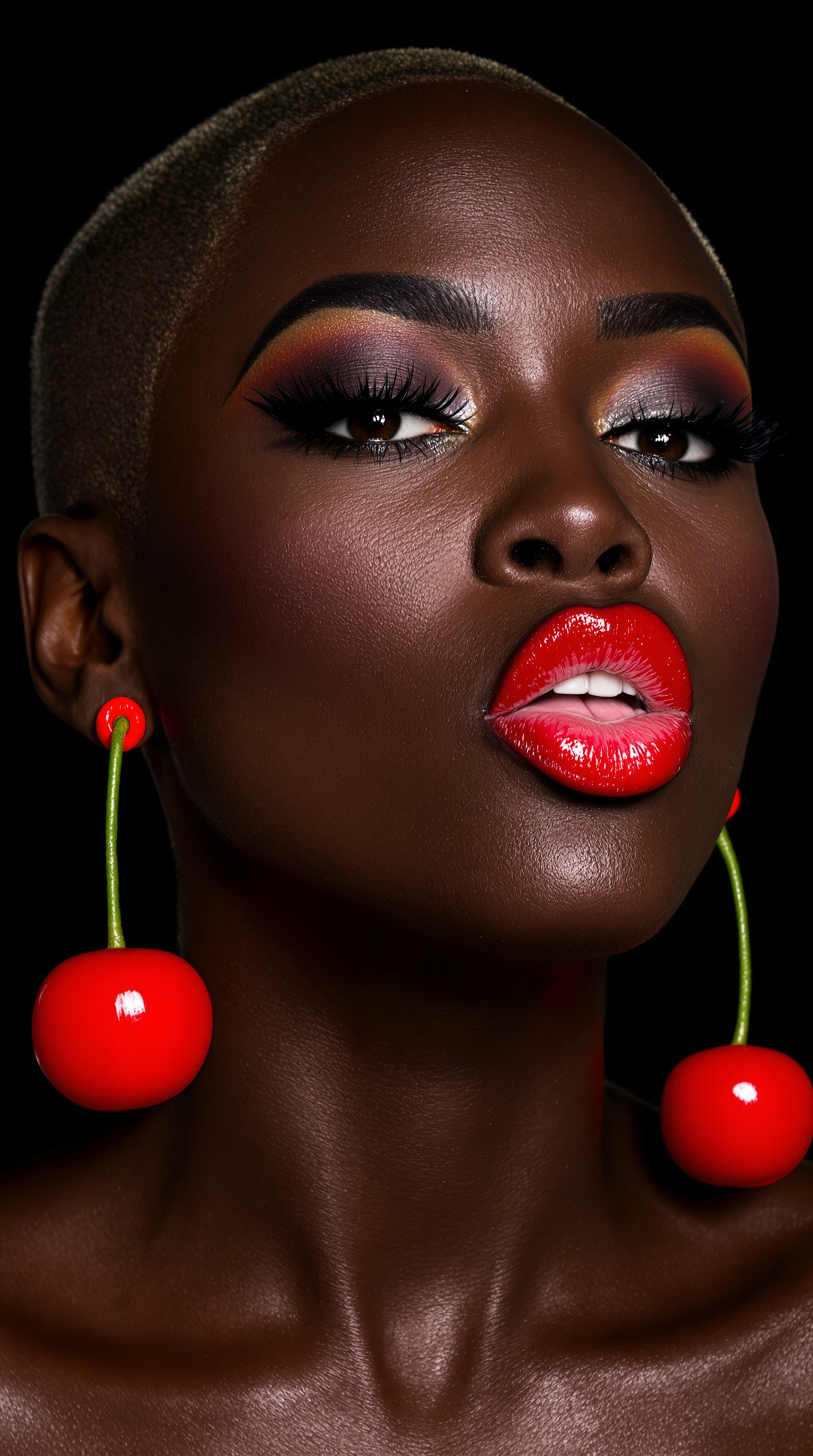
The image is a high-resolution photograph featuring a close-up of a dark-skinned woman wit…
flux
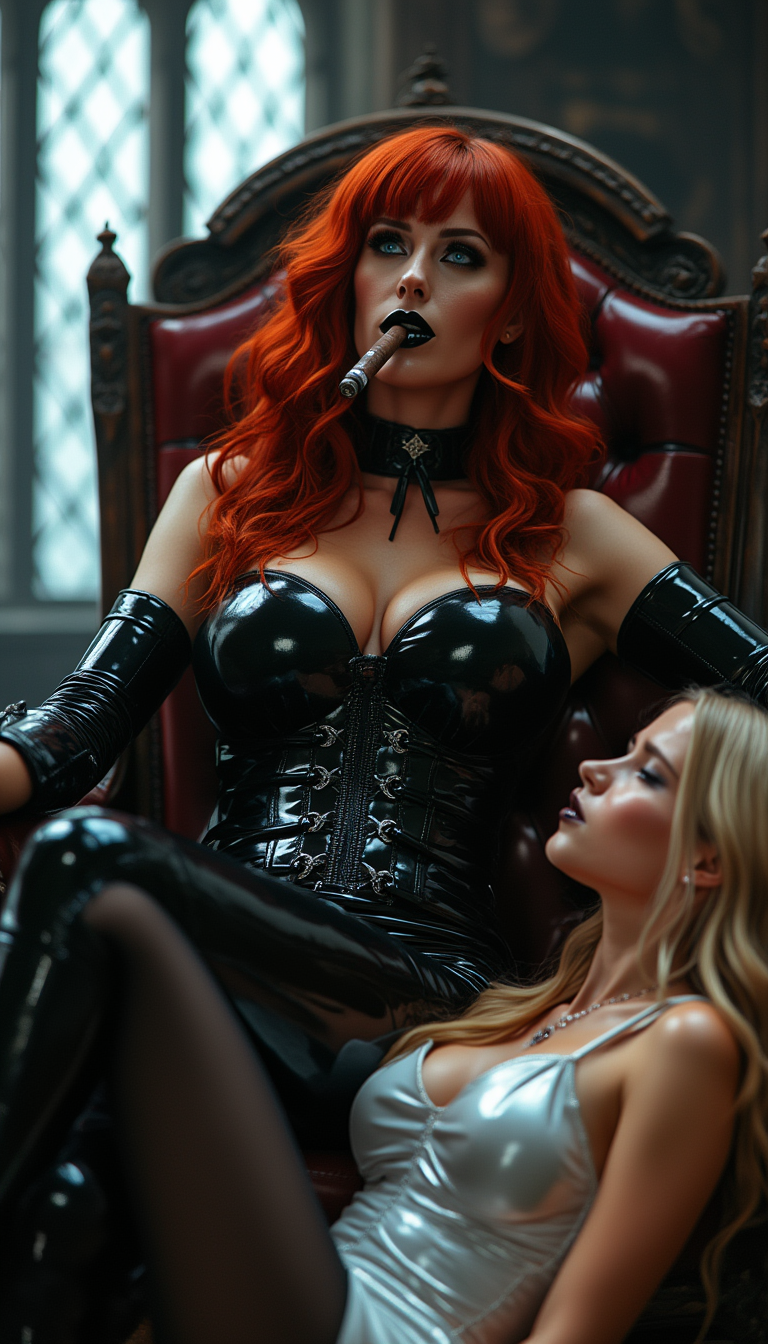
Crimson hair in thick heavy waves falling down her back
stable-diffusion
Models you can run on PixelDojo for grok imagine image editor
Switch models without switching tools. Each one runs in the same PixelDojo studio.
What you can do with grok imagine image editor on PixelDojo
Prompt to image generation
We turn your text prompts into still images with Grok Imagine so you can draft concepts quickly. You can iterate on wording and regenerate until the frame matches what you need.
In editor image refinement
We let you adjust generated images in the editor with follow up prompts and region edits. You keep working in one place instead of exporting after every small change.
Style and composition control
We give you controls for look, lighting, and framing so outputs stay closer to your brief. You can lock a direction and produce related shots for a set.
Variations for creative choice
We generate multiple versions of a prompt so you can compare options side by side. You pick the strongest frame and continue editing from there.
Loved by thousands of creators worldwide who generate millions of images every month. 40+ cutting-edge AI tools deliver 4.9-star results for precision and speed. Join them today and cancel anytime if it is not the perfect fit for your workflow.
Why Choose Pixel Dojo for grok imagine image editor
Professional-quality results with cutting-edge AI technology
Change Only What You Want While Keeping Everything Else Perfect
You point at a shirt, sky, or product label and describe the update. PixelDojo's Inpainting and Image to Image act like a magic wand, rewriting just that region so faces, lighting, and composition stay identical. Background Remover then exports clean transparent subjects you can drop into any new scene. Your original photo remains the hero while you get magazine-ready versions in one pass.
Restyle Entire Collections for Instant Brand Harmony
Upload a set of product photos shot in different lighting and watch Style Transfer plus Magic Lighting normalize them all to the same cinematic grade, white background, and drop shadow. Reality Polisher adds that extra pop of realism. You walk away with a cohesive e-commerce grid or social campaign that looks like it was planned from day one, without hiring a retoucher.
Extend, Composite, and Adapt Any Image to Any Format
Need a 16:9 banner from a square photo? Image Outpainting and Change Camera Angle recompose the scene naturally, filling new space with matching perspective and lighting. Combine up to several references through Grok Image and Image to Image so a character, outfit, and location become one seamless shot. You get every aspect ratio you need without cropping or starting over.
How It Works
You create grok imagine image editor results on PixelDojo by combining generation and targeted editing in a simple three-step loop that keeps your original vision intact at every stage.
Step 1: Choose Your Tool and Upload
Open PixelDojo and pick Grok Image if you want a brand-new starting point, or go straight to Image to Image, Inpainting, or Background Remover if you already have a photo. Drag in your file. The platform instantly analyzes composition so every later edit knows what to protect.
Step 2: Enter Your Natural-Language Prompt
Type exactly what should change and what must stay. Example: 'Replace the cluttered office background with a warm brand-colored gradient, keep every person and their clothing identical.' Add Style Transfer or Magic Lighting instructions in the same prompt. Grok Image plus the editing suite follows the brief down to small text and layout.
Step 3: Refine, Upscale, and Download
Preview the result, then layer extra tools such as Image Outpainting for extra canvas, Reality Polisher for extra sharpness, or Portrait Upscaler if faces matter. Download in the exact size and format you need. Repeat the loop as many times as you like until the asset is campaign-ready.
The Pixel Dojo Advantage
Why PixelDojo outperforms other options for grok imagine image editor work
| Others | Pixel Dojo |
|---|---|
| Traditional photo-editing software | You skip hours of manual masking, layering, and color matching. PixelDojo's Grok Image, Inpainting, and Background Remover deliver the same precision in seconds while preserving pixel-level fidelity you would fight to keep in conventional programs. |
| Generic AI image tools | Most platforms regenerate the whole picture when you ask for a small change. PixelDojo pairs Grok Image with dedicated editors like Style Transfer, Magic Lighting, and Image Outpainting so you get true region control and multi-reference compositing without leaving one dashboard. |
| Manual photo retouching services | You wait days and pay per image. On PixelDojo you iterate instantly, keep every original detail, and produce unlimited variations for the cost of a single subscription you can cancel anytime. |
Loved by creators on PixelDojo
Real feedback from people using PixelDojo, pulled from our in-product surveys.
very easy to use and good support
Very easy to use
super easy to use
it's very easy to use
Practically every Ai suite in one place? Who wouldn't?
versatile menu of tools
Explore more AI tools on PixelDojo
AI Tools
Compare & Switch
- Best AI Image Generators
- Best AI Video Generators
- Midjourney Alternatives
- Civitai Alternatives
- Runway Alternatives
- Leonardo Alternatives
- Pika Alternatives
- Luma Alternatives
- Magnific Alternatives
- Veo Alternatives
- Flux Alternatives
- Freepik Alternatives
- Seedance Alternatives
- Seedream Alternatives
- Pixverse Alternatives
- GPT Image Alternatives
- Synthesia Alternatives
- Playground Alternatives
- NightCafe Alternatives
- Canva AI Alternatives
- ElevenLabs Alternatives
- ComfyUI Alternatives
- Fal Alternatives
- Replicate Alternatives
Common Questions
Everything you need to know about grok imagine image editor
What is the easiest grok imagine image editor for beginners on PixelDojo?
PixelDojo makes grok imagine image editor techniques accessible from your first visit. Start with Grok Image to generate a concept, then switch to Image to Image or Inpainting and describe the change in plain English. Background Remover and Style Transfer require no extra skills. You see professional results immediately and can cancel anytime if you decide it is not for you.
How do I perform precise region edits like a grok imagine image editor magic wand using PixelDojo tools?
Select Inpainting, click or brush the exact area you want to change, and type your instruction. PixelDojo rewrites only that region while Grok Image and Reality Polisher keep lighting, faces, and surrounding pixels identical. Combine with Background Remover when you need a transparent subject. The workflow matches the latest grok imagine image editor precision without extra software.
Can I combine multiple reference photos in a grok imagine image editor workflow on PixelDojo?
Yes. Upload several images into Image to Image or Grok Image and describe how they should merge: one photo for the person, another for clothing, a third for the setting. PixelDojo composites them while matching lighting and perspective. Character Sheets and Consistent Characters tools keep identity locked across the series so your brand or story stays coherent.
Does PixelDojo's grok imagine image editor preserve original details across edits?
Absolutely. The combination of Grok Image, Inpainting, and Reality Polisher is trained to follow instructions closely and protect what you do not mention. Faces, small text, product labels, and overall composition remain intact even after multiple restyles or background swaps. You iterate with confidence that your source photo never drifts.
Which PixelDojo tools deliver the best grok imagine image editor restyling and lighting effects?
Style Transfer applies new artistic looks or brand palettes in one click. Magic Lighting adds cinematic grades or consistent studio illumination. Reality Polisher then sharpens details so the final image looks photographed rather than generated. Pair them with Image Outpainting when you also need extra canvas. Together they recreate the professional restyle power of a grok imagine image editor.
Is there a risk-free way to try grok imagine image editor techniques on PixelDojo?
Yes. PixelDojo gives you 40+ cutting-edge AI tools including Grok Image, Inpainting, Background Remover, Style Transfer, and Image Outpainting. Thousands of creators already produce campaign-ready assets this way. Start today, create as many edits as you need, and cancel anytime. No long-term commitment, just results.