hd photo maker
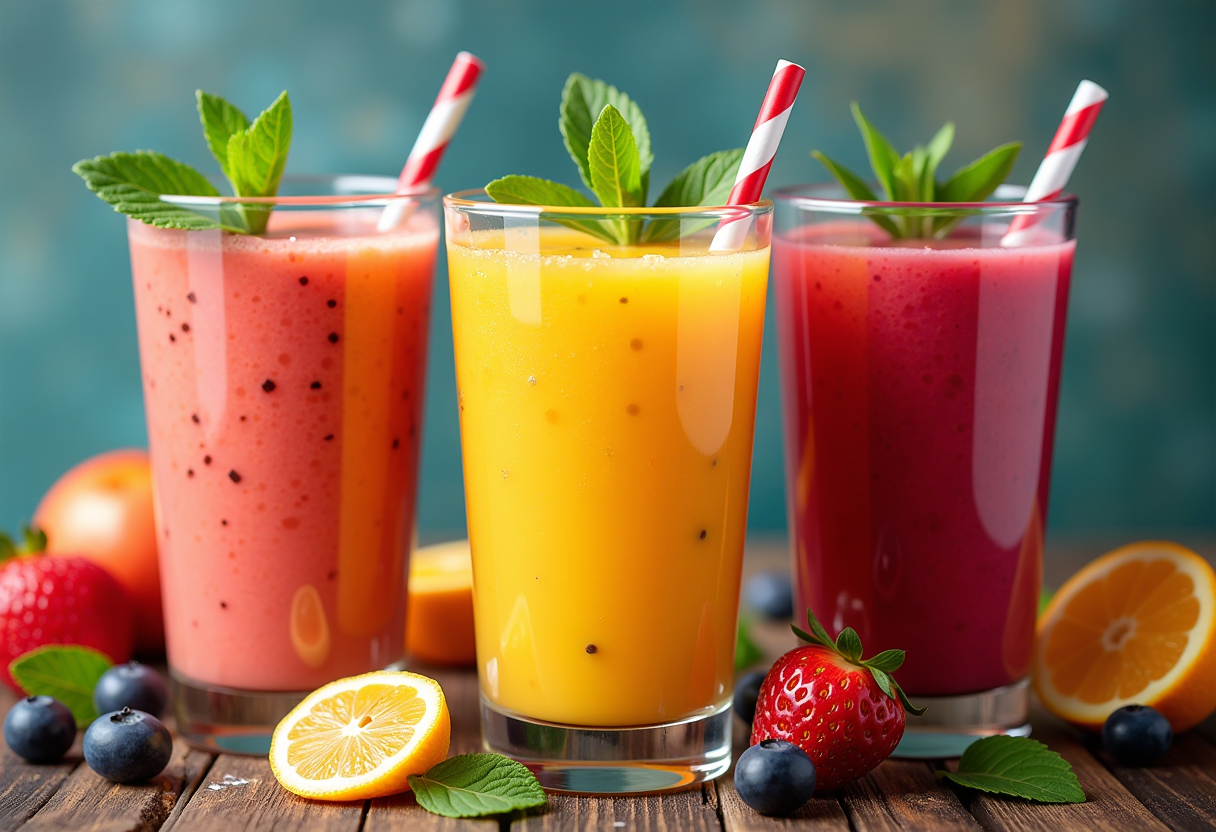
Imagine producing gallery-worthy high-definition photographs that capture every intricate detail, from lifelike skin textures to perfect lighting and shadows, without ever picking up a camera. PixelDojo's HD Photo Maker empowers you to generate breathtaking photorealistic HD images tailored exactly to your vision. Whether you're a small business owner needing crisp product visuals for your online store, a content creator building a consistent personal brand, or a marketer launching campaigns that demand attention-grabbing quality, our platform delivers studio-caliber results in seconds. You achieve professional outcomes that boost engagement, drive sales, and elevate your projects, all from the comfort of your device.
Join 25,000+ creators and brands who trust PixelDojo • 4.9/5 average rating from 12,000+ reviews • Over 1.5 million HD photos generated this month • Cancel anytime, no long-term commitments
Why Choose Pixel Dojo for hd photo maker
Professional-quality results with cutting-edge AI technology
Studio-Quality Photorealism Without the Studio
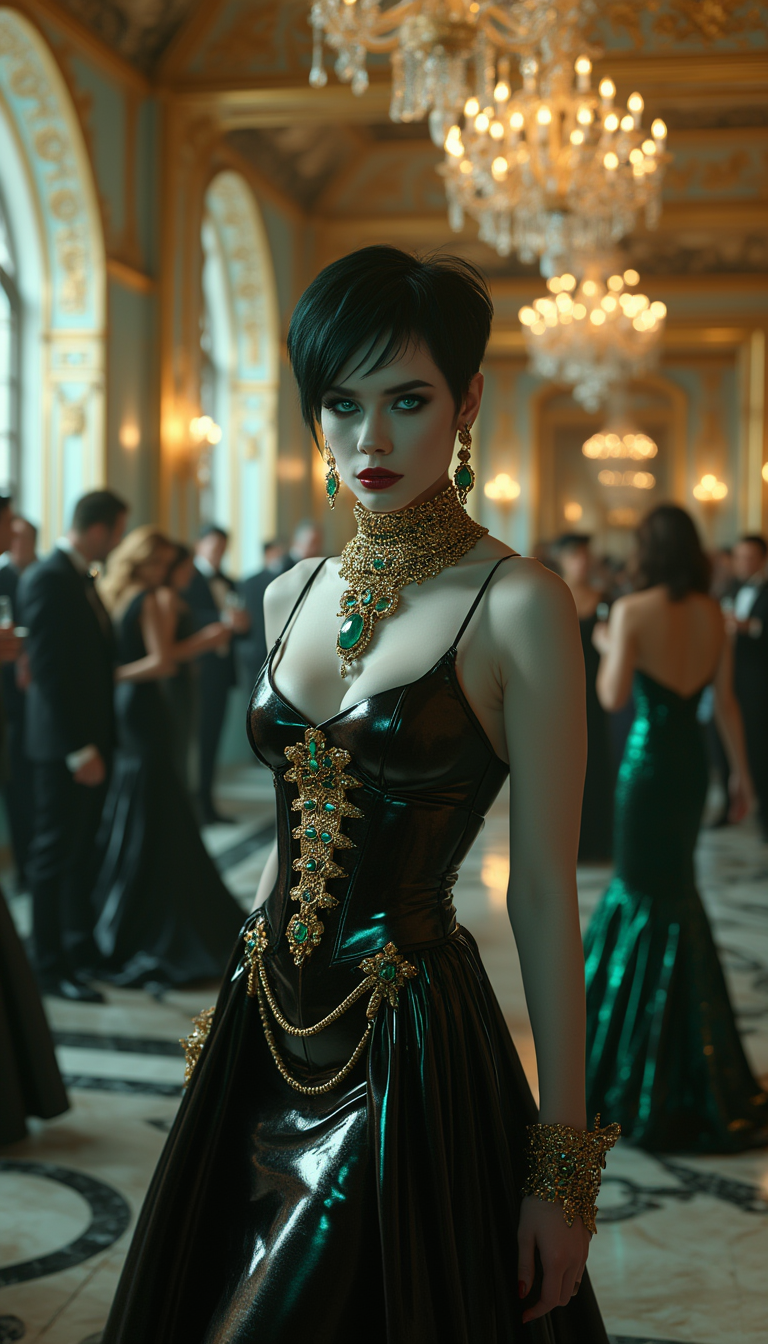
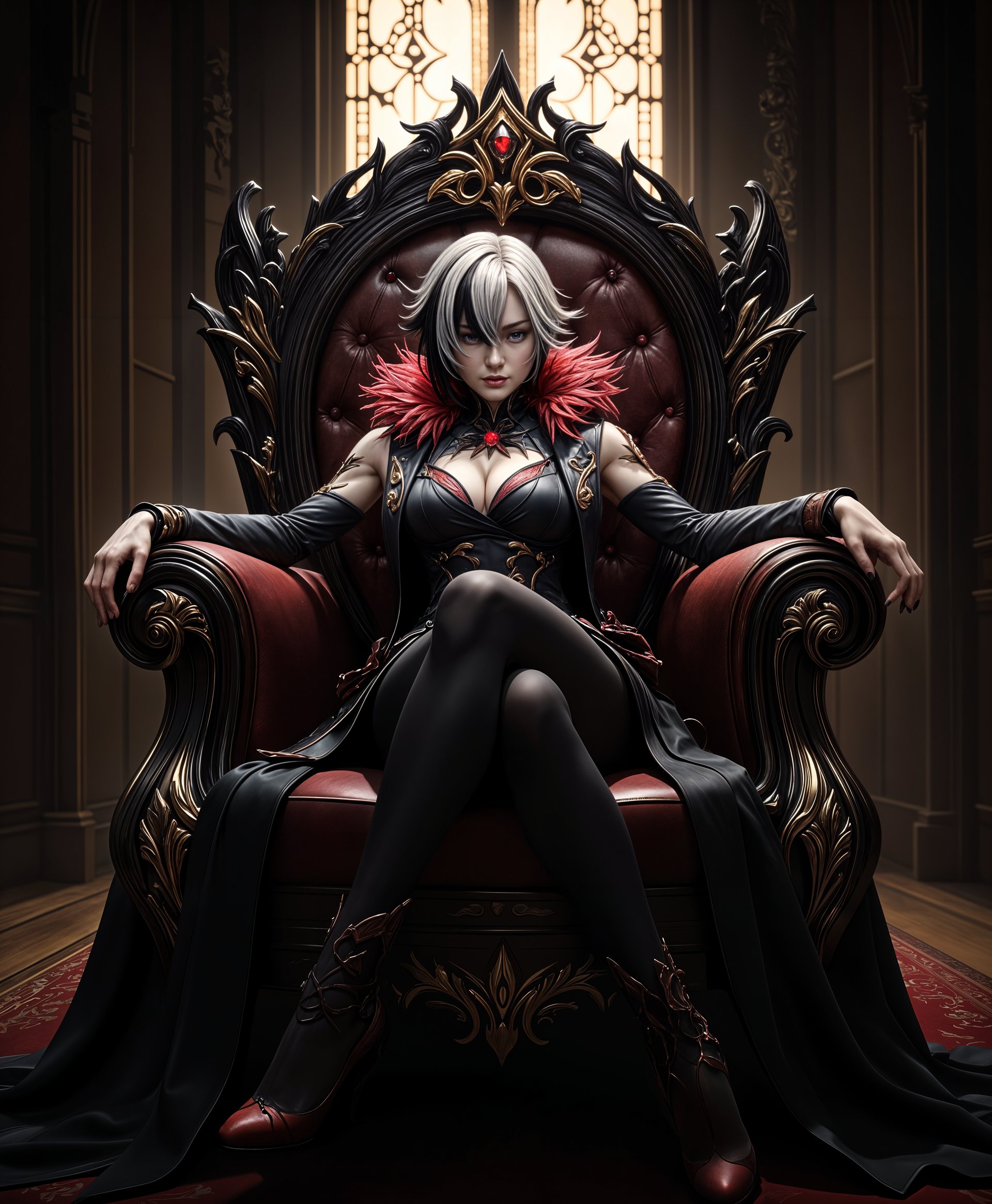
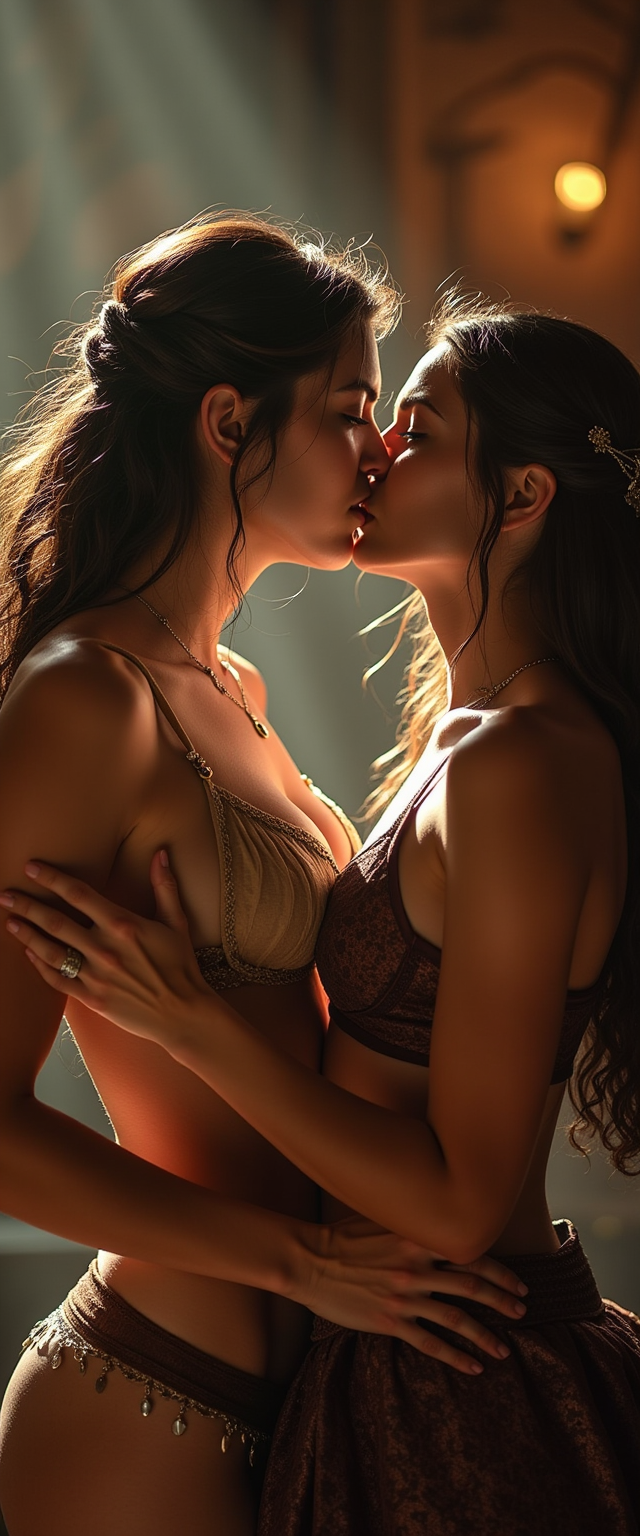
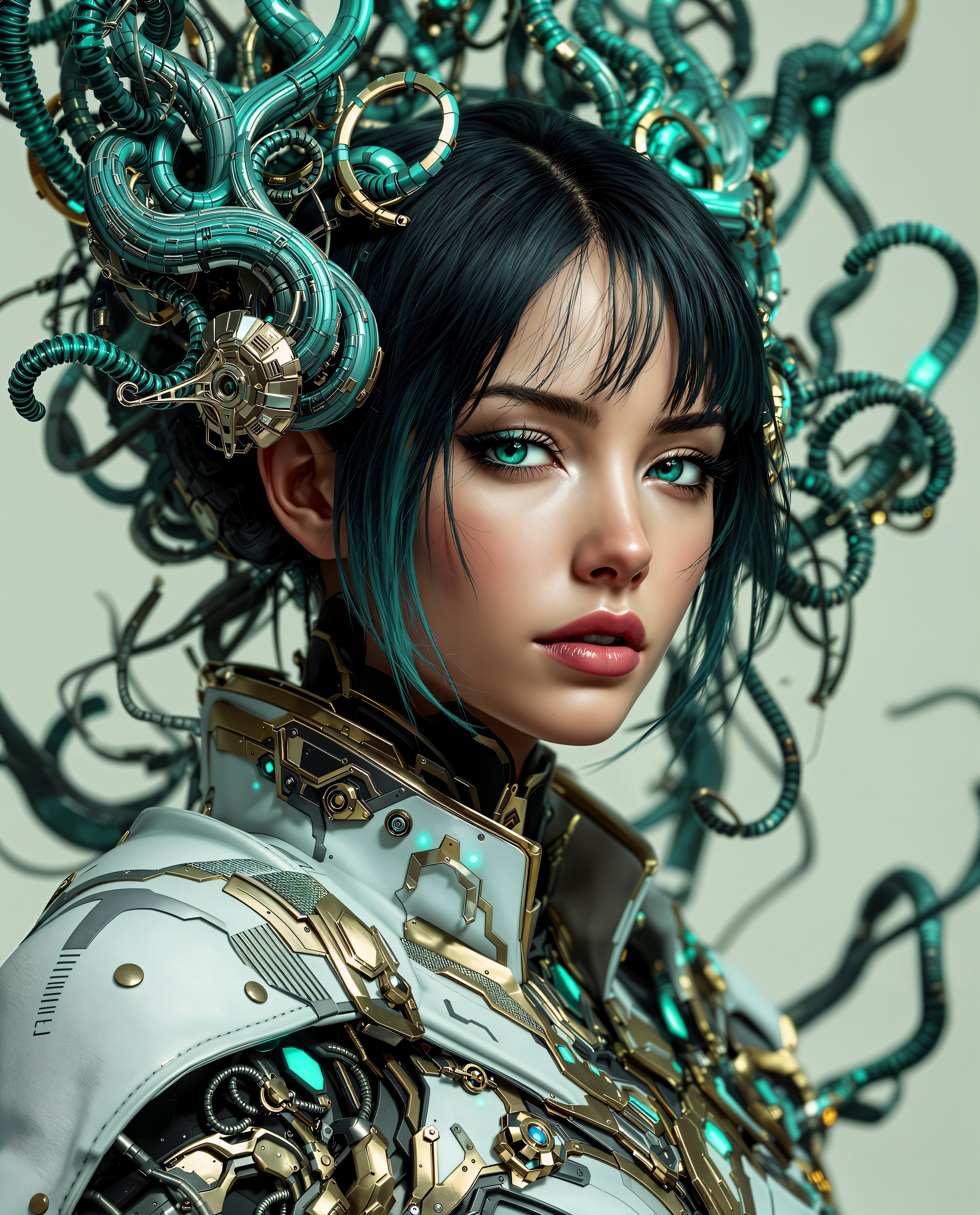
Produce images with razor-sharp detail, natural skin pores, accurate reflections, and cinematic lighting that look like they were shot by a professional photographer with top-tier equipment. Your marketing materials, portfolios, and social posts instantly stand out with premium visual appeal that converts viewers into customers.
Instant 4K+ HD Output for Any Project
Generate and enhance images up to ultra-high resolutions ready for print, billboards, or large digital displays. Save hours of post-production time and avoid pixelation issues that plague lower-quality tools, ensuring your visuals remain crisp and professional across all platforms.
Consistent Characters & Effortless Edits
Maintain perfect character consistency across entire campaigns or series of HD photos while easily refining details like backgrounds, angles, or styles. You create cohesive visual stories that build brand recognition and save money on repeated photoshoots or hiring multiple specialists.
How It Works
Creating professional HD photos with PixelDojo takes just minutes. Our intuitive platform guides you through powerful AI tools designed specifically for photorealistic results, so you focus on your creative vision while the technology handles the technical heavy lifting.
Step 1: Choose Your Tool
Browse our Generate Images section and select a top performer for HD photorealism such as Flux.1 Studio for unmatched detail and lighting, Nano Banana 2 for exceptional character consistency, GPT Image 2 for precise prompt following, or Ideogram 4 for creative yet realistic compositions. These tools are optimized for high-resolution outputs.
Step 2: Enter Your Prompt
Describe your desired HD photo in natural language. Include specifics like subject, lighting, environment, mood, and resolution preferences. For example: 'Photorealistic 8K portrait of a diverse team in a bright modern office, soft natural window light, sharp focus on faces, professional attire, shallow depth of field.' The more details you provide, the more accurate and stunning the results.
Step 3: Customize & Download
Review your generated HD image and refine using Edit Images tools like Image to Image for variations, Inpainting to adjust specific areas, or Magic Lighting for enhanced realism. Then apply Upscale & Enhance tools such as Magnific Upscaler, Clarity Pro, or Portrait Upscaler to push resolution to 4K or higher. Download your polished, print-ready HD photo instantly.

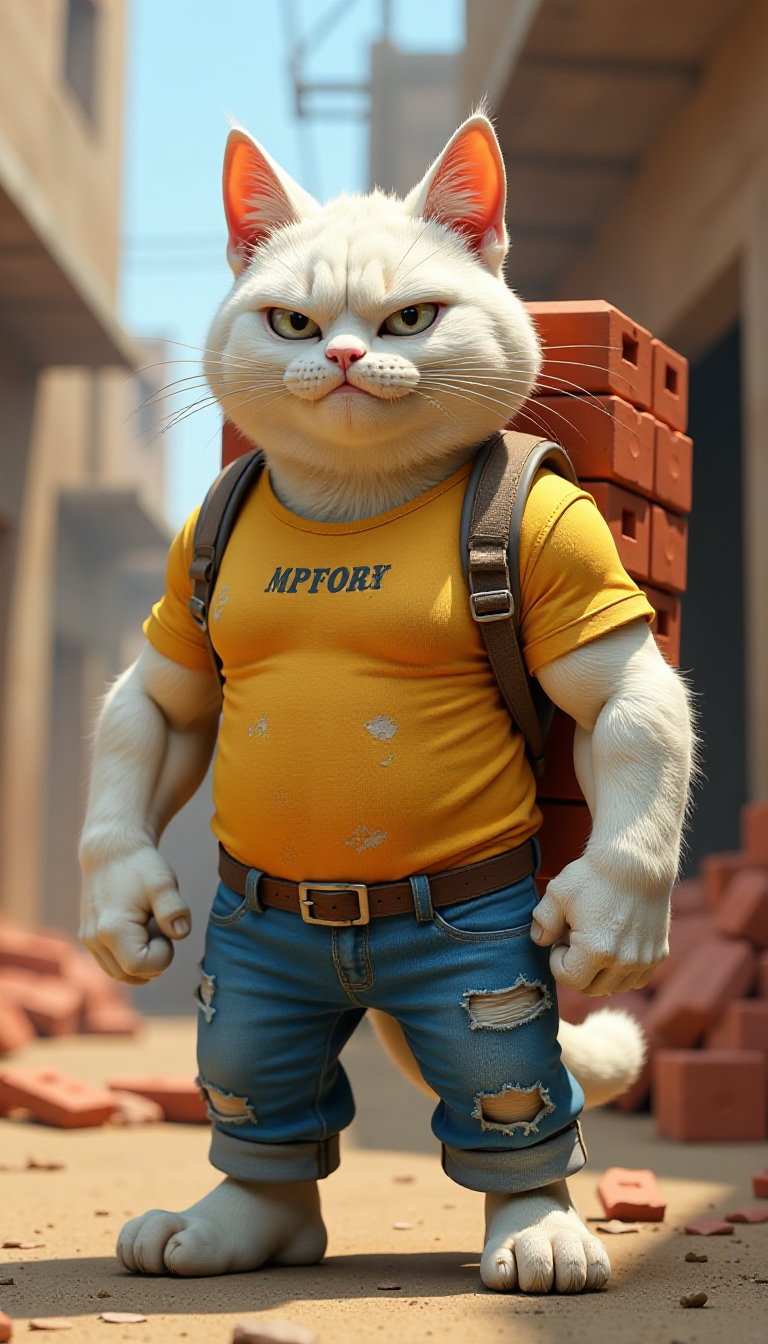
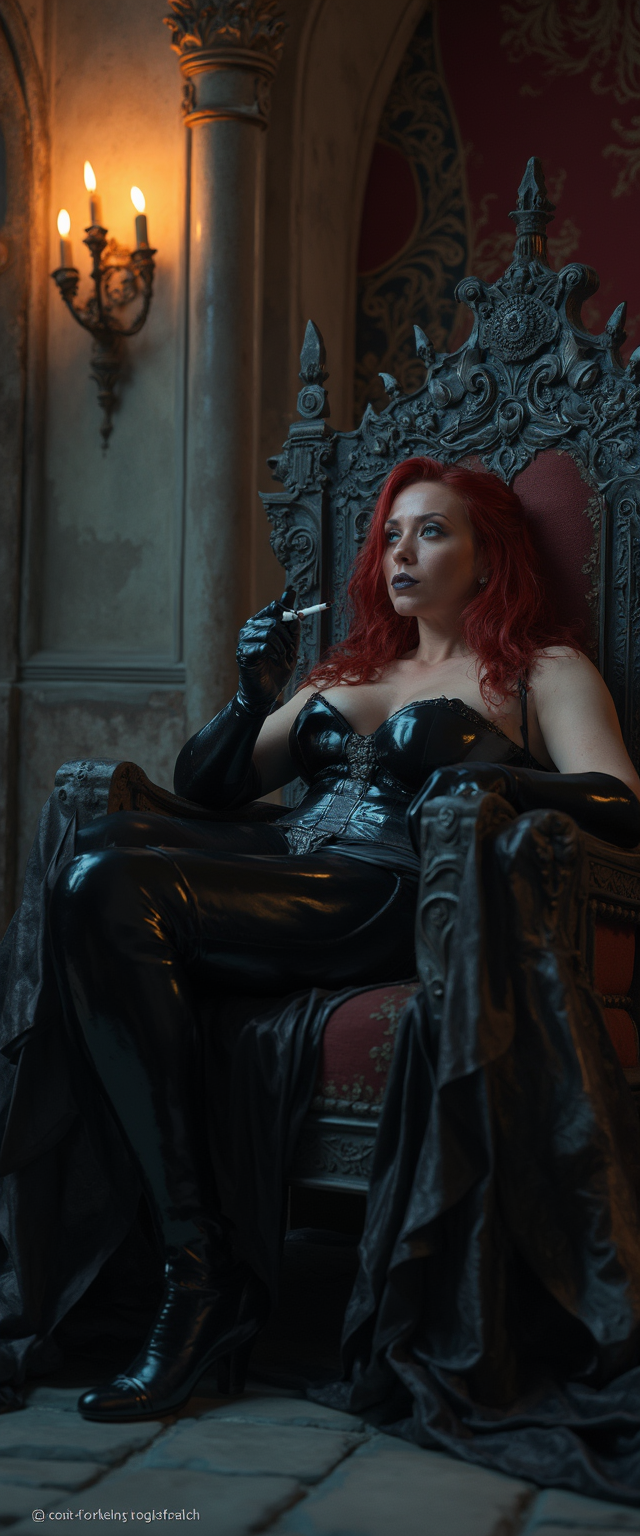
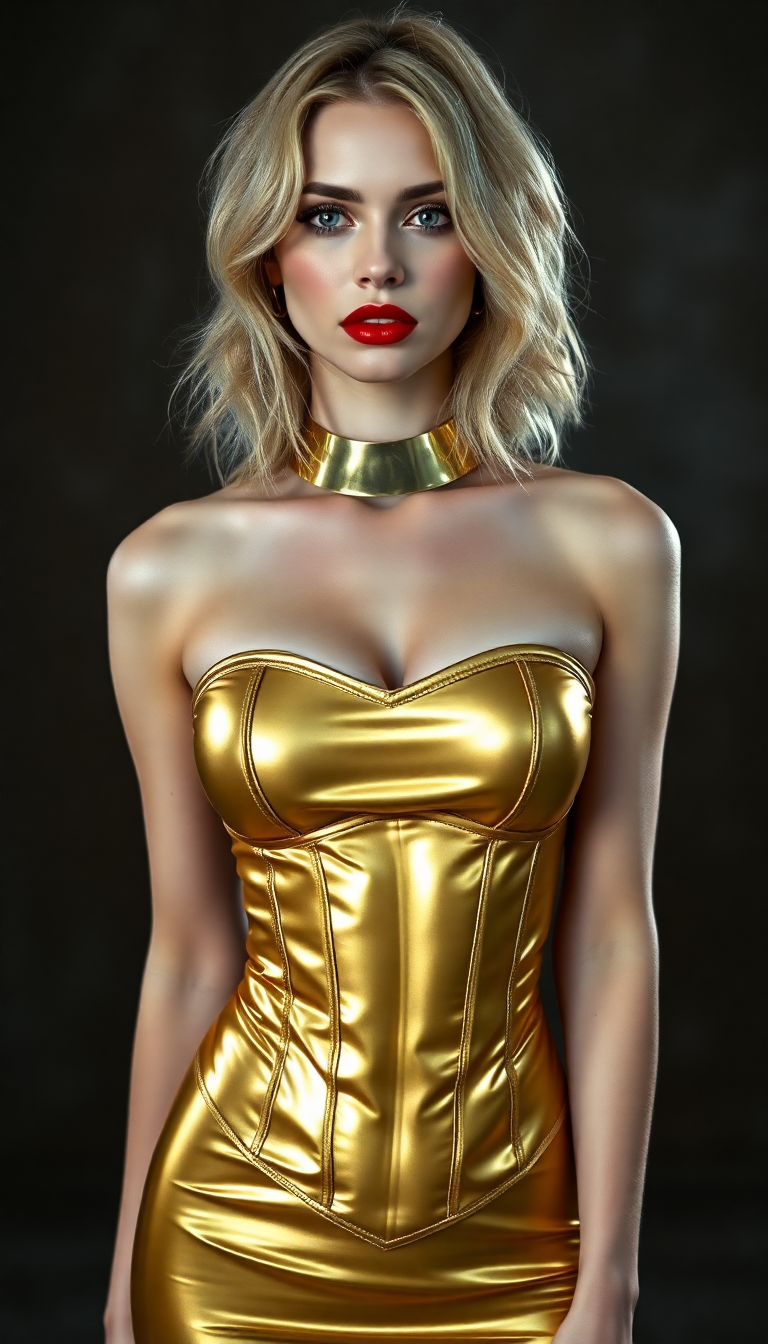
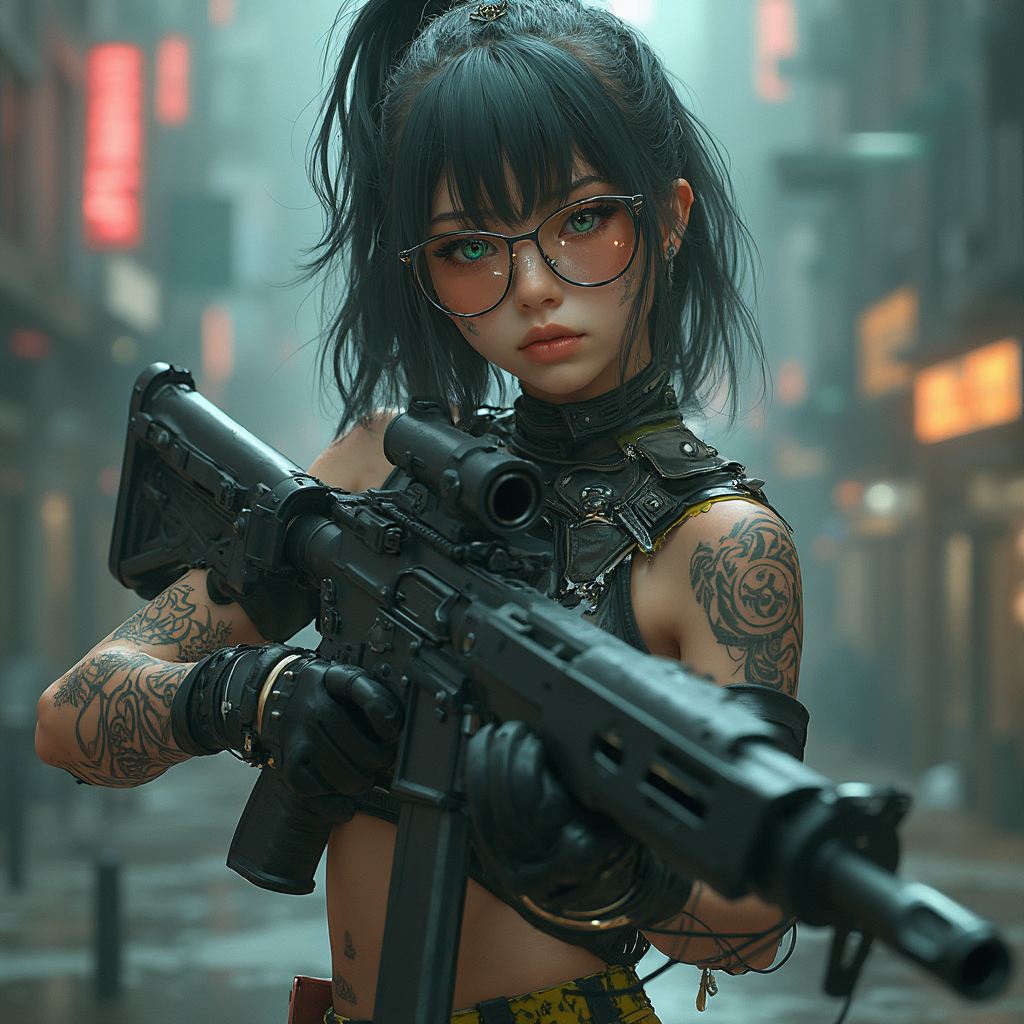
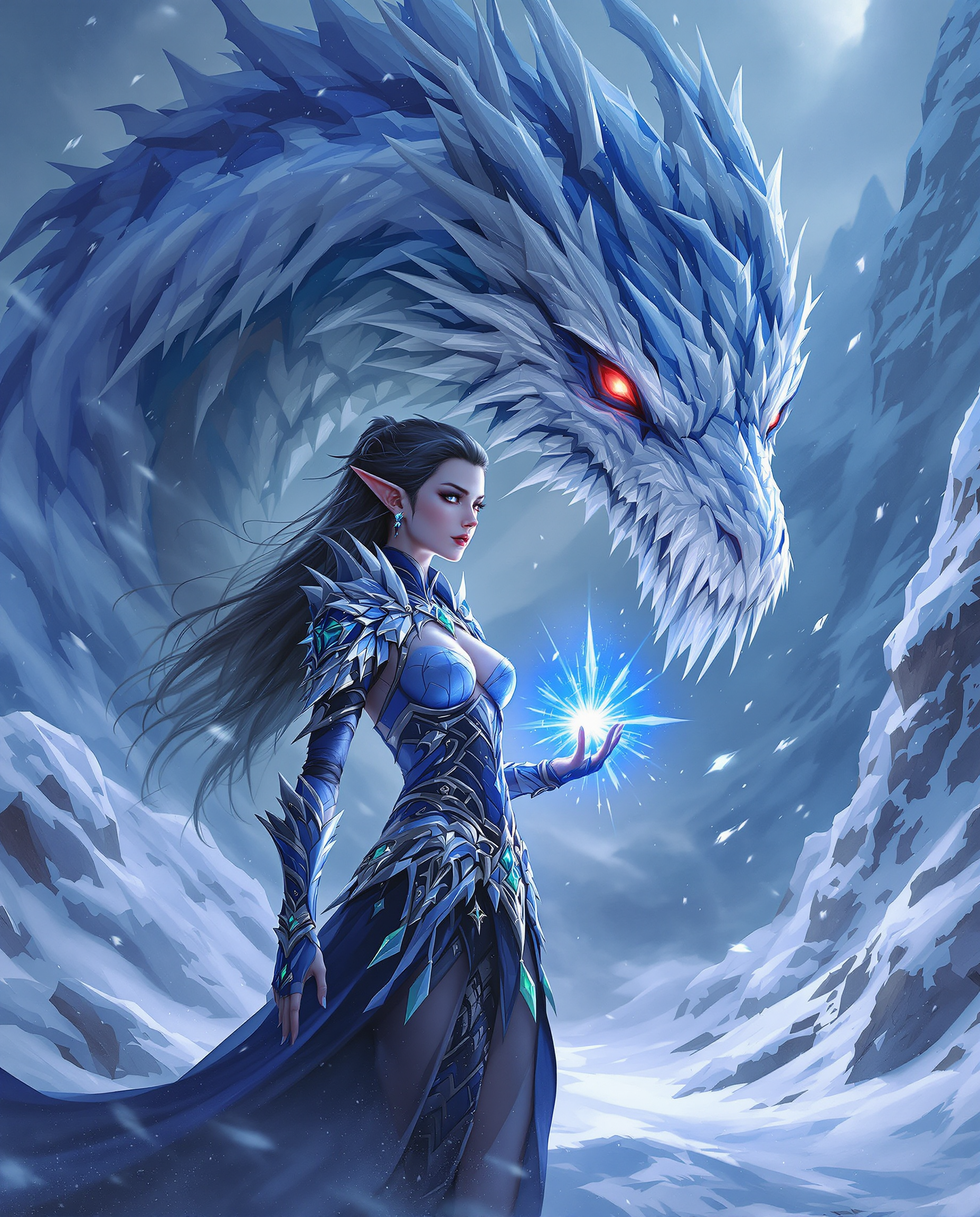
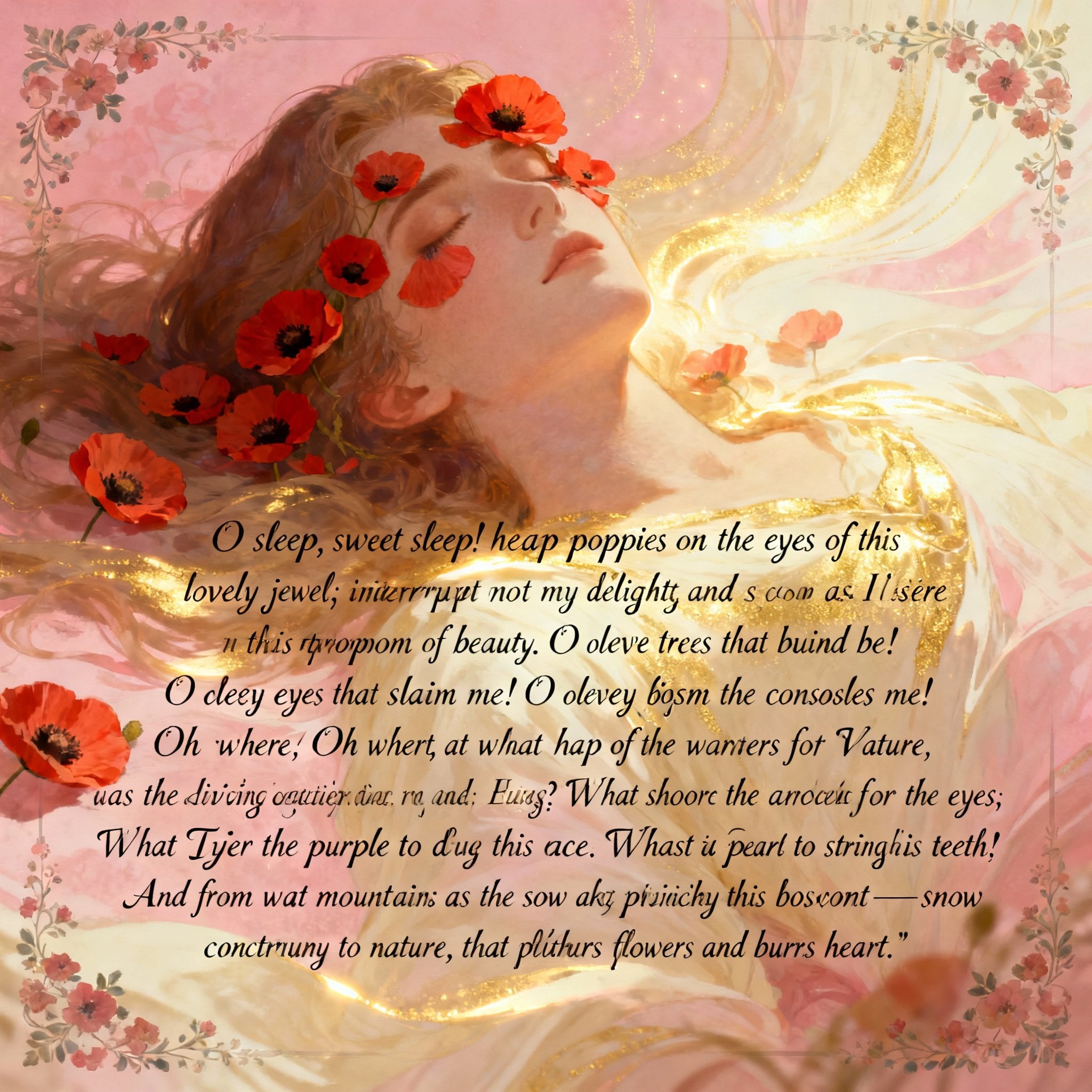
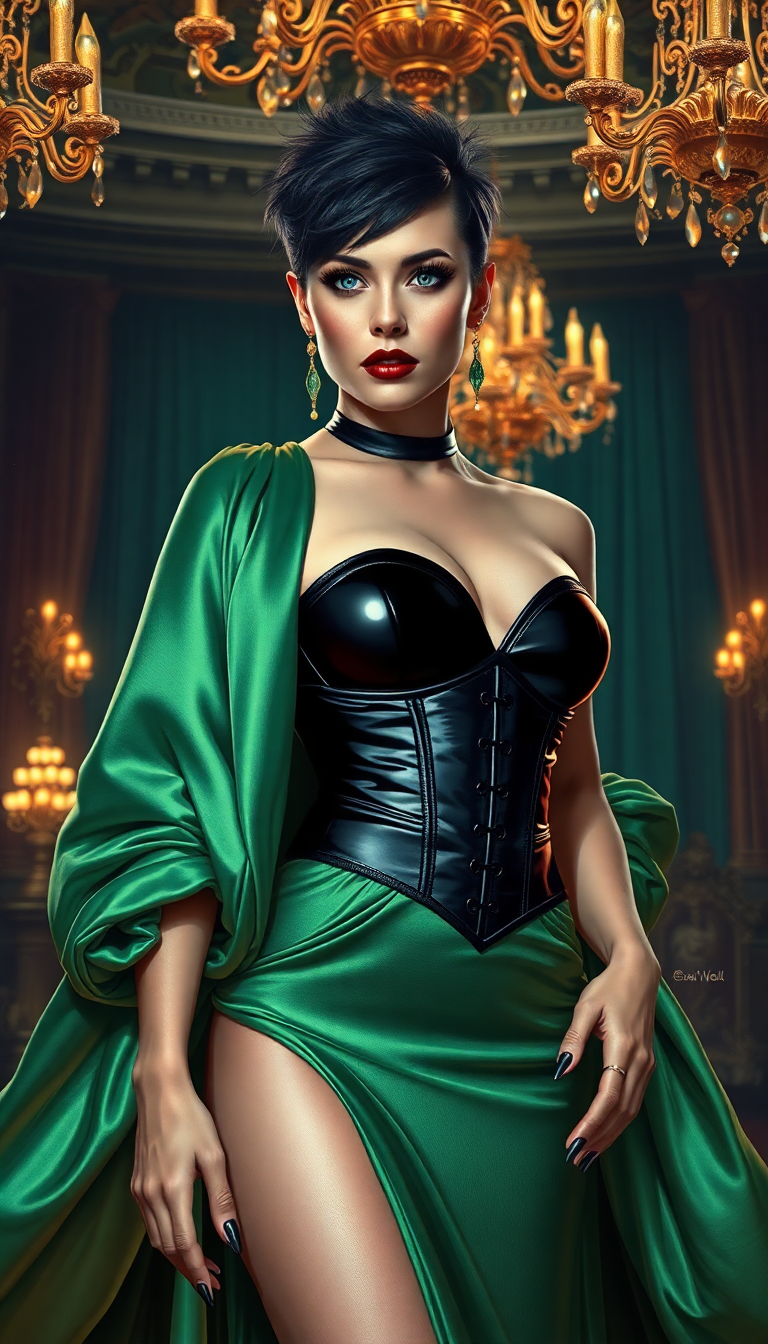
The Pixel Dojo Advantage
Why PixelDojo outperforms other options for HD photo generation
| Others | Pixel Dojo |
|---|---|
| Traditional HD photography | Eliminate expensive studio rentals, model fees, and scheduling delays. Generate unlimited professional HD photos on-demand for a fraction of the cost with complete creative control. |
| Generic AI tools | Access specialized models like Flux.1 Studio and Nano Banana 2 that consistently deliver superior photorealism, accurate anatomy, and high-resolution outputs without common artifacts or blurry results. |
| Manual photo editing | Skip hours of complex Photoshop work or learning curves. Our AI handles enhancement, upscaling, and refinements automatically so you achieve polished HD results faster and with less effort. |
Loved by creators on PixelDojo
Real feedback from people using PixelDojo, pulled from our in-product surveys.
Best AI tool availble the suite is rad
Versatility quality, value, ROI, innovation
variety of tools available and prompt tools
A "one-stop-shop" for creators! Thanks!!
Lots of different tools. It's easy to purchase more credits.
Amazing performance!
Explore more AI tools on PixelDojo
AI Tools
Compare & Switch
- Best AI Image Generators
- Best AI Video Generators
- Midjourney Alternatives
- Civitai Alternatives
- Runway Alternatives
- Leonardo Alternatives
- Pika Alternatives
- Luma Alternatives
- Magnific Alternatives
- Veo Alternatives
- Flux Alternatives
- Freepik Alternatives
- Seedance Alternatives
- Seedream Alternatives
- Pixverse Alternatives
- GPT Image Alternatives
- Synthesia Alternatives
- Playground Alternatives
- NightCafe Alternatives
- Canva AI Alternatives
- ElevenLabs Alternatives
- ComfyUI Alternatives
- Fal Alternatives
- Replicate Alternatives
Common Questions
Everything you need to know about hd photo maker
How do I create professional HD product photos with AI for my e-commerce store?
Use PixelDojo's HD Photo Maker by selecting Flux.1 Studio or GPT Image 2 from Generate Images. Craft detailed prompts describing your product in ideal lighting and angles, then refine with Image to Image or Inpainting tools. Finish with Portrait Upscaler or Magnific Upscaler for crisp 4K results that make your products pop and increase conversions.
What is the best way to generate consistent character HD portraits using an AI photo maker?
Start with Nano Banana 2 or Consistent Characters tool for reliable face and style consistency across multiple images. Input reference descriptions or upload initial photos for Image to Image editing. Apply Character Sheets or LoRA Face Swap if needed, then upscale with Clarity Pro to maintain sharp HD quality throughout your series.
Can I turn low-resolution photos into HD 4K images with PixelDojo's AI tools?
Absolutely. Upload your existing photo and use Edit Images features like Reality Polisher or Background Remover, followed by dedicated Upscale & Enhance tools such as P-Image Upscale, Magnific Upscaler, or Creative Upscaler. These deliver dramatic improvements in clarity and detail, transforming ordinary images into stunning professional HD photographs.
How to make realistic HD headshots for LinkedIn or resumes with AI?
Choose GPT Image 2 or Ideogram 4 in the Generate Images section and use prompts focused on professional attire, natural expressions, and studio-like lighting. For personalization, leverage Virtual Try-On or Character Stylist. Enhance final results with Portrait Upscaler to achieve polished, high-resolution headshots that present you professionally.
Is PixelDojo's HD photo maker suitable for creating 4K images for print or large displays?
Yes, our tools are built for high-resolution demands. Generate with models supporting advanced detail like Flux.1 Studio, then apply Video Upscaler (adaptable for stills) or Clarity Pro to reach true 4K and beyond. Thousands of users produce print-ready HD photos for posters, packaging, and advertising with exceptional sharpness and color accuracy.
What AI techniques help achieve the most photorealistic HD photos in 2026?
Focus on detailed prompting for lighting and textures, then combine generation with editing workflows using tools like Magic Lighting and Style Transfer. Leverage upscalers such as Magnific Upscaler for final polish. PixelDojo integrates the latest advancements in photorealism through models like Flux.1 Studio and Nano Banana 2, delivering results that rival traditional photography.