headswap ai

Generated on PixelDojo. Produced by PixelDojo's generation pipeline.
Imagine putting your face on your favorite celebrity's body, creating hilarious memes that go viral, or generating professional headshots without a photo shoot. With PixelDojo's AI Head Swap, you achieve photorealistic face swaps in seconds—no editing skills required. Whether you're crafting social media gold, personalized avatars, or custom marketing visuals, our Face Swap tool in the Characters section delivers seamless, high-fidelity results that look natural and indistinguishable from real photos. Unlock endless creative possibilities and stand out online today.
Real image examples generated on PixelDojo
Every example below was produced on PixelDojo. Hover to see the prompt.
A poised female AI assistant in a minimalist white suit
flux
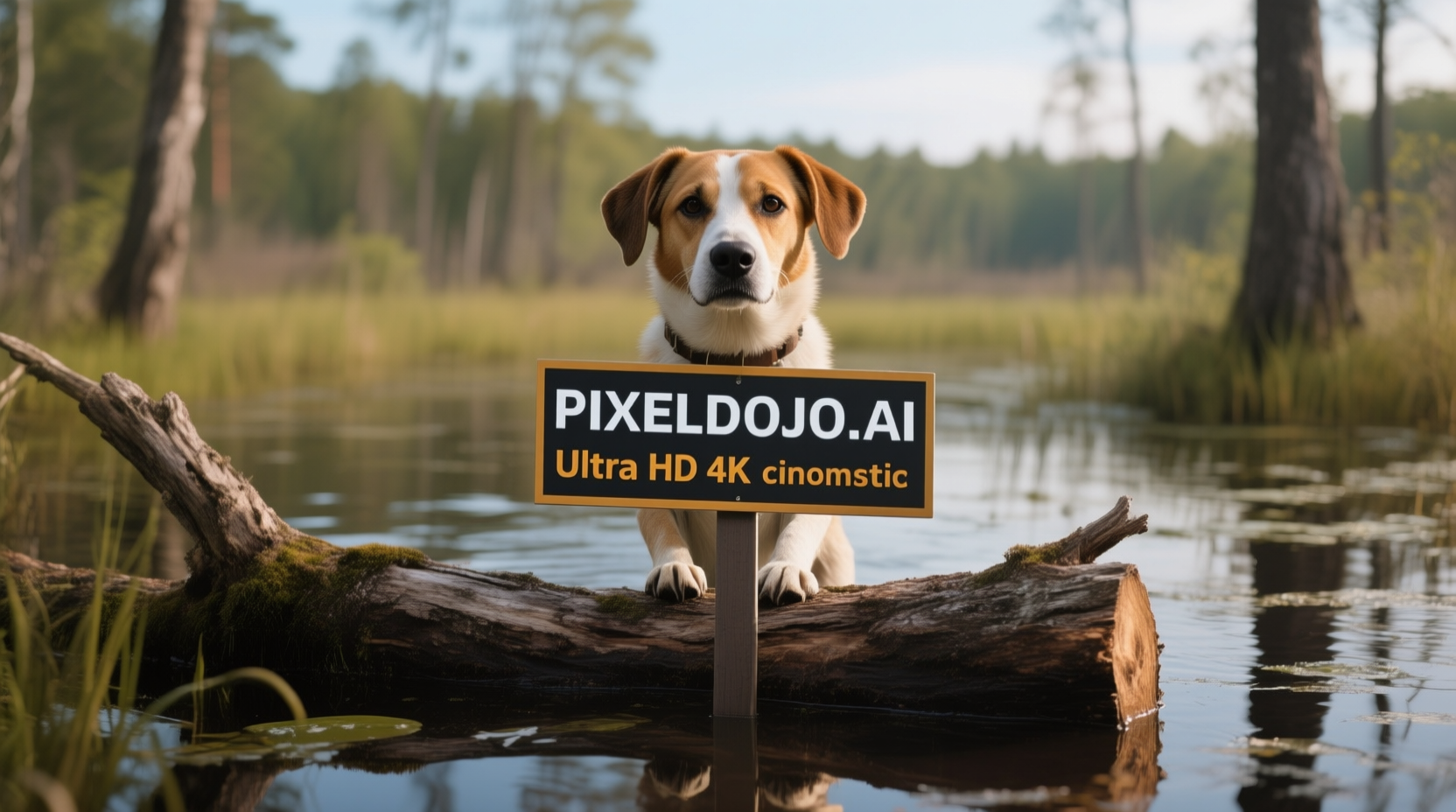
A dog in a bog on a log with a sign that reads PIXELDOJO
qwen-image
A kpop girl dancing and singing a song about how pixel dojo is the only ai tool you need
image-to-video
A kpop girl dancing and singing a song about how pixel dojo is the only ai tool you need
image-to-video
A kpop girl dancing and singing a song about how pixel dojo is the only ai tool you need
image-to-video
A kpop girl dancing and singing a song about how pixel dojo is the only ai tool you need
image-to-video
Models you can run on PixelDojo for headswap ai
Switch models without switching tools. Each one runs in the same PixelDojo studio.
What you can do with headswap ai on PixelDojo
Head Swap Generation Tool
We generate images with swapped heads based on your chosen references.
Multiple Reference Face Support
We handle several face references in one session for varied output options.
Pose Consistent Swaps
We maintain body poses during head replacement to produce natural looking results.
Batch Image Processing
We process batches of images to apply head swaps across sets.
Trusted by 50,000+ creators | 4.9/5 stars from 10K+ reviews | 'Best face swap tool ever' – Featured on Product Hunt | Generate 1M+ head swaps monthly
Why Choose Pixel Dojo for headswap ai
Professional-quality results with cutting-edge AI technology
Photorealistic Swaps That Fool the Eye
Achieve seamless head swaps where lighting, skin tones, and expressions match perfectly, making your images look like they were shot together. Use Face Swap with Portrait Upscaler for studio-quality results every time.
Viral Content in Seconds, Not Hours
Create shareable memes, reaction images, or personalized gifts instantly. Combine with Background Remover and Inpainting to refine and perfect your headswap ai masterpieces for maximum engagement.
Endless Customization Without Limits
Swap heads across any body, style, or scene. Leverage Consistent Characters and Pose Control to maintain identity across multiple images, building your personal brand or character library effortlessly.
How It Works
Creating stunning AI head swaps on PixelDojo is as simple as upload, swap, and download. Our Face Swap tool, powered by cutting-edge AI, handles the heavy lifting while you focus on creativity.
Step 1: Select Face Swap Tool
Head to the Characters section and choose Face Swap. Upload your source image (the body) and target head image. PixelDojo auto-detects faces for precise alignment—no manual cropping needed.
Step 2: Customize Your Swap
Add a prompt like 'swap head seamlessly with matching lighting, photorealistic' and tweak settings. Enhance with Inpainting for details or Style Transfer for artistic flair using PixelDojo's Edit Images tools.
Step 3: Generate & Download
Hit generate to get your headswap ai image in seconds. Use Creative Upscaler or Portrait Upscaler for 4K perfection, then download or share directly. Refine with Outpainting if needed.
The Pixel Dojo Advantage
Why PixelDojo outperforms other options for headswap ai image generation
| Others | Pixel Dojo |
|---|---|
| Traditional photo editing | Skip hours in software like Photoshop—get pro-level face swaps instantly with Face Swap, saving you time and frustration for viral-ready results. |
| Generic AI tools | Unlike basic generators, PixelDojo's Face Swap + Inpainting combo delivers hyper-realistic matches with perfect pose and lighting control, no artifacts. |
| Manual photo editing | No cloning brushes or layer masks needed—AI Head Swap automates everything, letting you iterate endlessly with tools like Consistent Characters for series. |
Loved by creators on PixelDojo
Real feedback from people using PixelDojo, pulled from our in-product surveys.
very useful set of tools for image creation, upscaling and enhancement
ease of use, variety of tools, high quality trainings, and a well-maintained discord channel
Ease of use, friendliness and support of the owner, continued innovation.
it is an amazing site to create a pics and vids for those who don't have the hardware themselves
good tools in one place
Prompt updates, strong features, and a community that is always willing to help and hear/act on professional feedback. I've never had a better experience.
Explore more AI tools on PixelDojo
AI Tools
Compare & Switch
- Best AI Image Generators
- Best AI Video Generators
- Midjourney Alternatives
- Civitai Alternatives
- Runway Alternatives
- Leonardo Alternatives
- Pika Alternatives
- Luma Alternatives
- Magnific Alternatives
- Veo Alternatives
- Flux Alternatives
- Freepik Alternatives
- Seedance Alternatives
- Seedream Alternatives
- Pixverse Alternatives
- GPT Image Alternatives
- Synthesia Alternatives
- Playground Alternatives
- NightCafe Alternatives
- Canva AI Alternatives
- ElevenLabs Alternatives
- ComfyUI Alternatives
- Fal Alternatives
- Replicate Alternatives
Common Questions
Everything you need to know about headswap ai
How does PixelDojo's headswap ai tool ensure realistic face swaps?
PixelDojo's Face Swap in the Characters section uses advanced AI to match skin tones, lighting, angles, and expressions automatically. Upload two images, and it blends them seamlessly—better than manual edits. Refine with Magic Lighting or Material Transfer from Edit Images for even more control, achieving results indistinguishable from photos.
Is ai head swap free on PixelDojo?
Yes, start with free credits on signup for unlimited headswap ai trials. Access 40+ tools like Face Swap, Portrait Upscaler, and Inpainting. Upgrade to subscription for unlimited generations—cancel anytime, loved by thousands worldwide.
Can I use ai face swap online for videos too?
Absolutely! After creating headswap ai images with Face Swap, animate them using WAN 2.2 Animate or Lip Sync in Video Edit tools. Or try OmniHuman for full-body swaps. Generate static images first, then bring to life seamlessly.
What are the best prompts for free headswap ai generation?
Use descriptive prompts like 'seamless head swap on athlete body, dynamic pose, stadium lighting, photorealistic' in Face Swap. Combine with Pose Control for accuracy or Consistent Characters for series. PixelDojo's Image Analyzer helps optimize prompts instantly.
Does PixelDojo support multi-face headswap ai swaps?
Yes, Face Swap handles multiple faces effortlessly. Use Inpainting for targeted swaps or Multidiffusion Upscaler for group photos. Perfect for event posters, family edits, or meme collages—scale your creativity without limits.
How to fix common issues in ai head swap online results?
Minor glitches? Use Outpainting to extend edges, Inpainting for details, or Style Transfer for harmony. Portrait Upscaler sharpens faces. PixelDojo's tools like these ensure pro results—thousands of creators rely on them daily.