ideogram 4 instant AI Generator

Generated on PixelDojo. Produced by PixelDojo's generation pipeline.
You can now produce campaign-ready posters, product mockups, book covers, and social carousels in the time it takes to type a sentence. Ideogram 4 Instant on PixelDojo delivers lightning-fast generations packed with perfectly readable headlines, logos, and labels that actually match what you asked for. Whether you need a vintage travel poster with exact destination text, a skincare bottle mockup with real product copy, or a magazine cover that looks print-ready, you get professional results without hiring a designer or waiting minutes per image. Start with a simple idea, watch Instant mode spit out variations in under a second, then refine until every letter, color, and layout feels exactly right. Thousands of creators already use this to ship daily content, test ad concepts, and build brand assets that convert. PixelDojo puts Ideogram 4 Instant, P-Image Ideogram, and 40+ other cutting-edge tools in one place so you can move from spark to finished visual without switching platforms.
Real image examples generated on PixelDojo
Every example below was produced on PixelDojo. Hover to see the prompt.
A young Black child with glowing eyes kneels at the edge of a mirror-flat river under an o…
creative-upscaler
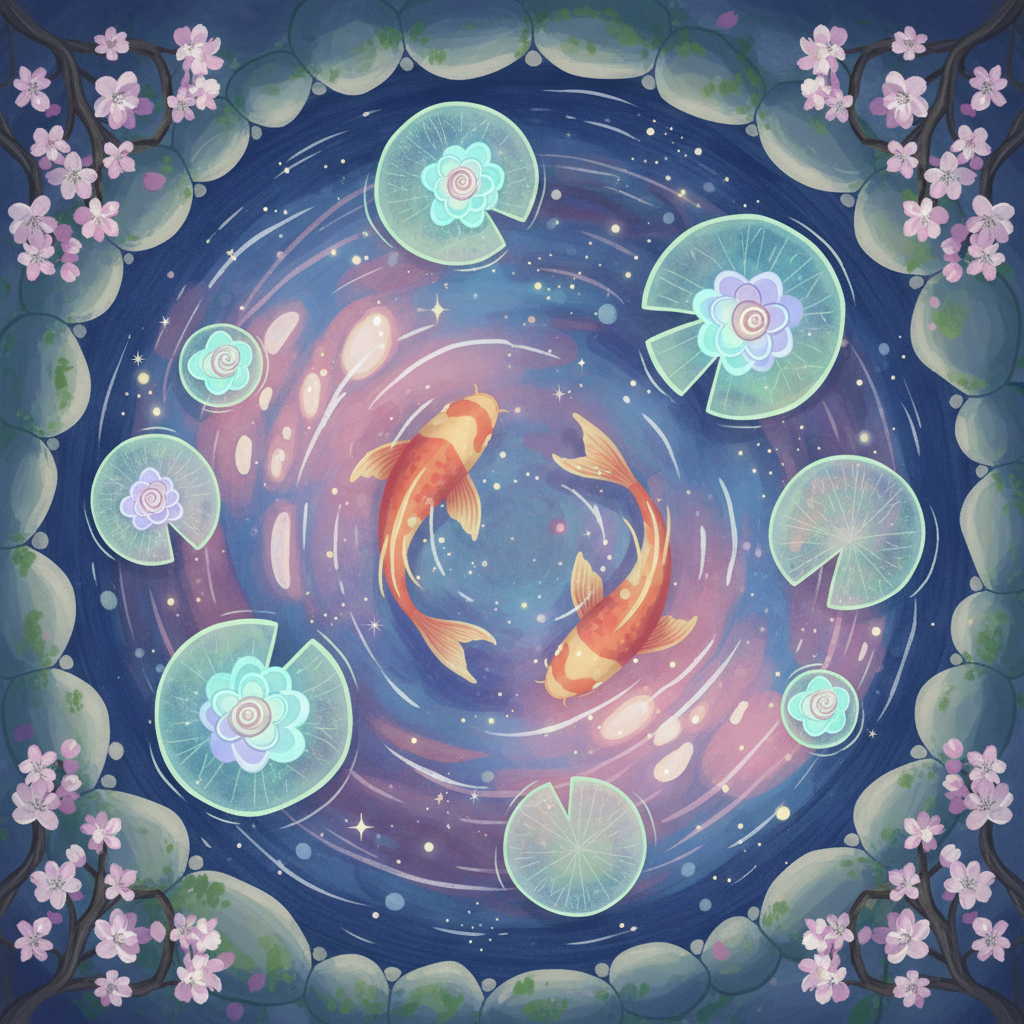
Gg-illustration
image-to-image
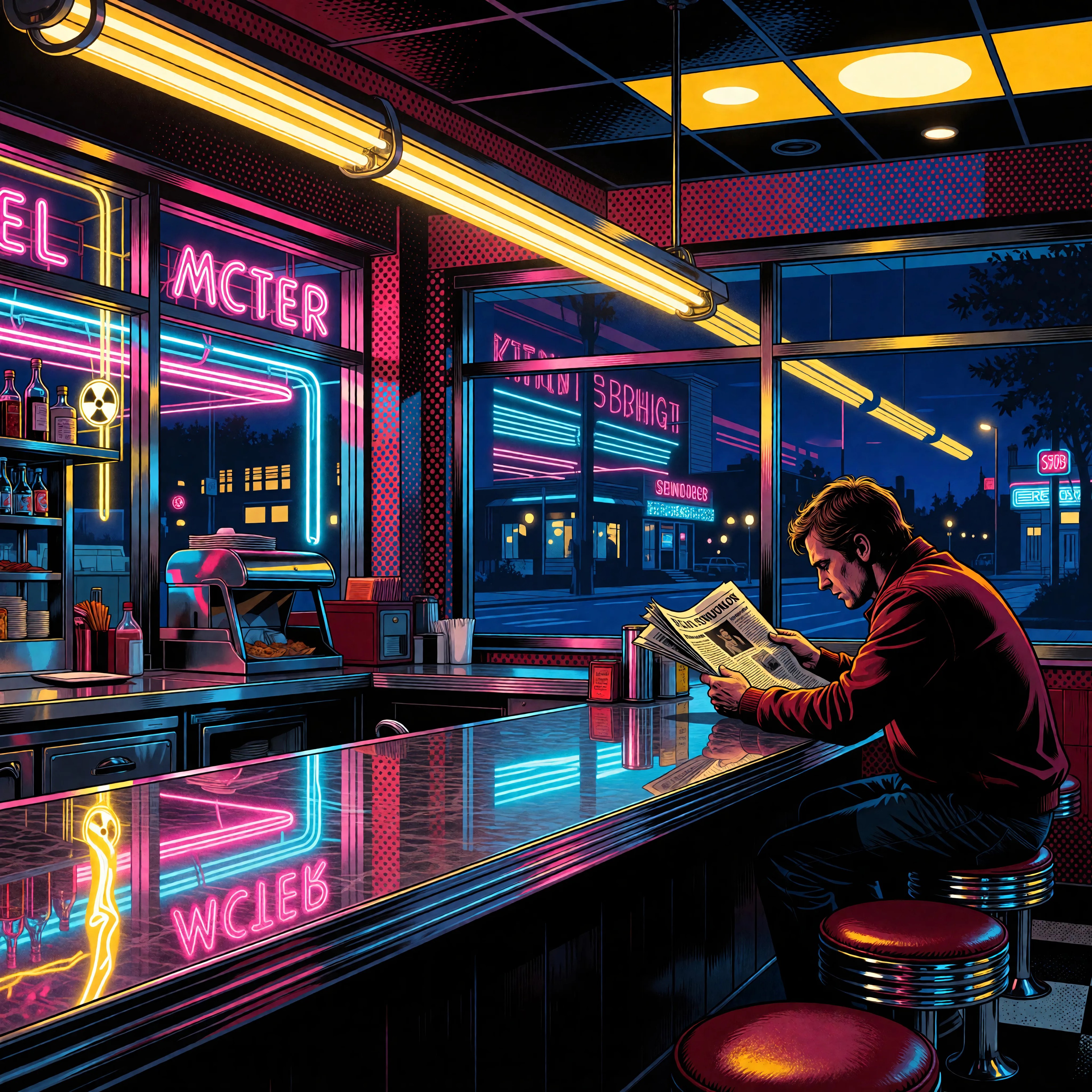
Ia-stylized
image-to-image
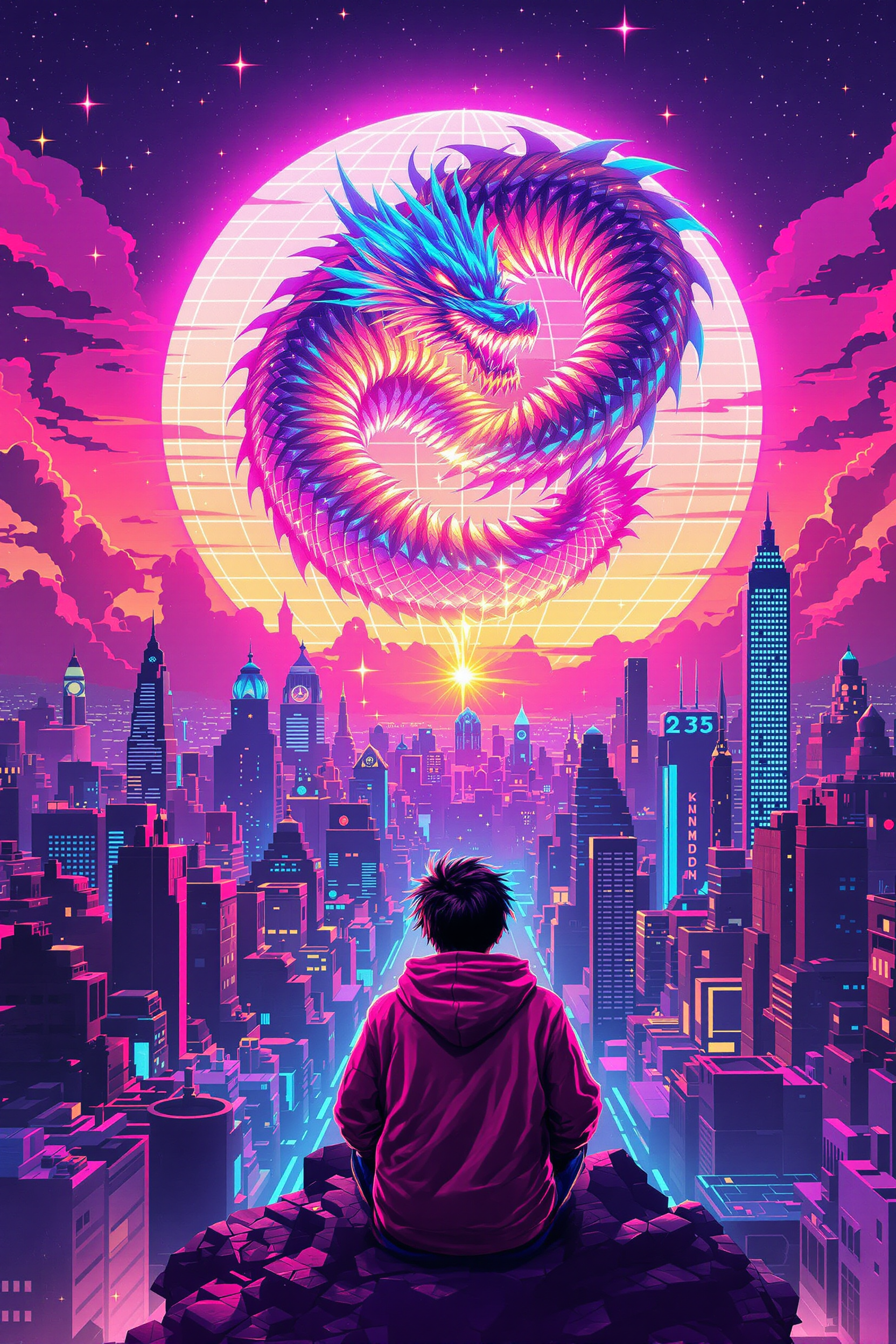
Block-style youth in neon hoodie releasing a glowing voxel dragon above a retro arcade sky…
flux-studio
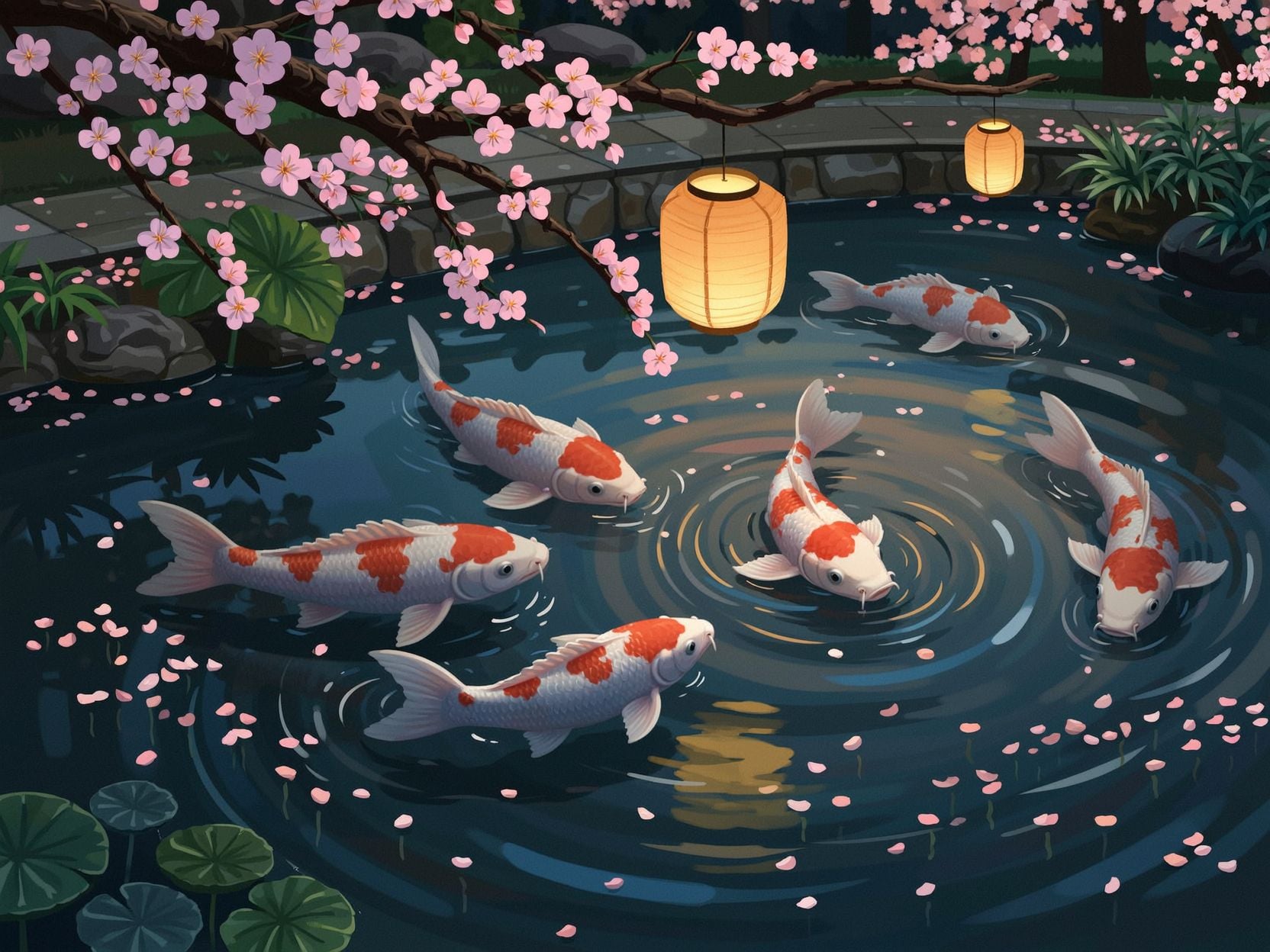
Wi-stylized
image-to-image

In a huge walnut shell
flux
Models you can run on PixelDojo for ideogram 4 instant
Switch models without switching tools. Each one runs in the same PixelDojo studio.
What you can do with ideogram 4 instant on PixelDojo
Instant Ideogram 4 Access
We run Ideogram 4 Instant on PixelDojo so you can generate images from prompts without leaving the studio. Results land in your workspace for review, reuse, and further edits.
Clear Text in Images
Use Ideogram 4 Instant when you need readable titles, labels, and lettering inside the picture. We keep generation, history, and downloads in one place.
Prompt to Image Quickly
Submit a prompt and get Ideogram 4 Instant outputs suited to drafts, mood boards, and social stills. Iterate in the same session without switching tools.
Create Then Refine Here
We pair Ideogram 4 Instant with upscale, variations, and organization so you can move from a first frame to a usable asset. Your generations stay tied to the project you are working on.
Loved by thousands of creators worldwide who generate millions of images monthly. 40+ cutting-edge AI tools including Ideogram 4 Instant. Cancel anytime—try it today with zero risk.
Why Choose Pixel Dojo for ideogram 4 instant
Professional-quality results with cutting-edge AI technology
Ship Print-Ready Graphics with Readable Text Instantly
You produce posters, packaging, and ads where every headline, slogan, and label appears spelled correctly and placed exactly where you want it. Instant mode lets you test ten layout ideas before your coffee cools, then lock the winner for client or campaign use.
Iterate Campaign Concepts at Superhuman Speed
You explore dozens of social carousel slides, product shots, or event flyers in minutes instead of hours. Instant generation turns prompt tweaks into new images almost immediately, so you find the winning visual while the idea is still hot.
Keep Every Asset On-Brand Without Extra Work
You lock hex palettes, exact typography, and spatial layouts so every image matches your brand guidelines on the first try. Consistent characters, logos, and color stories become automatic, letting you scale content without losing identity.
How It Works
Creating Ideogram 4 Instant images on PixelDojo takes three simple steps. You stay in control of text, layout, and style while the platform handles the heavy lifting.
Step 1: Choose Your Tool
Open PixelDojo and select Generate Images. Pick Ideogram 4 or P-Image Ideogram for Instant-speed generations with superior text rendering. These tools are purpose-built for design work that needs readable copy, precise placement, and native high-resolution output. You can also combine them later with Flux.2 Studio or Krea Image for extra style variety.
Step 2: Enter Your Prompt
Type a natural description or structured request. Put any words you want rendered inside quotes like "SUMMER SALE" and mention placement such as "headline across the top." For even tighter control, describe colors, lighting, and layout. PixelDojo’s Magic Prompt option expands simple ideas into rich instructions automatically. Instant mode generates in a fraction of a second so you can keep refining live.
Step 3: Customize & Download
Review the Instant results, then use Edit Images tools like Inpainting, Style Transfer, Background Remover, or Image Outpainting to perfect details. Upscale with P-Image Upscale or Magnific Upscaler if needed. Download in the exact size and format you need, or send straight to Marketing Studio for video versions. Everything stays inside PixelDojo so your workflow never breaks.
The Pixel Dojo Advantage
Why PixelDojo outperforms other options for Ideogram 4 Instant image generation
| Others | Pixel Dojo |
|---|---|
| Traditional graphic design | You skip weeks of briefing, sketching, and revisions. Instant generations give you finished, text-perfect assets in seconds that you can iterate until they convert, all without design software or freelancer fees. |
| Generic AI tools | You get best-in-class readable text, exact color palettes, and layout control that generic generators still struggle with. PixelDojo’s dedicated Ideogram 4 Instant plus complementary editors produce campaign-ready work instead of almost-right images. |
| Manual photo editing | You create original concepts with perfect type already in place rather than hunting stock photos and overlaying text by hand. Instant mode plus inpainting and style transfer lets you generate, refine, and brand assets faster than any traditional retouching pipeline. |
Loved by creators on PixelDojo
Real feedback from people using PixelDojo, pulled from our in-product surveys.
I love this app
It has all the tools I can think of...
deployment rate of splendid features is incredible. Legend
large selection of tools on one platform
the amount you can do on this site
all in one place
Explore more AI tools on PixelDojo
AI Tools
Compare & Switch
- Best AI Image Generators
- Best AI Video Generators
- Midjourney Alternatives
- Civitai Alternatives
- Runway Alternatives
- Leonardo Alternatives
- Pika Alternatives
- Luma Alternatives
- Magnific Alternatives
- Veo Alternatives
- Flux Alternatives
- Freepik Alternatives
- Seedance Alternatives
- Seedream Alternatives
- Pixverse Alternatives
- GPT Image Alternatives
- Synthesia Alternatives
- Playground Alternatives
- NightCafe Alternatives
- Canva AI Alternatives
- ElevenLabs Alternatives
- ComfyUI Alternatives
- Fal Alternatives
- Replicate Alternatives
Common Questions
Everything you need to know about ideogram 4 instant
How do I generate images with accurate readable text using Ideogram 4 Instant on PixelDojo?
Open Generate Images, select Ideogram 4 or P-Image Ideogram, and wrap the exact words you want in quotes while describing their position. Instant mode produces results in under a second so you can tweak placement and style live. PixelDojo automatically handles high-fidelity letterforms that stay sharp even at small sizes, making it ideal for posters, logos, and packaging.
What makes Ideogram 4 Instant different for creating marketing posters and social graphics?
You get sub-second generation combined with industry-leading text rendering and layout control. This lets you produce dozens of on-brand carousel slides, event flyers, or product mockups in the time other tools take for one image. Pair it with PixelDojo’s Marketing Studio and Video tools to turn stills into full campaigns without leaving the platform.
Can I control exact colors and element placement with Ideogram 4 Instant?
Yes. Specify hex palettes and describe spatial layout in your prompt. Instant generations respect those instructions so your brand colors and composition stay consistent across every variation. Follow up with Style Transfer or Magic Lighting in Edit Images if you want further refinement.
Is Ideogram 4 Instant suitable for professional client work and print?
Absolutely. Native high-resolution output plus crisp typography means you can go from Instant draft to print-ready file in minutes. Use Quality follow-up generations or PixelDojo’s upscalers for hero assets, then download in the exact dimensions your printer or platform requires.
How does PixelDojo make Ideogram 4 Instant easier than running the model elsewhere?
You get a simple web interface, Magic Prompt expansion, Instant/Turbo/Quality tiers, and seamless access to 40+ complementary tools like Inpainting, Character Sheets, and Video generation. No local setup, no JSON wrestling unless you want it, and you can cancel anytime. Thousands of creators already rely on this all-in-one workflow daily.
What if I need to edit or extend my Ideogram 4 Instant images after generation?
PixelDojo’s Edit Images suite lets you inpaint, change camera angle, remove backgrounds, outpaint, or apply style transfer without starting over. You can also feed the result into Consistent Characters, Virtual Try-On, or any of the video tools. Everything stays connected so your original text-perfect generation becomes the foundation for a complete asset library.