imagineart 2.0 AI Generator
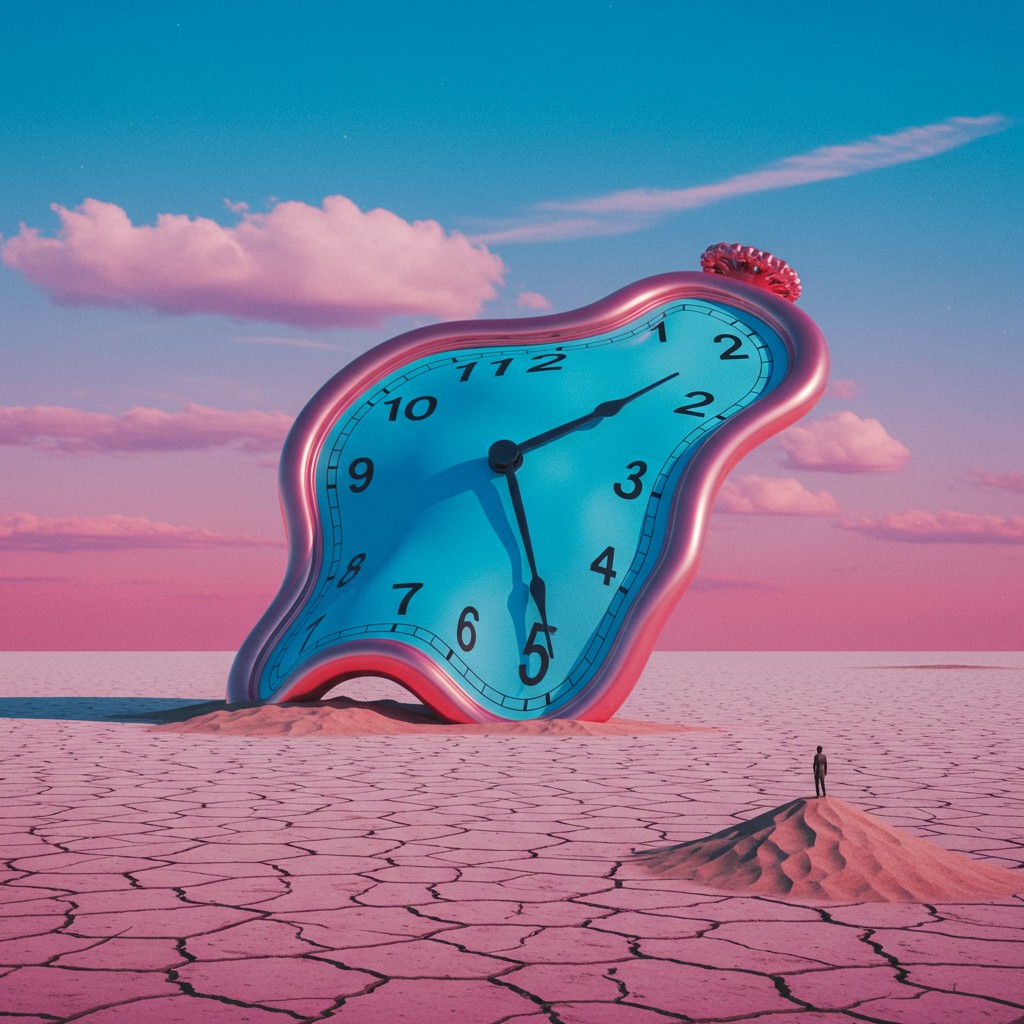
Generated on PixelDojo. Produced by PixelDojo's generation pipeline.
You can now produce photorealistic images so convincing they look like they came from a professional photoshoot—without cameras, lighting rigs, models, or expensive retouching. PixelDojo puts ImagineArt 2.0 at your fingertips so you generate hero product shots, editorial portraits, architectural visualizations, and cinematic campaign assets that convert viewers into customers. ImagineArt 2.0 delivers true-to-life textures like skin pores, fabric weaves, water refraction and subsurface scattering, plus cinematic lighting and precise composition that sit closer to actual photography than ever before. Marketers launch high-stakes campaigns faster, designers create unlimited mockups, and creators build portfolios that stand out. Pair ImagineArt with Flux.2 Studio, Seedream 5, Nano Banana 2 and Ideogram 4 inside the same workspace, then refine with Image to Image, Inpainting, Reality Polisher and P-Image Upscale. Loved by thousands of creators worldwide, PixelDojo gives you 40+ cutting-edge AI tools you can cancel anytime. Start turning your vision into publish-ready visuals today.
Real image examples generated on PixelDojo
Every example below was produced on PixelDojo. Hover to see the prompt.
Surreal conceptual artwork
imagen
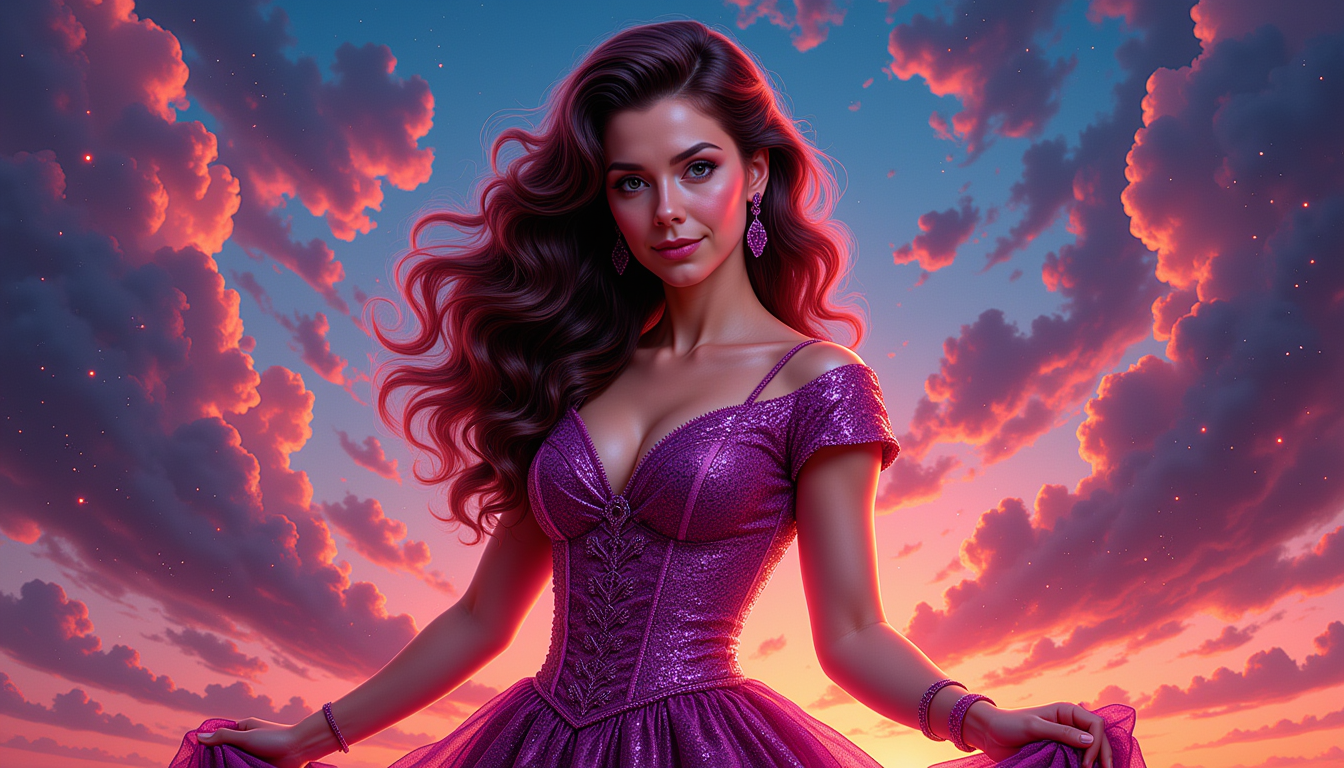
Kira-Original-Zip
stable-diffusion
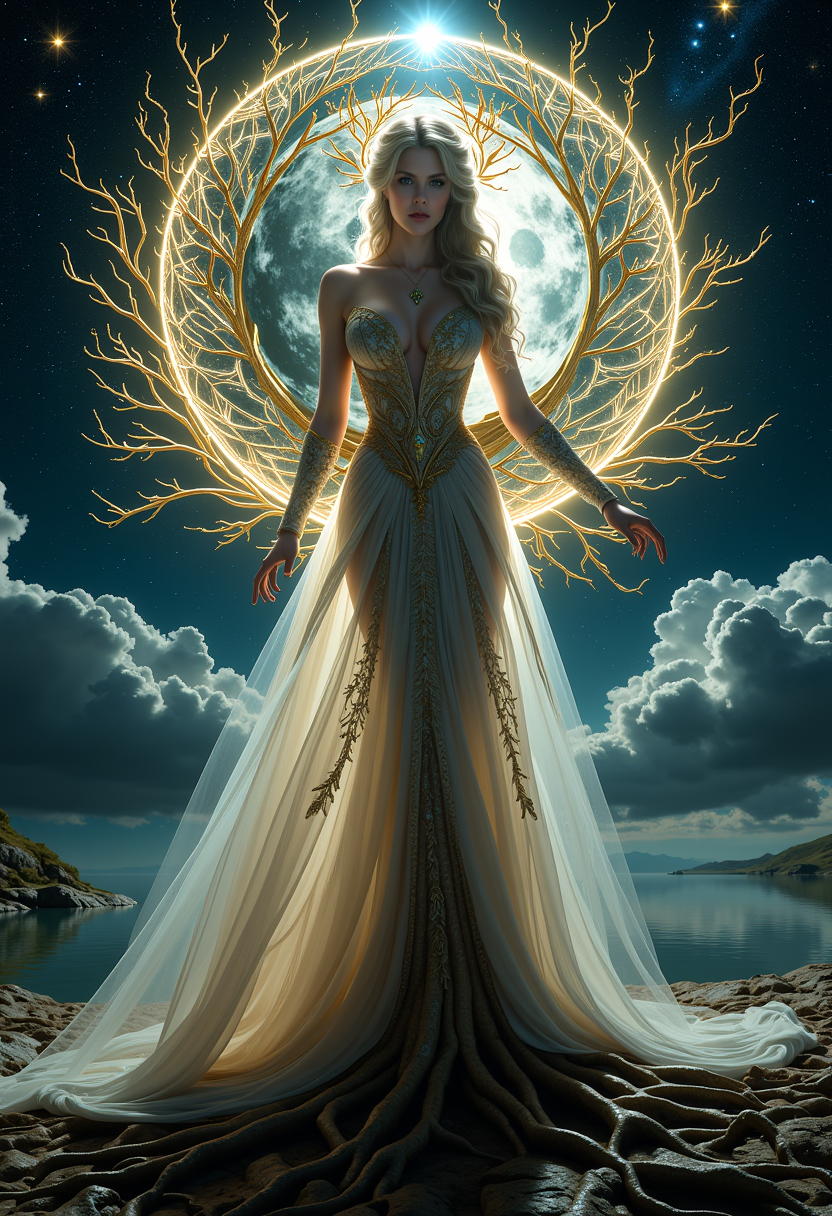
FantasyWomanLoRa
stable-diffusion
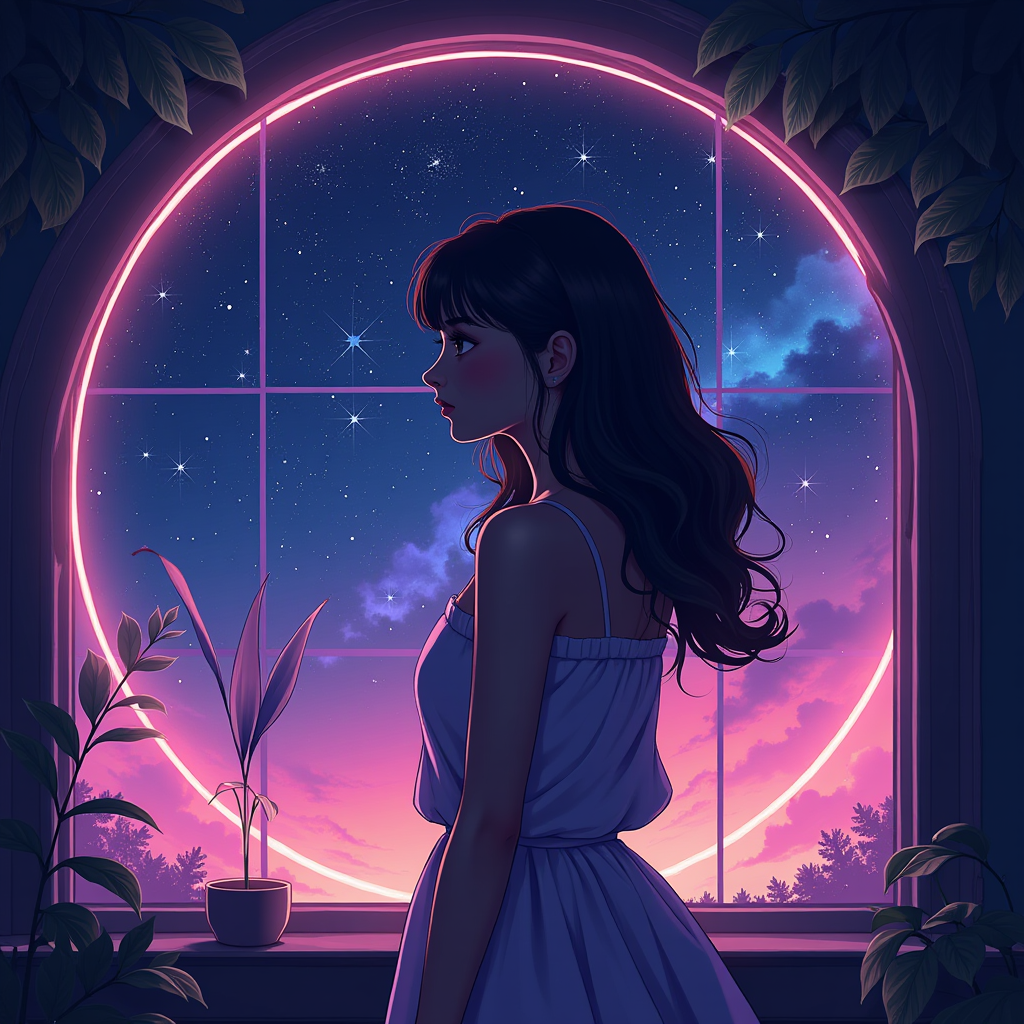
imagineart 2.0 on PixelDojo
flux
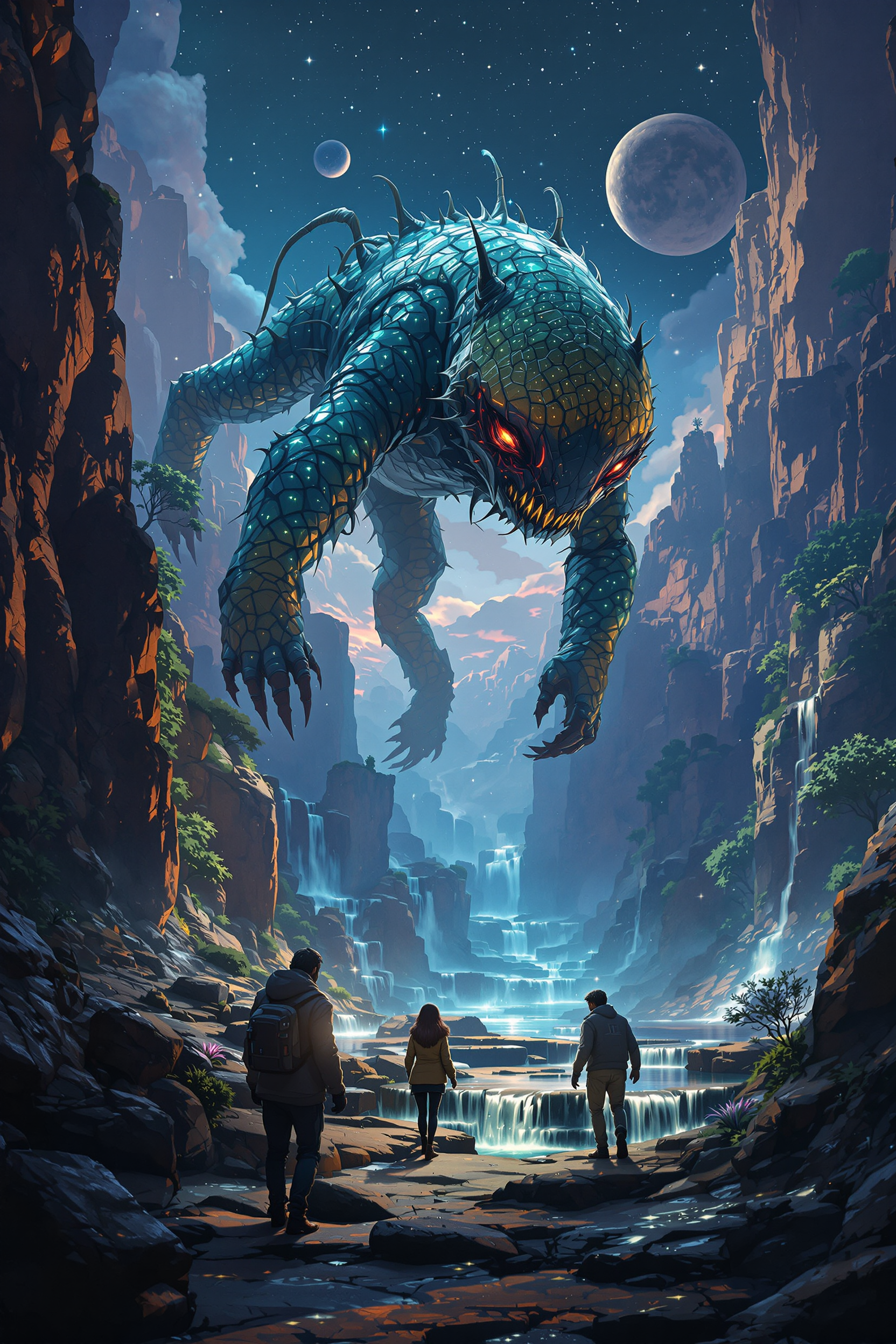
Strange and otherworldly scenery on a distant planet
flux
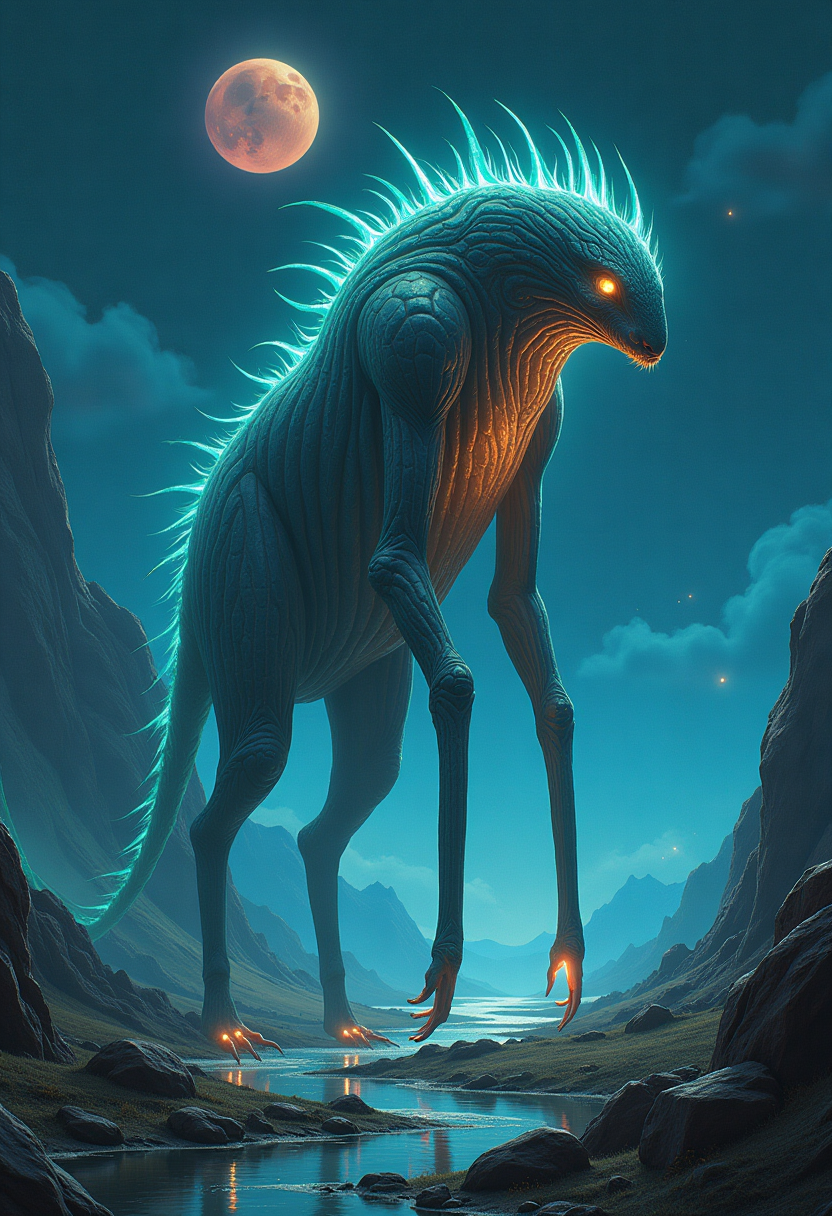
Strange and otherworldly scenery on a distant planet
flux
Models you can run on PixelDojo for imagineart 2.0
Switch models without switching tools. Each one runs in the same PixelDojo studio.
What you can do with imagineart 2.0 on PixelDojo
Text to Image
We turn your written prompts into still images you can use in drafts, mood boards, and production. You can iterate on wording and keep generating until the frame matches what you need.
Style and Composition Control
We let you steer look and layout with style cues, aspect ratios, and reference details in the prompt. That helps you keep a consistent visual language across a set of images.
Variations and Quick Edits
We generate alternate takes of a result so you can compare options without starting over. You can refine a chosen image with follow-up prompts and keep the versions you want.
Creator Ready Exports
We provide downloads you can drop into design tools, social posts, and client reviews. You stay in control of which outputs you keep, share, or discard.
Thousands of creators worldwide trust PixelDojo to generate millions of photorealistic images every month. ImagineArt 2.0's 97% realism score and 96% prompt accuracy power commercial work, viral social content and premium editorial—all from one platform with 40+ tools.
Why Choose Pixel Dojo for imagineart 2.0
Professional-quality results with cutting-edge AI technology
Hero Shots That Convert Browsers Into Buyers
You create product photography with macro-level detail, dramatic lighting and perfect reflections that look like a $10,000 studio session. Your ecommerce pages, ads and packaging instantly feel premium and drive higher sales.
Cinematic Portraits and Scenes on Demand
You achieve magazine-quality lifestyle and editorial images with accurate depth of field, golden-hour lighting and spatial depth. Your social campaigns and brand stories captivate audiences without hiring photographers or locations.
Branded Assets With Crisp, Readable Text
You generate posters, signage and packaging with precise typography in any language or layout. Your marketing materials stay on-brand and production-ready, eliminating extra design rounds and speeding time to market.
How It Works
You go from idea to downloadable photorealistic masterpiece in minutes using PixelDojo's ImagineArt 2.0, then enhance results with the full suite of editing, character and upscaling tools for commercial-ready output.
Step 1: Choose Your Tool
Log into PixelDojo, open Generate Images and select ImagineArt for flagship photorealism and composition control. You can also explore Flux.2 Studio or Seedream 5 for complementary styles, then move straight into Image to Image or Inpainting if you already have a reference.
Step 2: Enter Your Prompt
Describe your vision with photographic language: subject, lighting (cinematic directional, golden hour), camera (85mm f/1.4, macro), mood and composition. Example: 'premium glass serum bottle on wet black stone, dramatic reflections, commercial photography'. ImagineArt 2.0 interprets complex multi-element prompts with high fidelity so you get the exact scene you imagined.
Step 3: Customize & Download
Generate variations, then refine with Edit Images tools such as Change Camera Angle, Style Transfer, Magic Lighting, Background Remover or Reality Polisher. Upscale to print-ready quality using P-Image Upscale, Magnific Upscaler or Clarity Pro. Add consistent characters via Consistent Characters or Face Swap if needed, then download instantly for your campaign.
The Pixel Dojo Advantage
Why PixelDojo outperforms other options for ImagineArt 2.0 photorealistic image generation
| Others | Pixel Dojo |
|---|---|
| Traditional photography | You skip studio rental, model fees, lighting setups and days of post-production. Generate unlimited photorealistic hero shots, portraits and architectural views in seconds at a fraction of the cost while keeping complete creative control. |
| Generic AI tools | You access ImagineArt 2.0 together with 40+ specialized models including Nano Banana 2, Ideogram 4, Kling Image and Seedream 5, plus seamless editing, upscaling and character tools in one workspace instead of jumping between disconnected platforms. |
| Manual photo editing | You go from a single prompt to a polished, print-ready image without layers, masks or hours in complex software. Combine generation, inpainting, lighting adjustments and 4K upscaling instantly so your team ships campaigns faster. |
Loved by creators on PixelDojo
Real feedback from people using PixelDojo, pulled from our in-product surveys.
Accurate results
Great site and so much fun to use!
very useful set of tools for image creation, upscaling and enhancement
ease of use, variety of tools, high quality trainings, and a well-maintained discord channel
Ease of use, friendliness and support of the owner, continued innovation.
it is an amazing site to create a pics and vids for those who don't have the hardware themselves
Explore more AI tools on PixelDojo
AI Tools
Compare & Switch
- Best AI Image Generators
- Best AI Video Generators
- Midjourney Alternatives
- Civitai Alternatives
- Runway Alternatives
- Leonardo Alternatives
- Pika Alternatives
- Luma Alternatives
- Magnific Alternatives
- Veo Alternatives
- Flux Alternatives
- Freepik Alternatives
- Seedance Alternatives
- Seedream Alternatives
- Pixverse Alternatives
- GPT Image Alternatives
- Synthesia Alternatives
- Playground Alternatives
- NightCafe Alternatives
- Canva AI Alternatives
- ElevenLabs Alternatives
- ComfyUI Alternatives
- Fal Alternatives
- Replicate Alternatives
Common Questions
Everything you need to know about imagineart 2.0
How do I create photorealistic product photos with ImagineArt 2.0 on PixelDojo?
Select ImagineArt in Generate Images, write a detailed prompt that includes surface materials, lighting direction, camera lens and composition (for example a glass bottle on wet stone with macro reflections). Generate variations, then use Image to Image, Inpainting or Reality Polisher to perfect details. Finish with P-Image Upscale or Magnific Upscaler for commercial 4K output. You get studio-quality hero shots in minutes instead of days.
What makes ImagineArt 2.0 the best choice for cinematic portraits and lifestyle photography?
ImagineArt 2.0 renders skin texture, fabric weave, subsurface scattering and natural lighting behavior with 97% realism. You describe camera settings, mood and depth of field and receive images that sit alongside actual photography. Combine with Change Camera Angle, Magic Lighting and Portrait Upscaler on PixelDojo to produce editorial-quality portraits and lifestyle scenes for campaigns or social content without a photoshoot.
Can I generate images with accurate text using ImagineArt 2.0?
Yes. ImagineArt 2.0 delivers precise, legible text in any language, font style and layout—from neon signs to packaging labels. For even more typography-heavy work you can switch to Ideogram 4 inside the same PixelDojo Generate Images panel, then refine with Image Analyzer or Style Transfer. Your posters, ads and branded assets stay production-ready without extra design software.
How do I upscale and enhance ImagineArt 2.0 images for print or large-format use?
After generation, send your image to Upscale & Enhance tools such as P-Image Upscale, Magnific Upscaler, Creative Upscaler or Clarity Pro. These preserve the photorealistic detail ImagineArt 2.0 is known for while delivering print-ready resolution. You can also apply Reality Polisher or Portrait Upscaler for extra skin and texture fidelity before downloading.
Is ImagineArt 2.0 suitable for architectural visualization and interior design?
Absolutely. The model excels at spatial depth, material accuracy and cinematic lighting, making it ideal for contemporary homes, commercial spaces and heritage buildings. Prompt with camera language (24mm, blue hour, wet pavement reflections) then use Image Outpainting or Change Camera Angle to explore different views. PixelDojo's 3D tools like Rodin and Hunyuan 3D let you take the same concept further if needed.
How does PixelDojo make ImagineArt 2.0 easier and more powerful than using it elsewhere?
PixelDojo gives you ImagineArt 2.0 plus 40+ complementary models, editing tools (Inpainting, Style Transfer, Background Remover), character consistency features, video generation and upscalers in a single dashboard. You iterate faster, maintain brand consistency across stills and motion, and cancel anytime. Thousands of creators already rely on this all-in-one workflow to produce commercial work at scale.