kling 2.6 pro online AI Generator
Generated on PixelDojo. Produced by PixelDojo's generation pipeline.
You want images that stop the scroll, look like they belong in a major film, and feel alive with emotion, light, and detail. PixelDojo puts Kling 2.6 Pro online power in your hands so you can generate those cinematic photorealistic images without a camera, crew, or hours of editing. Start with a simple idea and walk away with high-impact visuals ready for social posts, ads, storyboards, or brand campaigns. Combine Kling Image with complementary generators like Flux.2 Studio, Nano Banana 2, QWEN Image 2, and WAN 2.6 to lock in perfect anatomy, volumetric lighting, and film-grade depth. Then refine instantly with Image to Image, Inpainting, Style Transfer, or Reality Polisher. When you need motion, feed your still into Kling Video and extract even more frames. You get professional outcomes in minutes, commercial-use ready, with 40+ cutting-edge AI tools loved by thousands of creators worldwide. Cancel anytime and keep creating.
Real video examples generated on PixelDojo
Every example below was produced on PixelDojo. Hover to see the prompt.
A korean kpop girl dancing and singing a song about how pixel dojo is the only ai tool you…
image-to-video
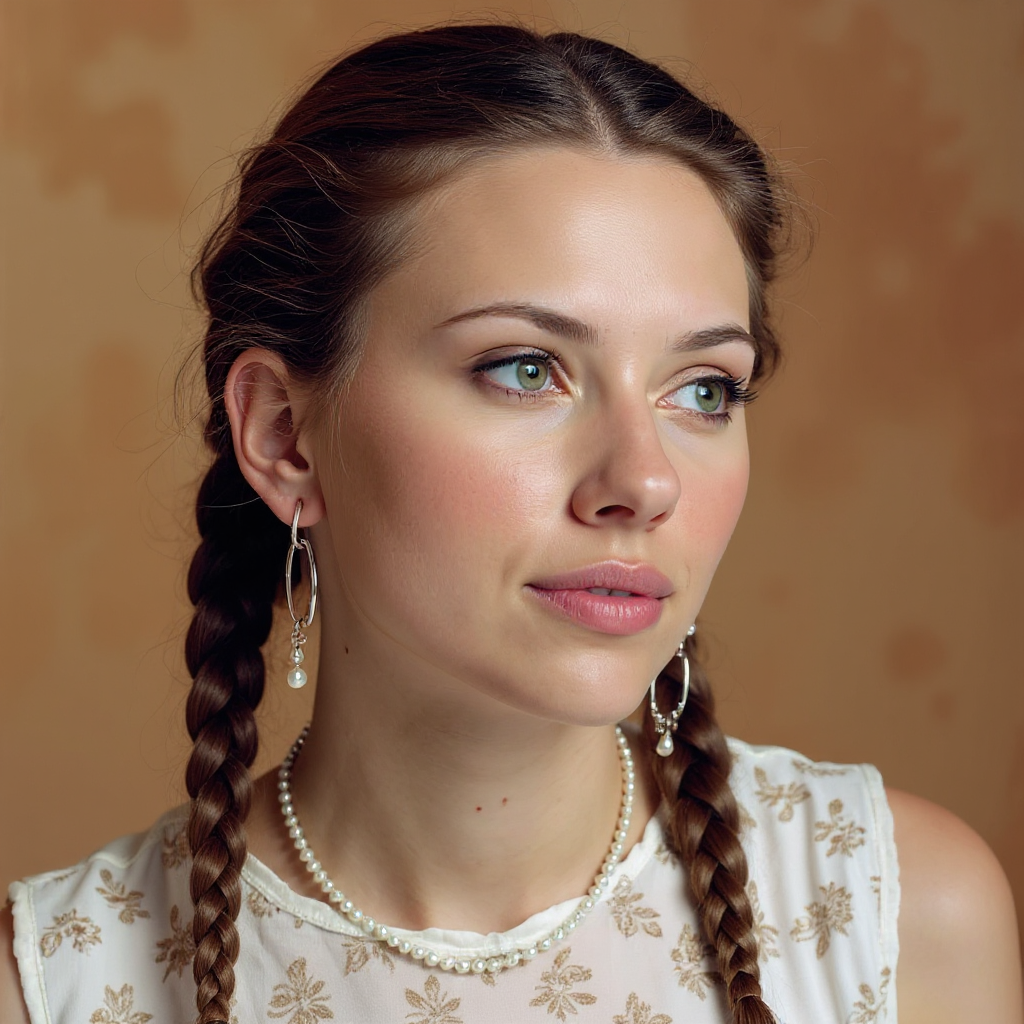
Quickly change someone's hair style and hair color
stable-diffusion
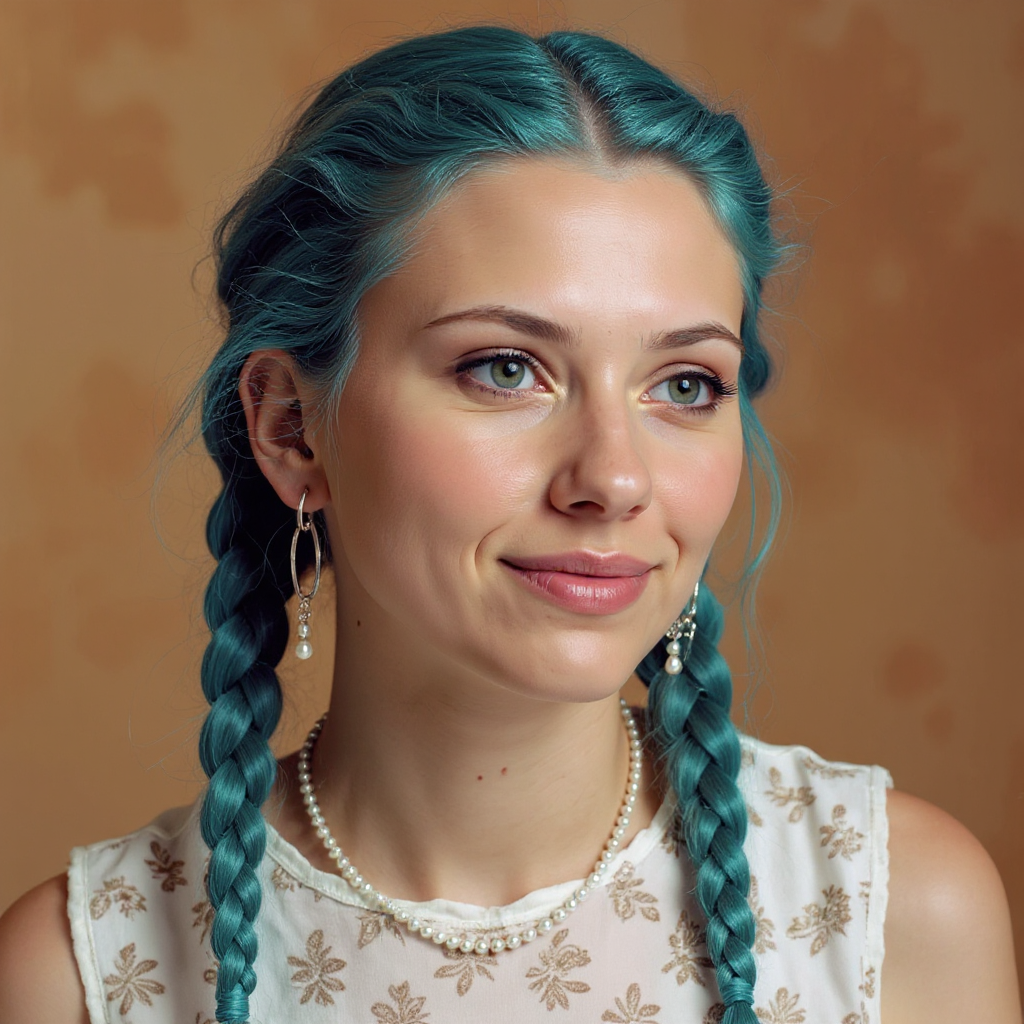
Quickly change someone's hair style and hair color
stable-diffusion

Add a log edited with Flux Kontext Dev
flux-studio
Fight Jackie Chang Kung Fu speedy FIGHT between a determined
image-to-video
A set of 6 beakers filled with bubbling colorful liquids
image-to-video
Models you can run on PixelDojo for kling 2.6 pro online
Switch models without switching tools. Each one runs in the same PixelDojo studio.
What you can do with kling 2.6 pro online on PixelDojo
Kling 2.6 Pro Access
We host Kling 2.6 Pro so you can generate video from text or images in the browser. You run jobs online without installing local model weights.
Text And Image Prompts
We support text-to-video and image-to-video workflows with Kling 2.6 Pro. You can start from a written scene or a still frame and iterate on the same project.
Motion And Shot Control
We expose prompt fields for subject, camera, and motion so you can steer clips toward clearer action. You can refine wording and regenerate until the shot matches your brief.
Export Ready Clips
We keep generated videos in your PixelDojo library for review and download. You can reuse prompts and source images to produce additional takes for editing.
Thousands of creators worldwide already rely on PixelDojo's 40+ cutting-edge AI tools to produce commercial-ready images and videos every day. Join them and cancel anytime if it is not the perfect fit.
Why Choose Pixel Dojo for kling 2.6 pro online
Professional-quality results with cutting-edge AI technology
Hollywood Visuals Without the Studio
You generate photorealistic images with lifelike skin texture, dramatic rim lighting, shallow depth of field, and cinematic composition that look like they were shot on 35mm film. Perfect for posters, thumbnails, and concept art that instantly elevate your brand.
From Still to Story in One Workflow
You create a stunning base image with Kling Image or Seedream 5, then animate it using Kling Video or WAN 2.6 Video and pull extra frames with Extract Frame. One platform delivers both static assets and dynamic sequences so your entire campaign stays consistent.
Character Consistency You Can Count On
You lock in the same face, outfit, and style across dozens of images using Consistent Characters, Character Sheets, Ideogram Character, and Kling Image. Your marketing series, social carousel, or product lineup stays on-brand without extra effort.
How It Works
You create Kling 2.6 Pro style cinematic images on PixelDojo in three straightforward steps. No technical background required—just describe what you want and watch professional results appear.
Step 1: Choose Your Tool
Log in and go to Generate Images. Select Kling Image for authentic cinematic aesthetics or pair it with Flux.2 Studio, Nano Banana 2, QWEN Image 2, or Grok Image for extra realism and control. If you prefer starting from video, choose Kling Video and plan to extract frames later.
Step 2: Enter Your Prompt
Write a detailed cinematic prompt such as photorealistic close-up of a woman in rain-soaked neon alley, volumetric god rays, shallow depth of field, 35mm film grain, Kling 2.6 Pro style, hyper-detailed skin and fabric. Add negative terms like blurry, deformed hands, extra limbs to keep results clean.
Step 3: Customize & Download
Refine with Image to Image, Inpainting, Change Camera Angle, Magic Lighting, or Background Remover. Upscale using P-Image Upscale or Magnific Upscaler. Extract extra stills from any Kling Video clip with Extract Frame, then download commercial-ready files instantly.
The Pixel Dojo Advantage
Why PixelDojo outperforms other options for Kling 2.6 Pro online image generation
| Others | Pixel Dojo |
|---|---|
| Traditional photography and studio shoots | You skip location scouting, lighting setups, and post-production entirely. Generate unlimited cinematic variations in minutes instead of days and thousands of dollars. |
| Generic AI tools | You get exclusive Kling Image plus 40 specialized generators, editors, and upscalers in one place. Switch between Flux.2 Studio, Seedream 5, and Kling Video without leaving the platform. |
| Manual photo editing software | You apply Inpainting, Style Transfer, Reality Polisher, and one-click upscaling instead of spending hours masking and retouching. Results stay consistent and commercial-ready every time. |
Loved by creators on PixelDojo
Real feedback from people using PixelDojo, pulled from our in-product surveys.
user friendly all in one thing
I really like the schedule of AI work performed!
The best tools for IA on the web !
The guy that operates the website is constantly updating it
I’ve been using PixelDojo for around 8 months now and it’s always worked wonderfully while constantly adding features.
The site is easy to navigate and use.
Explore more AI tools on PixelDojo
AI Tools
Compare & Switch
- Best AI Image Generators
- Best AI Video Generators
- Midjourney Alternatives
- Civitai Alternatives
- Runway Alternatives
- Leonardo Alternatives
- Pika Alternatives
- Luma Alternatives
- Magnific Alternatives
- Veo Alternatives
- Flux Alternatives
- Freepik Alternatives
- Seedance Alternatives
- Seedream Alternatives
- Pixverse Alternatives
- GPT Image Alternatives
- Synthesia Alternatives
- Playground Alternatives
- NightCafe Alternatives
- Canva AI Alternatives
- ElevenLabs Alternatives
- ComfyUI Alternatives
- Fal Alternatives
- Replicate Alternatives
Common Questions
Everything you need to know about kling 2.6 pro online
How do I generate high-quality Kling 2.6 Pro images online with PixelDojo?
Go to Generate Images, pick Kling Image or Flux.2 Studio, and enter a cinematic prompt that includes lighting, camera angle, and emotion. Refine with Inpainting or Magic Lighting, then upscale. You can also generate a short Kling Video clip and use Extract Frame for extra stills. Everything stays inside PixelDojo so your workflow never breaks.
Can I use Kling 2.6 Pro techniques for photorealistic image generation on PixelDojo?
Yes. Kling Image and complementary tools like QWEN Image 2 and Seedream 5 excel at photoreal skin, fabric, and lighting that match Kling 2.6 Pro's cinematic look. Add volumetric lighting and shallow depth of field in your prompt, then polish with Reality Polisher for results that look shot on professional cameras.
What PixelDojo tools work best with Kling 2.6 Pro for creating consistent image series?
Start with Consistent Characters and Character Sheets to lock identity. Generate variations with Kling Image, Ideogram Character, or WAN Image. Use Image to Image and Style Transfer to keep lighting and palette identical across an entire campaign. Thousands of creators use this exact stack daily.
Is there a way to turn Kling 2.6 Pro videos into extra still images on PixelDojo?
Absolutely. Generate a 5 or 10 second Kling Video clip, then use Extract Frame to pull high-resolution stills from any moment. Combine with Portrait Upscaler or Clarity Pro for even sharper marketing assets. This hybrid approach gives you both motion and a library of stills from one generation.
How can I try Kling 2.6 Pro online image generation without risk?
PixelDojo lets you start immediately with 40+ cutting-edge AI tools. Create as many images as you want, download commercial-use files, and cancel anytime. No long-term commitment and no hidden fees—just results you can use right away.
What are the latest Kling 2.6 Pro image generation techniques I can use on PixelDojo?
Describe concrete camera moves and lighting in your prompt (slow dolly, rim light, volumetric fog). Use reference images with Image to Image for composition lock. For characters, feed Consistent Characters into Kling Image. Finish with Magic Lighting and P-Image Upscale. These techniques produce the same cinematic stills professionals extract from Kling 2.6 Pro videos.