omnihuman talking head AI Generator

Generated on PixelDojo. Produced by PixelDojo's generation pipeline.
You can now produce studio-quality OmniHuman talking head videos that look and feel like they were filmed with a real presenter. Upload one photo, add your audio, and watch PixelDojo bring your character to life with natural lip-sync, matching gestures, emotional expressions and even subtle body language. Whether you need spokesperson videos for ads, course instructors for e-learning, or consistent brand ambassadors for social media, you achieve professional results in minutes instead of days. Scale multilingual content, test different deliveries, and keep the same face across every video without hiring talent or booking a studio. PixelDojo puts cinematic talking head creation in your hands so you focus on your message while the AI handles the performance.
Real image examples generated on PixelDojo
Every example below was produced on PixelDojo. Hover to see the prompt.
omnihuman talking head on PixelDojo
flux
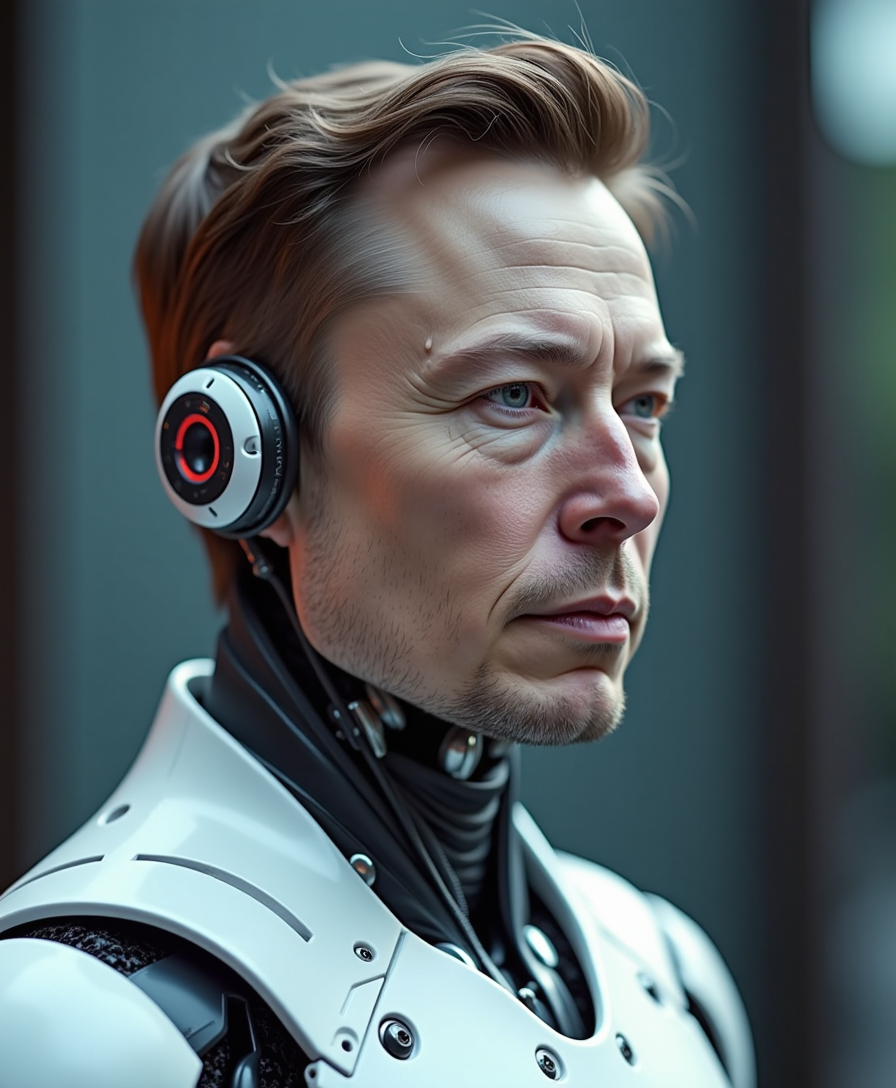
Futuristic humanoid half Elon Musk
flux
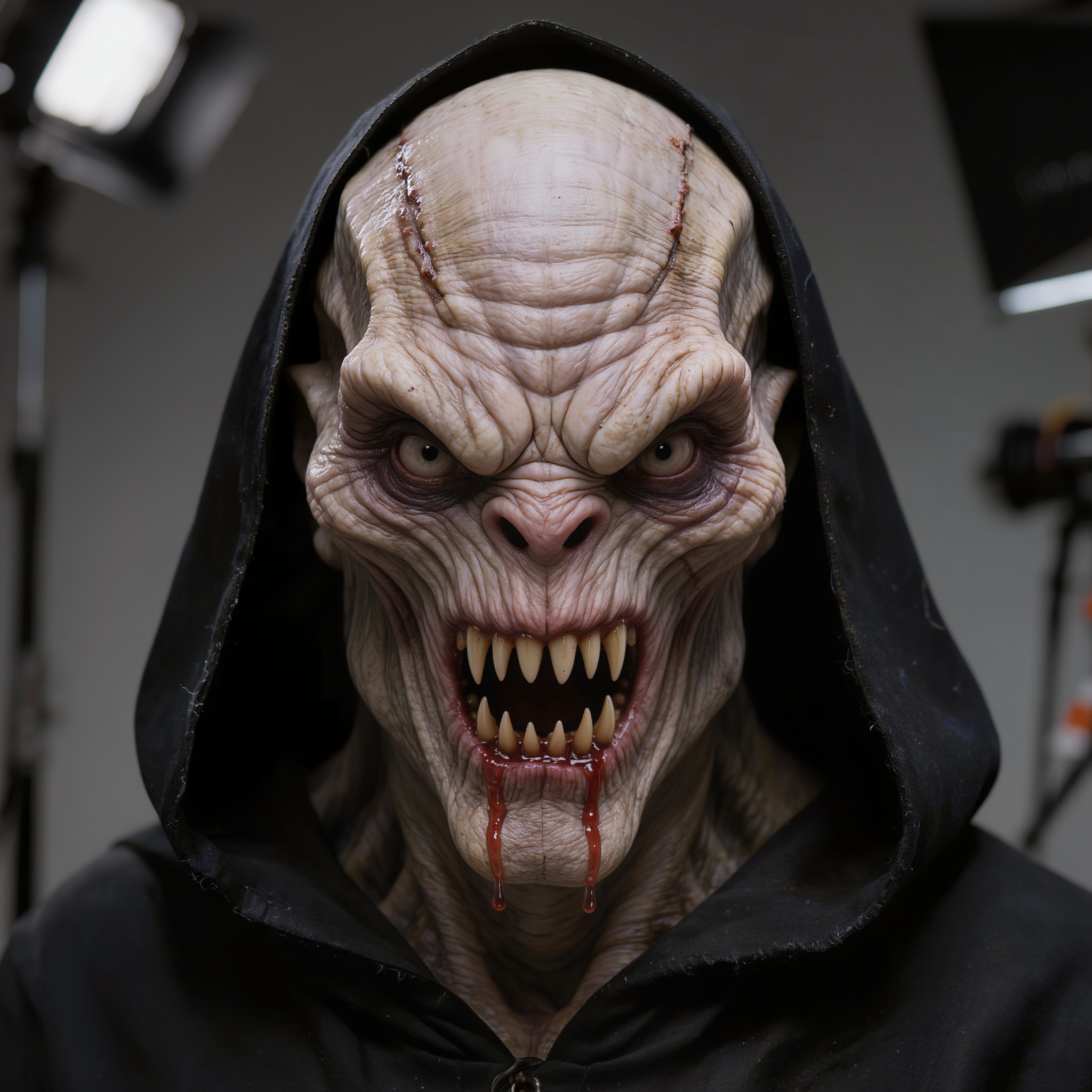
Hyper-realistic close-up portrait of a menacing bald alien humanoid creature with pale
kling-image
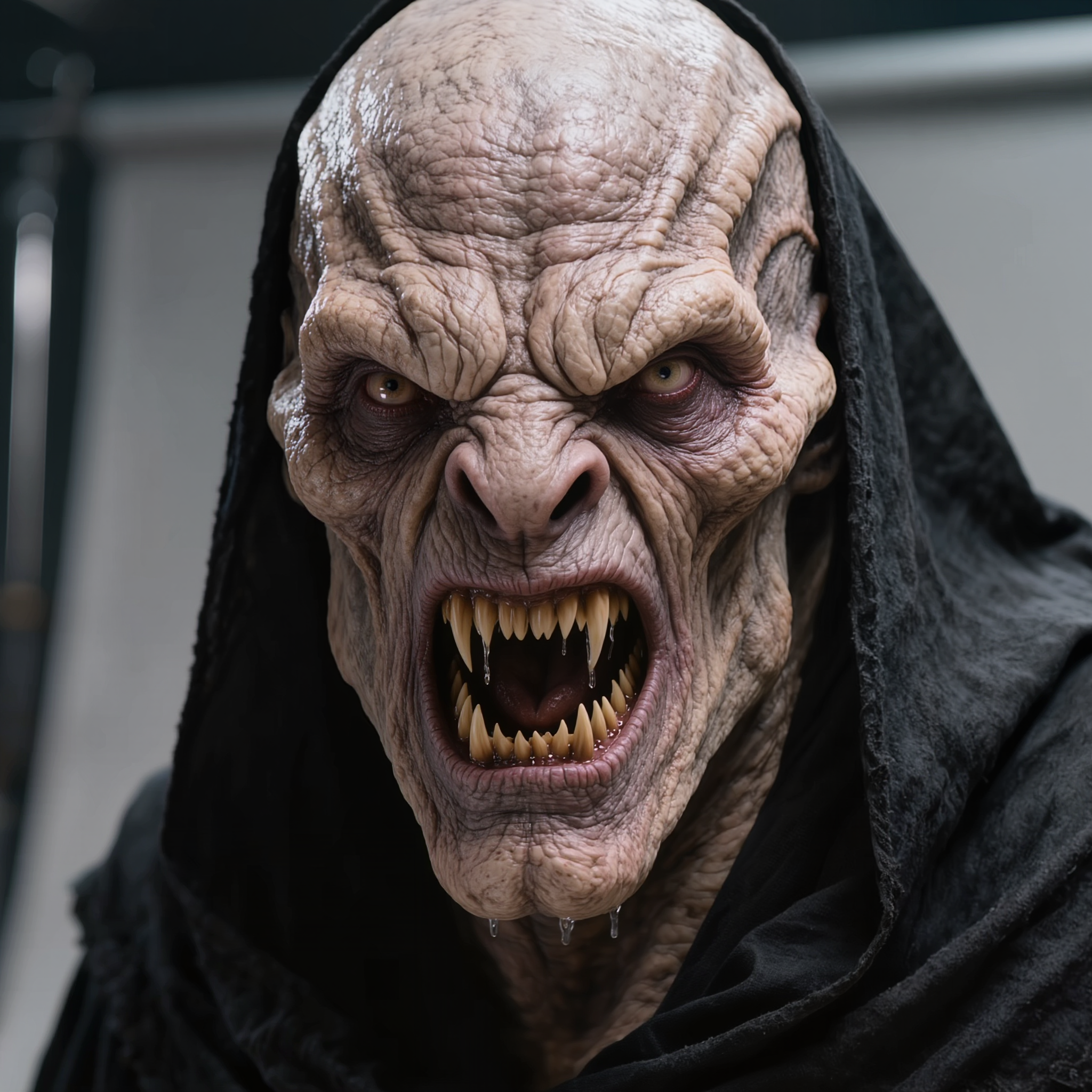
Hyper-realistic close-up portrait of a menacing bald alien humanoid creature with pale
kling-image
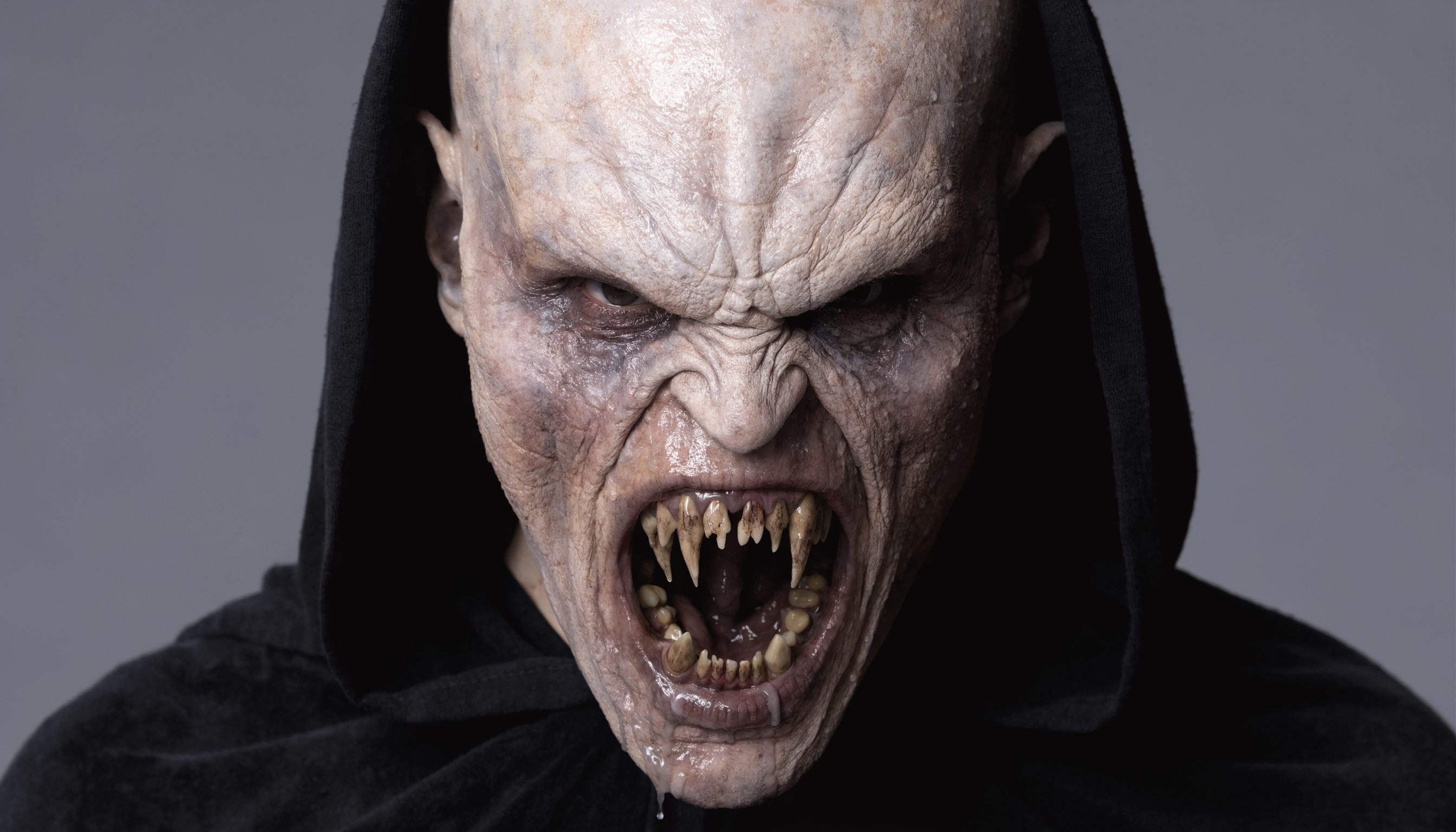
Hyper-realistic close-up portrait of a menacing bald alien humanoid creature with pale
recraft
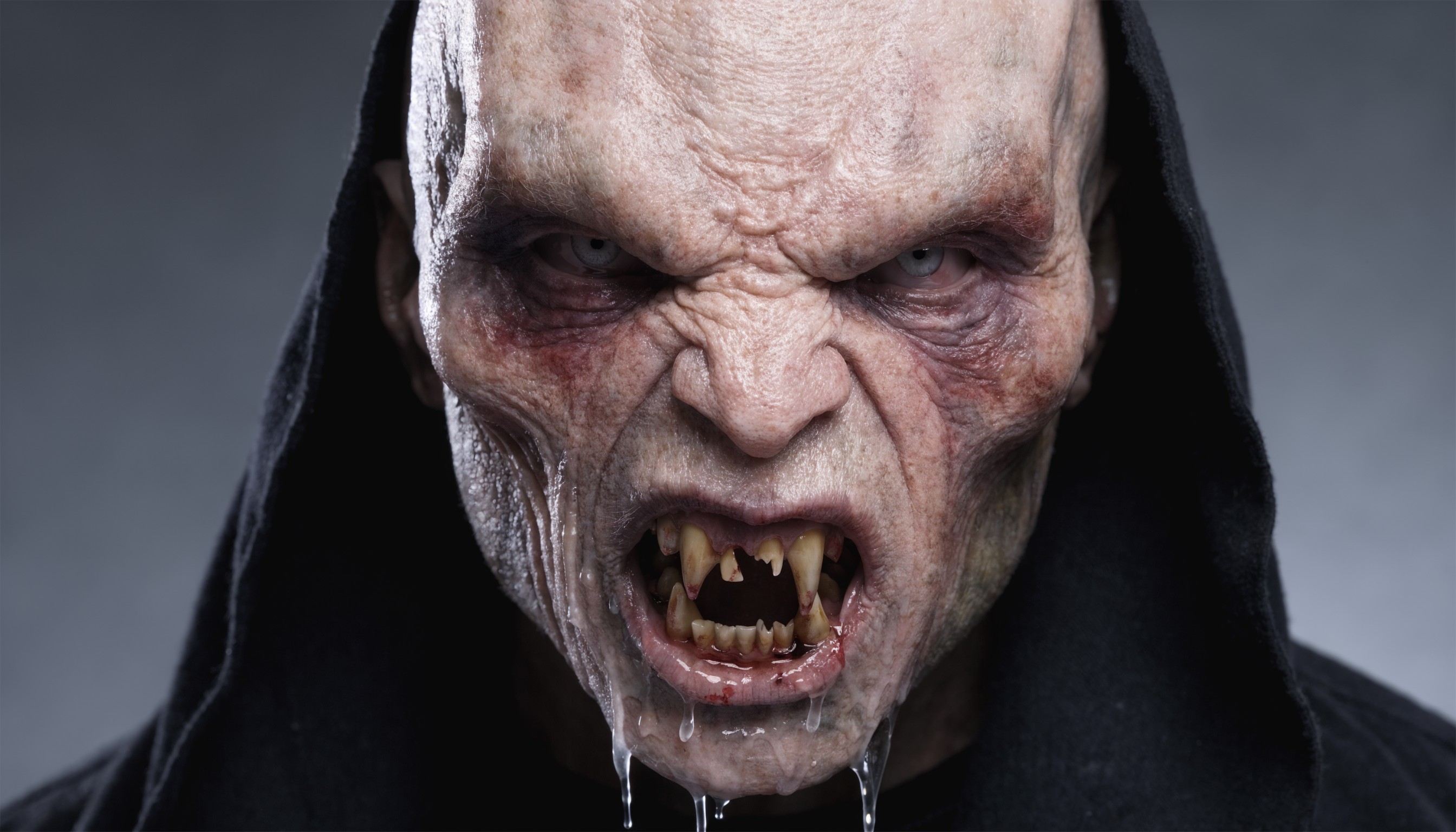
Hyper-realistic close-up portrait of a menacing bald alien humanoid creature with pale
recraft
Models you can run on PixelDojo for omnihuman talking head
Switch models without switching tools. Each one runs in the same PixelDojo studio.
What you can do with omnihuman talking head on PixelDojo
Portrait stills for talking heads
You generate high-detail human portraits that hold identity, lighting, and camera angle so they work as source frames for talking-head pipelines.
Expression and pose control
You set expression, gaze, and head pose in the prompt so each still matches the beat you need before animation.
Consistent character sheets
You produce matching views of the same person so later talking-head clips stay on-model across shots.
Wardrobe and scene variants
You iterate clothing, background, and framing on the same face without rebuilding the character from scratch.
Loved by thousands of creators worldwide who produce professional videos daily with PixelDojo's 40+ cutting-edge AI tools. Cancel anytime and start creating today.
Why Choose Pixel Dojo for omnihuman talking head
Professional-quality results with cutting-edge AI technology
Deliver Cinematic Performances From a Single Photo
You transform any portrait into a full talking head video where the character speaks, gestures and emotes exactly as your audio intends, giving you presenter-quality results without cameras or actors.
Scale Unlimited Video Content Instantly
You generate endless variations, languages and styles for marketing campaigns, training modules and social posts so your brand stays consistent while you publish more without extra cost or time.
Keep Perfect Character Identity Across Every Video
You reuse the same face and style in all your OmniHuman talking head videos using PixelDojo's character tools, building instant recognition and trust with your audience.
How It Works
Creating OmniHuman talking head videos on PixelDojo is straightforward. You start with a photo, add audio and a simple description, then refine and download ready-to-use footage.
Step 1: Choose Your Tool and Prepare Your Image
Open Generate Videos and select OmniHuman. If you need a fresh portrait, first create one with Flux.2 Studio, Nano Banana 2 or GPT Image 2 for a clean, well-lit head-and-shoulders shot. Use Consistent Characters or Ideogram Character to lock in the exact look you want across future videos.
Step 2: Add Audio and Describe the Performance
Upload your audio file or generate it with Text to Speech. In the prompt, describe the emotion, camera movement and actions such as 'medium shot, speaking passionately to camera with natural hand gestures and a warm smile'. OmniHuman reads the meaning of the speech so the body language matches the words, not just the mouth shapes.
Step 3: Customize, Enhance and Download
Preview the result, then polish with Kling Video Edit, WAN 2.7 Video Edit or Video Autocaption. Upscale using FLUX Video Upscale or Portrait Upscaler for extra sharpness. Merge clips or extract frames if needed, then download your finished OmniHuman talking head video ready for any platform.
The Pixel Dojo Advantage
Why PixelDojo outperforms other options for omnihuman talking head generation
| Others | Pixel Dojo |
|---|---|
| Traditional talking head creation | You skip expensive studios, talent fees and hours of filming plus editing. PixelDojo delivers a finished, expressive talking head video from one photo and audio in minutes. |
| Generic AI tools | You get semantic-aware full-body motion, emotion matching and camera control plus 40+ specialized tools like Marketing Studio, Consistent Characters and Kling Avatar all in one place. |
| Manual photo editing | You never animate frame by frame. OmniHuman plus PixelDojo's edit and upscale tools turn a still image into a complete, natural performance instantly. |
Loved by creators on PixelDojo
Real feedback from people using PixelDojo, pulled from our in-product surveys.
I really like how the site is kept up to date, and the leaderboard (where I'm currently #11 most popular artist)
This is the best image generator I've used so far. Well done!
es facil de comprender asi uno no sea programador
amazing web site
phenomenal site. would highly recommend
Amazing features, easy to use, privacy
Explore more AI tools on PixelDojo
AI Tools
Compare & Switch
- Best AI Image Generators
- Best AI Video Generators
- Midjourney Alternatives
- Civitai Alternatives
- Runway Alternatives
- Leonardo Alternatives
- Pika Alternatives
- Luma Alternatives
- Magnific Alternatives
- Veo Alternatives
- Flux Alternatives
- Freepik Alternatives
- Seedance Alternatives
- Seedream Alternatives
- Pixverse Alternatives
- GPT Image Alternatives
- Synthesia Alternatives
- Playground Alternatives
- NightCafe Alternatives
- Canva AI Alternatives
- ElevenLabs Alternatives
- ComfyUI Alternatives
- Fal Alternatives
- Replicate Alternatives
Common Questions
Everything you need to know about omnihuman talking head
What is OmniHuman talking head generation and how does PixelDojo use it?
OmniHuman talking head generation turns a single photo plus audio into a realistic video where the person speaks, gestures and shows emotion that matches the content of the speech. On PixelDojo you simply select the OmniHuman tool in Generate Videos, upload your image and audio, add a short performance description, and receive a cinematic result you can further refine with Kling Video Edit or FLUX Video Upscale.
How do I create an OmniHuman talking head video from a photo on PixelDojo?
Start by generating or uploading a clear portrait using Flux.2 Studio or Nano Banana 2. Choose OmniHuman, add your audio (or create it with Text to Speech), write a prompt describing emotion and camera, then generate. Finish with Video Autocaption or Portrait Upscaler and download. The whole process takes minutes and you can reuse the same character with Consistent Characters.
Can I make full-body OmniHuman talking avatars or only close-up talking heads?
You can do both. OmniHuman on PixelDojo accepts portrait, half-body and full-body images, even stylized characters. Combine it with P Video Avatar or Kling Avatar for extra control, then use WAN Video Character Swap if you want to change the face later while keeping the same performance.
What kind of audio works best for OmniHuman talking head videos?
Clear speech or singing with natural pacing and emotion works best. Use PixelDojo's Text to Speech to generate professional narration, or upload your own recording. OmniHuman reads the meaning so excited lines produce matching gestures while calm lines stay subtle. Add Video Autocaption afterwards for accessibility.
How can I keep the same character consistent across multiple OmniHuman talking head videos?
Generate a master portrait with Consistent Characters, Character Sheets or Ideogram Character. Feed that same image into OmniHuman every time. For even tighter identity, use Face Swap or LoRA Face Swap on new clips. Marketing Studio helps you batch variations while the face stays identical.
Is PixelDojo OmniHuman good enough for professional marketing and education videos?
Yes. You get natural lip-sync, context-aware gestures and emotional expression that look filmed rather than generated. Pair OmniHuman with Marketing Studio for campaign assets, Video Reframe for different platforms, and FLUX Video Upscale for broadcast quality. Thousands of creators already use these tools daily and you can cancel anytime.