the inpaint AI Generator
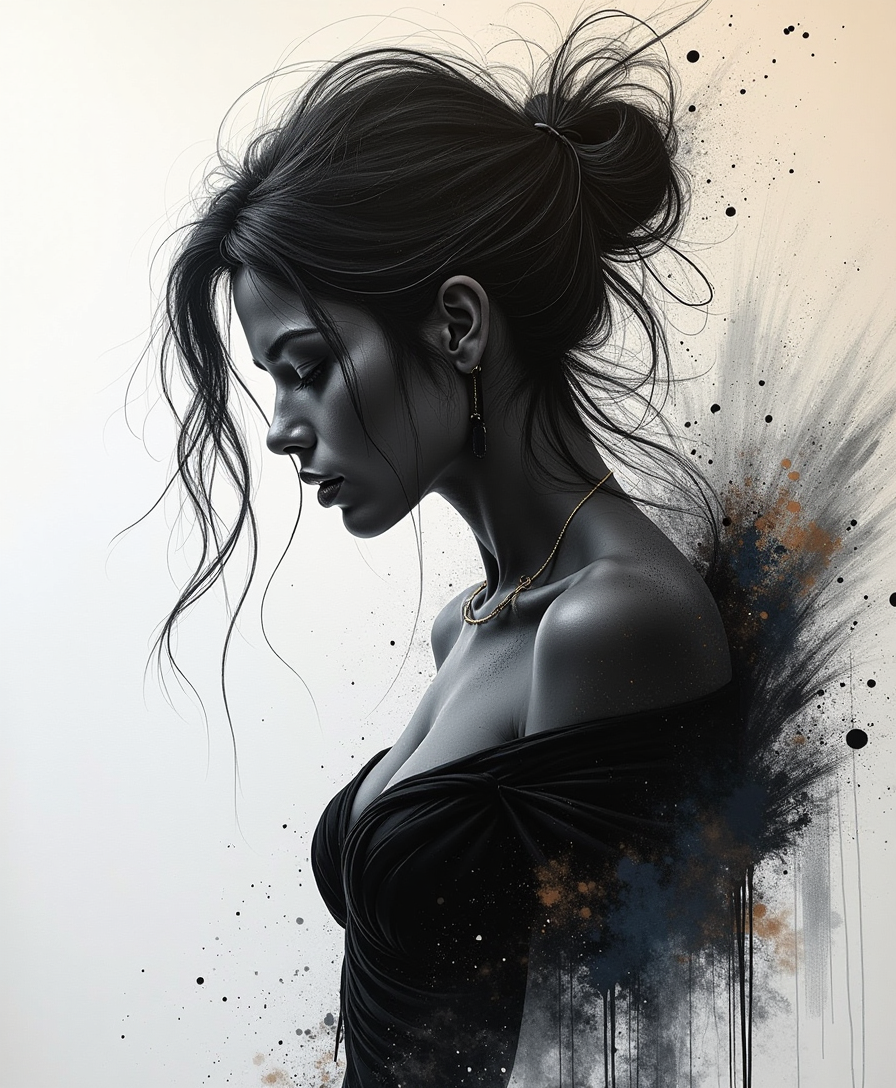
Generated on PixelDojo. Produced by PixelDojo's generation pipeline.
Imagine effortlessly restoring old photographs, removing unwanted objects, or enhancing image details—all without extensive photo editing skills. With PixelDojo's AI-powered inpainting tools, you can achieve professional-quality image restoration and enhancement in just a few clicks. Our suite of tools leverages advanced Stable Diffusion technology to help you transform your images seamlessly.
Real image examples generated on PixelDojo
Every example below was produced on PixelDojo. Hover to see the prompt.
Speed paint_with_large_brush_strokes_and paint splatter by Jeremy Mann
flux
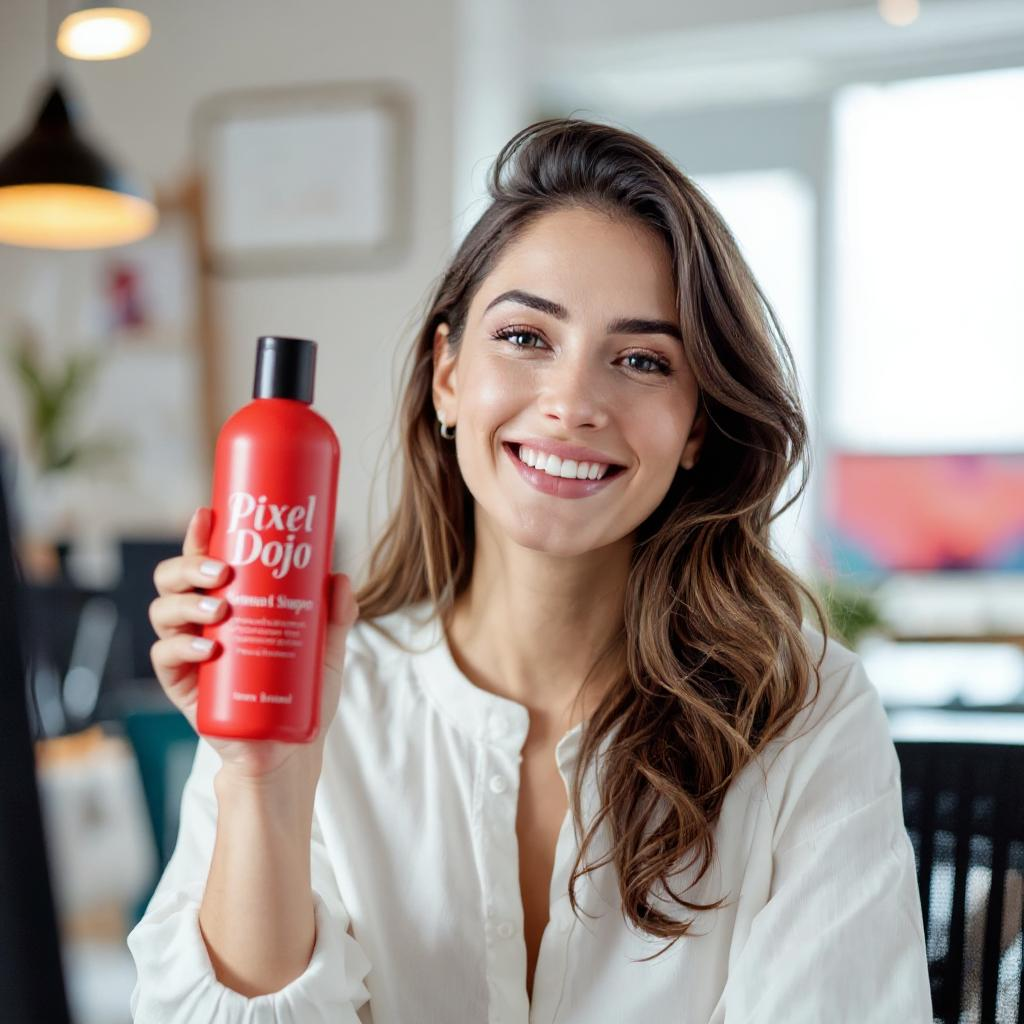
Holding a red shampoo bottle that reads "Pixel Dojo" edited with Flux Kontext Max
flux-studio
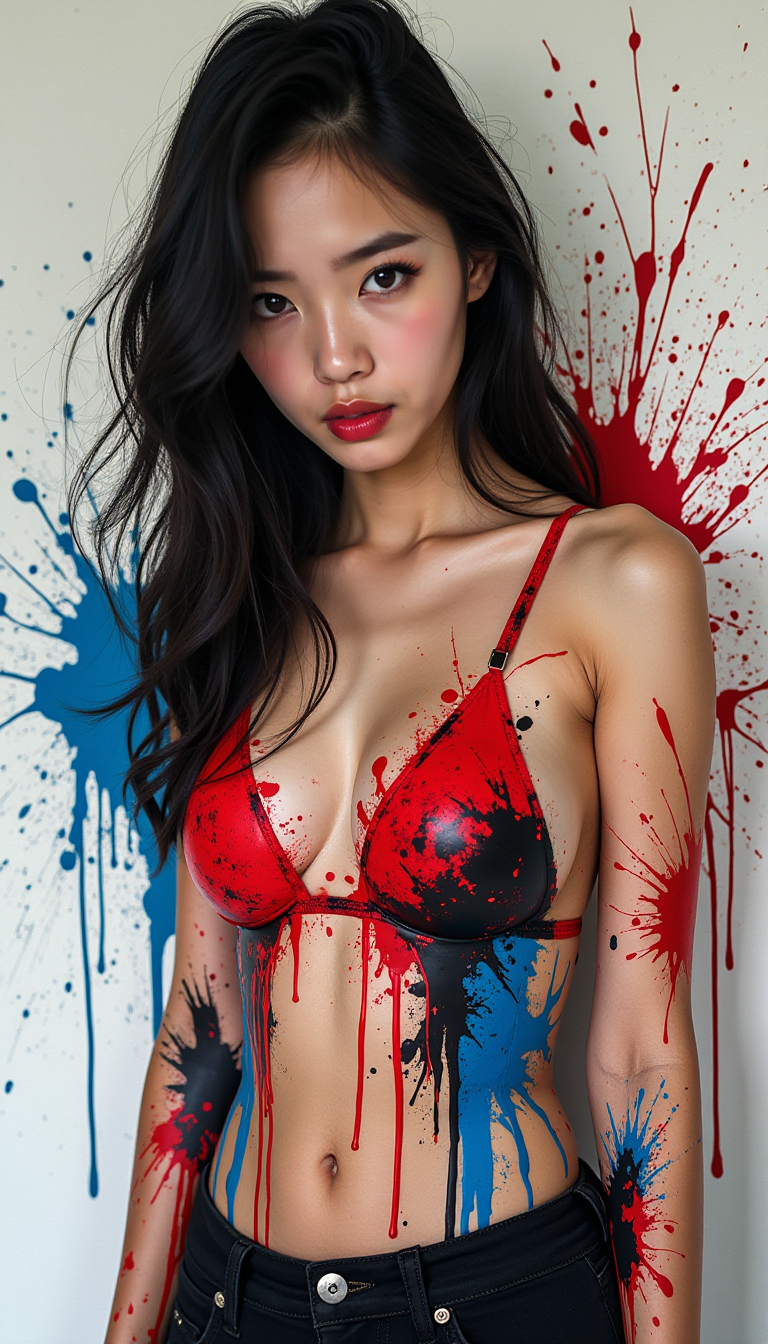
Ink splats
stable-diffusion
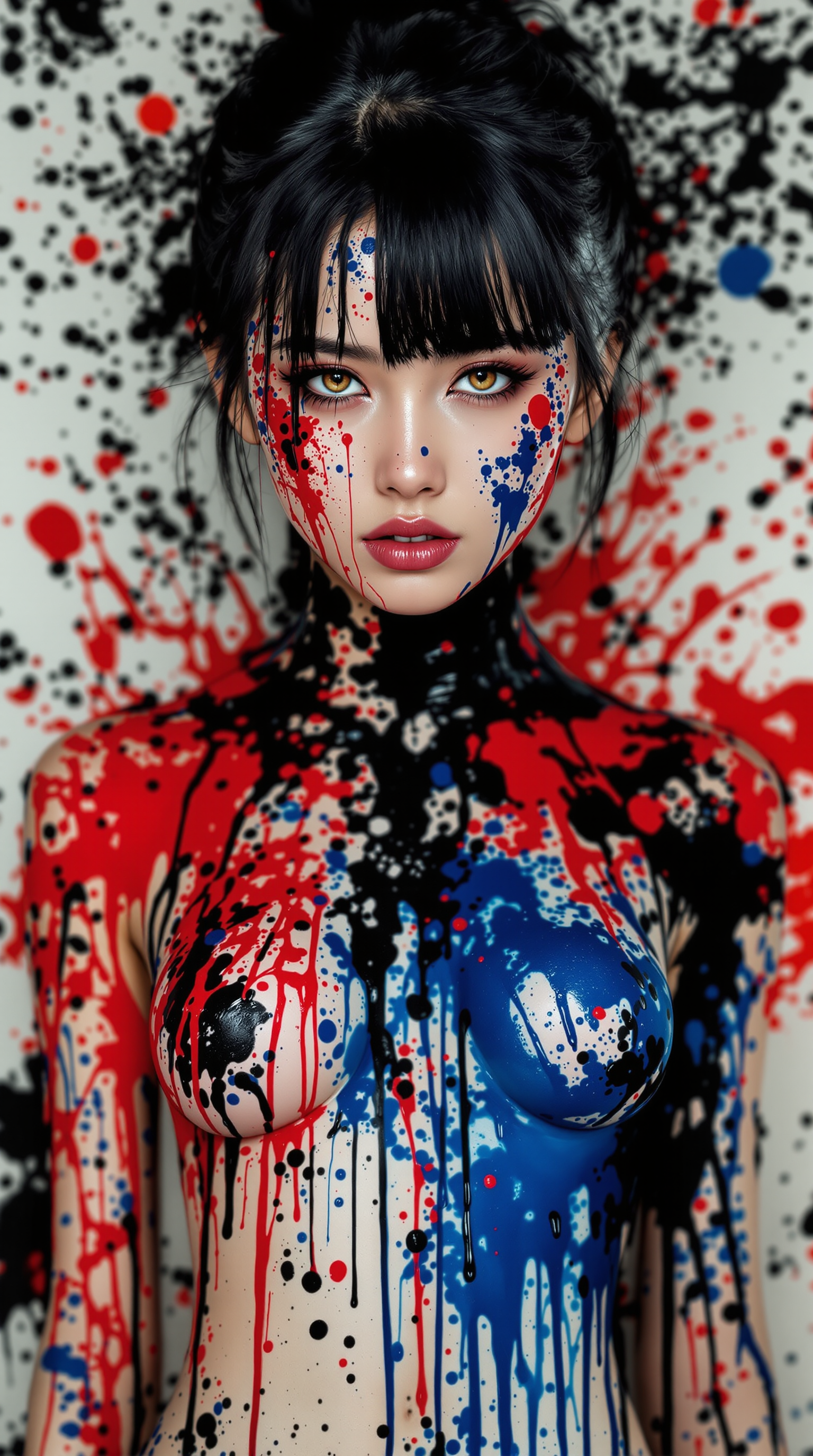
Ink splats
stable-diffusion
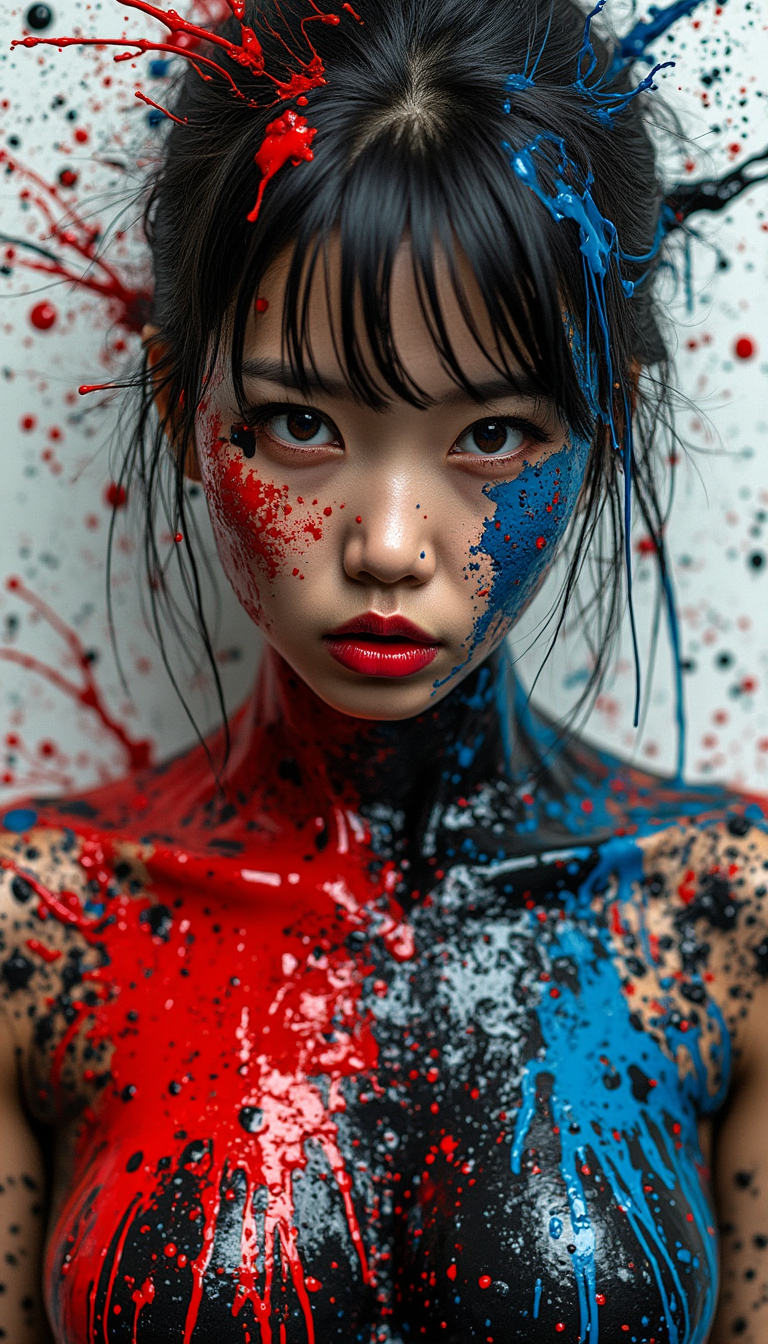
Ink splats
stable-diffusion
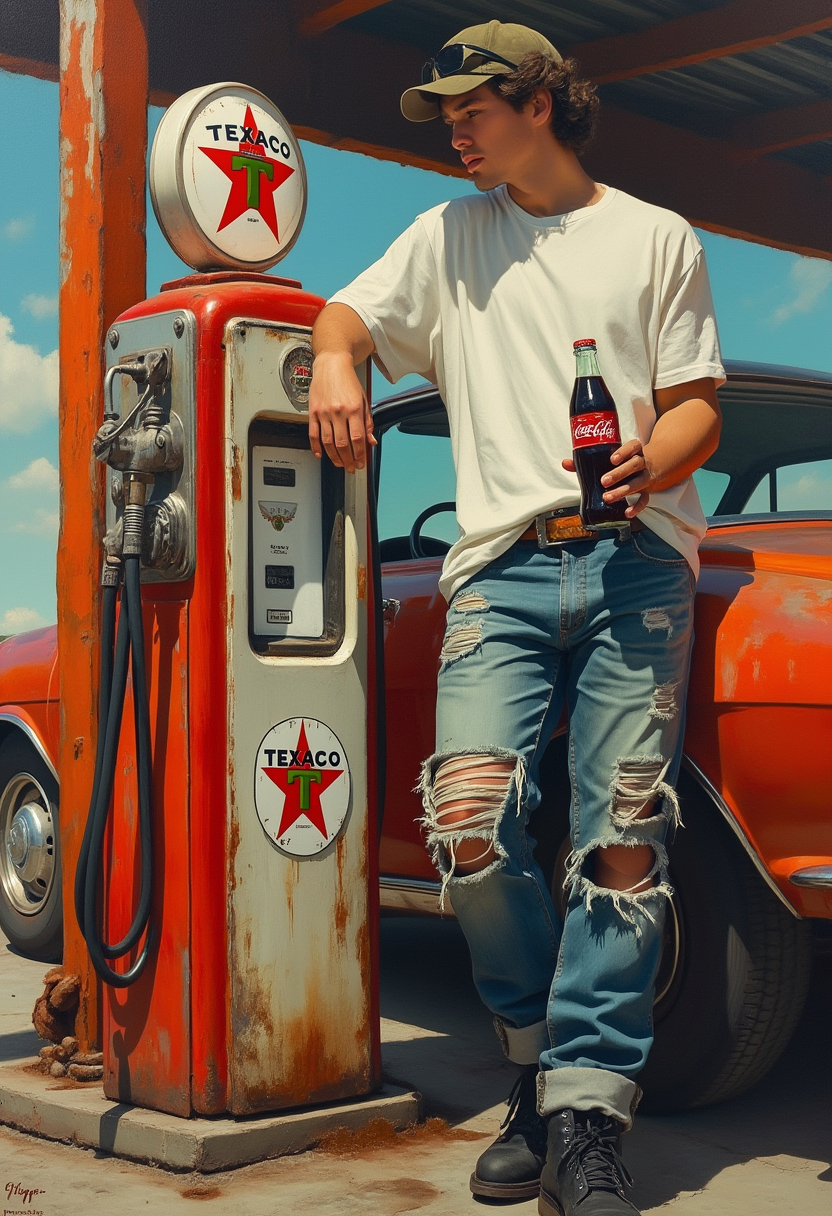
Hyperrealistic hyperdetailed acrylic alcohol ink of a young man leaning against an old ant…
flux
Models you can run on PixelDojo for the inpaint
Switch models without switching tools. Each one runs in the same PixelDojo studio.
What you can do with the inpaint on PixelDojo
Mask Specific Image Areas
Creators draw masks over parts of an image to edit. We generate new content only inside those masks.
Apply Text Prompt Edits
Enter a description for the masked region. We produce matching visual results based on the prompt.
Review Multiple Variations
We return several inpainted options for each request. Creators select the version that works best.
Preserve Surrounding Context
Edits align with existing lighting and textures. We keep the rest of the image unchanged.
Join over 10,000 satisfied creators who have enhanced their images using PixelDojo's AI tools. Rated 4.8/5 based on 2,500+ reviews.
Why Choose Pixel Dojo for the inpaint
Professional-quality results with cutting-edge AI technology
Effortless Image Restoration
Bring old or damaged photos back to life by filling in missing or deteriorated areas with precision.
Seamless Object Removal
Eliminate unwanted elements from your images without leaving any traces, achieving a clean and professional look.
Enhanced Creative Control
Modify and enhance specific parts of your images to match your creative vision, all without complex editing software.
How It Works
Transforming your images with PixelDojo's inpainting tools is a straightforward process. Follow these simple steps to achieve stunning results:
Step 1: Select Your Image
Upload the photo you wish to edit to PixelDojo's platform.
Step 2: Mask the Area
Use the intuitive brush tool to highlight the area you want to modify or remove.
Step 3: Apply AI Inpainting
Let PixelDojo's AI seamlessly fill in the masked area based on the surrounding content, delivering a natural and cohesive result.
The Pixel Dojo Advantage
Why PixelDojo outperforms other options for inpainting image generation
| Others | Pixel Dojo |
|---|---|
| Traditional inpainting methods | Achieve faster and more accurate results without the need for manual editing skills. |
| Generic AI tools | Specialized inpainting algorithms ensure higher quality and more realistic image restorations. |
| Manual photo editing | Save time and effort by automating complex editing tasks with AI precision. |
Loved by creators on PixelDojo
Real feedback from people using PixelDojo, pulled from our in-product surveys.
amazing web site
phenomenal site. would highly recommend
Amazing features, easy to use, privacy
the number of options, and especially the quick response to questions on Discord
Love you guys!!
Trained my Lora super fast. Still working out how to creat content wit it, but I love it so far.
Explore more AI tools on PixelDojo
AI Tools
Compare & Switch
- Best AI Image Generators
- Best AI Video Generators
- Midjourney Alternatives
- Civitai Alternatives
- Runway Alternatives
- Leonardo Alternatives
- Pika Alternatives
- Luma Alternatives
- Magnific Alternatives
- Veo Alternatives
- Flux Alternatives
- Freepik Alternatives
- Seedance Alternatives
- Seedream Alternatives
- Pixverse Alternatives
- GPT Image Alternatives
- Synthesia Alternatives
- Playground Alternatives
- NightCafe Alternatives
- Canva AI Alternatives
- ElevenLabs Alternatives
- ComfyUI Alternatives
- Fal Alternatives
- Replicate Alternatives
Common Questions
Everything you need to know about the inpaint
How does PixelDojo's AI inpainting work?
Our AI analyzes the surrounding areas of the masked region and intelligently fills it in to create a seamless and natural-looking result.
Can I use PixelDojo to restore old or damaged photos?
Absolutely! Our inpainting tools are perfect for repairing scratches, tears, and other imperfections in old photographs.
Is PixelDojo suitable for beginners?
Yes, our platform is designed with user-friendliness in mind, making it accessible for users of all skill levels.
What file formats does PixelDojo support?
We support a wide range of image formats, including JPEG, PNG, and TIFF.
Is there a limit to the number of images I can edit?
With our subscription plans, you can edit an unlimited number of images. Cancel anytime if you're not satisfied.
How long does it take to process an image?
Processing times are typically under a minute, depending on the complexity of the edit.