kling 3.0 pro AI Generator

Generated on PixelDojo. Produced by PixelDojo's generation pipeline.
You can now produce stunning photorealistic images that look like they were captured by a professional cinematographer, complete with perfect lighting, realistic textures, and cinematic compositions that pop with vibrant contrast. Kling 3.0 Pro on PixelDojo empowers you to generate native 4K images without any upscaling, delivering print-ready assets that capture intricate details like reflections, materials, and object relationships through advanced visual reasoning. Marketers create consistent brand visuals and product shots that maintain identity across campaigns. Designers build coherent storyboard sequences from a single idea. Artists explore photorealistic scenes with punchy, iPhone-like quality done right. PixelDojo's Kling Image tool, alongside options like Flux.2 Studio, Seedream 5, and Ideogram 4, lets you achieve these outcomes in seconds rather than days. Combined with editing tools such as Image to Image, Inpainting, and Reality Polisher, you iterate freely while keeping everything on-brand. Thousands of creators already rely on PixelDojo's 40+ cutting-edge AI tools to turn concepts into professional results they can use immediately, with the freedom to cancel anytime.
Real video examples generated on PixelDojo
Every example below was produced on PixelDojo. Hover to see the prompt.
Add a log edited with Flux Kontext Dev
flux-studio
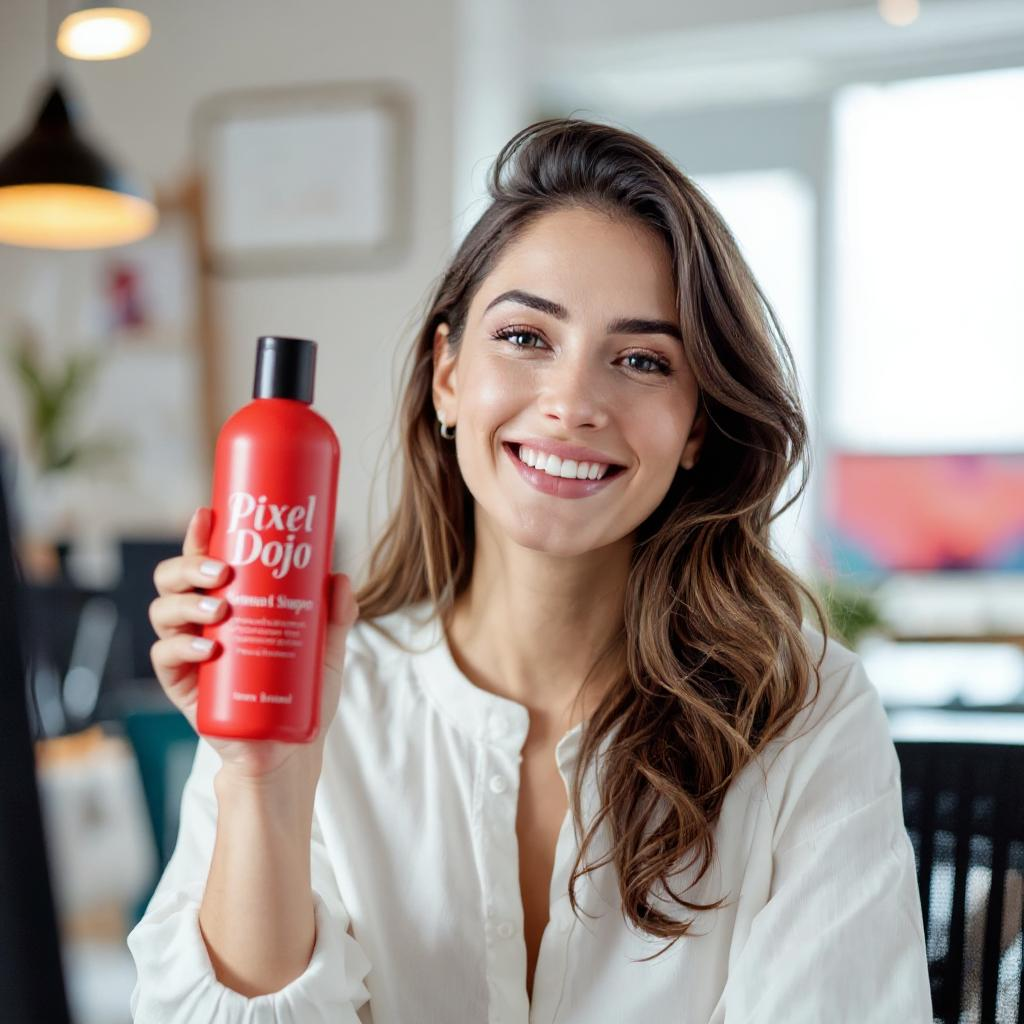
Holding a red shampoo bottle that reads "Pixel Dojo" edited with Flux Kontext Max
flux-studio
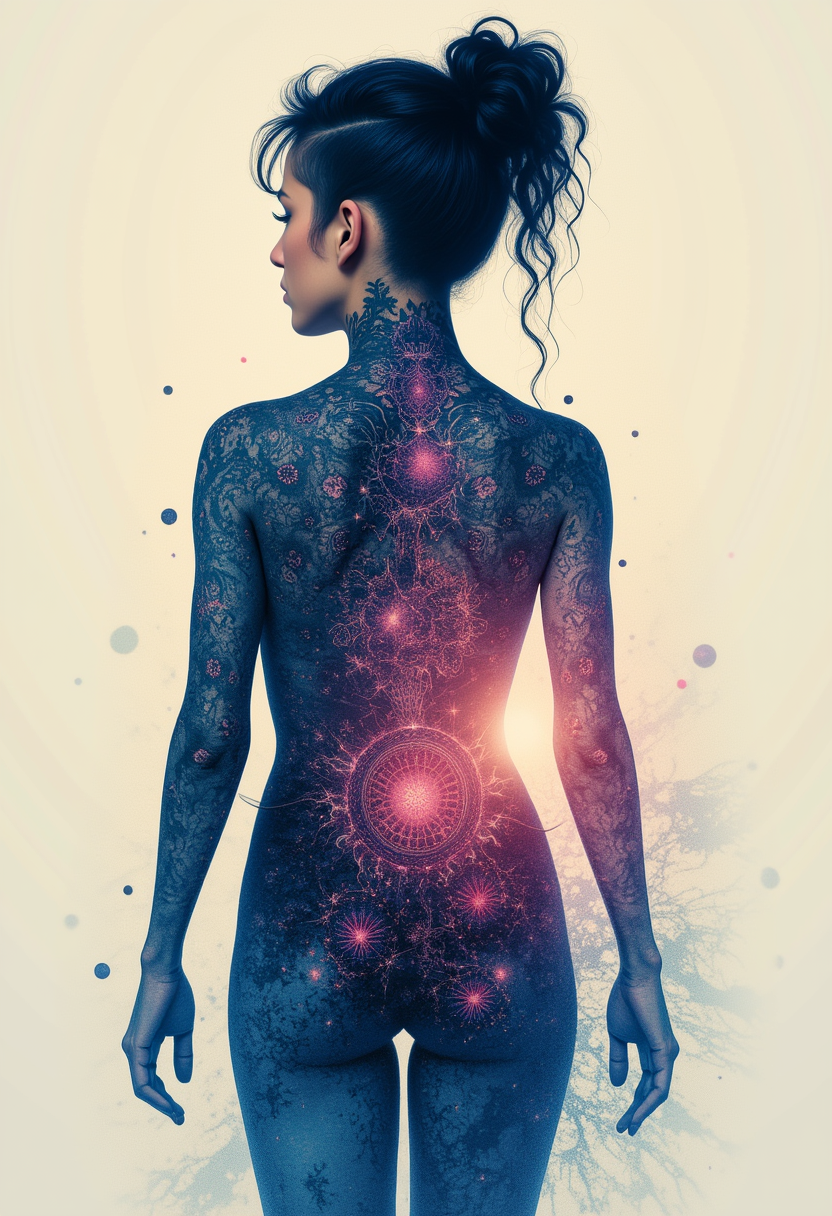
Kira-Lux-Flux
flux
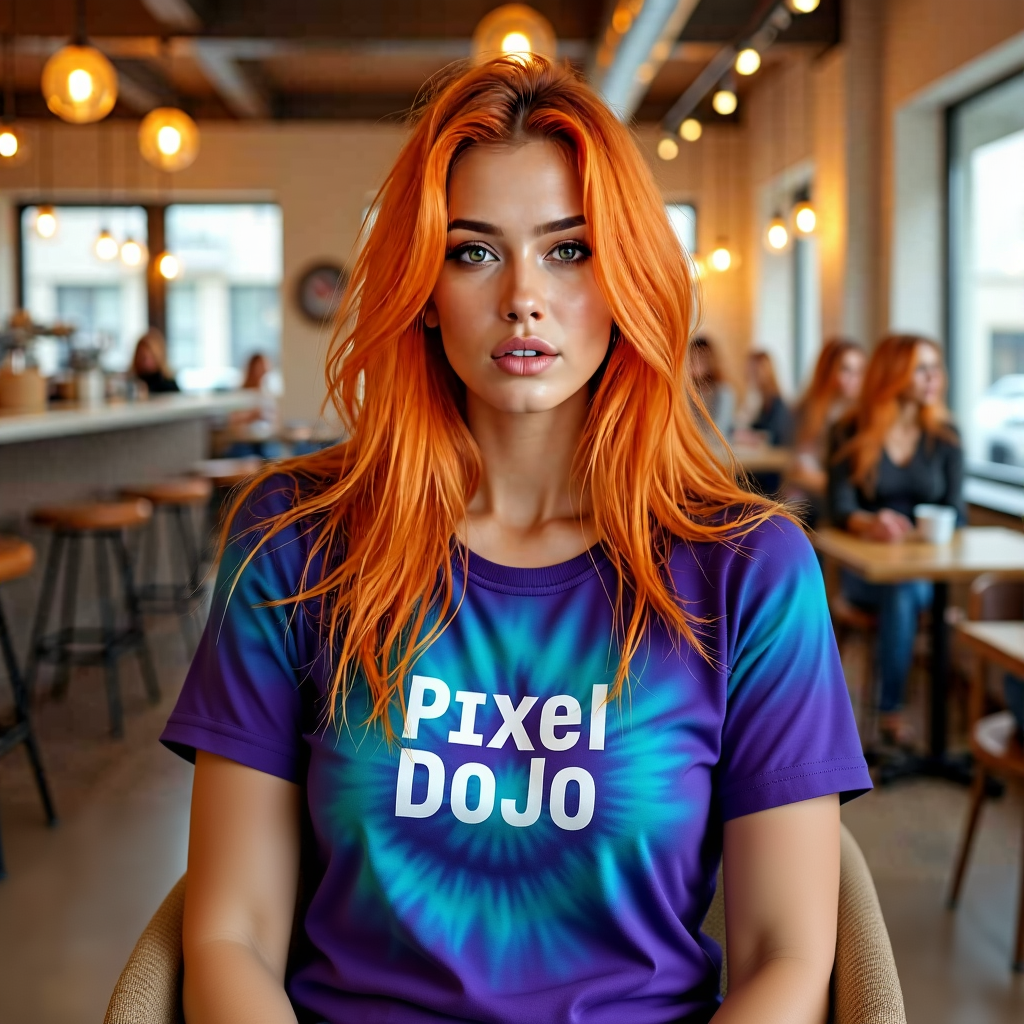
Her shirt is ti-dye edited with Flux Kontext Dev
flux-studio
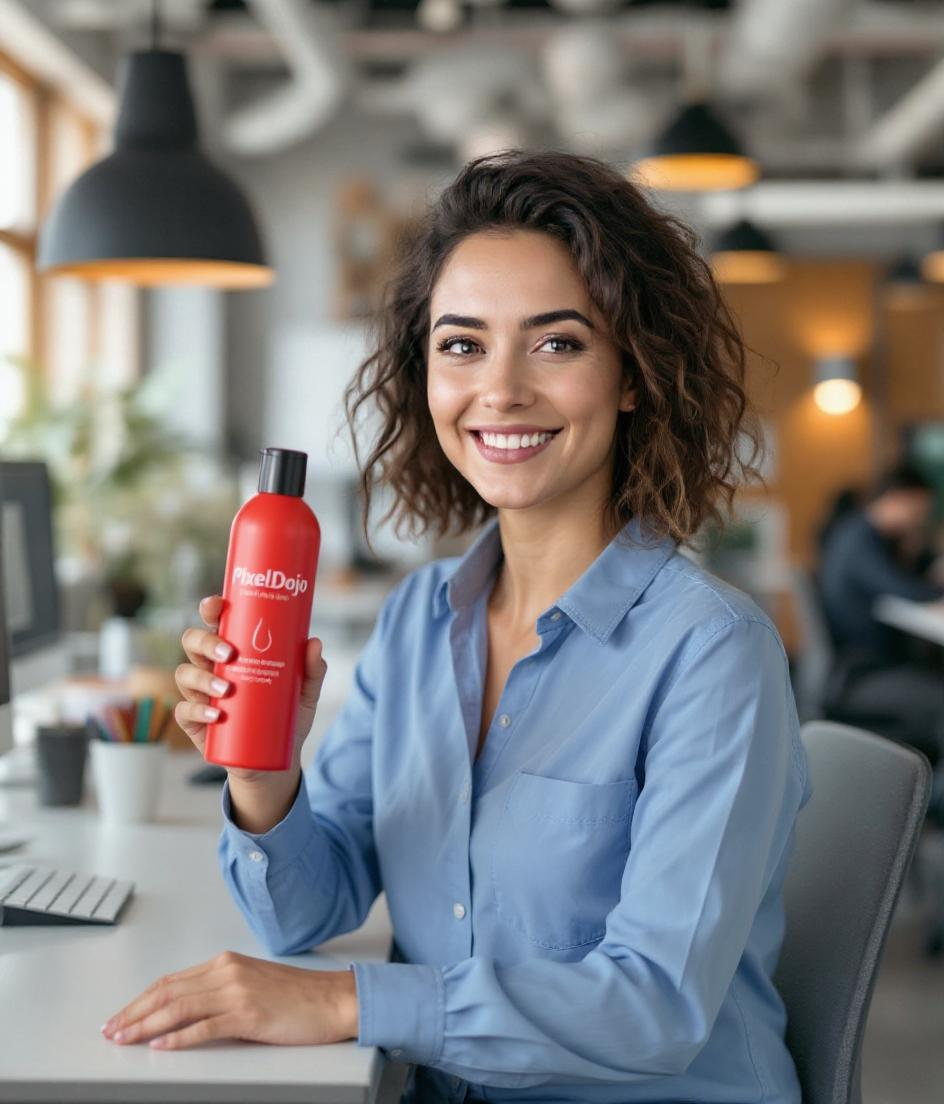
She is wearing a blue shirt and holding a red shampoo bottle that says PixelDojo edited wi…
flux-studio
kling 3.0 pro on PixelDojo
image-to-video
Models you can run on PixelDojo for kling 3.0 pro
Switch models without switching tools. Each one runs in the same PixelDojo studio.
What you can do with kling 3.0 pro on PixelDojo
Kling 3.0 Pro Access
We run Kling 3.0 Pro video generation on PixelDojo so you can create clips from prompts in the same workspace as your other tools.
Text to Video Prompts
Write a scene, motion, and camera notes in plain language. We generate the video with Kling 3.0 Pro and let you preview and download the result.
Image to Video Animation
Start from a still you upload. We use Kling 3.0 Pro to add motion while keeping subject, framing, and look consistent.
Iterate Before You Export
Regenerate, adjust prompts, and keep takes together so you can refine Kling 3.0 Pro clips on PixelDojo before you ship them.
Trusted by thousands of creators worldwide who generate millions of high-quality images every month. PixelDojo users consistently rate the platform 4.9/5 for delivering professional results with Kling 3.0 Pro and complementary tools like Kling Video and Consistent Characters.
Why Choose Pixel Dojo for kling 3.0 pro
Professional-quality results with cutting-edge AI technology
Print-Ready 4K Photorealism Without Extra Steps
You generate native 2K and 4K images sharp enough for professional printing and large displays, with crisp edges, realistic lighting, and detailed textures that rival studio photography, saving you time and post-production costs.
Unbreakable Character and Style Consistency
You lock in faces, outfits, products, and visual styles across multiple images using multi-reference inputs, creating cohesive series, brand assets, and storyboards that stay true to your original vision every single time.
Cinematic Compositions That Feel Professionally Directed
You produce images with intentional framing, punchy contrast, and natural object interactions thanks to built-in visual reasoning, giving your work a Hollywood stills quality that captivates audiences instantly.
How It Works
You create professional Kling 3.0 Pro images in just a few minutes using PixelDojo's intuitive Kling Image tool combined with powerful editing and enhancement options.
Step 1: Choose Your Tool
Log into PixelDojo and navigate to Generate Images. Select Kling Image to access Kling 3.0 Pro capabilities, or pair it with Flux.2 Studio or Seedream 5 for complementary styles. Upload any reference images you want for consistency right from the start.
Step 2: Enter Your Prompt
Describe your scene using cinematic language focused on subject, lighting, composition, and mood. For best results, specify aspect ratio, add up to multiple reference images for characters or products, and mention details like golden hour lighting or specific textures. PixelDojo's interface makes it simple to refine as you go.
Step 3: Customize & Download
Generate your images, then enhance them using PixelDojo tools like P-Image Upscale, Reality Polisher, Background Remover, or Image Outpainting. Download in high resolution or continue into Kling Video for motion, all while maintaining the original quality and consistency.
The Pixel Dojo Advantage
Why PixelDojo outperforms other options for Kling 3.0 Pro image generation
| Others | Pixel Dojo |
|---|---|
| Traditional photography and studio shoots | You skip expensive locations, lighting setups, and talent bookings while still achieving photorealistic, cinematic results in seconds instead of days. |
| Generic AI image tools | You get native 4K output, superior character consistency via multi-reference, and cinematic reasoning that produces more realistic compositions without extra upscaling or heavy prompting. |
| Manual photo editing and compositing | You generate complete, high-quality images instantly rather than spending hours layering, retouching, and matching styles, then refine only what you need with PixelDojo's dedicated edit tools. |
Loved by creators on PixelDojo
Real feedback from people using PixelDojo, pulled from our in-product surveys.
You guys, the LORA training is the BEST in the space right now, great job with that!
Tons of variety. Ease of use. Tools for beginners and advance users.
easiest workflow to get best output image or video
awesome functionality, UX, constant flood of improvements, discord interactivity
Awesome site with so many features
Love how I can almost create anything
Explore more AI tools on PixelDojo
AI Tools
Compare & Switch
- Best AI Image Generators
- Best AI Video Generators
- Midjourney Alternatives
- Civitai Alternatives
- Runway Alternatives
- Leonardo Alternatives
- Pika Alternatives
- Luma Alternatives
- Magnific Alternatives
- Veo Alternatives
- Flux Alternatives
- Freepik Alternatives
- Seedance Alternatives
- Seedream Alternatives
- Pixverse Alternatives
- GPT Image Alternatives
- Synthesia Alternatives
- Playground Alternatives
- NightCafe Alternatives
- Canva AI Alternatives
- ElevenLabs Alternatives
- ComfyUI Alternatives
- Fal Alternatives
- Replicate Alternatives
Common Questions
Everything you need to know about kling 3.0 pro
How do I generate consistent characters with Kling 3.0 Pro on PixelDojo?
You start by selecting Kling Image in Generate Images and uploading 1-3 clear reference photos of your character from different angles. PixelDojo's multi-reference support lets the model lock facial features, clothing, and proportions. Describe the character once at the beginning of your prompt and keep labels consistent. Then use tools like Consistent Characters or Character Sheets to expand the set, and refine with Face Swap or LoRA Face Swap if needed. This workflow produces series of images that look like the same person every time, perfect for branding or storytelling.
What resolution and aspect ratios can I get with Kling 3.0 Pro image generation?
Kling 3.0 Pro via PixelDojo's Kling Image tool delivers native 2K and 4K output without upscaling, giving you print-ready sharpness. You can choose from seven aspect ratios including 1:1, 16:9, 9:16, 4:3, 3:4, 3:2, and 2:3 to match social, print, or cinematic needs. After generation, enhance further with P-Image Upscale or Magnific Upscaler if you want even more detail, all while preserving the original photorealistic quality.
Can I create multi-panel storyboards or image series with Kling 3.0 Pro?
Yes. Kling Image on PixelDojo supports Series Mode that generates coherent multi-panel sequences from a single prompt while maintaining character and style consistency. You describe the overall narrative and individual panels, then generate. Combine this with Character Sheets or Ideogram Character for even tighter control, and use Image Analyzer to review results before exporting. This is ideal for comics, product sequences, or visual pitches.
How does Kling 3.0 Pro compare for photorealistic product photography?
You achieve studio-quality product images with realistic materials, lighting, and reflections far faster than traditional methods. Upload product references, specify cinematic lighting and composition in your prompt, and generate multiple angles. PixelDojo's Background Remover, Magic Lighting, and Reality Polisher let you polish results instantly. The native high resolution means your images are ready for catalogs, ads, or e-commerce without extra work.
What prompting techniques work best for Kling 3.0 Pro images on PixelDojo?
Focus on cinematic direction rather than simple object lists. Start with the subject and key details, then add lighting (golden hour, rim light), composition (wide shot, close-up), textures, and mood. Use reference images for consistency. PixelDojo makes it easy to iterate: generate, then use Style Transfer or Change Camera Angle to refine. Keep prompts 2-5 sentences for the strongest results, and always preview with the built-in tools before finalizing.
Is there a risk-free way to try Kling 3.0 Pro image generation?
Absolutely. PixelDojo gives you access to Kling Image plus 40+ other cutting-edge tools including GPT Image 2, Flux.2 Studio, and Seedream 5. Thousands of creators already use the platform daily. You can start generating immediately, explore editing features like Inpainting and Image Outpainting, and cancel anytime with no long-term commitment. This lets you test Kling 3.0 Pro's photorealistic quality and consistency on your own projects before scaling up.