ai outfit try on AI Generator
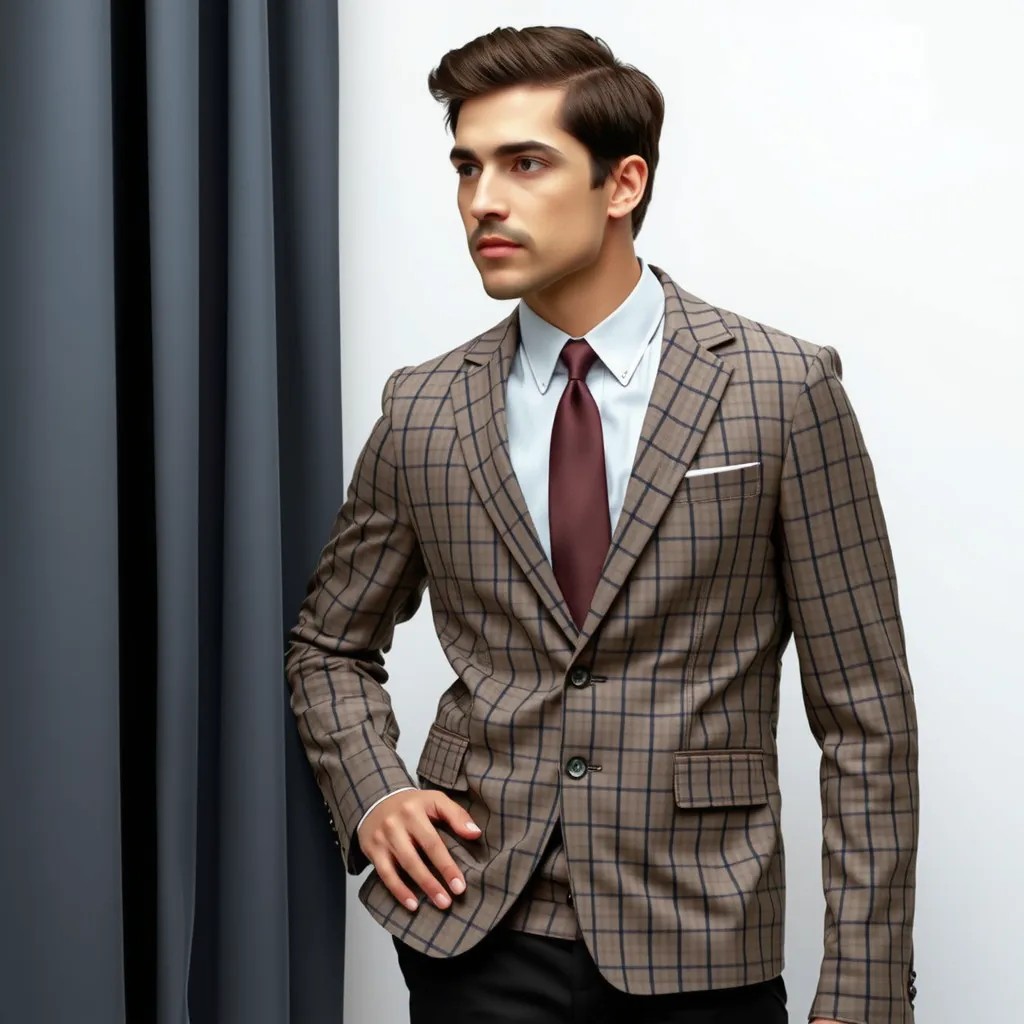
Generated on PixelDojo. Produced by PixelDojo's generation pipeline.
Imagine seeing exactly how that new dress, jacket, or full outfit looks on you before you buy—or on your models for campaigns—without a single trip to the store or expensive photoshoot. PixelDojo's AI outfit try on lets you achieve photorealistic visualizations in seconds, so you shop with complete confidence, slash return rates, and produce professional fashion content that converts. Latest advancements in virtual try-on deliver natural fabric drape, accurate fit across body types, and seamless lighting that matches your original photo, turning online shopping and content creation into an effortless, inspiring experience. You upload a clear full-body image of yourself or a character, add the garment you want to try, and receive stunning results that preserve your identity, pose, and background while applying the clothing with lifelike texture and folds. Whether you are a shopper tired of guessing sizes, a brand owner needing catalog images for hundreds of SKUs, or a creator building lookbooks and social posts, you gain the power to experiment freely, mix complete outfits, and iterate until the look is perfect. PixelDojo puts dedicated tools like Flux Pro Virtual Try-On and Virtual Try-On at your fingertips alongside Character Stylist and Consistent Characters, so every generation stays true to your vision. Join thousands of creators who already use these capabilities daily to make better decisions, save time and money, and bring fashion ideas to life instantly. Start today and discover how AI outfit try on transforms the way you see, style, and sell clothing.
Real image examples generated on PixelDojo
Every example below was produced on PixelDojo. Hover to see the prompt.
A man wearing this outfit
stable-diffusion
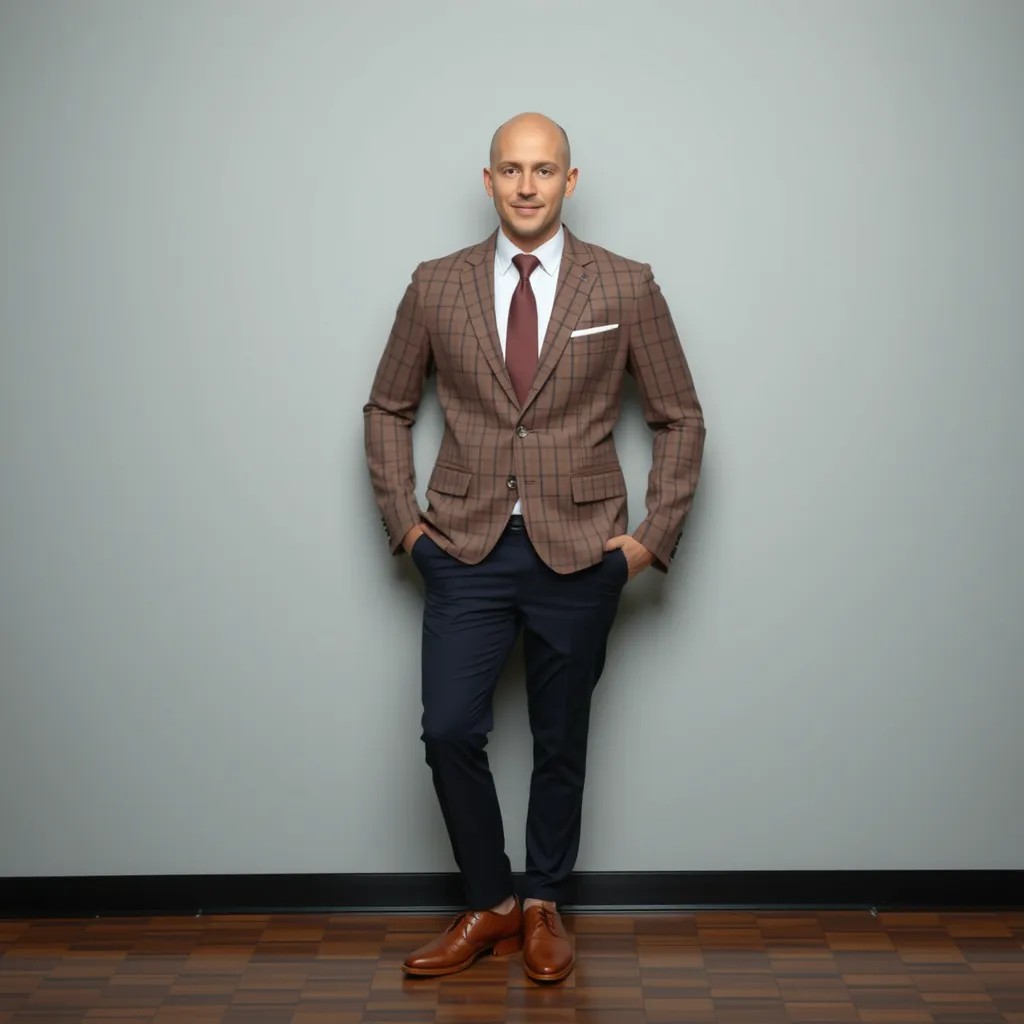
A man wearing this outfit
stable-diffusion
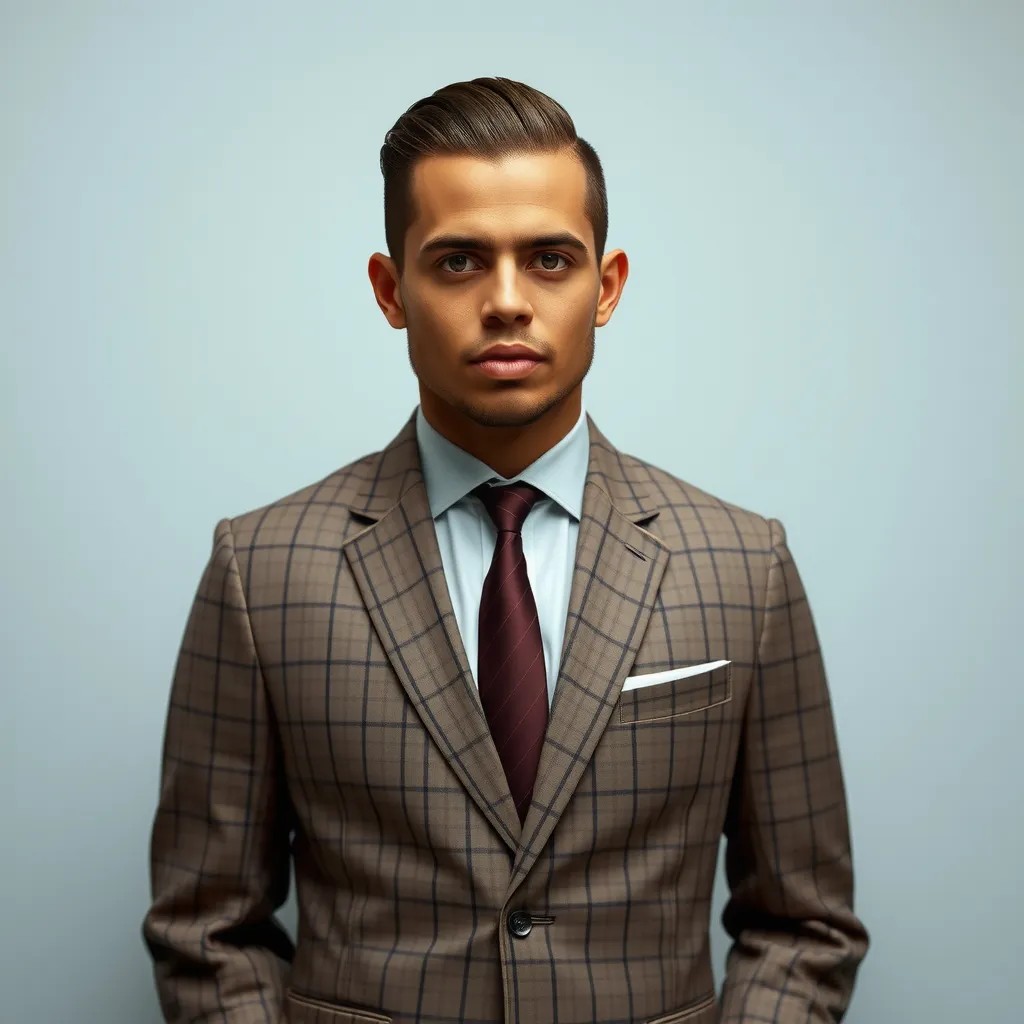
A man wearing this outfit
stable-diffusion
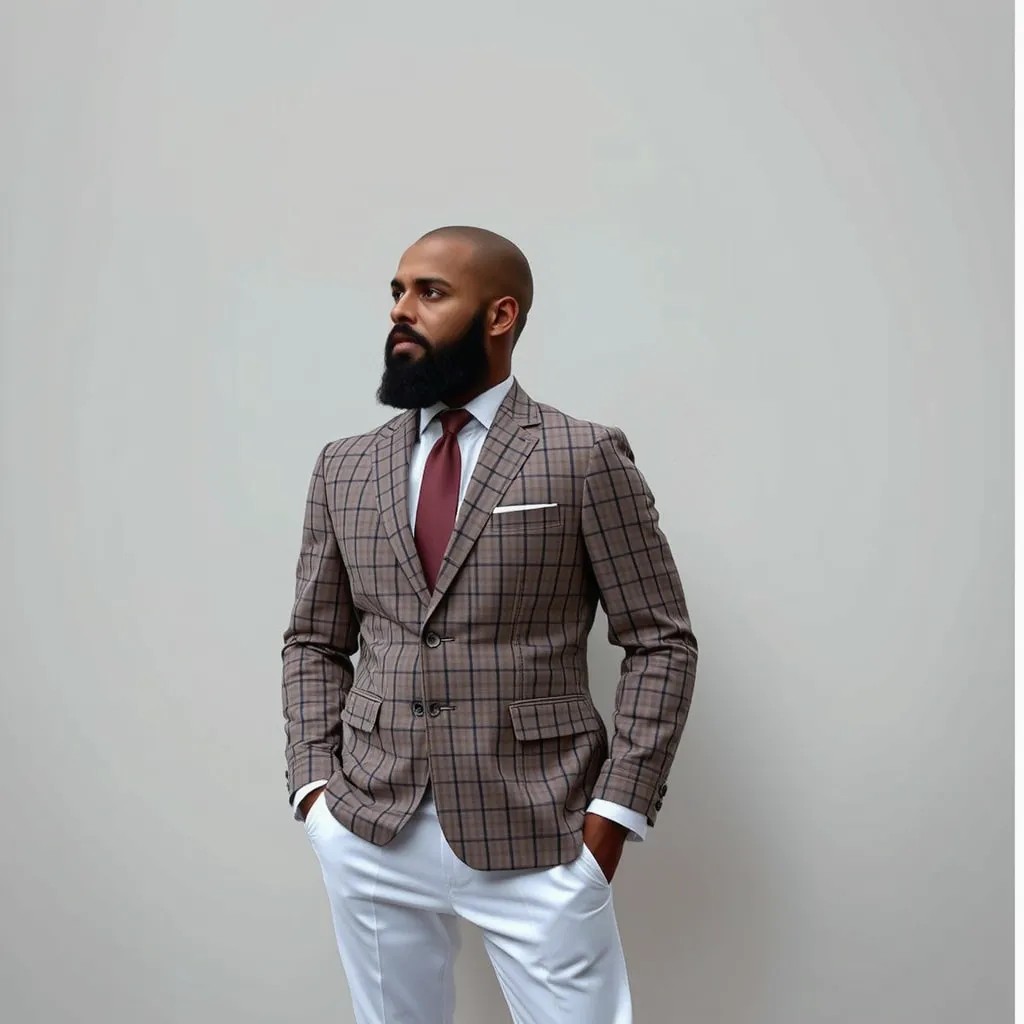
A man wearing this outfit
stable-diffusion
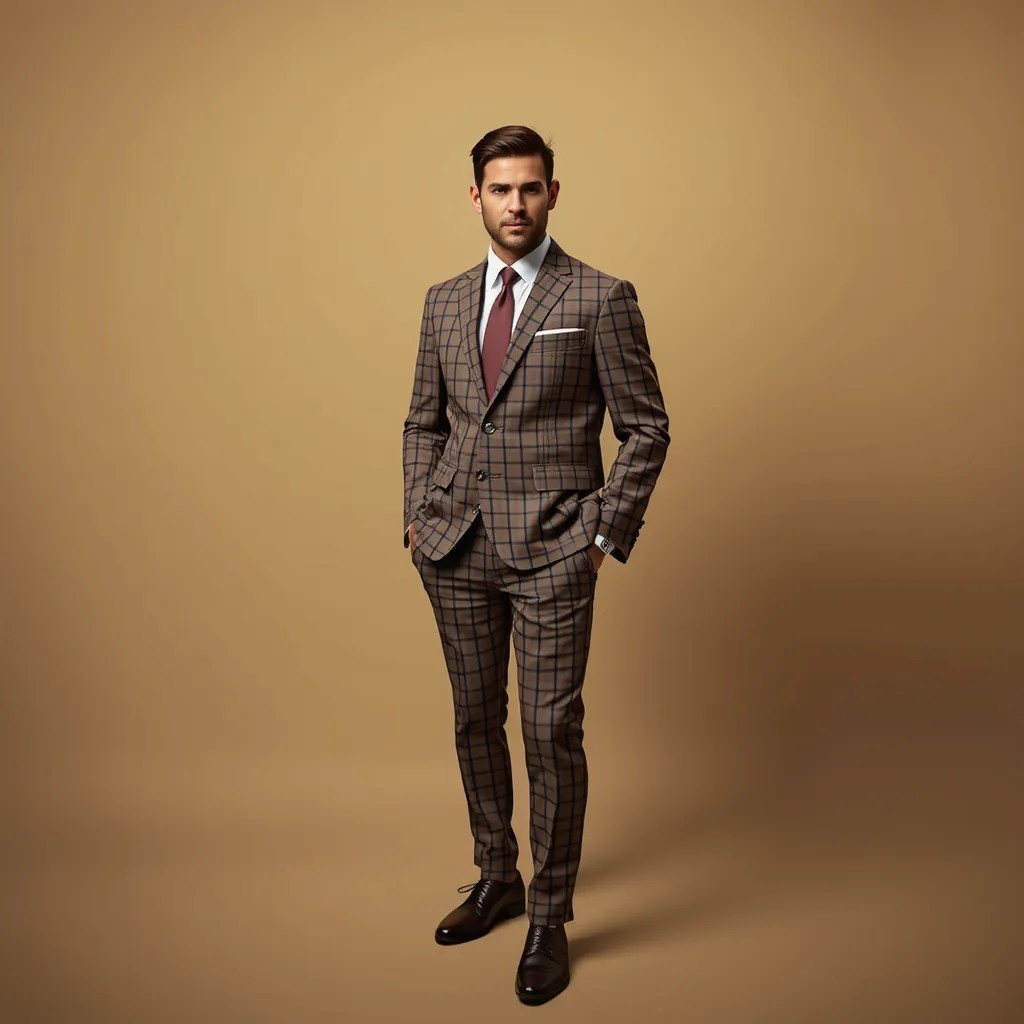
A man wearing this outfit
stable-diffusion
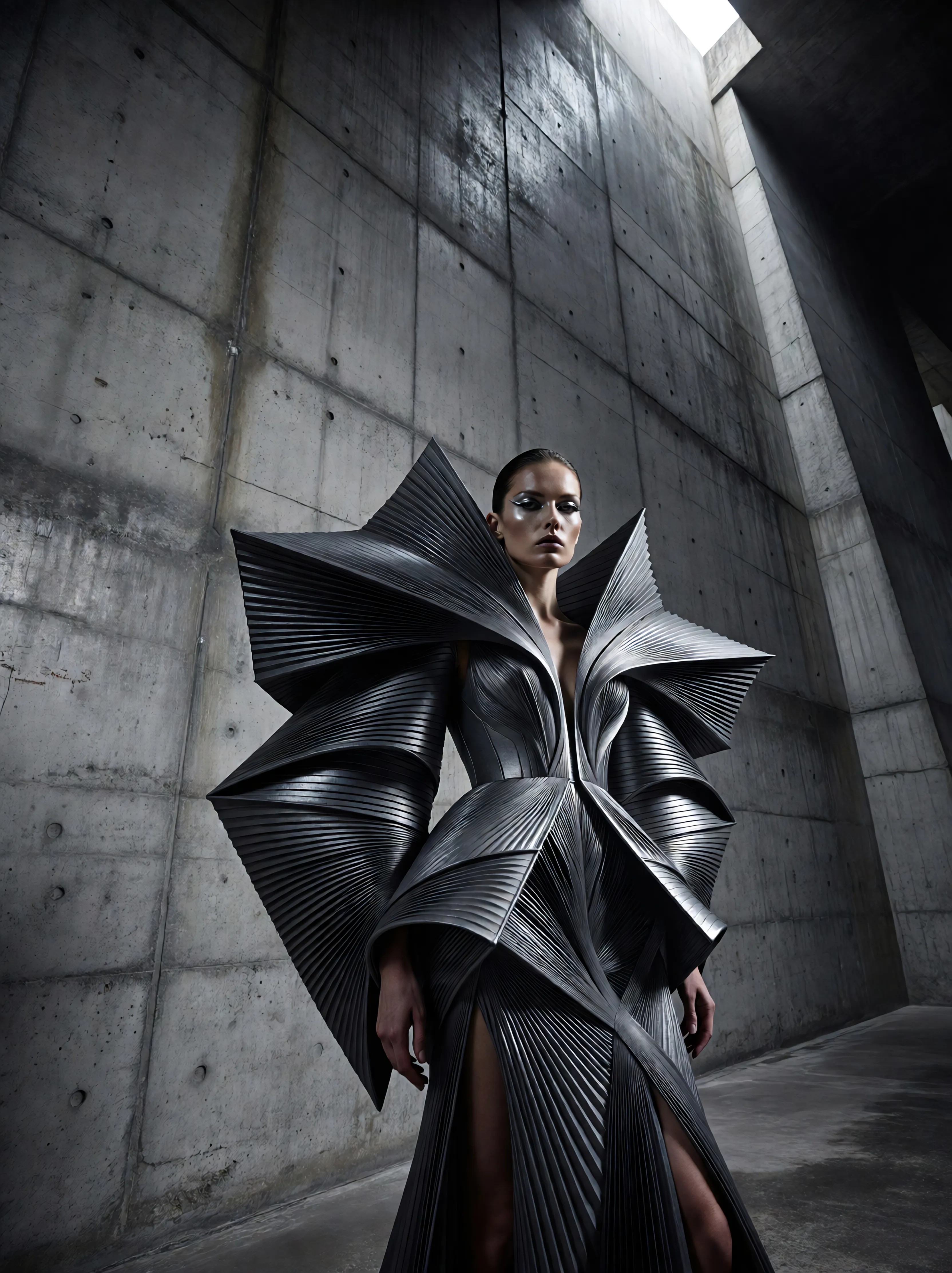
Ia-fashion
image-to-image
Models you can run on PixelDojo for ai outfit try on
Switch models without switching tools. Each one runs in the same PixelDojo studio.
What you can do with ai outfit try on on PixelDojo
Virtual Outfit Try-On
We generate images of your subject wearing new garments from a reference photo and clothing inputs. You keep pose and identity while swapping looks for campaigns and lookbooks.
Multi-Garment Combinations
We let you mix tops, bottoms, outerwear, and accessories in a single generation pass. Creators can iterate outfits without reshooting the original model photo.
Style and Fit Control
We support prompts and references for fabric, cut, and color so you can steer how each piece sits on the body. Results stay consistent enough for side-by-side outfit comparisons.
Export Ready Stills
We output still images you can download and use in decks, shops, and social posts. Batch runs help you cover more SKUs from the same base portrait.
Loved by thousands of creators worldwide who generate millions of images monthly. Rated highly for realistic results and ease of use. 40+ cutting-edge AI tools included, cancel anytime.
Why Choose Pixel Dojo for ai outfit try on
Professional-quality results with cutting-edge AI technology
Shop Smarter and Cut Returns Dramatically
You see the true fit, drape, and style of any garment on your exact body shape and pose, so you buy only what flatters you and avoid costly exchanges. PixelDojo's AI outfit try on gives you the in-store confidence from home, helping you make purchases you love.
Produce Catalog and Social Content in Minutes
You generate unlimited on-model images and complete outfit variations without booking studios, models, or retouchers. Use Flux Pro Virtual Try-On plus Image to Image and Portrait Upscaler to deliver campaign-ready photos that look professionally shot.
Explore Endless Combinations Without Limits
You mix tops, bottoms, dresses, and accessories on the same photo or consistent character, testing colors, fabrics, and styles instantly. Character Stylist and Virtual Try-On let you iterate freely until you find the perfect look for any occasion.
How It Works
Creating realistic AI outfit try on images with PixelDojo is straightforward and delivers professional results every time. Follow these steps using our specialized fashion tools to visualize clothing on yourself or custom models.
Step 1: Choose Your Tool
Open Flux Pro Virtual Try-On or the dedicated Virtual Try-On tool in the Characters & Faces section. Upload a well-lit, full-body photo of yourself or your model facing the camera with a simple background, plus a clean product image of the garment (flat lay or ghost mannequin works best). These tools are purpose-built for fashion so the clothing maps naturally to your body.
Step 2: Enter Your Prompt
Describe the desired look if needed, such as lighting, pose adjustments, or additional items, while the AI automatically applies the uploaded garment with accurate texture, folds, and fit. Combine with Consistent Characters or Ideogram Character to lock identity across multiple outfits. Generate several variations to choose the strongest result.
Step 3: Customize & Download
Refine details using Inpainting for small fixes, Style Transfer for different aesthetics, Magic Lighting to match the scene, or P-Image Upscale and Clarity Pro for print-ready resolution. Download in high quality ready for shopping decisions, ecommerce listings, or social posts. Extend to video later with Kling Video or WAN 2.7 Video if you want motion.
The Pixel Dojo Advantage
Why PixelDojo outperforms other options for AI outfit try on image generation
| Others | Pixel Dojo |
|---|---|
| Traditional [category] creation | You skip weeks of photoshoot planning, model hiring, and studio costs. PixelDojo delivers photorealistic try-on images in seconds using Flux Pro Virtual Try-On, letting you test hundreds of looks for the price of a coffee. |
| Generic AI tools | You get fashion-specific accuracy instead of generic image edits that distort fabric or ignore body shape. Dedicated Virtual Try-On and Character Stylist tools preserve texture, drape, and identity far better than all-purpose generators. |
| Manual photo editing | You finish in minutes rather than hours of masking and compositing. AI handles warping, lighting match, and realistic folds automatically, then you polish with Inpainting or Reality Polisher for perfect results every time. |
Loved by creators on PixelDojo
Real feedback from people using PixelDojo, pulled from our in-product surveys.
awesome functionality, UX, constant flood of improvements, discord interactivity
Awesome site with so many features
Love how I can almost create anything
The Flux Pro Ultra is just amazing!
Very easy to use, and they have fast wan 2.2 video generation with custom loras available.
The overall quality of the site and it's amazing variety of tools. The continued updates of the UI. The unbelievable level of tech support.
Explore more AI tools on PixelDojo
AI Tools
Compare & Switch
- Best AI Image Generators
- Best AI Video Generators
- Midjourney Alternatives
- Civitai Alternatives
- Runway Alternatives
- Leonardo Alternatives
- Pika Alternatives
- Luma Alternatives
- Magnific Alternatives
- Veo Alternatives
- Flux Alternatives
- Freepik Alternatives
- Seedance Alternatives
- Seedream Alternatives
- Pixverse Alternatives
- GPT Image Alternatives
- Synthesia Alternatives
- Playground Alternatives
- NightCafe Alternatives
- Canva AI Alternatives
- ElevenLabs Alternatives
- ComfyUI Alternatives
- Fal Alternatives
- Replicate Alternatives
Common Questions
Everything you need to know about ai outfit try on
What is the best AI outfit try on tool for realistic clothing visualization?
PixelDojo's Flux Pro Virtual Try-On and Virtual Try-On tools deliver the most realistic results because they are built specifically for fashion. You upload your photo and garment, and the AI maps clothing with natural drape, accurate fit, and preserved texture while keeping your face, pose, and background intact. Combine with Consistent Characters for repeatable models and P-Image Upscale for crisp details that look like professional photography.
How does AI virtual try on work for trying clothes on your own photo?
You simply upload a clear full-body photo of yourself and a product image of the item you want to try. PixelDojo's Virtual Try-On analyzes your body shape and the garment, then generates a new image showing you wearing it with realistic lighting and folds. Use Image to Image for variations or Character Stylist to refine the overall look. The process takes seconds and works for tops, dresses, jackets, and complete outfits.
Can I use AI outfit try on to create ecommerce product images without models?
Yes. Upload a garment photo and a consistent character created with Ideogram Character or Consistent Characters, then run Flux Pro Virtual Try-On to produce on-model shots in any pose or setting. Add Background Remover and Magic Lighting for catalog-ready images. You can generate dozens of SKUs quickly, test different demographics, and keep the same model across an entire collection—all without a photoshoot.
Is AI clothing try on accurate enough to judge fit and style before buying?
PixelDojo's dedicated try-on tools provide highly realistic visualizations of how garments drape and fit your specific proportions, helping you make confident decisions. While no digital preview replaces trying in person, users report far fewer returns because they see the actual silhouette, length, and fabric behavior. Pair with your measurements and reviews for the best results, then upscale with Portrait Upscaler for extra detail.
How can I try on multiple outfits or mix and match with AI?
Start with one base photo in Virtual Try-On, then layer additional garments using Image to Image or sequential generations. Character Stylist lets you describe complete looks while Flux Pro Virtual Try-On handles the clothing application. You can also use Face Swap or LoRA Face Swap to keep identity consistent across an entire wardrobe of generated images, making it easy to build full lookbooks or personal style boards.
What photo quality do I need for the best AI outfit try on results?
Use a well-lit, full-body shot facing the camera with a plain background and fitted clothing so the AI can read your shape accurately. High-resolution images (1080p or better) of both you and the garment produce the sharpest output. PixelDojo's tools handle a range of inputs, but following these simple guidelines plus a quick pass through Reality Polisher or Clarity Pro after generation gives you professional-grade images every time.