kling video v3 standard
Generated on PixelDojo. Produced by PixelDojo's generation pipeline.
You can now step into the director's chair and produce complete cinematic videos from a simple idea. With Kling Video V3 Standard on PixelDojo you generate 3 to 15 second clips featuring natural human motion, automatic multi-shot sequences, and native audio including lip-synced dialogue in multiple languages. Upload a still from Kling Image or Flux.2 Studio, describe camera moves and action, and watch a polished scene appear—ready for social ads, product stories, or narrative shorts. Pair it with Marketing Studio for campaign-ready assets, Consistent Characters for series work, and Kling Video Edit for final polish. Thousands of creators already ship professional-looking videos without cameras, crews, or editing timelines. You keep full control, iterate fast in Standard 720p mode, then upscale or refine. Cancel anytime and explore 40+ cutting-edge tools in one place.
Real video examples generated on PixelDojo
Every example below was produced on PixelDojo. Hover to see the prompt.
Video to sound generation
image-to-video
Merged video from "lobster on the loose" - 5 clips
image-to-video
Merged video from "Kitchen Nightmare" - 3 clips
image-to-video
Merged video from "Kitchen Nightmare" - 3 clips
image-to-video
OmniHuman video with 3
image-to-video
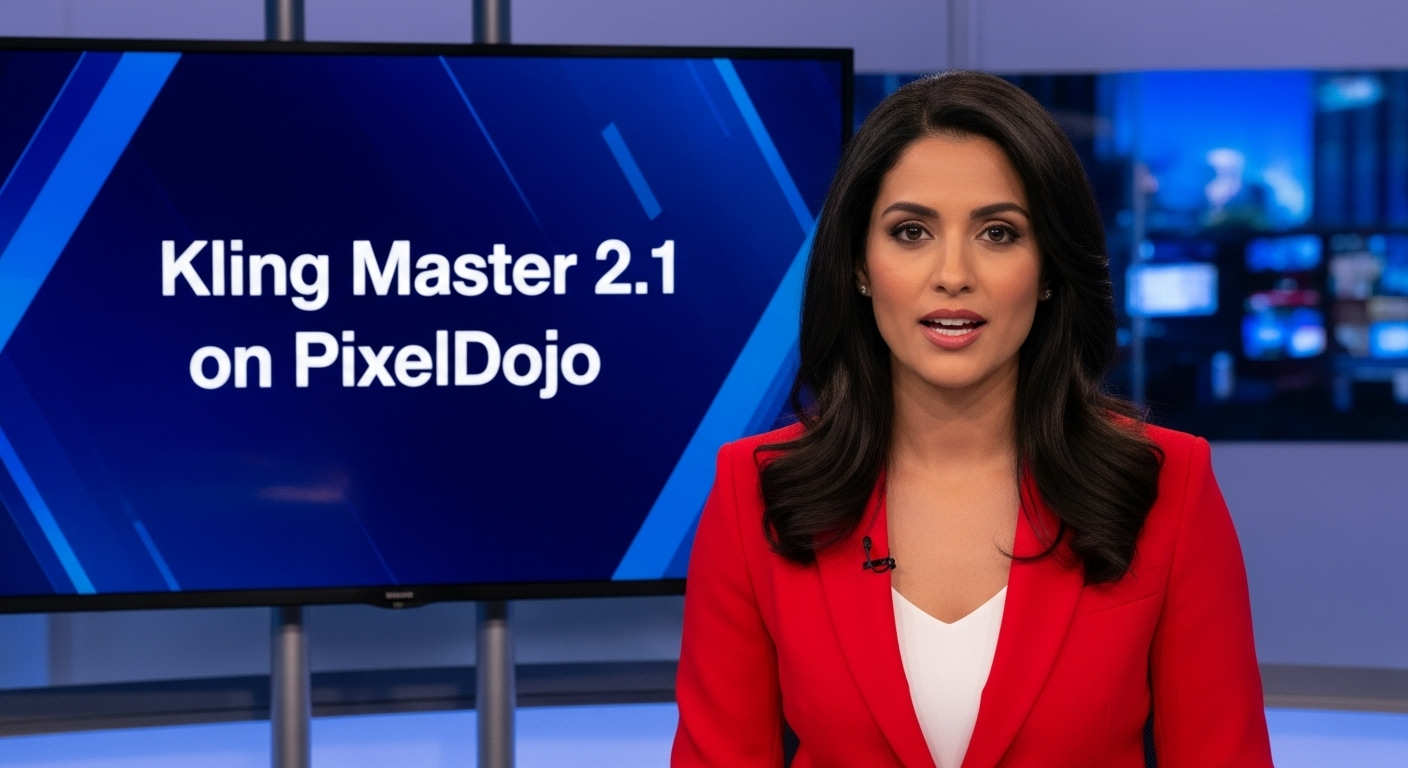
A photo of a beautiful news anchor
imagen
Models you can run on PixelDojo for kling video v3 standard
Switch models without switching tools. Each one runs in the same PixelDojo studio.
What you can do with kling video v3 standard on PixelDojo
Text to Video
We run Kling Video V3 Standard so you can turn written prompts into short clips with coherent motion and scene continuity.
Image to Video
Start from a still you already have. We animate it with Kling V3 Standard while keeping subject identity and framing more consistent across frames.
Cinematic Motion Control
We give you access to Kling V3 Standard’s camera and subject motion so clips feel directed rather than random frame jumps.
Creator Workflow Access
Generate Kling V3 Standard videos in PixelDojo alongside your other models, then iterate on prompts and outputs in one place.
Loved by thousands of creators worldwide who generate millions of videos monthly. 40+ specialized AI tools in one platform, cancel anytime, start creating in seconds.
Why Choose Pixel Dojo for kling video v3 standard
Professional-quality results with cutting-edge AI technology
Direct Full Scenes in a Single Generation
You describe a story with multiple camera angles and the model automatically plans shots, transitions, and pacing up to 15 seconds. No stitching clips together—your prompt becomes a coherent cinematic sequence with realistic physics for cloth, hair, and water.
Add Complete Soundtracks Instantly
You generate video plus synchronized speech, sound effects, and ambient audio in one pass. Dialogue supports English, Chinese, Japanese, Korean, Spanish plus accents so your characters speak naturally with perfect lip-sync for ads or stories.
Keep Characters Identical Across Every Shot
You lock faces, outfits, and voices using image or video references so the same person appears consistently even when the camera cuts or the scene changes. Perfect for brand ambassadors, series, or product demos that feel professionally produced.
How It Works
You create professional Kling Video V3 Standard clips in three straightforward steps inside PixelDojo. Start with text or an image, add cinematic direction, then refine and download.
Step 1: Choose Your Tool
Open Generate Videos and select Kling Video. For best results first create a high-quality still with Kling Image, Flux.2 Studio, or Seedream 5, then animate it. Use Marketing Studio if you need on-brand campaign assets or Consistent Characters to lock a face before generating motion.
Step 2: Enter Your Prompt
Write a clear description of subject, action, camera movement (slow dolly-in, pan left, tracking shot), lighting, and any dialogue. For multi-shot sequences list sequential beats or use the multi-prompt option. Upload a start image for image-to-video, set duration between 3 and 15 seconds, choose 16:9, 9:16 or 1:1, and toggle native audio. Keep motion-focused and concise for the most natural results.
Step 3: Customize & Download
Generate, then refine with Kling Video Edit, WAN 2.7 Video Edit, or Grok Video Edit. Add captions via Video Autocaption, reframe for different platforms with Video Reframe, or enhance resolution using FLUX Video Upscale or P-Image Upscale. Merge clips if needed and download your finished video ready for social, ads, or client delivery.
The Pixel Dojo Advantage
Why PixelDojo outperforms other options for Kling Video V3 Standard video generation
| Others | Pixel Dojo |
|---|---|
| Traditional video production | You skip weeks of location scouting, filming, and post-production. Generate unlimited cinematic takes in minutes with built-in camera work, lighting, and audio instead of hiring a crew. |
| Generic AI tools | You access Kling Video V3 Standard plus specialized companions like VEO 3.1, WAN 3.0, Marketing Studio, Consistent Characters, and a full editing suite (Kling Video Edit, Video Autocaption, Merge Videos) all in one account instead of juggling separate platforms. |
| Manual photo and video editing | You turn a single still into a complete 15-second multi-shot film with realistic motion, native sound, and character consistency automatically. No keyframing, no rotoscoping, no audio syncing required. |
Loved by creators on PixelDojo
Real feedback from people using PixelDojo, pulled from our in-product surveys.
deployment rate of splendid features is incredible. Legend
large selection of tools on one platform
the amount you can do on this site
all in one place
It is a lot of fun to uae and easy too.
So many different models to try out
Explore more AI tools on PixelDojo
AI Tools
Compare & Switch
- Best AI Image Generators
- Best AI Video Generators
- Midjourney Alternatives
- Civitai Alternatives
- Runway Alternatives
- Leonardo Alternatives
- Pika Alternatives
- Luma Alternatives
- Magnific Alternatives
- Veo Alternatives
- Flux Alternatives
- Freepik Alternatives
- Seedance Alternatives
- Seedream Alternatives
- Pixverse Alternatives
- GPT Image Alternatives
- Synthesia Alternatives
- Playground Alternatives
- NightCafe Alternatives
- Canva AI Alternatives
- ElevenLabs Alternatives
- ComfyUI Alternatives
- Fal Alternatives
- Replicate Alternatives
Common Questions
Everything you need to know about kling video v3 standard
What is Kling Video V3 Standard and how do I use it on PixelDojo?
Kling Video V3 Standard is the fast, cost-effective 720p mode of the latest Kling 3.0 model. It turns text or images into 3–15 second cinematic clips with multi-shot support and optional native audio. On PixelDojo you simply choose Kling Video from Generate Videos, add your prompt or start image, set duration and aspect ratio, then generate. Combine it with Kling Image for the starting frame and Kling Video Edit for polish.
How can I create multi-shot cinematic sequences with Kling Video V3 Standard?
Describe sequential shots in your prompt using camera language such as “wide establishing shot, then slow push-in to close-up, then pan to follow the character.” PixelDojo’s Kling Video supports multi-prompt segments so the model plans coverage, transitions, and pacing automatically up to six shots inside one 15-second generation. Afterward refine cuts with Kling Video Edit or Merge Videos.
Does Kling Video V3 Standard generate native audio and lip-synced dialogue?
Yes. Toggle audio generation and include dialogue in your prompt. The model produces synchronized speech in English, Chinese, Japanese, Korean, Spanish plus various accents, along with matching sound effects and ambience. You can further customize voices with Text to Speech or Seed Audio 1.0 and add captions using Video Autocaption—all inside PixelDojo.
What are the best prompting techniques for realistic human motion in Kling V3 Standard?
Focus on physics and camera: describe how cloth, hair, and body weight move, plus one clear camera instruction (slow dolly-in, gentle pan, tracking shot). Keep the prompt concise and motion-oriented rather than listing static details. Iterate quickly in Standard mode, then lock the best take. PixelDojo lets you test variations fast and enhance the winner with Reality Polisher or FLUX Video Upscale.
Can I start with an image and animate it using Kling Video V3 Standard on PixelDojo?
Absolutely. Generate or upload a still with Kling Image, Flux.2 Studio, Seedream 5, or Ideogram 4, then feed it as the start frame (and optionally an end frame). Describe the desired motion and camera path. The result maintains the original composition, colors, and subject identity far better than text-only generation. Follow up with Change Camera Angle or Image to Image if you need extra stills.
Is Kling Video V3 Standard suitable for marketing and social videos, and which PixelDojo tools help?
It is ideal for ads, product demos, and social clips because you get cinematic quality, native audio, and consistent characters in seconds. Use Marketing Studio to plan the campaign, Consistent Characters or Kling Avatar to lock talent, Kling Video to generate the motion, then Video Reframe, Video Autocaption, and FLUX Video Upscale to adapt for every platform. All tools live in one workspace so you stay in flow.