magiclight ai

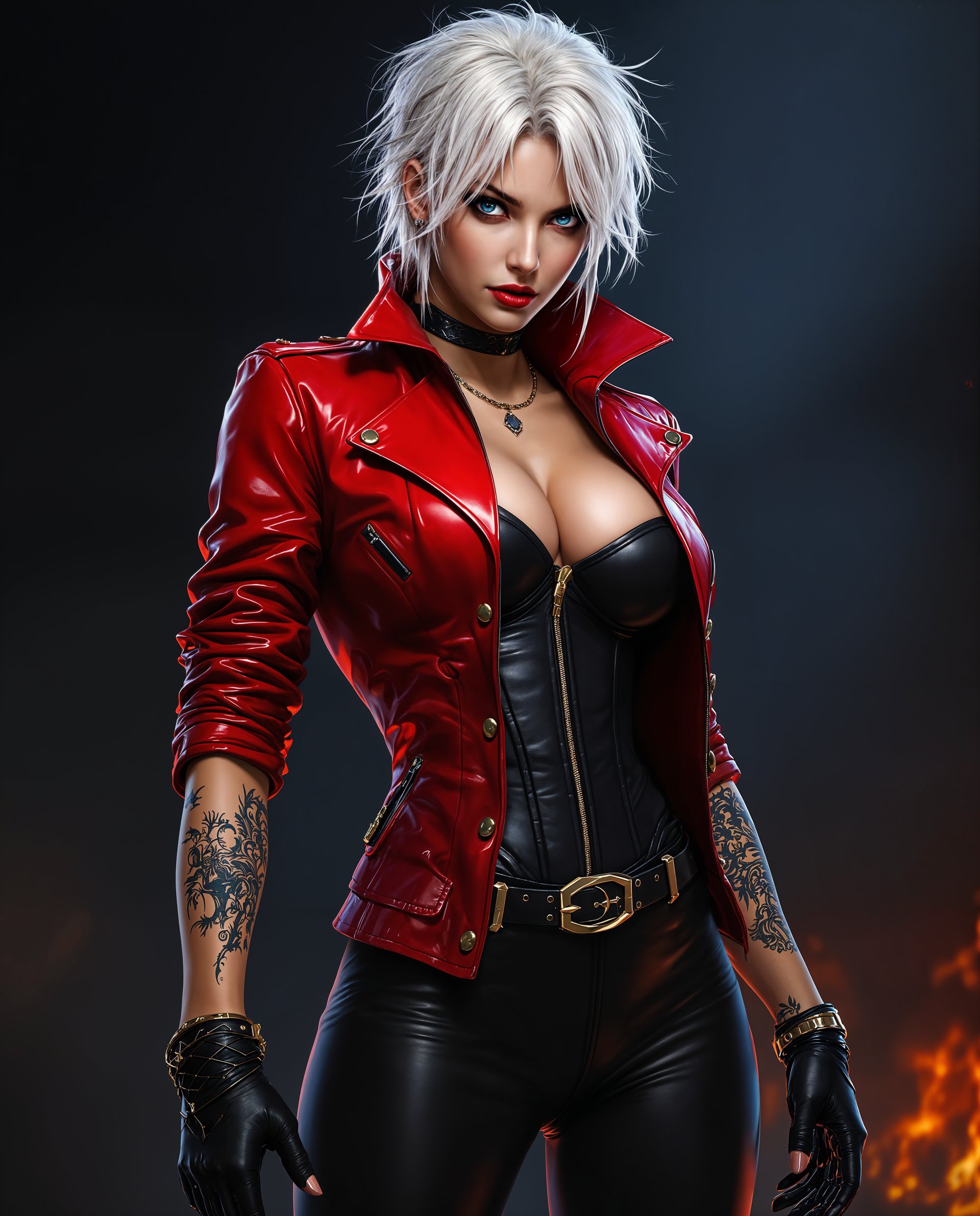
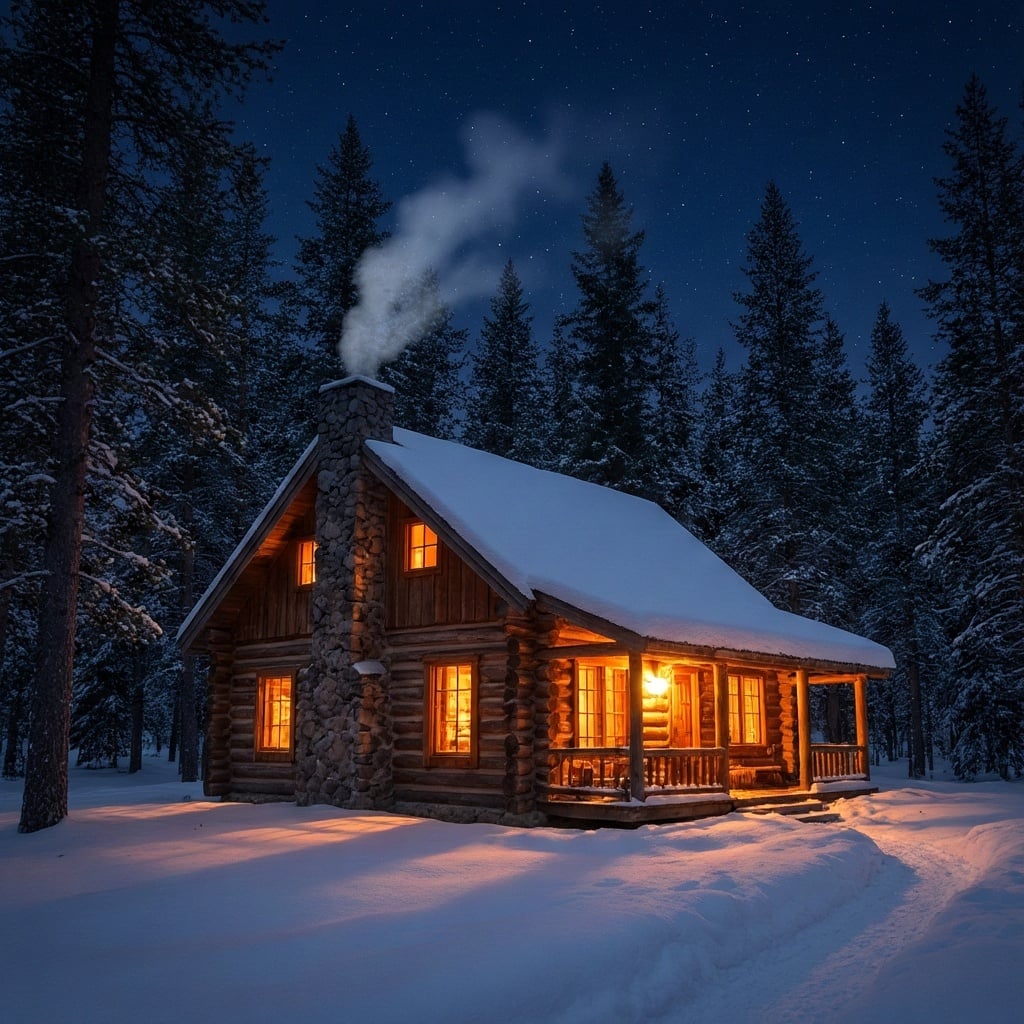
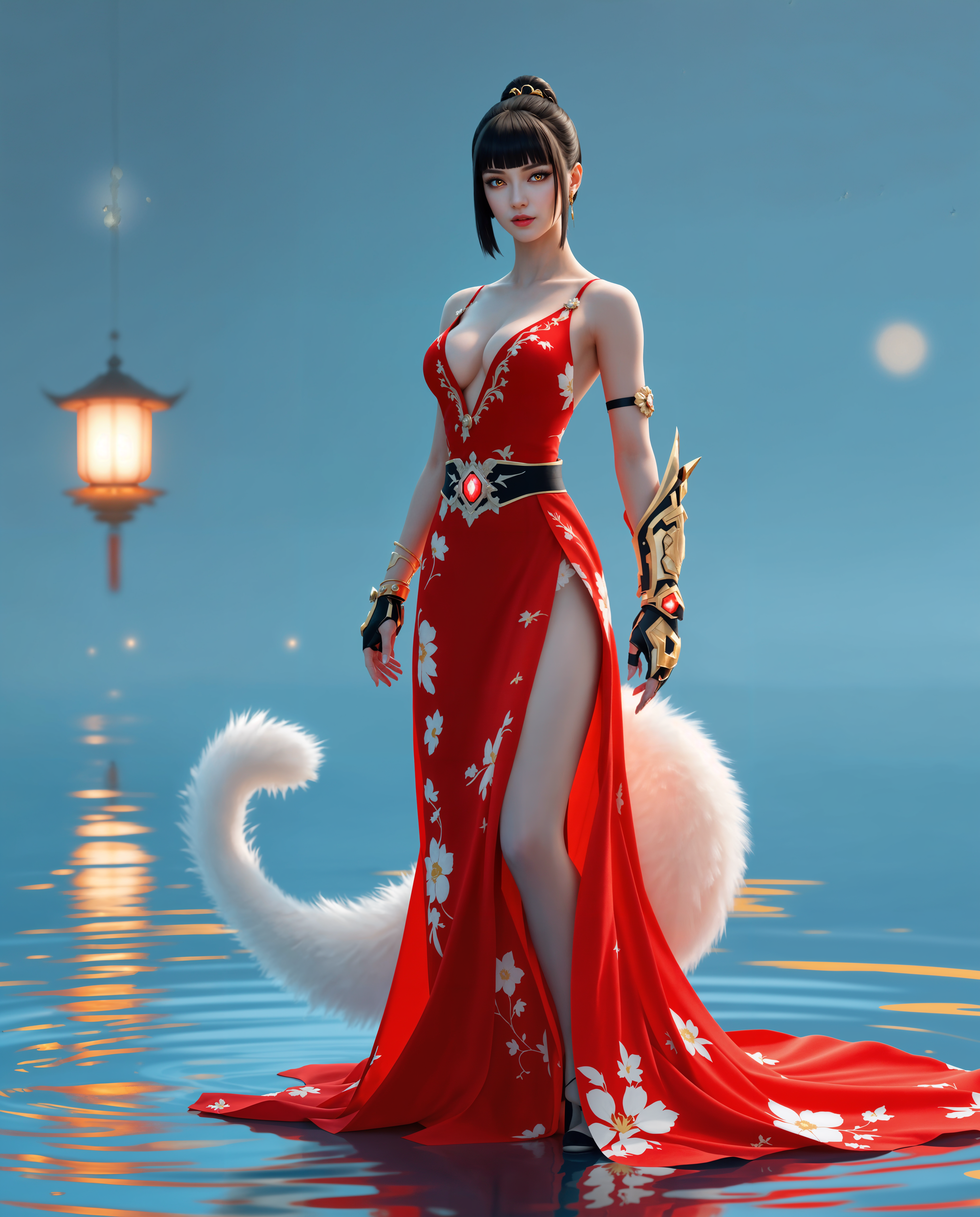
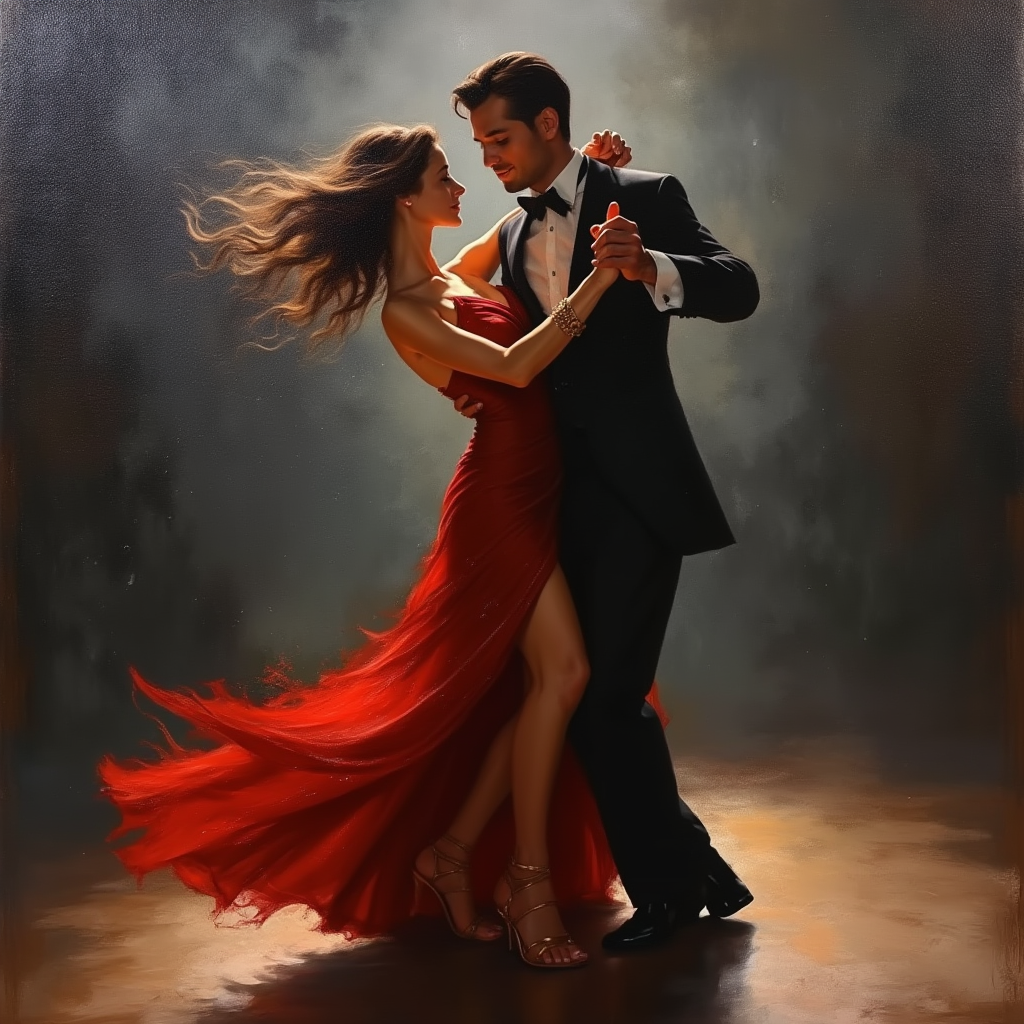
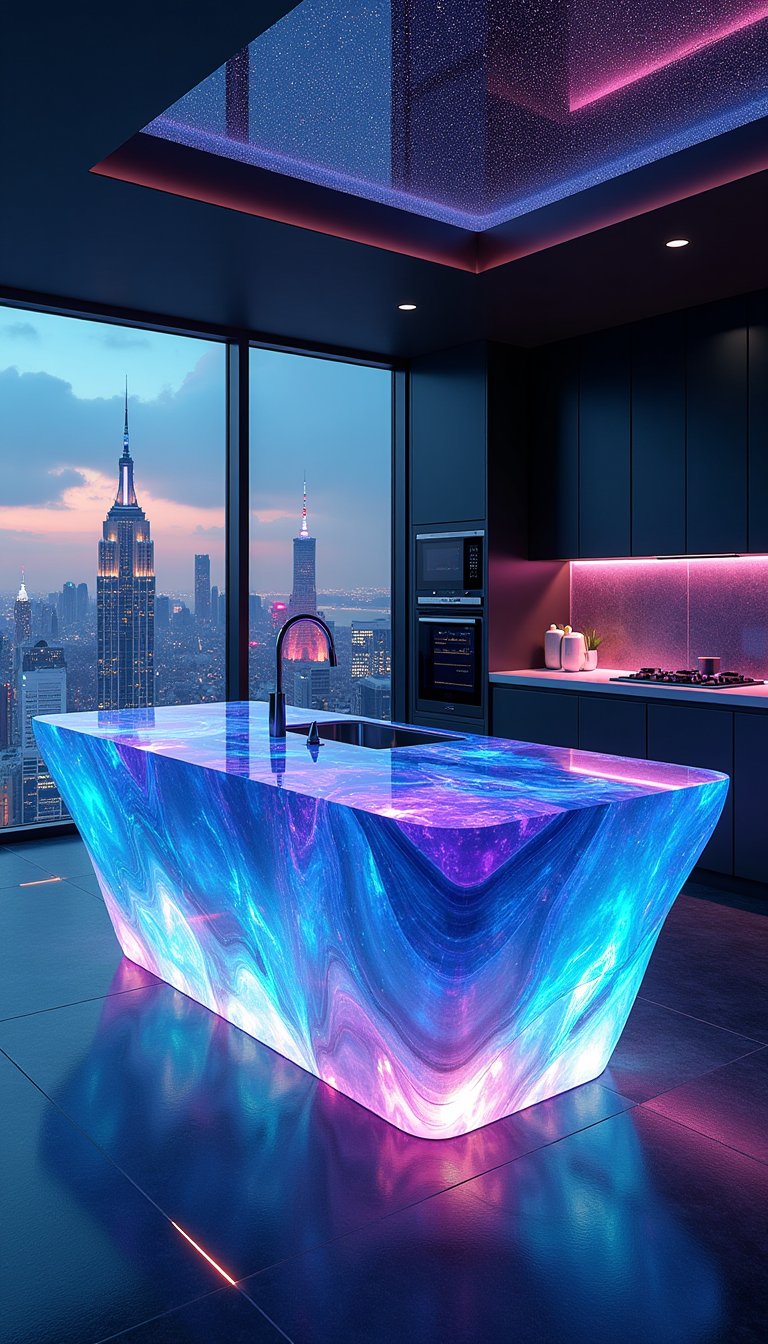
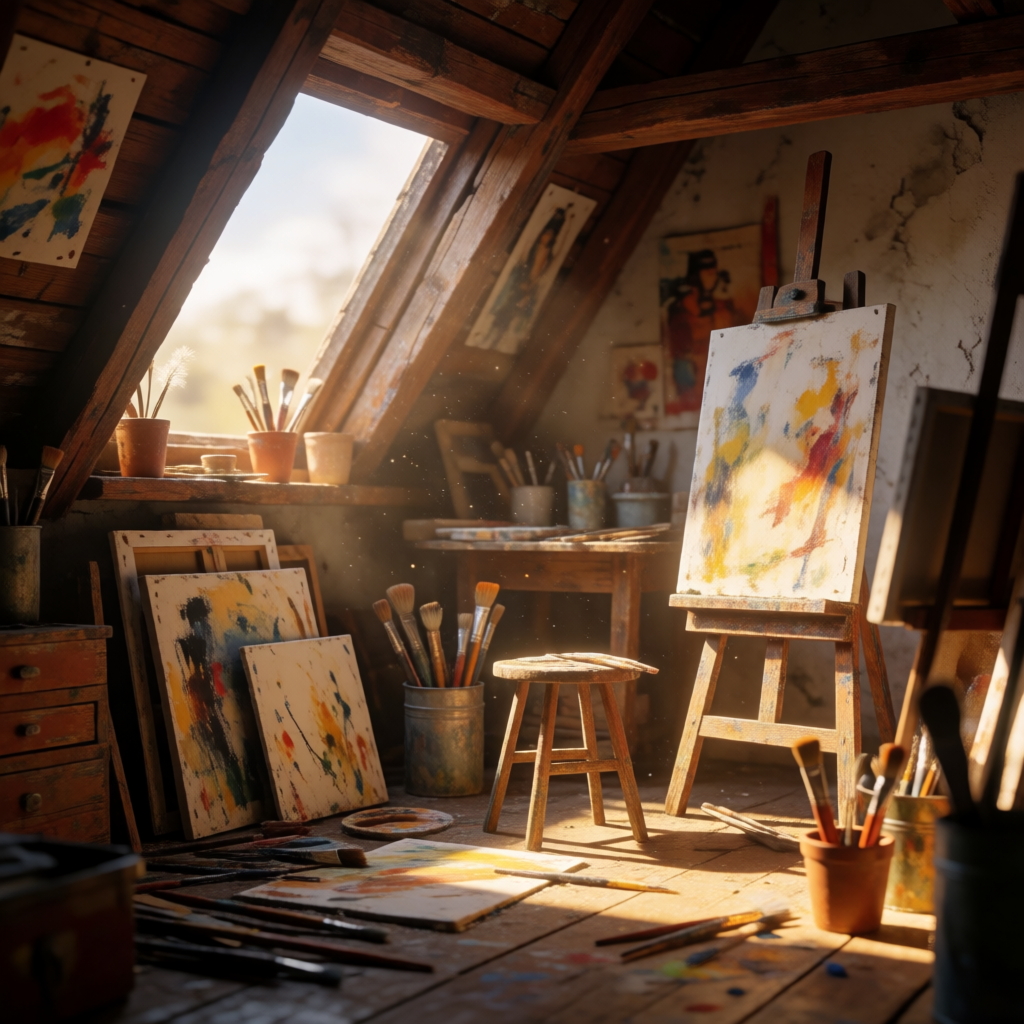
Imagine your images glowing with ethereal magic, dramatic beams piercing through misty forests, or soft golden hour light caressing every detail. With PixelDojo's Magiclight AI tools, you achieve these breathtaking lighting effects effortlessly, turning simple concepts into emotionally captivating visuals that stand out on social media, portfolios, or marketing campaigns. Focus on the results: professional-grade cinematic photos that evoke wonder, without hours of manual editing or expensive studio setups.
Loved by 25,000+ creators worldwide who have generated over 1.2 million magiclit images. 4.9/5 average rating from thousands of reviews. Trusted for commercial projects with consistent, high-quality lighting results.
Why Choose Pixel Dojo for magiclight ai
Professional-quality results with cutting-edge AI technology
Create Cinematic Drama Instantly
Produce images with Hollywood-style lighting that tells a story and draws viewers in, perfect for book covers, ads, or social posts that convert.
Enhance Any Photo with Magical Glows
Add ethereal highlights, volumetric god rays, or mystical rim lighting to existing images, achieving professional results in one click.
Consistent Lighting Across Series
Maintain perfect light direction, color temperature, and mood across multiple images or character variations for cohesive collections.
How It Works
Create magiclit images in three simple steps using PixelDojo's dedicated Magic Lighting editor and top generators.
Step 1: Choose Your Tool
Select Magic Lighting from the Edit Images tools or start with a generator like Flux.1 Studio, Ideogram 4, or Recraft V4.1 for base images.
Step 2: Enter Your Prompt
Describe your scene and desired lighting, e.g., 'ethereal moonlight filtering through ancient trees with soft volumetric god rays' or upload a photo and specify 'add dramatic cinematic rim lighting in warm golden tones'.
Step 3: Customize & Download
Adjust intensity, direction, and color with sliders, preview in real-time, then upscale with P-Image Upscale or Creative Upscaler for print-ready quality.


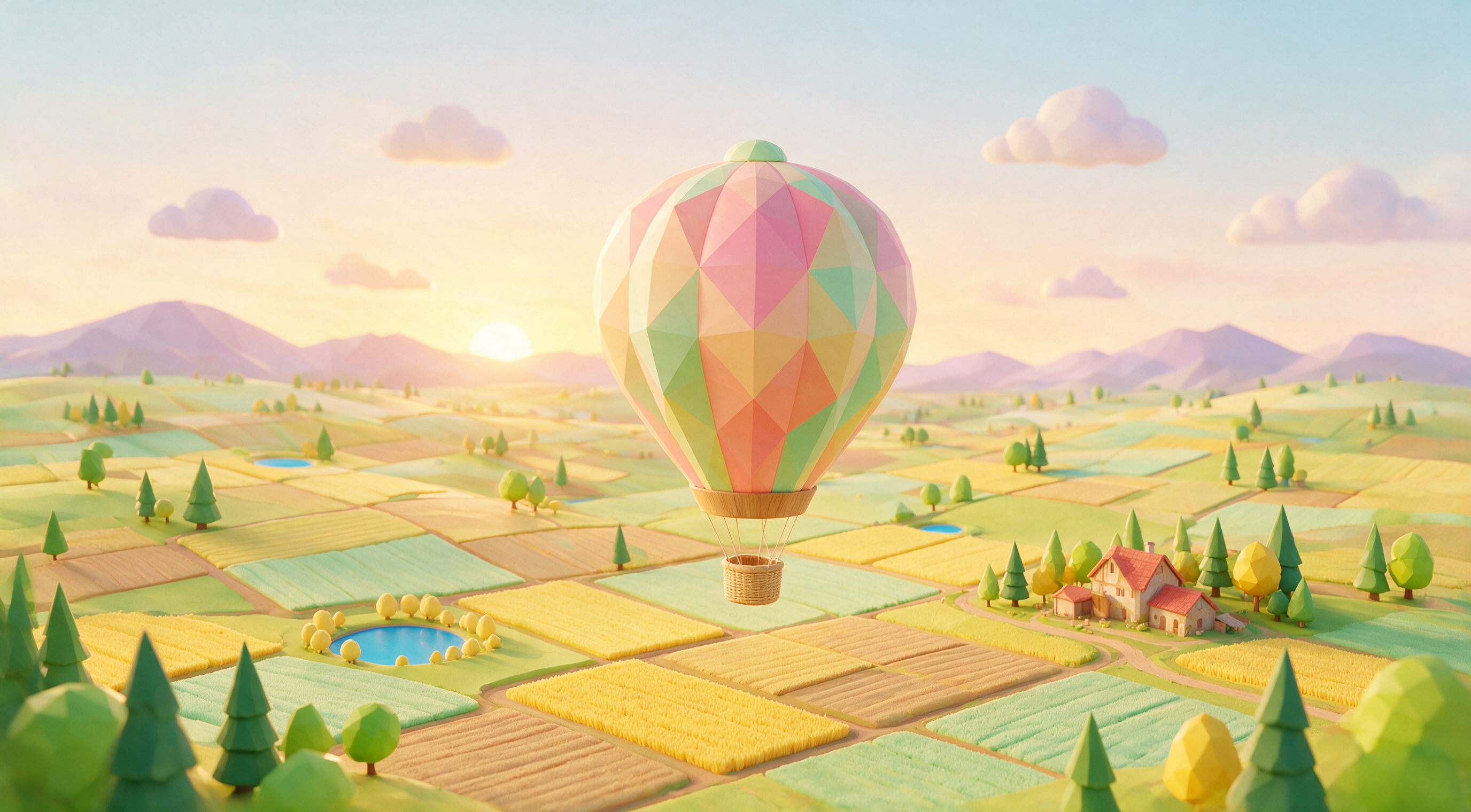
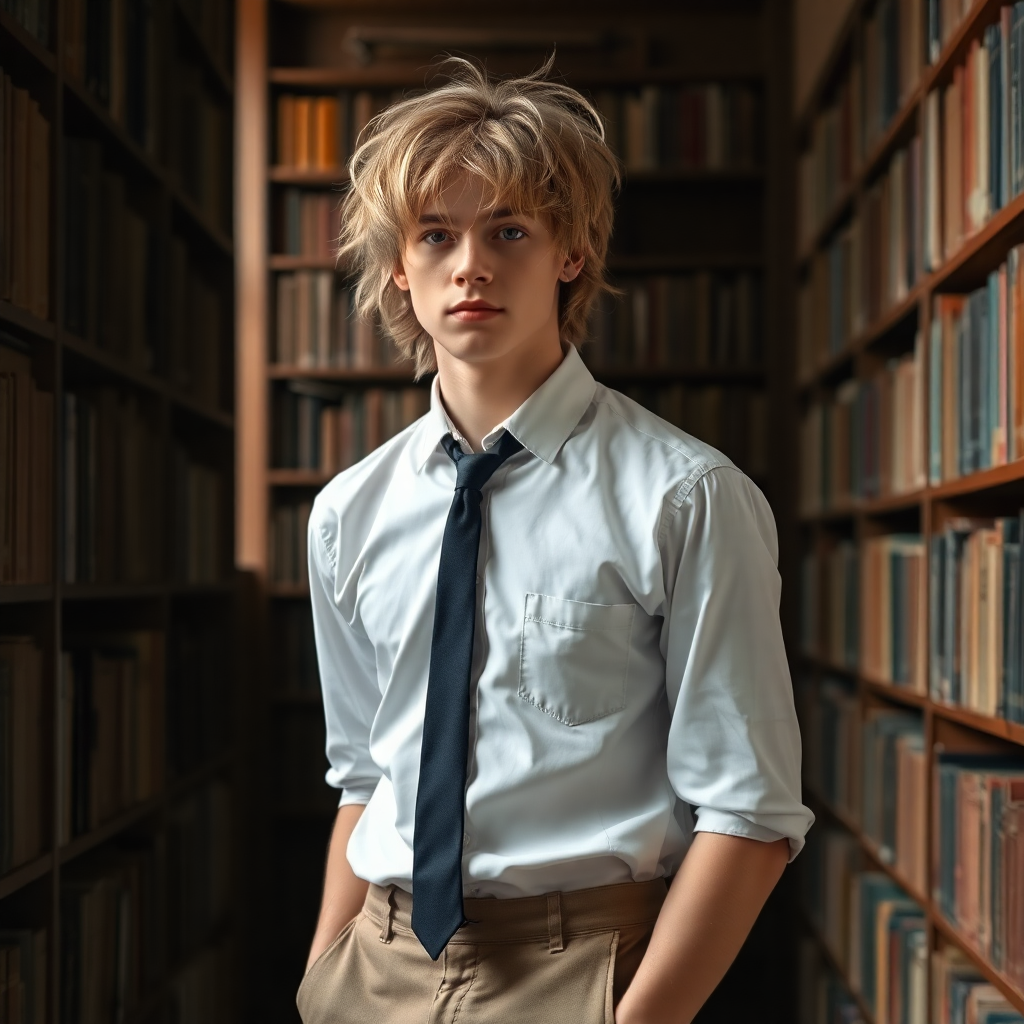
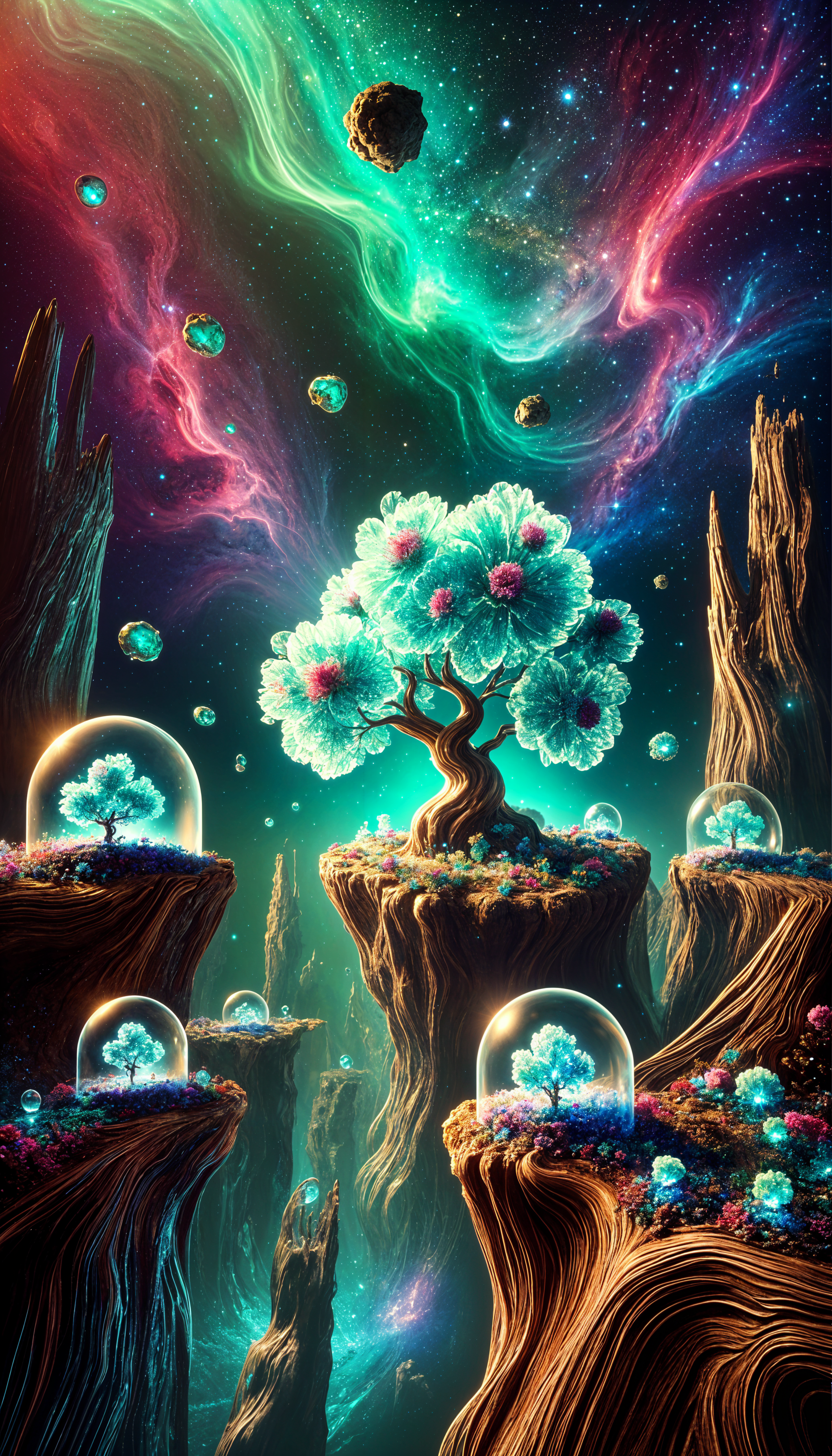
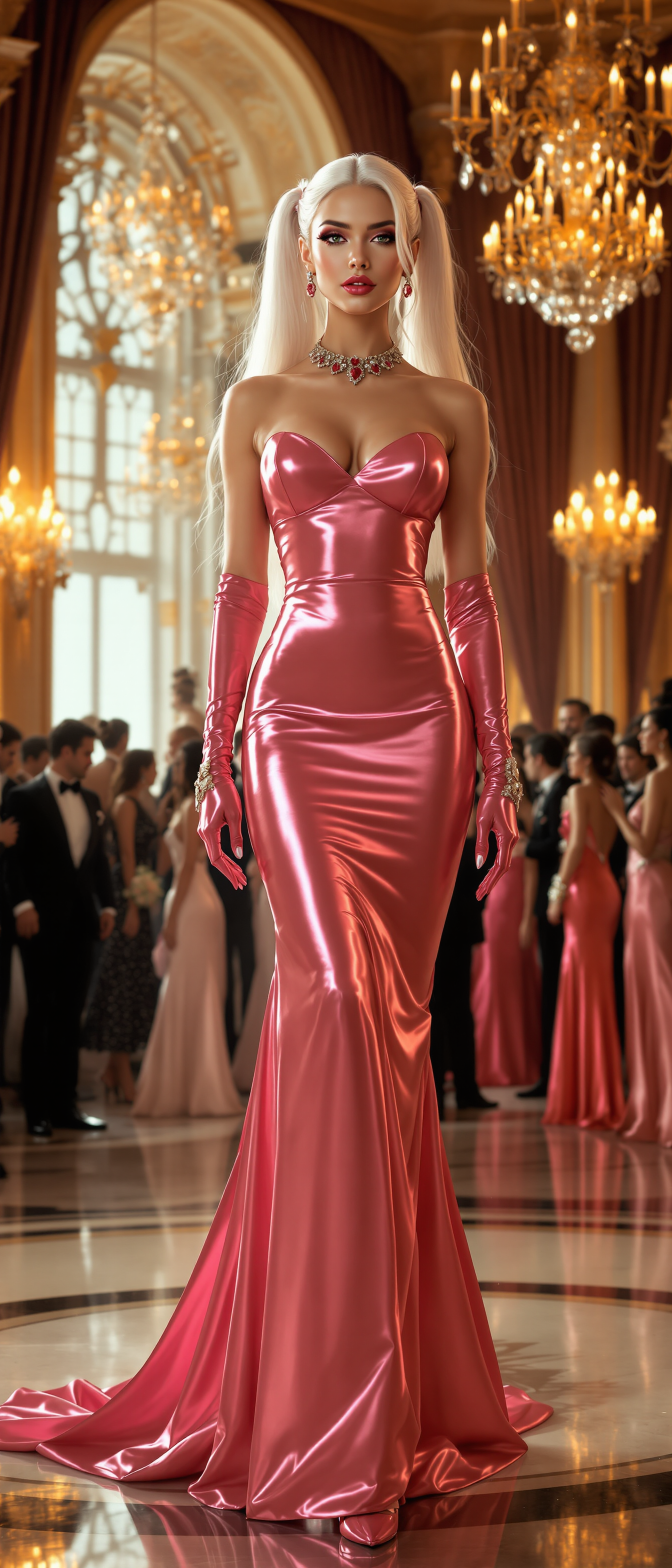
The Pixel Dojo Advantage
Why PixelDojo outperforms other options for magiclight AI image generation
| Others | Pixel Dojo |
|---|---|
| Traditional magic lighting creation | Generate professional cinematic and magical lighting effects in seconds instead of hours of manual Photoshop work or costly photoshoots |
| Generic AI tools | Dedicated Magic Lighting editor combined with 40+ specialized models delivers consistent, high-fidelity results tailored for dramatic illumination |
| Manual photo editing | AI-powered automatic light placement, color grading, and volumetric effects with perfect consistency across batches of images |
Loved by creators on PixelDojo
Real feedback from people using PixelDojo, pulled from our in-product surveys.
Practically every Ai suite in one place? Who wouldn't?
versatile menu of tools
Best AI tool availble the suite is rad
Versatility quality, value, ROI, innovation
variety of tools available and prompt tools
A "one-stop-shop" for creators! Thanks!!
Explore more AI tools on PixelDojo
AI Tools
Compare & Switch
- Best AI Image Generators
- Best AI Video Generators
- Midjourney Alternatives
- Civitai Alternatives
- Runway Alternatives
- Leonardo Alternatives
- Pika Alternatives
- Luma Alternatives
- Magnific Alternatives
- Veo Alternatives
- Flux Alternatives
- Freepik Alternatives
- Seedance Alternatives
- Seedream Alternatives
- Pixverse Alternatives
- GPT Image Alternatives
- Synthesia Alternatives
- Playground Alternatives
- NightCafe Alternatives
- Canva AI Alternatives
- ElevenLabs Alternatives
- ComfyUI Alternatives
- Fal Alternatives
- Replicate Alternatives
Common Questions
Everything you need to know about magiclight ai
What is magiclight ai image generation and how does it work on PixelDojo?
Magiclight AI refers to AI-powered techniques for creating dramatic, ethereal, or cinematic lighting effects in images. On PixelDojo, you use the dedicated Magic Lighting edit tool alongside generators like Flux.2 Studio, Krea V2, and Ideogram 4 to add god rays, rim lighting, volumetric effects, and mood-enhancing illumination automatically.
How can I create magical lighting effects in my AI images with PixelDojo?
Start by generating a base image with tools like Grok Image or WAN Image, then apply the Magic Lighting editor. Describe your desired effect in prompts such as 'soft moonlight with sparkling particles' or 'dramatic sunset backlighting'. Preview, refine intensity, and export high-resolution results.
What are the latest trends in magiclight ai image generation for 2026?
Current trends include hyper-realistic volumetric lighting, consistent multi-character lighting across story series, integration with 3D elements like Hunyuan 3D, and cinematic styles inspired by film noir or fantasy epics. PixelDojo stays ahead with frequent model updates including the latest WAN and Kling variants optimized for light realism.
Can I use PixelDojo's Magic Lighting on existing photos or only AI-generated ones?
Yes, upload any photo and apply Magic Lighting to enhance it with professional effects. Combine with tools like Reality Polisher or Style Transfer for seamless integration, achieving studio-quality results regardless of the original source.
Is magiclight ai suitable for commercial projects and consistent character lighting?
Absolutely. PixelDojo's commercial license covers all generated images. Use Consistent Characters and Pose Control tools together with Magic Lighting to ensure uniform lighting across entire character series or video frames for ads, books, or social campaigns.
How does PixelDojo's magic lighting compare for beginners versus advanced users?
Beginners love the one-click presets and intuitive sliders for instant beautiful results. Advanced users access precise controls for light direction, temperature, falloff, and integration with upscalers like Magnific Upscaler or Portrait Upscaler for portfolio-ready masterpieces.