magnific alternative
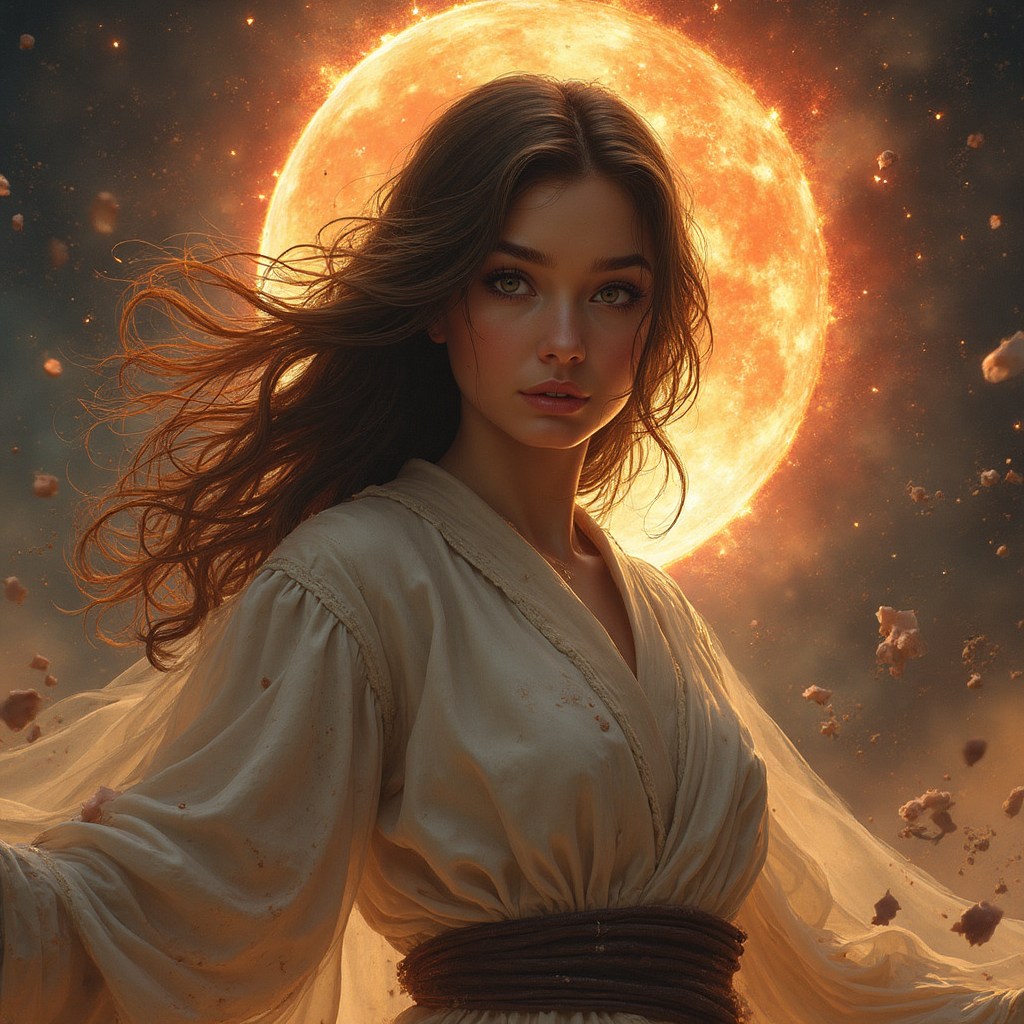
Generated on PixelDojo. Produced by PixelDojo's generation pipeline.
If you are searching for a Magnific alternative that gives you more creative freedom and better results, PixelDojo delivers exactly what you need. You transform ordinary or low-resolution images into breathtaking high-detail visuals that look professionally finished and ready for print, web, or campaigns. Artists, marketers, and designers like you achieve richer textures, sharper details, and cinematic quality without switching between multiple platforms or paying for limited tools. Generate original concepts with Flux.2 Studio or Seedream 5, then enhance them instantly using Magnific Upscaler and Creative Upscaler. You save hours of work while producing assets that capture attention and convert viewers. Join thousands of creators who rely on PixelDojo every day for professional outcomes. Explore 40+ cutting-edge AI tools, cancel anytime, and start creating your best work today.
Real image examples generated on PixelDojo
Every example below was produced on PixelDojo. Hover to see the prompt.
<lora:Body Type_alpha1
flux-studio
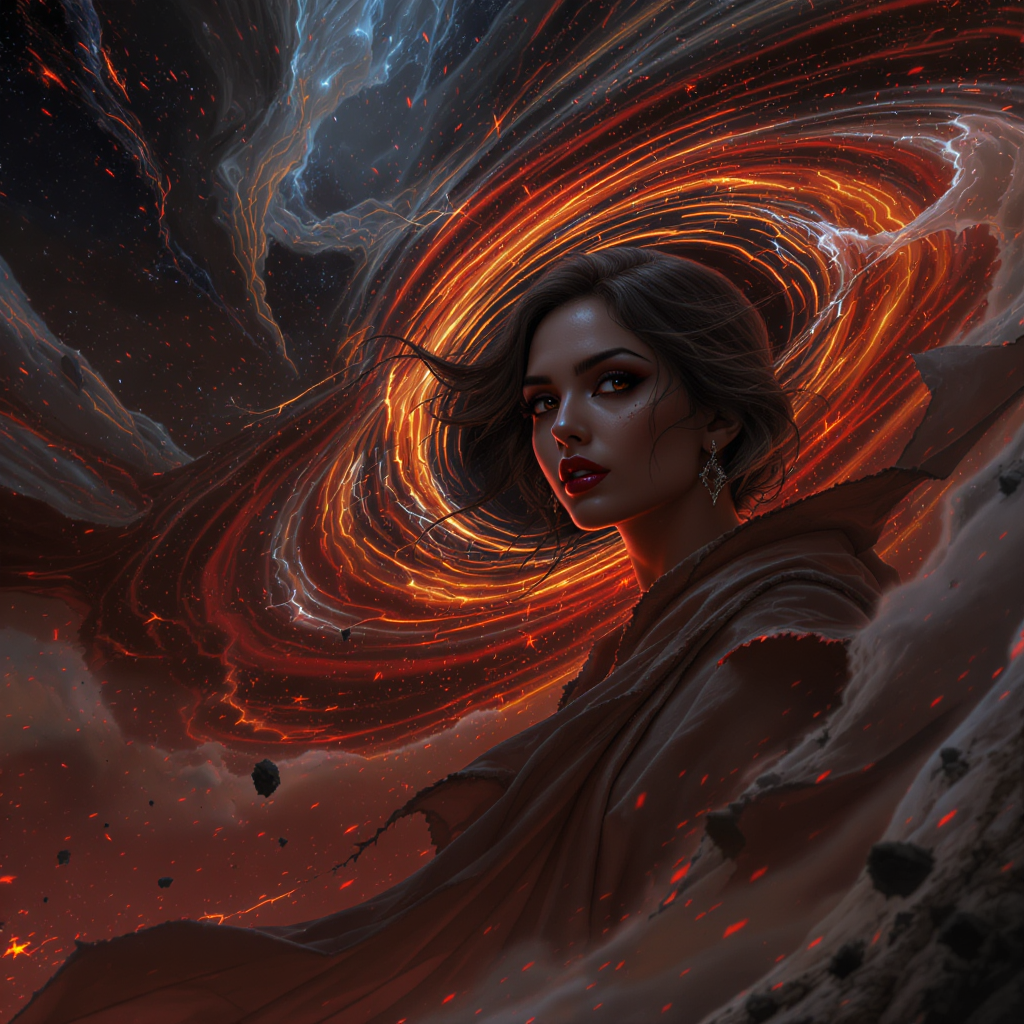
<lora:Body Type_alpha1
flux-studio

Masterpiece
creative-upscaler
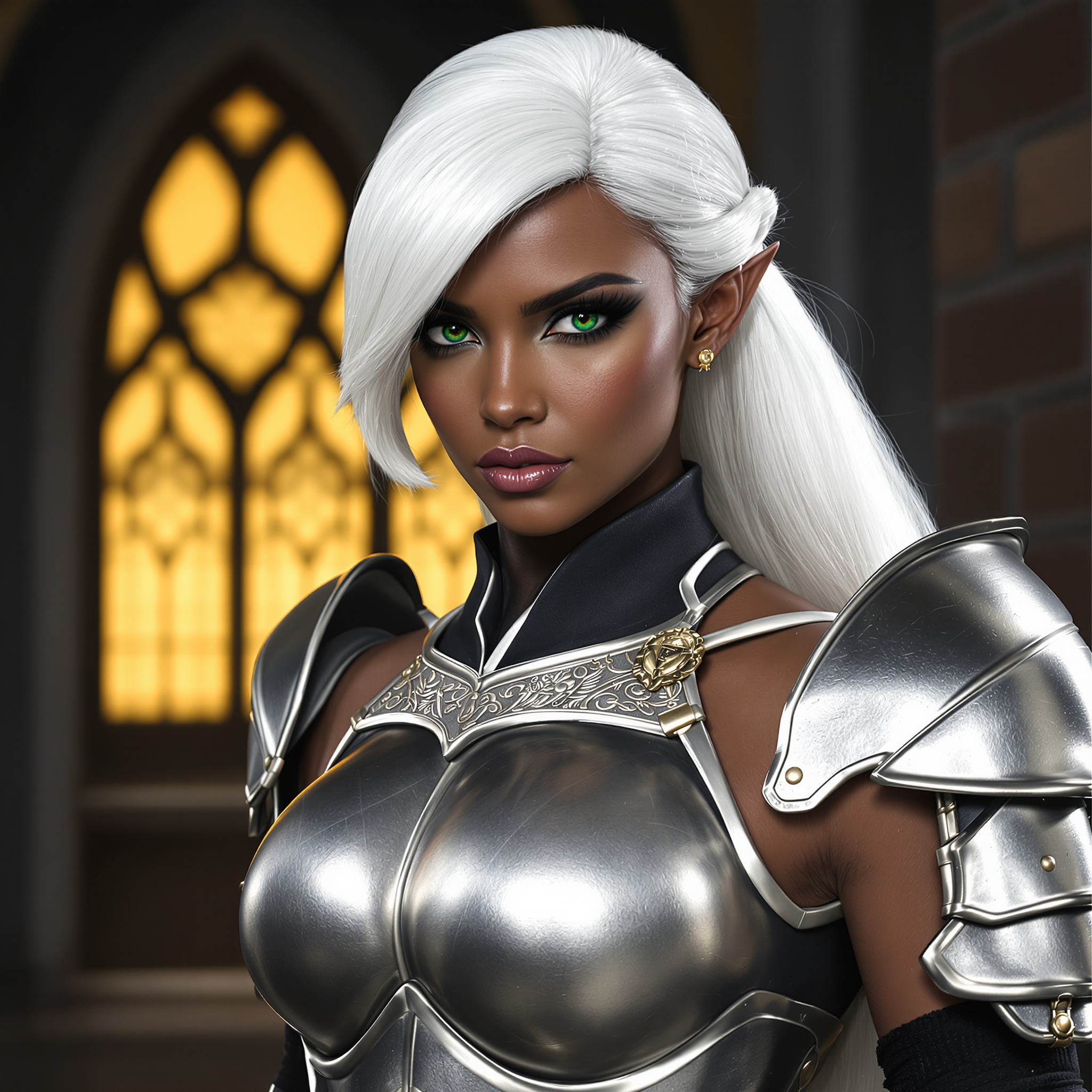
magnific alternative on PixelDojo
flux-redux
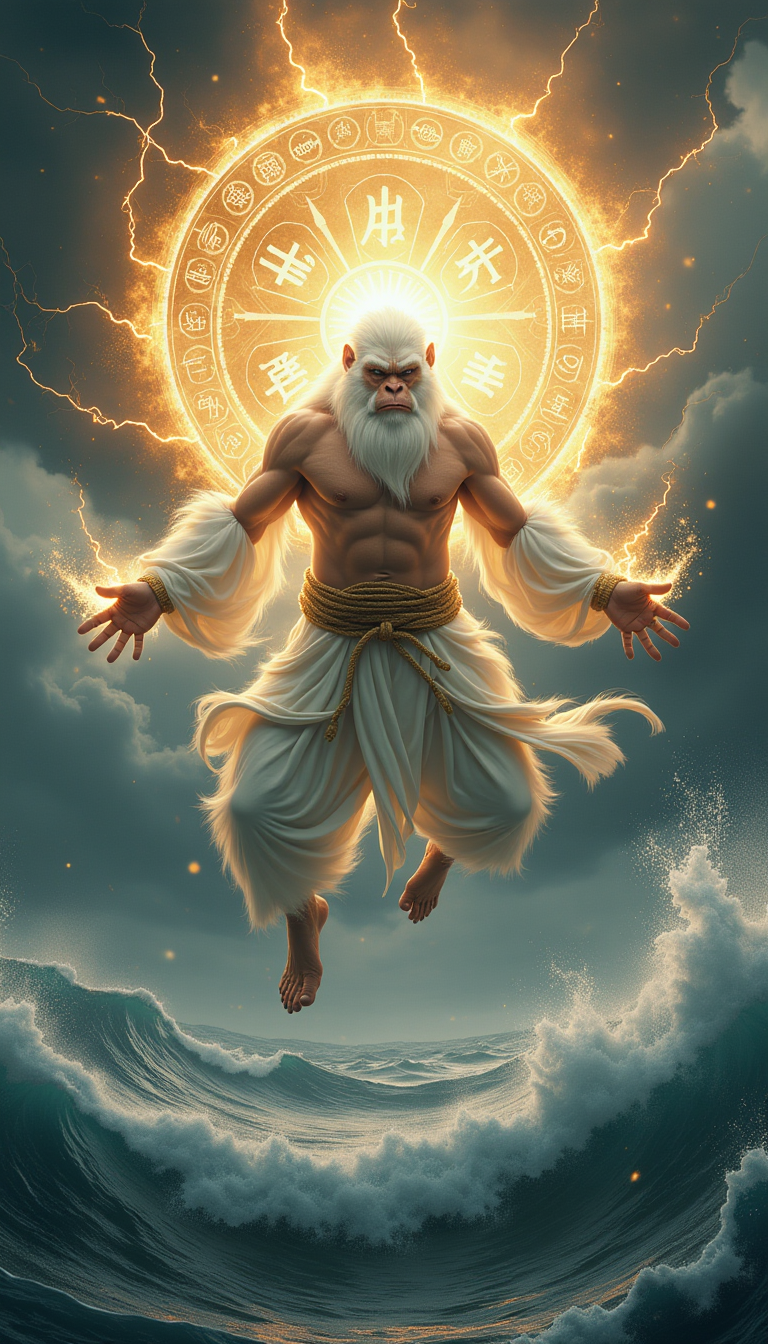
A Taoist sage with the appearance of a white-furred ape
stable-diffusion
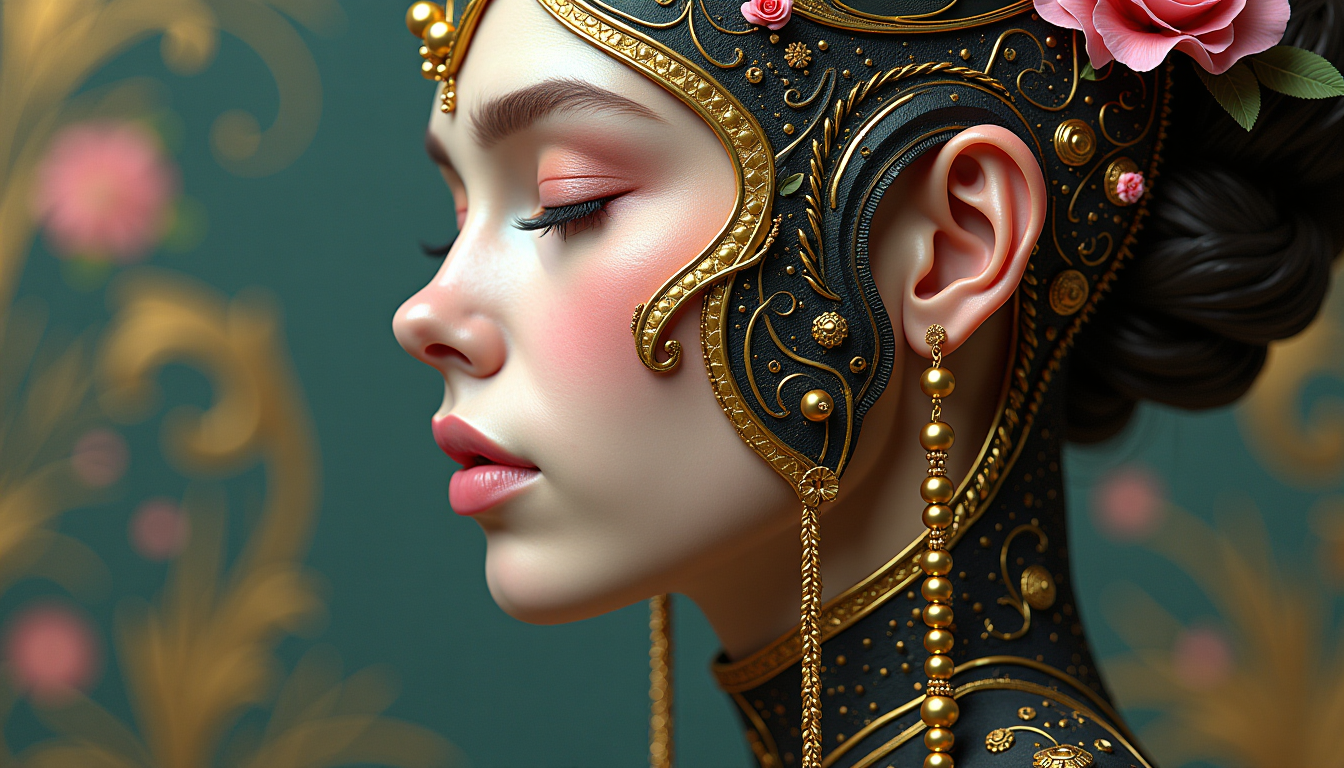
This image is a closeup and detailed depiction of a figures profile
flux
Models you can run on PixelDojo for magnific alternative
Switch models without switching tools. Each one runs in the same PixelDojo studio.
What you can do with magnific alternative on PixelDojo
High-detail image generation
We generate images from text with strong detail and lighting control so you can iterate on concepts without leaving the studio.
Upscale and enhance outputs
We upscale and refine existing images so you can push resolution and clarity while keeping the original composition intact.
Multiple generation models
We give you access to several image models in one place so you can compare styles and pick the look that fits the brief.
Edit with prompts and masks
We support prompt-based edits and masked changes so you can adjust regions, add objects, and restyle shots without starting over.
Loved by thousands of creators worldwide. 40+ cutting-edge AI tools in one platform. Trusted for consistent high-quality results. Cancel anytime with zero risk.
Why Choose Pixel Dojo for magnific alternative
Professional-quality results with cutting-edge AI technology
Turn Low-Res Files Into Print-Ready Masterpieces
You take blurry AI art, old photos, or simple sketches and instantly add hyper-realistic textures, lighting, and fine details that make them look like they were captured at ultra-high resolution. Perfect for large prints, billboards, and professional portfolios.
Guide Every Enhancement With Full Creative Control
You tell the AI exactly how much new detail to invent using prompts and sliders in Magnific Upscaler and Creative Upscaler. Achieve the exact look you want, from subtle sharpening to dramatic artistic reimagining, every single time.
Complete Your Entire Project Without Leaving the Platform
You generate, upscale, edit, and even animate in one place. Start with Seedream 5 or Grok Image, enhance with Clarity Pro or Portrait Upscaler, refine with Inpainting and Style Transfer, then export ready-to-use files. No more juggling subscriptions.
How It Works
Creating stunning Magnific-style high-detail images on PixelDojo takes just minutes. You follow a simple three-step process that puts professional enhancement power in your hands immediately.
Step 1: Choose Your Tool
Open the Upscale & Enhance section and select Magnific Upscaler for classic creative results or Creative Upscaler for maximum control. If you need a new starting image, generate one first with Flux.2 Studio, Nano Banana 2, or Seedream 5. Upload any existing photo or artwork you want to enhance.
Step 2: Enter Your Prompt
Describe the extra details you want the AI to add, such as intricate skin texture, dramatic lighting, or rich fabric patterns. Adjust creativity, resemblance, HDR, and scale settings to match your vision. The tools understand your direction and produce results that feel intentional rather than random.
Step 3: Customize & Download
Review the enhanced image and make additional refinements using Image to Image, Inpainting, Magic Lighting, or Background Remover if needed. Download in high resolution immediately. Repeat the process for batches or continue into video tools like FLUX Video Upscale for even more possibilities.
The Pixel Dojo Advantage
Why PixelDojo outperforms other options for Magnific-style creative image enhancement and generation
| Others | Pixel Dojo |
|---|---|
| Traditional image upscaling methods | You get rich invented details and artistic quality in seconds instead of blurry interpolated results that never look professional. PixelDojo tools like Magnific Upscaler and Creative Upscaler produce print-ready files that traditional software simply cannot match. |
| Generic AI tools | You access a complete suite of 40+ specialized tools including dedicated Magnific Upscaler, Creative Upscaler, Clarity Pro, full image generators like Flux.2 Studio and Seedream 5, plus video and editing features. One platform replaces multiple limited services and delivers far more value. |
| Manual photo editing | You achieve consistent professional results without years of retouching skills or hours of tedious work. Tools like Portrait Upscaler, Reality Polisher, and Image Outpainting handle the heavy lifting so you can focus on your creative vision and finish projects faster. |
Loved by creators on PixelDojo
Real feedback from people using PixelDojo, pulled from our in-product surveys.
phenomenal site. would highly recommend
Amazing features, easy to use, privacy
the number of options, and especially the quick response to questions on Discord
Love you guys!!
Trained my Lora super fast. Still working out how to creat content wit it, but I love it so far.
I love this app
Explore more AI tools on PixelDojo
AI Tools
Compare & Switch
- Best AI Image Generators
- Best AI Video Generators
- Midjourney Alternatives
- Civitai Alternatives
- Runway Alternatives
- Leonardo Alternatives
- Pika Alternatives
- Luma Alternatives
- Magnific Alternatives
- Veo Alternatives
- Flux Alternatives
- Freepik Alternatives
- Seedance Alternatives
- Seedream Alternatives
- Pixverse Alternatives
- GPT Image Alternatives
- Synthesia Alternatives
- Playground Alternatives
- NightCafe Alternatives
- Canva AI Alternatives
- ElevenLabs Alternatives
- ComfyUI Alternatives
- Fal Alternatives
- Replicate Alternatives
Common Questions
Everything you need to know about magnific alternative
What makes PixelDojo the best Magnific alternative for creative upscaling?
PixelDojo gives you dedicated Magnific Upscaler and Creative Upscaler tools that add the same rich, invented details you love, plus 40+ additional generators, editors, and video features in one place. You generate original images with Seedream 5 or Flux.2 Studio then enhance them instantly without extra cost or logins. Thousands of creators choose PixelDojo because it delivers professional print-ready results, full creative control, and the freedom to cancel anytime. You get more capability and better workflow than any single-purpose upscaler.
How do I upscale AI-generated images like a Magnific alternative on PixelDojo?
You start by generating or uploading your image, then open Magnific Upscaler or Creative Upscaler. Add a prompt describing the extra textures and lighting you want, adjust the creativity slider, and process. The AI adds hyper-realistic details while keeping your original composition. Follow up with Inpainting or Style Transfer for perfect finishing. The entire process takes minutes and produces files ready for print or web. You can also batch process multiple images to save even more time.
Can I use PixelDojo as a Magnific alternative for both photos and AI art?
Yes. You enhance real photographs with Portrait Upscaler and Clarity Pro for natural results, or use Magnific Upscaler and Creative Upscaler on AI art, illustrations, and 3D renders for dramatic creative detail. The platform handles both faithfully and artistically depending on the settings you choose. You also have Image Analyzer and Reality Polisher to refine any type of image. This versatility makes PixelDojo the complete Magnific alternative for every project you work on.
Does PixelDojo offer more than just upscaling as a Magnific alternative?
Absolutely. Beyond Magnific Upscaler and Creative Upscaler you get full image generation with Nano Banana 2, GPT Image 2, Grok Image, Flux.2 Studio, Krea Image, and many more. Edit with Inpainting, Change Camera Angle, Style Transfer, and Background Remover. Create videos, train custom models, generate 3D, and even use the Developer API. You complete entire campaigns from concept to final assets in one platform instead of piecing together separate tools.
Is PixelDojo affordable compared to other Magnific alternatives?
You get 40+ cutting-edge tools for a simple subscription that you can cancel anytime. No hidden credit surprises or expired tokens. Generate, upscale, edit, and create video all under one plan. Thousands of creators find it delivers far more value because you never need extra subscriptions. Start today with zero risk and see the difference in your workflow and results immediately.
How do I get started with PixelDojo as my Magnific alternative right now?
Simply sign up and choose Magnific Upscaler or Creative Upscaler. Upload an image or generate a new one with Seedream 5 or Flux.2 Studio. Enter your prompt, adjust settings, and download your enhanced result in minutes. You can explore additional tools like Image to Image and Magic Lighting on the same account. The platform is designed so you produce professional work on your very first try. Join thousands of creators already using PixelDojo every day.