midjourney alternative free
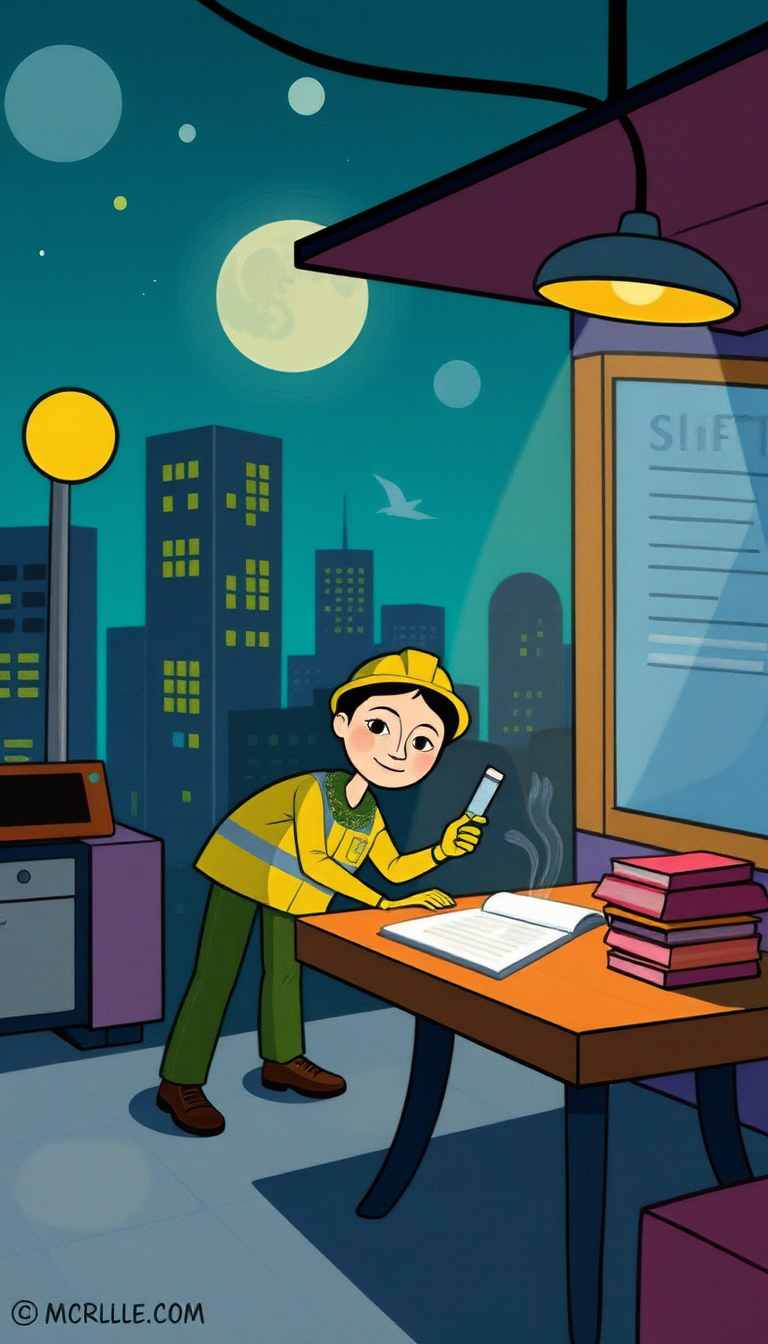
Generated on PixelDojo. Produced by PixelDojo's generation pipeline.
You can now produce professional-grade images that look like they were shot in a studio or painted by a master artist, all without monthly subscriptions, Discord servers, or technical installations. PixelDojo delivers this power through an all-in-one web platform featuring Flux.2 Studio for breathtaking photorealism, Ideogram 4 for graphics with perfectly readable text, Recraft V4.1 for clean vector designs, Krea Image for rapid iterations, and SDXL plus PonyXL for stylized illustrations. Marketers generate scroll-stopping social posts and ad creatives in seconds. Entrepreneurs create product mockups and brand assets that convert. Artists explore unlimited styles while maintaining character consistency with dedicated tools. Every image you make is yours to use commercially, and built-in editors like Image to Image, Inpainting, Style Transfer, Magic Lighting, and Background Remover let you refine results until they match your exact vision. Upscale with Magnific Upscaler or Clarity Pro for print-ready files. Join thousands of creators already turning ideas into high-converting visuals daily. Try the full suite today and cancel anytime if it does not exceed your expectations.
Real image examples generated on PixelDojo
Every example below was produced on PixelDojo. Hover to see the prompt.
Shift work
flux
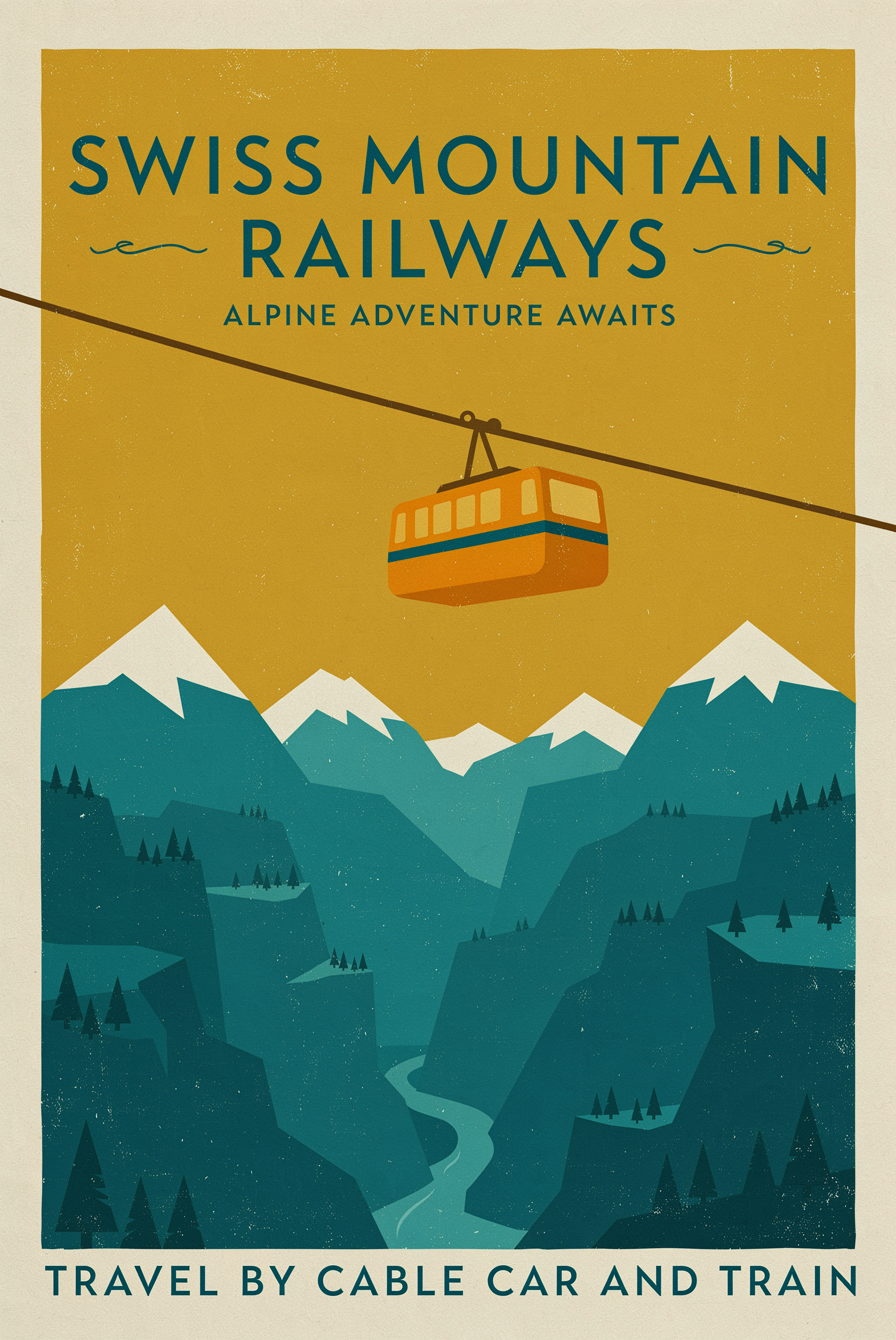
A mid-century travel poster for a mountain railway
p-image-ideogram
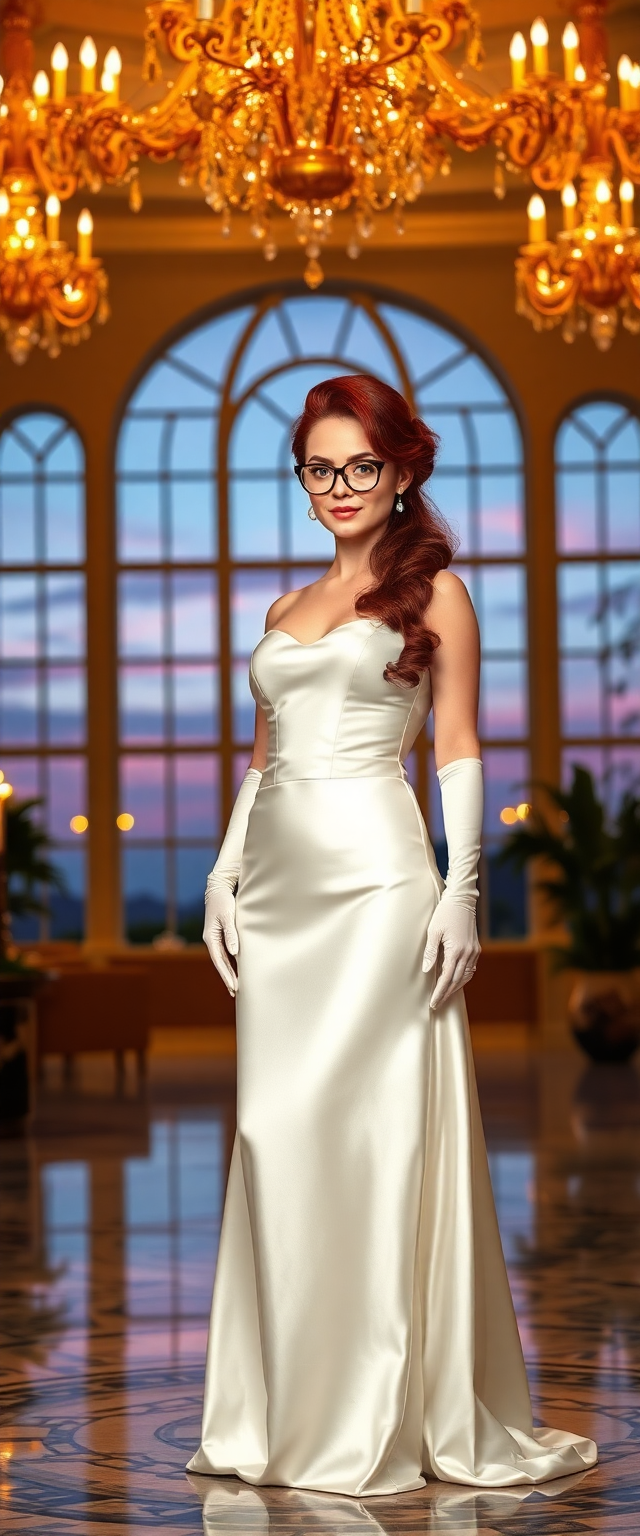
A breathtaking portrait of a mid-30s woman radiating timeless sophistication
flux
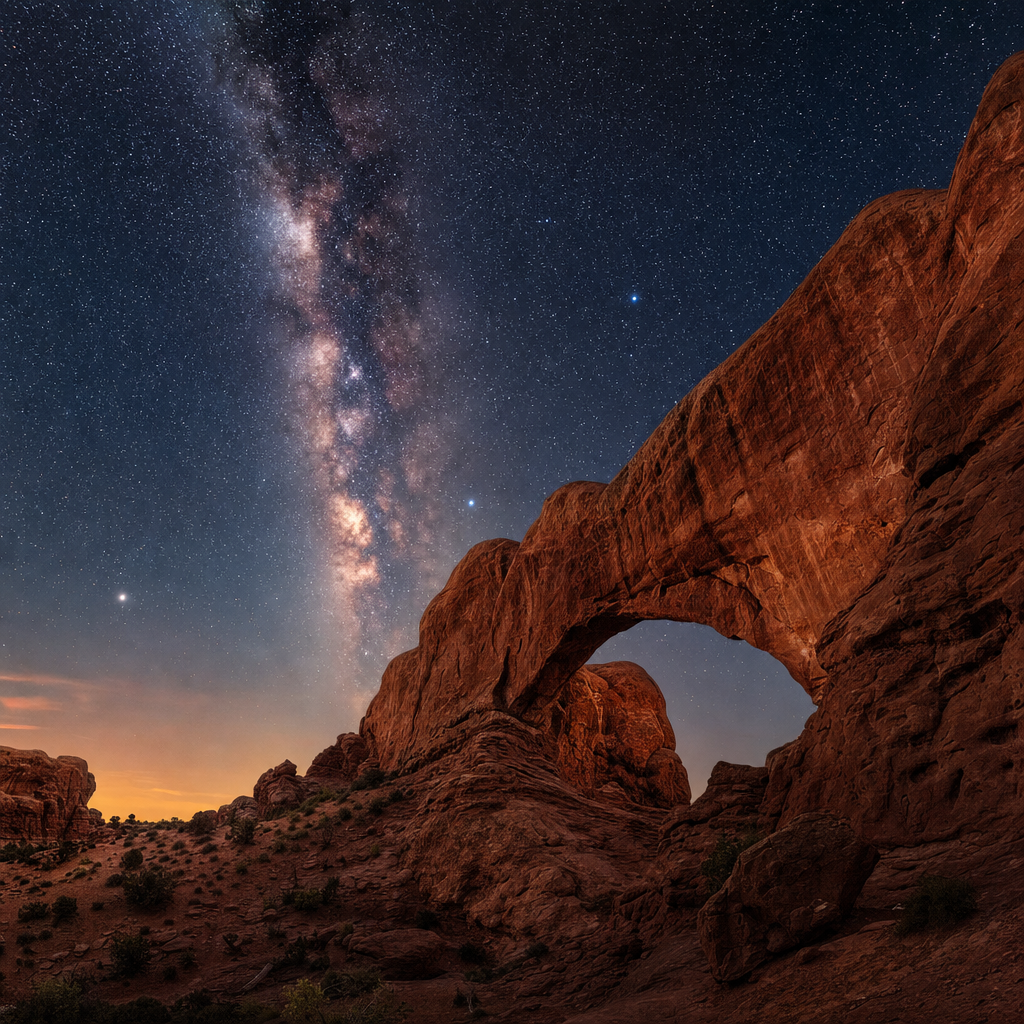
A dramatic desert landscape with towering red rock arches under a star-filled night sky
gpt-image-2
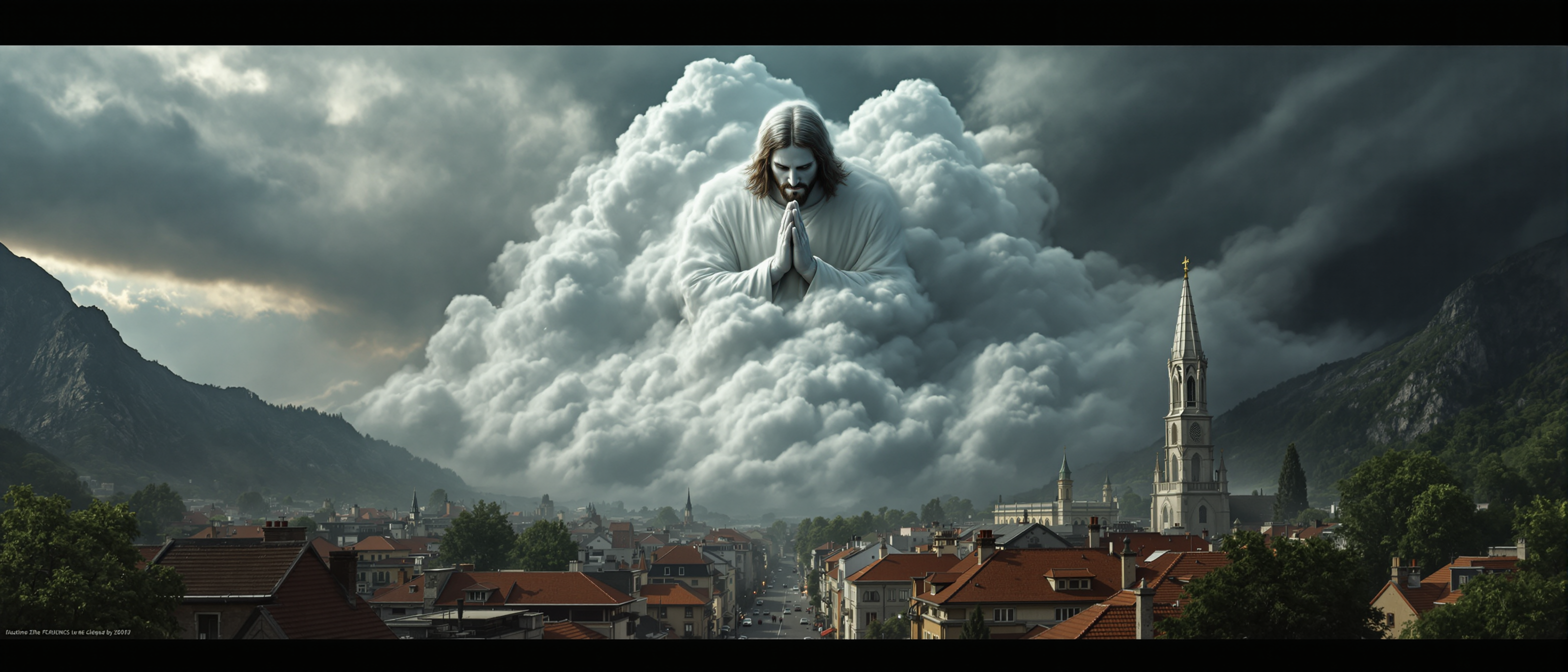
A highly detailed and precise recreation of an image featuring a massive
flux
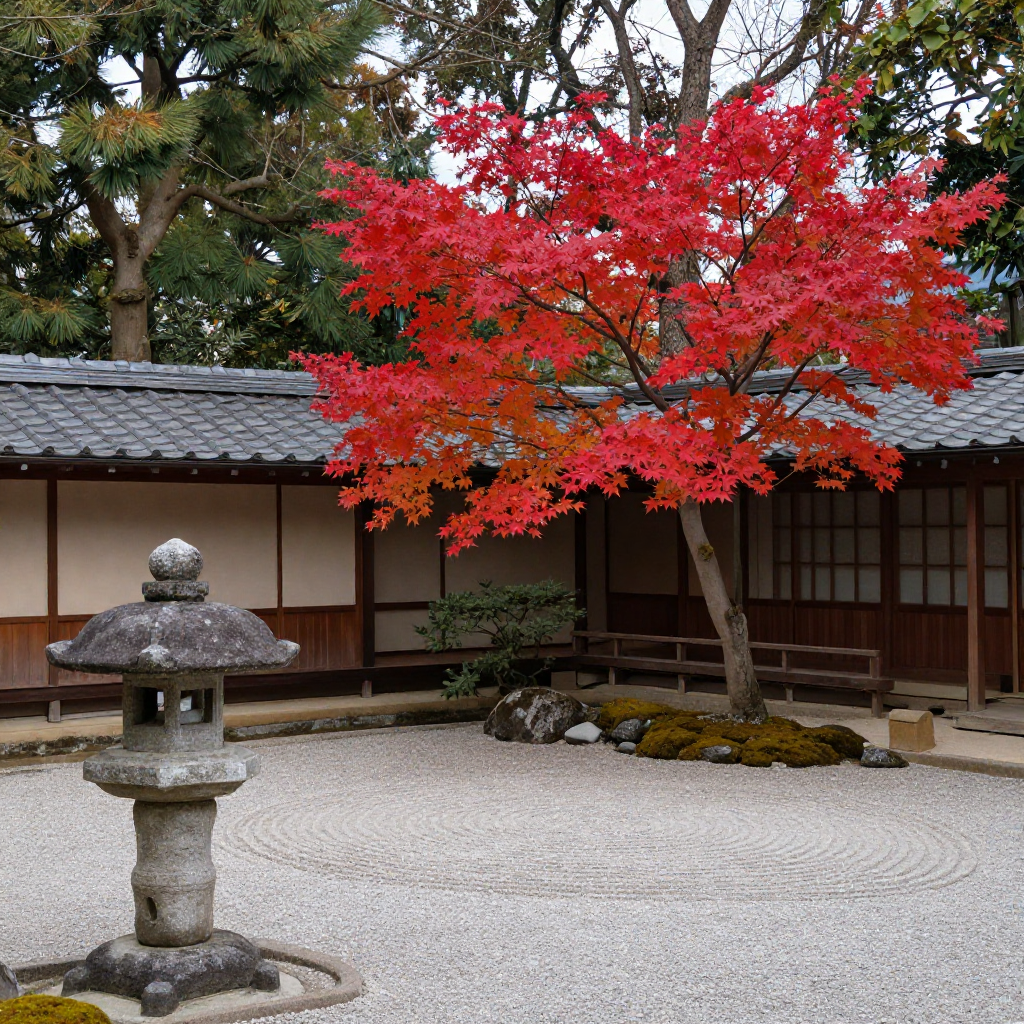
A traditional Japanese garden in autumn
z-image-turbo
Models you can run on PixelDojo for midjourney alternative free
Switch models without switching tools. Each one runs in the same PixelDojo studio.
What you can do with midjourney alternative free on PixelDojo
Free Image Generation
We give you a free way to create images in the browser without a Discord bot or paid Midjourney plan. You can start from text prompts and iterate on results.
Multiple Generation Models
We host several image models so you can try different looks from one account. Switch styles and settings without leaving PixelDojo.
Prompt To Image Workflow
We turn your prompts into still images you can refine with follow-up prompts. Download outputs for your own projects when you are ready.
No Discord Required
We run generation on the web so you do not need a Midjourney server or bot commands. You work from a simple interface built for creators.
Trusted by thousands of creators worldwide who generate millions of images monthly. 40+ cutting-edge AI tools with cancel-anytime flexibility and consistently 5-star feedback on ease and output quality.
Why Choose Pixel Dojo for midjourney alternative free
Professional-quality results with cutting-edge AI technology
Produce Studio-Quality Visuals Instantly
You achieve photorealistic portraits, cinematic landscapes, and commercial product shots that look indistinguishable from professional photography. Flux.2 Studio and Flux.1 Studio handle complex lighting and textures while GPT Image 2 and Grok Image deliver precise prompt following so your first generation is often the one you keep.
Unlock Unlimited Style and Model Variety
You switch between photoreal, artistic, anime, and graphic styles without leaving the platform. Access QWEN Image 2, Seedream 5, Hunyuan Image 3, Bria 3.2, ImagineArt, and Ernie alongside Ideogram 4 for text-heavy posters and logos. Consistent Characters and Character Sheets keep the same face or product across entire campaigns.
Edit, Enhance, and Own Every Creation
You refine images with Inpainting, Change Camera Angle, Reality Polisher, and Image Outpainting then upscale using P-Image Upscale or Portrait Upscaler. Train custom models with Flux Trainer or QWEN Trainer for brand-specific looks. Everything stays private, commercially licensed, and ready for download in seconds.
How It Works
You create professional AI images in three straightforward steps on PixelDojo’s browser-based studio. No software downloads or GPU required.
Step 1: Choose Your Tool
Log in and pick the perfect engine for your goal. Select Flux.2 Studio or Flux.1 Studio when you need photorealism, Ideogram 4 or P-Image Ideogram for posters with accurate text, Krea Image for lightning-fast previews, Recraft V4.1 for brand graphics, or SDXL and PonyXL for illustrated styles. Advanced users can open ComfyUI or train a custom LoRA with Flux 2 Trainer.
Step 2: Enter Your Prompt
Describe exactly what you want using a simple structure: subject, action, setting, lighting, style, and mood. Example: “cinematic portrait of a confident entrepreneur in a sunlit modern office, golden hour lighting, shallow depth of field, 85mm lens, ultra-detailed skin texture.” Add negative prompts if needed. PixelDojo’s models understand natural language so you get closer results on the first try.
Step 3: Customize & Download
Review the four variations, then use Image to Image, Inpainting, Style Transfer, or Magic Lighting to perfect details. Remove backgrounds, change camera angles, or extend the canvas with Image Outpainting. Upscale to 4K with Magnific Upscaler or Clarity Pro, then download in PNG or JPEG with full commercial rights. Save favorites to your library for future consistent characters.
The Pixel Dojo Advantage
Why PixelDojo outperforms other options for free high-quality image generation
| Others | Pixel Dojo |
|---|---|
| Traditional photography and illustration | You skip expensive equipment, studio time, and hiring artists. Generate unlimited variations in seconds instead of days while keeping full creative control and commercial ownership. |
| Generic single-model AI tools | You access 40+ specialized engines including Flux.2 Studio, Ideogram 4, Recraft V4.1, and Krea Image plus built-in editors, upscalers, and character consistency tools that generic platforms simply do not offer. |
| Manual photo editing software | You replace hours of masking, retouching, and compositing with one-click Inpainting, Background Remover, Reality Polisher, and Style Transfer. Results look professional without a steep learning curve. |
Loved by creators on PixelDojo
Real feedback from people using PixelDojo, pulled from our in-product surveys.
Amazing performance!
Excellent website for creating all types of media
Very eay to use, works well to train SDXL loras.
The amazing tools
Top notch quality and strong prompt adherence.
A well resourced sunscription with attention to updates.
Explore more AI tools on PixelDojo
AI Tools
Compare & Switch
- Best AI Image Generators
- Best AI Video Generators
- Midjourney Alternatives
- Civitai Alternatives
- Runway Alternatives
- Leonardo Alternatives
- Pika Alternatives
- Luma Alternatives
- Magnific Alternatives
- Veo Alternatives
- Flux Alternatives
- Freepik Alternatives
- Seedance Alternatives
- Seedream Alternatives
- Pixverse Alternatives
- GPT Image Alternatives
- Synthesia Alternatives
- Playground Alternatives
- NightCafe Alternatives
- Canva AI Alternatives
- ElevenLabs Alternatives
- ComfyUI Alternatives
- Fal Alternatives
- Replicate Alternatives
Common Questions
Everything you need to know about midjourney alternative free
What is the best free Midjourney alternative for high-quality AI images in 2026?
PixelDojo stands out by giving you immediate web access to Flux.2 Studio, Ideogram 4, Recraft V4.1, Krea Image, SDXL, and dozens more without Discord or hardware requirements. You generate photorealistic and artistic images, edit them with Inpainting and Style Transfer, upscale with Magnific Upscaler, and keep commercial rights. Thousands of creators already use it daily because you can start free and cancel anytime.
How do I generate photorealistic images for free without a subscription?
Open PixelDojo, choose Flux.2 Studio or Flux.1 Studio, enter a detailed prompt covering subject, lighting, camera, and mood, then generate. Use Image to Image or Reality Polisher to refine, then upscale. You get studio-quality results instantly and can train a custom Flux Trainer model later if you need brand consistency. No credit card required to try.
Can I create images with perfect text using a free AI generator?
Yes. Select Ideogram 4 or P-Image Ideogram on PixelDojo. These models excel at readable logos, posters, quotes, and packaging text that other generators often distort. Combine with Recraft V4.1 for vector-clean graphics, then edit with Background Remover or Magic Lighting. Download high-resolution files ready for print or web.
Does PixelDojo support consistent characters across multiple images?
Absolutely. Use Consistent Characters, Character Sheets, Ideogram Character, or Face Swap tools. Generate a base character once, then reuse it in new scenes, outfits, or lighting with Flux.2 Studio or WAN Image. This is ideal for storyboards, brand mascots, and marketing campaigns. You maintain identity without starting from scratch each time.
What editing and upscaling tools come with free AI image generation?
PixelDojo includes Image to Image, Inpainting, Change Camera Angle, Style Transfer, Magic Lighting, Background Remover, Image Outpainting, Reality Polisher, plus P-Image Upscale, Magnific Upscaler, Creative Upscaler, Clarity Pro, and Portrait Upscaler. You can also extract frames, merge videos, or reframe after generating. Everything works in the browser so you never leave the platform.
Is there really no catch to trying PixelDojo as a free Midjourney alternative?
You get full access to 40+ tools including the latest Flux, Ideogram, Recraft, and Krea models plus all editors and upscalers. Start creating immediately, own every image commercially, and cancel anytime. Thousands of creators worldwide already rely on it for daily work because the quality, speed, and flexibility exceed typical free-tier limitations.