multi model ai studio AI Generator

Generated on PixelDojo. Produced by PixelDojo's generation pipeline.
You no longer have to compromise your vision because one AI model cannot do it all. PixelDojo's Multi-Model AI Studio puts 40+ specialized image generators at your fingertips so you can pick the exact engine that delivers the photorealism, artistic flair, text accuracy, or speed your project demands. Generate a product hero with Flux.2 Studio, explore bold concepts with Seedream 5, lock in character consistency with Nano Banana 2, then refine everything with built-in editing tools—all without leaving the studio or juggling multiple subscriptions. The outcome is simple: you ship unique, high-converting images faster, look more professional, and keep full creative control. Thousands of marketers, designers, and founders already use this approach to turn ideas into finished assets in minutes instead of days.
Real image examples generated on PixelDojo
Every example below was produced on PixelDojo. Hover to see the prompt.
Image of an ai painting a human and a human painting an ai
flux
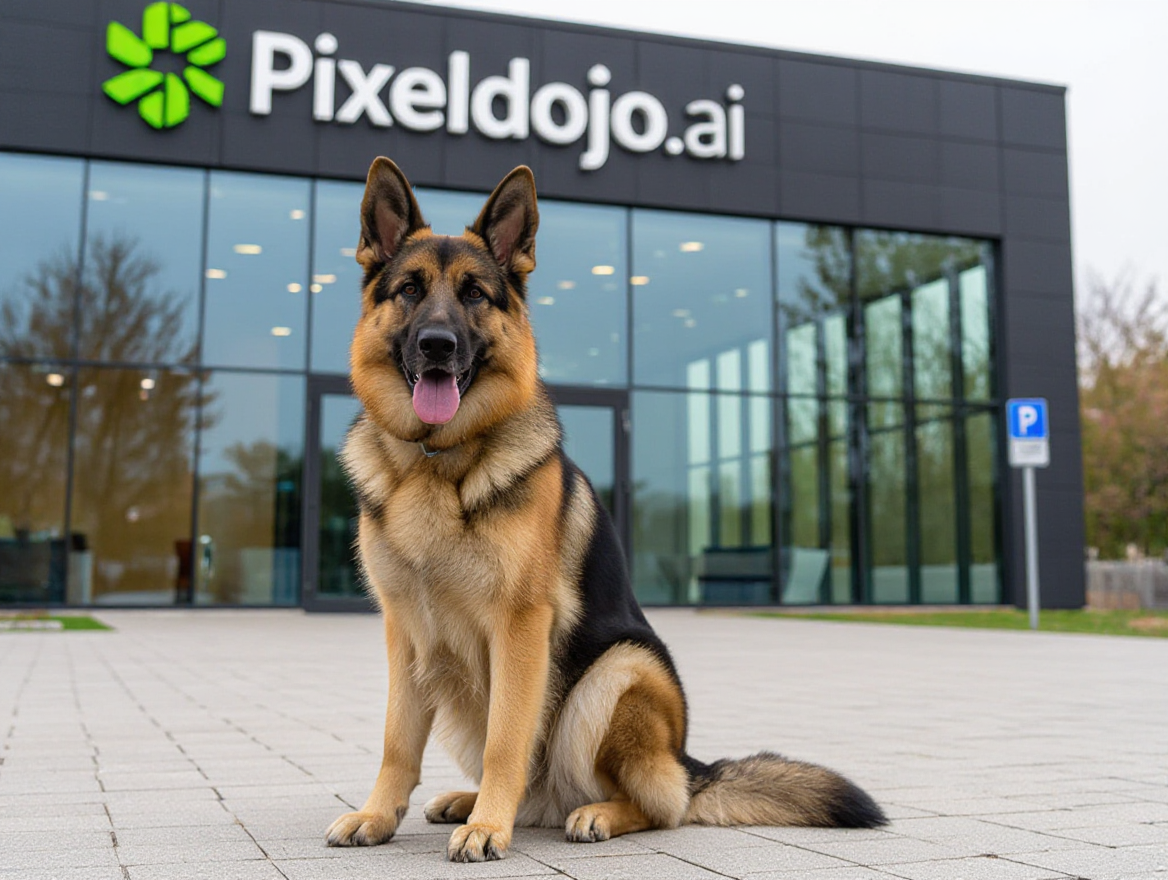
A german shepherd sitting in front of pixeldojo
hidream
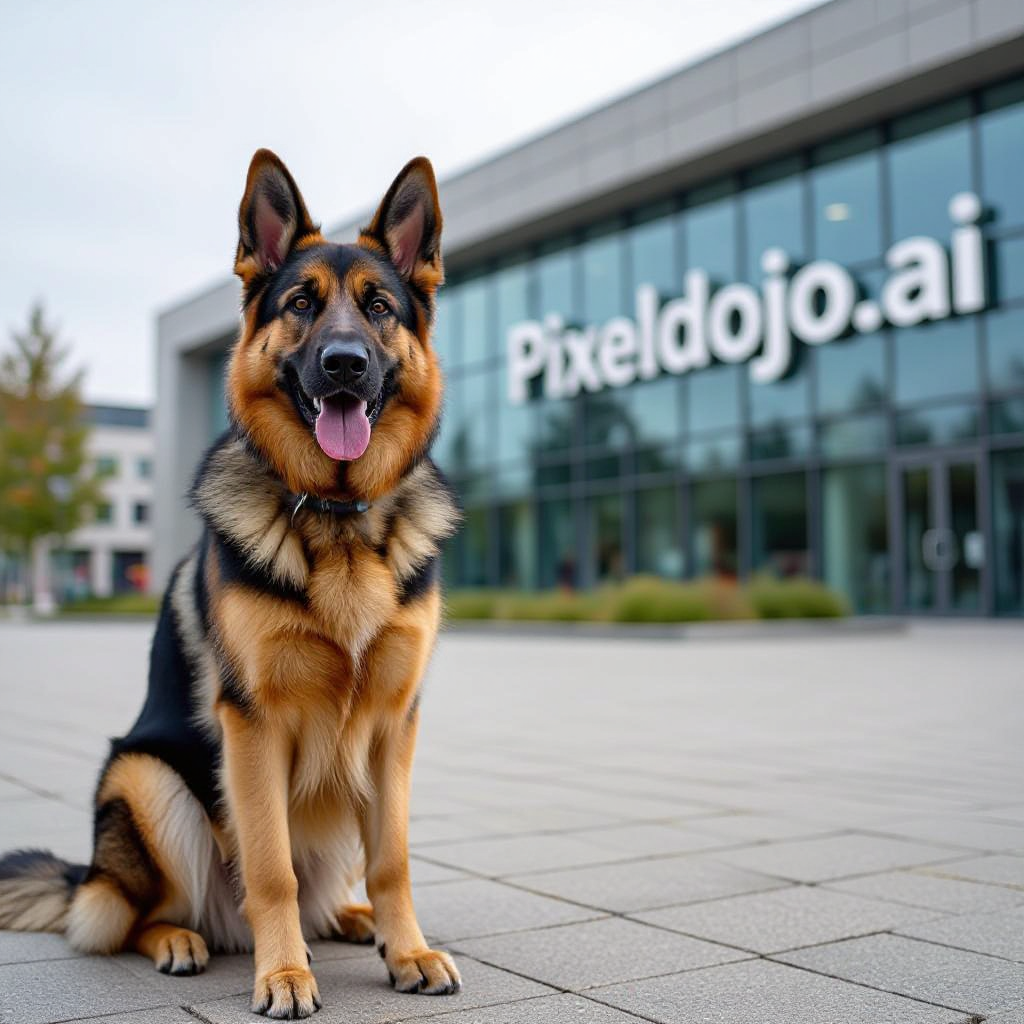
A german shepherd sitting in front of pixeldojo
hidream
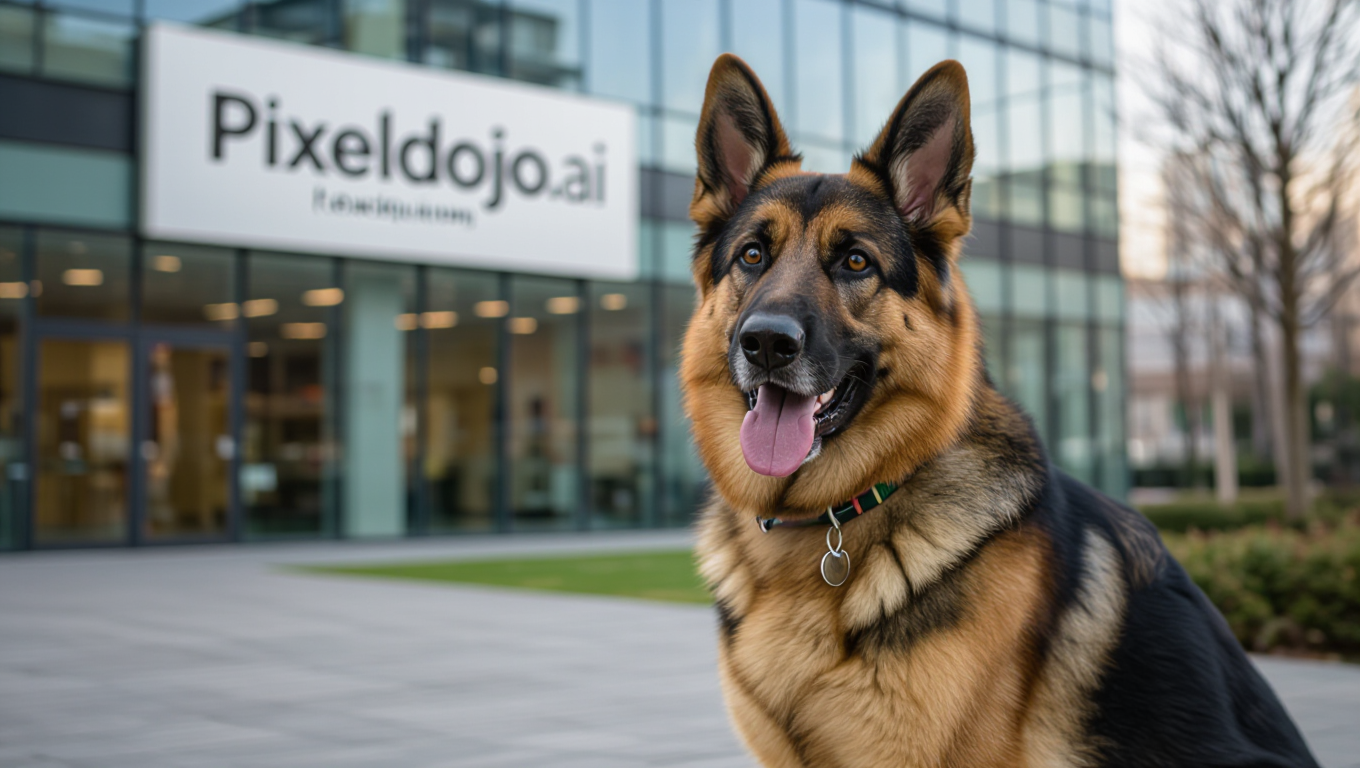
A german shepherd sitting in front of pixeldojo
hidream
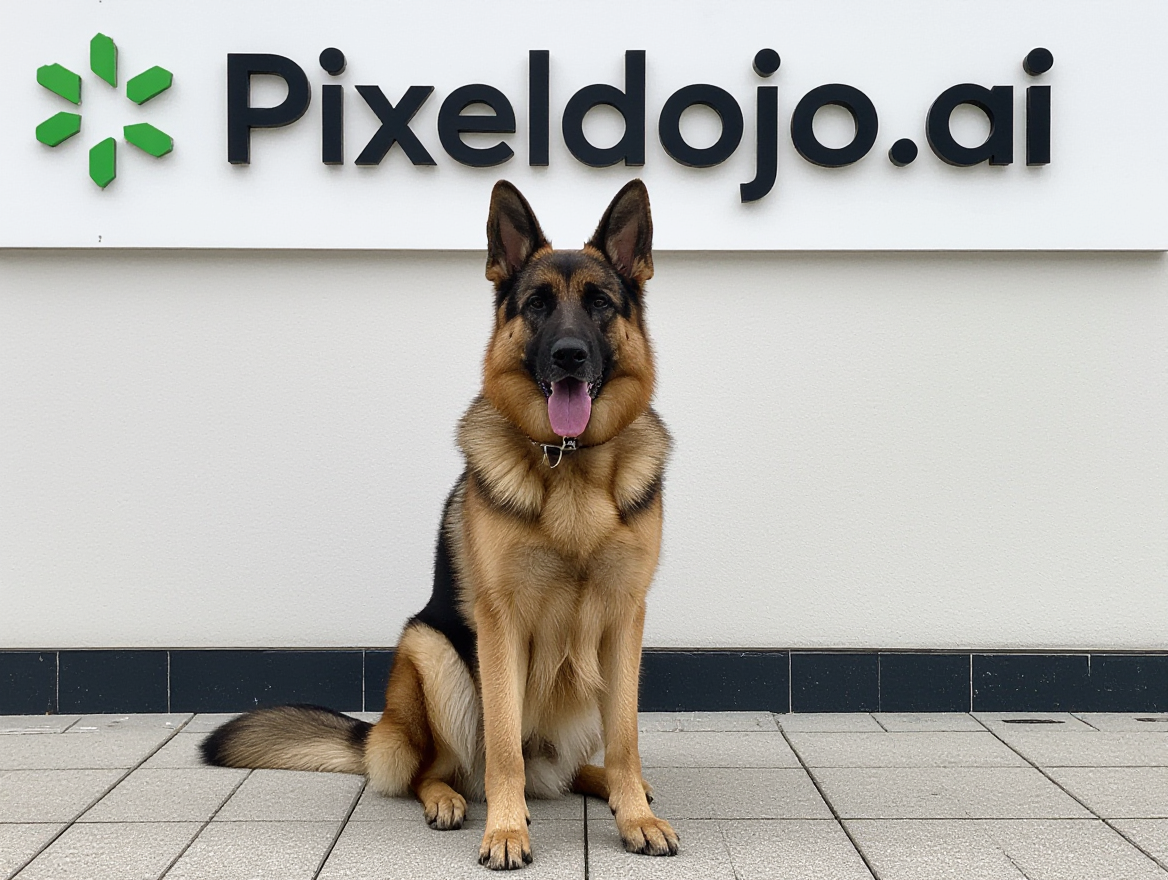
A german shepherd sitting in front of pixeldojo
hidream

Create a YouTube Header for "FLUXPRO" AI image generation
flux
Models you can run on PixelDojo for multi model ai studio
Switch models without switching tools. Each one runs in the same PixelDojo studio.
What you can do with multi model ai studio on PixelDojo
Many image models together
We put several image generation models in one studio so you can pick the engine that fits each shot. You stay in the same workspace instead of hopping between separate tools.
Side by side model tests
You can run the same prompt on more than one model and review the results next to each other. That makes it easier to choose a look before you commit to a full set.
One prompt, many engines
We keep your prompt, settings, and reference images available as you switch models. You iterate faster without rebuilding the job from scratch each time.
Shared history and exports
Generations from different models land in one history so you can compare, refine, and export without hunting across apps. We keep the workflow focused on finishing images, not managing files.
Loved by thousands of creators worldwide. Access 40+ cutting-edge AI tools in one place. Cancel anytime with no long-term commitment.
Why Choose Pixel Dojo for multi model ai studio
Professional-quality results with cutting-edge AI technology
Match the Perfect Model to Every Brief
You get photorealistic product shots from Flux.2 Studio, vibrant illustrations from Seedream 5, precise typography from Ideogram 4, and lightning-fast drafts from Z Image Turbo. Every image looks exactly the way you imagined because you choose the specialist, not a one-size-fits-all engine.
Iterate Across Styles in Seconds
Switch from Grok Image to Krea Image to QWEN Image 2 without starting over. Test photoreal, cinematic, 3D, and artistic versions of the same prompt instantly so you discover the winning look before your deadline hits.
Turn First Drafts into Client-Ready Assets
Generate, then immediately polish with Image to Image, Inpainting, Style Transfer, Background Remover, and Magnific Upscaler. You walk away with print-ready, campaign-ready files instead of raw AI output that still needs hours of work.
How It Works
Creating professional images with multiple AI models is as simple as choosing the right tool, describing what you want, and refining the result—all inside one studio.
Step 1: Choose Your Tool
Open PixelDojo and select the generator that matches your goal. Use Flux.2 Studio for photorealism, Nano Banana 2 for speed and character consistency, GPT Image 2 for complex scenes, Seedream 4.5 or Seedream 5 for design assets, QWEN Image 2 for precision, or Ideogram 4 when text must be perfect. The studio shows every option so you never guess.
Step 2: Enter Your Prompt
Describe your vision in everyday language. The chosen model—whether Grok Image, Krea Image, Hunyuan Image 3, Recraft V4.1, or WAN Image—interprets your words and produces the first version. Add reference images if you want multi-source composition or consistent characters.
Step 3: Customize & Download
Refine instantly with Edit Images tools: Image to Image, Inpainting, Change Camera Angle, Style Transfer, Magic Lighting, or Background Remover. Upscale with P-Image Upscale, Magnific Upscaler, or Clarity Pro, then download high-resolution files ready for ads, social, print, or e-commerce.
The Pixel Dojo Advantage
Why PixelDojo's Multi-Model AI Studio outperforms other options for professional image generation
| Others | Pixel Dojo |
|---|---|
| Traditional photography and stock libraries | You generate custom, on-brand images in minutes instead of waiting days for a shoot or paying high licensing fees for generic stock that never quite fits. |
| Generic single-model AI tools | You access 40+ specialized engines—Flux.2 Studio, Nano Banana 2, GPT Image 2, Seedream 5, Ideogram 4, and more—so every project uses the model that actually excels at that style instead of forcing one engine to do everything poorly. |
| Manual photo editing from scratch | You start with a strong AI-generated base, then use Inpainting, Style Transfer, and Magnific Upscaler to finish in minutes rather than spending hours building every element by hand. |
Loved by creators on PixelDojo
Real feedback from people using PixelDojo, pulled from our in-product surveys.
Very eay to use, works well to train SDXL loras.
The amazing tools
Top notch quality and strong prompt adherence.
A well resourced sunscription with attention to updates.
Easy to use and there's lots of options.
super lora download
Explore more AI tools on PixelDojo
AI Tools
Compare & Switch
- Best AI Image Generators
- Best AI Video Generators
- Midjourney Alternatives
- Civitai Alternatives
- Runway Alternatives
- Leonardo Alternatives
- Pika Alternatives
- Luma Alternatives
- Magnific Alternatives
- Veo Alternatives
- Flux Alternatives
- Freepik Alternatives
- Seedance Alternatives
- Seedream Alternatives
- Pixverse Alternatives
- GPT Image Alternatives
- Synthesia Alternatives
- Playground Alternatives
- NightCafe Alternatives
- Canva AI Alternatives
- ElevenLabs Alternatives
- ComfyUI Alternatives
- Fal Alternatives
- Replicate Alternatives
Common Questions
Everything you need to know about multi model ai studio
What is a multi model AI studio for image generation and how does PixelDojo work?
A multi-model AI studio lets you access many specialized image generators in one interface instead of being locked into a single engine. PixelDojo gives you Nano Banana 2, GPT Image 2, Grok Image, Flux.2 Studio, Krea Image, Seedream 5, QWEN Image 2, Ideogram 4, Hunyuan Image 3, Recraft V4.1, and dozens more. You pick the model that matches your brief, generate, then refine with the same studio’s editing and upscaling tools. The result is faster, more unique, professional images without switching websites or subscriptions.
How do I choose the best AI model inside PixelDojo’s multi model AI studio?
Match the model to the outcome you need. Choose Flux.2 Studio or P-Image for photorealistic product and lifestyle shots. Use Nano Banana 2 or Consistent Characters when you need the same face or product across many images. Pick Seedream 5 or Recraft V4.1 for posters, packaging, and graphic design. Select Ideogram 4 or QWEN Image 2 when text inside the image must be sharp and accurate. GPT Image 2 and Grok Image handle complex, multi-object scenes. You can generate the same prompt on several models side-by-side and keep the winner.
Can I combine multiple AI models in one PixelDojo workflow for better image results?
Yes. Generate the initial image with one model (for example Flux.2 Studio), then send it to Image to Image, Inpainting, or Style Transfer using a different engine. Use Character Sheets or Ideogram Character to lock identity, then swap into WAN Image or Kling Image for variations. Finish with Magnific Upscaler or Clarity Pro. This multi-model pipeline is how you achieve consistency, unique style, and production quality that a single model cannot deliver.
Is PixelDojo’s multi model AI studio suitable for professional marketing and e-commerce images?
Absolutely. Marketers and e-commerce teams use Flux.2 Studio and Seedream 5 for catalog-ready product shots, Ideogram 4 for ad graphics with perfect text, and Nano Banana 2 plus Consistent Characters for campaign series that stay on-brand. Built-in tools like Background Remover, Reality Polisher, and P-Image Upscale produce files that go straight into ads, Amazon listings, and social without extra Photoshop work. Thousands of creators already rely on it for client deliverables.
How much does it cost to use 40+ AI models in PixelDojo’s multi model studio?
You get access to the entire suite—Generate Images, Edit Images, Upscale & Enhance, Characters & Faces—under one flexible plan. There are no per-model subscriptions to juggle. You can try it today, use as many models as you need, and cancel anytime. This removes the risk of paying for tools you only use once while still giving you every specialized engine when the brief demands it.
What latest multi-model image generation techniques can I use in PixelDojo right now?
You can run multi-reference composition by feeding several images into Flux.2 Studio or Seedream 5, maintain character identity across a series with Consistent Characters plus Nano Banana 2, generate then immediately edit with Image to Image or Change Camera Angle, and upscale to print quality with Magnific Upscaler. The studio also supports training your own style with Flux Trainer or QWEN Trainer so future generations stay uniquely yours. All of these techniques happen in one place so you stay in flow.