krea enhance alternative

Generated on PixelDojo. Produced by PixelDojo's generation pipeline.
You deserve images that command attention – razor-sharp, richly detailed, and ready for any canvas from Instagram to gallery prints. PixelDojo stands as your complete Krea Enhance alternative, letting you take ordinary photos, compressed files, or fresh AI generations and elevate them into ultra-high-resolution works packed with textures, clarity, and professional polish. In moments you achieve outcomes that used to take hours of manual retouching: product shots that convert browsers into buyers, portraits with lifelike skin and eyes that connect emotionally, and concept art that looks like it was captured on a high-end camera. Generate first with tools like Krea Image, Flux.2 Studio, Seedream 5 or WAN 2.7, then instantly refine using Magnific Upscaler, Creative Upscaler, Clarity Pro and Portrait Upscaler. Everything lives in one browser-based studio so you iterate faster, stay in flow, and ship stunning visuals without extra software or subscriptions. Thousands of creators already rely on our 40+ cutting-edge AI tools to turn ideas into revenue-generating assets. Cancel anytime – the only risk is waiting to start.
Real image examples generated on PixelDojo
Every example below was produced on PixelDojo. Hover to see the prompt.
3d map of Gukf of Mexico showing Mexico and States
flux
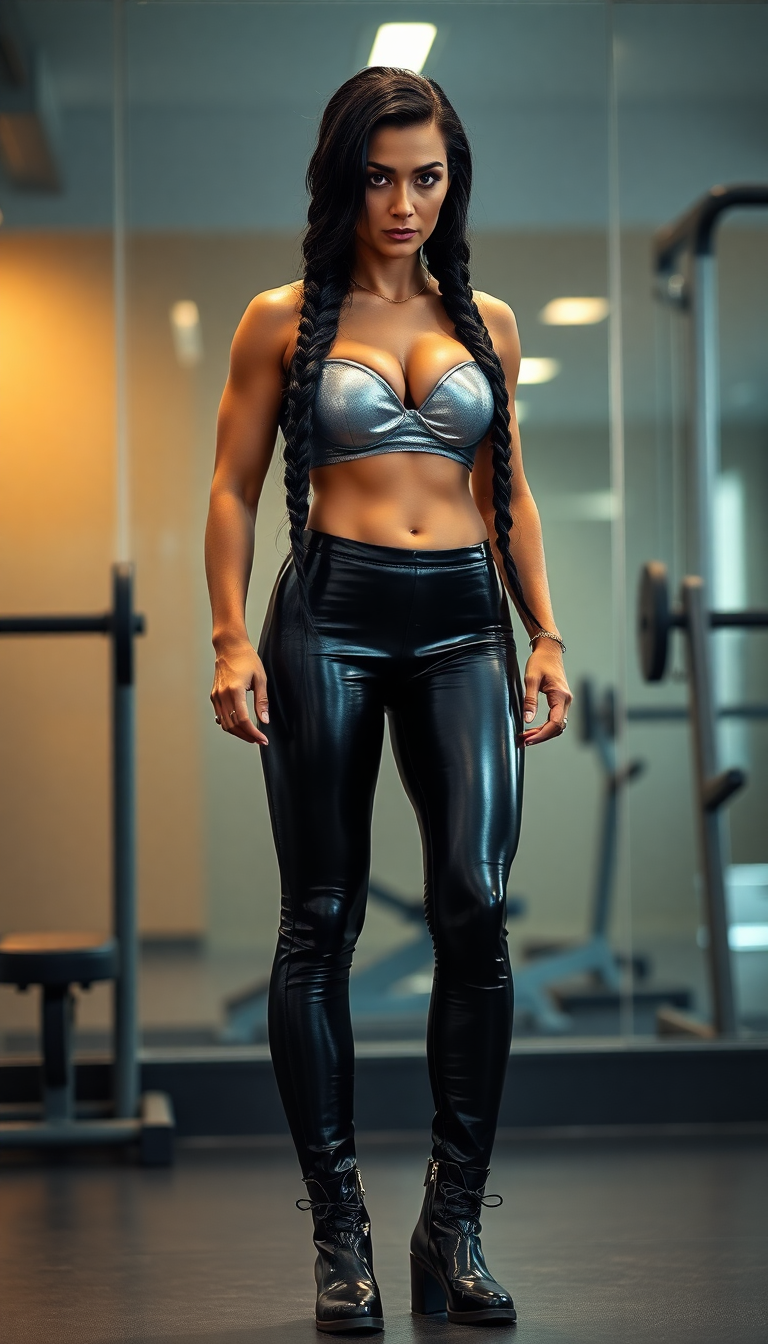
krea enhance alternative on PixelDojo
flux
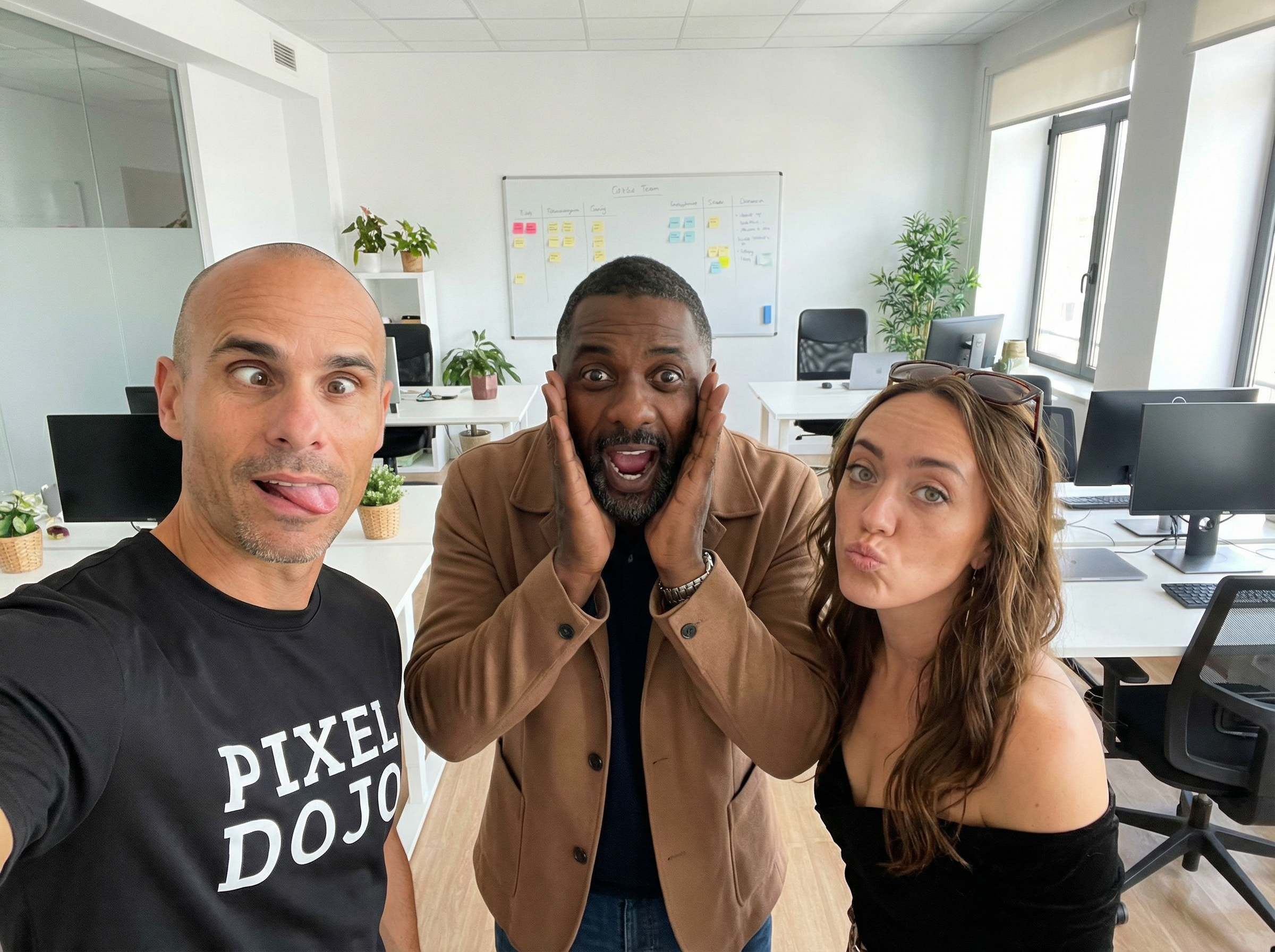
An office team photo
google-gemini-image
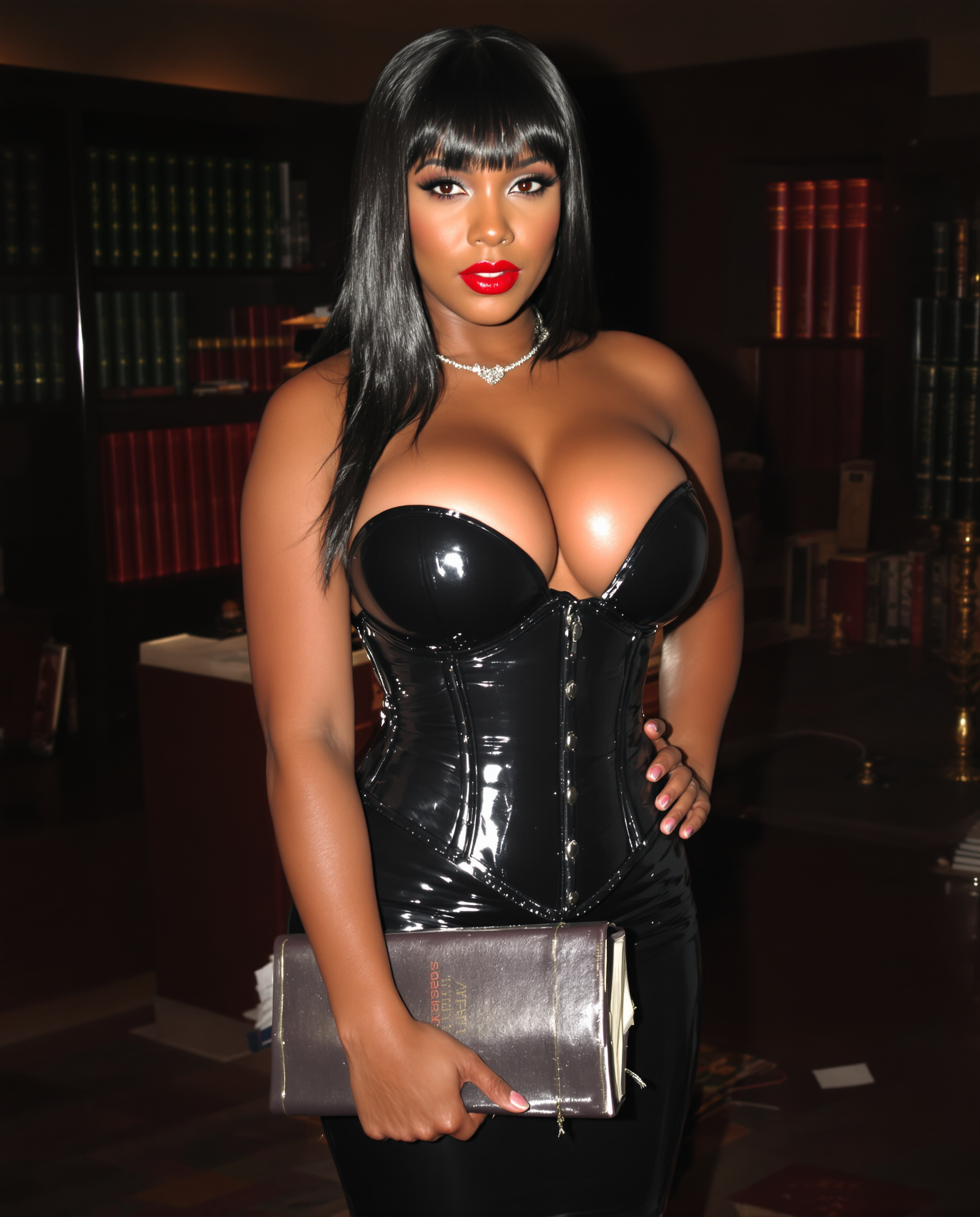
Brazen looking curvaceous african american vampire
stable-diffusion
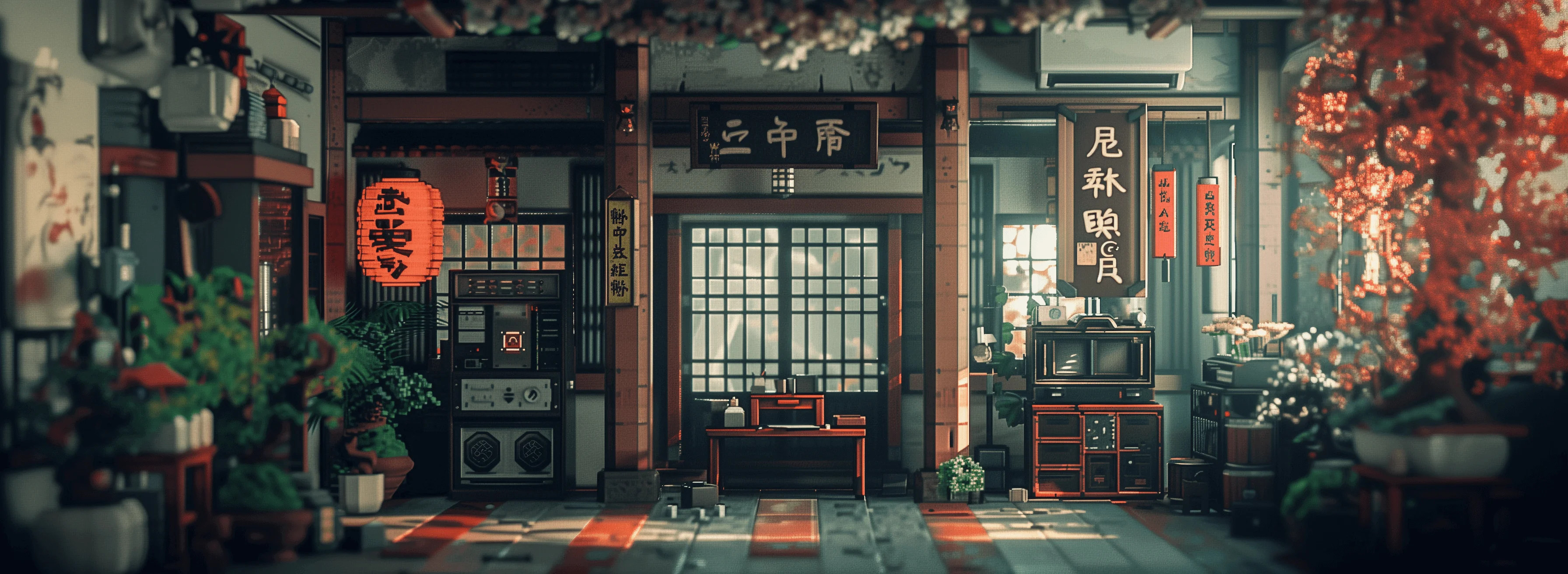
Masterpiece
creative-upscaler
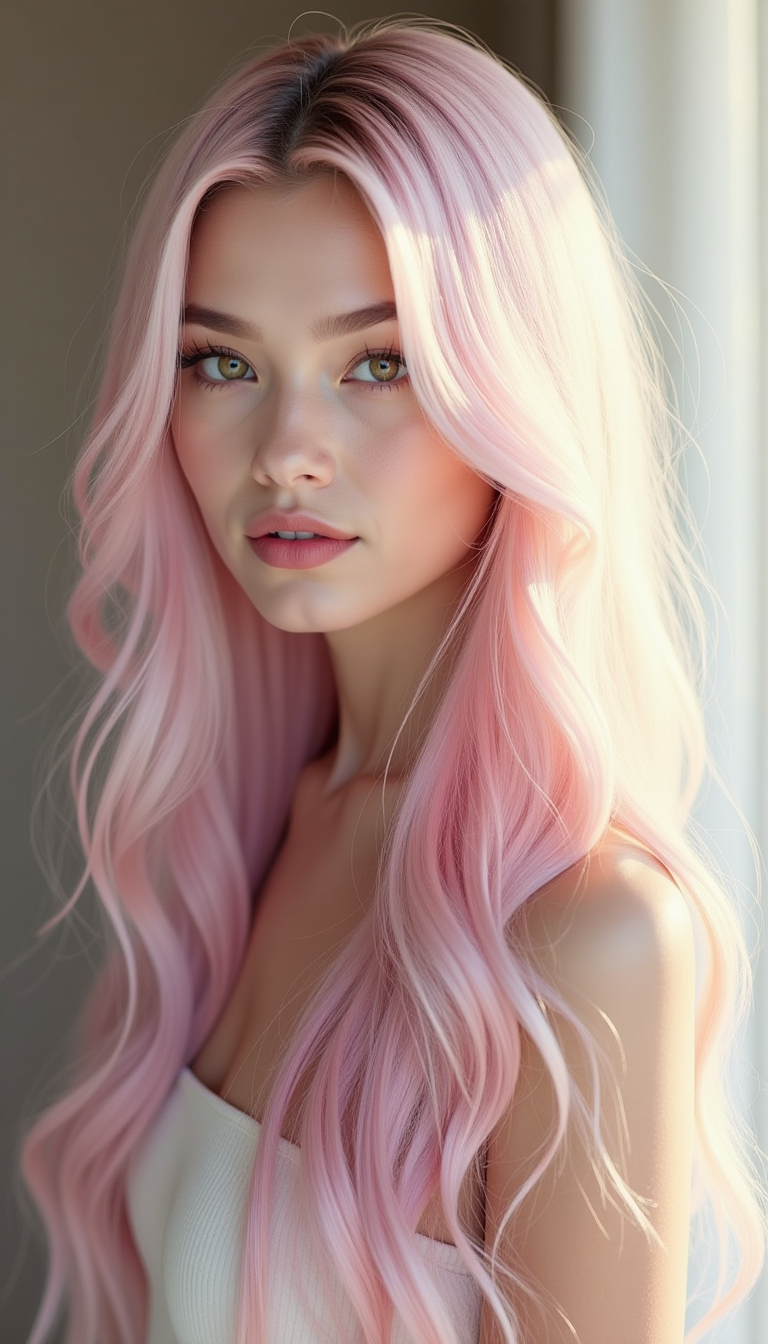
Create a realistic three-quarter portrait of a woman with long
flux
Models you can run on PixelDojo for krea enhance alternative
Switch models without switching tools. Each one runs in the same PixelDojo studio.
What you can do with krea enhance alternative on PixelDojo
Studio-grade image generation
We give you access to multiple image models so you can generate new artwork from prompts and references in one place. You can iterate on lighting, style, and composition without leaving the workspace.
Detail-focused image enhance
We help you sharpen, clean, and refine existing images so textures and edges hold up at larger sizes. You keep control over how much the result stays faithful to the original.
Guided edits and variations
We let you request targeted changes, restyles, and alternate takes from a starting image. You can explore options quickly while keeping a consistent look across a set.
Creator workflow in one hub
We combine generation, enhancement, and export so you can move from draft to deliverable without juggling separate tools. You can save, compare, and reuse your best versions as you work.
Loved by thousands of creators worldwide who produce print-ready 8K images daily. 40+ specialized AI tools in a single platform. Cancel anytime with zero lock-in. Join the community turning low-res files into professional masterpieces.
Why Choose Pixel Dojo for krea enhance alternative
Professional-quality results with cutting-edge AI technology
Print-Ready 8K Resolution That Sells
Blow up your images to stunning 8K (and beyond) while adding natural textures and micro-details so they look crisp on large prints, billboards, or high-DPI screens. Magnific Upscaler and Creative Upscaler reconstruct lost information instead of stretching pixels, giving your e-commerce photos, marketing banners and portfolio pieces the professional finish that increases conversions.
Photorealistic Details You Control
Guide the AI with simple prompts to invent believable skin pores, fabric weaves, foliage, or product surfaces while keeping the original composition intact. Clarity Pro and Portrait Upscaler excel at faces and products, delivering the hyper-real look that makes AI-generated or restored photos indistinguishable from camera originals – perfect for social proof, ads and personal branding.
One-Stop Generate-then-Enhance Workflow
Create with Krea Image, Flux.2 Studio, Seedream 5, QWEN Image 2 or WAN 2.7, then send the result straight into P-Image Upscale, Reality Polisher or Background Remover without leaving the platform. You save hours of exporting, uploading and waiting, so you can test more ideas and launch campaigns faster than ever.
How It Works
Turning any image into a Krea Enhance-style masterpiece is as simple as three guided steps inside PixelDojo. No technical knowledge required – just upload, describe the look you want, and download.
Step 1: Choose Your Enhancement Tool
Open the Upscale & Enhance section and pick Magnific Upscaler for dramatic creative detail, Creative Upscaler for balanced invention, Clarity Pro for overall polish, or Portrait Upscaler for faces. Upload a photo, a previous generation from Krea Image or Flux.2 Studio, or even a screenshot. The interface instantly shows before/after previews so you know you’re starting from the right base.
Step 2: Guide the Details with a Prompt
Type a short description of the result you want – “photorealistic skin texture, sharp catchlights in eyes, natural fabric weave, cinematic lighting” – then adjust strength, resemblance and scale (2x to 8x). The AI uses the latest generative enhancement techniques to reconstruct missing information while honoring your original composition. Preview variations in seconds and pick the version that matches your vision.
Step 3: Polish, Combine Tools & Download
Apply Reality Polisher for extra realism, Background Remover or Image Outpainting if needed, then download the 8K file ready for print or web. Because everything is in one studio you can loop back to Inpainting or Style Transfer without extra steps. Your enhanced image is yours to use commercially the moment you click download.
The Pixel Dojo Advantage
Why PixelDojo outperforms other options for Krea Enhance alternative image generation and enhancement
| Others | Pixel Dojo |
|---|---|
| Traditional photo retouching and upscaling | What used to take hours in expensive desktop software now happens in seconds with Magnific Upscaler and Creative Upscaler, delivering more realistic invented detail at a fraction of the cost and with no learning curve. |
| Generic AI tools with limited upscalers | Instead of one basic enhancer you get a full suite – Magnific Upscaler, Creative Upscaler, Clarity Pro, Portrait Upscaler plus 40+ generation and editing models – so you can generate, refine and polish in a single seamless workflow. |
| Manual photo editing and restoration | Skip the tedious cloning, sharpening and noise-reduction layers. PixelDojo’s AI reconstructs textures, lighting and faces automatically while you stay in creative control, then lets you cancel anytime if it ever stops serving your needs. |
Loved by creators on PixelDojo
Real feedback from people using PixelDojo, pulled from our in-product surveys.
All the tools needed in one dashboard
Very fair and very broad in tools.
Accurate results
Great site and so much fun to use!
very useful set of tools for image creation, upscaling and enhancement
ease of use, variety of tools, high quality trainings, and a well-maintained discord channel
Explore more AI tools on PixelDojo
Popular AI Models
AI Tools
Compare & Switch
- Best AI Image Generators
- Best AI Video Generators
- Midjourney Alternatives
- Civitai Alternatives
- Runway Alternatives
- Leonardo Alternatives
- Pika Alternatives
- Luma Alternatives
- Magnific Alternatives
- Veo Alternatives
- Flux Alternatives
- Freepik Alternatives
- Seedance Alternatives
- Seedream Alternatives
- Pixverse Alternatives
- GPT Image Alternatives
- Synthesia Alternatives
- Playground Alternatives
- NightCafe Alternatives
- Canva AI Alternatives
- ElevenLabs Alternatives
- ComfyUI Alternatives
- Fal Alternatives
- Replicate Alternatives
Common Questions
Everything you need to know about krea enhance alternative
What is the best Krea Enhance alternative for 8K AI image upscaling in 2026?
PixelDojo is the most complete Krea Enhance alternative because it combines Magnific Upscaler and Creative Upscaler with 40+ additional generation and editing tools in one platform. You can start from a Krea Image or Flux.2 Studio generation, upscale to 8K with controllable detail invention, then apply Reality Polisher or Portrait Upscaler – all without switching apps. Thousands of creators already use it daily and you can cancel anytime.
How do I add photorealistic details like Krea Enhance using PixelDojo tools?
Upload your image to Magnific Upscaler or Creative Upscaler, add a prompt describing the textures you want (skin pores, fabric grain, foliage, etc.), and set the creativity/strength sliders. The latest generative enhancement techniques reconstruct missing information while preserving composition. Follow up with Clarity Pro or Reality Polisher for an extra layer of realism. Results look like they were shot on a professional camera.
Can I enhance AI-generated images from Flux, Seedream or WAN models as a Krea Enhance alternative?
Absolutely. Generate first with Flux.2 Studio, Seedream 5, WAN 2.7, Krea Image or QWEN Image 2, then send the output directly into P-Image Upscale, Magnific Upscaler or Creative Upscaler. The workflow is designed for exactly this generate-then-enhance loop so your AI art becomes print-ready in minutes instead of hours.
Is PixelDojo a free Krea Enhance alternative I can try without a credit card?
Yes. You can try PixelDojo’s Magnific Upscaler, Creative Upscaler and the rest of the 40+ tools today with no long-term commitment. The platform is loved by thousands of creators worldwide and you can cancel anytime, so there’s zero risk in seeing how much sharper and more detailed your images become.
What AI image enhancement techniques work best for portraits and product photos?
For portraits use Portrait Upscaler together with a prompt focused on skin texture, eye sharpness and natural lighting; follow with Face Swap or Character Stylist if needed. For products combine Creative Upscaler with Background Remover and Magic Lighting. These techniques, powered by the newest diffusion-based restoration models, recover lost detail and add believable micro-contrast far beyond traditional sharpening.
How does PixelDojo’s workflow compare to using multiple separate enhancement apps?
You stay inside one studio: generate with any of 25+ image models, enhance with Magnific or Creative Upscaler, then polish with Reality Polisher, Inpainting or Image Outpainting. No exporting, no extra logins, no extra bills. The result is faster iteration, consistent quality, and the freedom to cancel anytime if your needs change.