nano banana ai
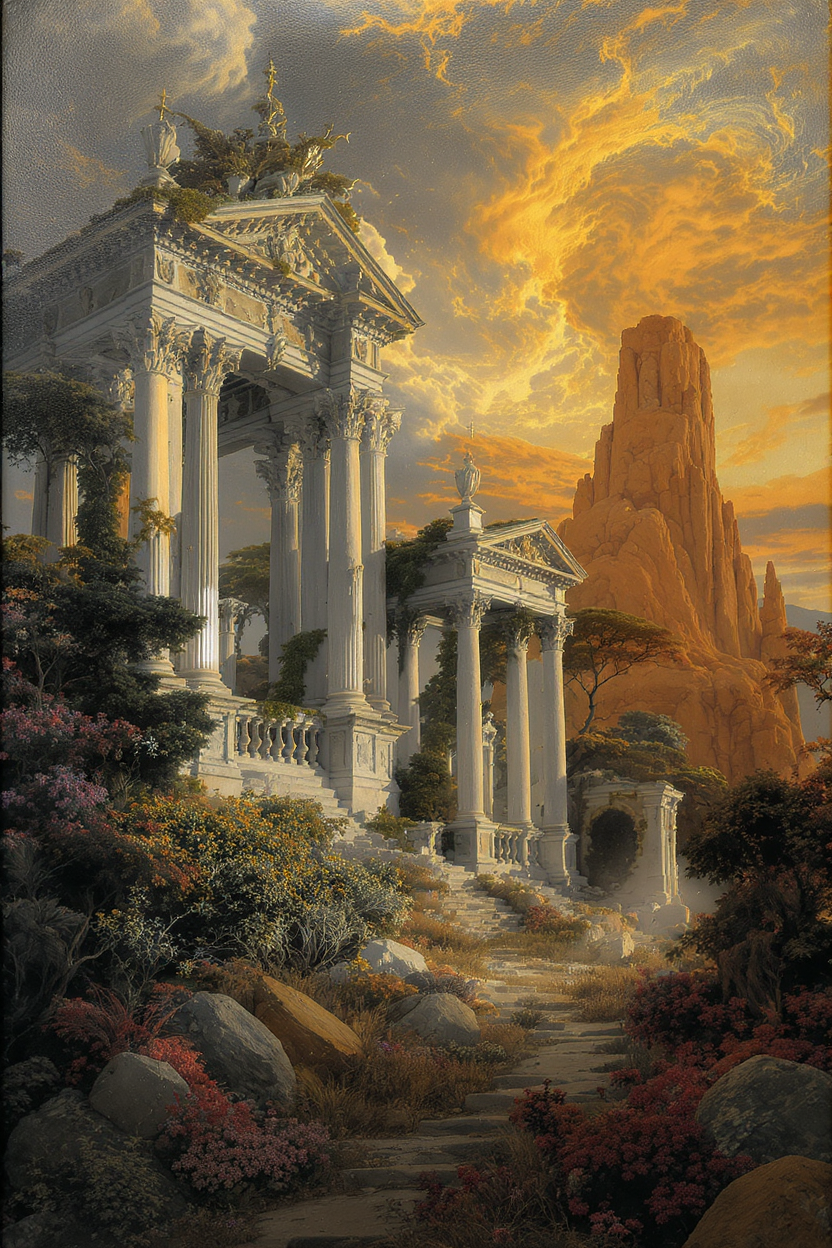
Generated on PixelDojo. Produced by PixelDojo's generation pipeline.
You want images that look like they came from a professional studio—crisp 4K detail, text that actually reads correctly on posters and infographics, and characters that stay identical from scene to scene. PixelDojo’s Nano Banana 2 delivers exactly that. Instead of fighting generic outputs, you describe what you need in natural language and receive production-ready visuals you can use for marketing campaigns, storyboards, social content, product mockups, and brand assets. Upload reference photos, keep up to five people looking the same across an entire series, blend fourteen objects into one cohesive composition, and iterate conversationally until every lighting, camera angle, and texture feels right. Combined with PixelDojo’s Image to Image, Inpainting, Style Transfer, Background Remover, and Character Sheets tools, you move from concept to downloadable file in minutes. Thousands of creators already rely on this workflow because it removes the usual AI headaches and lets you focus on the story you want to tell.
Real image examples generated on PixelDojo
Every example below was produced on PixelDojo. Hover to see the prompt.
A renaissance painting of romantic ruins
flux-studio
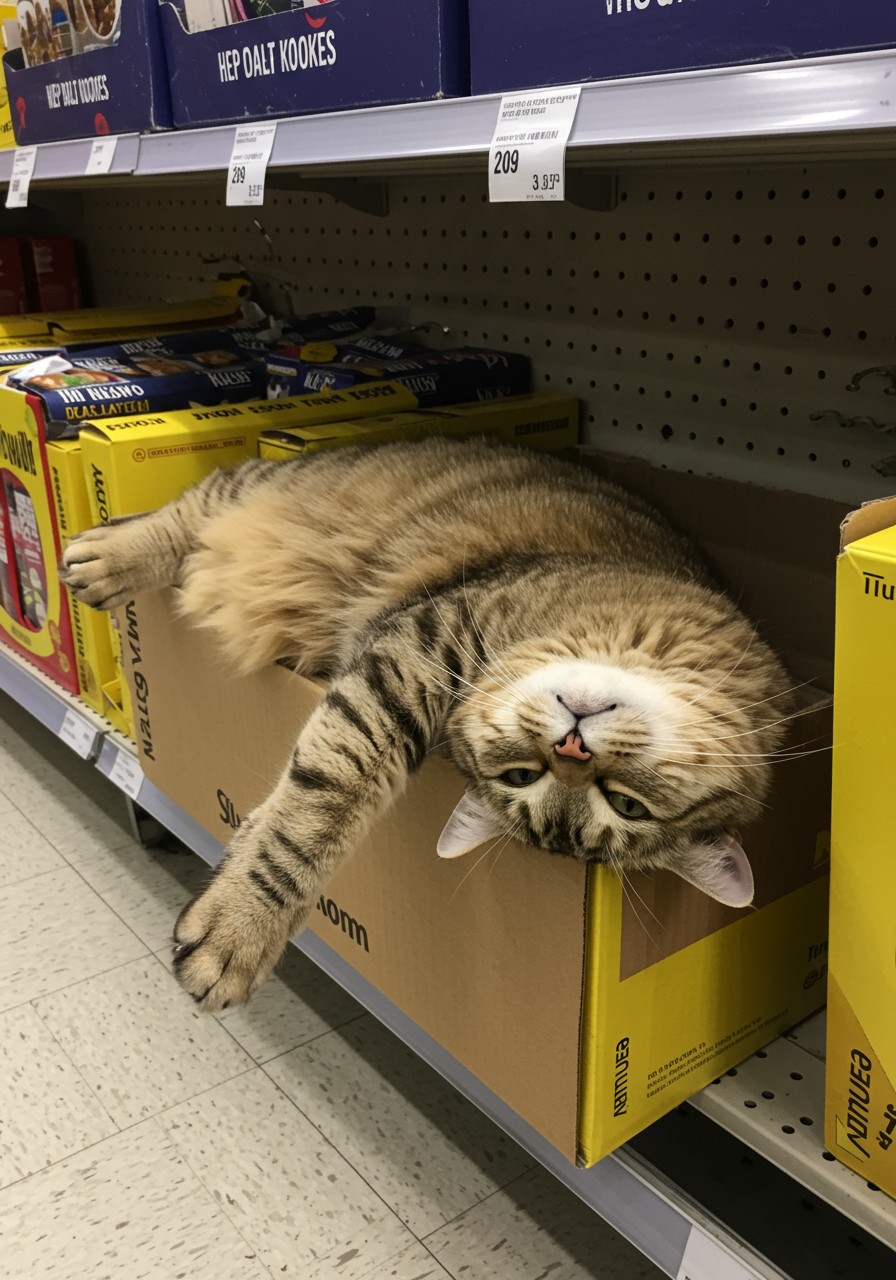
A phone photo posted in reddit in 2017
imagen
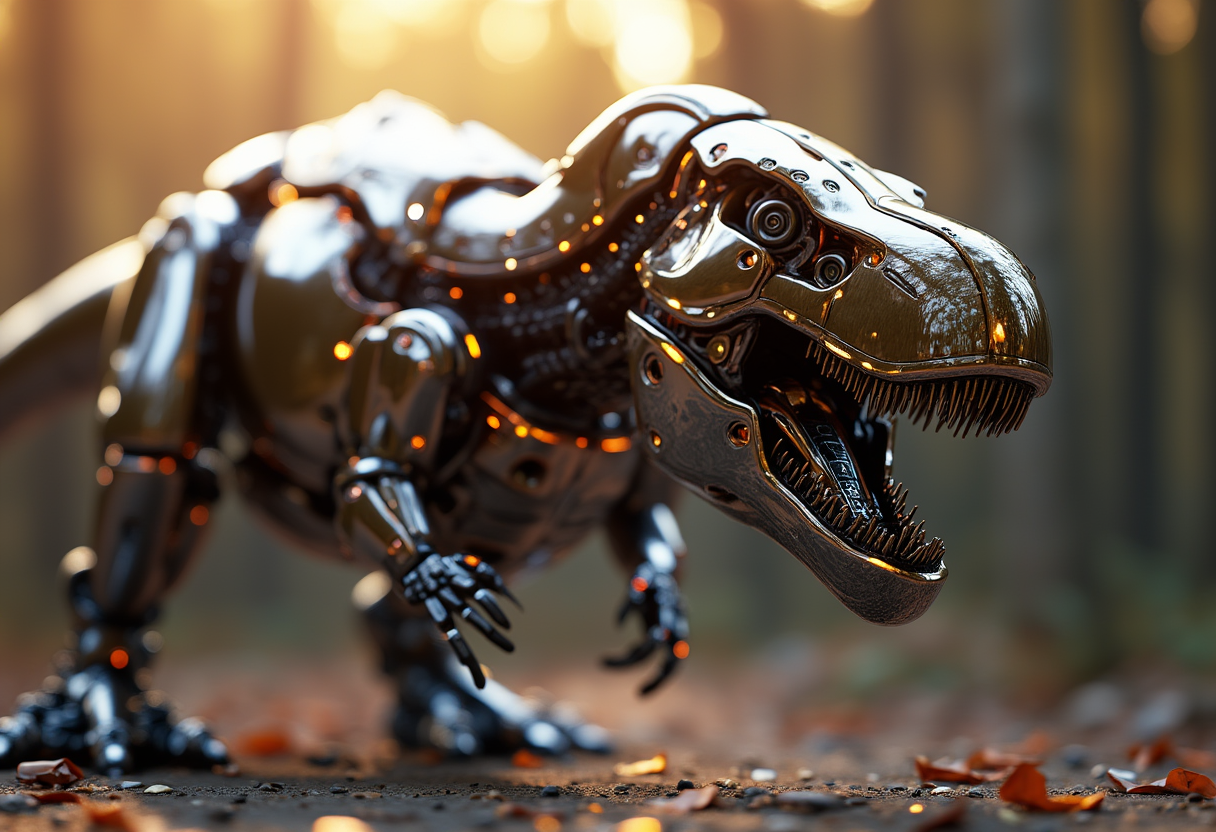
Modern Robotic T-Rex
flux
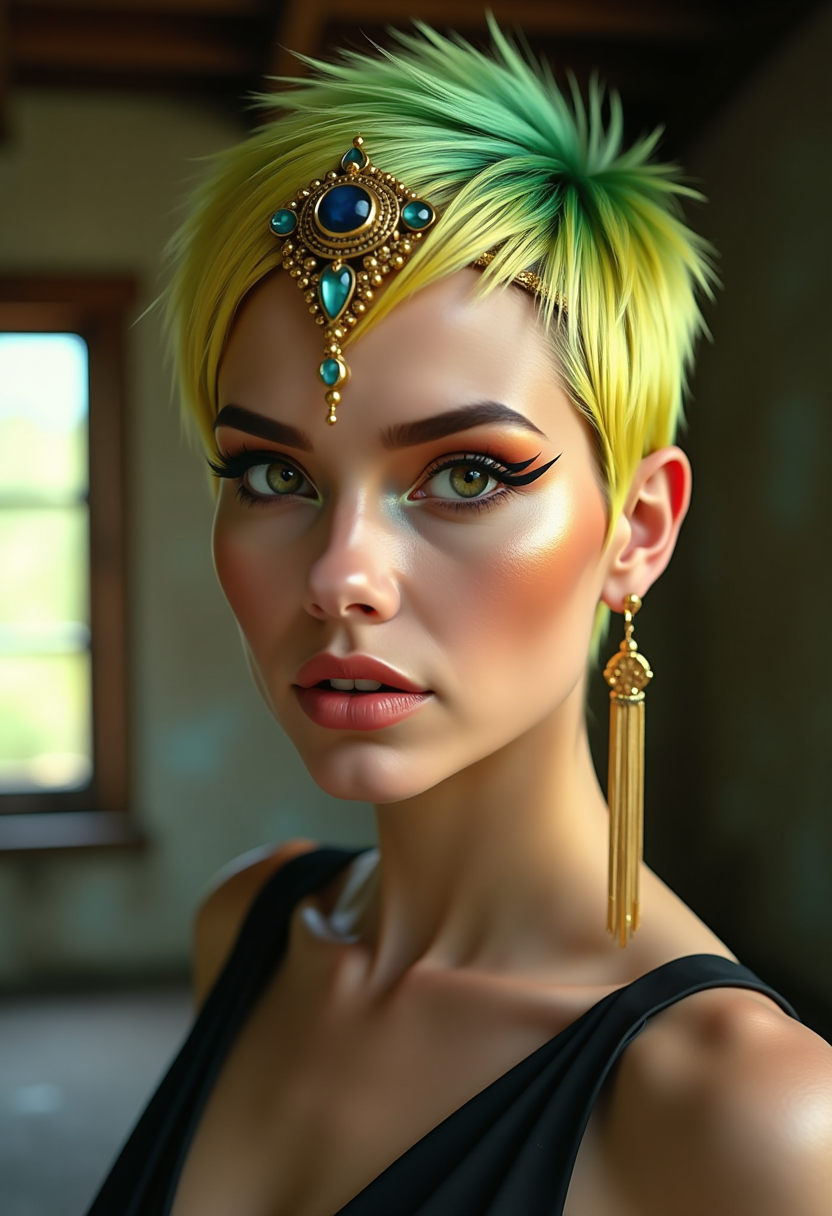
This image is a closeup portrait of a person with a highly stylized and dramatic appearanc…
flux
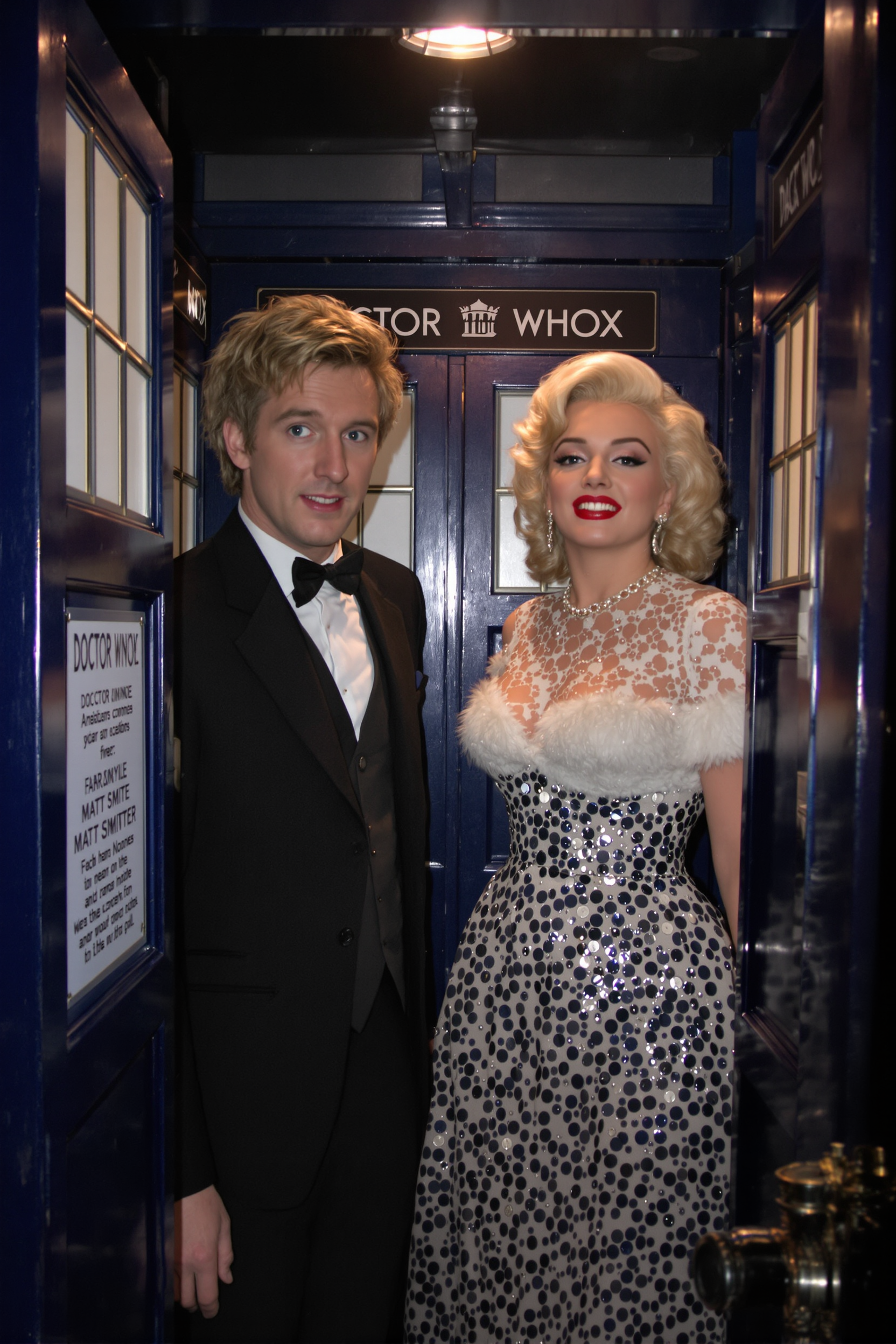
A photo of Marilyn Monroe
flux
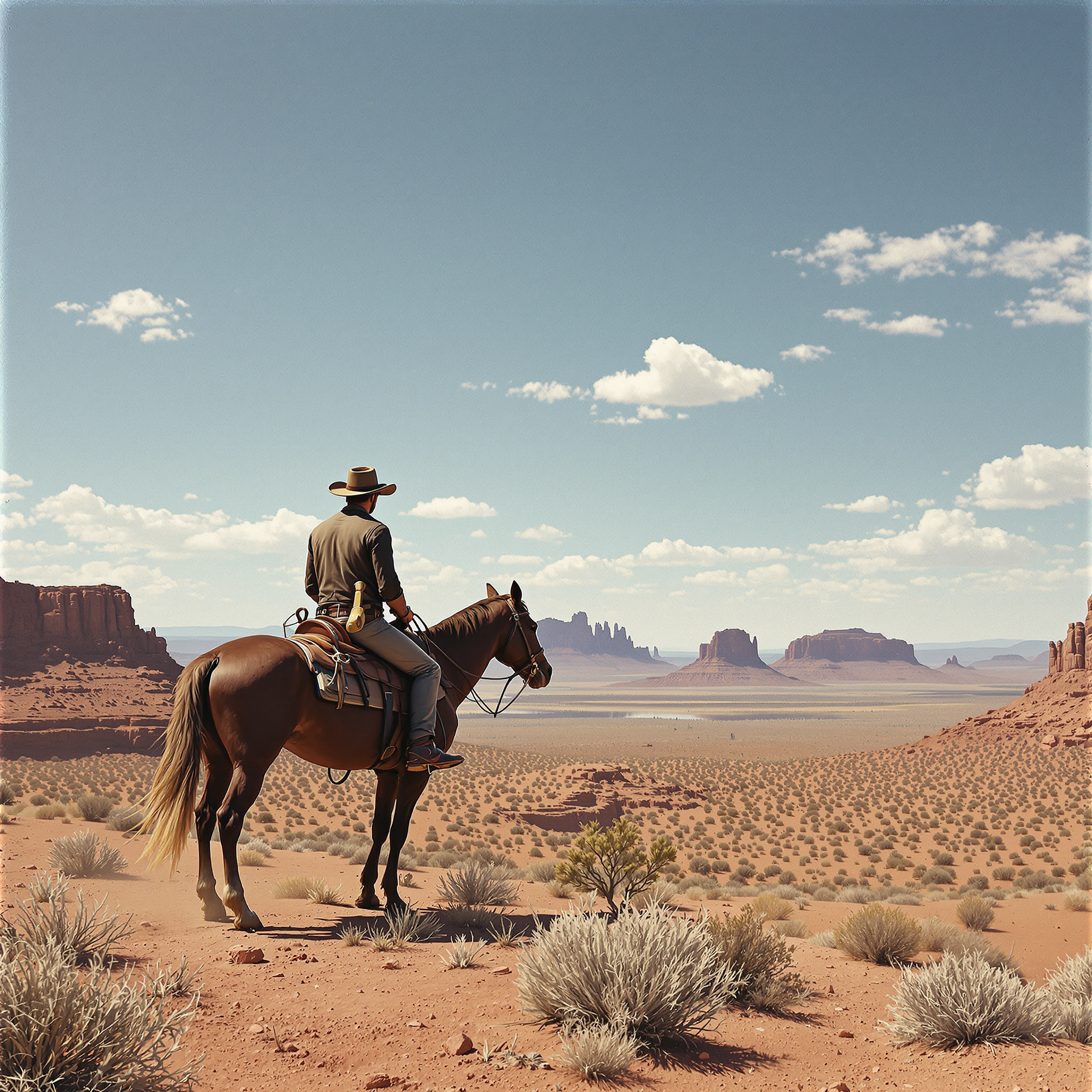
A classic Western scene with a cowboy on horseback
flux
Models you can run on PixelDojo for nano banana ai
Switch models without switching tools. Each one runs in the same PixelDojo studio.
What you can do with nano banana ai on PixelDojo
Nano Banana on PixelDojo
We give you access to Nano Banana for text-to-image generation so you can turn prompts into stills without leaving PixelDojo.
Prompt to Image Workflow
We run Nano Banana in our studio so you can iterate on composition, lighting, and subject in one place.
Style and Subject Control
We let you steer Nano Banana with detailed prompts and reference-friendly settings to keep characters and looks consistent across shots.
Export Ready Generations
We save your Nano Banana outputs in your library so you can download, remix, or reuse them in later PixelDojo projects.
Loved by thousands of creators worldwide who generate millions of Nano Banana AI images every month. 4.9-star average from users who switched for consistent characters, readable text, and 4K quality they can actually publish.
Why Choose Pixel Dojo for nano banana ai
Professional-quality results with cutting-edge AI technology
Text That Stays Perfectly Legible
You create posters, menus, infographics, and ads where every headline, caption, and label renders cleanly in multiple languages. No more garbled letters or unreadable slogans—Nano Banana 2 plus PixelDojo’s Image Analyzer and Reality Polisher give you print-ready typography you can trust.
Characters That Never Change Identity
You build entire visual stories, brand mascots, or product lines with the same five people looking identical across dozens of scenes. Pair Nano Banana 2 with Consistent Characters and Character Sheets so your hero, spokesperson, or family stays recognizable no matter the setting or camera angle.
4K Studio Results in Seconds
You skip hours of shooting and retouching. Generate high-resolution images with rich textures, accurate lighting, and flexible aspect ratios, then enhance them further with P-Image Upscale, Magnific Upscaler, or Creative Upscaler. Download files ready for web, print, or video.
How It Works
Creating Nano Banana AI images on PixelDojo is a simple three-step conversation. You stay in control the entire time, refining results with the exact tools you already use for professional work.
Step 1: Choose Your Tool
Log into PixelDojo and select Generate Images, then pick Nano Banana 2. For existing photos start with Image to Image or Inpainting. If you need matching faces across a series, open Consistent Characters or Character Sheets first so the model has a locked identity to work from.
Step 2: Enter Your Prompt
Write a natural-language description as if briefing a photographer: subject, action, location, lighting, camera lens, and mood. Upload up to fourteen reference images if you want specific objects or people included. Nano Banana 2 understands full sentences and real-world knowledge, so you get accurate landmarks, products, and lighting on the first try.
Step 3: Customize & Download
Use Change Camera Angle, Magic Lighting, Style Transfer, or Background Remover to perfect the shot. Run Reality Polisher or Portrait Upscaler for extra polish, then download in your chosen aspect ratio and resolution. Combine with Marketing Studio or Film Studio if you need matching video later.
The Pixel Dojo Advantage
Why PixelDojo outperforms other options for Nano Banana AI image generation
| Others | Pixel Dojo |
|---|---|
| Traditional photography and design | You skip location scouting, model hiring, and studio rental. Nano Banana 2 plus PixelDojo’s editing suite produces the same quality in minutes instead of days, with unlimited revisions at no extra cost. |
| Generic AI tools | You get native 4K, fourteen-object blending, five-character consistency, and actually readable text. PixelDojo layers dedicated tools like Character Sheets, Inpainting, and Reality Polisher on top so every image is campaign-ready, not just pretty. |
| Manual photo editing | You describe the change once instead of masking, cloning, and color-grading for hours. Conversational edits with Nano Banana 2 plus Magic Lighting and Style Transfer keep identity and lighting locked while you experiment freely. |
Loved by creators on PixelDojo
Real feedback from people using PixelDojo, pulled from our in-product surveys.
it is an amazing site to create a pics and vids for those who don't have the hardware themselves
good tools in one place
Prompt updates, strong features, and a community that is always willing to help and hear/act on professional feedback. I've never had a better experience.
user friendly all in one thing
I really like the schedule of AI work performed!
The best tools for IA on the web !
Explore more AI tools on PixelDojo
AI Tools
Compare & Switch
- Best AI Image Generators
- Best AI Video Generators
- Midjourney Alternatives
- Civitai Alternatives
- Runway Alternatives
- Leonardo Alternatives
- Pika Alternatives
- Luma Alternatives
- Magnific Alternatives
- Veo Alternatives
- Flux Alternatives
- Freepik Alternatives
- Seedance Alternatives
- Seedream Alternatives
- Pixverse Alternatives
- GPT Image Alternatives
- Synthesia Alternatives
- Playground Alternatives
- NightCafe Alternatives
- Canva AI Alternatives
- ElevenLabs Alternatives
- ComfyUI Alternatives
- Fal Alternatives
- Replicate Alternatives
Common Questions
Everything you need to know about nano banana ai
What is Nano Banana AI and how does PixelDojo improve it for everyday creators?
Nano Banana AI is PixelDojo’s implementation of the latest high-control image model that excels at readable text, character consistency, and real-world accuracy. On PixelDojo you combine it with Image to Image, Inpainting, Consistent Characters, Character Sheets, and Reality Polisher so you never start from a blank page. You generate, refine, and export 4K files that look like they came from a professional shoot, all inside one dashboard with 40+ complementary tools.
How do I keep the same character looking identical across multiple Nano Banana 2 images?
Start in Consistent Characters or Character Sheets to lock the face, clothing, and body type. Then generate new scenes with Nano Banana 2 while referencing those sheets. The model maintains resemblance for up to five people. Follow up with Face Swap or LoRA Face Swap if you need extra precision, then polish with Portrait Upscaler. This workflow lets you build entire storyboards or ad campaigns without the character drifting.
Can Nano Banana AI really put readable text inside images for posters and infographics?
Yes. Nano Banana 2 renders short headlines, longer paragraphs, and even localized translations with high accuracy. Describe the exact wording in quotes inside your prompt, choose the aspect ratio you need, and generate. Use Image Analyzer afterward to confirm legibility, then enhance with Creative Upscaler or Clarity Pro. The result is marketing assets you can print or post without extra graphic-design work.
What prompting techniques give the best Nano Banana 2 results on PixelDojo?
Speak in full sentences like a director: name the subject, action, location, time of day, lighting setup, camera body, lens, and film stock. Add texture cues such as visible pores or fabric weave. Upload reference images for objects or people you want included. Stay in the same conversation to iterate—Nano Banana 2 remembers previous turns. PixelDojo’s interface makes this conversational flow effortless, and you can jump to Style Transfer or Magic Lighting the moment you want a different mood.
How do I edit a Nano Banana generated image without losing quality or identity?
Use PixelDojo’s dedicated editing tools: Inpainting for local changes, Change Camera Angle for new perspectives, Magic Lighting for day-to-night shifts, and Background Remover for clean cut-outs. Because Nano Banana 2 already understands the original composition, these edits stay consistent. Finish with Reality Polisher or P-Image Upscale so the final file remains 4K-sharp and ready for any platform.
Is Nano Banana 2 free to try and which other PixelDojo tools work best with it?
You can start generating immediately with PixelDojo’s 40+ cutting-edge AI tools and cancel anytime. Nano Banana 2 pairs perfectly with Marketing Studio for campaign assets, Character Stylist for wardrobe changes, Flux Pro Virtual Try-On for product shots, and Film Studio or Kling Video if you later need matching motion. Upscale any result with Magnific Upscaler or Clarity Pro. Everything lives in one account so you never leave the platform.